
446 KiB

💡 🍌 Also check out our Nano Banana Pro Prompts Collection — Google's flagship model with 10000+ curated prompts 👉 awesome-nano-banana-pro-prompts
🚀 สุดยอด GPT Image 2 Prompts





🎨 คอลเลกชันคำสั่งสร้างสรรค์สำหรับ OpenAI GPT Image 2
⚠️ ประกาศลิขสิทธิ์: คำสั่งทั้งหมดรวบรวมจากชุมชนเพื่อการศึกษา หากคุณเชื่อว่าเนื้อหาใดละเมิดสิทธิ์ของคุณ โปรด เปิดปัญหา และเราจะลบออกทันที









-Click%20to%20View-lightgrey)



-Click%20to%20View-lightgrey)


🌐 ดูในแกลเลอรีเว็บ
👉 เรียกดูใน YouMind GPT Image 2 Gallery
ทำไมต้องใช้แกลเลอรีของเรา?
| Feature | GitHub README | แกลเลอรี youmind.com |
|---|---|---|
| 🎨 รูปแบบภาพ | รายการเชิงเส้น | กริด Masonry ที่สวยงาม |
| 🔍 ค้นหา | Ctrl+F เท่านั้น | การค้นหาข้อความเต็มพร้อมตัวกรอง |
| 🤖 สร้างด้วย AI คลิกเดียว | - | สร้างด้วย AI คลิกเดียว |
| 📱 มือถือ | พื้นฐาน | ตอบสนองอย่างเต็มที่ |
| 🏷️ หมวดหมู่ | - | เรียกดูตามหมวดหมู่ |
🏷️ เรียกดูตามหมวดหมู่
- กรณีการใช้งาน
- สไตล์
- เนื้อหาหลัก
📖 สารบัญ
- 🌐 ดูในแกลเลอรีเว็บ
- 🤔 GPT Image 2 คืออะไร?
- 📊 สถิติ
- 🔥 คำสั่งแนะนำ
- 📋 คำสั่งทั้งหมด
- 🤝 วิธีการมีส่วนร่วม
- 📄 ใบอนุญาต
- 🙏 กิตติกรรมประกาศ
- ⭐ ประวัติดาว
🤔 GPT Image 2 คืออะไร?
GPT Image 2 (codename "duct-tape") is OpenAI's next-generation image model. Community testing highlights a leap in these areas:
- 🎯 Pixel-Perfect Text Rendering — Native-quality text in Chinese, English, and Japanese, no typos or warped glyphs
- 🎨 Cross-Image Consistency — The same character, style, or IP stays identical across a series, down to the pixel
- ⚡ Commercial-Grade Illustration — Illustration output is ready to ship without manual polish
- 🌈 True Art Style Induction — Creatively evokes the feeling of a style rather than merely approximating references
- 🔧 Storyboard & Product Series — Ideal for storyboards, IP characters, and multi-panel product visuals
- 📐 Multi-Language Design — Social cards, banners, and posters with accurate multilingual typography in one shot
📚 Learn More: See community testing in our report summary
🚀 การรวม Raycast
คำสั่งบางคำสั่งรองรับ อาร์กิวเมนต์แบบไดนามิก โดยใช้ไวยากรณ์ Raycast Snippets ค้นหาเครื่องหมาย 🚀 Raycast Friendly!
ตัวอย่าง:
A quote card with "{argument name="quote" default="Stay hungry, stay foolish"}"
by {argument name="author" default="Steve Jobs"}
เมื่อใช้ใน Raycast คุณสามารถแทนที่อาร์กิวเมนต์แบบไดนามิกเพื่อทำซ้ำอย่างรวดเร็ว!
📊 สถิติ
| เมตริก | จำนวน |
|---|---|
| 📝 คำสั่งทั้งหมด | 725 |
| ⭐ แนะนำ | 6 |
| 🔄 อัปเดตล่าสุด | วันพุธที่ 22 เมษายน พ.ศ. 2569 เวลา 12 นาฬิกา 59 นาที 26 วินาที UTC |
🔥 คำสั่งแนะนำ
⭐ คัดเลือกโดยทีมของเราสำหรับคุณภาพและความคิดสร้างสรรค์ที่ยอดเยี่ยม
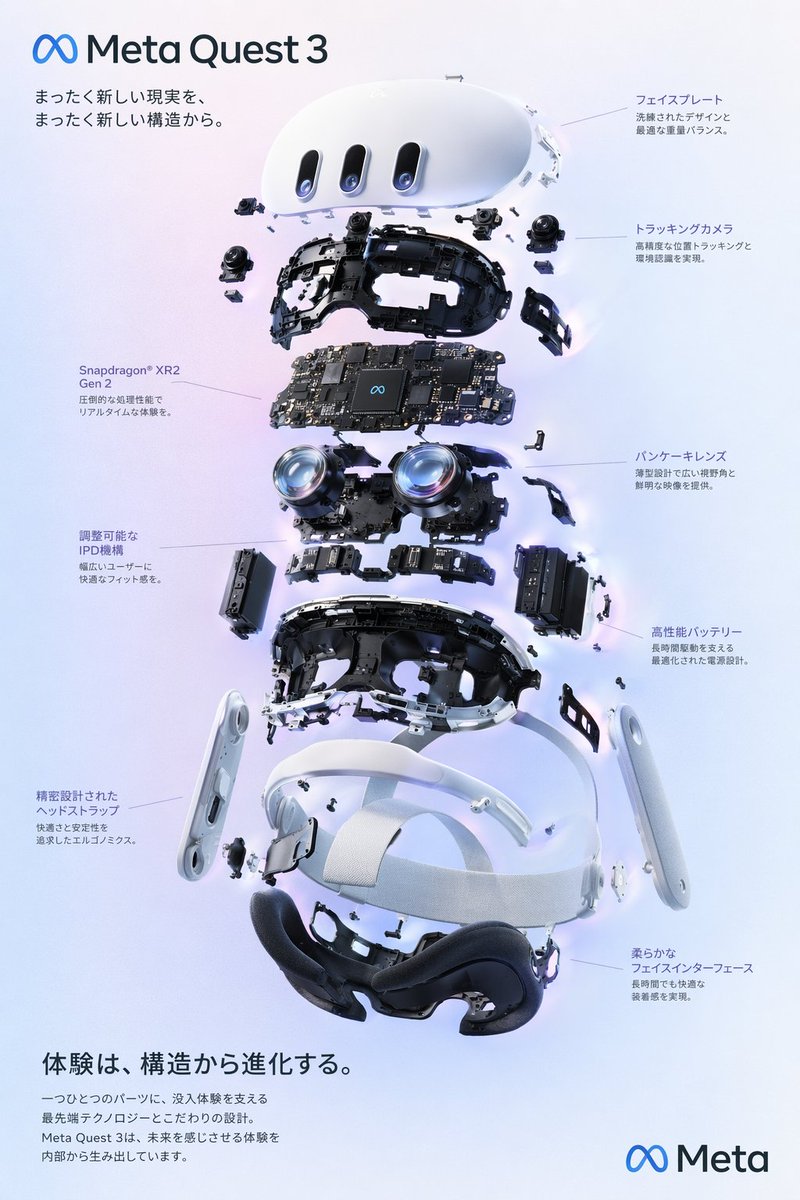
No. 1: โปสเตอร์ภาพแยกชิ้นส่วน (Exploded View) ของแว่น VR



📖 คำอธิบาย
สร้างแผนภาพภาพแยกชิ้นส่วนเทคโนโลยีขั้นสูงของแว่น VR พร้อมคำอธิบายส่วนประกอบโดยละเอียดและข้อความส่งเสริมการขาย
📝 คำสั่ง
{
  "type": "โปสเตอร์แผนภาพผลิตภัณฑ์แบบแยกชิ้นส่วน",
  "subject": "แว่น VR",
  "style": "ภาพเรนเดอร์ 3D สไตล์ไฮเทคที่สะอาดตา แสงสตูดิโอ เน้นจุดเรืองแสง",
  "background": "{argument name=\"background color\" default=\"ไล่เฉดสีม่วงและน้ำเงินอ่อน\"}",
  "header": {
    "logo": "∞ {argument name=\"product name\" default=\"Meta Quest 3\"}",
    "subtitle": "{argument name=\"main catchphrase\" default=\"เปิดประสบการณ์ความเป็นจริงรูปแบบใหม่ จากโครงสร้างที่ล้ำสมัยยิ่งกว่า\"}"
  },
  "layout": {
    "centerpiece": "ภาพแยกชิ้นส่วนของแว่น VR แบบเรียงแนวตั้ง แสดงส่วนประกอบภายใน 9 ชั้น ได้แก่ เปลือกนอก, เซนเซอร์กล้อง, เมนบอร์ดพร้อมชิปประมวลผล, เลนส์แพนเค้ก, โครงสร้างภายใน, ชุดแบตเตอรี่, สายรัดด้านข้าง, สายรัดด้านบน และเบาะรองหน้า",
    "callout_labels": {
      "count": 8,
      "left_side": [
        "Snapdragon® XR2 Gen 2\nประสิทธิภาพการประมวลผลอันทรงพลังเพื่อประสบการณ์แบบเรียลไทม์",
        "กลไกปรับระยะห่างระหว่างรูม่านตา (IPD)\nมอบความพอดีที่สะดวกสบายสำหรับผู้ใช้ทุกคน",
        "สายรัดศีรษะที่ออกแบบอย่างแม่นยำ\nออกแบบตามหลักสรีรศาสตร์เพื่อความสบายและความมั่นคงสูงสุด"
      ],
      "right_side": [
        "แผงหน้าปัด (Faceplate)\nดีไซน์ที่โฉบเฉี่ยวพร้อมการกระจายน้ำหนักที่สมดุล",
        "กล้องติดตามตำแหน่ง\nความแม่นยำสูงในการติดตามตำแหน่งและการรับรู้สภาพแวดล้อม",
        "เลนส์แพนเค้ก\nดีไซน์บางเฉียบให้มุมมองที่กว้างและภาพที่คมชัด",
        "แบตเตอรี่ประสิทธิภาพสูง\nการออกแบบพลังงานที่เหมาะสมเพื่อการใช้งานที่ยาวนาน",
        "เบาะรองหน้าสัมผัสนุ่ม\nมอบความสบายแม้สวมใส่เป็นเวลานาน"
      ]
    },
    "footer": {
      "left_text_block": {
        "headline": "{argument name=\"bottom headline\" default=\"ประสบการณ์ที่วิวัฒนาการจากโครงสร้างภายใน\"}",
        "body": "ทุกชิ้นส่วนประกอบด้วยเทคโนโลยีล้ำสมัยและการออกแบบที่พิถีพิถันเพื่อรองรับประสบการณ์การดื่มด่ำอย่างเต็มรูปแบบ Meta Quest 3 สร้างสรรค์ประสบการณ์แห่งอนาคตจากภายในสู่ภายนอก"
      },
      "right_logo": "∞ Meta"
    }
  }
}
🖼️ รูปภาพที่สร้าง
Image 1
📌 รายละเอียด
- ผู้เขียน: wory@ホッピング中
- แหล่งที่มา: Twitter Post
- เผยแพร่เมื่อ: 19 เมษายน 2569
- ภาษา: en
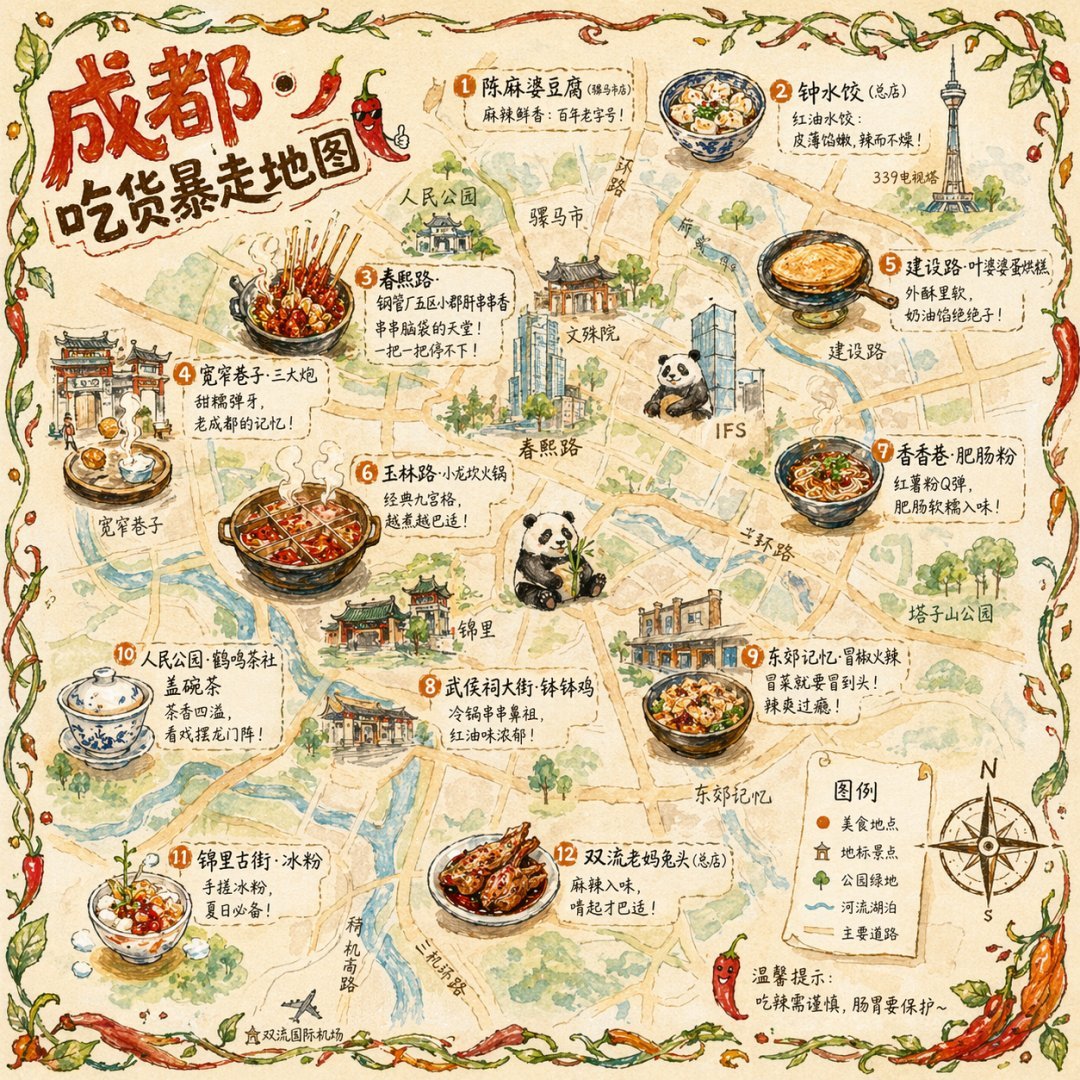
No. 2: แผนที่อาหารเมืองฉบับภาพวาดประกอบ
📖 คำอธิบาย
สร้างแผนที่ท่องเที่ยวสไตล์ภาพวาดสีน้ำด้วยมือ พร้อมระบุหมายเลขอาหารท้องถิ่นขึ้นชื่อ สถานที่สำคัญ และคำอธิบายสัญลักษณ์
📝 คำสั่ง
{
  "type": "อินโฟกราฟิกแผนที่แบบภาพวาด",
  "style": "{argument name=\"art style\" default=\"ภาพวาดลายเส้นและสีน้ำบนกระดาษพาร์ชเมนต์วินเทจ\"}",
  "title_section": {
    "text": "{argument name=\"city name\" default=\"เฉิงตู\"} {argument name=\"map title\" default=\"แผนที่ตะลุยกิน\"}",
    "mascot": "การ์ตูนพริกสีแดงสวมแว่นกันแดดและทำท่าชูนิ้วโป้ง"
  },
  "border": "{argument name=\"border decoration\" default=\"เถาวัลย์ใบไม้สีเขียวและพริกสีแดง\"}",
  "layout": {
    "background": "กระดาษพาร์ชเมนต์สีเบจที่มีพื้นผิว ถนนสีเหลือง แม่น้ำสีฟ้า และพื้นที่สวนสาธารณะสีเขียว",
    "sections": [
      {
        "title": "สถานที่สำคัญ",
        "count": 6,
        "illustrations": ["ศาลาแบบดั้งเดิม", "วัดแบบดั้งเดิม", "ตึกระฟ้าสมัยใหม่ที่มีแพนด้าปีนอยู่", "หอส่งสัญญาณโทรทัศน์สูง", "ประตูเมืองแบบดั้งเดิม", "อาคารสไตล์อุตสาหกรรม"],
        "labels": ["人民公园", "文殊院", "IFS", "339电视塔", "宽窄巷子", "东郊记忆"]
      },
      {
        "title": "ร้านอาหาร",
        "count": 12,
        "illustrations": ["เต้าหู้หม่าโผ", "เกี๊ยวในน้ำมันพริก", "หม่าล่าเสียบไม้", "ขนมถ้วยจีน", "ขนมไข่เตาถ่าน", "หม้อไฟเก้าช่อง", "ก๋วยเตี๋ยวเส้นมันเทศ", "หม่าล่าเย็น", "อาหารรสเผ็ดรวมมิตร", "น้ำชาในถ้วยมีฝาปิด", "วุ้นน้ำแข็ง", "หัวกระต่ายรสเผ็ด"],
        "labels": ["1 陈麻婆豆腐", "2 钟水饺", "3 春熙路", "4 宽窄巷子·三大炮", "5 建设路·叶婆婆蛋烘糕", "6 玉林路·小龙坎火锅", "7 香香巷·肥肠粉", "8 武侯祠大街·钵钵鸡", "9 东郊记忆·冒椒火辣", "10 人民公园·鹤鸣茶社", "11 锦里古街·冰粉", "12 双流老妈兔头"]
      },
      {
        "title": "คำอธิบายสัญลักษณ์",
        "position": "bottom-right",
        "count": 5,
        "items": ["จุดสีแดง", "บ้านสีเขียว", "ต้นไม้สีเขียว", "เส้นสีฟ้า", "เส้นคู่สีเหลือง"],
        "labels": ["ร้านอาหาร", "สถานที่สำคัญ", "สวนสาธารณะ", "แม่น้ำและทะเลสาบ", "ถนนสายหลัก"]
      }
    ],
    "centerpiece": "หมีแพนด้ายักษ์นั่งกินไผ่",
    "bottom_right_extras": ["เข็มทิศวินเทจระบุทิศ N, S, E, W", "ข้อความเตือน '温馨提示:吃辣需谨慎,肠胃要保护~' พร้อมไอคอนพริกสีแดง"]
  }
}
🖼️ รูปภาพที่สร้าง
Image 1
📌 รายละเอียด
- ผู้เขียน: 皮皮特
- แหล่งที่มา: Twitter Post
- เผยแพร่เมื่อ: 19 เมษายน 2569
- ภาษา: en
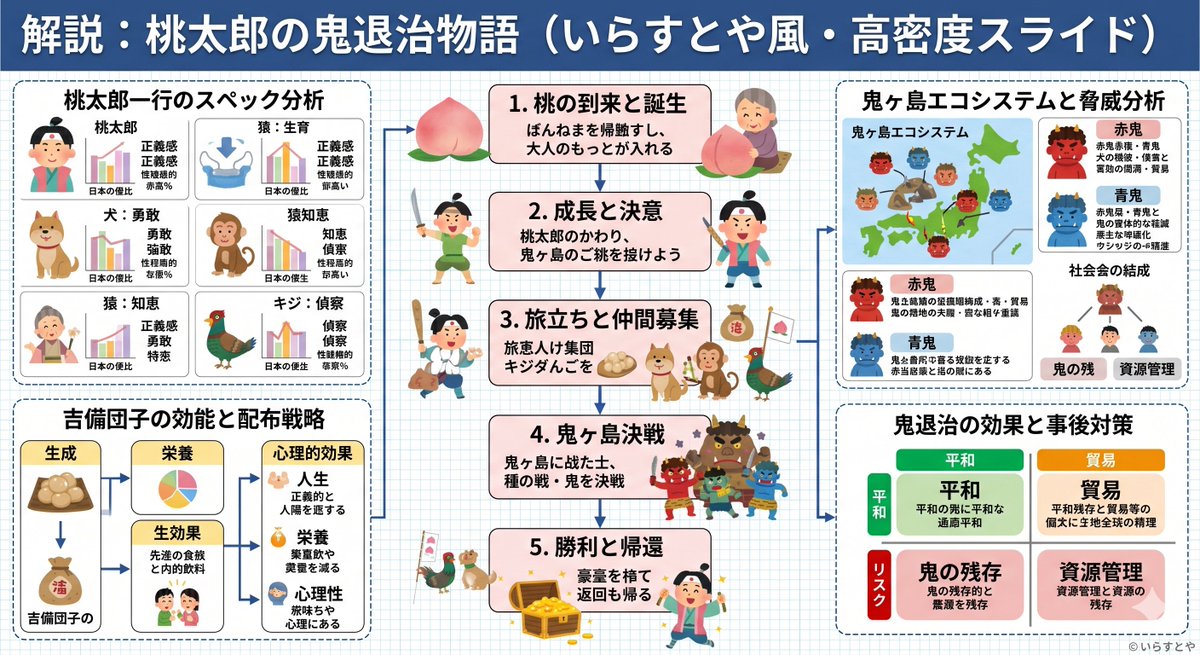
No. 3: สไลด์อธิบายเรื่องโมโมทาโร่ในสไตล์ไฮบริด

📖 คำอธิบาย
คำสั่ง (Prompt) ที่ผสมผสานความเรียบง่ายและอบอุ่นของภาพประกอบสไตล์ Irasutoya เข้ากับความหนาแน่นของข้อมูลที่เป็นเอกลักษณ์ของสไลด์จากหน่วยงานรัฐบาลญี่ปุ่น
📝 คำสั่ง
สร้างสไลด์อธิบาย ({argument name="format" default="ponchi-e diagram"}) สำหรับ {argument name="theme" default="Momotaro"} ที่ผสมผสานบรรยากาศอันอ่อนโยนของ "Irasutoya" เข้ากับความหนาแน่นของข้อมูลในระดับ "สไลด์คาสุมิกาเซกิ"
🖼️ รูปภาพที่สร้าง
Image 1
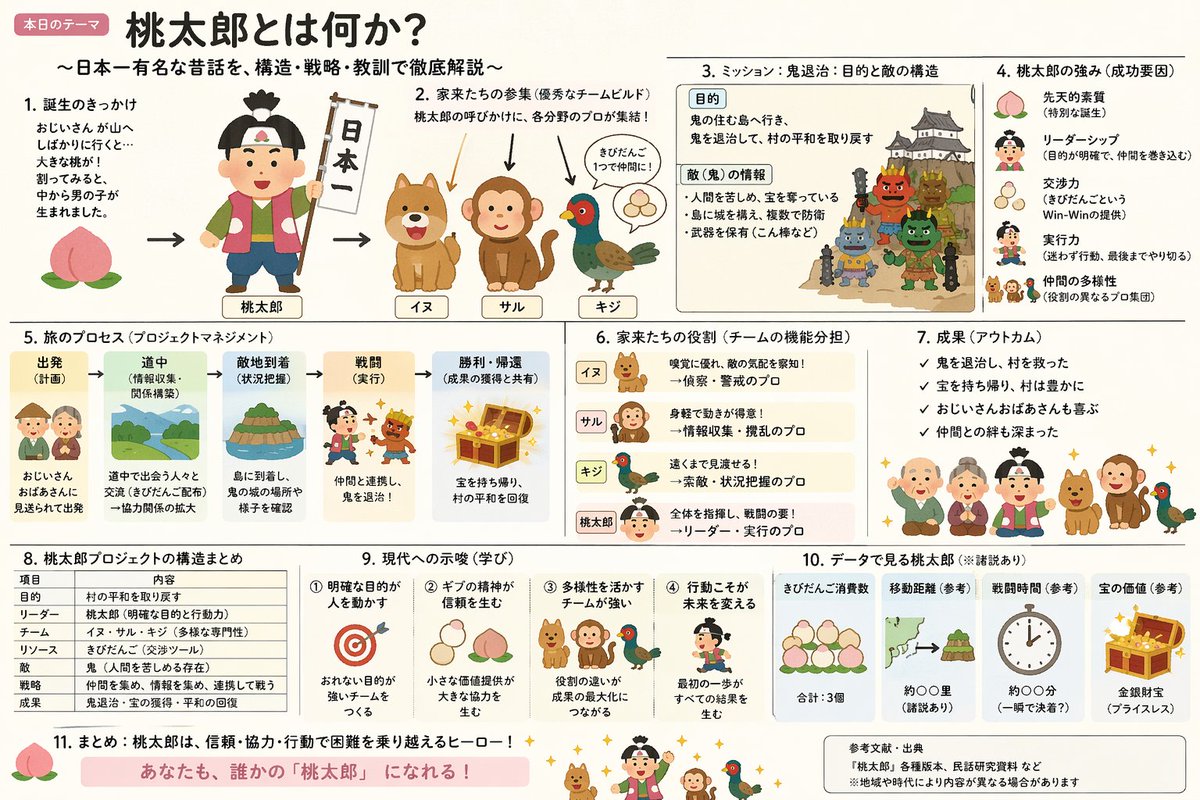
Image 2
📌 รายละเอียด
- ผู้เขียน: やまもん
- แหล่งที่มา: Twitter Post
- เผยแพร่เมื่อ: 19 เมษายน 2569
- ภาษา: ja
No. 4: ม็อกอัป UI ไลฟ์สตรีมสำหรับ E-commerce
📖 คำอธิบาย
สร้างอินเทอร์เฟซไลฟ์สตรีมบนโซเชียลมีเดียที่สมจริงซ้อนทับบนภาพพอร์ตเทรต มาพร้อมกับข้อความแชทที่ปรับแต่งได้ ป๊อปอัปของขวัญ และการ์ดสินค้าสำหรับกดสั่งซื้อ
📝 คำสั่ง
{
  "type": "ม็อกอัป UI ไลฟ์สตรีม",
  "subject": {
    "description": "ภาพพอร์ตเทรตของ {argument name=\"host name\" default=\"Elon Musk\"} กำลังยิ้ม สวมเสื้อยืดสีดำที่มีกราฟิกแผนผังทางเทคนิคสีขาว",
    "background": "ด้านซ้ายแสดงหน้าจอที่มีข้อความ '{argument name=\"left background logo\" default=\"SPACEX\"}' ด้านขวาแสดง '{argument name=\"right background logo\" default=\"โลโก้ Tesla T\"}' สีแดงและรถยนต์สีเข้ม"
  },
  "ui_overlay": {
    "top_header": {
      "host_info": "รูปโปรไฟล์ ชื่อ '{argument name=\"host name\" default=\"Elon Musk\"}' ข้อความรอง '55.6 หมื่นไลค์ในไลฟ์นี้' ปุ่ม 'ติดตาม' สีแดง",
      "rank_badge": "ไอคอนเหรียญทองพร้อมข้อความ 'อันดับ 1 ของแอป'",
      "viewer_stats": "รูปโปรไฟล์ผู้ชม 3 อันดับแรกพร้อมตัวเลข '12.3 หมื่น', '8.6 หมื่น', '5.7 หมื่น' ยอดรวม '68.7 หมื่น' ปุ่มปิด 'X'",
      "right_links": "'ดูไลฟ์เพิ่มเติม >', 'คลังของขวัญ 0/24' พร้อมแท็กสีฟ้า 'คลาสสิก'"
    },
    "mid_left_gifts": {
      "count": 2,
      "items": [
        "รูปโปรไฟล์ '科技爱好者', 'ส่งหัวใจ', ไอคอนหัวใจ x 1314",
        "รูปโปรไฟล์ '星辰大海', 'ส่งจรวด', ไอคอนจรวด x 666"
      ]
    },
    "bottom_left_chat": {
      "system_message": "ป้ายเลเวล 37 '宇宙漫游者 เข้าร่วมไลฟ์สตรีม'",
      "message_count": 7,
      "messages": [
        "小火箭: มัสก์! อนาคตที่น่าตื่นเต้น! 🚀",
        "future: Tesla Model 2 จะวางจำหน่ายเมื่อไหร่?",
        "星空梦想家: ปีนี้ SpaceX จะไปดาวอังคารได้ไหม?",
        "AI探索者: ความคืบหน้าของ Neuralink เป็นอย่างไรบ้าง?",
        "帅气的网友: สวัสดีครับคุณมัสก์!",
        "Mars: มาดูไลฟ์ของคุณครั้งแรก ตื่นเต้นมาก!",
        "用户123: ช่วยพูดเรื่อง AI หน่อยครับ มันจะมาแทนที่มนุษย์ไหม?"
      ]
    },
    "bottom_right_product_card": {
      "hot_tag": "สีส้ม 'ขายดี x 1888'",
      "image": "Tesla Cybertruck",
      "title": "{argument name=\"product name\" default=\"รถกระบะไฟฟ้า Tesla Cybertruck\"}",
      "price": "{argument name=\"product price\" default=\"¥ 1,618,000\"}",
      "button": "ปุ่มสีแดง 'ซื้อเลย'",
      "floating_animation": "หัวใจโปร่งแสงลอยขึ้นทางขอบด้านขวา"
    },
    "bottom_bar": {
      "input_field": "'พิมพ์ข้อความ...'",
      "icons": ["หน้ายิ้ม", "จุดสามจุด", "ตะกร้าสินค้า", "กล่องของขวัญ", "แชร์"]
    }
  }
}
🖼️ รูปภาพที่สร้าง
Image 1

📌 รายละเอียด
- ผู้เขียน: 神经病不想好转
- แหล่งที่มา: Twitter Post
- เผยแพร่เมื่อ: 19 เมษายน 2569
- ภาษา: en
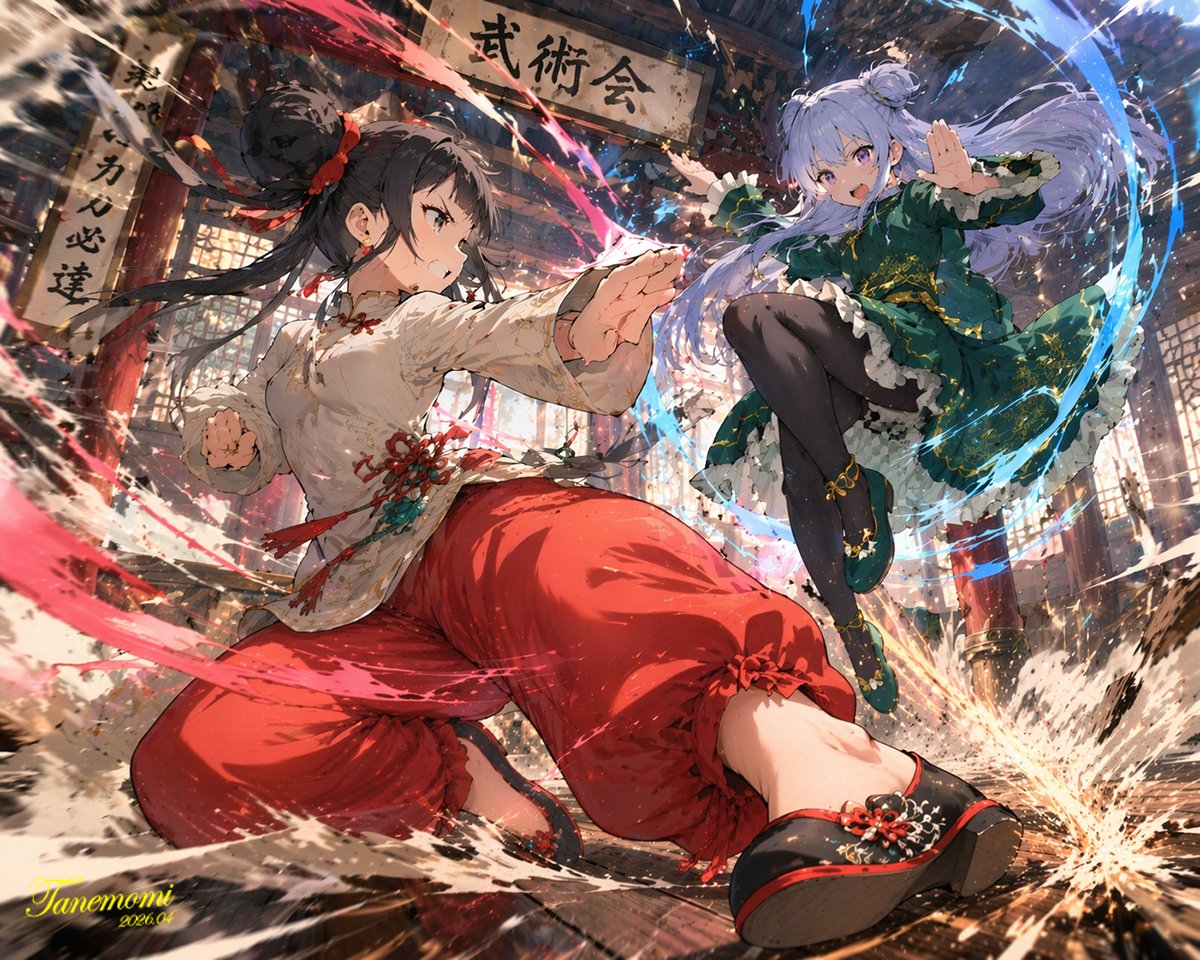
No. 5: ฉากต่อสู้ศิลปะการต่อสู้สไตล์อนิเมะ
📖 คำอธิบาย
สร้างฉากแอ็กชันสไตล์อนิเมะสุดไดนามิกของตัวละครสองตัวที่กำลังต่อสู้กันพร้อมออร่าธาตุภายในโรงฝึกแบบดั้งเดิม
📝 คำสั่ง
ภาพประกอบอนิเมะที่มีความไดนามิกสูงของเด็กสาวสองคนที่กำลังต่อสู้ศิลปะการต่อสู้อย่างดุเดือดภายในโรงฝึกไม้แบบดั้งเดิม ที่ด้านหน้า เด็กสาวที่มี {argument name="character 1 hair" default="ผมสีดำเกล้ามวยสูงติดริบบิ้นสีแดง"} กำลังตั้งท่าศิลปะการต่อสู้ที่ทรงพลังและต่ำลง พร้อมพุ่งหมัดไปข้างหน้า เธอสวม {argument name="character 1 outfit" default="เสื้อสไตล์จีนสีขาวประดับพู่สีแดงและกางเกงขายาวสีแดง"} โดยมีพลังงานสีแดงเข้มหมุนวนรอบแขนขาที่ใช้โจมตี ส่วนกลางอากาศทางด้านขวา เด็กสาวที่มี {argument name="character 2 hair" default="ผมสีม่วงอ่อนมัดทวินเทล"} กำลังกระโดดอย่างสง่างามพร้อมรอยยิ้มที่มั่นใจ โดยสวม {argument name="character 2 outfit" default="ชุดเดรสสีเขียวเข้มปักลายทองและถุงน่องสีดำ"} พร้อมด้วยเส้นสายพลังงานสีฟ้าคล้ายสายน้ำที่พัดผ่าน ฉากหลังเป็นภายในวิหารไม้แบบเรียบง่ายที่มีป้ายขนาดใหญ่เขียนว่า "{argument name="sign text" default="武術会"}" ฉากนี้เต็มไปด้วยแอ็กชันที่ดุเดือด ฝุ่นที่ฟุ้งกระจาย แผ่นไม้พื้นโรงฝึกที่แตกกระจาย เอฟเฟกต์อนุภาคสีสันสดใส และการจัดแสงมุมต่ำที่ดูน่าตื่นตาตื่นใจ ซึ่งช่วยแยกตัวละครออกจากฉากหลังที่มีรายละเอียดได้อย่างสมบูรณ์แบบ
🖼️ รูปภาพที่สร้าง
Image 1
📌 รายละเอียด
- ผู้เขียน: たねもみ 2.0 / Tanemomi Ver2.0
- แหล่งที่มา: Twitter Post
- เผยแพร่เมื่อ: 20 เมษายน 2569
- ภาษา: en
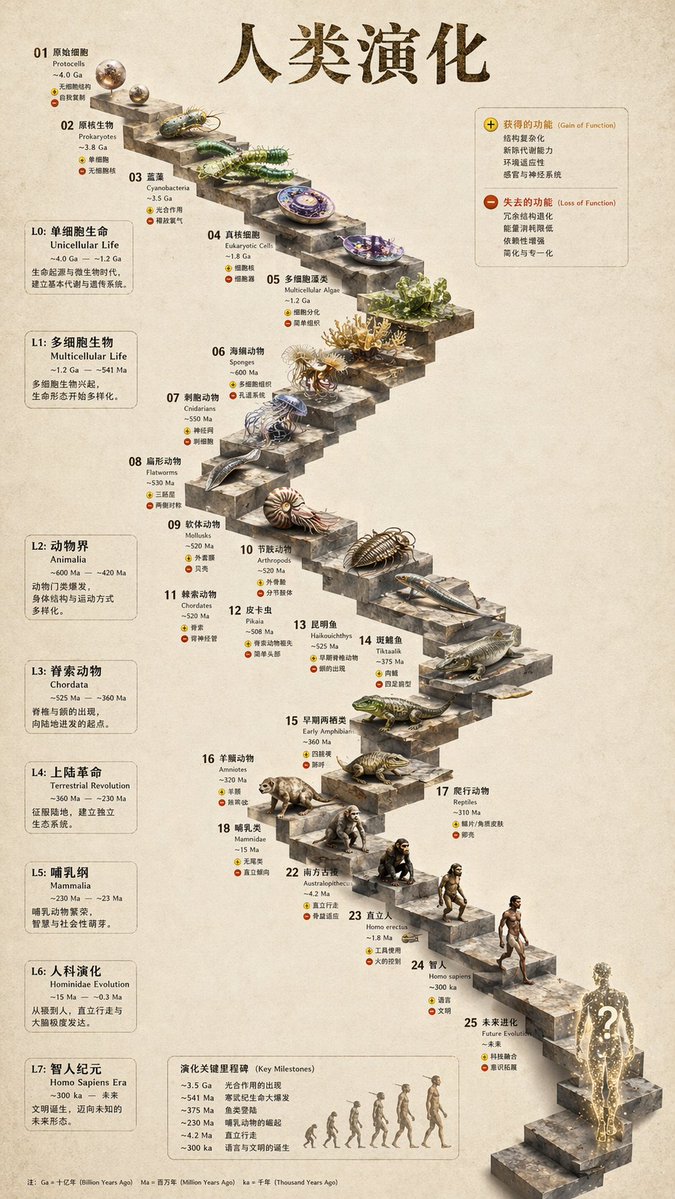
No. 6: อินโฟกราฟิกวิวัฒนาการบันไดหิน 3D
📖 คำอธิบาย
เปลี่ยนไทม์ไลน์วิวัฒนาการแบบแบนราบให้กลายเป็นอินโฟกราฟิกบันไดหิน 3D ที่สมจริง พร้อมรายละเอียดภาพเรนเดอร์สิ่งมีชีวิตและแผงข้อมูลด้านข้างที่เป็นระเบียบ
📝 คำสั่ง
{
  "type": "อินโฟกราฟิกไทม์ไลน์วิวัฒนาการ",
  "instruction": "ใช้ REFERENCE_0 เป็นฐานโครงสร้าง เปลี่ยนการออกแบบเวกเตอร์แบบแบนให้เป็นอินโฟกราฟิก 3D ที่สมจริงขั้นสูง แทนที่ทางลาดเรียบๆ ด้วยขั้นบันไดหินที่ชัดเจน และอัปเกรดสิ่งมีชีวิตทั้งหมดให้เป็นโมเดล 3D ที่สมจริงเหมือนภาพถ่าย",
  "style": {
    "background": "{argument name=\"background style\" default=\"กระดาษพาร์ชเมนต์พื้นผิววินเทจ\"}",
    "staircase": "{argument name=\"staircase material\" default=\"บล็อกหินที่มีพื้นผิวสมจริง\"}",
    "subjects": "{argument name=\"organism style\" default=\"ภาพเรนเดอร์ 3D ที่สมจริงและมีรายละเอียดสูง\"}"
  },
  "layout": {
    "main_title": "{argument name=\"main title\" default=\"วิวัฒนาการของมนุษย์\"}",
    "sections": [
      {
        "position": "แถบด้านข้างซ้าย",
        "count": 8,
        "labels": ["L0: สิ่งมีชีวิตเซลล์เดียว", "L1: สิ่งมีชีวิตหลายเซลล์", "L2: อาณาจักรสัตว์", "L3: สัตว์มีแกนสันหลัง", "L4: การปฏิวัติขึ้นสู่บก", "L5: ชั้นสัตว์เลี้ยงลูกด้วยนม", "L6: วิวัฒนาการของวงศ์ลิงใหญ่", "L7: ยุคโฮโมเซเปียนส์"]
      },
      {
        "position": "ขวาบน",
        "title": "คุณลักษณะที่ได้รับ / คุณลักษณะที่สูญเสียไป",
        "description": "คำอธิบายพร้อมไอคอนบวกและลบ"
      },
      {
        "position": "กลางล่าง",
        "title": "เหตุการณ์สำคัญทางวิวัฒนาการ",
        "count": 6,
        "description": "ไทม์ไลน์พร้อมภาพเงาของ 6 ร่างที่แสดงวิวัฒนาการจากลิงสู่มนุษย์"
      }
    ],
    "centerpiece": {
      "description": "บันไดหินวนที่มี 25 ขั้นพร้อมหมายเลขและสิ่งมีชีวิตเฉพาะในแต่ละขั้น",
      "count": 25,
      "notable_elements": [
        "ขั้นที่ 07: แมงกะพรุน",
        "ขั้นที่ 09: แอมโมไนต์",
        "ขั้นที่ 10: ไทรโลไบต์",
        "ขั้นที่ 24: มนุษย์ที่เดินได้",
        "ขั้นที่ 25: {argument name=\"future evolution concept\" default=\"ภาพเงาจักรวาลเรืองแสงพร้อมเครื่องหมายคำถาม\"}"
      ]
    }
  }
}
🖼️ รูปภาพที่สร้าง
Image 1
📌 รายละเอียด
- ผู้เขียน: 知识猫图解
- แหล่งที่มา: Twitter Post
- เผยแพร่เมื่อ: 19 เมษายน 2569
- ภาษา: en
📋 คำสั่งทั้งหมด
📝 เรียงตามวันที่เผยแพร่ (ใหม่ล่าสุดก่อน)
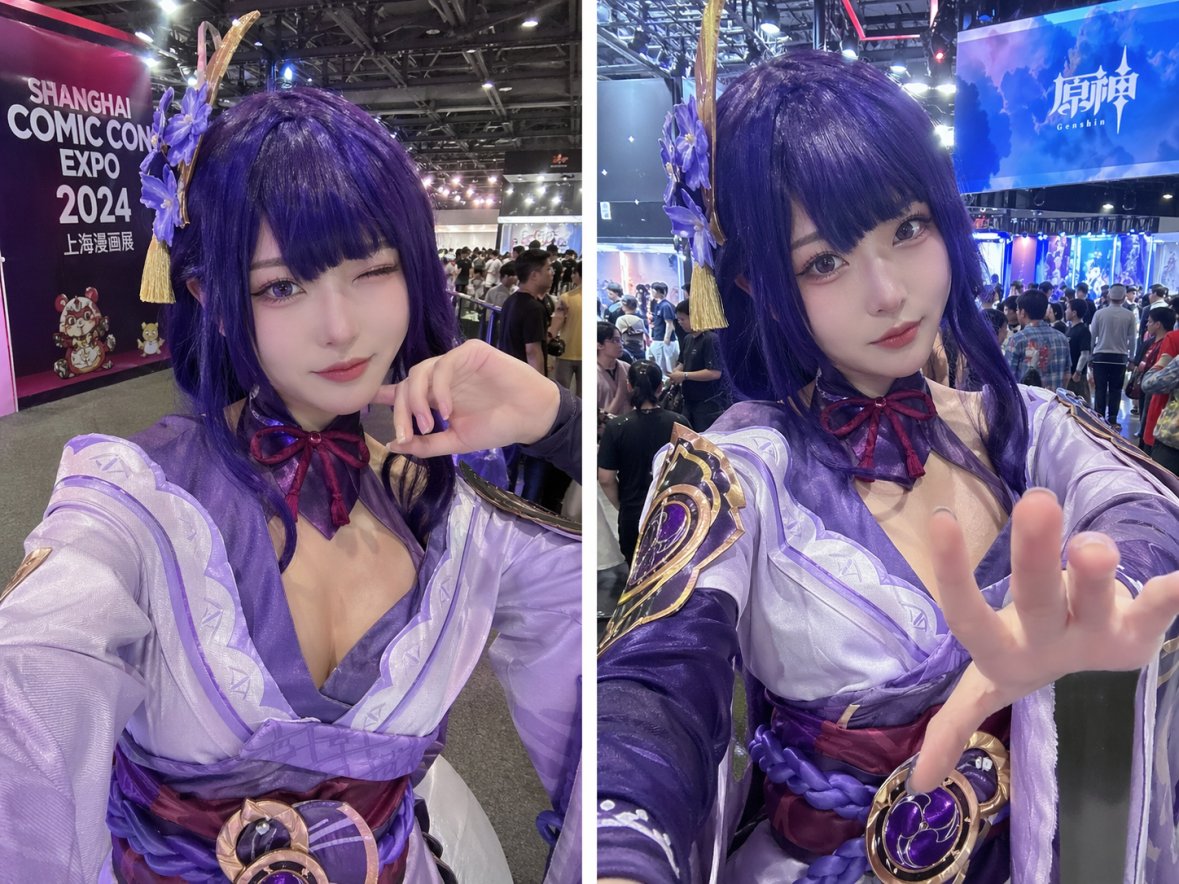
No. 1: โปรไฟล์ / รูปประจำตัว - Cosplay Selfie Prompt
📖 คำอธิบาย
A prompt for generating realistic cosplay photography of a specific character at a convention setting.
📝 คำสั่ง
Genshin Impact {argument name="character" default="Raiden Shogun"} cosplay selfies at the {argument name="event" default="Shanghai Comic Con"}
🖼️ รูปภาพที่สร้าง
Image 1
📌 รายละเอียด
- ผู้เขียน: we we
- แหล่งที่มา: Twitter Post
- เผยแพร่เมื่อ: 20 เมษายน 2569
- ภาษา: en
No. 2: โปรไฟล์ / รูปประจำตัว - Personalized Minecraft Skin Prompt
📖 คำอธิบาย
A direct instruction for GPT Image 2 to create a custom character skin for Minecraft based on a reference look.
📝 คำสั่ง
create a minecraft skin inspired by {argument name="reference" default="my look"}
🖼️ รูปภาพที่สร้าง
Image 1
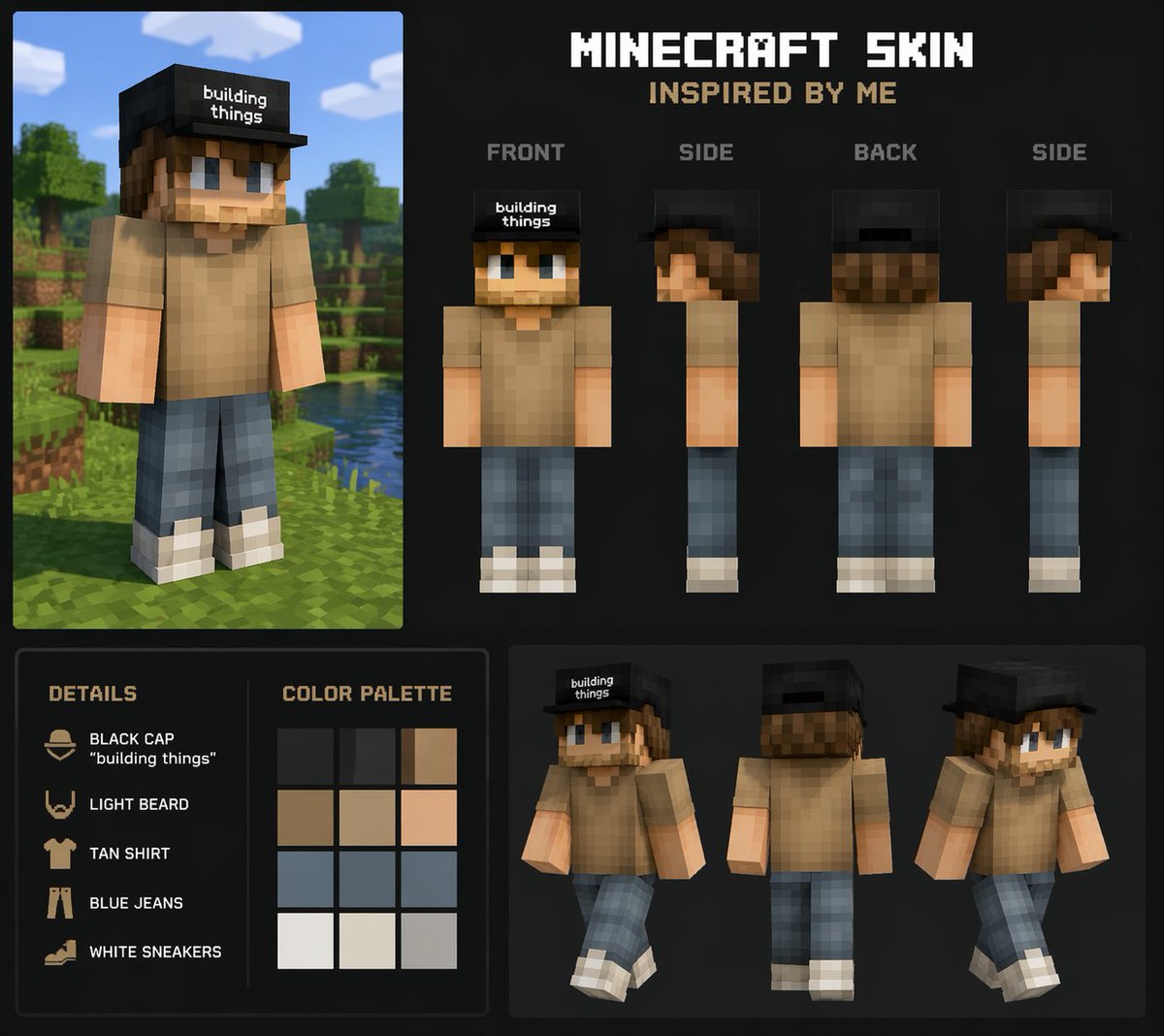
📌 รายละเอียด
- ผู้เขียน: nic
- แหล่งที่มา: Twitter Post
- เผยแพร่เมื่อ: 20 เมษายน 2569
- ภาษา: en
No. 3: โปรไฟล์ / รูปประจำตัว - Vintage 35mm Flash Portrait
📖 คำอธิบาย
Generates a highly realistic, candid portrait with a vintage film aesthetic and direct flash lighting.
📝 คำสั่ง
A vintage 35mm film photograph of a {argument name="subject description" default="young Asian woman"} with {argument name="hair style" default="long dark wavy hair and wispy bangs"}. She is wearing a {argument name="clothing" default="white ribbed tank top and a loose beige knit cardigan slipping off one shoulder"}, along with a delicate silver necklace. She has soft makeup with pink blush and glossy lips, looking directly at the camera with slightly parted lips. The lighting is harsh direct camera flash, creating a candid, amateur snapshot aesthetic. The background is a {argument name="setting" default="dimly lit, slightly messy room with clothes on a table and a wooden shelf"}. The image features heavy film grain, slightly muted colors, and a nostalgic, highly realistic photographic texture.
🖼️ รูปภาพที่สร้าง
Image 1
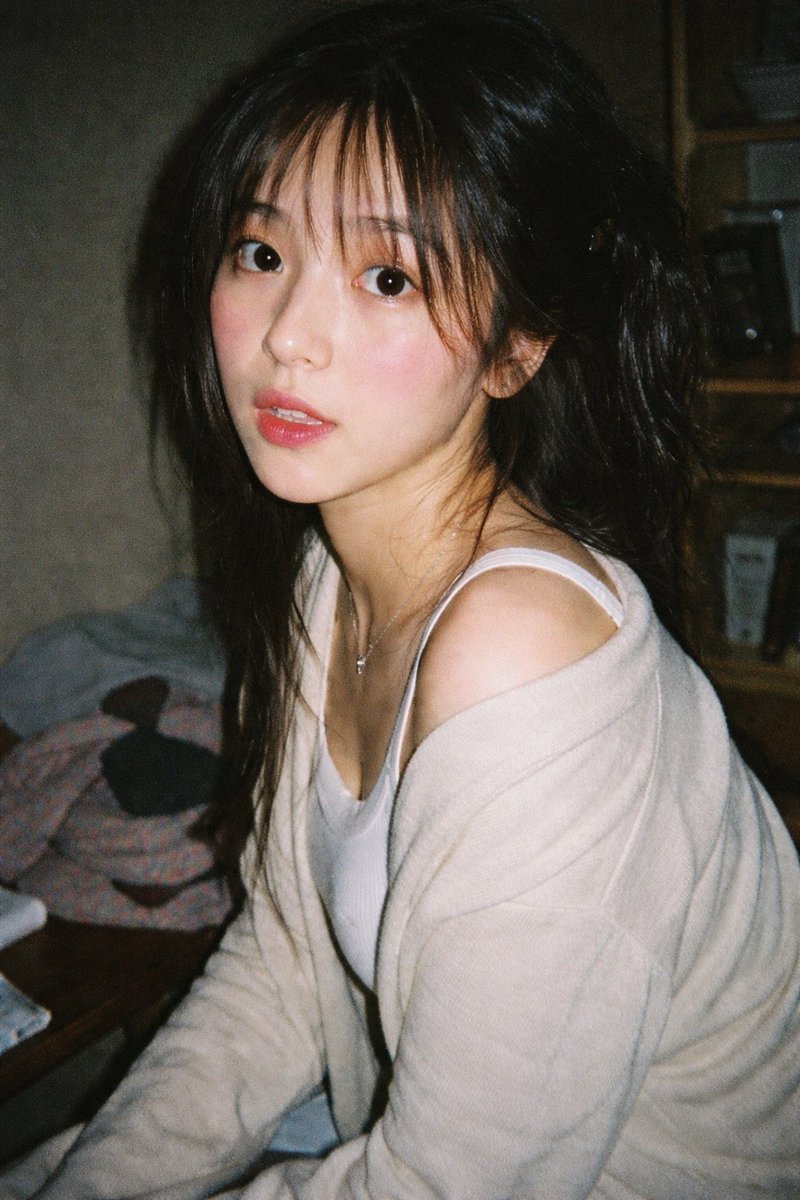
📌 รายละเอียด
- ผู้เขียน: Ecoo
- แหล่งที่มา: Twitter Post
- เผยแพร่เมื่อ: 20 เมษายน 2569
- ภาษา: en
No. 4: โปรไฟล์ / รูปประจำตัว - Idol Maid Polaroid Collection
📖 คำอธิบาย
Generates a set of 10 instant photos of an anime maid character in various poses, complete with handwritten signatures and messages.
📝 คำสั่ง
{
  "type": "collection of instant photos",
  "setting": "laid out flat on a white fabric surface",
  "character": {
    "hair": "{argument name=\"hair color\" default=\"long pink hair with blue inner color\"}",
    "outfit": "{argument name=\"outfit\" default=\"black and white maid uniform with frilly headband and black ribbons\"}",
    "eyes": "reddish-pink"
  },
  "layout": {
    "arrangement": "two rows of five polaroid photos",
    "count": 10,
    "photos": [
      { "position": "top row 1", "description": "holding a pink heart cushion" },
      { "position": "top row 2", "description": "winking, making a peace sign" },
      { "position": "top row 3", "description": "making a hand heart, pink heart doodle on the bottom border" },
      { "position": "top row 4", "description": "resting chin on hands, gentle smile" },
      { "position": "top row 5", "description": "holding a red rose, winking" },
      { "position": "bottom row 1", "description": "finger to lips, shy expression" },
      { "position": "bottom row 2", "description": "holding a small pink cake" },
      { "position": "bottom row 3", "description": "winking, hand near face, signature '{argument name=\"signature text\" default=\"Hanashi\"}' and heart doodle on border" },
      { "position": "bottom row 4", "description": "holding a pink bunny plushie, sparkle doodles, signature '{argument name=\"signature text\" default=\"Hanashi\"}' and bunny doodle on border" },
      { "position": "bottom row 5", "description": "winking, sparkle doodles, message '{argument name=\"message text\" default=\"いつも応援ありがとう!これからもよろしくね♪\"}' and signature '{argument name=\"signature text\" default=\"Hanashi\"}' on border" }
    ]
  }
}
🖼️ รูปภาพที่สร้าง
Image 1
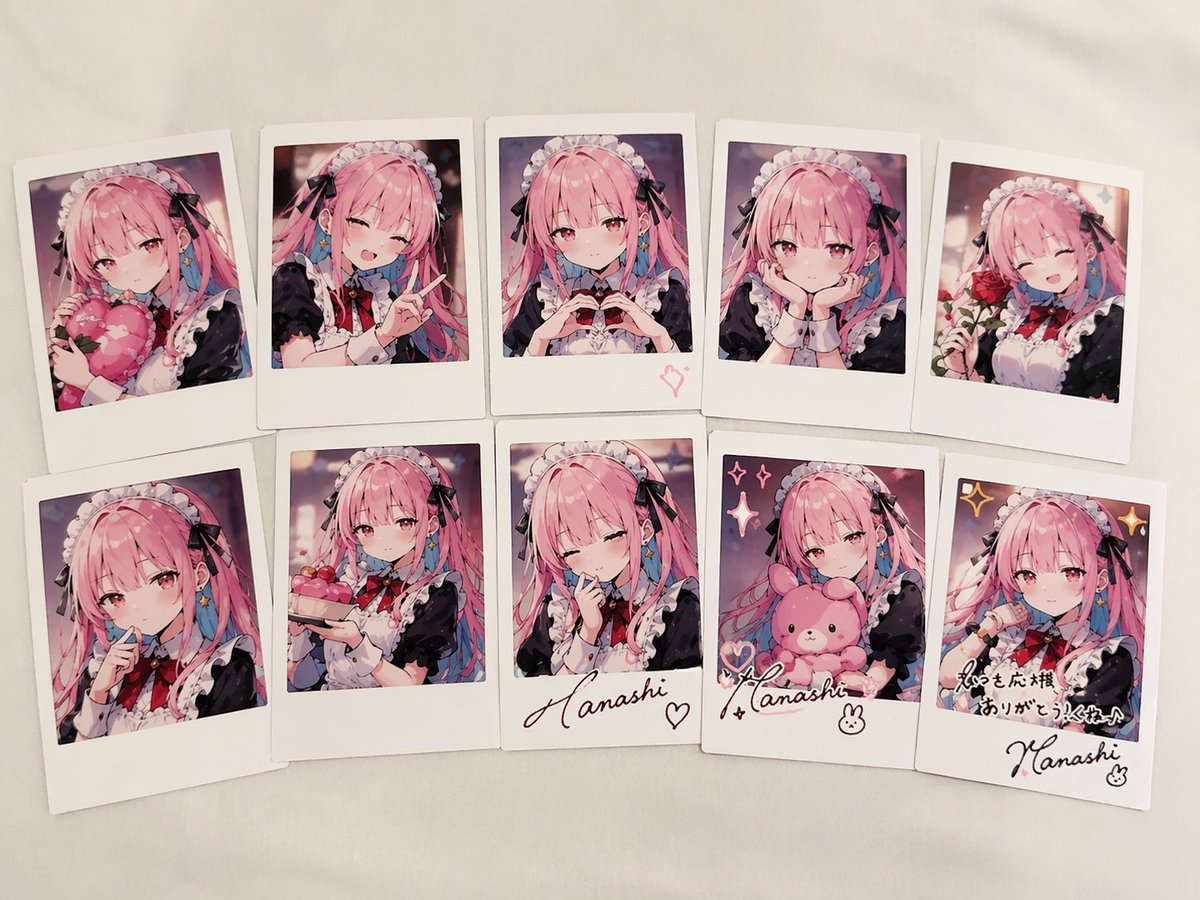
📌 รายละเอียด
- ผู้เขียน: あねもん! (ex:anemone@AIArt)
- แหล่งที่มา: Twitter Post
- เผยแพร่เมื่อ: 20 เมษายน 2569
- ภาษา: en
No. 5: โปรไฟล์ / รูปประจำตัว - 4-Panel Professional Avatar Grid
📖 คำอธิบาย
Generates a 2x2 grid of photorealistic portraits showing the same person in four different professional and casual outfits.
📝 คำสั่ง
{
  "type": "2x2 portrait grid",
  "subject": "{argument name=\"subject description\" default=\"young adult East Asian male with short black hair and a slight smile\"}",
  "style": "photorealistic, high-resolution, professional lighting, consistent facial identity across all panels",
  "layout": {
    "format": "2x2 grid",
    "panel_count": 4,
    "panels": [
      {
        "position": "top-left",
        "description": "{argument name=\"profession 1\" default=\"Corporate professional wearing a dark navy suit, white shirt, and blue tie against a gray textured background\"}"
      },
      {
        "position": "top-right",
        "description": "{argument name=\"profession 2\" default=\"Casual attire wearing a dark blue crew neck t-shirt against a blurred outdoor park background\"}"
      },
      {
        "position": "bottom-left",
        "description": "{argument name=\"profession 3\" default=\"Construction worker wearing a yellow hard hat, navy blue work shirt, and bright orange high-visibility vest against a blurred warehouse background\"}"
      },
      {
        "position": "bottom-right",
        "description": "{argument name=\"profession 4\" default=\"Medical professional wearing a white lab coat over a light blue collared shirt against a blurred laboratory background\"}"
      }
    ]
  }
}
🖼️ รูปภาพที่สร้าง
Image 1
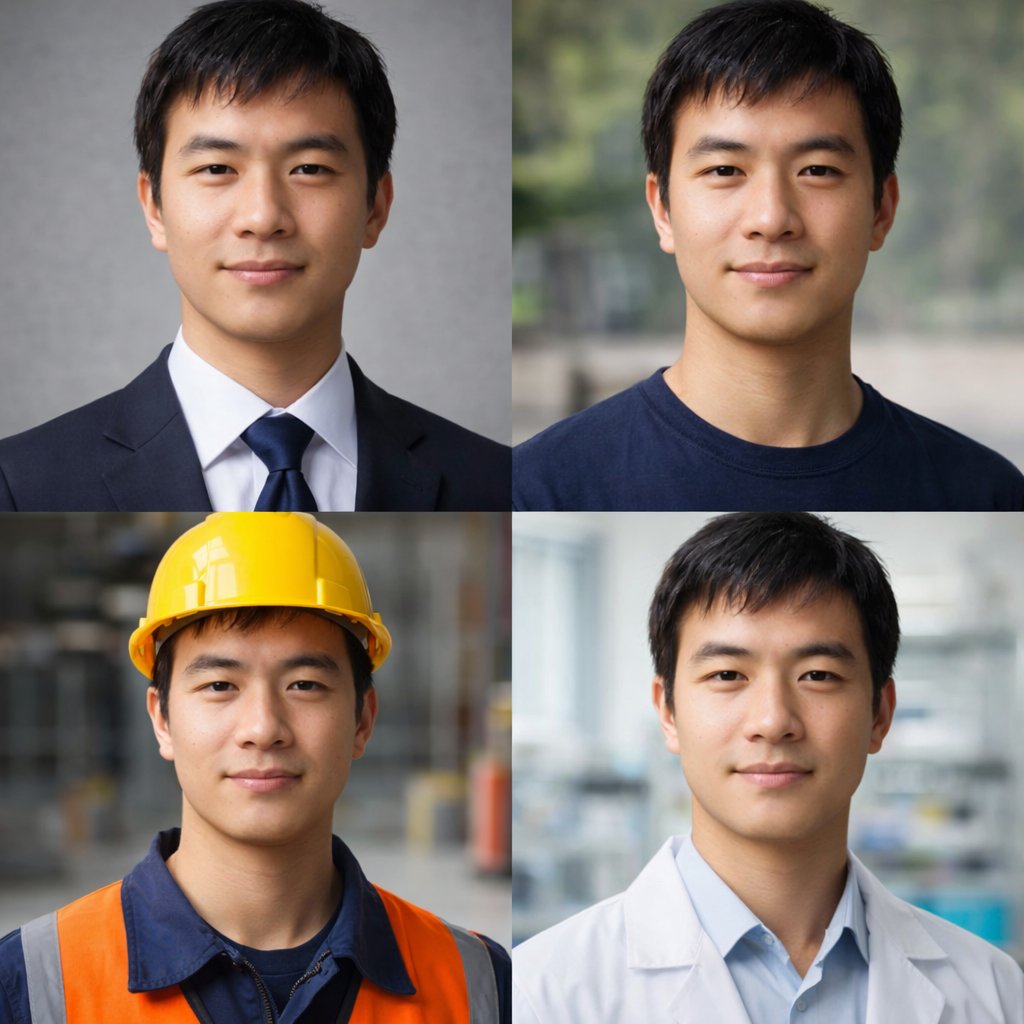
📌 รายละเอียด
- ผู้เขียน: observer2026
- แหล่งที่มา: Twitter Post
- เผยแพร่เมื่อ: 20 เมษายน 2569
- ภาษา: en
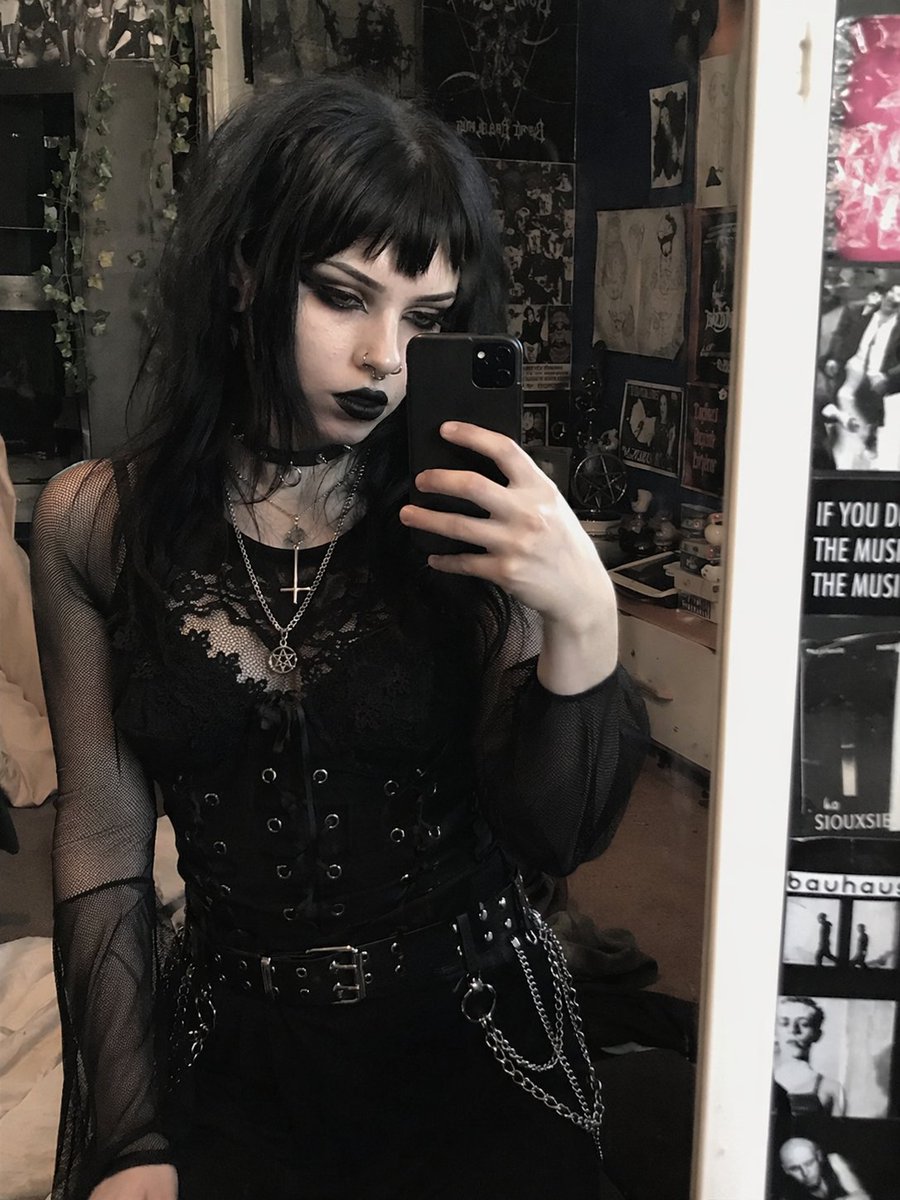
No. 6: โปรไฟล์ / รูปประจำตัว - Goth Style Transformation
📖 คำอธิบาย
Transforms a reference portrait into a heavy goth aesthetic by altering hair, makeup, and jewelry while preserving the original pose and outfit.
📝 คำสั่ง
Using REFERENCE_0, transform the subject's appearance to a {argument name="style" default="trad goth"} aesthetic while preserving the exact pose, clothing structure, and background. Change her hair to {argument name="hair color" default="black"} with {argument name="hair style" default="choppy bangs"}. Apply heavy dark makeup, specifically {argument name="lip color" default="black"} lipstick and intense dark eyeshadow, and make her skin tone slightly paler. Add 2 facial piercings: a septum ring and a nostril stud. Finally, modify her layered necklaces to feature {argument name="necklace pendants" default="an inverted cross and a pentagram"}.
🖼️ รูปภาพที่สร้าง
Image 1
📌 รายละเอียด
- ผู้เขียน: daniel.dmai
- แหล่งที่มา: Twitter Post
- เผยแพร่เมื่อ: 20 เมษายน 2569
- ภาษา: en
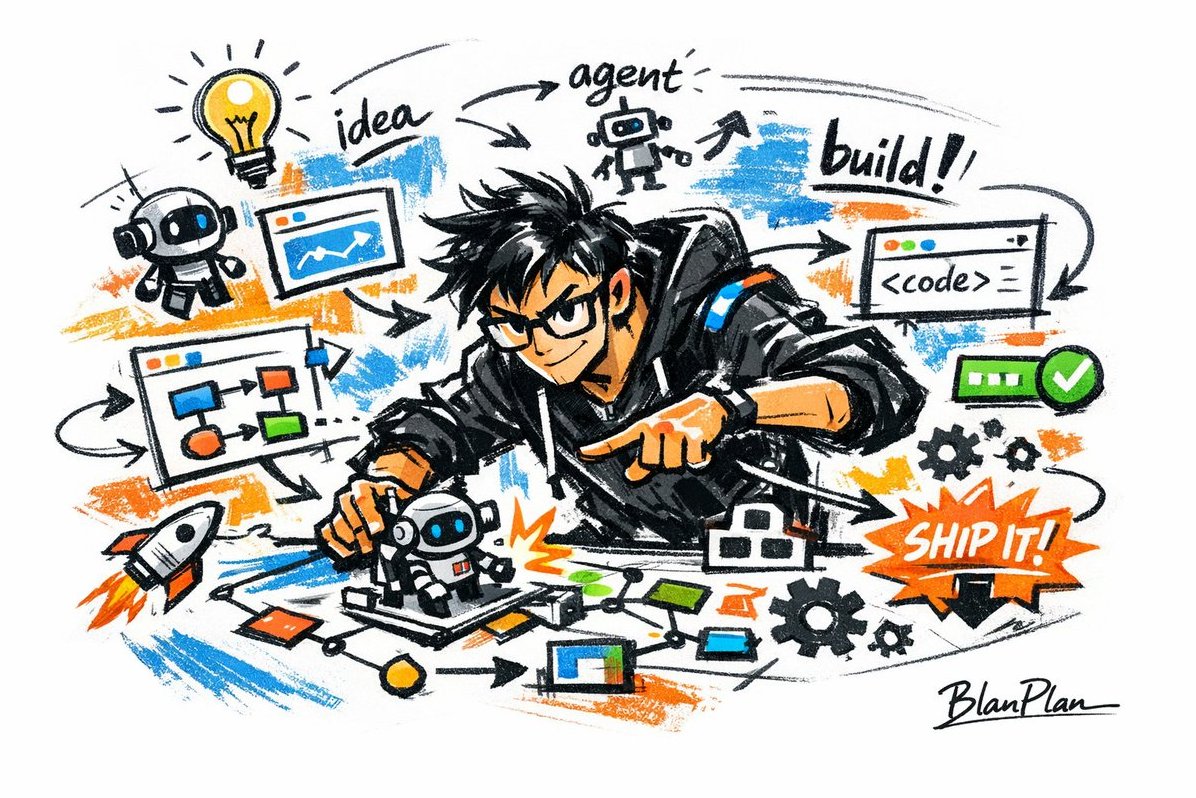
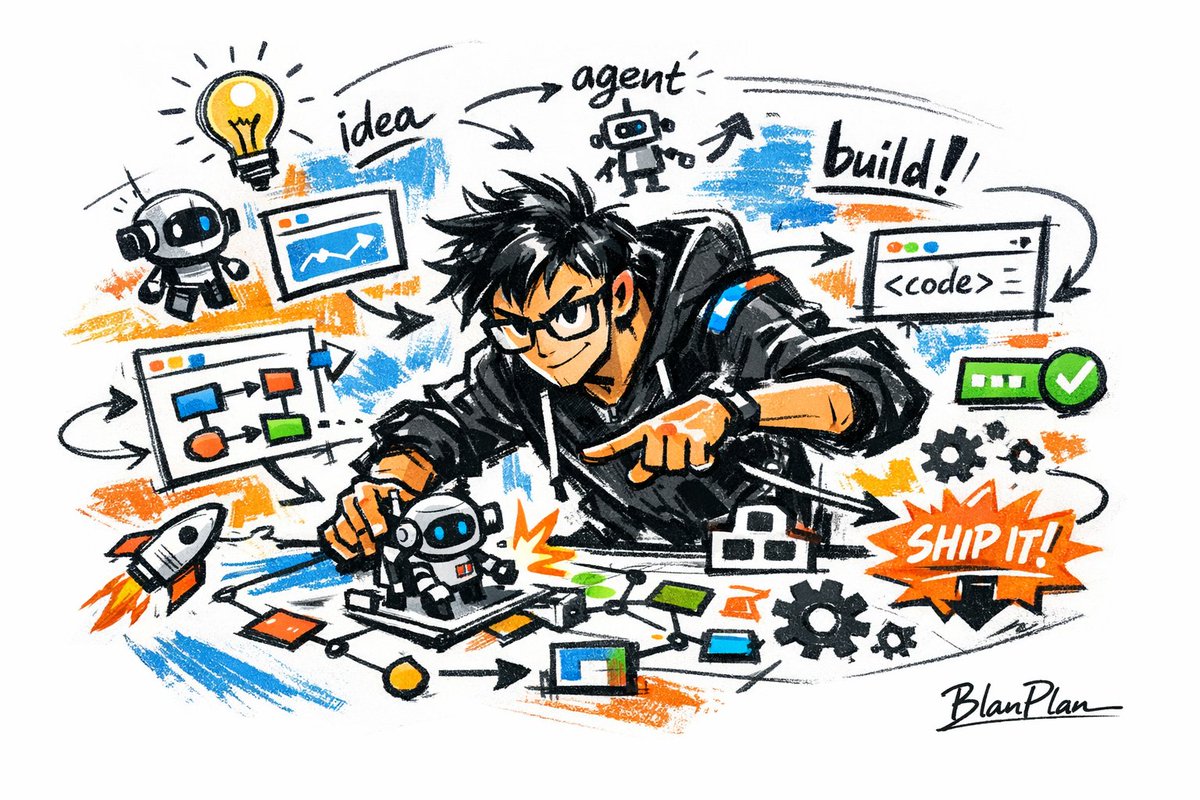
No. 7: โปรไฟล์ / รูปประจำตัว - Graffiti Sketch AI Builder Style

📖 คำอธิบาย
A highly detailed prompt for generating expressive, graffiti-style sketches of AI builders with specific textures and signatures.
📝 คำสั่ง
Express [{argument name="subject" default="a powerful AI builder"}] in a graffiti sketch style, presenting an overall visual effect of rapid sketching, free transformation, improvised hand-drawing, and draft-like qualities. Lines are casual, exaggerated, varied in thickness, slightly messy but rhythmic and expressive, emphasizing generalization, exaggeration, fun, and spontaneity rather than rigorous realism or fine detail. Colors use rough, dry-brush block expressions, retaining uneven smears, brush marks, flying whites, and overlapping feelings. Colors automatically adapt to the [theme/subject], but the overall expression remains graffiti-like, sketch-like, and generalized. No transparent watercolor smudging, no delicate watercolor transitions, no paper textures, no soft atomization, and no dreamlike quality. The background is mainly white space, remaining simple, relaxed, unfinished, and design-oriented. A small amount of auxiliary symbols, arrows, marks, circles, repeated lines, handwritten text, or other graffiti elements can be added to enhance the sketchbook or essay-like visual language, but should not be too crowded or destroy the subject and atmosphere of the white space. The image content does not need to be written in advance; the [{argument name="subject" default="a powerful AI builder"}] will automatically deduce and generate the most suitable main image, actions, related elements, symbols, or simplified scenes. The whole maintains a unified graffiti sketch style and exaggerated generalized expression, avoiding complex realistic backgrounds and over-elaboration. Naturally add a unique signature "{argument name="signature" default="BlanPlan"}" as part of the image, placed discreetly but clearly in the lower-left, lower-right, or near the title. The style should be unified with the overall layout, like an artist's signature or design inscription; the signature font should be refined, restrained, and high-end, not too large, not destructive to the main composition, and not appearing abrupt or cheap.
🖼️ รูปภาพที่สร้าง
Image 1
📌 รายละเอียด
- ผู้เขียน: Mutedmen
- แหล่งที่มา: Twitter Post
- เผยแพร่เมื่อ: 20 เมษายน 2569
- ภาษา: zh
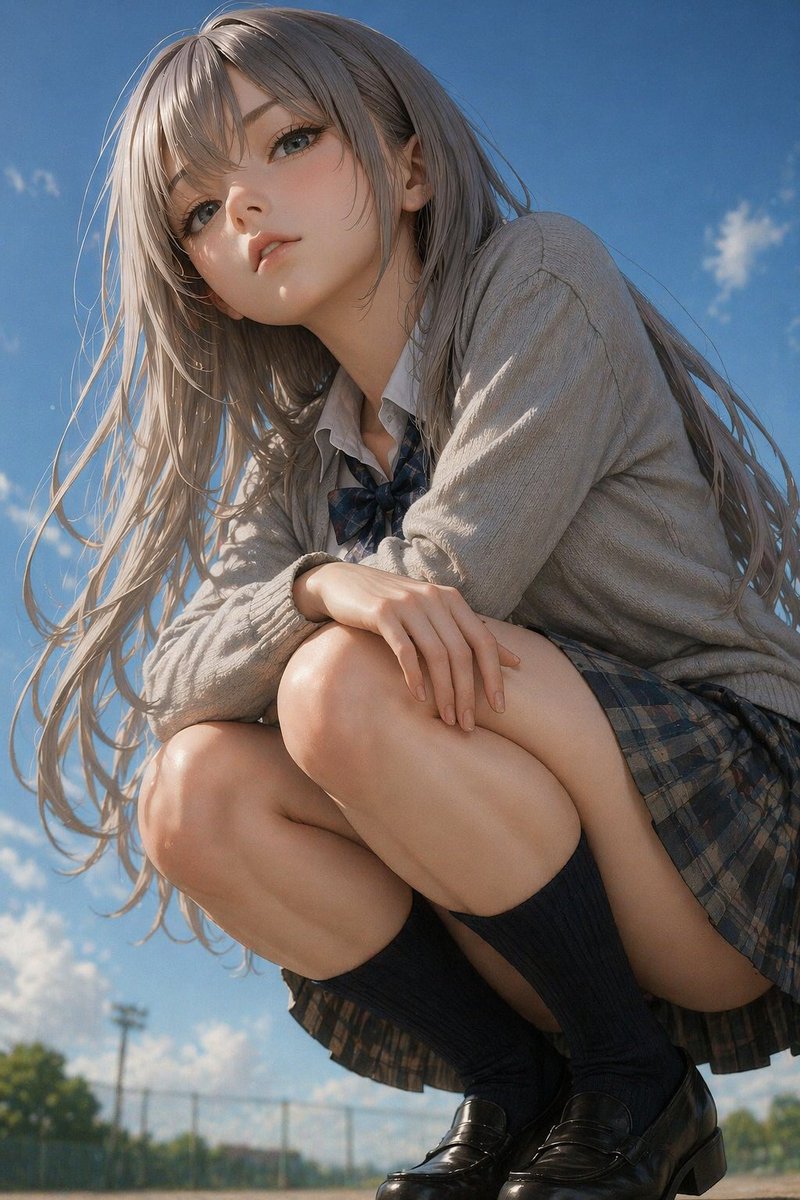
No. 8: โปรไฟล์ / รูปประจำตัว - Photorealistic Anime Schoolgirl Crouching Portrait
📖 คำอธิบาย
Generates a highly detailed, 2.5D style portrait of a girl in a school uniform crouching outdoors against a sky background.
📝 คำสั่ง
A highly detailed, photorealistic anime-style portrait of a young woman crouching down and looking slightly down at the camera from a low angle. She has long, flowing {argument name="hair color" default="ash-blonde"} hair blowing gently in the wind, pale skin, and large, expressive eyes. She is wearing a {argument name="outfit" default="Japanese school uniform with a light grey cardigan, white shirt, dark plaid bow tie, dark plaid pleated skirt, dark knee-high socks, and black leather loafers"}. Her arms are resting casually on her knees. The background is a bright {argument name="sky condition" default="clear blue sky with scattered white clouds"}, with a blurred {argument name="background setting" default="chain-link fence and green trees"} visible at the very bottom, suggesting a schoolyard. The lighting is bright, natural daylight with soft, cinematic shadows, emphasizing the realistic textures of her clothing and skin.
🖼️ รูปภาพที่สร้าง
Image 1
📌 รายละเอียด
- ผู้เขียน: kongo jun / 混合 順
- แหล่งที่มา: Twitter Post
- เผยแพร่เมื่อ: 20 เมษายน 2569
- ภาษา: en
No. 9: โปรไฟล์ / รูปประจำตัว - 3D Animated Character Expression Grid
📖 คำอธิบาย
Generates a 9-panel grid of a 3D animated character showing various expressions and outfits while peeking through torn paper.
📝 คำสั่ง
{
  "type": "3x3 character expression grid",
  "style": "{argument name=\"art style\" default=\"3D animation, Pixar style\"}",
  "character_base": "{argument name=\"character description\" default=\"young woman with voluminous dark wavy hair and round wire-rimmed glasses\"}",
  "common_theme": "{argument name=\"framing concept\" default=\"peeking through a torn hole in white paper\"}",
  "layout": {
    "rows": 3,
    "columns": 3,
    "total_panels": 9,
    "panels": [
      {"position": "top-left", "expression": "winking", "action": "adjusting glasses", "outfit": "green sweater"},
      {"position": "top-center", "expression": "smirking", "action": "lowering dark sunglasses", "outfit": "red leather jacket"},
      {"position": "top-right", "expression": "thinking", "action": "finger on chin", "outfit": "yellow hoodie"},
      {"position": "middle-left", "expression": "big smile", "action": "arms resting on edge", "outfit": "black and white striped shirt"},
      {"position": "middle-center", "expression": "smiling", "action": "thumbs up", "outfit": "orange button-up shirt"},
      {"position": "middle-right", "expression": "neutral", "action": "drinking boba tea", "outfit": "blue sweater"},
      {"position": "bottom-left", "expression": "happy", "action": "waving", "outfit": "purple sweater vest over white shirt"},
      {"position": "bottom-center", "expression": "laughing with eyes closed", "action": "arms crossed", "outfit": "pink cardigan"},
      {"position": "bottom-right", "expression": "silly", "action": "poking cheeks", "outfit": "teal sweater"}
    ]
  }
}
🖼️ รูปภาพที่สร้าง
Image 1

📌 รายละเอียด
- ผู้เขียน: Austin
- แหล่งที่มา: Twitter Post
- เผยแพร่เมื่อ: 20 เมษายน 2569
- ภาษา: en
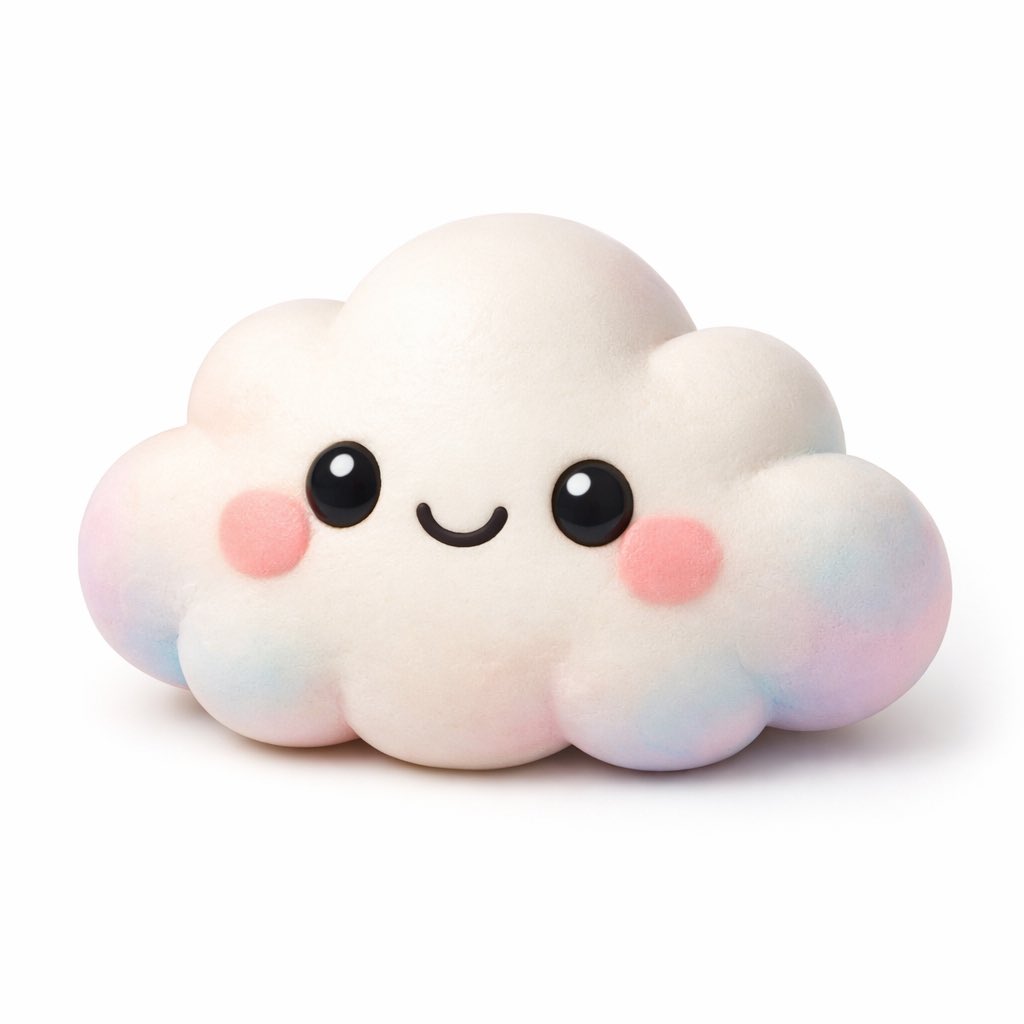
No. 10: โปรไฟล์ / รูปประจำตัว - Kawaii 3D Character Icon
📖 คำอธิบาย
Generates a cute, 3D-rendered kawaii character with a soft matte texture on a white background, perfect for app icons or avatars.
📝 คำสั่ง
A 3D render of a cute kawaii {argument name="subject" default="cloud"} character on a pure white background. The character has a soft, matte, squishy texture resembling clay or a stress toy. It features large glossy black eyes with white highlights, a simple curved smile, and round pink blush on its cheeks. The edges and bottom of the figure have a subtle pastel gradient of {argument name="accent colors" default="pink, blue, and purple"}. Soft studio lighting, minimalist icon style, casting a gentle shadow.
🖼️ รูปภาพที่สร้าง
Image 1
📌 รายละเอียด
- ผู้เขียน: Yuru
- แหล่งที่มา: Twitter Post
- เผยแพร่เมื่อ: 20 เมษายน 2569
- ภาษา: en
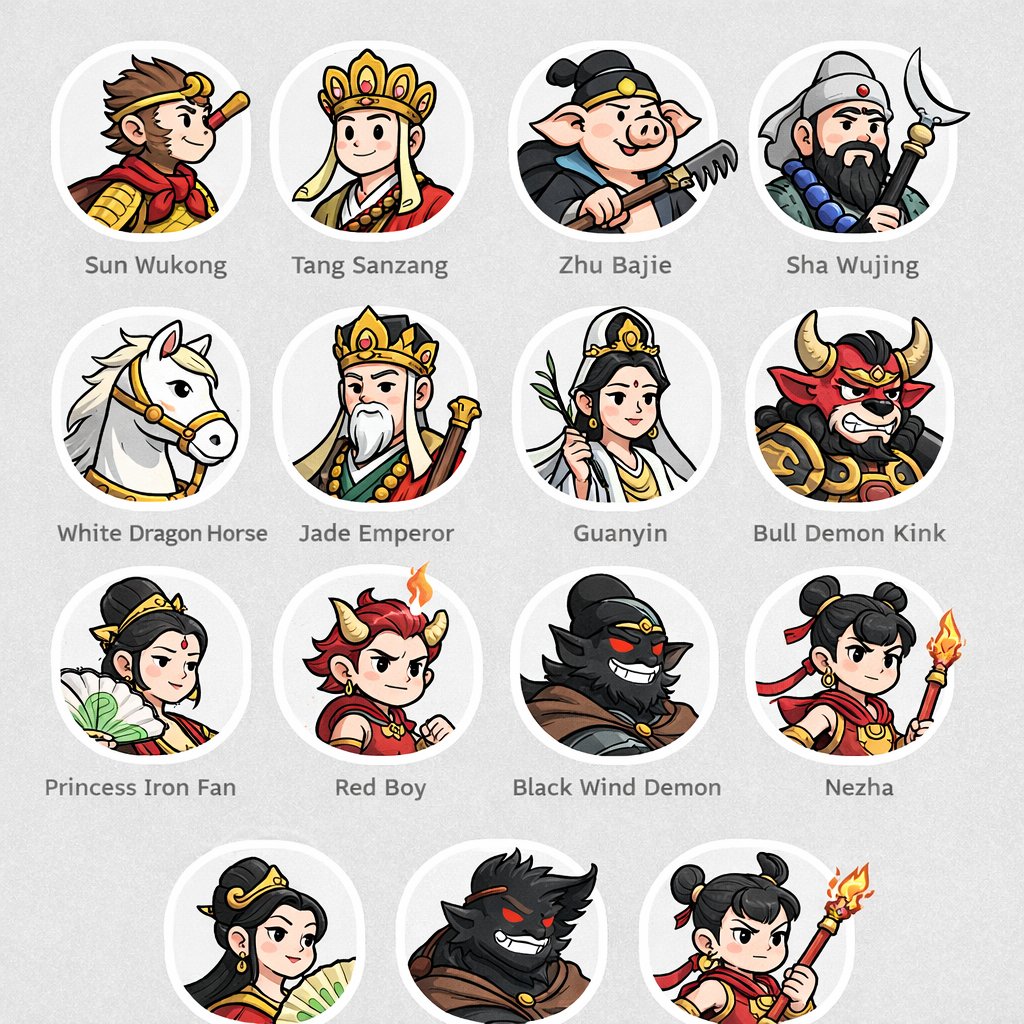
No. 11: โปรไฟล์ / รูปประจำตัว - ตารางรูปโปรไฟล์ตัวละครในตำนาน
📖 คำอธิบาย
สร้างตารางรูปโปรไฟล์ตัวละครแบบการ์ตูนวงกลมพร้อมป้ายกำกับข้อความ เหมาะสำหรับใช้ทำ UI mockups หรือรายการตัวละคร
📝 คำสั่ง
{
  "type": "ตารางรูปโปรไฟล์ตัวละคร",
  "theme": "{argument name=\"theme\" default=\"ตำนานไซอิ๋ว\"}",
  "style": "{argument name=\"art style\" default=\"ภาพประกอบเวกเตอร์การ์ตูน 2D คลีนๆ เส้นขอบหนา สีแบนราบ\"}",
  "layout": {
    "background": "{argument name=\"background color\" default=\"สีเทาอ่อน\"} พื้นผิวแบบละเอียด",
    "format": "ตารางรูปภาพวงกลมพร้อมป้ายกำกับข้อความที่จัดกึ่งกลางใต้แต่ละวงกลม",
    "rows": [
      {
        "count": 4,
        "items": [
          {"label": "ซุนหงอคง", "description": "เด็กหนุ่มลิงสวมห่วงทองและผ้าพันคอสีแดง"},
          {"label": "พระถังซัมจั๋ง", "description": "พระสงฆ์สวมหมวกทองประดับอัญมณี"},
          {"label": "ตือโป๊ยก่าย", "description": "มนุษย์หมูถือคราด"},
          {"label": "ซัวเจ๋ง", "description": "ชายมีเคราถือไม้เท้าจันทร์เสี้ยว"}
        ]
      },
      {
        "count": 4,
        "items": [
          {"label": "ม้ามังกรขาว", "description": "ม้าสีขาวสวมบังเหียนทอง"},
          {"label": "เง็กเซียนฮ่องเต้", "description": "ชายชรามีเคราสีขาวสวมมงกุฎทอง"},
          {"label": "เจ้าแม่กวนอิม", "description": "เทพธิดาถือพู่กันกิ่งหลิว"},
          {"label": "ราชาปีศาจกระทิง", "description": "ปีศาจกระทิงดุร้ายในชุดเกราะ"}
        ]
      },
      {
        "count": 4,
        "items": [
          {"label": "องค์หญิงพัดเหล็ก", "description": "หญิงสาวถือพัดใบตองสีเขียว"},
          {"label": "หงไห่เอ๋อร์", "description": "เด็กชายผมแดงมีเขาและเปลวไฟเล็กๆ"},
          {"label": "ปีศาจลมดำ", "description": "ปีศาจเงาสีดำที่มีดวงตาสีแดงเรืองแสง"},
          {"label": "นาจา", "description": "เด็กชายมัดจุกสองข้างถือหอกไฟ"}
        ]
      },
      {
        "count": 3,
        "description": "แถวบางส่วนที่ทำซ้ำองค์หญิงพัดเหล็ก ปีศาจลมดำ และนาจา โดยมีการตัดขอบด้านล่างเล็กน้อย"
      }
    ]
  }
}
🖼️ รูปภาพที่สร้าง
Image 1
📌 รายละเอียด
- ผู้เขียน: wm
- แหล่งที่มา: Twitter Post
- เผยแพร่เมื่อ: 18 เมษายน 2569
- ภาษา: en
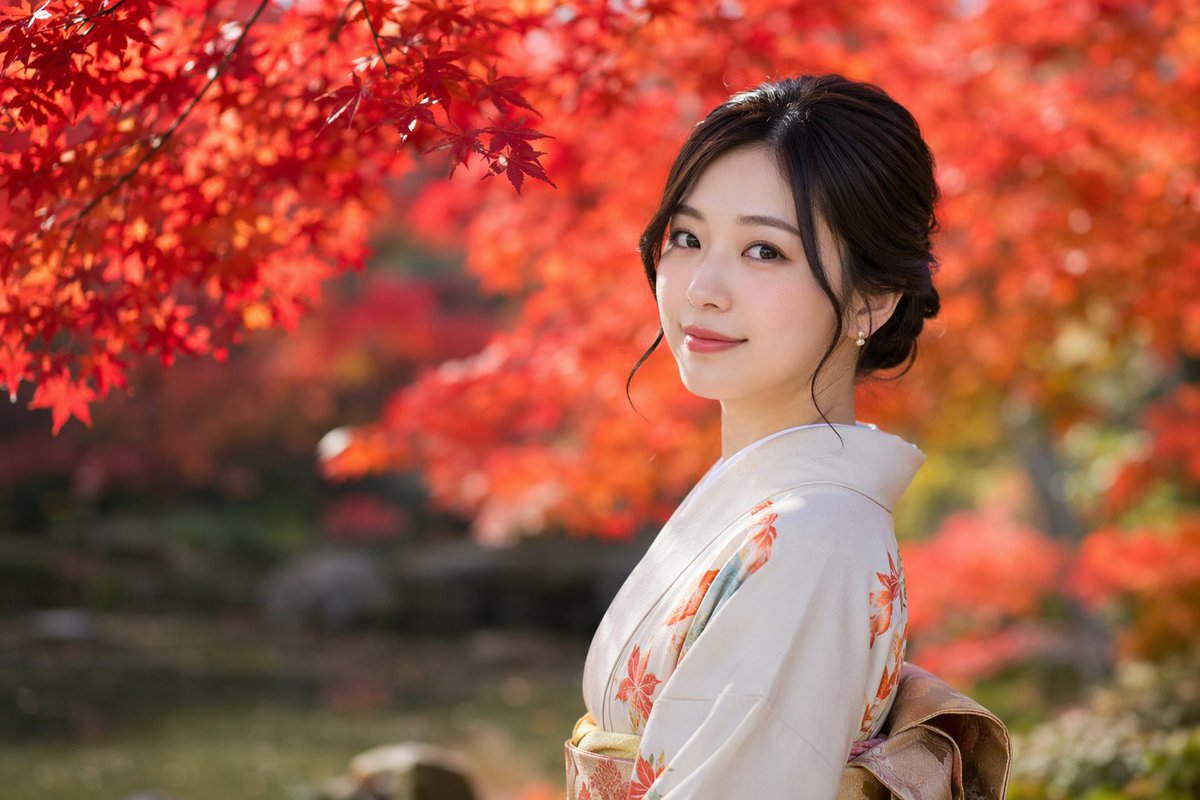
No. 12: โปรไฟล์ / รูปประจำตัว - ภาพถ่ายพอร์ตเทรตชุดกิโมโนในฤดูใบไม้ร่วงที่สมจริง
📖 คำอธิบาย
สร้างภาพพอร์ตเทรตที่สมจริงของหญิงสาวในชุดกิโมโน โดยมีฉากหลังเป็นฤดูใบไม้ร่วงที่มีสีสันสดใสและเอฟเฟกต์โบเก้ที่สวยงาม
📝 คำสั่ง
{argument name="photography style" default="ภาพพอร์ตเทรตที่สมจริงพร้อมระยะชัดตื้นและเอฟเฟกต์โบเก้นุ่มนวล"} ของ {argument name="subject" default="หญิงสาวชาวญี่ปุ่น"} ที่กำลังหันกลับมามองกล้องผ่านไหล่ด้วย {argument name="expression" default="รอยยิ้มที่อ่อนโยน"} เธอสวมใส่ {argument name="attire" default="ชุดกิโมโนสีเบจอ่อนลายใบเมเปิ้ลสีส้ม"} และโอบิสีทอง ผมสีเข้มของเธอถูกเกล้าขึ้นอย่างสง่างามโดยมีปอยผมล้อมกรอบใบหน้า และสวมต่างหูมุกขนาดเล็ก ฉากหลังเป็น {argument name="setting" default="สวนในฤดูใบไม้ร่วงที่มีใบเมเปิ้ลสีแดงสด"} โดยมีใบไม้สีแดงสดล้อมรอบมุมซ้ายบน และฉากหลังที่เบลออย่างหนักช่วยสร้างบรรยากาศที่เงียบสงบและดูเป็นภาพยนตร์
🖼️ รูปภาพที่สร้าง
Image 1
📌 รายละเอียด
- ผู้เขียน: Kazuma Endo
- แหล่งที่มา: Twitter Post
- เผยแพร่เมื่อ: 18 เมษายน 2569
- ภาษา: en
No. 13: โปรไฟล์ / รูปประจำตัว - เซลฟี่บาสเกตบอลพร้อมโลโก้แบบกำหนดเอง
📖 คำอธิบาย
สร้างภาพเซลฟี่ที่สมจริงของชายหนุ่มที่กำลังถือลูกบาสเกตบอลสีพิเศษพร้อมโลโก้เฉพาะบนสนามในร่ม
📝 คำสั่ง
ภาพเซลฟี่ที่สมจริงของชายหนุ่มผมสั้นหยักศกสีเข้มและมีหนวดเคราจางๆ บนสนามบาสเกตบอลในร่ม เขาสวมเสื้อยืดกีฬาแขนสั้นสีดำที่มีโลโก้รูปเครื่องหมายถูกสีขาว เขากำลังถือลูกบาสเกตบอลสี {argument name="ball color" default="green"} ที่มี {argument name="logo design" default="OpenAI logo"} สีขาวขนาดใหญ่อยู่บนลูก พื้นหลังเผยให้เห็นพื้นไม้ แผ่นกันกระแทกสีดำที่ผนัง และห่วงบาสเกตบอลที่ติดอยู่กับผนังคอนกรีต แสงไฟในยิมที่สว่างสดใสให้ความรู้สึกแบบภาพถ่ายโซเชียลมีเดียที่เป็นธรรมชาติ
🖼️ รูปภาพที่สร้าง
Image 1

📌 รายละเอียด
- ผู้เขียน: Mirochill
- แหล่งที่มา: Twitter Post
- เผยแพร่เมื่อ: 18 เมษายน 2569
- ภาษา: en
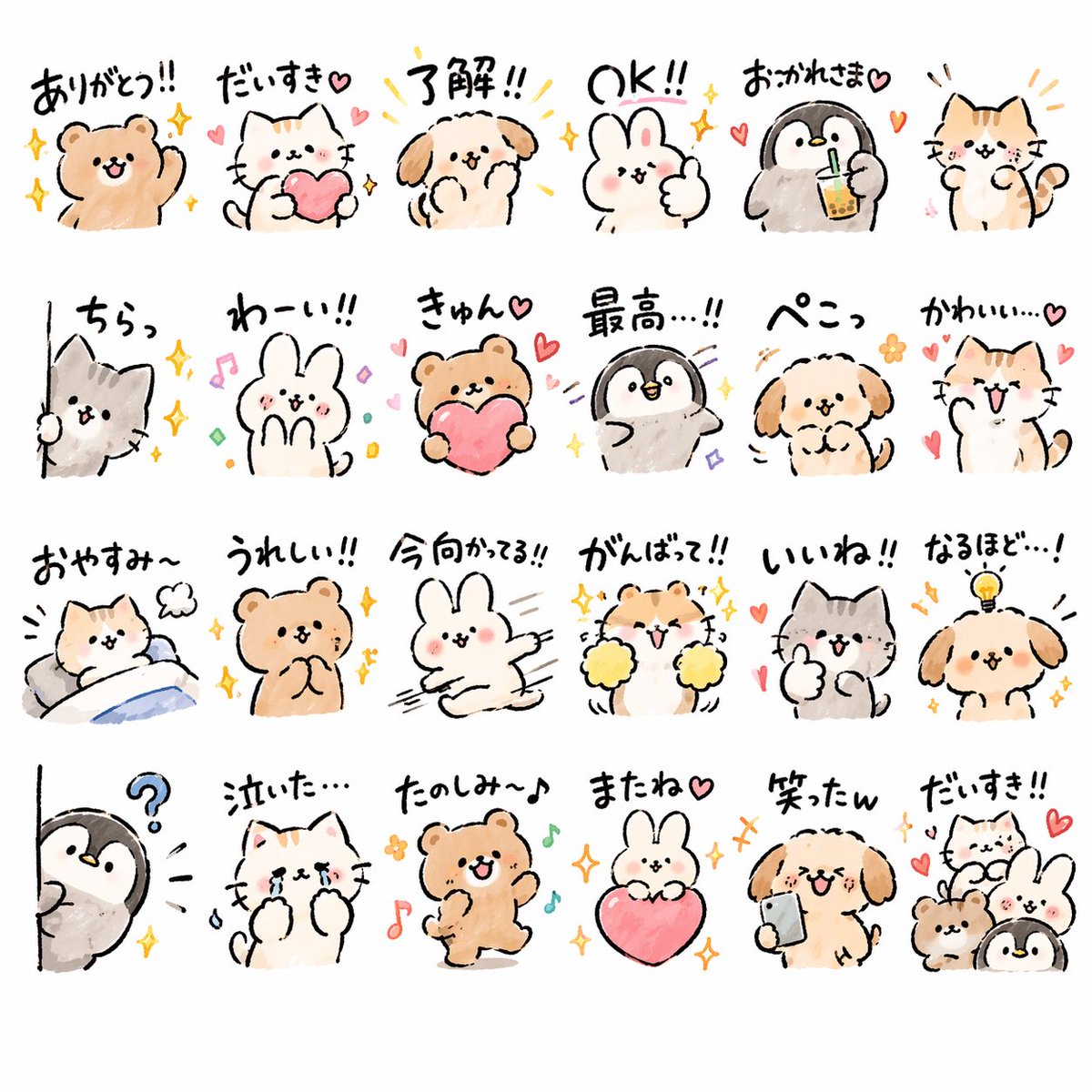
No. 14: โปรไฟล์ / รูปประจำตัว - ชุดสติกเกอร์สัตว์สุดกวน
📖 คำอธิบาย
ชุดคำสั่ง (Prompt) สำหรับสร้างสติกเกอร์ดิจิทัลธีมสัตว์จำนวนมากในสไตล์วาดมือสุดฮิตที่ออกแบบมาเพื่อกลุ่มเป้าหมายวัยรุ่น
📝 คำสั่ง
สร้างสติกเกอร์ LINE จำนวน {argument name="quantity" default="24"} ชิ้น ในธีม {argument name="animals" default="สัตว์ต่างๆ"} ด้วยสไตล์วาดมือสุดกวน เจาะกลุ่มเป้าหมาย {argument name="target audience" default="Gen Z ชาวญี่ปุ่น"} ด้วยสไตล์ที่กำลังเป็นกระแสเพื่อให้ติดอันดับยอดดาวน์โหลดสูงสุด
🖼️ รูปภาพที่สร้าง
Image 1
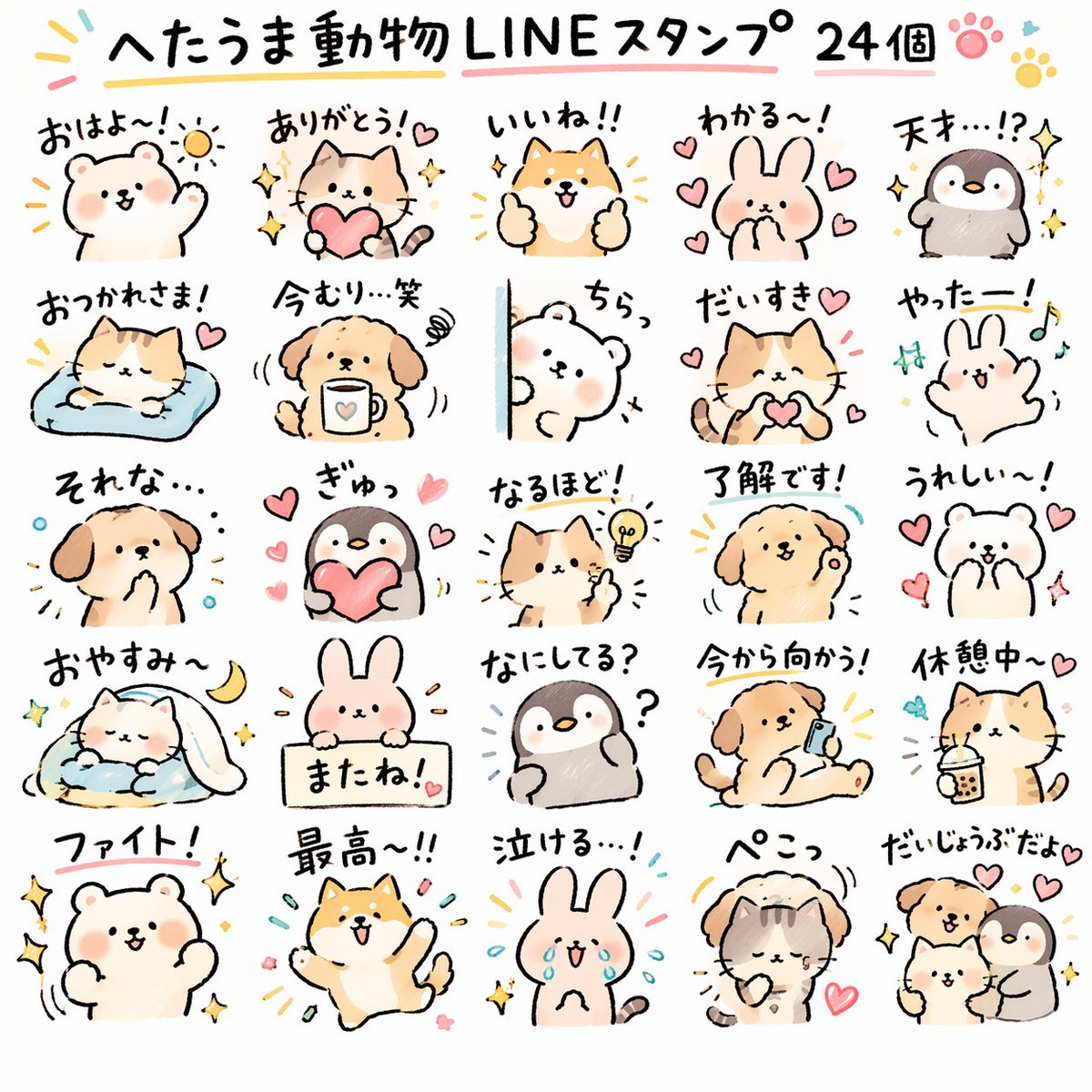
Image 2
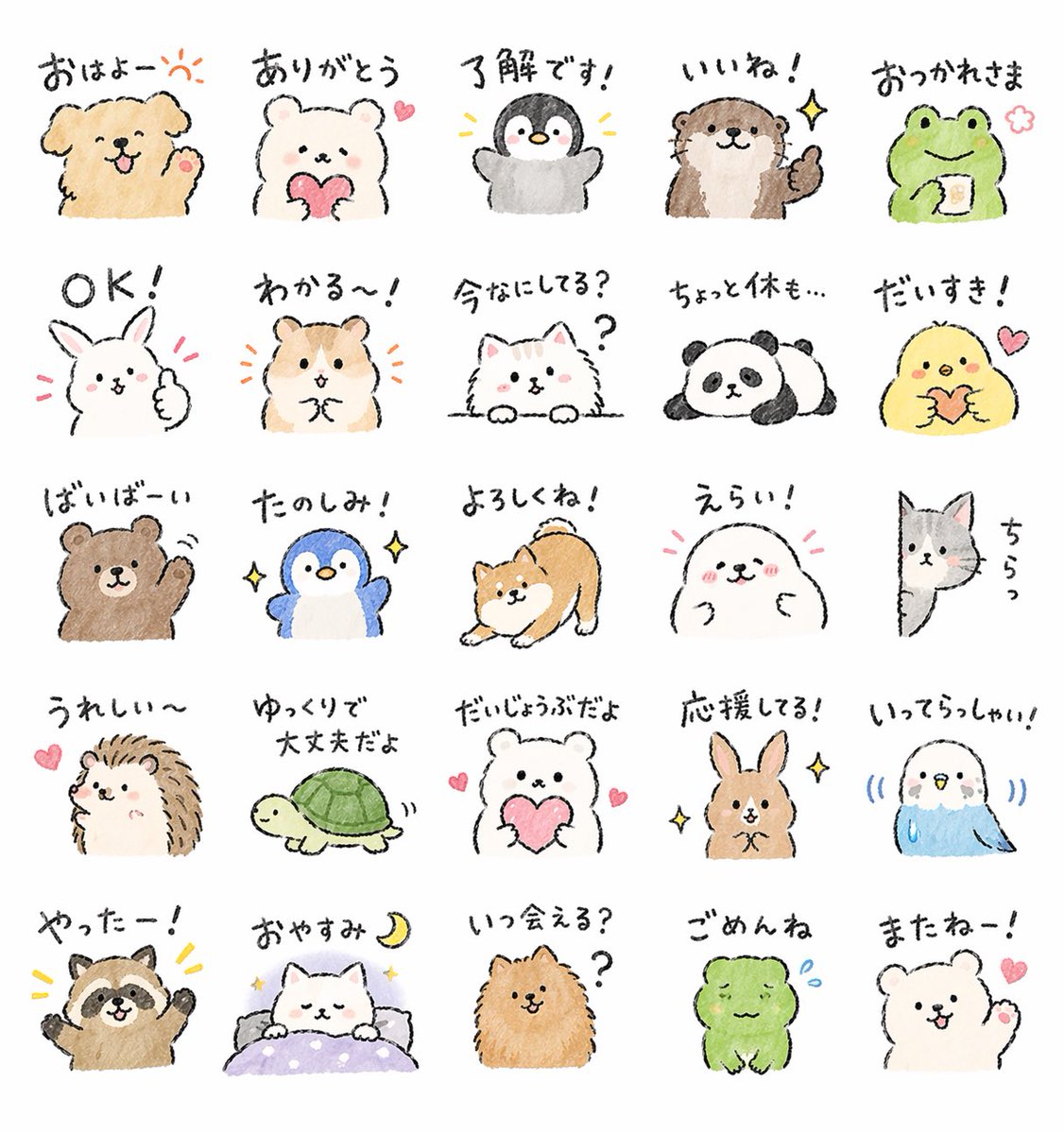
Image 3
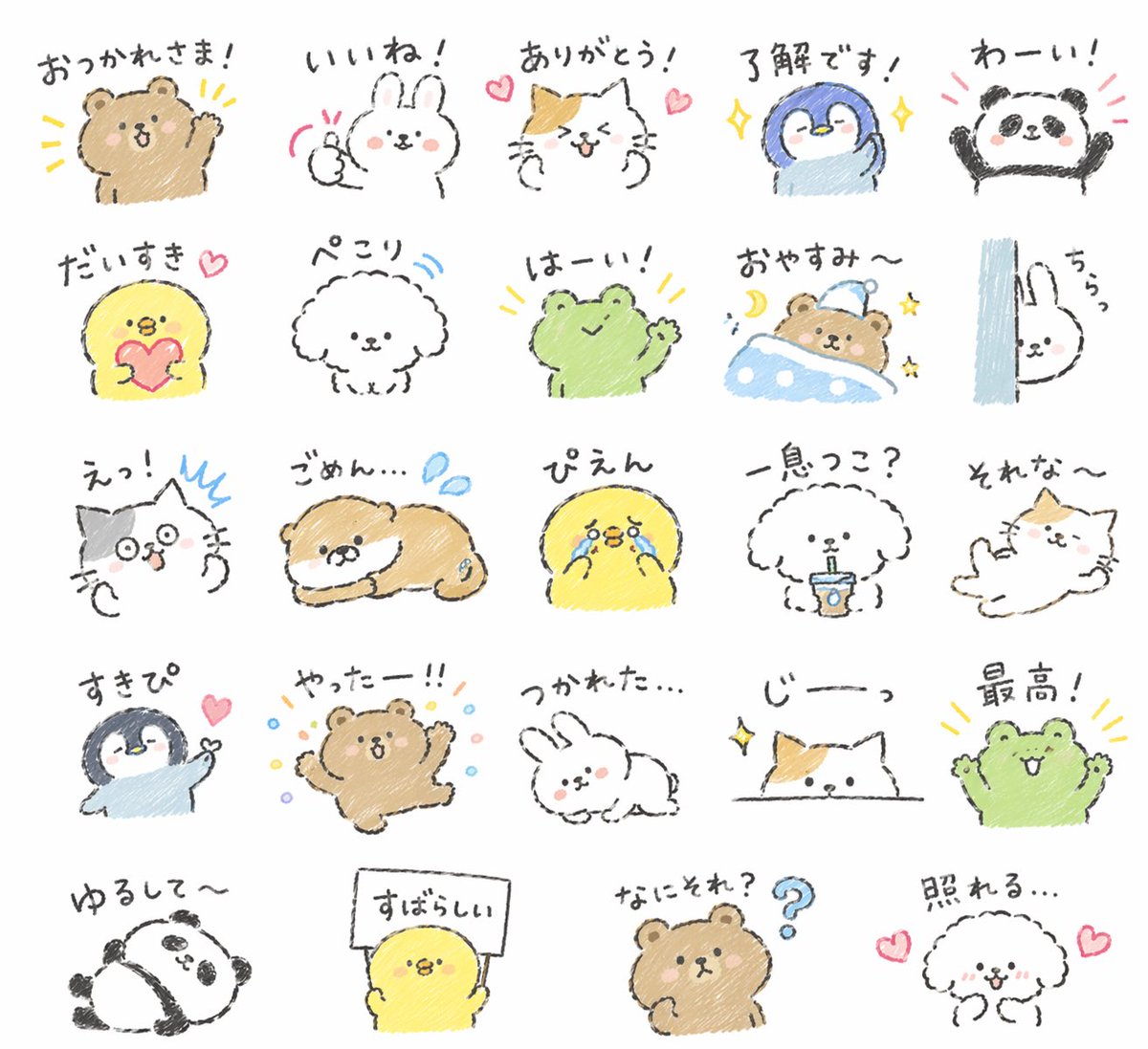
Image 4
📌 รายละเอียด
- ผู้เขียน: みどり🐲Midori Tatsuta
- แหล่งที่มา: Twitter Post
- เผยแพร่เมื่อ: 18 เมษายน 2569
- ภาษา: ja
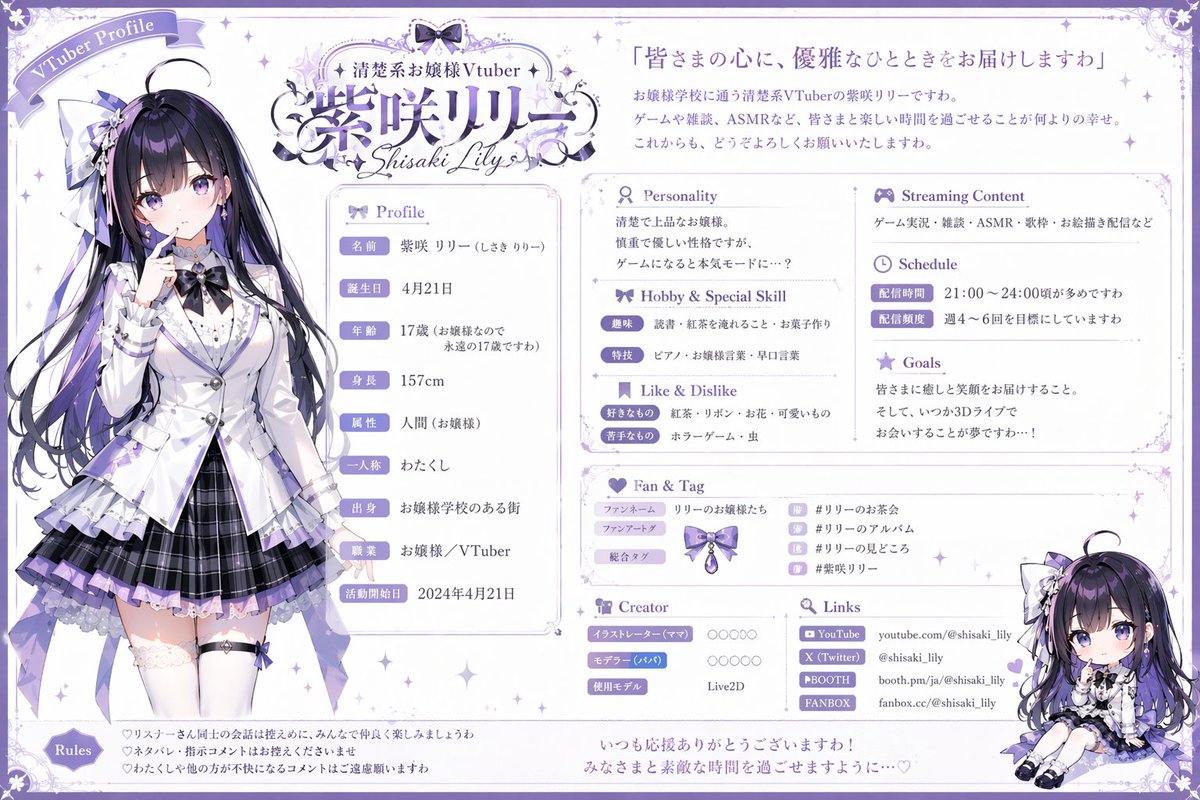
No. 15: โปรไฟล์ / รูปประจำตัว - เครื่องมือสร้างโปรไฟล์ VTuber
📖 คำอธิบาย
สร้างแผ่นโปรไฟล์ VTuber ที่มีรายละเอียดครบถ้วนและแบ่งเป็นหลายส่วน ประกอบด้วยภาพตัวละครเต็มตัว ภาพวาดสไตล์จิบิ และช่องข้อมูลที่ปรับแต่งได้สำหรับการสตรีม
📝 คำสั่ง
{ "type": "แผ่นโปรไฟล์ VTuber", "theme": "{argument name=\"color theme\" default=\"ม่วงและขาว\"}, หรูหรา, ลวดลายลูกไม้และริบบิ้น", "character": { "name": "{argument name=\"character name\" default=\"紫咲リリー\"}", "archetype": "{argument name=\"character archetype\" default=\"คุณหนูผู้สง่างาม\"}", "appearance": "สาวอนิเมะ, ผมยาวสีดำไฮไลท์สีม่วง, ตาสีม่วง, สวมเสื้อเบลเซอร์สีขาว, กระโปรงพลีทสีม่วง, ถุงเท้าเหนือเข่า, ประดับด้วยริบบิ้น", "pose": "ท่ายืน, ใช้นิ้วแตะริมฝีปาก, มองไปด้านข้างเล็กน้อย" }, "chibi_character": { "appearance": "ตัวละครเดิมในรูปแบบจิบิ", "pose": "ท่านั่ง, ยิ้มแย้ม" }, "layout": { "header": { "top_left": "ป้ายริบบิ้นเขียนว่า 'VTuber Profile'", "top_center": "โลโก้พร้อมข้อความ '{argument name=\"vtuber type\" default=\"清楚系お嬢様Vtuber\"}' และ '{argument name=\"character name\" default=\"紫咲リリー\"}' และ 'Shisaki Lily'", "top_right": "คำคม '{argument name=\"catchphrase\" default=\"皆さまの心に、優雅なひとときをお届けしますわ\"}' ตามด้วยย่อหน้าแนะนำตัว 3 บรรทัด" }, "columns": [ { "position": "left", "content": "ภาพวาดตัวละครเต็มตัว" }, { "position": "center", "sections": [ { "title": "ข้อมูลส่วนตัว", "count": 9, "labels": ["ชื่อ", "วันเกิด", "อายุ", "ส่วนสูง", "ลักษณะเด่น", "สรรพนามแทนตัวเอง", "บ้านเกิด", "อาชีพ", "วันที่เริ่มกิจกรรม"] }, { "title": "บุคลิกภาพ", "content": "บล็อกข้อความ 2 บรรทัด" }, { "title": "งานอดิเรกและความสามารถพิเศษ", "count": 2, "labels": ["งานอดิเรก", "ความสามารถพิเศษ"] }, { "title": "สิ่งที่ชอบและไม่ชอบ", "count": 2, "labels": ["สิ่งที่ชอบ", "สิ่งที่ไม่ชอบ"] } ] }, { "position": "right", "sections": [ { "title": "เนื้อหาการสตรีม", "content": "บล็อกข้อความ 1 บรรทัด" }, { "title": "ตารางเวลา", "count": 2, "labels": ["เวลาสตรีม", "ความถี่ในการสตรีม"] }, { "title": "เป้าหมาย", "content": "บล็อกข้อความ 3 บรรทัด" }, { "title": "แฟนคลับและแท็ก", "count": 3, "labels": ["ชื่อแฟนคลับ", "แท็กแฟนอาร์ต", "แท็กหลัก"], "extra": "แถวแฮชแท็ก 4 แถวพร้อมไอคอนขนาดเล็ก" }, { "title": "ผู้สร้างสรรค์", "count": 3, "labels": ["นักวาดภาพประกอบ (แม่)", "นักทำโมเดล (พ่อ)", "โมเดลที่ใช้"] }, { "title": "ลิงก์", "count": 4, "labels": ["YouTube", "X (Twitter)", "BOOTH", "FANBOX"] }, { "content": "ภาพวาดตัวละครจิบิที่มุมขวาล่าง" } ] } ], "footer": { "sections": [ { "title": "กฎระเบียบ", "count": 3, "description": "รายการ 3 ข้อพร้อมไอคอนรูปหัวใจ" }, { "content": "ข้อความปิดท้าย 2 บรรทัดที่ด้านล่างตรงกลาง" } ] } }
🖼️ รูปภาพที่สร้าง
Image 1
📌 รายละเอียด
- ผู้เขียน: WTR
- แหล่งที่มา: Twitter Post
- เผยแพร่เมื่อ: 17 เมษายน 2569
- ภาษา: en
No. 16: โปรไฟล์ / รูปประจำตัว - เครื่องมือสร้างภาพ AI สไตล์ภาพสเก็ตช์กราฟฟิตี้
📖 คำอธิบาย
คำสั่ง (Prompt) โดยละเอียดสำหรับการสร้างภาพสเก็ตช์สไตล์กราฟฟิตี้ที่มีเอกลักษณ์ เน้นเส้นสายที่สื่ออารมณ์และบล็อกสีแบบหยาบ พร้อมลายเซ็นเฉพาะตัว
📝 คำสั่ง
ถ่ายทอด {argument name="subject" default="a powerful AI builder"} ในสไตล์ภาพสเก็ตช์กราฟฟิตี้ โดยนำเสนอเอฟเฟกต์ภาพรวมที่เป็นเส้นร่างที่รวดเร็ว การบิดเบือนอย่างอิสระ การวาดด้วยมือแบบด้นสด และภาพสเก็ตช์แบบร่าง เส้นสายมีความเป็นกันเอง ดูเกินจริง มีความหนาบางไม่เท่ากัน และดูยุ่งเหยิงเล็กน้อยแต่มีจังหวะและสื่ออารมณ์ได้ดี เน้นการสรุปภาพรวม การขยายความ สนุกสนาน และความเป็นธรรมชาติ มากกว่าความสมจริงหรือรายละเอียดที่ประณีต สีสันถูกถ่ายทอดออกมาเป็นบล็อกหยาบๆ ที่ให้ความรู้สึกเหมือนการใช้แปรงแห้ง (dry-brush) โดยยังคงร่องรอยของการป้ายสี รอยแปรง พื้นที่สีขาว และการซ้อนทับของสีเอาไว้ สีจะปรับเปลี่ยนให้เข้ากับ {argument name="theme" default="powerful AI builder"} โดยอัตโนมัติ แต่การแสดงออกโดยรวมยังคงความเป็นกราฟฟิตี้ ภาพสเก็ตช์ และการสรุปภาพรวมเอาไว้ ไม่ใช้เอฟเฟกต์สีน้ำโปร่งแสง ไม่มีการไล่เฉดสีน้ำที่ละเอียดอ่อน ไม่มีพื้นผิวของกระดาษ ไม่มีการฟุ้งกระจายที่นุ่มนวล และไม่มีพื้นผิวที่ดูชวนฝัน พื้นหลังส่วนใหญ่เป็นพื้นที่ว่าง เพื่อรักษาความรู้สึกเรียบง่าย สบายๆ ความไม่สมบูรณ์ และความเป็นงานออกแบบ สามารถเพิ่มสัญลักษณ์เสริม ลูกศร เครื่องหมาย วงกลม เส้นซ้ำๆ ข้อความที่เขียนด้วยลายมือ หรือองค์ประกอบกราฟฟิตี้อื่นๆ ได้เล็กน้อยเพื่อเสริมภาษาภาพให้ดูเหมือนสมุดสเก็ตช์หรือเรียงความ แต่ไม่ควรให้ดูแน่นจนเกินไปหรือทำลายตัวแบบและบรรยากาศของพื้นที่ว่าง เนื้อหาของภาพไม่จำเป็นต้องกำหนดไว้ล่วงหน้า {argument name="character image" default="a powerful AI builder"} จะอนุมานและสร้างภาพหลัก ท่าทาง องค์ประกอบที่เกี่ยวข้อง สัญลักษณ์ หรือฉากที่เรียบง่ายที่เหมาะสมที่สุดให้โดยอัตโนมัติ สไตล์โดยรวมยังคงความเป็นภาพสเก็ตช์กราฟฟิตี้ที่เป็นเอกภาพ และการแสดงออกที่ดูเกินจริงและสรุปภาพรวม หลีกเลี่ยงพื้นหลังที่สมจริงซับซ้อนและรายละเอียดที่มากเกินไป ควรเพิ่มลายเซ็นพิเศษ 'BlanPlan' อย่างเป็นธรรมชาติให้เป็นส่วนหนึ่งของภาพ ในตำแหน่งที่ดูไม่เด่นแต่ชัดเจน เช่น มุมซ้ายล่าง มุมขวาล่าง หรือใกล้กับชื่อเรื่อง สไตล์ควรมีความกลมกลืนกับองค์ประกอบโดยรวม เหมือนลายเซ็นของศิลปินหรือเครื่องหมายการออกแบบ ฟอนต์ของลายเซ็นควรมีความประณีต สุขุม และดูหรูหรา ไม่ใหญ่จนเกินไป และไม่ควรทำลายองค์ประกอบหลักของภาพ หรือดูแปลกแยกหรือราคาถูก
🖼️ รูปภาพที่สร้าง
Image 1
📌 รายละเอียด
- ผู้เขียน: BLANPLAN | 空界計劃
- แหล่งที่มา: Twitter Post
- เผยแพร่เมื่อ: 17 เมษายน 2569
- ภาษา: zh
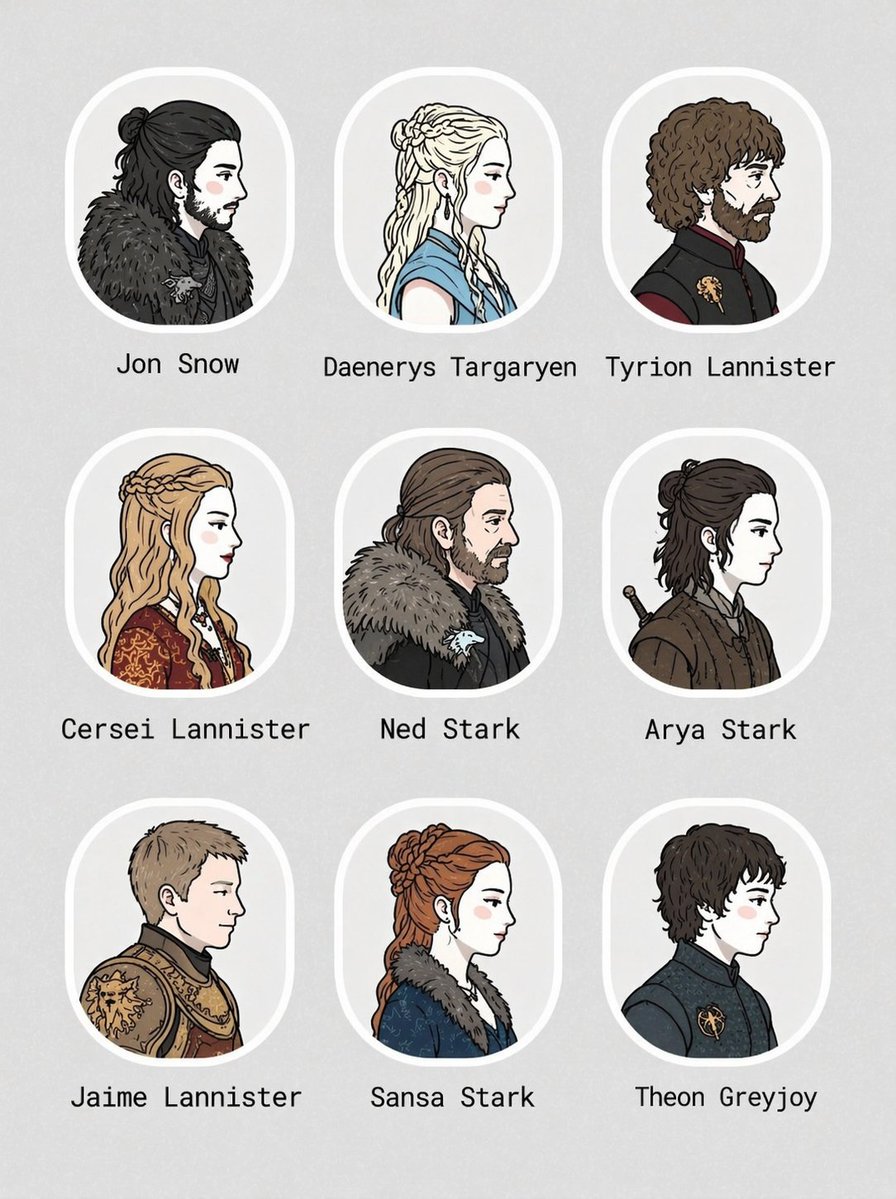
No. 17: โปรไฟล์ / รูปประจำตัว - ตารางภาพพอร์ตเทรตตัวละครแบบ 3x3
📖 คำอธิบาย
สร้างตารางภาพพอร์ตเทรตตัวละครแบบภาพประกอบขนาด 3x3 พร้อมป้ายชื่อ เหมาะสำหรับใช้ทำรายชื่อนักแสดงหรือชุดอวตาร
📝 คำสั่ง
{
  "type": "ตารางภาพพอร์ตเทรตตัวละคร",
  "theme": "{argument name=\"theme\" default=\"ตัวละครจาก Game of Thrones\"}",
  "style": "{argument name=\"art style\" default=\"ภาพประกอบ 2D แบบแบน, ลายเส้นสะอาดตา, สไตล์คอมิก, มุมมองด้านข้างหันไปทางขวา, ผิวขาวอมชมพู\"}",
  "layout": {
    "grid": "3x3",
    "background": "พื้นหลังสีเทาอ่อนมีเท็กซ์เจอร์",
    "frame_style": "กรอบสี่เหลี่ยมมุมมนสีขาวพร้อมป้ายชื่อข้อความด้านล่างแต่ละภาพ"
  },
  "count": 9,
  "portraits": [
    { "label": "Jon Snow", "description": "ผมสีดำรวบครึ่งหัว, ไว้เครา, สวมผ้าคลุมขนสัตว์สีเข้ม" },
    { "label": "Daenerys Targaryen", "description": "ผมสีเงินถักเปีย, สวมชุดสีฟ้า" },
    { "label": "Tyrion Lannister", "description": "ผมหยิกสีน้ำตาล, ไว้เครา, สวมเสื้อตัวยาวสีเข้มพร้อมเข็มกลัดทอง" },
    { "label": "Cersei Lannister", "description": "ผมสีบลอนด์ถักเปีย, สวมชุดสีแดงทองประดับประดา" },
    { "label": "Ned Stark", "description": "ผมสีน้ำตาลรวบครึ่งหัว, ไว้เครา, สวมผ้าคลุมขนสัตว์สีเข้ม" },
    { "label": "Arya Stark", "description": "ผมสั้นสีเข้มรวบครึ่งหัว, สวมเสื้อตัวยาวสีน้ำตาล, มีด้ามดาบ" },
    { "label": "Jaime Lannister", "description": "ผมสั้นสีบลอนด์, สวมชุดเกราะทองลายสิงโต" },
    { "label": "Sansa Stark", "description": "ผมสีแดงถักเปีย, สวมชุดสีฟ้าพร้อมปกขนสัตว์" },
    { "label": "Theon Greyjoy", "description": "ผมสั้นหยิกสีเข้ม, สวมเสื้อตัวยาวสีเข้มพร้อมเข็มกลัดรูปคราเคน" }
  ]
}
🖼️ รูปภาพที่สร้าง
Image 1
📌 รายละเอียด
- ผู้เขียน: Nicolechan
- แหล่งที่มา: Twitter Post
- เผยแพร่เมื่อ: 17 เมษายน 2569
- ภาษา: en
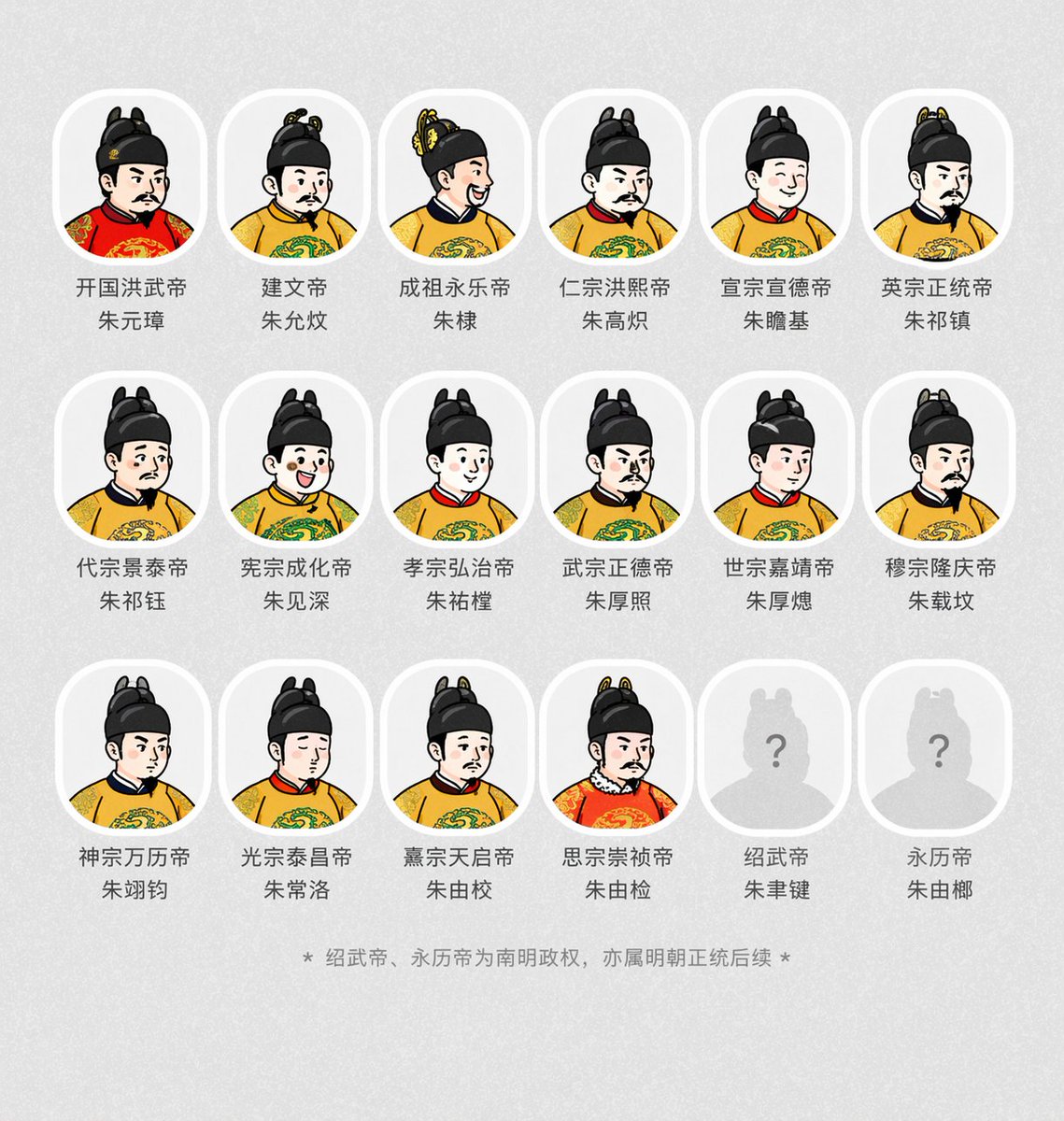
No. 18: โปรไฟล์ / รูปประจำตัว - การสร้างภาพเหมือนจักรพรรดิในประวัติศาสตร์
📖 คำอธิบาย
พรอมต์สำหรับสร้างอวตารของจักรพรรดิในประวัติศาสตร์ด้วยสไตล์ที่กำหนด พร้อมระบุชื่อและตำแหน่งไว้ใต้ภาพ
📝 คำสั่ง
สร้างอวตารของจักรพรรดิองค์ต่างๆ จาก {argument name="dynasty" default="ราชวงศ์หมิง"} โดยอิงตามสไตล์ของภาพที่อัปโหลด พร้อมระบุพระนามหลังสวรรคตและพระนามเดิมไว้ใต้ภาพอวตาร
🖼️ รูปภาพที่สร้าง
Image 1
📌 รายละเอียด
- ผู้เขียน: 李岳
- แหล่งที่มา: Twitter Post
- เผยแพร่เมื่อ: 17 เมษายน 2569
- ภาษา: zh
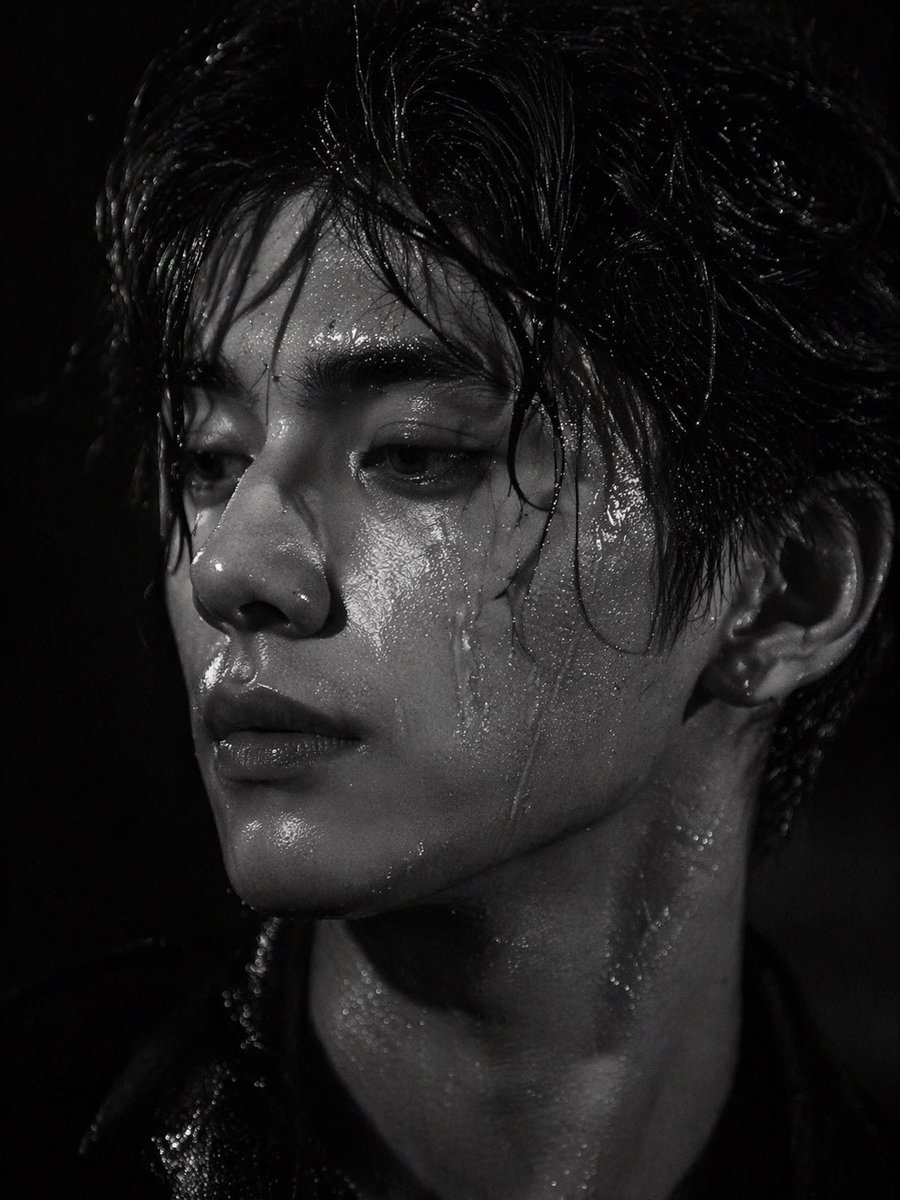
No. 19: โปรไฟล์ / รูปประจำตัว - การถ่ายภาพพอร์ตเทรตแบบเปียกที่ดูมีมิติ
📖 คำอธิบาย
สร้างภาพพอร์ตเทรตขาวดำที่มีความสมจริงสูงและคอนทราสต์จัด โดยเน้นไปที่พื้นผิวของผิวหนังที่เปียกชื้นและแสงเงาที่ดูมีมิติ
📝 คำสั่ง
ภาพพอร์ตเทรตระยะใกล้แบบขาวดำที่โดดเด่นของ {argument name="subject description" default="ชายหนุ่มชาวเอเชียหน้าตาดี"} ที่มี {argument name="hair style" default="ผมเปียกยุ่งเหยิงปรกหน้าผาก"} ใบหน้าและลำคอของเขาดูเป็นประกาย ปกคลุมไปด้วย {argument name="skin texture detail" default="หยดน้ำและเหงื่อ"} ที่มีรายละเอียดสูง เขามีสายตาที่ดูจริงจังและเศร้าสร้อยทอดมองออกไปนอกกล้องทางด้านซ้าย แสงที่ใช้มีความจัดจ้านและคอนทราสต์สูง ช่วยเน้นให้เห็นแนวขากรรไกรที่คมชัด ริมฝีปากอิ่ม และแสงสะท้อนบนผิวที่เปียกชื้นตัดกับ {argument name="background" default="พื้นหลังสีดำสนิท"} ถ่ายทำในสไตล์ภาพถ่ายแฟชั่นแนวบรรณาธิการที่สมจริง พร้อมเทคนิคการใช้แสงเงาแบบภาพยนตร์ (chiaroscuro)
🖼️ รูปภาพที่สร้าง
Image 1
📌 รายละเอียด
- ผู้เขียน: Ao Ye
- แหล่งที่มา: Twitter Post
- เผยแพร่เมื่อ: 17 เมษายน 2569
- ภาษา: en
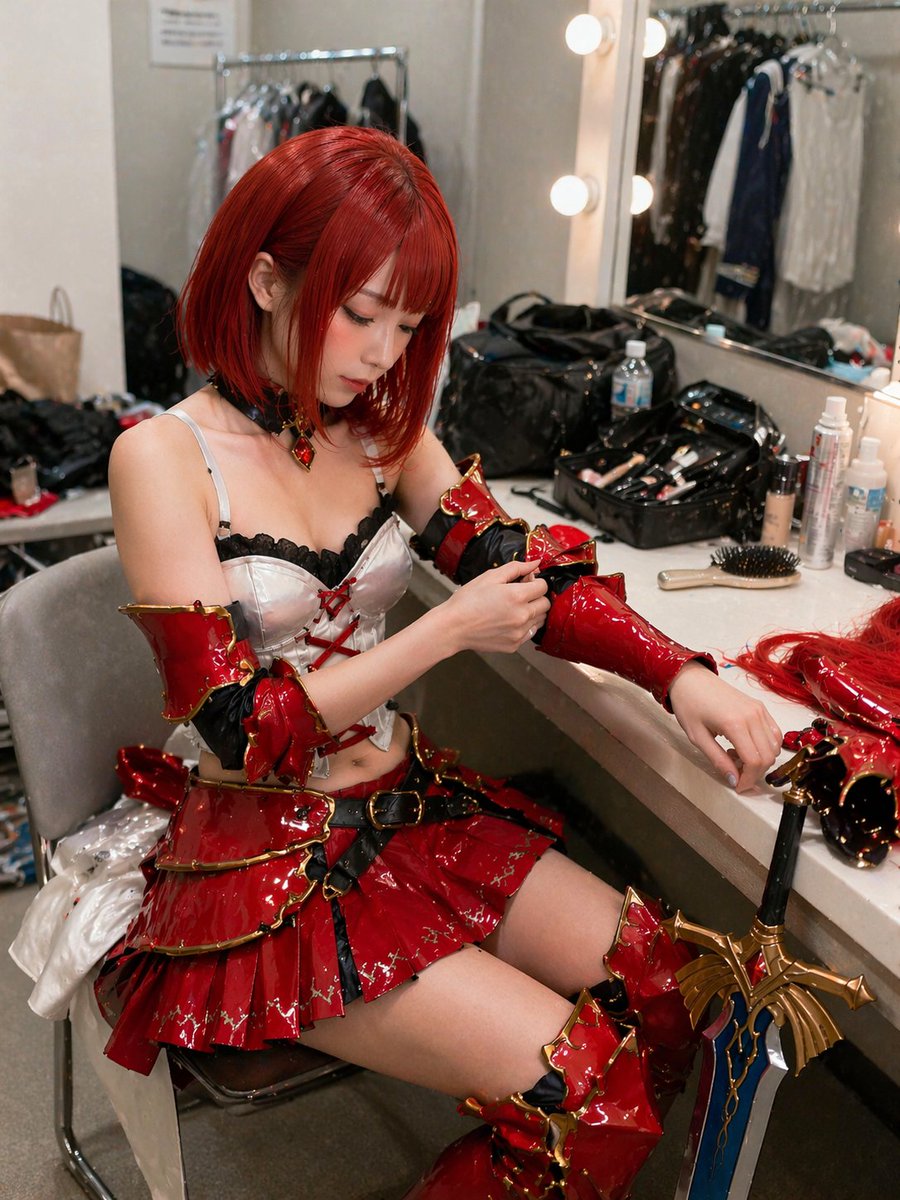
No. 20: โปรไฟล์ / รูปประจำตัว - ภาพถ่ายคอสเพลเยอร์หลังเวที
📖 คำอธิบาย
ภาพถ่ายสมจริงของคอสเพลเยอร์ที่กำลังจัดชุดเกราะแฟนตาซีอันวิจิตรบรรจงในห้องแต่งตัวที่เต็มไปด้วยอุปกรณ์
📝 คำสั่ง
ภาพถ่ายสมจริงที่มีรายละเอียดสูงของหญิงสาวชาวเอเชียตะวันออกที่กำลังนั่งอยู่ในห้องแต่งตัวหลังเวทีที่เต็มไปด้วยอุปกรณ์ เพื่อเตรียมตัวสำหรับงานคอสเพลย์ เธอมีผมสี {argument name="hair color" default="แดงสดสั้น"} ทรงบ๊อบหน้าม้า และสวมชุดนักรบแฟนตาซีสุดอลังการที่ประกอบด้วยกระโปรงสั้นแบบชั้นสี {argument name="costume color" default="แดงเงา"} ตัดกับสีทอง เสื้อคอร์เซ็ตสีขาวแต่งลูกไม้สีดำและเชือกผูกสีแดง พร้อมปลอกแขนเงาวับและรองเท้าบูทสูงถึงต้นขา เธอกำลังก้มหน้าด้วยสีหน้าจดจ่อ โดยใช้มือขวาปรับปลอกแขนที่แขนซ้ายของเธอ บนโต๊ะเครื่องแป้งตรงหน้าเต็มไปด้วยความวุ่นวาย ทั้งแปรงแต่งหน้า ขวดเครื่องสำอาง หวี และวิกผมเสริม มี {argument name="prop" default="ดาบแฟนตาซีใบมีดสีฟ้าด้ามจับสีทอง"} ขนาดใหญ่ที่ดูวิจิตรบรรจงพิงอยู่ขอบโต๊ะ ฉากหลังเผยให้เห็นกระจกแต่งหน้าที่มีหลอดไฟทรงกลมส่องสว่าง สะท้อนให้เห็นราวแขวนเสื้อผ้า ให้บรรยากาศแบบภาพถ่ายแคนดิดที่มีความคมชัดสูงและเต็มไปด้วยรายละเอียดของพื้นผิว
🖼️ รูปภาพที่สร้าง
Image 1
📌 รายละเอียด
- ผู้เขียน: らけしで / Mizmic Studio
- แหล่งที่มา: Twitter Post
- เผยแพร่เมื่อ: 17 เมษายน 2569
- ภาษา: en
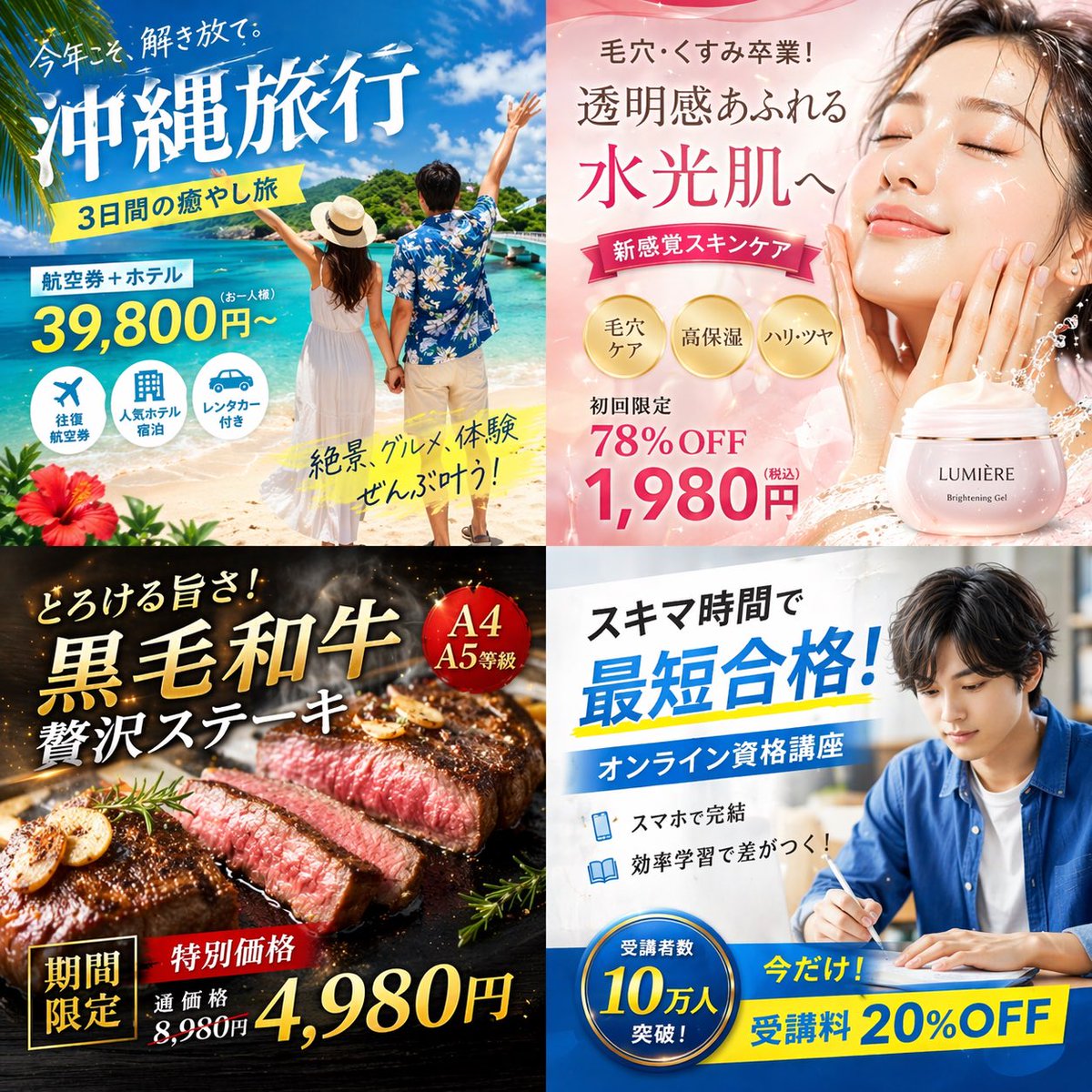
No. 21: โพสต์บนโซเชียลมีเดีย - ตารางแบนเนอร์โฆษณาดิจิทัลญี่ปุ่นแบบ 4 ช่อง
📖 คำอธิบาย
สร้างตารางขนาด 2x2 ของแบนเนอร์โฆษณาดิจิทัลสไตล์ญี่ปุ่นที่โดดเด่นสำหรับหมวดการท่องเที่ยว สกินแคร์ อาหาร และการศึกษาออนไลน์
📝 คำสั่ง
{
  "type": "ตารางแบนเนอร์โฆษณาดิจิทัลสไตล์ญี่ปุ่นขนาด 2x2",
  "layout": {
    "structure": "แบ่งเป็น 4 ส่วนเท่าๆ กัน",
    "quadrants": [
      {
        "position": "บนซ้าย",
        "theme": "การท่องเที่ยว",
        "subject": "คู่รักจับมือกันบนหาดทรายสีขาว มองออกไปที่น้ำทะเลสีเทอร์ควอยซ์ภายใต้ท้องฟ้าสีครามสดใส",
        "elements": ["ดอกชบาแดงที่มุมซ้ายล่าง"],
        "text_labels": [
          "ปีนี้แหละ ปลดปล่อยตัวเองให้เต็มที่",
          "{argument name=\"travel destination\" default=\"เที่ยวโอกินาว่า\"}",
          "ทริปพักผ่อน 3 วัน",
          "ตั๋วเครื่องบิน + โรงแรม",
          "เริ่มต้น 39,800 เยน",
          "วิวสวย อาหารอร่อย ประสบการณ์ครบ จบในที่เดียว!"
        ],
        "icons": {
          "count": 3,
          "descriptions": ["เครื่องบิน", "อาคารโรงแรม", "รถยนต์"]
        }
      },
      {
        "position": "บนขวา",
        "theme": "สกินแคร์",
        "subject": "ภาพถ่ายระยะใกล้ของหญิงสาวที่มีผิวฉ่ำวาว สุขภาพดี หลับตาและสัมผัสแก้มของตนเองอย่างแผ่วเบา",
        "elements": [
          "พื้นหลังไล่เฉดสีชมพูอ่อน",
          "เอฟเฟกต์ละอองน้ำแบบไดนามิก",
          "กระปุกเครื่องสำอางสีชมพูที่มีฉลาก '{argument name=\"skincare product name\" default=\"LUMIÈRE\"} Brightening Gel'"
        ],
        "text_labels": [
          "บอกลาปัญหารูขุมขนและความหมองคล้ำ!",
          "เผยผิวใส",
          "ฉ่ำวาวดุจน้ำ",
          "สกินแคร์สัมผัสใหม่",
          "ลดพิเศษครั้งแรก 78%",
          "{argument name=\"discount price\" default=\"1,980 เยน\"}"
        ],
        "badges": {
          "count": 3,
          "style": "วงกลมสีทอง",
          "labels": ["ดูแลรูขุมขน", "ชุ่มชื้นสูง", "ผิวเด้งกระชับ"]
        }
      },
      {
        "position": "ล่างซ้าย",
        "theme": "อาหารกูร์เมต์",
        "subject": "สเต็กเนื้อหั่นชิ้นหนาความสุกระดับมีเดียมแรร์ กำลังย่างบนกระทะเหล็กสีเข้ม",
        "elements": [
          "กระเทียมเจียว",
          "ใบโรสแมรี่",
          "พื้นหลังสีเข้มพร้อมควันและถ่านที่กำลังคุโชน"
        ],
        "text_labels": [
          "ละลายในปาก!",
          "{argument name=\"food item\" default=\"เนื้อวากิวขนดำ\"}",
          "สเต็กสุดหรู",
          "จำกัดเวลา",
          "ราคาพิเศษ",
          "ราคาปกติ 8,980 เยน",
          "เหลือเพียง 4,980 เยน"
        ],
        "badges": {
          "count": 1,
          "style": "วงกลมสีแดง",
          "labels": ["เกรด A4 A5"]
        }
      },
      {
        "position": "ล่างขวา",
        "theme": "การศึกษาออนไลน์",
        "subject": "ชายหนุ่มสวมเสื้อเชิ้ตสีฟ้ากำลังเรียนที่โต๊ะ เขียนบันทึกลงในสมุดข้างแล็ปท็อปที่เปิดอยู่",
        "elements": ["แสงไฟในอาคารที่สว่างสดใส", "บรรยากาศโต๊ะทำงาน"],
        "text_labels": [
          "ใช้เวลาว่างให้เป็นประโยชน์",
          "{argument name=\"education goal\" default=\"สอบผ่านในเวลาที่สั้นที่สุด!\"}",
          "คอร์สเรียนออนไลน์เพื่อใบเซอร์",
          "เรียนจบได้ผ่านสมาร์ทโฟน",
          "เรียนอย่างมีประสิทธิภาพ สร้างความแตกต่าง!",
          "เฉพาะตอนนี้! ค่าเรียนลด 20%"
        ],
        "badges": {
          "count": 1,
          "style": "วงกลมสีฟ้า",
          "labels": ["ผู้เรียนทะลุ 100,000 คนแล้ว!"]
        },
        "icons": {
          "count": 2,
          "descriptions": ["สมาร์ทโฟน", "หนังสือที่เปิดอยู่"]
        }
      }
    ]
  }
}
🖼️ รูปภาพที่สร้าง
Image 1
📌 รายละเอียด
- ผู้เขียน: まかねこ| AI×仮想通貨
- แหล่งที่มา: Twitter Post
- เผยแพร่เมื่อ: 19 เมษายน 2569
- ภาษา: en
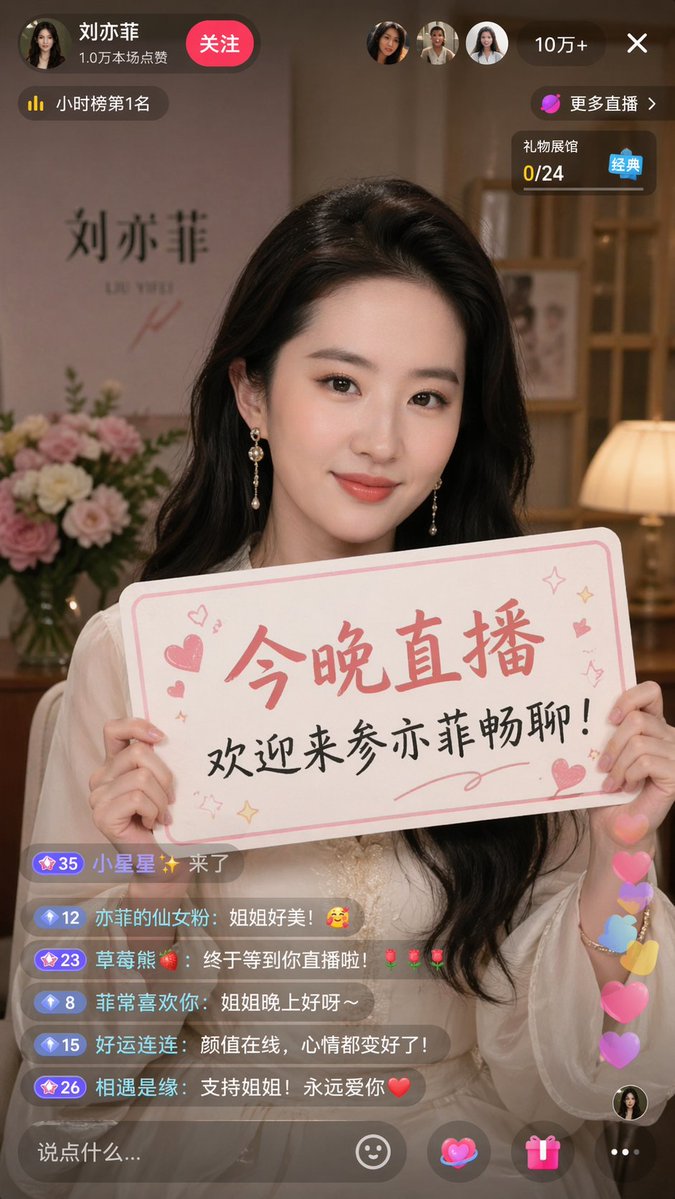
No. 22: โพสต์บนโซเชียลมีเดีย - Douyin Livestream Screenshot Prompt
📖 คำอธิบาย
A prompt for generating a realistic screenshot of a Douyin livestream featuring a celebrity holding a personalized sign.
📝 คำสั่ง
A 9:16 aspect ratio image, generating a screenshot of a Douyin livestream where {argument name="celebrity" default="Liu Yifei"} is broadcasting, holding a sign that says "{argument name="sign text" default="Streaming tonight, welcome to join Yifei's chat!"}"
🖼️ รูปภาพที่สร้าง
Image 1
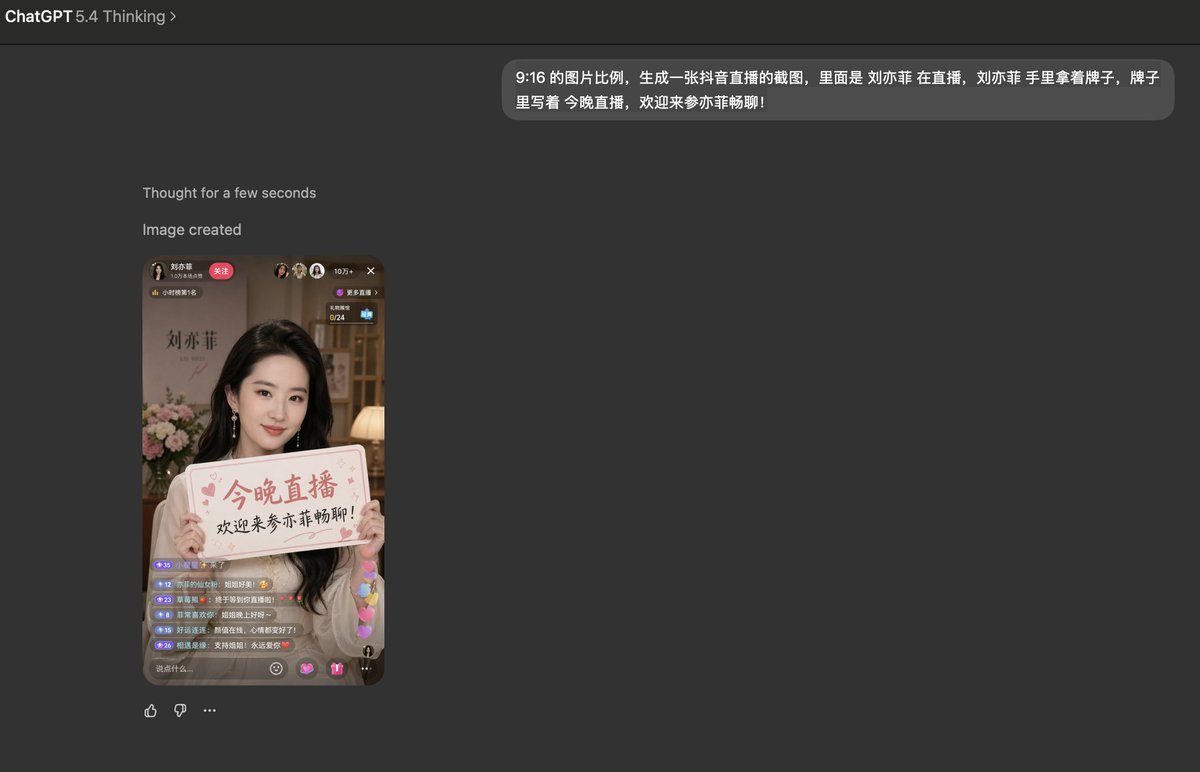
Image 2
📌 รายละเอียด
- ผู้เขียน: Kyle 不写代码
- แหล่งที่มา: Twitter Post
- เผยแพร่เมื่อ: 21 เมษายน 2569
- ภาษา: zh
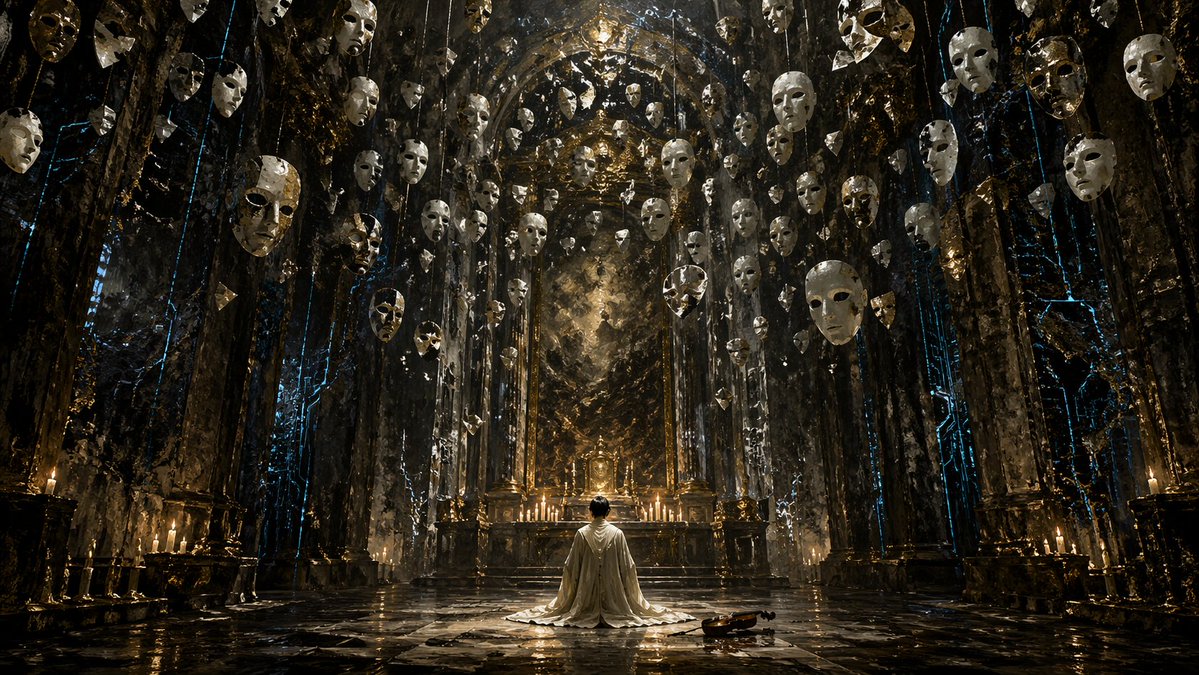
No. 23: โพสต์บนโซเชียลมีเดีย - Surreal Gothic Hall with Floating Masks
📖 คำอธิบาย
Generates a dark fantasy scene of a kneeling figure in a grand hall filled with suspended objects, ideal for cinematic concept art.
📝 คำสั่ง
A highly detailed, cinematic wide shot of a grand, dark gothic hall with a {argument name="atmosphere" default="dark fantasy"} aesthetic. In the center, a single figure wearing a {argument name="clothing" default="long white robe"} kneels on a highly reflective stone floor, facing an ornate golden altar illuminated by a row of lit candles. To the right of the kneeling figure, a single {argument name="floor object" default="wooden violin"} rests on the ground. The cavernous room is framed by massive dark stone pillars detailed with {argument name="accent color" default="glowing blue"} ethereal cracks and veins. Suspended from the high ceiling are dozens of {argument name="floating objects" default="white porcelain theatrical masks"} hanging on thin strings, filling the upper half of the space and creating a haunting, surreal atmosphere. The lighting is dramatic and moody, featuring a rich color palette of deep blacks, tarnished golds, and cool blue accents. Format 16:9.
🖼️ รูปภาพที่สร้าง
Image 1
📌 รายละเอียด
- ผู้เขียน: のうめん🏗️👺生成AIパスポート認定取れた
- แหล่งที่มา: Twitter Post
- เผยแพร่เมื่อ: 21 เมษายน 2569
- ภาษา: en
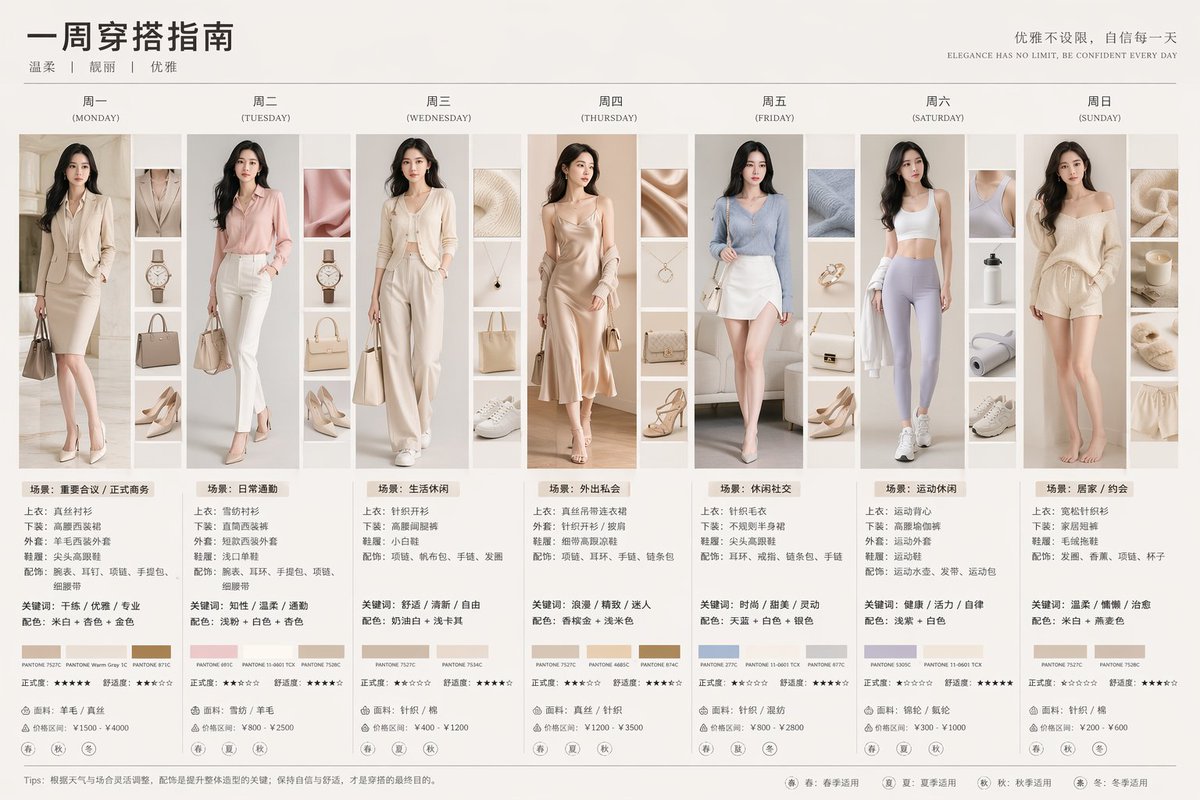
No. 24: โพสต์บนโซเชียลมีเดีย - 7-Day Fashion Lookbook Infographic
📖 คำอธิบาย
Generates a detailed 7-column outfit guide featuring daily portraits, accessory thumbnails, color palettes, and styling text.
📝 คำสั่ง
{
  "type": "7-day fashion lookbook infographic",
  "header": {
    "title": "{argument name=\"main title\" default=\"一周穿搭指南\"}",
    "subtitle": "{argument name=\"style keywords\" default=\"温柔 | 靓丽 | 优雅\"}",
    "slogan_cn": "优雅不设限,自信每一天",
    "slogan_en": "{argument name=\"english slogan\" default=\"ELEGANCE HAS NO LIMIT, BE CONFIDENT EVERY DAY\"}"
  },
  "subject": "{argument name=\"subject description\" default=\"young elegant Asian woman\"}",
  "layout": {
    "columns": 7,
    "column_elements": [
      "day_header",
      "main_portrait",
      "4_detail_thumbnails",
      "outfit_specs",
      "keywords_colors",
      "3_color_swatches",
      "star_ratings",
      "fabric_price",
      "4_season_icons"
    ],
    "days": [
      { "day": "周一 (MONDAY)", "outfit": "beige blazer suit", "scene": "场景:重要会议 / 正式商务" },
      { "day": "周二 (TUESDAY)", "outfit": "pink blazer suit", "scene": "场景:日常通勤" },
      { "day": "周三 (WEDNESDAY)", "outfit": "cream knit cardigan set", "scene": "场景:生活休闲" },
      { "day": "周四 (THURSDAY)", "outfit": "champagne slip dress", "scene": "场景:外出私会" },
      { "day": "周五 (FRIDAY)", "outfit": "blue knit top, white skirt", "scene": "场景:休闲社交" },
      { "day": "周六 (SATURDAY)", "outfit": "white sports bra, purple leggings", "scene": "场景:运动休闲" },
      { "day": "周日 (SUNDAY)", "outfit": "beige lounge knitwear", "scene": "场景:居家 / 约会" }
    ]
  },
  "footer": {
    "tips": "{argument name=\"footer tips\" default=\"Tips: 根据天气与场合灵活调整,配饰是提升整体造型的关键;保持自信与舒适,才是穿搭的最终目的。\"}",
    "legend": [
      "春: 春季适用",
      "夏: 夏季适用",
      "秋: 秋季适用",
      "冬: 冬季适用"
    ]
  }
}
🖼️ รูปภาพที่สร้าง
Image 1
📌 รายละเอียด
- ผู้เขียน: 沐阳
- แหล่งที่มา: Twitter Post
- เผยแพร่เมื่อ: 21 เมษายน 2569
- ภาษา: en
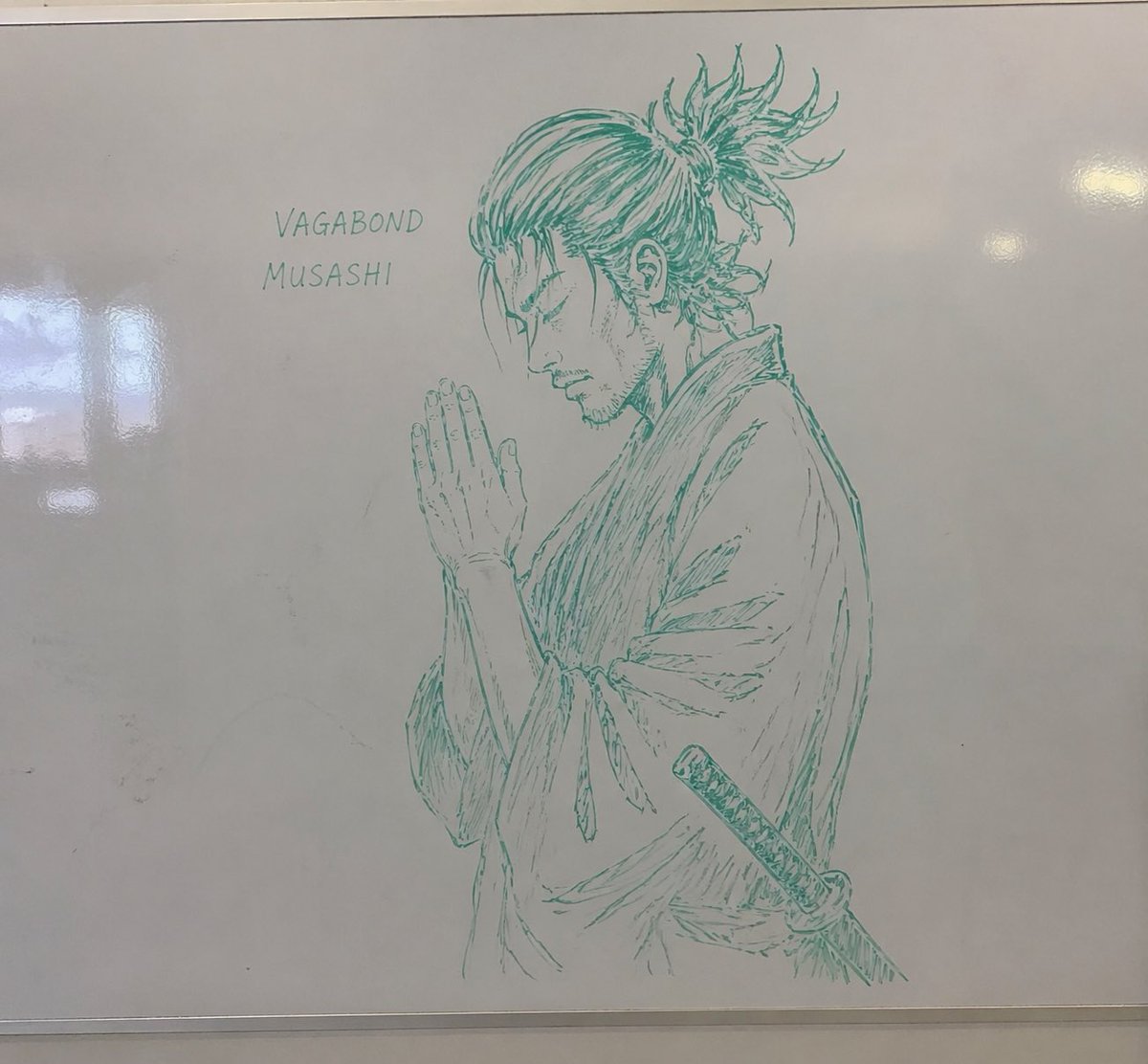
No. 25: โพสต์บนโซเชียลมีเดีย - Whiteboard Marker Anime Sketch
📖 คำอธิบาย
Generates a realistic photograph of a highly detailed anime-style sketch drawn on a glossy whiteboard with dry-erase marker.
📝 คำสั่ง
A realistic photograph of a whiteboard with a highly detailed {argument name="marker color" default="green"} dry-erase marker drawing of {argument name="subject" default="a samurai with a messy topknot and facial hair, hands clasped in prayer"}. The character is drawn in a {argument name="art style" default="detailed manga sketch"} style, shown in profile with eyes closed, wearing a traditional kimono with a katana tucked into his belt. To the left of the character, handwritten text in all-caps reads "{argument name="text line 1" default="VAGABOND"}" with "{argument name="text line 2" default="MUSASHI"}" written directly below it. The whiteboard has a glossy surface with realistic light reflections and glare on the left side, and a thin metallic frame is visible at the bottom edge, giving the impression of an authentic classroom or office environment.
🖼️ รูปภาพที่สร้าง
Image 1
📌 รายละเอียด
- ผู้เขียน: nic
- แหล่งที่มา: Twitter Post
- เผยแพร่เมื่อ: 20 เมษายน 2569
- ภาษา: en
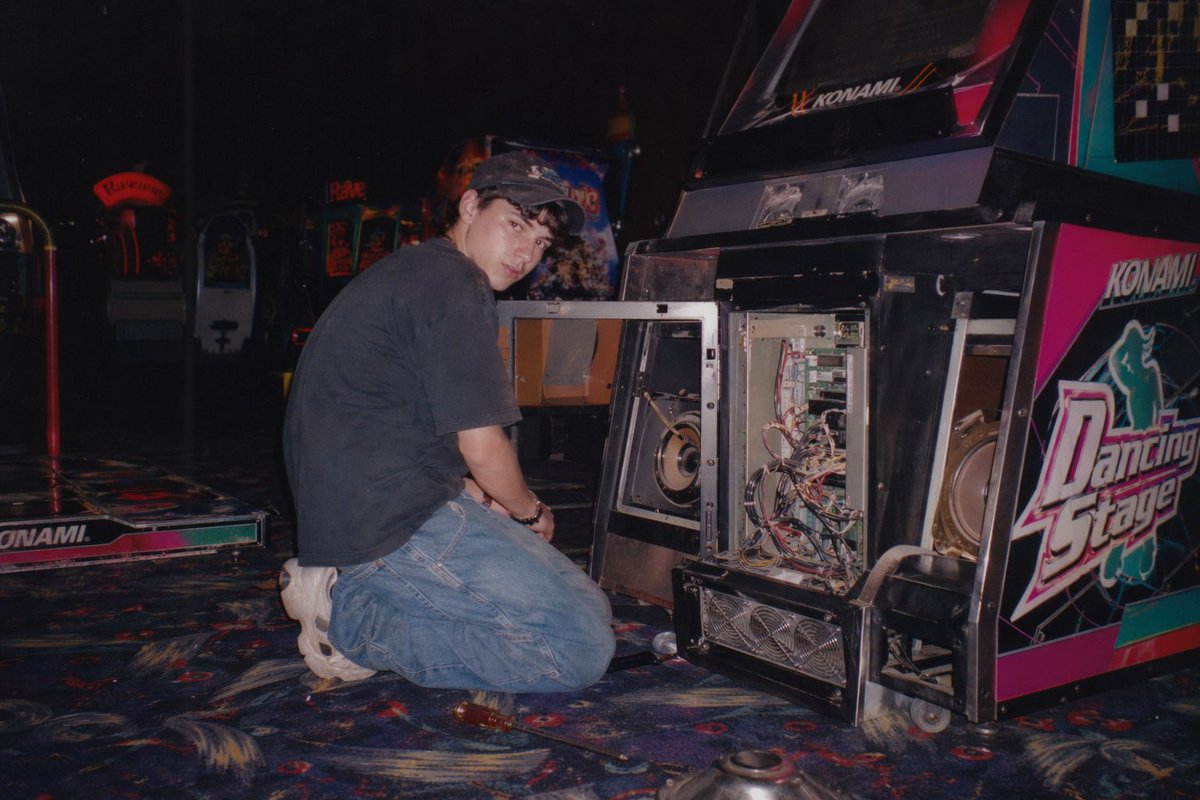
No. 26: โพสต์บนโซเชียลมีเดีย - Vintage Arcade Repair Flash Photography
📖 คำอธิบาย
Generates a nostalgic, flash-lit photograph of someone repairing an open arcade cabinet in a dimly lit gaming center.
📝 คำสั่ง
A vintage, late 90s amateur flash photograph of a young man repairing an arcade machine. He is kneeling on a dark, patterned arcade carpet, looking back over his shoulder directly at the camera with a neutral expression. He wears a dark short-sleeved t-shirt, baggy blue jeans, chunky white sneakers, and a dark baseball cap. The lower front panel of the arcade cabinet is wide open, exposing its complex internal electronics, including a tangle of wires, green circuit boards, a large speaker, and metal cooling fans at the base. The side of the cabinet features vibrant pink, black, and white graphics with the text "{argument name="arcade game title" default="Dancing Stage"}" and the brand "{argument name="arcade brand" default="KONAMI"}". The setting is a dimly lit arcade interior with other glowing game cabinets visible in the blurred background. A screwdriver lies on the carpet near the man's knee. The image features harsh direct flash lighting, a slightly grainy film texture, deep shadows, and a nostalgic Y2K aesthetic.
🖼️ รูปภาพที่สร้าง
Image 1
📌 รายละเอียด
- ผู้เขียน: nic
- แหล่งที่มา: Twitter Post
- เผยแพร่เมื่อ: 20 เมษายน 2569
- ภาษา: en
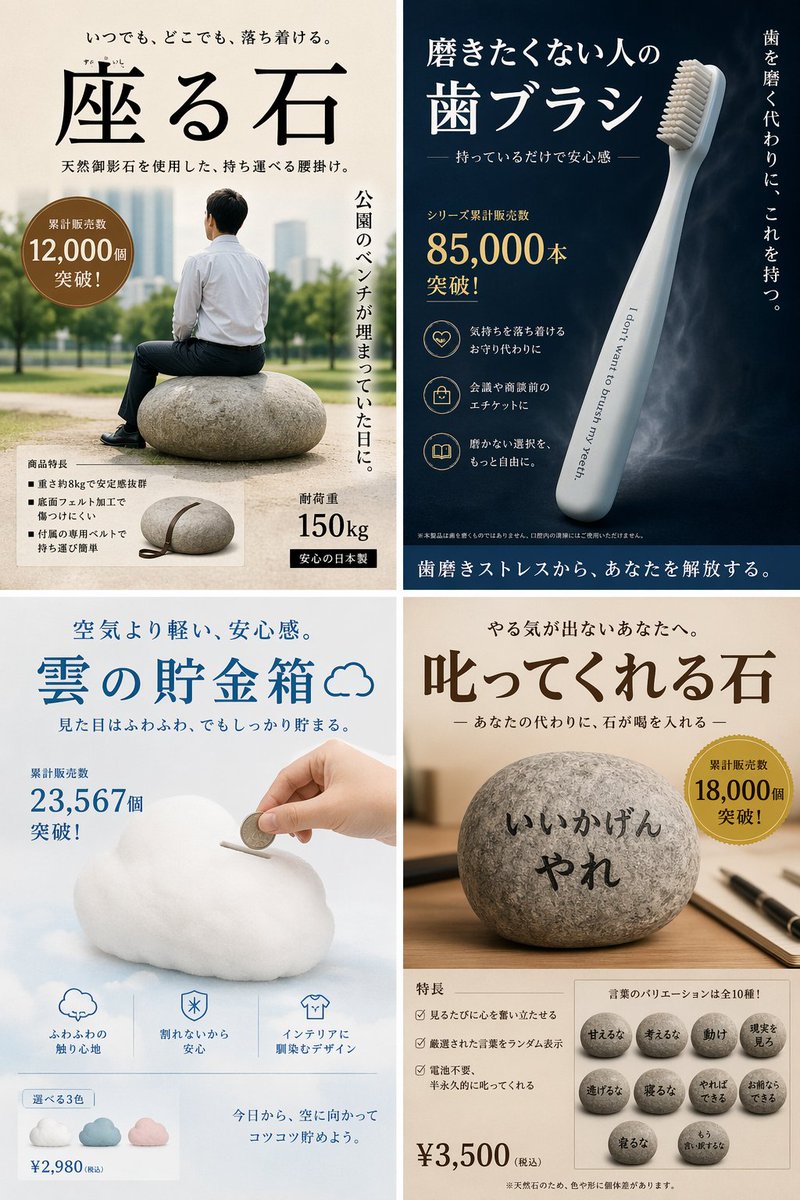
No. 27: โพสต์บนโซเชียลมีเดีย - Satirical 4-Panel Product Ads
📖 คำอธิบาย
Generates a 4-panel grid of humorous, fictional product advertisements with detailed Japanese typography, badges, and feature lists.
📝 คำสั่ง
{
  "type": "4-panel satirical product advertisement grid",
  "layout": {
    "grid": "2x2",
    "panels": [
      {
        "position": "top-left",
        "product_name": "{argument name=\"top left product name\" default=\"座る石\"}",
        "visual": "man in white shirt and dark pants sitting on a large round stone in a park",
        "catchphrase": "いつでも、どこでも、落ち着ける。",
        "sales_badge": "累計販売数 12,000個 突破!",
        "vertical_text": "公園のベンチが埋まっていた日に。",
        "features_count": 3,
        "features_labels": [
          "重さ約8kgで安定感抜群",
          "底面フェルト加工で傷つけにくい",
          "付属の専用ベルトで持ち運び簡単"
        ],
        "extra_visual": "small inset image of the stone with a leather carrying strap",
        "specs": [
          "耐荷重 150kg",
          "安心の日本製"
        ]
      },
      {
        "position": "top-right",
        "product_name": "{argument name=\"top right product name\" default=\"磨きたくない人の歯ブラシ\"}",
        "visual": "sleek light blue toothbrush angled diagonally on a dark blue background",
        "toothbrush_text": "I don't want to brush my yeeth.",
        "catchphrase": "持っているだけで安心感",
        "vertical_text": "歯を磨く代わりに、これを持つ。",
        "sales_badge": "シリーズ累計販売数 85,000本 突破!",
        "features_count": 3,
        "features_labels": [
          "気持ちを落ち着けるお守り代わりに",
          "会議や商談前のエチケットに",
          "磨かない選択を、もっと自由に。"
        ],
        "bottom_banner": "歯磨きストレスから、あなたを解放する。"
      },
      {
        "position": "bottom-left",
        "product_name": "{argument name=\"bottom left product name\" default=\"雲の貯金箱\"}",
        "visual": "hand inserting a coin into a fluffy white cloud-shaped piggy bank",
        "catchphrase": "空気より軽い、安心感。",
        "sales_badge": "累計販売数 23,567個 突破!",
        "features_count": 3,
        "features_labels": [
          "ふわふわの触り心地",
          "割れないから安心",
          "インテリアに馴染むデザイン"
        ],
        "color_variants_count": 3,
        "color_variants_labels": [
          "blue",
          "pink",
          "white"
        ],
        "price": "¥2,980 (税込)",
        "bottom_text": "今日から、空に向かってコツコツ貯めよう。"
      },
      {
        "position": "bottom-right",
        "product_name": "{argument name=\"bottom right product name\" default=\"叱ってくれる石\"}",
        "visual": "round stone on a wooden desk with a pen, text written on the stone",
        "stone_text": "{argument name=\"scolding phrase\" default=\"いいかげんやれ\"}",
        "catchphrase": "やる気が出ないあなたへ。",
        "sales_badge": "累計販売数 18,000個 突破!",
        "features_count": 3,
        "features_labels": [
          "見るたびに心を奮い立たせる",
          "厳選された言葉をランダム表示",
          "電池不要、半永久的に叱ってくれる"
        ],
        "phrase_variants_count": 10,
        "phrase_variants_labels": [
          "甘えるな",
          "考えるな",
          "動け",
          "現実を見ろ",
          "逃げるな",
          "寝るな",
          "やればできる",
          "お前ならできる",
          "寝るな",
          "もう言い訳するな"
        ],
        "price": "¥3,500 (税込)"
      }
    ]
  }
}
🖼️ รูปภาพที่สร้าง
Image 1
📌 รายละเอียด
- ผู้เขียน: ふくみー|人がすり減らない仕組みを設計する人
- แหล่งที่มา: Twitter Post
- เผยแพร่เมื่อ: 20 เมษายน 2569
- ภาษา: en
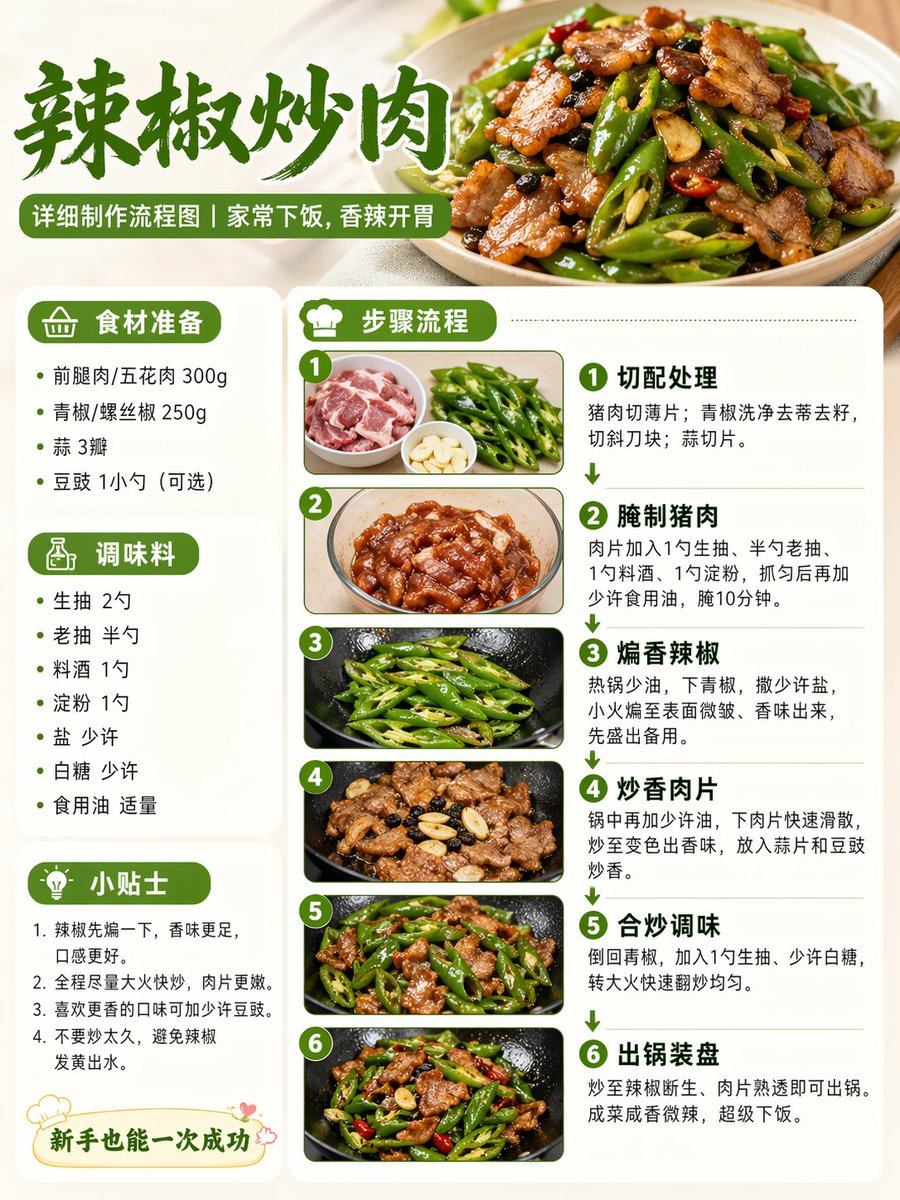
No. 28: โพสต์บนโซเชียลมีเดีย - Food Recipe Flowchart Prompt
📖 คำอธิบาย
A concise prompt for generating a realistic recipe cooking process diagram suitable for social media sharing.
📝 คำสั่ง
Help me create a detailed production flowchart for the dish {argument name="dish name" default="Fried Pork with Chili"}, in a realistic style, suitable for Xiaohongshu image-text proportions.
🖼️ รูปภาพที่สร้าง
Image 1
📌 รายละเอียด
- ผู้เขียน: Peng
- แหล่งที่มา: Twitter Post
- เผยแพร่เมื่อ: 20 เมษายน 2569
- ภาษา: zh
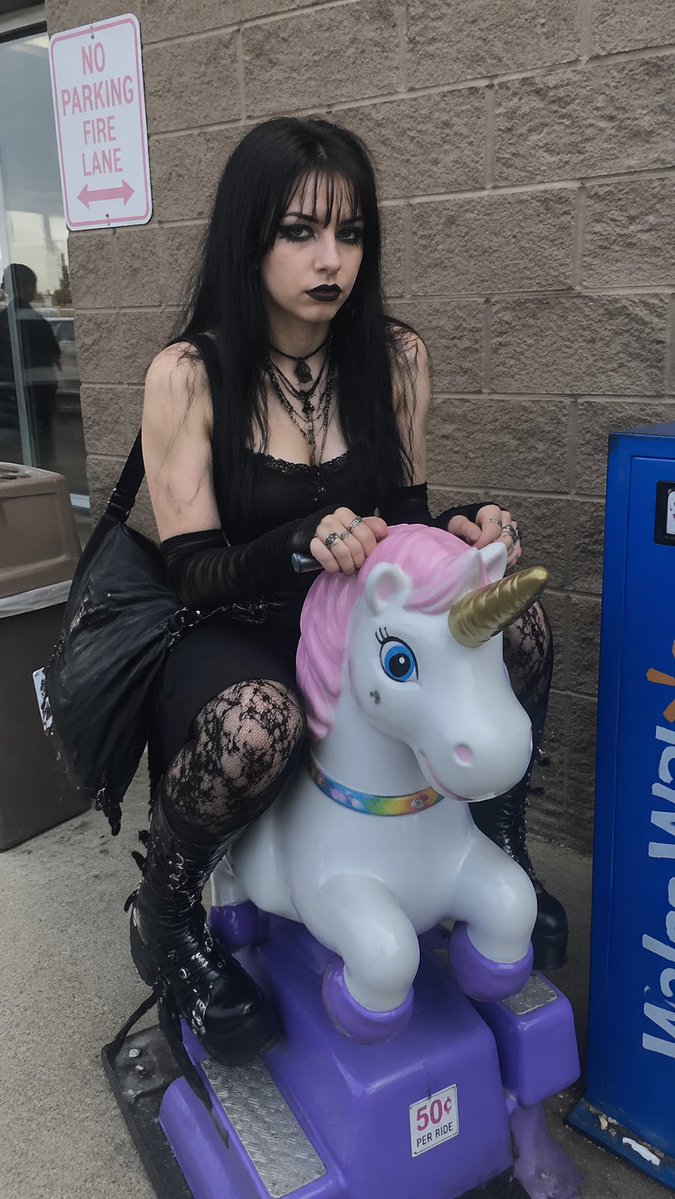
No. 29: โพสต์บนโซเชียลมีเดีย - Goth Girl on Unicorn Ride
📖 คำอธิบาย
Generates a realistic, candid photo of a goth girl sitting on a children's coin-operated ride outside a store.
📝 คำสั่ง
A candid, realistic photograph of a young {argument name="subject aesthetic" default="goth"} woman with pale skin, long straight black hair with bangs, heavy black eyeliner, and black lipstick. She has a {argument name="expression" default="deadpan"} expression, looking directly at the camera while sitting on a children's coin-operated {argument name="ride type" default="unicorn"} ride. She is wearing a black lace-trimmed tank top, black arm warmers, layered necklaces including a choker, black lace tights, and chunky black platform boots with buckles. A large black shoulder bag hangs from her arm. The ride is a white unicorn with a pink mane, gold horn, and purple hooves, mounted on a purple base with a small sticker reading "{argument name="ride cost" default="50¢ PER RIDE"}". The setting is outside a store with a tan cinderblock wall. To the left is a glass door reflecting a person, a brown trash can, and a white sign with red text reading "{argument name="sign text" default="NO PARKING FIRE LANE"}". To the right is a blue vending machine. Overcast, natural daylight.
🖼️ รูปภาพที่สร้าง
Image 1
📌 รายละเอียด
- ผู้เขียน: daniel.dmai
- แหล่งที่มา: Twitter Post
- เผยแพร่เมื่อ: 20 เมษายน 2569
- ภาษา: en
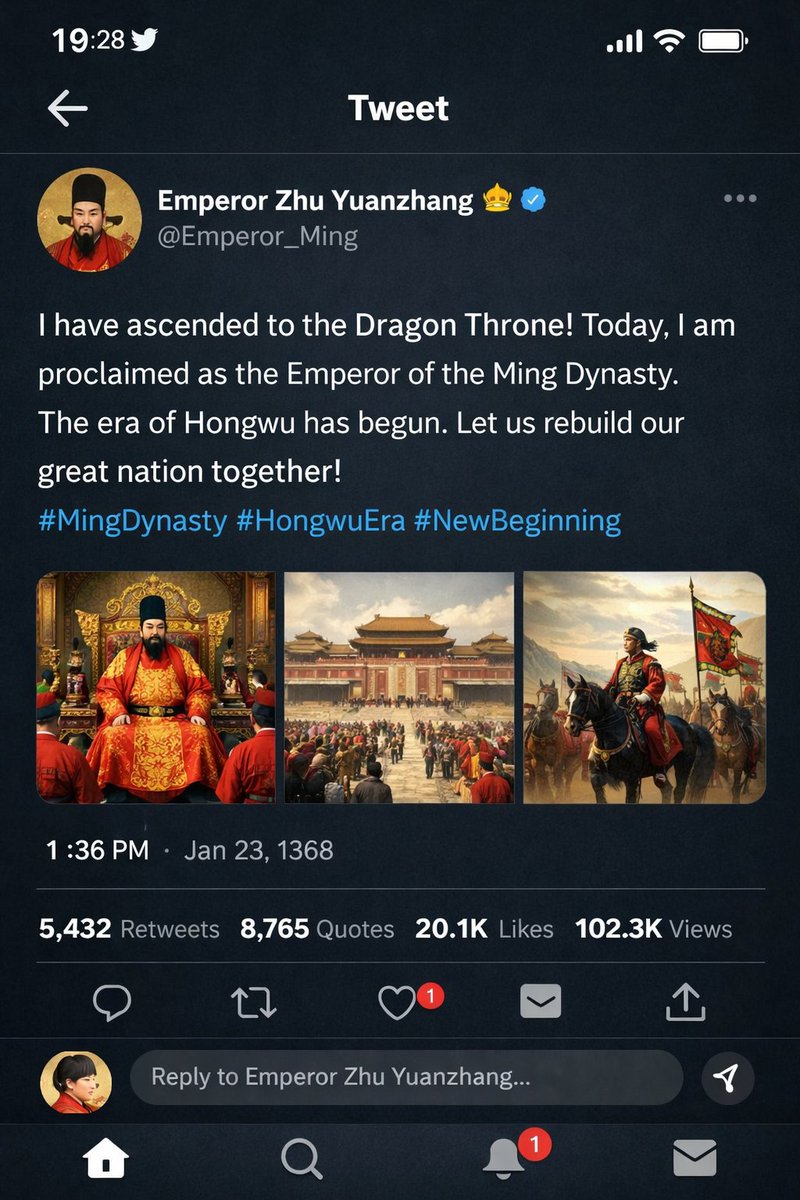
No. 30: โพสต์บนโซเชียลมีเดีย - Historical Figure Social Media Mockup
📖 คำอธิบาย
Generates a dark-mode social media post mockup featuring a historical figure with custom text, profile details, and a multi-image attachment grid.
📝 คำสั่ง
{
  "type": "mobile social media app UI mockup",
  "platform": "Twitter/X dark mode",
  "header": {
    "status_bar": "time 19:28, bird icon, signal, wifi, battery",
    "navigation": "back arrow, 'Tweet' title"
  },
  "post": {
    "author": {
      "avatar": "portrait of a Chinese emperor in red robes and black hat",
      "display_name": "{argument name=\"display name\" default=\"Emperor Zhu Yuanzhang\"} 👑 [verified badge]",
      "handle": "{argument name=\"handle\" default=\"@Emperor_Ming\"}"
    },
    "content": {
      "text": "{argument name=\"tweet text\" default=\"I have ascended to the Dragon Throne! Today, I am proclaimed as the Emperor of the Ming Dynasty. The era of Hongwu has begun. Let us rebuild our great nation together!\"}",
      "hashtags": "#MingDynasty #HongwuEra #NewBeginning",
      "media_grid": {
        "count": 3,
        "images": [
          "emperor seated on an ornate golden throne in red and gold robes",
          "wide shot of a grand Chinese palace courtyard with a large crowd",
          "emperor on horseback leading an army with a red dragon banner"
        ]
      }
    },
    "metadata": {
      "timestamp": "{argument name=\"timestamp\" default=\"1:36 PM · Jan 23, 1368\"}",
      "engagement": "5,432 Retweets, 8,765 Quotes, 20.1K Likes, 102.3K Views"
    },
    "actions": "reply, retweet, like (red heart with '1'), share, upload"
  },
  "footer": {
    "reply_bar": {
      "avatar": "woman in red",
      "placeholder": "Reply to Emperor Zhu Yuanzhang..."
    },
    "navigation_bar": "home, search, notifications (red '1' badge), messages"
  }
}
🖼️ รูปภาพที่สร้าง
Image 1
📌 รายละเอียด
- ผู้เขียน: 李岳
- แหล่งที่มา: Twitter Post
- เผยแพร่เมื่อ: 20 เมษายน 2569
- ภาษา: en
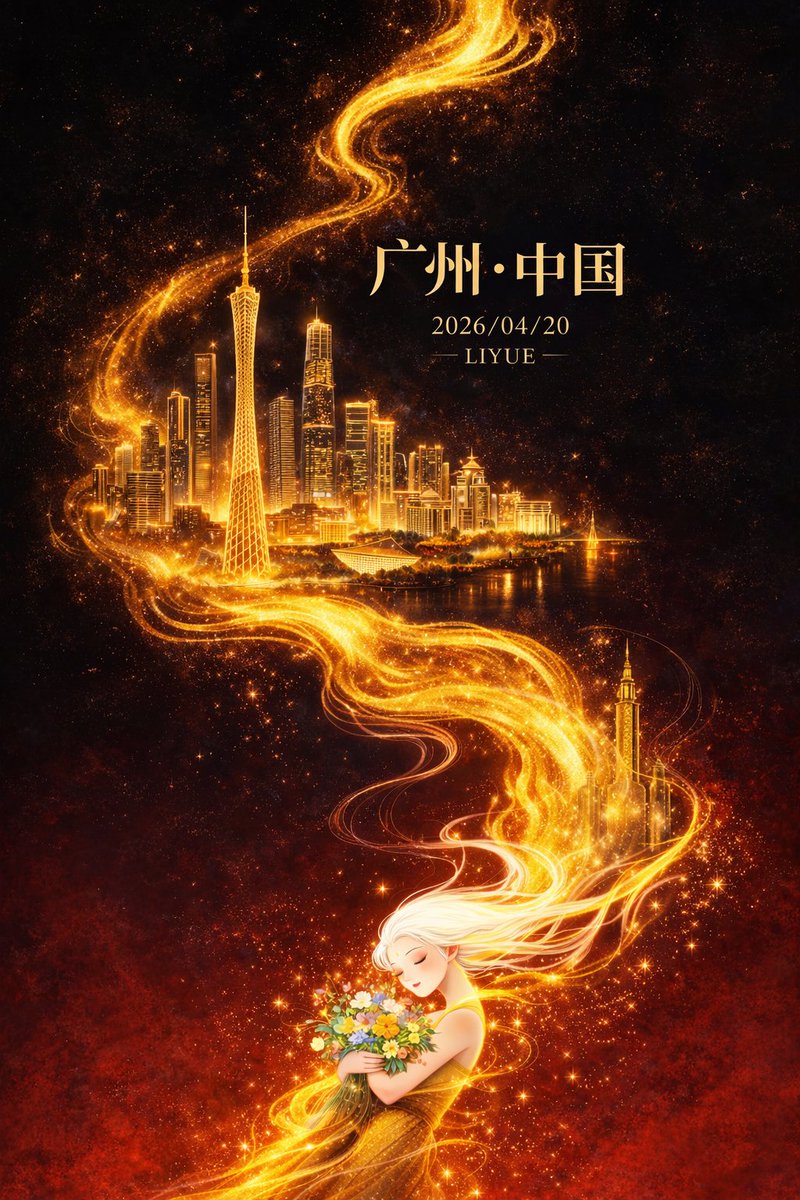
No. 31: โพสต์บนโซเชียลมีเดีย - Oriental Fantasy City Poster
📖 คำอธิบาย
A high-end city poster prompt for GPT-Image-2 featuring oriental fantasy elements, golden energy flows, and architectural landmarks like the Canton Tower.
📝 คำสั่ง
Flat illustration, high-end oriental fantasy style city poster design, vertical 9:16 composition. The layout uses a diagonal + S-shaped flow extending from the bottom left to top right. The background is deep black grading down to intense dark red, creating strong warm-cool contrast and spatial depth with faint stardust and grain texture. In the center, a flowing golden energy line winds through like a flame, extending upward from the base, featuring fluid texture, particle effects, and gradient highlights, with subtle energy debris and volumetric light.

Within the golden flow, the architectural landmarks of {argument name="city" default="Guangzhou"} emerge layer by layer: the Canton Tower is the visual core with prominent proportions, surrounded by the Zhujiang New Town skyline, Liede Bridge, and modern Lingnan architectural elements. Buildings are rendered using "fine line drawing + golden luminous blocks," with clear outlines and rich details, appearing to float in a void against the golden halo, creating a surreal spatial hierarchy with slightly fogged backgrounds for added depth.

At the bottom of the frame is an oriental white-haired female figure with flowing hair like mist, naturally connecting and merging with the golden light. Her hair is translucent with gradient light effects; she has a graceful posture, eyes closed, and a serene expression, holding a bouquet of colorful flowers dotted with shimmering particles, symbolizing the spiritual connection between people and city energy. Character details are moderately simplified to emphasize the overall design.

Lighting is concentrated on the golden flow, buildings, and character outlines, creating intense chiaroscuro and visual focus. The overall atmosphere is grand, mysterious, imbued with oriental mythology, and slightly healing. Colors use black and dark red as a base with brilliant gold as the main visual emphasis. The gold has rich light-dark layers, complemented by small areas of high-saturation floral colors, maintaining a sophisticated and restrained aesthetic.

Integrated text and layout: Centered Songti font at the top reads "{argument name="city" default="Guangzhou"} · China," followed by smaller text "{argument name="date" default="2026/04/20"}" and "{argument name="author" default="LIYUE"}" below. Text uses pale gold or soft warm white, unified with the overall lighting. High-quality details, cinematic lighting, rich volumetric and particle details, clean image without noise, ultra-high 8K resolution, commercial-grade poster quality.
🖼️ รูปภาพที่สร้าง
Image 1
📌 รายละเอียด
- ผู้เขียน: 李岳
- แหล่งที่มา: Twitter Post
- เผยแพร่เมื่อ: 20 เมษายน 2569
- ภาษา: zh
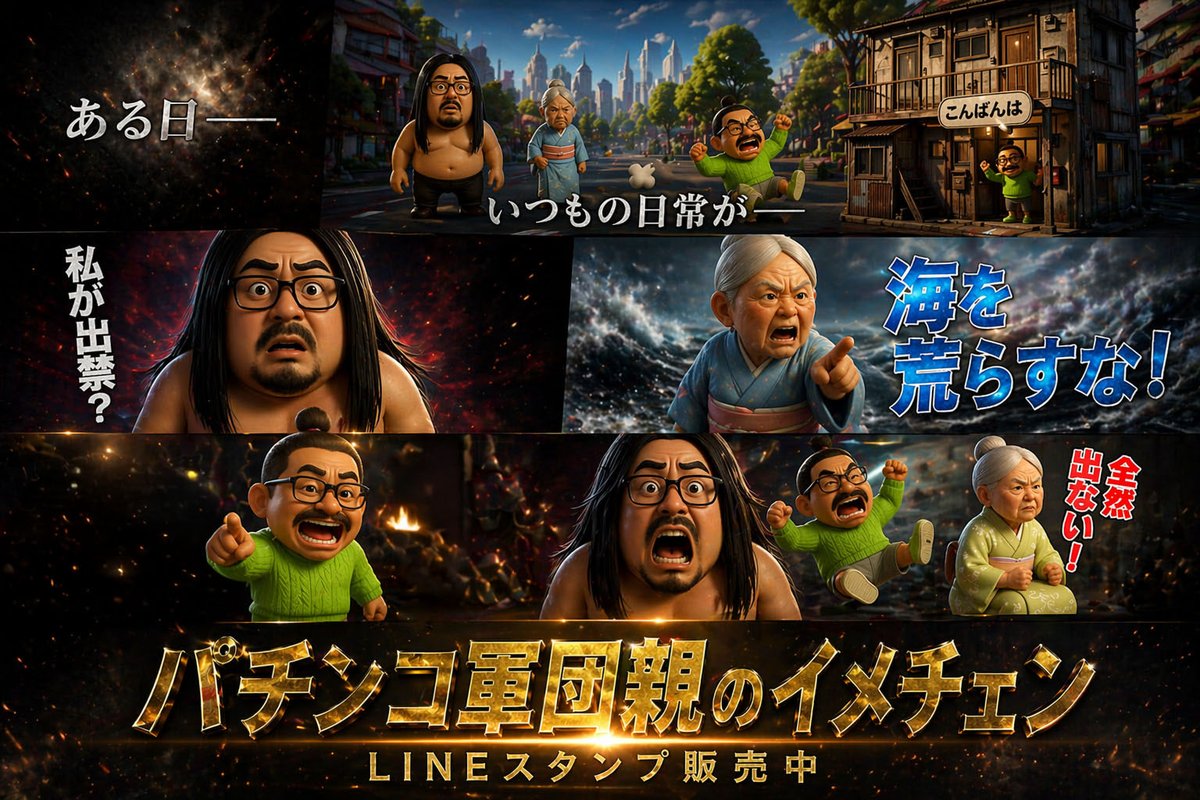
No. 32: โพสต์บนโซเชียลมีเดีย - 3D Cinematic Multi-Panel Promo Poster
📖 คำอธิบาย
A multi-panel promotional poster featuring 3D caricature characters with dramatic backgrounds and customizable Japanese typography.
📝 คำสั่ง
{
  "type": "cinematic promotional poster",
  "style": "3D CGI animation style, highly detailed, dramatic lighting, caricature characters",
  "characters": [
    { "id": "char1", "description": "large shirtless man with long black hair, beard, and glasses" },
    { "id": "char2", "description": "elderly woman in a kimono with white hair tied up" },
    { "id": "char3", "description": "small man with a topknot, glasses, mustache, wearing a bright green sweater" }
  ],
  "layout": {
    "panels": [
      {
        "position": "top",
        "scene": "wide shot of a town street with buildings and a city skyline in the background",
        "characters_present": ["char1", "char2", "char3"],
        "text_overlays": [
          "{argument name=\"intro text\" default=\"ある日ーー\"}",
          "いつもの日常がーー",
          "こんばんは"
        ]
      },
      {
        "position": "middle left",
        "scene": "close-up of char1 looking shocked against a dark fiery background",
        "text_overlays": [
          "{argument name=\"shocked text\" default=\"私が出禁?\"}"
        ]
      },
      {
        "position": "middle right",
        "scene": "close-up of char2 looking angry and pointing against a stormy sea background",
        "text_overlays": [
          "{argument name=\"angry text\" default=\"海を荒らすな!\"}"
        ]
      },
      {
        "position": "bottom",
        "scene": "char3 pointing, char1 screaming, a second instance of char3 falling backwards, and char2 sitting angrily against a fiery chaotic background",
        "text_overlays": [
          "全然出ない!"
        ],
        "bottom_titles": [
          "{argument name=\"main title\" default=\"パチンコ軍団親のイメチェン\"}",
          "{argument name=\"subtitle\" default=\"LINEスタンプ販売中\"}"
        ]
      }
    ]
  }
}
🖼️ รูปภาพที่สร้าง
Image 1
📌 รายละเอียด
- ผู้เขียน: 運良杉金助(うんよすぎきんすけ)
- แหล่งที่มา: Twitter Post
- เผยแพร่เมื่อ: 20 เมษายน 2569
- ภาษา: en
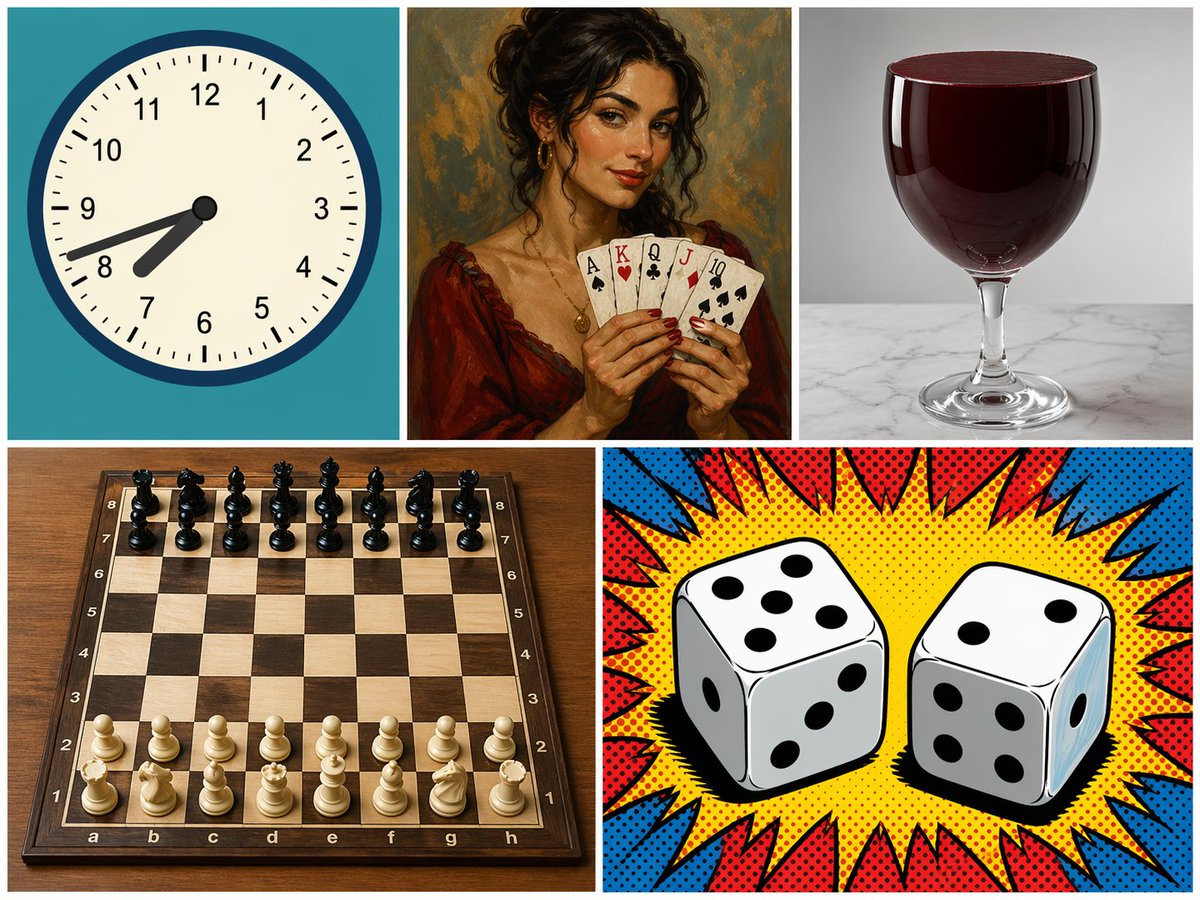
No. 33: โพสต์บนโซเชียลมีเดีย - 5-Panel Mixed Style Collage
📖 คำอธิบาย
Generates a 5-panel grid featuring distinct subjects and art styles, useful for testing model versatility and composition.
📝 คำสั่ง
{
  "type": "5-panel collage",
  "layout": "grid with 3 top panels and 2 bottom panels",
  "panels": [
    {
      "position": "top-left",
      "subject": "analog clock",
      "details": "teal background, time showing {argument name=\"clock time\" default=\"7:42\"}",
      "style": "flat vector illustration"
    },
    {
      "position": "top-middle",
      "subject": "woman holding playing cards",
      "details": "holding 5 cards: {argument name=\"card hand\" default=\"Ace of Spades, King of Hearts, Queen of Clubs, Jack of Diamonds, 10 of Spades\"}",
      "style": "classic oil painting portrait"
    },
    {
      "position": "top-right",
      "subject": "glass of red liquid",
      "details": "{argument name=\"glass type\" default=\"wine glass\"} filled to the brim with dark red liquid, marble surface",
      "style": "photorealistic studio photography"
    },
    {
      "position": "bottom-left",
      "subject": "chessboard",
      "details": "wooden board with 32 pieces in standard starting position",
      "style": "photorealistic high-angle shot"
    },
    {
      "position": "bottom-right",
      "subject": "two dice",
      "details": "left die shows {argument name=\"left die top\" default=\"5\"} on top, right die shows {argument name=\"right die top\" default=\"2\"} on top",
      "style": "pop art comic book halftone with red and blue burst"
    }
  ]
}
🖼️ รูปภาพที่สร้าง
Image 1
📌 รายละเอียด
- ผู้เขียน: pozitiv4ik
- แหล่งที่มา: Twitter Post
- เผยแพร่เมื่อ: 20 เมษายน 2569
- ภาษา: en
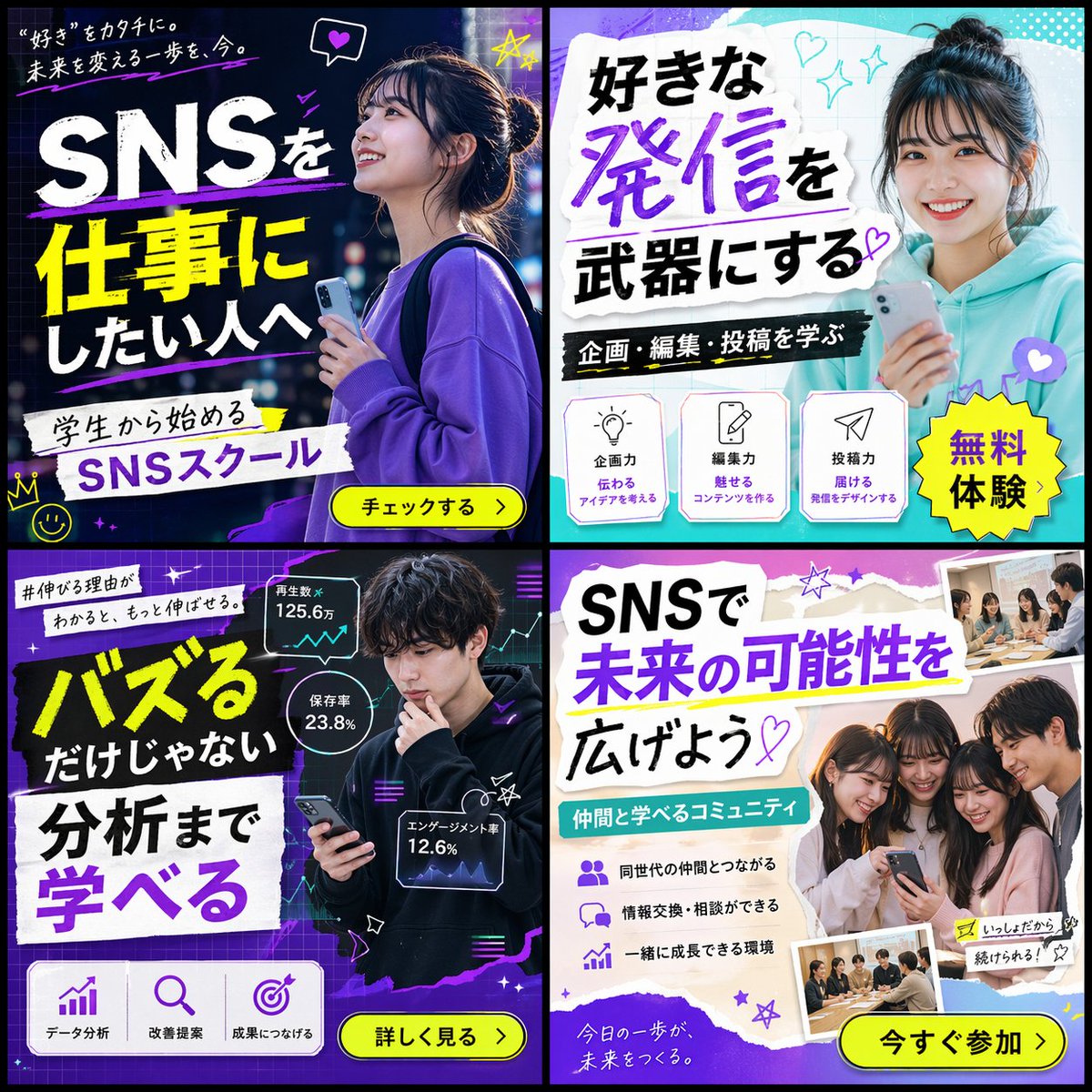
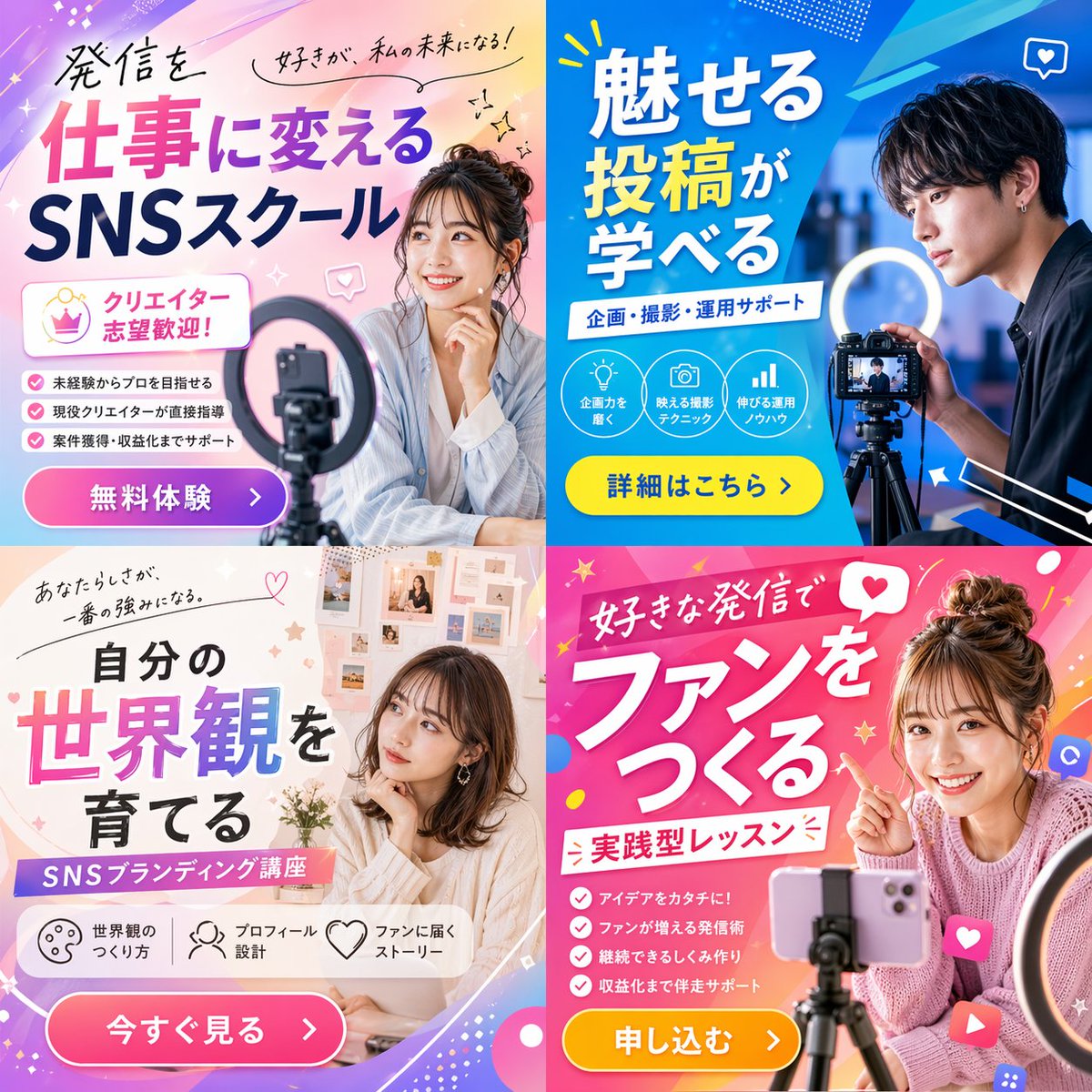
No. 34: โพสต์บนโซเชียลมีเดีย - 2x2 SNS School Banner Ad Grid
📖 คำอธิบาย
Generates a 2x2 grid of diverse banner advertisements for a social media school, featuring different target demographics, color schemes, and marketing copy.
📝 คำสั่ง
{
  "type": "2x2 grid of banner advertisements",
  "theme": "{argument name=\"school name\" default=\"SNSスクール\"}",
  "target_audience": "{argument name=\"target audience\" default=\"学生\"}",
  "layout": {
    "grid": "2x2",
    "panels": [
      {
        "position": "top-left",
        "style": "dark neon, blue and purple",
        "subject": "young woman looking up hopefully, holding a smartphone, wearing a purple sweatshirt",
        "main_text": "{argument name=\"banner 1 headline\" default=\"SNSを仕事にしたい人へ\"}",
        "sub_text": "“好き”をカタチに。未来を変える一歩を、今。",
        "elements": [
          "white and yellow typography",
          "yellow call-to-action button: チェックする >",
          "hand-drawn neon accents (crown, stars, heart)"
        ]
      },
      {
        "position": "top-right",
        "style": "bright, pop, cyan and white",
        "subject": "young woman smiling directly at camera, holding a smartphone, wearing a teal hoodie, hair in a bun",
        "main_text": "{argument name=\"banner 2 headline\" default=\"好きな発信を武器にする\"}",
        "sub_text": "企画・編集・投稿を学ぶ",
        "elements": [
          "torn paper texture backgrounds for text",
          "yellow starburst sticker: 無料体験",
          "3 feature icons with text: lightbulb (企画力), pencil (編集力), paper plane (投稿力)"
        ]
      },
      {
        "position": "bottom-left",
        "style": "dark, analytical, neon purple and green",
        "subject": "young man looking thoughtfully at his smartphone, wearing a black hoodie",
        "main_text": "{argument name=\"banner 3 headline\" default=\"バズるだけじゃない 分析まで学べる\"}",
        "sub_text": "#伸びる理由がわかると、もっと伸ばせる。",
        "elements": [
          "3 floating holographic data panels with line graphs and stats (125.6万, 23.8%, 12.6%)",
          "3 feature icons at bottom: bar chart (データ分析), magnifying glass (改善提案), target (成果につなげる)",
          "yellow call-to-action button: 詳しく見る >"
        ]
      },
      {
        "position": "bottom-right",
        "style": "bright, friendly, purple and white",
        "subject": "group of 4 young people (3 women, 1 man) huddled together smiling at a smartphone",
        "main_text": "SNSで未来の可能性を広げよう",
        "sub_text": "仲間と学べるコミュニティ",
        "elements": [
          "torn paper texture backgrounds for text",
          "3 bullet points with icons (people, speech bubbles, rising chart)",
          "2 polaroid-style inset photos showing students studying at a desk",
          "yellow call-to-action button: 今すぐ参加 >"
        ]
      }
    ]
  }
}
🖼️ รูปภาพที่สร้าง
Image 1
📌 รายละเอียด
- ผู้เขียน: パク🎈動画広告分析Pro × AI
- แหล่งที่มา: Twitter Post
- เผยแพร่เมื่อ: 20 เมษายน 2569
- ภาษา: en
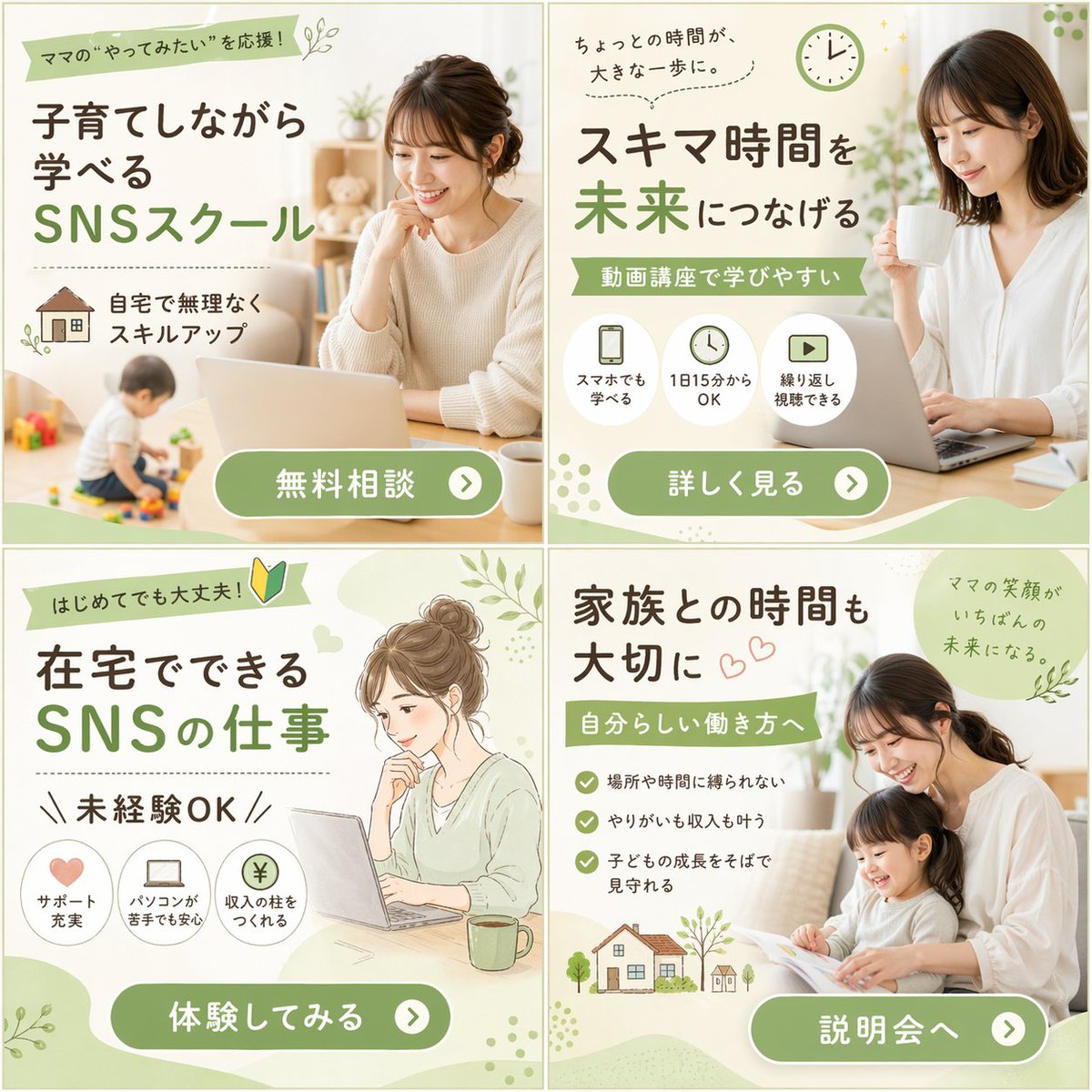
No. 35: โพสต์บนโซเชียลมีเดีย - 2x2 Grid of Online School Banner Ads
📖 คำอธิบาย
Generates a 2x2 grid of banner advertisements for an online school, featuring a mix of photography and illustration with distinct layouts, icons, and call-to-action buttons.
📝 คำสั่ง
{
  "type": "2x2 grid of banner advertisements",
  "theme": "{argument name=\"main theme\" default=\"SNSスクール\"} for {argument name=\"target audience\" default=\"ママ\"}",
  "design_style": "soft, approachable, bright lighting, featuring {argument name=\"color palette\" default=\"soft green, white, and natural beige tones\"}",
  "layout": {
    "sections": [
      {
        "position": "top-left",
        "visual_style": "photography",
        "image_description": "Smiling woman working on a laptop at a table, a toddler playing with toys in the blurred background.",
        "headlines": ["ママの“やってみたい”を応援!", "子育てしながら学べる", "SNSスクール"],
        "features": {
          "count": 1,
          "type": "icon with text",
          "labels": ["自宅で無理なくスキルアップ (with house icon)"]
        },
        "call_to_action_button": "無料相談"
      },
      {
        "position": "top-right",
        "visual_style": "photography",
        "image_description": "Smiling woman holding a white mug, looking at a laptop.",
        "headlines": ["ちょっとの時間が、大きな一歩に。", "スキマ時間を未来につなげる", "動画講座で学びやすい"],
        "features": {
          "count": 3,
          "type": "circular icons with text below",
          "labels": ["スマホでも学べる (smartphone icon)", "1日15分からOK (clock icon)", "繰り返し視聴できる (play button icon)"]
        },
        "call_to_action_button": "詳しく見る"
      },
      {
        "position": "bottom-left",
        "visual_style": "watercolor illustration",
        "image_description": "Illustration of a woman with hair in a bun, smiling at a laptop with a green mug nearby.",
        "headlines": ["はじめてでも大丈夫! (with beginner mark)", "在宅でできるSNSの仕事", "未経験OK"],
        "features": {
          "count": 3,
          "type": "circular icons with text below",
          "labels": ["サポート充実 (heart icon)", "パソコンが苦手でも安心 (laptop icon)", "収入の柱をつくれる (yen coin icon)"]
        },
        "call_to_action_button": "体験してみる"
      },
      {
        "position": "bottom-right",
        "visual_style": "photography",
        "image_description": "Smiling mother and young daughter sitting on a sofa reading a picture book together.",
        "headlines": ["家族との時間も大切に", "自分らしい働き方へ", "ママの笑顔がいちばんの未来になる。"],
        "features": {
          "count": 3,
          "type": "checkmark bullet points",
          "labels": ["場所や時間に縛られない", "やりがいも収入も叶う", "子どもの成長をそばで見守れる"]
        },
        "extra_graphics": "Small illustration of a house and trees at the bottom left.",
        "call_to_action_button": "説明会へ"
      }
    ],
    "common_elements": "All panels feature a {argument name=\"button style\" default=\"rounded green pill button with white text and a right-pointing arrow icon\"} at the bottom."
  }
}
🖼️ รูปภาพที่สร้าง
Image 1
📌 รายละเอียด
- ผู้เขียน: パク🎈動画広告分析Pro × AI
- แหล่งที่มา: Twitter Post
- เผยแพร่เมื่อ: 20 เมษายน 2569
- ภาษา: en
No. 36: โพสต์บนโซเชียลมีเดีย - 2x2 Social Media Course Banner Ads
📖 คำอธิบาย
Generates a 2x2 grid of promotional banner ads for a social media or content creation school, featuring diverse models, vibrant layouts, and customizable Japanese typography.
📝 คำสั่ง
{"type": "2x2 grid of promotional banner ads", "theme": "{argument name=\"course theme\" default=\"Social Media Content Creation School\"}", "panels": [{"position": "top-left", "color_palette": "light blue and pink pastel gradient", "subject": "young woman smiling, resting chin on hand, smartphone and ring light in foreground", "typography": {"headline": "{argument name=\"top left headline\" default=\"発信を仕事に変える SNSスクール\"}", "subheadings": ["好きが、私の未来になる!", "クリエイター志望歓迎!"]}, "layout_elements": {"bullet_points_count": 3, "call_to_action_button": "pink button labeled '無料体験 >'"}}, {"position": "top-right", "color_palette": "deep blue and cyan geometric", "subject": "young man looking intently at a professional camera on a tripod with a ring light", "typography": {"headline": "{argument name=\"top right headline\" default=\"魅せる投稿が学べる\"}", "subheadings": ["企画・撮影・運用サポート"]}, "layout_elements": {"circular_icons_count": 3, "icon_types": ["lightbulb", "camera", "bar chart"], "call_to_action_button": "yellow button labeled '詳細はこちら >'"}}, {"position": "bottom-left", "color_palette": "soft beige and white aesthetic", "subject": "young woman looking thoughtfully to the side, mood board background", "typography": {"headline": "{argument name=\"bottom left headline\" default=\"自分の世界観を育てる\"}", "subheadings": ["あなたらしさが、一番の強みになる。", "SNSブランディング講座"]}, "layout_elements": {"horizontal_icons_count": 3, "icon_types": ["palette", "person", "heart"], "call_to_action_button": "pink button labeled '今すぐ見る >'"}}, {"position": "bottom-right", "color_palette": "vibrant pink and magenta pop design", "subject": "young woman smiling brightly, pointing at text, messy bun, smartphone on tripod", "typography": {"headline": "{argument name=\"bottom right headline\" default=\"好きな発信でファンをつくる\"}", "subheadings": ["実践型レッスン"]}, "layout_elements": {"bullet_points_count": 4, "call_to_action_button": "yellow button labeled '申し込む >'"}}]}
🖼️ รูปภาพที่สร้าง
Image 1
📌 รายละเอียด
- ผู้เขียน: パク🎈動画広告分析Pro × AI
- แหล่งที่มา: Twitter Post
- เผยแพร่เมื่อ: 20 เมษายน 2569
- ภาษา: en
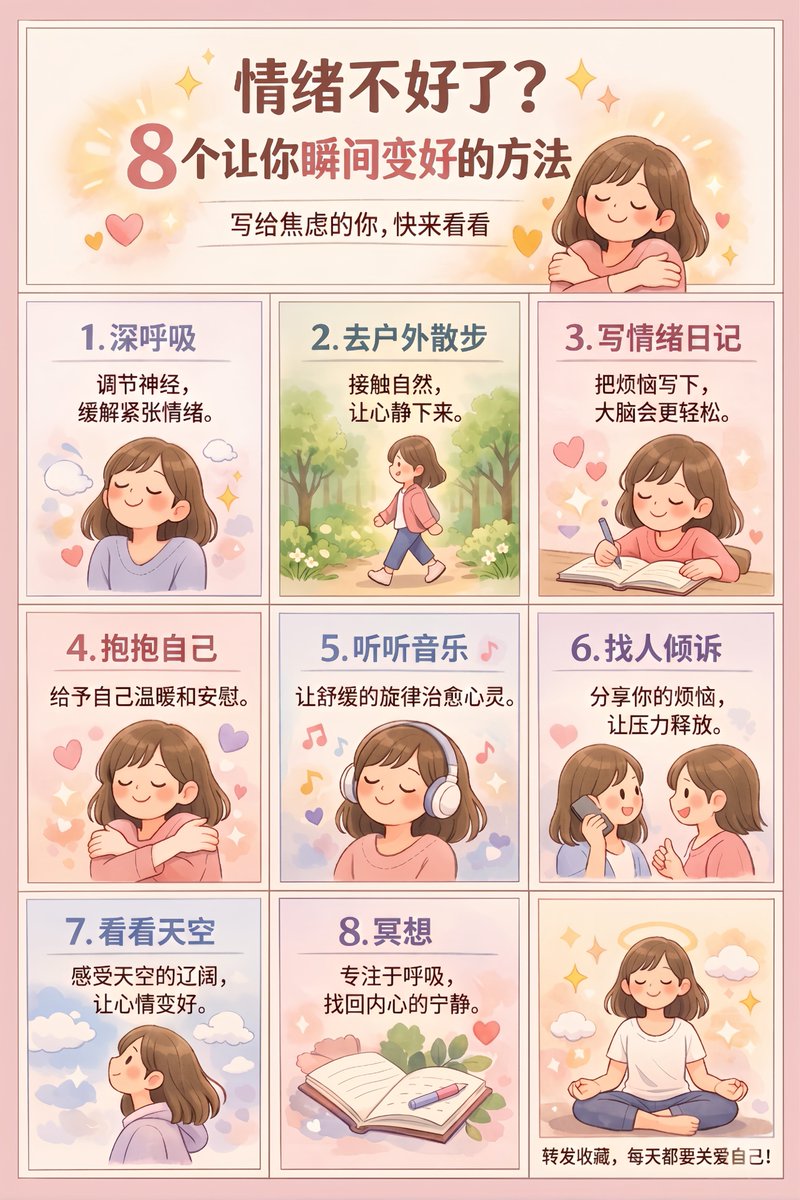
No. 37: โพสต์บนโซเชียลมีเดีย - 9-Panel Self-Care Infographic Grid
📖 คำอธิบาย
Generates a 9-panel educational infographic poster with a header and 8 illustrated steps, ideal for social media carousels.
📝 คำสั่ง
{"type":"infographic poster","style":"cute flat vector illustration, cozy, warm, soft shading, {argument name=\"color palette\" default=\"pastel Morandi colors, soft pinks, purples, and warm tones\"}","character":"{argument name=\"character description\" default=\"young woman with shoulder-length brown hair wearing a pinkish-purple shirt\"}","layout":{"structure":"4 rows, 3 columns. Top row is a merged header. Rows 2-4 contain 9 individual panels.","header":{"title":"{argument name=\"main title\" default=\"情绪不好了?\"}","subtitle":"{argument name=\"subtitle\" default=\"8个让你瞬间变好的方法\"}","sub_subtitle":"写给焦虑的你,快来看看","visual":"character hugging herself, surrounded by yellow sparkles and hearts"},"grid_panels":[{"id":1,"title":"1. 深呼吸","text":"调节神经,缓解紧张情绪。","visual":"character with eyes closed, smiling, surrounded by clouds"},{"id":2,"title":"2. 去户外散步","text":"接触自然,让心静下来。","visual":"character walking outdoors among green trees and bushes"},{"id":3,"title":"3. 写情绪日记","text":"把烦恼写下,大脑会更轻松。","visual":"character sitting at a desk writing in a notebook with a pen, floating hearts"},{"id":4,"title":"4. 抱抱自己","text":"给予自己温暖和安慰。","visual":"character hugging herself with eyes closed, floating hearts"},{"id":5,"title":"5. 听听音乐","text":"让舒缓的旋律治愈心灵。","visual":"character wearing large white headphones, eyes closed, floating colorful music notes"},{"id":6,"title":"6. 找人倾诉","text":"分享你的烦恼,让压力释放。","visual":"character holding a smartphone, talking to another similar-looking girl, floating hearts"},{"id":7,"title":"7. 看看天空","text":"感受天空的辽阔,让心情变好。","visual":"character looking up at a blue sky with white clouds and sparkles"},{"id":8,"title":"8. 冥想","text":"专注于呼吸,找回内心的宁静。","visual":"an open notebook, a pen, and a pink flower on a desk"},{"id":9,"title":"none","text":"{argument name=\"footer text\" default=\"转发收藏,每天都要关爱自己!\"}","visual":"character sitting cross-legged in a meditation pose, eyes closed, with a glowing halo behind her head"}]}}
🖼️ รูปภาพที่สร้าง
Image 1
📌 รายละเอียด
- ผู้เขียน: 无限 LOOP
- แหล่งที่มา: Twitter Post
- เผยแพร่เมื่อ: 20 เมษายน 2569
- ภาษา: en
No. 38: อินโฟกราฟิก / ภาพประกอบเพื่อการศึกษา - Eastern Mythology Infographic Manuscript
📖 คำอธิบาย
A sophisticated prompt for creating an intricate infographic about the differences between Confucianism, Buddhism, and Taoism, styled as an ancient oriental mythological manuscript.
📝 คำสั่ง
A breathtaking and extremely complex world-building infographic masterpiece conceptualizing the "{argument name="theme" default="Fundamental Differences between Confucianism, Buddhism, and Taoism"}", designed as a profound {argument name="style" default="ancient Oriental mythological manuscript"}.
Background: Pure white vintage textured canvas with a light beige aged parchment base color, subtle frayed edges, and water stain textures.
Core Layout: Central vision uses a grand "vertical egg-shaped layered structure", with Buddhism, Taoism, and Confucianism layers from top to bottom.
Margins: Four corners are decorated with fine micro-illustrations featuring ancient observation notes, ritual implements, and runes.
Colors: Low-saturation sage green, light gold, and off-white as main tones; overall light and soft without harsh high-saturation colors.
Details: Architectural lines, landscape brushwork, lotus patterns, and cloud layers are clearly visible and exquisitely detailed.
Seamless Fusion: The three layers transition naturally through clouds and flowing water; the Buddhist halo, Taoist Taiji mist, and Confucian scholarly aura connect seamlessly.
Style: Classical ink line art + low-saturation digital watercolor, with a light Chinese-style ancient book manuscript texture.
Text Annotations: Authentic Traditional Chinese characters in a mottled vintage Song typeface. Each annotation includes a short title + a line of poetic description, connected to corresponding details by dark gold hair-thin lines with no overlapping pointers.
Aspect Ratio: {argument name="aspect ratio" default="3:4"} vertical format, independent and complete.

Title Area (Top): `儒釋道·根本區別` (Confucianism, Buddhism, Taoism: Fundamental Differences)
Central Layer Labels:
Top "Buddhism": `釋`, `Relationship between man and self`, `Selflessness, governing the heart, letting go`
Middle "Taoism": `道`, `Relationship between man and all things`, `Non-action, governing the body, being open-minded`
Bottom "Confucianism": `儒`, `Relationship between man and man`, `No ego, governing the world, taking responsibility`
Side Annotations:
Left: `Purity`: pure heart and clear mind, cutting off troubles; `Stillness`: following nature, returning to the original heart; `Respect`: respecting responsibility, active involvement in society.
Right: `60+ Spiritual Cultivation`: looking lightly at gain/loss; `35-55 Conduct`: living with flexibility, following laws; `7-35 Actions`: forging ahead, building careers.
Bottom Summary: `The balance between being in the world and being out of the world is high-level life wisdom.`
🖼️ รูปภาพที่สร้าง
Image 1
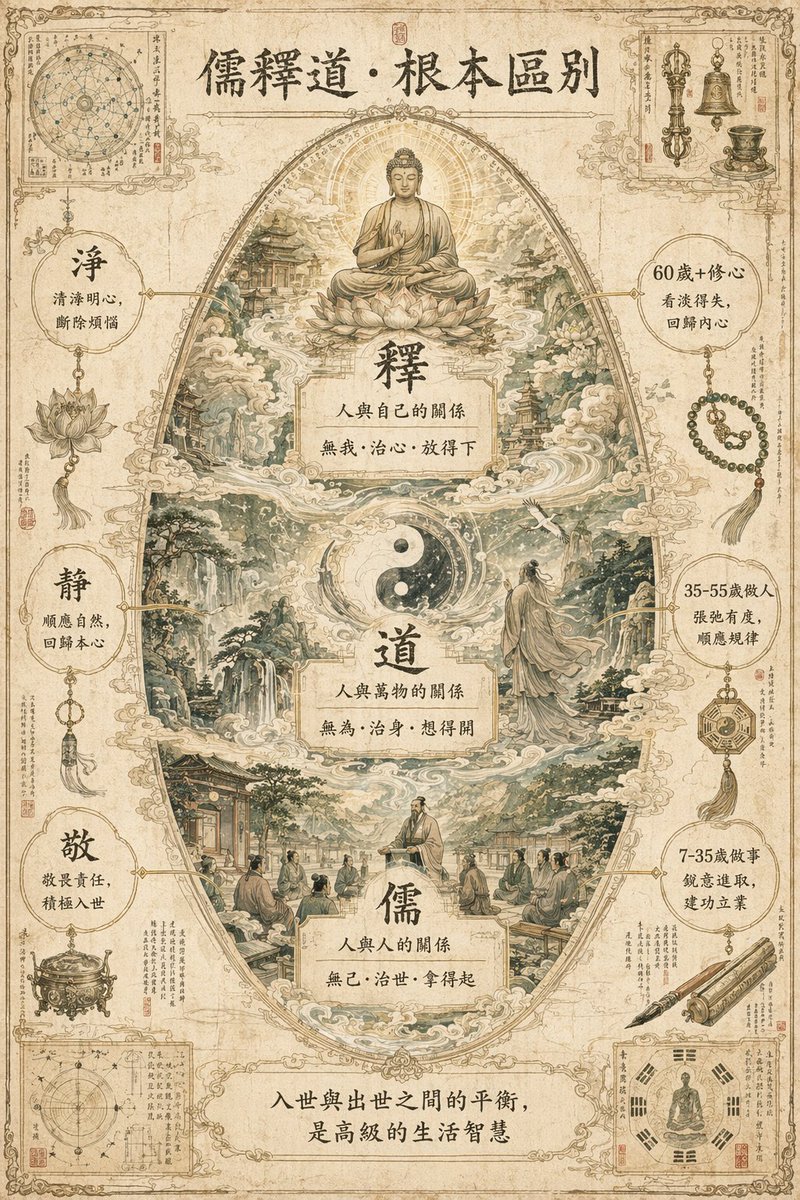
📌 รายละเอียด
- ผู้เขียน: 知识猫图解
- แหล่งที่มา: Twitter Post
- เผยแพร่เมื่อ: 21 เมษายน 2569
- ภาษา: zh
No. 39: อินโฟกราฟิก / ภาพประกอบเพื่อการศึกษา - Fashion Design Process Infographic
📖 คำอธิบาย
A highly detailed, bilingual infographic detailing the 10-module process of creating a women's garment, featuring an exploded-view centerpiece.
📝 คำสั่ง
{
  "type": "fashion design process infographic",
  "title": "{argument name=\"main title\" default=\"一件女装诞生的因果链 THE CAUSAL CHAIN OF A WOMEN'S GARMENT\"}",
  "subtitle": "从纤维,到版型,到上身 FROM FIBER TO FIT",
  "style": {
    "aesthetic": "elegant editorial, technical fashion illustration, highly detailed",
    "color_palette": "{argument name=\"color palette\" default=\"beige, cream, and neutral tones\"}"
  },
  "layout": {
    "centerpiece": {
      "description": "Exploded-view illustration of a {argument name=\"garment type\" default=\"women's trench coat dress\"} showing cascading layers of fabric, pattern pieces, and stitching lines. Top shows a model wearing the finished garment.",
      "central_list": {
        "count": 13,
        "type": "numbered steps with pointer lines",
        "labels": ["01 Material", "02 Inspiration", "03 Sketch", "04 Fabric", "05 Draping", "06 Pattern", "07 Sewing", "08 Fitting", "09 Revision", "10 Team", "11 Construction", "12 Garment", "13 Collaboration"]
      }
    },
    "left_column": [
      {
        "module": "MODULE 1: RAW MATERIAL AND FABRIC",
        "count": 6,
        "items": ["Fiber", "Yarn Structure", "Fabric Construction", "Weight", "Drape", "Surface Texture"]
      },
      {
        "module": "MODULE 2: INSPIRATION AND DIRECTION",
        "count": 5,
        "items": ["Inspiration Source", "Color Direction", "Woman Image", "Occasion Positioning", "Silhouette Intention"]
      },
      {
        "module": "MODULE 3: DESIGN SKETCH AND SILHOUETTE",
        "count": 7,
        "items": ["Design Sketch", "Construction Line", "Front Back Relationship", "Neckline", "Shoulder Line", "Waist Line", "Hem Proportion"]
      }
    ],
    "right_column": [
      {
        "module": "MODULE 4: PATTERNMAKING AND DRAPING",
        "count": 6,
        "items": ["Draping", "Patternmaking", "Dart", "Panel Line", "Ease", "Grain Direction"]
      },
      {
        "module": "MODULE 5: CUTTING AND SAMPLING",
        "count": 5,
        "items": ["Cutting", "Layout", "Sample Sewing", "Construction Sequence", "Technique Test"]
      },
      {
        "module": "MODULE 6: FITTING AND REVISION",
        "count": 4,
        "items": ["Fitting", "Fit Issues", "Before", "After"]
      }
    ],
    "bottom_row": [
      {
        "module": "MODULE 7: TEAM COLLABORATION",
        "count": 8,
        "items": ["Designer", "Patternmaker", "Fabric Buyer", "Sample Maker", "Merchandiser", "QC", "Feedback Loop", "Model"]
      },
      {
        "module": "MODULE 8: FINAL GARMENT PRESENTATION",
        "count": 3,
        "items": ["Details", "Finished Front & Back", "Labels & Care"]
      },
      {
        "module": "MODULE 9: FINAL WEAR",
        "count": 3,
        "items": ["Drape", "Proportion", "Movement in Motion"]
      },
      {
        "module": "MODULE 10: THE CHAIN SUMMARY",
        "count": 8,
        "items": ["Material Foundation", "Aesthetic Judgment", "Structural Engineering", "Craft Realization", "Body Negotiation", "Team Collaboration", "Iterative Revision", "Final Garment"]
      }
    ],
    "footer": "{argument name=\"footer text\" default=\"一件成衣,因无数判断而存在 A garment exists because of countless decisions.\"}"
  }
}
🖼️ รูปภาพที่สร้าง
Image 1
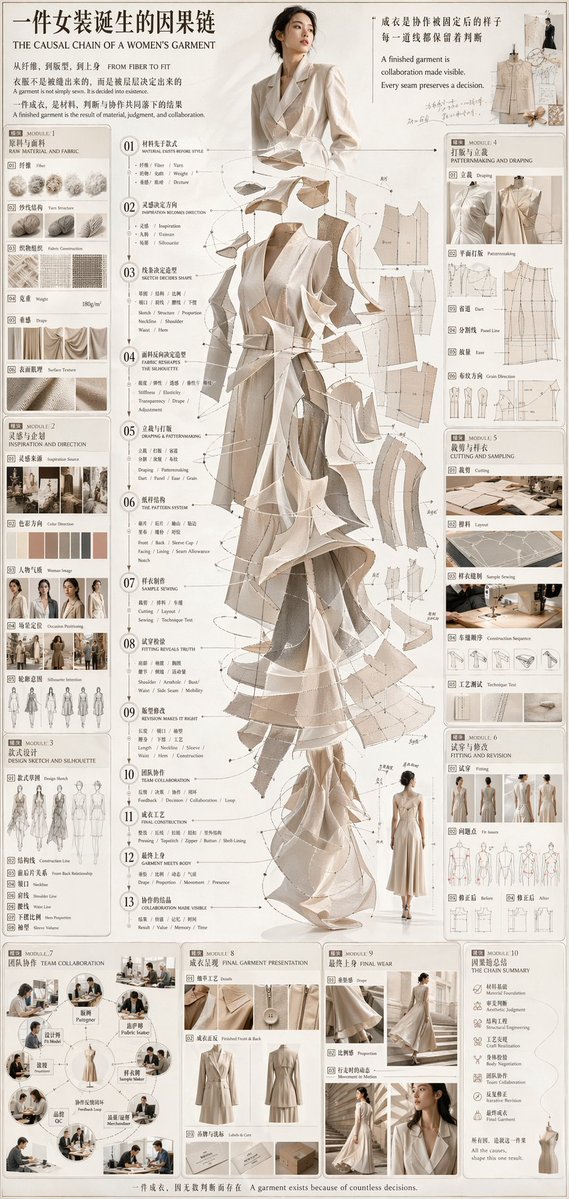
📌 รายละเอียด
- ผู้เขียน: 虎小象
- แหล่งที่มา: Twitter Post
- เผยแพร่เมื่อ: 21 เมษายน 2569
- ภาษา: en
No. 40: อินโฟกราฟิก / ภาพประกอบเพื่อการศึกษา - Medical Infographic on Diabetes Progression
📖 คำอธิบาย
A highly detailed, 14-section medical infographic illustrating the causal chain, mechanisms, and complications of diabetes using anatomical diagrams and charts.
📝 คำสั่ง
{
  "type": "medical infographic poster",
  "style": "highly detailed anatomical illustrations, clean structured layout, scientific diagrammatic style",
  "color_palette": "{argument name=\"color palette\" default=\"medical red, blue, beige, and anatomical flesh tones\"}",
  "language": "{argument name=\"language\" default=\"bilingual Chinese and English\"}",
  "header": {
    "main_title": "{argument name=\"main title\" default=\"糖尿病诞生的因果链\"}",
    "english_title": "{argument name=\"english title\" default=\"THE CAUSAL CHAIN OF DIABETES\"}",
    "subtitle": "从胰岛素失灵,到高血糖,到全身损伤"
  },
  "layout": {
    "centerpiece": "{argument name=\"central subject\" default=\"transparent human body showing circulatory system and internal organs\"}",
    "sections_count": 14,
    "sections": [
      { "id": "01", "title": "葡萄糖进入生命", "visuals": ["stomach and intestines"] },
      { "id": "02", "title": "胰腺与胰岛素", "visuals": ["pancreas", "beta cell"] },
      { "id": "03", "title": "正常胰岛素作用", "visuals": ["receptor signaling diagram", "muscle, liver, adipose icons"] },
      { "id": "04", "title": "胰岛素抵抗: 2型通路开始", "visuals": ["receptor blockage diagram", "7 lifestyle icons"] },
      { "id": "05", "title": "肝脏持续释放葡萄糖", "visuals": ["liver"] },
      { "id": "06", "title": "β细胞衰竭: 代偿到失败", "visuals": ["beta-cell decline line chart"] },
      { "id": "07", "title": "1型糖尿病分支", "visuals": ["autoimmune destruction diagram"] },
      { "id": "08", "title": "高血糖与血液化学", "visuals": ["blood vessel with glucose", "glucose indicators table", "glucose variability chart"] },
      { "id": "09", "title": "高血糖导致组织损伤", "visuals": ["4 pathways of damage diagrams"] },
      { "id": "10", "title": "急性代谢后果", "visuals": ["7 symptom icons"] },
      { "id": "11", "title": "微血管并发症", "visuals": ["eye", "kidney", "nerve cross-section"] },
      { "id": "12", "title": "大血管并发症与组织损伤", "visuals": ["heart", "brain", "diabetic foot"] },
      { "id": "13", "title": "器官系统长期代价", "visuals": ["text list"] },
      { "id": "14", "title": "糖尿病是调控系统失灵", "visuals": ["metabolic control flowchart"] }
    ],
    "footer": {
      "core_message": "核心信息 CORE MESSAGE"
    }
  }
}
🖼️ รูปภาพที่สร้าง
Image 1
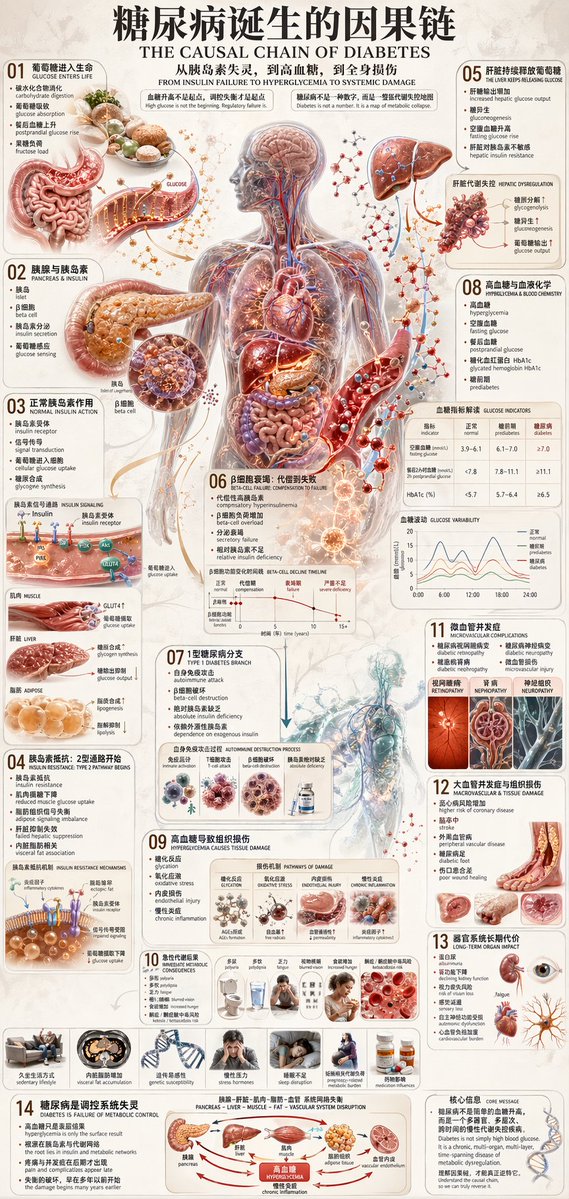
📌 รายละเอียด
- ผู้เขียน: 虎小象
- แหล่งที่มา: Twitter Post
- เผยแพร่เมื่อ: 21 เมษายน 2569
- ภาษา: en
No. 41: อินโฟกราฟิก / ภาพประกอบเพื่อการศึกษา - Medical Infographic of Gout Pathology
📖 คำอธิบาย
A detailed, 12-step medical infographic illustrating the metabolic and inflammatory pathways of gout using 3D anatomical diagrams.
📝 คำสั่ง
{
  "type": "comprehensive medical infographic",
  "style": "highly detailed 3D medical illustration, clinical white background, clean typography",
  "header": {
    "title_cn": "{argument name=\"main title\" default=\"痛风诞生的因果链\"}",
    "title_en": "{argument name=\"english title\" default=\"THE CAUSAL CHAIN OF GOUT\"}",
    "subtitle": "Pain is not the beginning. Metabolic imbalance is.",
    "top_right_sequence": {
      "count": 6,
      "labels": ["Metabolism", "Transport", "Crystallization", "Immunity", "Inflammation", "Damage"]
    }
  },
  "centerpiece": {
    "description": "{argument name=\"central figure\" default=\"transparent anatomical human body showing liver, kidneys, and vascular system\"}",
    "details": "pathway highlighted in {argument name=\"highlight color\" default=\"glowing red\"} descending to the foot"
  },
  "layout": {
    "left_column": [
      { "id": "01", "title": "Purine Sources", "elements": 6, "labels": ["Red meat", "Organ meats", "Seafood", "Beer", "Endogenous", "Fructose"] },
      { "id": "02", "title": "Uric Acid Production", "elements": 2, "labels": ["Chemical pathway", "Liver"] },
      { "id": "03", "title": "Renal & Intestinal Excretion", "elements": 2, "labels": ["Kidney nephron", "Intestines"] },
      { "id": "04", "title": "Hyperuricemia", "elements": 2, "labels": ["Blood vial", "Solubility graph"] }
    ],
    "center_overlay": [
      { "id": "05", "title": "Crystal Physics", "elements": 3, "labels": ["Supersaturation beaker", "Precipitation beaker", "Molecular structure"] },
      { "id": "06", "title": "Joint Deposition & Local Environment", "elements": 1, "labels": ["First MTP joint cross-section"] }
    ],
    "right_column": [
      { "id": "07", "title": "Immune Inflammatory Cascade", "elements": 4, "labels": ["Macrophage", "Inflammasome", "Neutrophil", "Cytokines"] },
      { "id": "08", "title": "Acute Gout Flare", "elements": 1, "labels": ["Inflamed foot"] },
      { "id": "09", "title": "Chronic Structural Damage", "elements": 1, "labels": ["Bone erosion joint"] },
      { "id": "10", "title": "Tophus Formation", "elements": 2, "labels": ["Hand tophi", "Foot tophi"] },
      { "id": "11", "title": "Beyond the Joint", "elements": 2, "labels": ["Kidney stones", "Systemic burden"] }
    ],
    "bottom_row": [
      { "id": "12", "title": "Pain Is the Final Signal", "elements": 7, "labels": ["Increased Purine", "Overproduction", "Reduced Excretion", "Hyperuricemia", "Crystal Formation", "Immune Activation", "Man in pain"] }
    ]
  },
  "theme": "{argument name=\"disease focus\" default=\"gout and uric acid crystallization\"}"
}
🖼️ รูปภาพที่สร้าง
Image 1
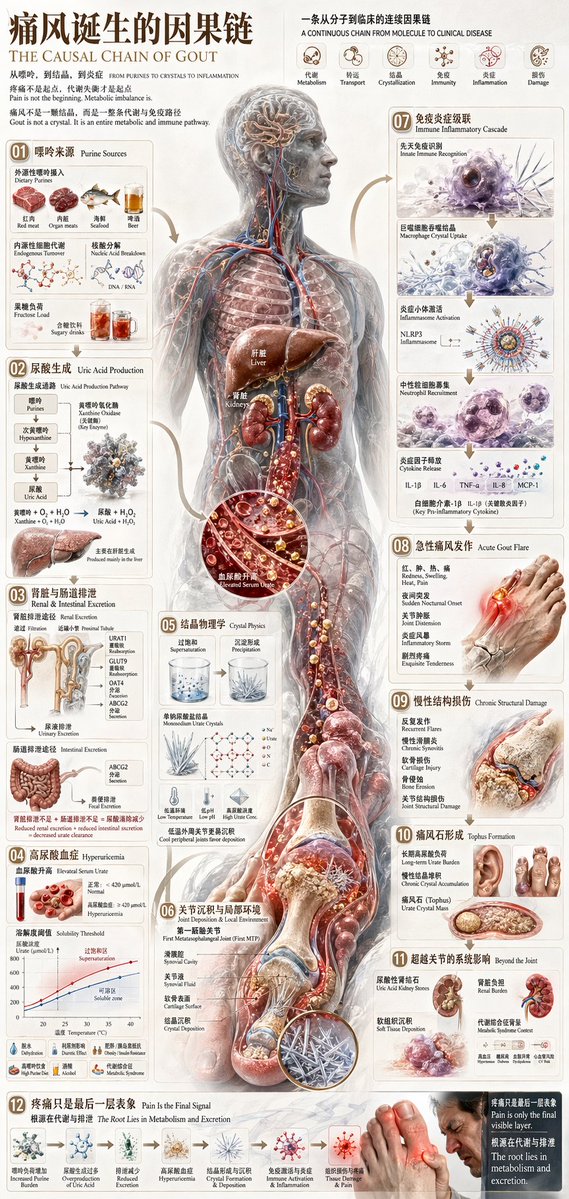
Image 2
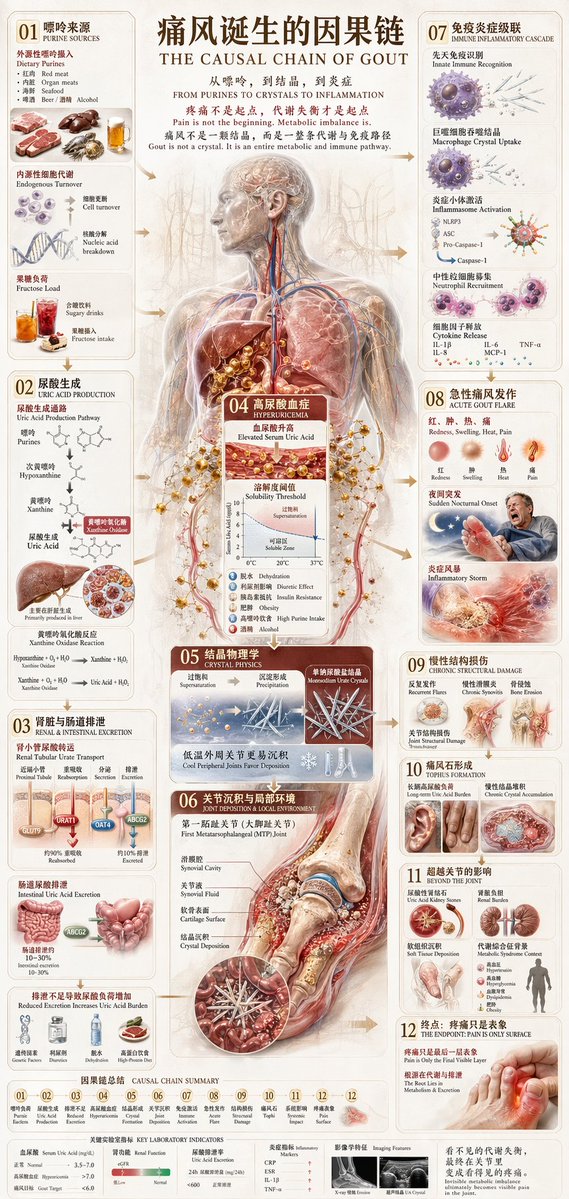
📌 รายละเอียด
- ผู้เขียน: 虎小象
- แหล่งที่มา: Twitter Post
- เผยแพร่เมื่อ: 21 เมษายน 2569
- ภาษา: en
No. 42: อินโฟกราฟิก / ภาพประกอบเพื่อการศึกษา - Camera Exploded View Infographic
📖 คำอธิบาย
Generates a highly detailed, multi-step technical infographic featuring an exploded view diagram of a complex device.
📝 คำสั่ง
{
  "type": "technical infographic",
  "subject": "{argument name=\"subject matter\" default=\"digital photography process\"}",
  "header": {
    "title": "{argument name=\"main title\" default=\"一张照片诞生的因果链 THE CAUSAL CHAIN OF A PHOTOGRAPH\"}",
    "subtitle": "从世界,到图像 FROM WORLD TO IMAGE"
  },
  "centerpiece": {
    "description": "Exploded isometric view of a modern mirrorless camera",
    "model": "{argument name=\"camera model\" default=\"Canon EOS R5\"}",
    "labeled_parts_count": 12,
    "labeled_parts": [
      "EVF",
      "Body Structure",
      "Control Dials",
      "Thermal Design",
      "Optical Axis",
      "IBIS Stabilizer",
      "Shutter Unit",
      "Full-Frame Sensor",
      "{argument name=\"processor name\" default=\"DIGIC X Processor\"}",
      "Main PCB",
      "High-Speed Bus",
      "Card Slot"
    ]
  },
  "layout": {
    "left_column": {
      "description": "Chronological causal chain",
      "count": 13,
      "steps": [
        "01 REALITY EXISTS",
        "02 PHOTONS LEAVE THE WORLD",
        "03 LENS ACCEPTS & BENDS LIGHT",
        "04 APERTURE SELECTS",
        "05 SHUTTER CUTS TIME",
        "06 FOCUS SETS PRIORITY",
        "07 SENSOR RECEIVES EVENT",
        "08 LIGHT BECOMES CHARGE",
        "09 ANALOG READOUT",
        "10 A/D CONVERSION",
        "11 COMPUTATION RECONSTRUCTS",
        "12 IMAGE APPEARS",
        "13 MEMORY OUTLIVES"
      ]
    },
    "right_column": {
      "title": "八大模块 / 8 MODULES",
      "count": 8,
      "modules": [
        "1 ORIGIN OF LIGHT",
        "2 LENS SHAPES REALITY",
        "3 APERTURE & SHUTTER EDIT THE WORLD",
        "4 FOCUS DECIDES CLARITY",
        "5 SENSOR MEASURES LIGHT",
        "6 SIGNAL BORN & AMPLIFIED",
        "7 COMPUTATION BUILDS IMAGE",
        "8 FILE BECOMES MEMORY"
      ]
    },
    "side_diagrams": {
      "count": 7,
      "descriptions": [
        "Ray cone & image formation",
        "Aperture & depth of field",
        "Shutter & motion",
        "Focal plane & clarity",
        "Pixel structure",
        "Photoelectric conversion",
        "Analog signal waveform"
      ]
    },
    "footer": {
      "count": 5,
      "description": "Philosophical summary points"
    }
  },
  "style": "technical, precise, wireframe elements, glowing data lines, photorealistic camera components, clean typography, dual-language"
}
🖼️ รูปภาพที่สร้าง
Image 1
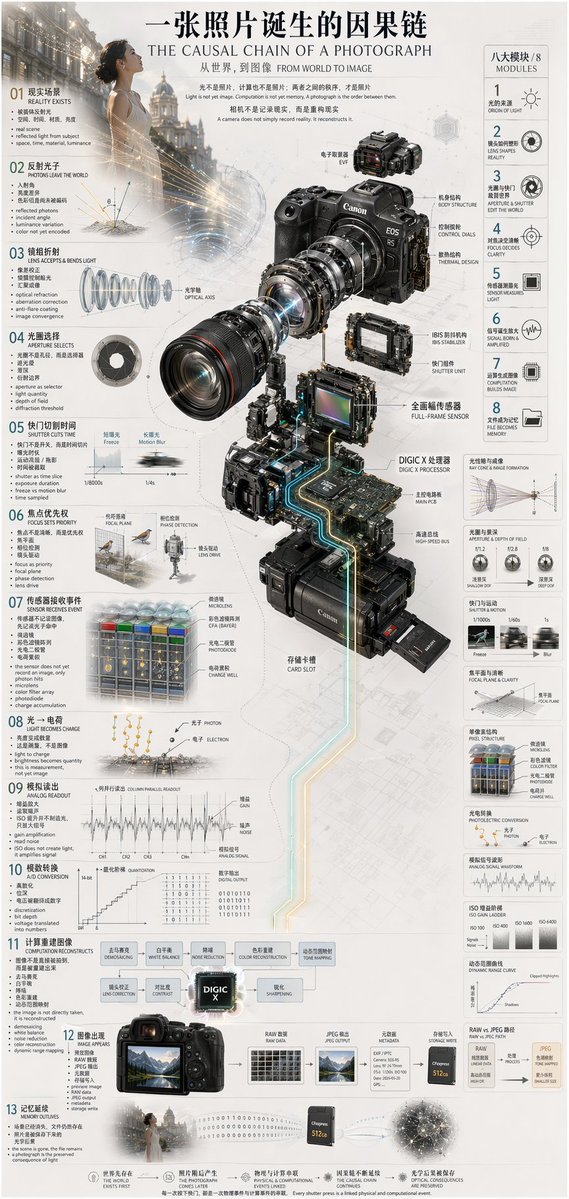
📌 รายละเอียด
- ผู้เขียน: 虎小象
- แหล่งที่มา: Twitter Post
- เผยแพร่เมื่อ: 21 เมษายน 2569
- ภาษา: en
No. 43: อินโฟกราฟิก / ภาพประกอบเพื่อการศึกษา - Camera Exploded View Infographic
📖 คำอธิบาย
Generates a highly detailed, multi-panel technical infographic featuring a 3D exploded view of a camera and 8 numbered sections explaining the imaging process.
📝 คำสั่ง
{
  "type": "technical infographic and exploded view diagram",
  "header": {
    "title": "{argument name=\"main title\" default=\"佳能 EOS R5 成像系统剖面 CANON EOS R5 IMAGING ATLAS\"}",
    "subtitles": [
      "一张照片是如何被制造出来的 HOW AN IMAGE IS ACTUALLY FORMED",
      "从光,到数据 | FROM PHOTONS TO FILES",
      "相机不是壳体,而是一条运算链 A camera is not a shell, but a computational chain"
    ],
    "top_left_box": {
      "title": "EOS R5 核心规格 KEY SPECIFICATIONS",
      "bullet_points_count": 6
    },
    "top_right_images": {
      "count": 2,
      "description": "front and back views of the camera body"
    }
  },
  "centerpiece": {
    "description": "highly detailed 3D exploded view of the {argument name=\"camera model\" default=\"Canon EOS R5\"} camera, showing internal components separated vertically",
    "components_visible": [
      "lens mount",
      "lens elements with glowing blue light rays",
      "image sensor",
      "motherboard with glowing {argument name=\"processor name\" default=\"DIGIC X\"} chip",
      "battery pack",
      "dual card slots",
      "electronic viewfinder (EVF)"
    ]
  },
  "layout": {
    "numbered_sections": [
      {
        "number": 1,
        "title": "光学入口 OPTICAL ENTRY",
        "elements": ["lens cross-section with light rays", "2 line graphs"]
      },
      {
        "number": 2,
        "title": "光圈、快门与曝光控制 APERTURE, SHUTTER, EXPOSURE",
        "elements": ["3 aperture blade diagrams", "4 shutter speed example photos", "depth of field diagram", "exposure triangle diagram"]
      },
      {
        "number": 3,
        "title": "对焦系统与成像平面 FOCUS ACQUISITION + IMAGE PLANE",
        "elements": ["lens alignment diagram", "AF coverage photo of a runner"]
      },
      {
        "number": 4,
        "title": "传感器与像素结构 SENSOR + PIXEL ARCHITECTURE",
        "elements": ["3D pixel array diagram", "single pixel cross-section diagram", "sensor spec table", "quantum efficiency graph"]
      },
      {
        "number": 5,
        "title": "防抖系统与机械稳定 IBIS + MECHANICAL STABILIZATION",
        "elements": ["sensor shift mechanism diagram with yaw/pitch/roll axes", "2 stabilization effect comparison photos"]
      },
      {
        "number": 6,
        "title": "模拟信号、模数转换与读出 ANALOG READOUT + A/D CONVERSION",
        "elements": ["signal flowchart", "3 readout timing graphs", "signal-to-noise ratio graph", "rolling shutter example photo of a car"]
      },
      {
        "number": 7,
        "title": "DIGIC X 图像处理链 DIGIC X IMAGE PROCESSING PIPELINE",
        "elements": ["processing flowchart with central chip", "dynamic range graph", "tone curve graph", "histogram"]
      },
      {
        "number": 8,
        "title": "文件生成、显示与存储 FILE OUTPUT, PREVIEW, STORAGE",
        "elements": ["file output flowchart", "2 storage card icons", "file workflow diagram"]
      }
    ],
    "bottom_comparisons": {
      "count": 5,
      "labels": [
        "传感器尺寸对比 SENSOR SIZE COMPARISON",
        "镜头焦距与视角 FOCAL LENGTH & ANGLE OF VIEW",
        "ISO 与噪点关系 ISO & NOISE RELATIONSHIP",
        "光圈与景深关系 APERTURE & DEPTH OF FIELD",
        "RAW vs JPEG"
      ]
    },
    "footer": "{argument name=\"footer quote\" default=\"光被捕获,数据被解读,影像被记录,记忆被永恒。 Light is captured. Data is interpreted. Image is recorded. Memory is eternal.\"}"
  },
  "style": "clean, technical, highly detailed, photorealistic components, blueprint-style annotations, light gray background, precise typography"
}
🖼️ รูปภาพที่สร้าง
Image 1
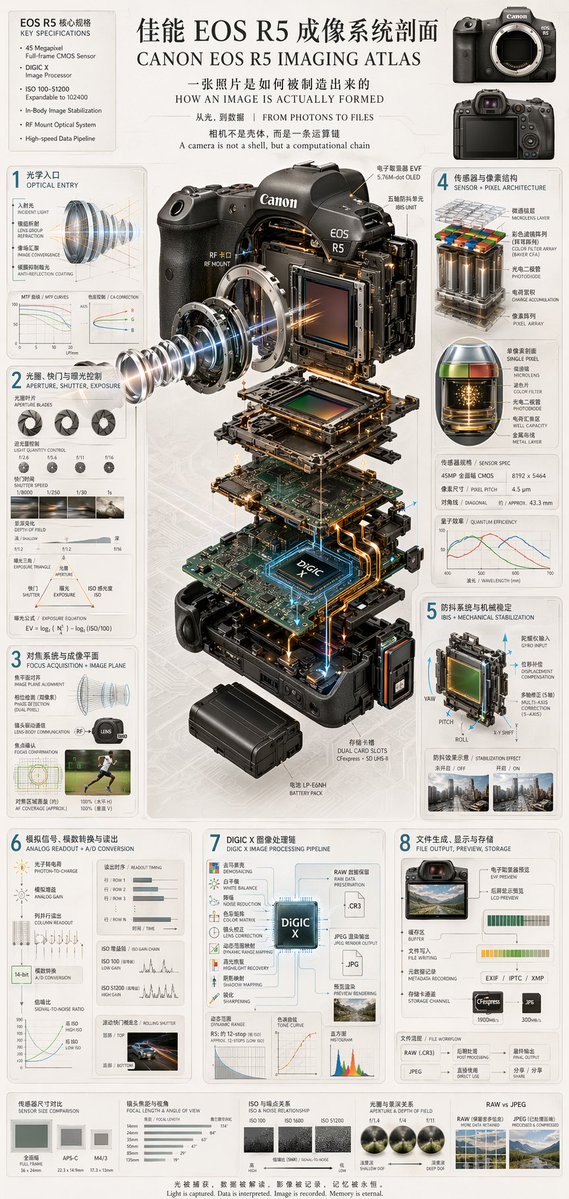
📌 รายละเอียด
- ผู้เขียน: 虎小象
- แหล่งที่มา: Twitter Post
- เผยแพร่เมื่อ: 21 เมษายน 2569
- ภาษา: en
No. 44: อินโฟกราฟิก / ภาพประกอบเพื่อการศึกษา - Botanical Growth Atlas Infographic
📖 คำอธิบาย
Generates a highly detailed, vintage-style botanical infographic detailing the complete life cycle and anatomy of a plant.
📝 คำสั่ง
{
  "type": "scientific botanical infographic poster",
  "subject": "{argument name=\"plant species\" default=\"Pomegranate (Punica granatum)\"}",
  "style": "vintage botanical illustration mixed with modern infographic design, highly detailed, {argument name=\"color palette\" default=\"earthy greens, deep reds, parchment background\"}",
  "header": {
    "main_title": "{argument name=\"main title\" default=\"植物生命路径剖面\"}",
    "english_title": "{argument name=\"english title\" default=\"BOTANICAL GROWTH ATLAS\"}",
    "subtitle": "从种子到果实,一株植物如何展开自己 / FROM SEED TO FRUIT"
  },
  "centerpiece": "full plant showing extensive root system, woody stem, green leaves, blooming red flowers, and ripe fruits including one halved to show seeds",
  "layout": {
    "numbered_sections": [
      { "number": 1, "title": "种子结构 / Seed Architecture", "content": "cross-section of a single seed with 6 labeled parts" },
      { "number": 2, "title": "萌发机制 / Germination Mechanism", "content": "sequence of 5 sprouting seeds showing radicle emergence" },
      { "number": 3, "title": "根系与地下网络 / Root System + Subsurface Intelligence", "content": "detailed root network with 2 circular microscopic cross-sections showing vascular bundles and hyphae" },
      { "number": 4, "title": "茎叶生长与维管系统 / Stem, Leaf & Vascular System", "content": "leaf detail and circular stem cross-section with 5 labeled layers" },
      { "number": 5, "title": "光合作用与能量转换 / Photosynthesis + Energy Conversion", "content": "3D cellular cross-section of a leaf showing mesophyll and chloroplasts, plus a chemical equation diagram" },
      { "number": 6, "title": "花芽分化与开花机制 / Bud Formation + Blooming", "content": "detailed flower cross-section showing stamen and ovary, plus a 4-season timeline" },
      { "number": 7, "title": "授粉与结果路径 / Pollination + Fruiting Pathway", "content": "bee approaching a flower cross-section, followed by a sequence of 5 stages of ovary development into a fruit" },
      { "number": 8, "title": "果实成熟与种子循环 / Fruit Maturation + Seed Cycle", "content": "ripe fruit breaking open, seeds dispersing downwards to a new sprout" }
    ],
    "additional_elements": [
      { "position": "bottom left", "title": "环境触发因素 / Environmental Triggers", "content": "grid of 6 weather/environmental icons and 6 nutrient element icons (N, P, K, Ca, Mg, Fe)" },
      { "position": "bottom edge", "title": "Growth Timeline", "content": "linear sequence of 19 small plant icons showing the complete life cycle from seed to mature plant" }
    ],
    "footer_quote": "{argument name=\"bottom quote\" default=\"理解植物,就是理解生命如何在时间中构建秩序。\"}"
  }
}
🖼️ รูปภาพที่สร้าง
Image 1
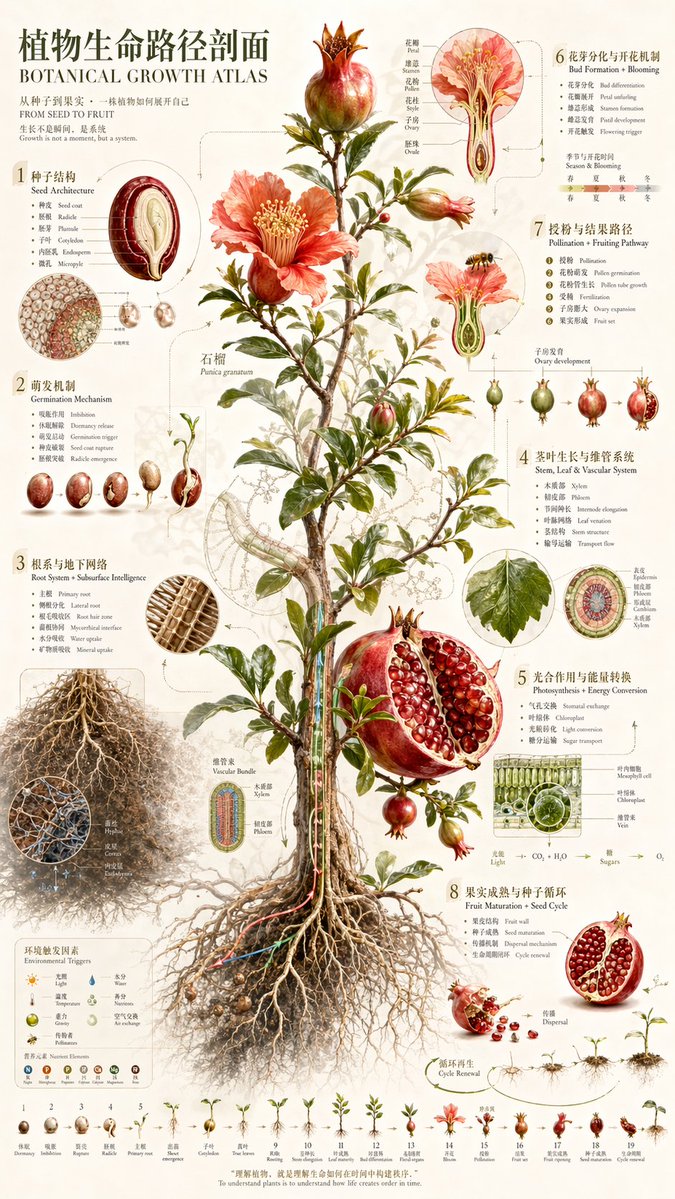
📌 รายละเอียด
- ผู้เขียน: 虎小象
- แหล่งที่มา: Twitter Post
- เผยแพร่เมื่อ: 21 เมษายน 2569
- ภาษา: en
No. 45: อินโฟกราฟิก / ภาพประกอบเพื่อการศึกษา - 3D Urban Systems Atlas Infographic
📖 คำอธิบาย
A highly detailed, information-dense infographic featuring a 3D isometric cutaway of a city's subsurface infrastructure, surrounded by data panels and cross-section diagrams.
📝 คำสั่ง
{
  "type": "complex urban systems atlas infographic",
  "style": "{argument name=\"color palette\" default=\"dark background with glowing blue, gold, and purple accents\"}, highly detailed technical illustration, 3D isometric cutaway",
  "header": {
    "title": "{argument name=\"chinese city name\" default=\"上海\"}城市系统剖面 {argument name=\"english city name\" default=\"SHANGHAI\"} URBAN SYSTEMS ATLAS",
    "subtitles": [
      "地表之上,是城市;地表之下,是秩序 {argument name=\"english subtitle\" default=\"Beneath the skyline lies the machine.\"}",
      "一座城市如何运转 How a Megacity Actually Works"
    ]
  },
  "layout": {
    "top_left": "Compass rose and city map labeled '上海市域位置 SHANGHAI LOCATION'",
    "top_right": "Data table titled '城市数据 CITY DATA' with 7 rows of statistics",
    "centerpiece": {
      "description": "{argument name=\"centerpiece style\" default=\"highly detailed 3D isometric cutaway render\"} of a megacity river landscape",
      "layers": [
        "地面层 SURFACE",
        "排水层 DRAINAGE LAYER",
        "电力层 POWER LAYER",
        "通信层 COMMUNICATION LAYER",
        "轨道交通层 METRO LAYER",
        "道路隧道层 ROAD TUNNEL LAYER",
        "管廊综合层 UTILITY CORRIDOR LAYER"
      ]
    },
    "side_panels": [
      { "id": "01", "title": "城市主骨架 URBAN SKELETON", "elements": "Map with 8 legend items" },
      { "id": "02", "title": "排水与地下水网 DRAINAGE + STORMWATER", "elements": "Cross-section diagram '典型排水剖面 DRAINAGE SECTION' with 5 legend items" },
      { "id": "03", "title": "电网与能源分配 POWER GRID + ENERGY", "elements": "Cross-section diagram '典型变电站剖面 SUBSTATION SECTION' with 6 legend items" },
      { "id": "04", "title": "通信与网络骨干 TELECOM + INTERNET", "elements": "Cross-section diagram '数据中心剖面 DATA CENTER SECTION' with 6 legend items" },
      { "id": "05", "title": "地铁与地下交通 METRO + SUBSURFACE MOBILITY", "elements": "Cross-section diagram '人民广场站剖面 PEOPLE'S SQUARE STATION' with 6 legend items" },
      { "id": "06", "title": "道路、高架与循环 ROADS + ELEVATED MOBILITY", "elements": "Cross-section diagram '南浦大桥剖面 NANPU BRIDGE SECTION' with 6 legend items" },
      { "id": "07", "title": "管廊与地下设施 UTILITY CORRIDORS + PLUMBING", "elements": "Cross-section diagram '综合管廊 UTILITY CORRIDOR' with 8 legend items" },
      { "id": "08", "title": "城市流量与系统协同 URBAN FLOWS + COORDINATION", "elements": "Map diagram '城市运行指挥中心 CITY OPERATIONS CENTER' with 6 legend items" }
    ],
    "bottom_panels": {
      "system_logic": {
        "title": "城市系统协同逻辑 SYSTEM COORDINATION LOGIC",
        "steps": 4,
        "labels": ["感知层 SENSING LAYER", "网络层 NETWORK LAYER", "平台层 PLATFORM LAYER", "应用层 APPLICATION LAYER"]
      },
      "city_brain": {
        "title": "城市大脑 CITY BRAIN",
        "central_node": 1,
        "peripheral_nodes": 8
      },
      "references": {
        "depth_scale": { "title": "深度与尺度 DEPTH & SCALE REFERENCE", "icons": 5 },
        "map_scale": { "title": "比例尺 SCALE", "markers": 4 }
      }
    }
  }
}
🖼️ รูปภาพที่สร้าง
Image 1
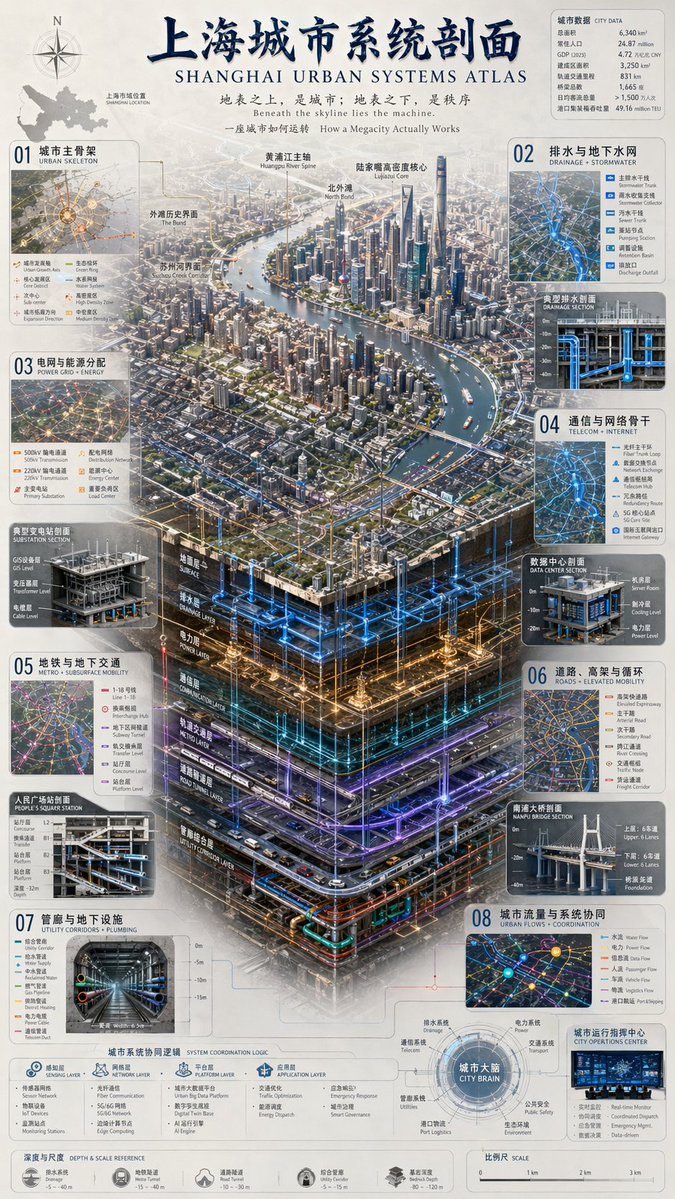
📌 รายละเอียด
- ผู้เขียน: 虎小象
- แหล่งที่มา: Twitter Post
- เผยแพร่เมื่อ: 21 เมษายน 2569
- ภาษา: en
No. 46: อินโฟกราฟิก / ภาพประกอบเพื่อการศึกษา - Encyclopedia Style Infographic Generator
📖 คำอธิบาย
A versatile template for generating modular, high-quality educational infographics similar to museum charts or lifestyle knowledge cards.
📝 คำสั่ง
Please generate a high-quality vertical "Popular Science Encyclopedia Image" based on {argument name="theme" default="animals"}.

This image is not a regular poster or a simple illustration, but a modular popular science infographic that possesses a sense of "illustration book, encyclopedia, information structure, and collectability." The overall style should reference a combination of high-end natural history illustrations, modern encyclopedia pages, lifestyle knowledge cards, and highly shareable social media infographics.

Please include in the frame:
- A clear and beautiful main visual of the subject
- Several magnified details of local characteristics
- Multiple rounded modular information sections
- Clear title hierarchies and key labels
- Concise yet rich encyclopedic content
- Visual ratings, key point summaries, or Top 5 modules

Content columns should be automatically adapted based on the theme, prioritized from these directions: basic profile, classification information, appearance characteristics, habits/ecology, formation mechanism/structure, growth or use conditions, care or maintenance suggestions, risks and precautions, suitable audience or scenarios, pros and cons comparison, and quick rating cards.

Visual requirements:
Light-colored clean background, soft color palette, light shadows, exquisite small icons, rounded information boxes, neat layout, high information density but not crowded, good reading experience. The overall result must look like a real science encyclopedia card suitable for publishing, reading, collecting, and serialized production, rather than an advertisement.

Please do not make it a regular commercial promotional poster. Highlight the features of "knowledge organization + modular information + illustration-style display."
🖼️ รูปภาพที่สร้าง
Image 1
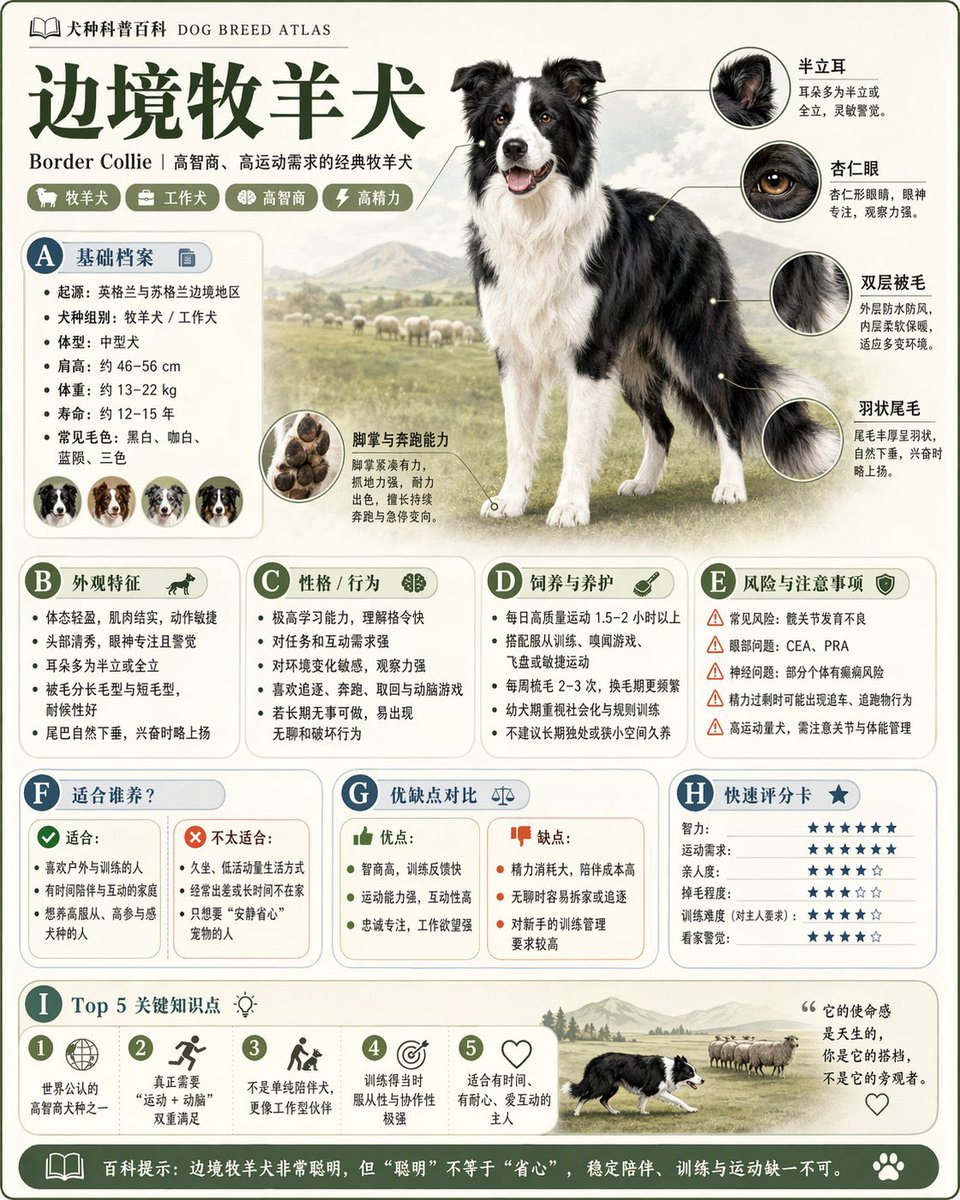
Image 2
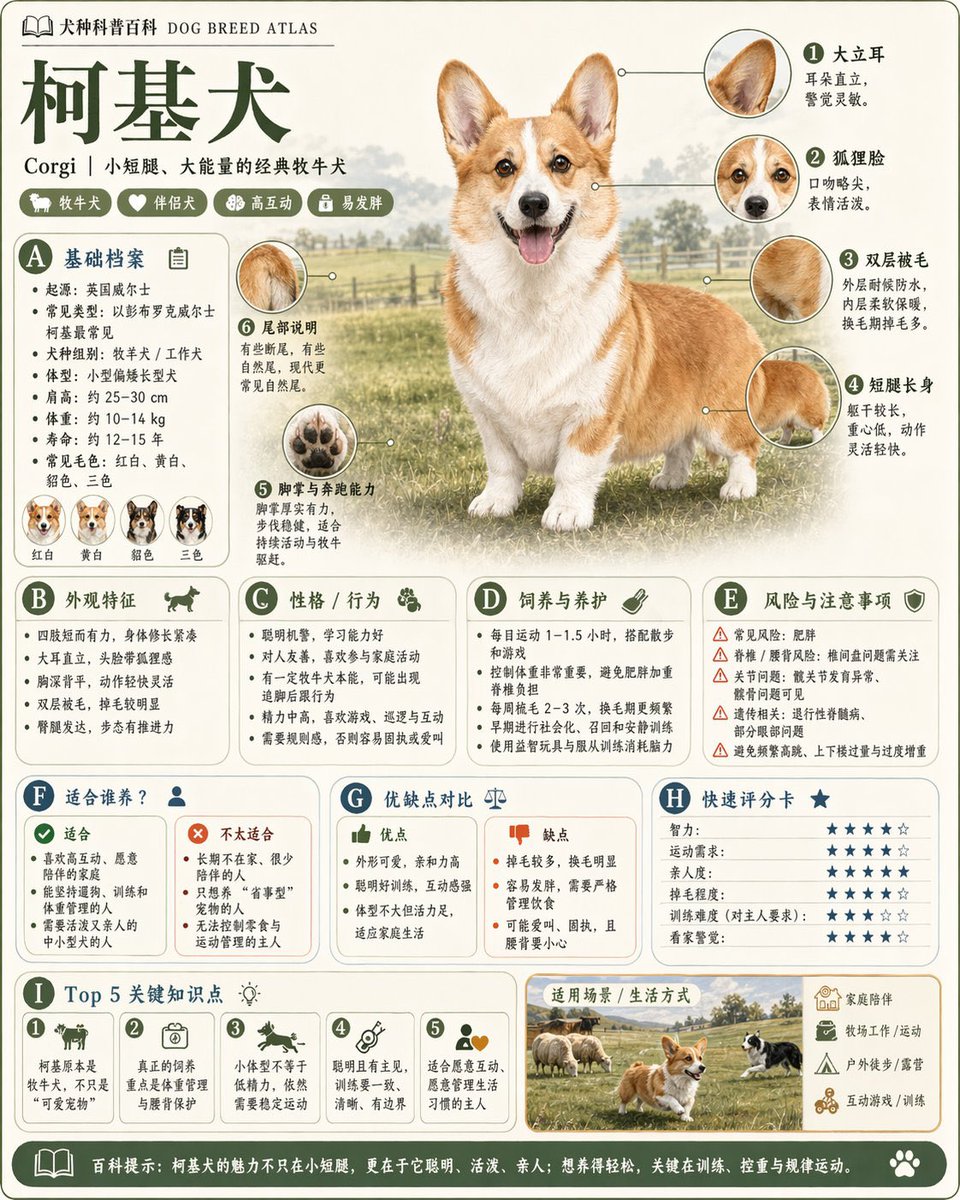
Image 3
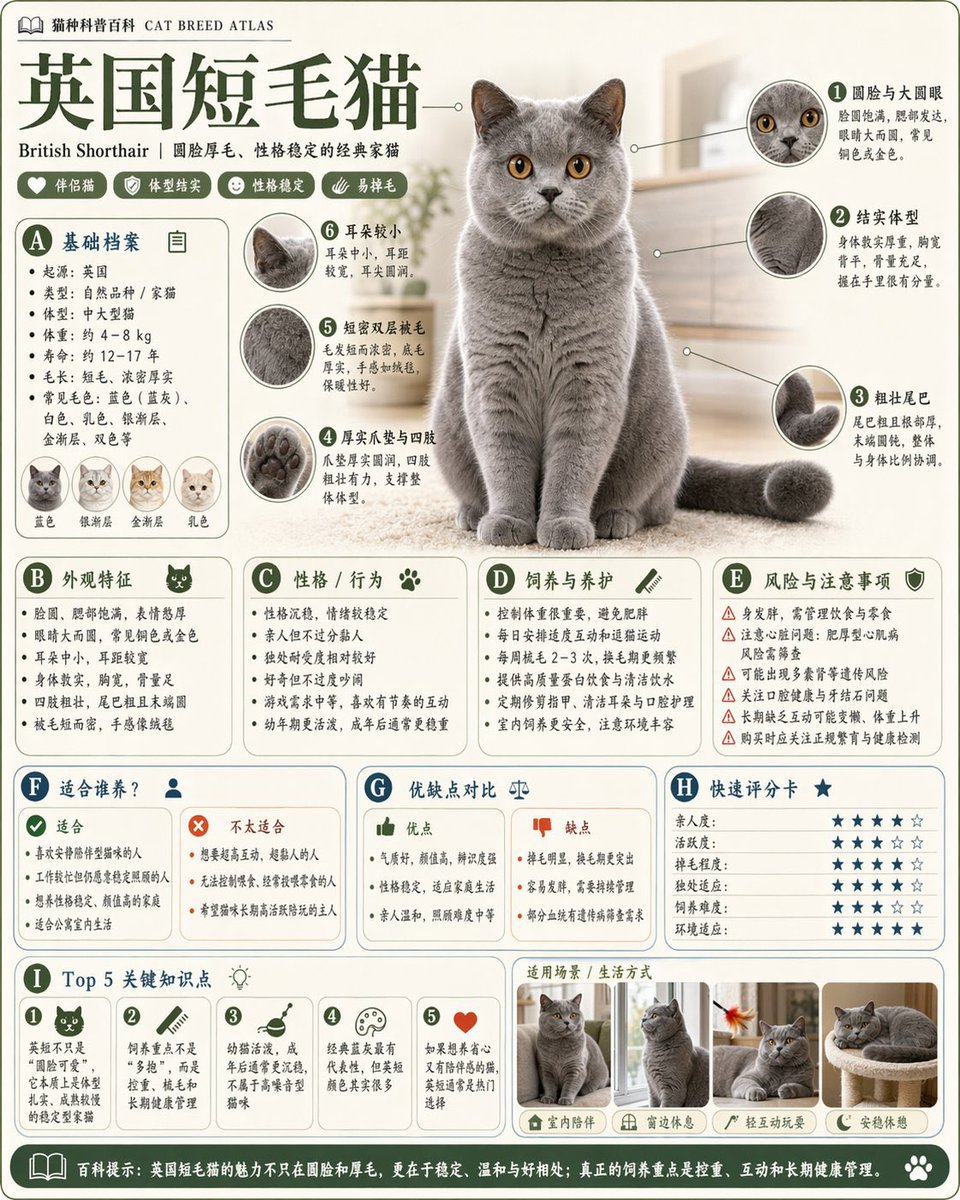
Image 4
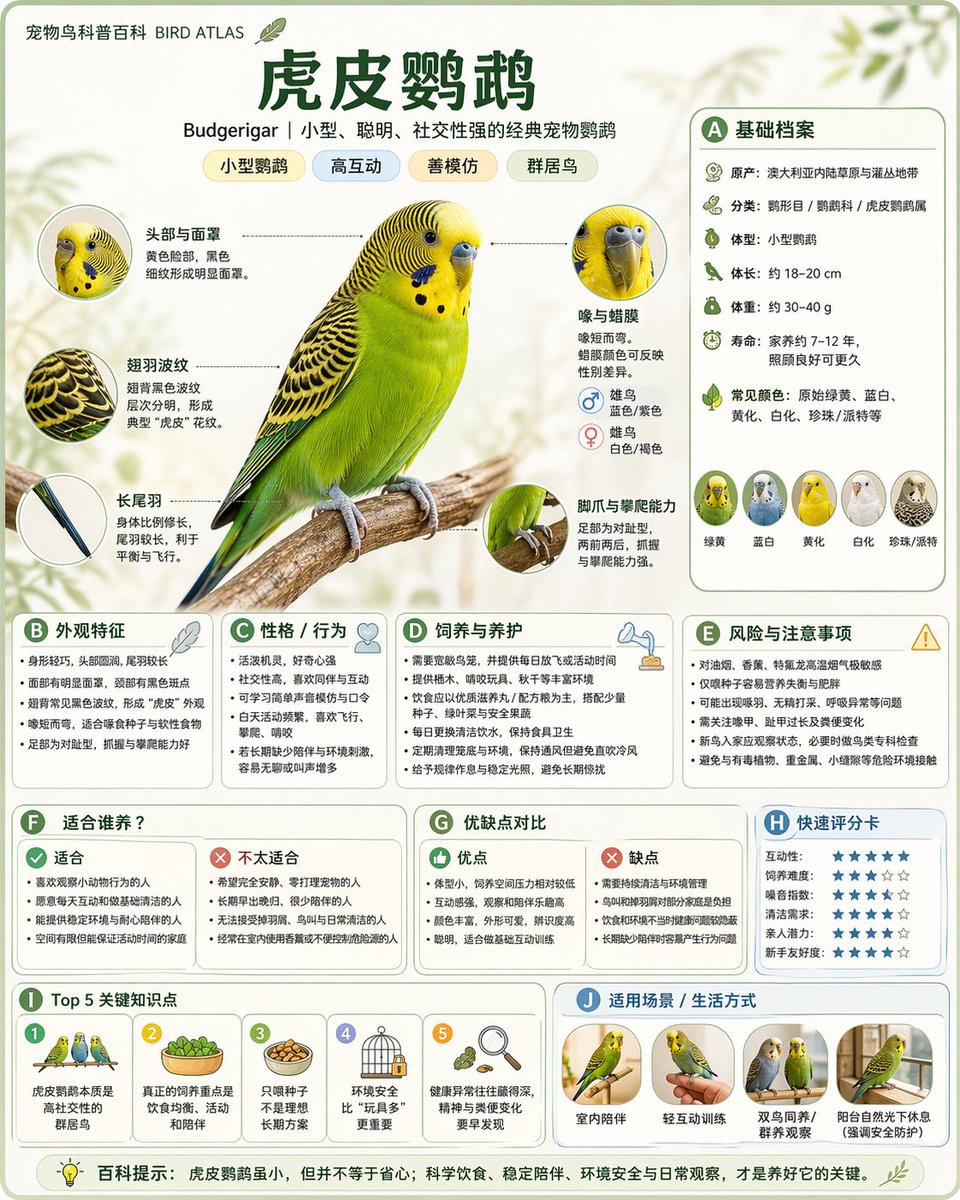
📌 รายละเอียด
- ผู้เขียน: 阿兰AI
- แหล่งที่มา: Twitter Post
- เผยแพร่เมื่อ: 20 เมษายน 2569
- ภาษา: zh
No. 47: อินโฟกราฟิก / ภาพประกอบเพื่อการศึกษา - Pose and Lighting Analysis Sheet Transformer
📖 คำอธิบาย
A highly detailed structural prompt for transforming any input image into a white-line mannequin pose and lighting analysis sheet.
📝 คำสั่ง
[CORE TASK]
Transform the provided input image into a pose-and-light analysis sheet.

This is NOT a finished character illustration.
This is NOT a clothing sheet.
This is NOT a beauty-preserving redraw.

This is a white-line rough mannequin conversion.

[PRIMARY GOAL]
Extract and visualize only:
- pose structure
- body balance
- camera angle
- body line flow
- inferred light source placement
- illuminated areas and light intensity

[INPUT ROLE]
Use the provided image as the strict anchor for:
- pose
- camera angle
- body tilt
- weight distribution
- approximate lighting situation

Do NOT preserve:
- face rendering
- hairstyle rendering
- clothing detail
- accessories
- weapon detail
- background architecture
- character identity
- emotional expression

[FIGURE CONVERSION]
single rough mannequin-like human figure
white body contour lines
white internal construction lines
simple mannequin head
no face
no eyes
no mouth
no eyelashes
no personality
no individual identity

human figure should look like:
- rough pose mannequin
- anatomy proxy
- line-based body guide
- structural sketch
- white-line rough dummy

keep:
- pose readability
- silhouette flow
- head tilt
- torso direction
- pelvis direction
- limb placement

[BACKGROUND]
pure black background
negative-style dark field
no scenery
no props
no architecture
no environmental storytelling

[LINE STYLE]
rough white line drawing
clean but sketch-like
construction-line feeling
anatomy guide lines visible
joint flow visible
body contour emphasized
no polished illustration finish

[LIGHT ESTIMATION]
predict the likely light source positions from the input image
visualize the light sources and illuminated areas using green glow only

use green light intensity with variation:
- strongest green where the light directly hits
- medium green for wrap light
- soft green for reflected or fading light

mark the estimated light sources with labels and arrows such as:
- Main Light
- Rim Light
- Fill Light
- Floor Bounce
- Back Light
only if appropriate

IMPORTANT:
do not invent random lights
infer lighting from the original input image
if the lighting is ambiguous, keep the annotations simple and plausible

[GREEN LIGHT VISUALIZATION]
show green glow on:
- head / skull plane
- neck
- shoulders
- chest plane
- ribcage direction
- pelvis edge
- thigh planes
- knee contact points
- floor contact bounce if applicable

use green light not as decoration,
but as lighting analysis information

[POSE PRIORITY]
1. preserve pose structure
2. preserve camera angle
3. preserve body balance
4. preserve head-torso relationship
5. visualize likely light direction
6. show illuminated areas with readable green intensity variation

[NEGATIVE]
finished person,
cute girl,
detailed face,
hair rendering,
clothing rendering,
weapon emphasis,
beautiful anatomy
🖼️ รูปภาพที่สร้าง
Image 1
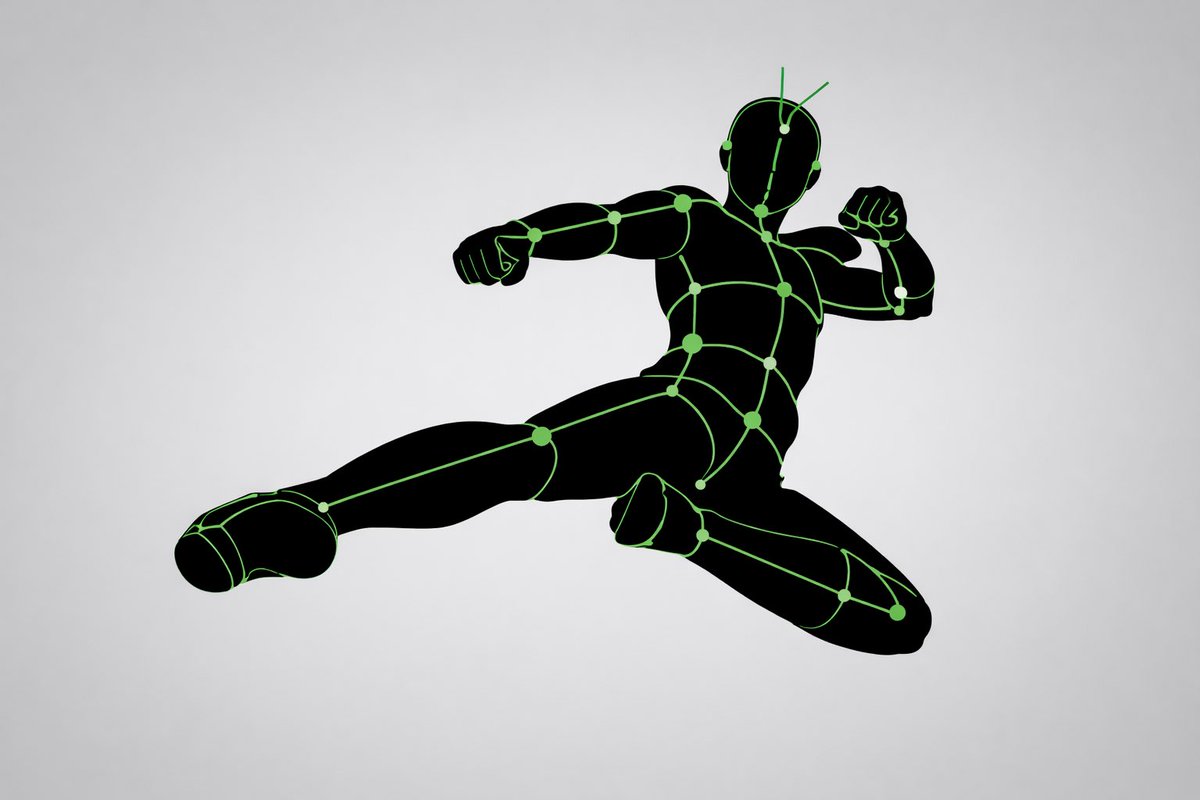
Image 2
Image 3
📌 รายละเอียด
- ผู้เขียน: 🪷青春ログアウト㊗️100万回再生▶️🌻
- แหล่งที่มา: Twitter Post
- เผยแพร่เมื่อ: 20 เมษายน 2569
- ภาษา: en
No. 48: อินโฟกราฟิก / ภาพประกอบเพื่อการศึกษา - Scientific Optical Hardware Diagram
📖 คำอธิบาย
A detailed 3D schematic of an optical table setup with labeled components, an inset legend, and a descriptive caption.
📝 คำสั่ง
{
  "type": "scientific hardware diagram",
  "layout": {
    "main_scene": "3D render of an optical table with a red laser beam passing through 11 aligned optical components mounted on black posts.",
    "top_brackets": [
      {"label": "Dual Modulation", "span": "SLM1"},
      {"label": "4f Relay Optics", "span": "Lens L1 to Lens L2"},
      {"label": "Imaging Optics", "span": "SLM2 to Lens L4"},
      {"label": "Detection", "span": "Camera"}
    ],
    "optical_components_left_to_right": [
      {"name": "Laser", "labels": ["Laser", "λ = {argument name=\"laser wavelength\" default=\"632.8 nm\"}"]},
      {"name": "SLM1", "labels": ["SLM1", "(Phase / Pol. Mod.)"]},
      {"name": "Lens L1", "labels": ["Lens L1", "(f1)"]},
      {"name": "Iris", "labels": ["Fourier Plane", "(Pupil Plane)", "Iris", "(Higher Orders Filtered)"]},
      {"name": "HWP", "labels": ["HWP", "(λ/2)"]},
      {"name": "Lens L2", "labels": ["Lens L2", "(f1)"]},
      {"name": "SLM2", "labels": ["SLM2", "(Phase / Pol. Mod.)"]},
      {"name": "Lens L3", "labels": ["Lens L3", "(f2)"]},
      {"name": "Lens L4", "labels": ["Lens L4", "(f2)"]},
      {"name": "Linear Polarizer", "labels": ["Linear", "-Polarizer", "(Global Analyzer)"]},
      {"name": "Polarization Camera", "labels": ["POLARIZATION CAMERA"]}
    ],
    "inset_box": {
      "position": "bottom right",
      "title": "Polarization Camera Micro-Polarizer Array (Per-Pixel Analyzer)",
      "grid": "4x4 grid of colored squares with directional arrows",
      "legend_count": 4,
      "legend_items": [
        "Red square, horizontal arrow, 0° (H)",
        "Green square, vertical arrow, 90° (V)",
        "Blue square, diagonal arrow, 45° (D)",
        "Yellow square, diagonal arrow, 135° (A)"
      ]
    },
    "bottom_caption": {
      "figure_prefix": "{argument name=\"figure number\" default=\"Fig. 5.\"}",
      "title": "{argument name=\"system name\" default=\"Ellipsography Hardware Setup.\"}",
      "text": "Paragraph of scientific text explaining the dual-modulation configuration, 4f relay optics, and polarization camera."
    }
  }
}
🖼️ รูปภาพที่สร้าง
Image 1
📌 รายละเอียด
- ผู้เขียน: Lyra - e/acc
- แหล่งที่มา: Twitter Post
- เผยแพร่เมื่อ: 20 เมษายน 2569
- ภาษา: en
No. 49: อินโฟกราฟิก / ภาพประกอบเพื่อการศึกษา - Optical Hardware Setup Diagram
📖 คำอธิบาย
Generates a detailed scientific diagram of an optical hardware setup with 11 labeled components, a beam path, an inset micro-polarizer array, and a figure caption.
📝 คำสั่ง
{
  "type": "scientific optical setup diagram",
  "main_setup": {
    "base": "optical breadboard table with grid of mounting holes",
    "beam": "red laser beam passing horizontally through all components",
    "top_grouping_brackets": [
      "{argument name=\"first component group\" default=\"Dual Modulation\"}",
      "4f Relay Optics",
      "Imaging Optics",
      "Detection"
    ],
    "components_left_to_right": [
      { "name": "Laser", "label": "{argument name=\"laser wavelength\" default=\"λ = 632.8 nm\"}", "appearance": "black rectangular box" },
      { "name": "SLM1", "label": "(Phase / Pol. Mod.)", "appearance": "black square device on post" },
      { "name": "Lens L1", "label": "(f1)", "appearance": "lens in black ring mount" },
      { "name": "Iris", "label": "Fourier Plane (Pupil Plane) / (Higher Orders Filtered)", "appearance": "black ring mount with dashed line above" },
      { "name": "HWP", "label": "(λ/2)", "appearance": "purple-tinted optic in black ring mount" },
      { "name": "Lens L2", "label": "(f1)", "appearance": "lens in black ring mount" },
      { "name": "SLM2", "label": "(Phase / Pol. Mod.)", "appearance": "black square device on post" },
      { "name": "Lens L3", "label": "(f2)", "appearance": "lens in black ring mount" },
      { "name": "Lens L4", "label": "(f2)", "appearance": "lens in black ring mount" },
      { "name": "Linear Polarizer", "label": "(Global Analyzer)", "appearance": "lens in black ring mount" },
      { "name": "Polarization Camera", "label": "POLARIZATION CAMERA", "appearance": "blue and black box camera" }
    ]
  },
  "inset_diagram": {
    "position": "bottom right, dashed border",
    "title": "{argument name=\"inset title\" default=\"Polarization Camera Micro-Polarizer Array\"} (Per-Pixel Analyzer)",
    "visuals": "4x4 grid of colored squares with white directional arrows",
    "legend_count": 4,
    "legend_labels": [
      "red right-arrow 0° (H)",
      "green up-arrow 90° (V)",
      "blue diagonal-arrow 45° (D)",
      "yellow diagonal-arrow 135° (A)"
    ]
  },
  "bottom_caption": {
    "figure_number": "Fig. 5.",
    "title": "{argument name=\"setup title\" default=\"Ellipsography Hardware Setup.\"}",
    "description": "{argument name=\"figure caption\" default=\"Our prototype display system employs a dual-modulation configuration to achieve simultaneous control of phase and polarization. A 4f relay optics setup transfers the modulated wavefront...\"}"
  }
}
🖼️ รูปภาพที่สร้าง
Image 1
📌 รายละเอียด
- ผู้เขียน: Lyra - e/acc
- แหล่งที่มา: Twitter Post
- เผยแพร่เมื่อ: 20 เมษายน 2569
- ภาษา: en
No. 50: อินโฟกราฟิก / ภาพประกอบเพื่อการศึกษา - Soccer Match Infographic Poster
📖 คำอธิบาย
Generates a detailed sports matchup poster with player portraits, team logos, and a 5-point facts section.
📝 คำสั่ง
{
  "type": "sports match infographic poster",
  "theme": "UEFA Champions League",
  "background": "dark blue and purple cosmic sky, glowing blue hexagonal lines, illuminated stadium reflecting on water at bottom",
  "header": {
    "logo": "UEFA Champions League",
    "title": "{argument name=\"stage\" default=\"HALBFINALE\"}",
    "subtitle": "DAS ZIEL: {argument name=\"location\" default=\"BUDAPEST 2026\"}",
    "venue": "PUSKÁS ARÉNA"
  },
  "matchup": {
    "player_left": "{argument name=\"team 1 player\" default=\"Harry Kane\"} in red FC Bayern kit",
    "player_right": "{argument name=\"team 2 player\" default=\"Ousmane Dembélé\"} in blue PSG kit",
    "center_logos": "FC Bayern München and Paris Saint-Germain with VS",
    "date_box": "calendar icon, MITTWOCH, {argument name=\"date\" default=\"06.05.2026\"}"
  },
  "facts_section": {
    "title": "FACTS",
    "count": 5,
    "items": [
      "Trophy icon: DIE KÖNIGSKLASSE 2025/26",
      "Bar chart icon: KANE IN TOPFORM",
      "Lightning bolt icon: DEMBÉLÉ ÜBERFLIEGER",
      "Two people icon: BISHER 14 DUELLE",
      "Stadium icon: BUDAPEST RUFT"
    ]
  },
  "footer": {
    "trophy": "Champions League trophy on right",
    "stadium_image": "Puskás Aréna at night",
    "tagline": "EIN TRAUM. EIN ZIEL. EIN TITEL.",
    "bottom_text": "ROAD TO BUDAPEST 2026"
  }
}
🖼️ รูปภาพที่สร้าง
Image 1
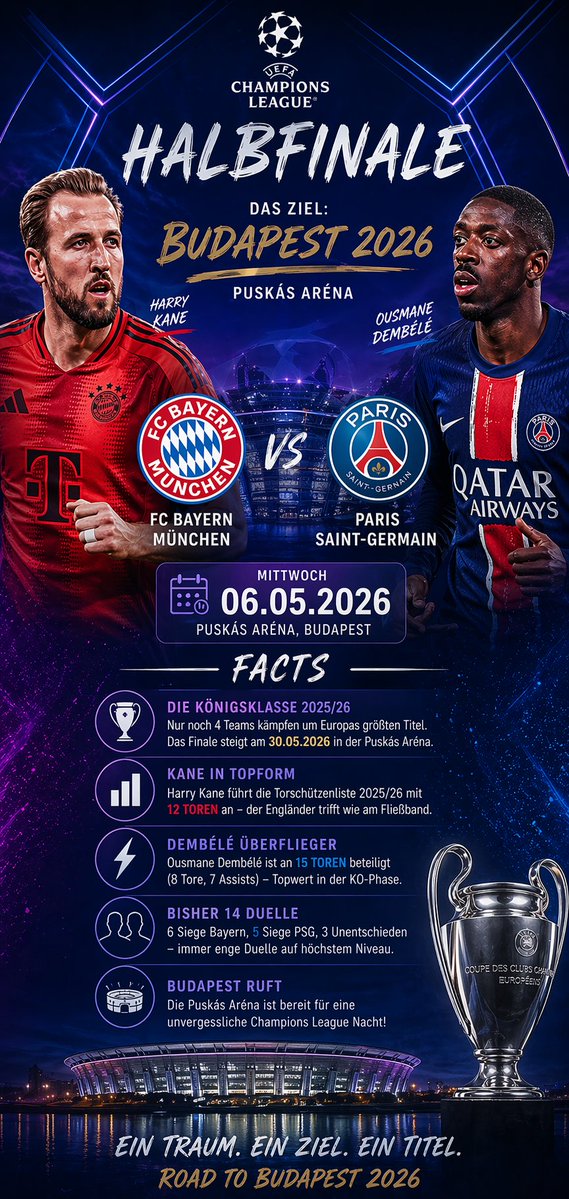
📌 รายละเอียด
- ผู้เขียน: MCapital
- แหล่งที่มา: Twitter Post
- เผยแพร่เมื่อ: 20 เมษายน 2569
- ภาษา: en
No. 51: อินโฟกราฟิก / ภาพประกอบเพื่อการศึกษา - Character Relationship Diagram Poster Generator
📖 คำอธิบาย
A detailed prompt for creating professional character relationship posters that combine information visualization with the specific art style of a series.
📝 คำสั่ง
Please generate a high-design character relationship map poster based on {argument name="theme" default="Demon Slayer"}. This image should not be a simple illustration, but a character relationship map that combines information visualization, narrative structure, poster design sense, and stylistic fidelity.

Please automatically complete the following:
- Identify the work and core settings corresponding to the theme
- Extract the most representative 6–12 key characters, not exceeding 15 if necessary
- Identify and display key character relationships, including blood ties, romance, friendship, alliances, hostility, master-disciple, etc.
- Automatically choose a composition method based on the work's characteristics, such as protagonist-centered, dual-core confrontation, faction-based, family tree, or chronological evolution
- Automatically refine the work's style DNA, including color, worldview symbols, textures, mood, typography, and representative elements
- Transform these stylistic elements into an overall visual design for the relationship map, rather than simply copying an official poster
- Use different colors, line types, and arrows to distinguish different relationships, ensuring clear lines and layers without clutter
- Make core characters most prominent, followed by important characters, and subordinate characters weakened to form a clear visual hierarchy
- Ensure every character name is legible, with identity or faction labels if necessary

The final product should satisfy:
- Immediate understanding of character hierarchy and key relationships
- Obvious alignment with the original work's temperament and setting
- Combines the clarity of an infographic with the premium design of a poster
- Unified, exquisite, complete, and suitable for social media sharing or poster display
- Avoids a cheap flowchart feel, messy piling, and information overload.
🖼️ รูปภาพที่สร้าง
Image 1
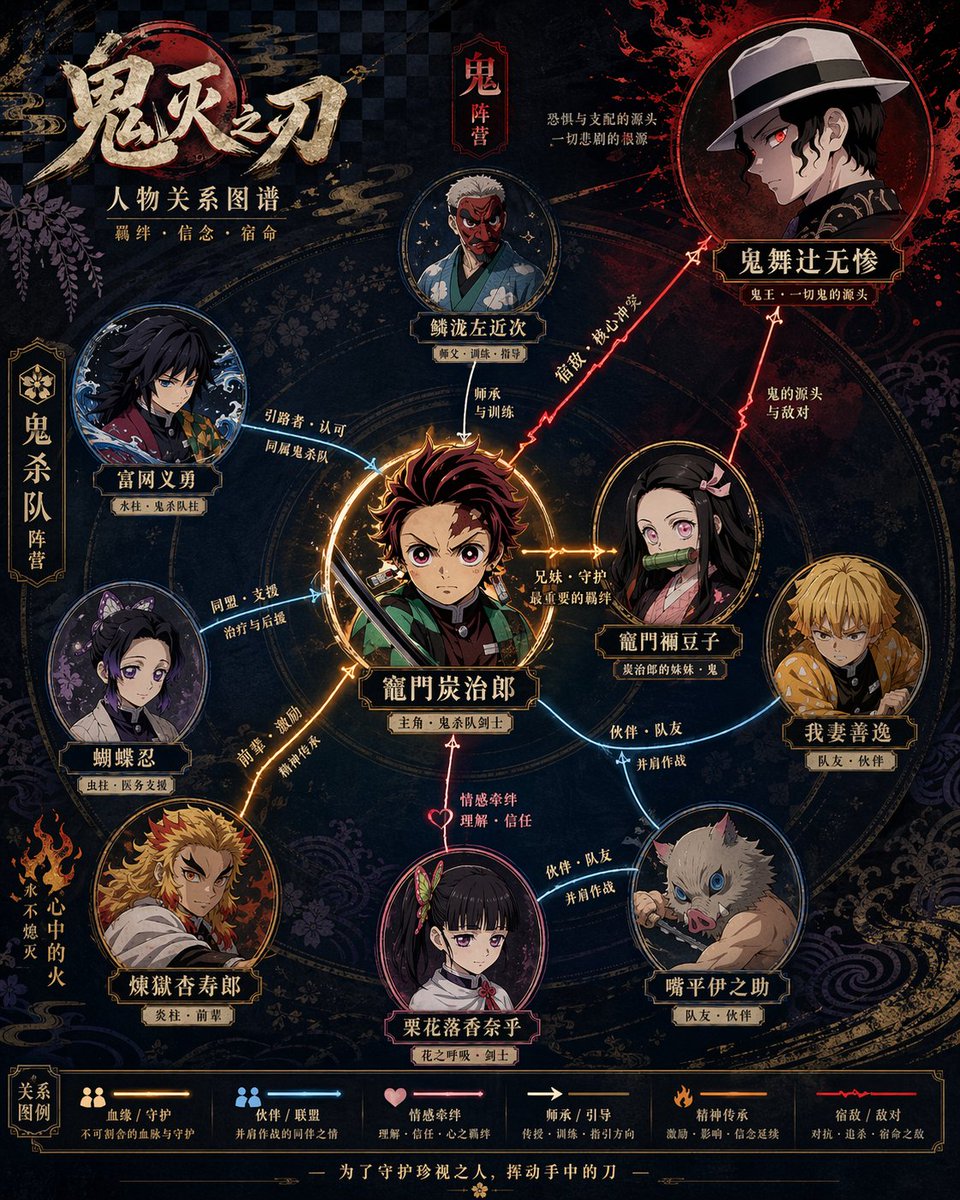
Image 2
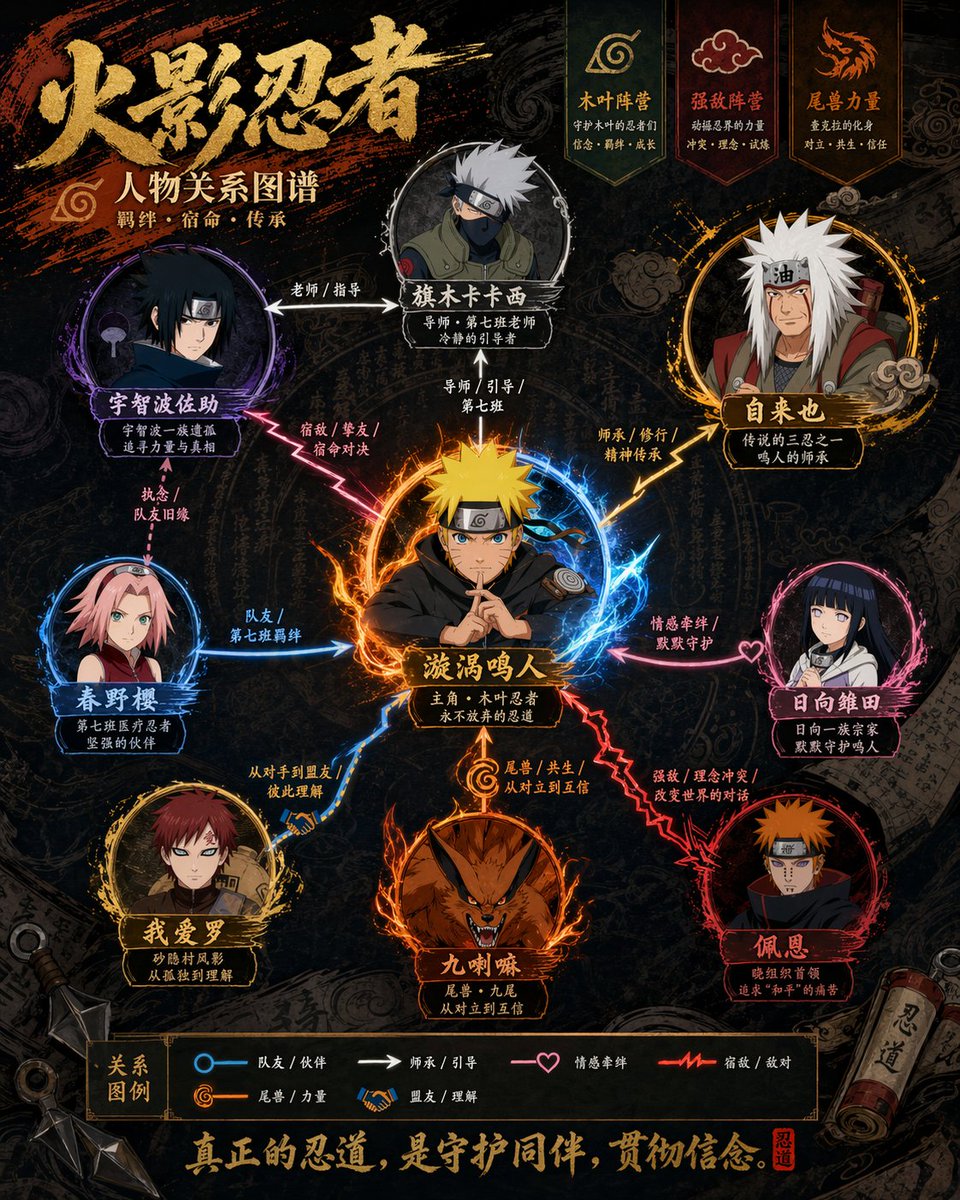
Image 3
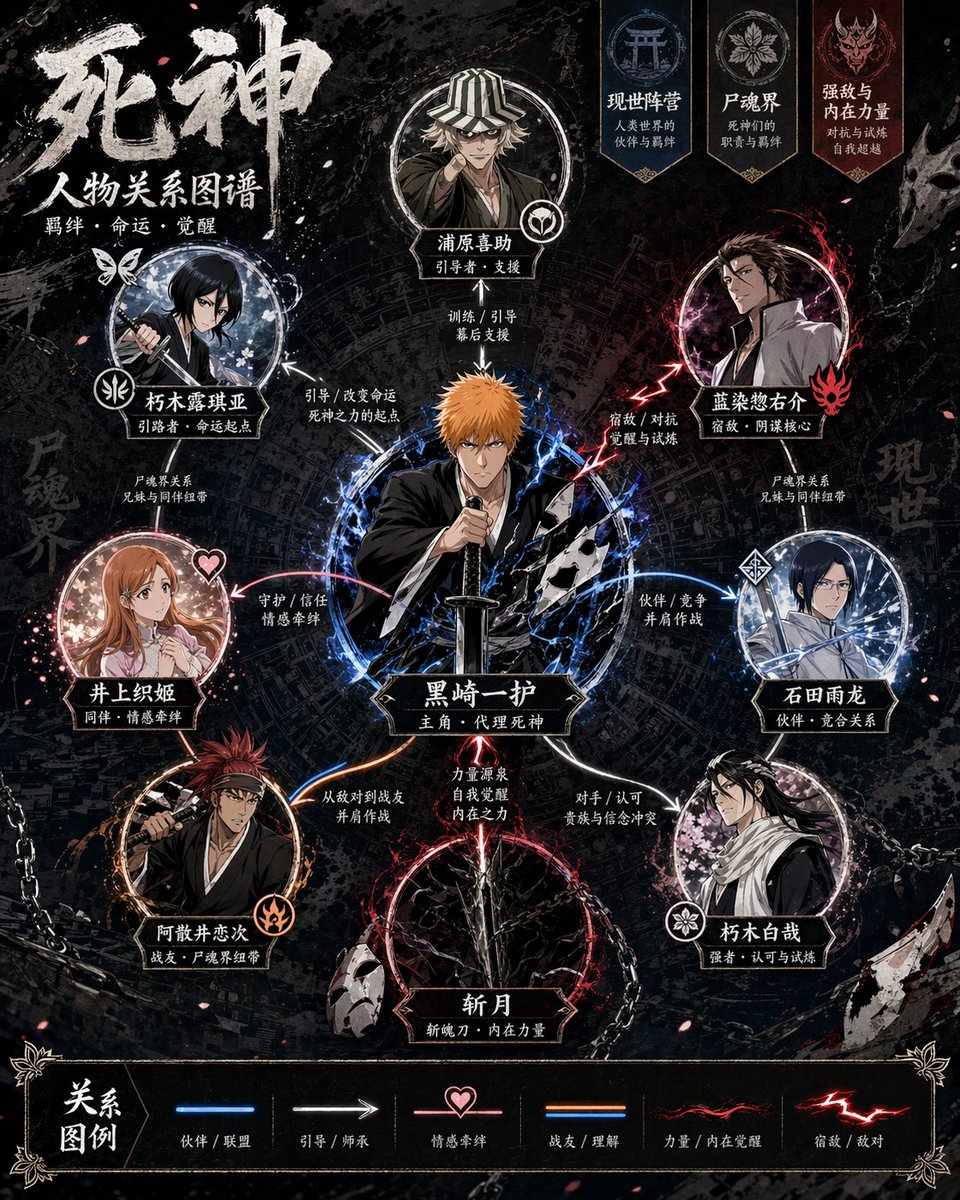
Image 4
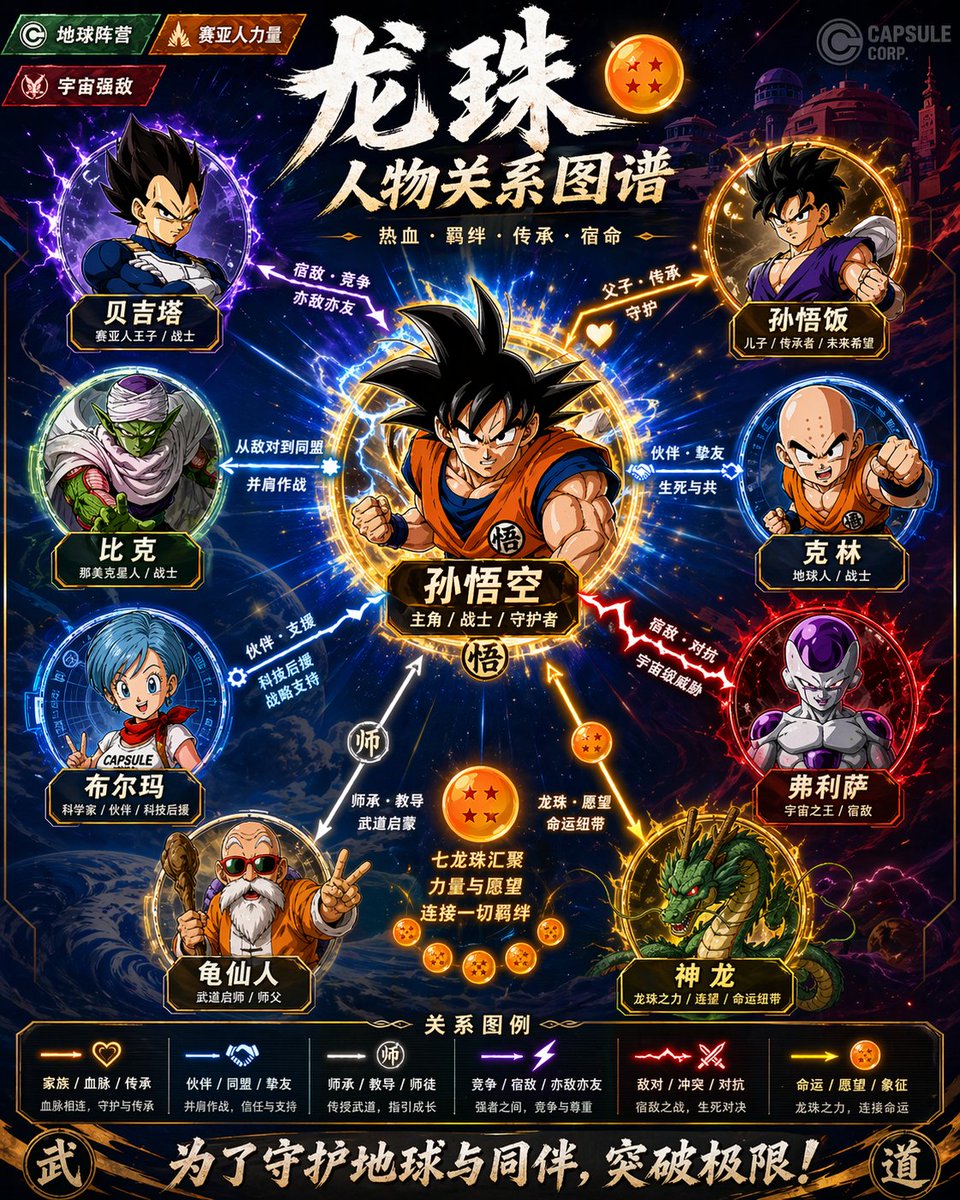
📌 รายละเอียด
- ผู้เขียน: Larus Canus
- แหล่งที่มา: Twitter Post
- เผยแพร่เมื่อ: 20 เมษายน 2569
- ภาษา: zh
No. 52: อินโฟกราฟิก / ภาพประกอบเพื่อการศึกษา - Epic Concept/Movie Poster Generator
📖 คำอธิบาย
A massive, highly detailed prompt that directs the AI to automatically derive visual metaphors, hierarchy, and cinematic lighting for an epic poster based on a single theme.
📝 คำสั่ง
GPT-Image-2 prompt: please automatically generate a top-tier concept poster / infographic-style movie poster centered around {argument name="theme" default="ranking of emperors in Chinese history"}.

Require the AI to automatically derive and uniformly design the entire following visual system based on this theme, without my extra specification:
- Core subject (automatically judge suitability for people, products, architecture, artifacts, symbols, scenes, or abstract imagery)
- Bottom supporting structure
- Hovering symbols or spiritual symbols above
- Scene wrapping elements
- Metaphor system
- Color hierarchy
- Material contrast
- Lighting logic
- Title, subtitle, and auxiliary copy
- Brand sense and high-end expression

The final frame must be: a shocking, precise, unified, cinematic, ultra-high detail conceptual key visual poster suitable for high-end printing.

[Overall Style]
Ultra-realistic 3D commercial CGI rendering, merging cinematic lighting, luxury visual language, futuristic concept design, and epic composition. The image must have a "single main visual core," not messy, not like a collage, and not like a regular e-commerce poster.

[Automatic Derivation Rules]
AI must automatically decide based on the [theme]:
1. Core visual metaphor
2. Subject type and posture
3. Form of supporting structure
4. Form of suspended elements
5. Scene shell and spatial atmosphere
6. Main, auxiliary, and emphasis colors
7. Material combinations
8. Text temperament and layout style

[Composition Rules]
- Absolute sense of premium quality
- Strong central order, overall unity
- Allows for axial symmetry or epic composition near the central axis
- Clear visual gravity, forming clear levels from top to bottom
- Edge negative space is clean, restrained, and has room to breathe

[Visual Quality]
- Ultra-high detail
- Clear volumetric light
- Authentic materials
- Natural reflection, refraction, shadows, fog, and depth of field
- Overall standard of high-end brand campaign key visual / luxury invitation poster / conceptual editorial poster

[Typography System]
- Overall 90% visual, 10% text
- AI automatically generates the most matching main title and subtitle based on the [theme]
- Title must be concise, sharp, and powerful
- Text should be as minimal and accurate as possible; do not stack words

[Signature Requirement]
Naturally add the author signature in the bottom corner: @a9quant
🖼️ รูปภาพที่สร้าง
Image 1
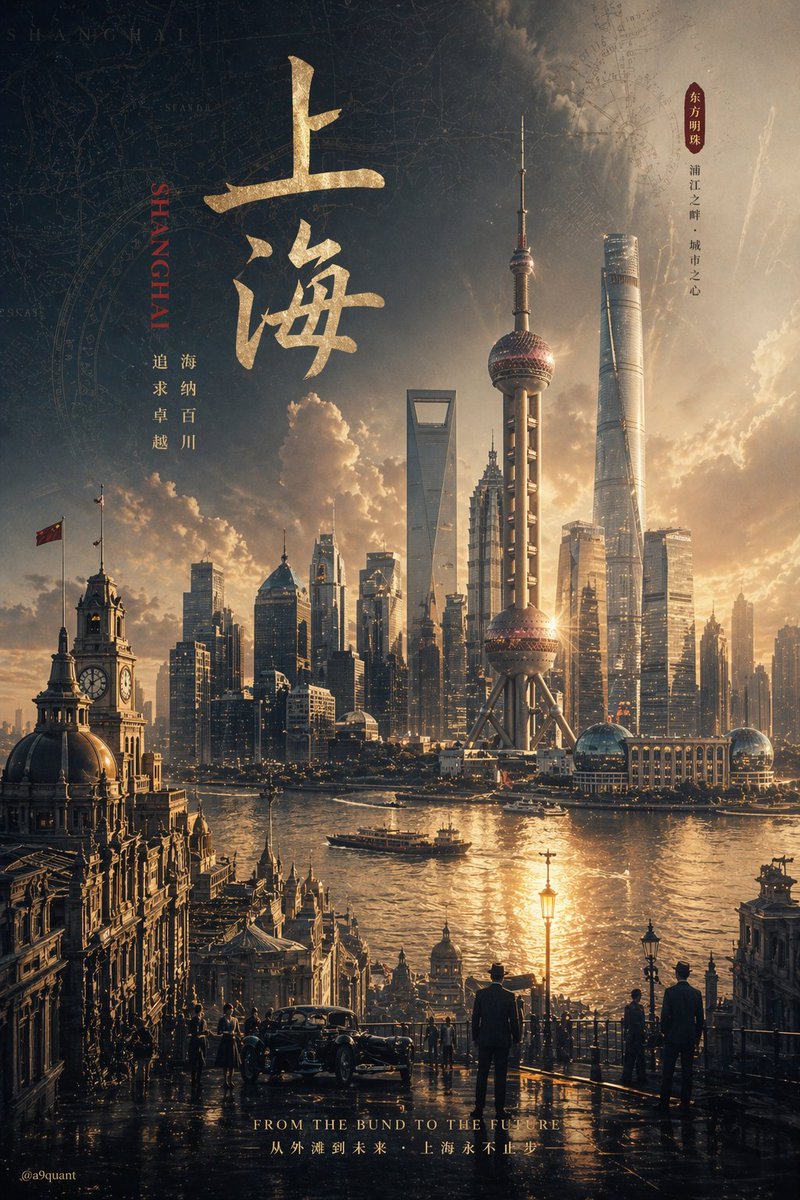
Image 2
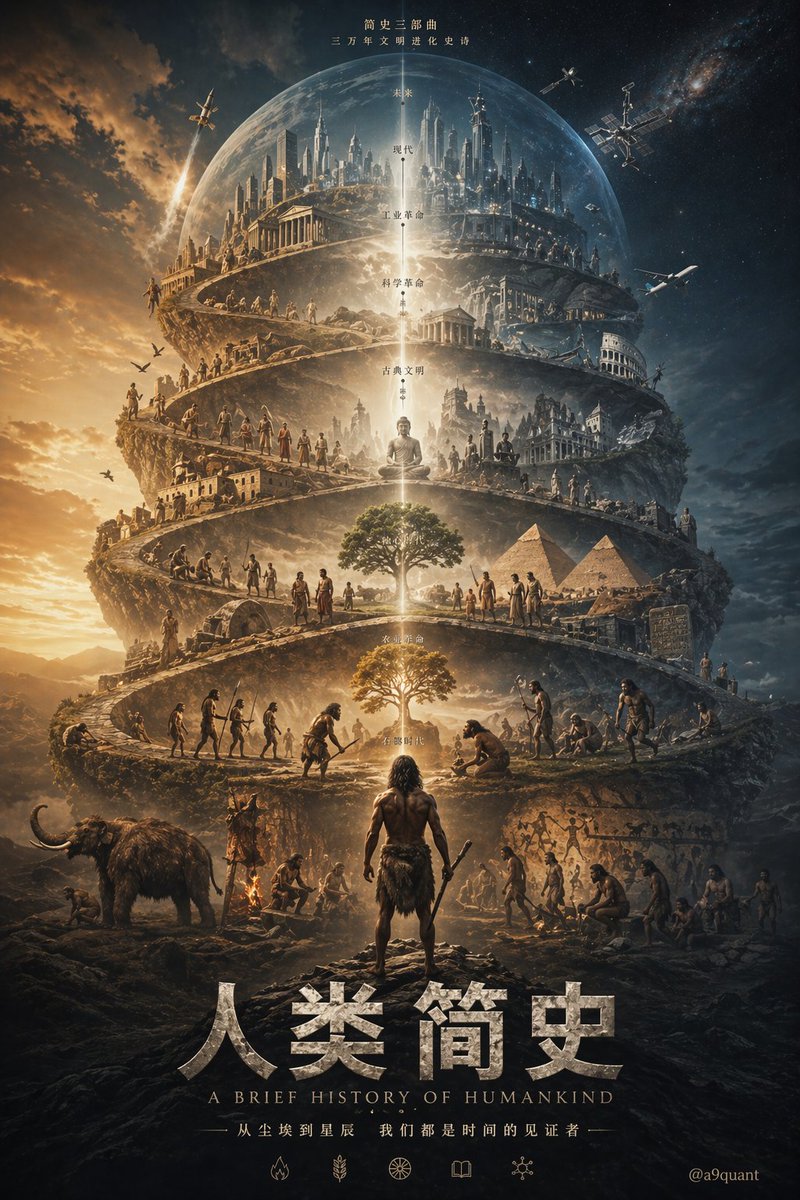
Image 3

📌 รายละเอียด
- ผู้เขียน: boon陈庚阳
- แหล่งที่มา: Twitter Post
- เผยแพร่เมื่อ: 20 เมษายน 2569
- ภาษา: zh
No. 53: ภาพขนาดย่อของ YouTube - Next-Gen Voxel Game Screenshot
📖 คำอธิบาย
Generates a realistic, high-fidelity first-person screenshot of a block-building game with a custom logo, environment, and UI overlay.
📝 คำสั่ง
A highly detailed, realistic first-person video game screenshot of a next-generation voxel-based world. At the top center, a large, bold 3D logo reads "{argument name="game title" default="MINECRAFT 2"}". The scene features a {argument name="environment" default="lush, blocky landscape with a river, a small wooden cabin, a windmill, a waterfall, and majestic mountains in the background"}. The world blends realistic lighting, volumetric clouds, and high-resolution textures with cubic, voxel geometry. In the foreground on the left, a {argument name="mob 1" default="blocky green creeper"} stands on the grass, while a {argument name="mob 2" default="blocky brown wolf"} stands on the dirt path to the right. On the far right, the player's hand holds a {argument name="held item" default="pixelated blue diamond sword"} in a first-person perspective. At the bottom of the screen is a game user interface featuring a health bar with 10 red hearts, a green experience bar with the number '16', a hunger bar with 10 brown meat icons, and a 9-slot inventory hotbar. The hotbar contains, from left to right: a selected blue tool with a green highlight box, a green tool, a knife, a wrench with the number '3', a piece of meat with '6', a lantern with '24', a dirt block with '10', a bucket, and a sponge block.
🖼️ รูปภาพที่สร้าง
Image 1
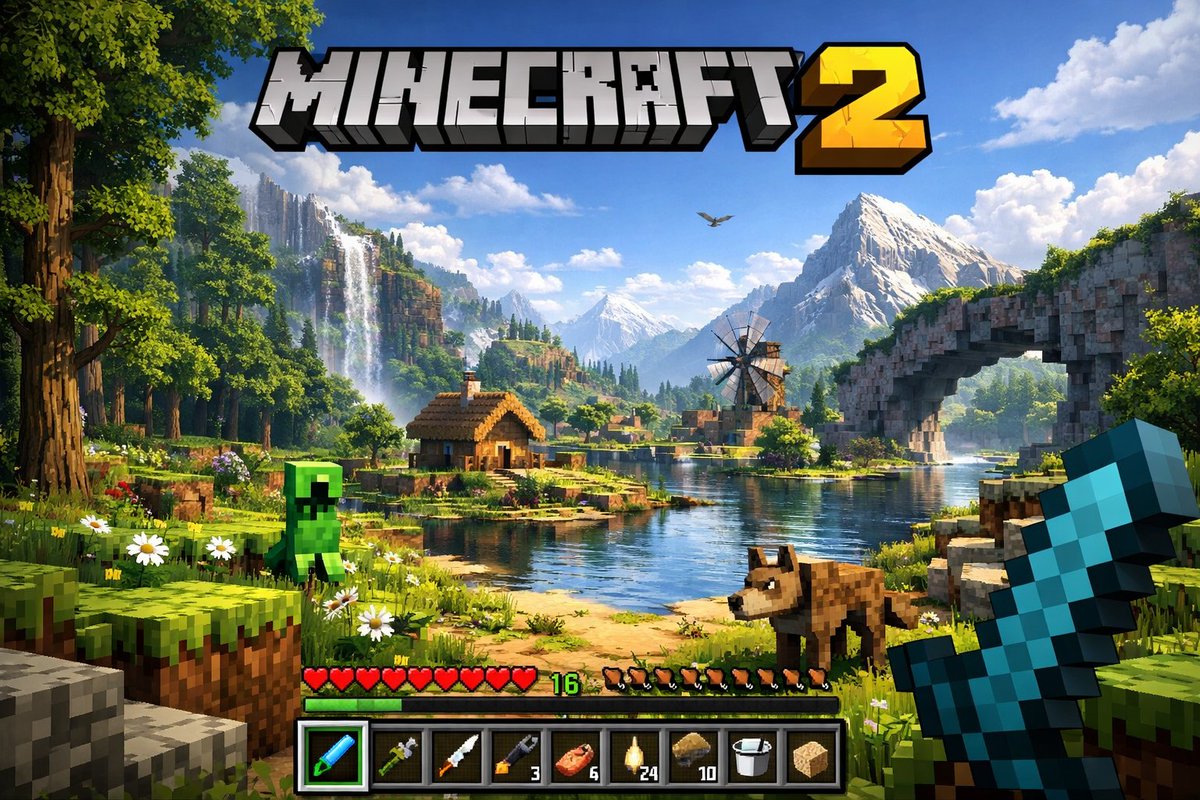
📌 รายละเอียด
- ผู้เขียน: wolfaidev 🐺
- แหล่งที่มา: Twitter Post
- เผยแพร่เมื่อ: 20 เมษายน 2569
- ภาษา: en
No. 54: ภาพขนาดย่อของ YouTube - VTuber Stream Thumbnail
📖 คำอธิบาย
Generates an anime-style YouTube live stream thumbnail featuring a VTuber character, a gaming setup, and bold, customizable typography.
📝 คำสั่ง
An anime-style YouTube stream thumbnail featuring a cheerful female VTuber. She has long {argument name="hair color" default="pink with light blue inner highlights"} hair, blue eyes, and wears black and white cat-ear headphones with a boom mic. She wears a white collared shirt with a black and pink star ribbon and a black choker, smiling with one hand near her chin. The background is a gaming room with {argument name="room lighting" default="purple and blue neon"} lighting, showing a desk equipped with 1 white keyboard, 1 mug, 1 glowing cat figure, 1 game controller, and 1 streaming microphone. The left side features large, bold, pop-art Japanese typography: a bright pink top word "{argument name="main text line 1" default="雑談"}" and a bright blue bottom word "{argument name="main text line 2" default="配信"}". Below is a pink banner reading "{argument name="subtitle text" default="今夜もゆるっとトーク!"}". A red "LIVE" badge sits in the top left. Floating speech bubbles, stars, and hearts decorate the composition.
🖼️ รูปภาพที่สร้าง
Image 1
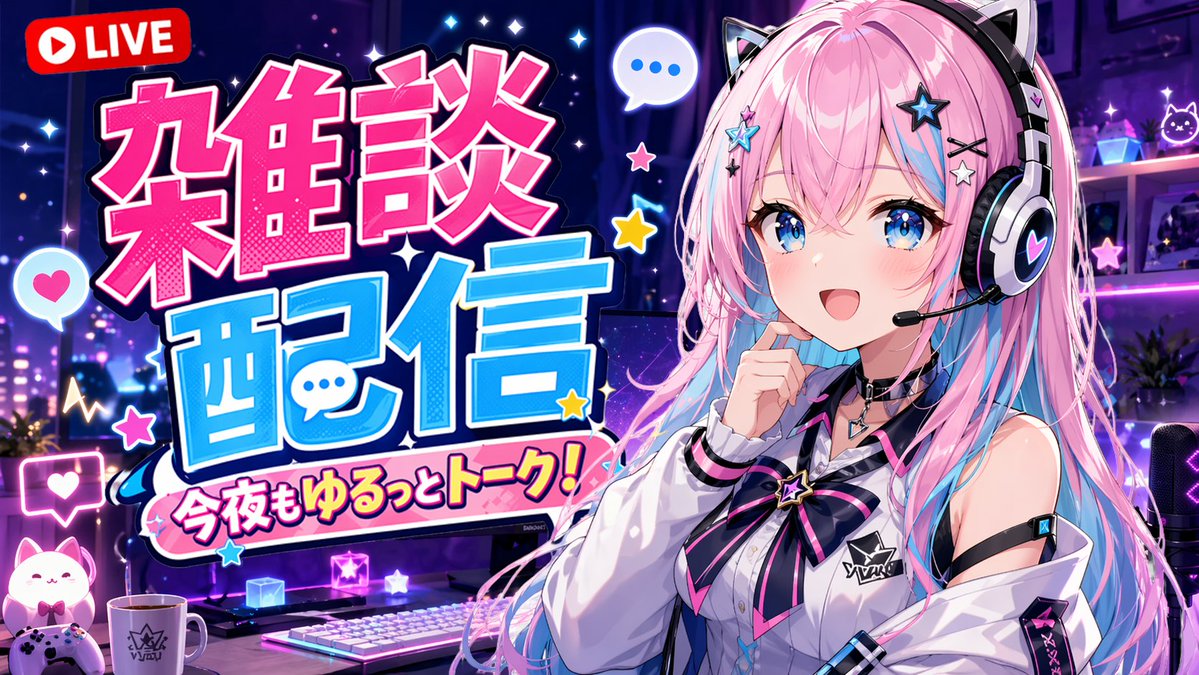
📌 รายละเอียด
- ผู้เขียน: 結パパ
- แหล่งที่มา: Twitter Post
- เผยแพร่เมื่อ: 20 เมษายน 2569
- ภาษา: en
No. 55: ภาพขนาดย่อของ YouTube - VTuber Chat Stream Thumbnail
📖 คำอธิบาย
Generates a cute, pink-themed VTuber stream thumbnail with customizable text ribbons and bullet points.
📝 คำสั่ง
{
  "type": "VTuber stream thumbnail",
  "style": "anime, highly detailed, cute, sparkly, overwhelmingly pink color palette",
  "character": {
    "description": "anime girl with brown hair in twin buns, amber eyes, smiling gently",
    "outfit": "pink kimono combined with a white frilly maid apron, cherry blossom hair accessories",
    "pose": "holding a pink microphone decorated with a flower near her face"
  },
  "layout": {
    "background": "pink gradient with sparkles, glowing hearts, and decorative pink bows",
    "text_sections": [
      {
        "type": "top ribbon",
        "text": "{argument name=\"top subtitle\" default=\"まったりおしゃべりしよ〜🤍\"}"
      },
      {
        "type": "main title",
        "text": "{argument name=\"main title\" default=\"雑談配信\"}",
        "decorations": "surrounded by 3 large peach illustrations"
      },
      {
        "type": "middle ribbon",
        "text": "{argument name=\"middle subtitle\" default=\"みんなと楽しい時間を過ごしたいなっ♡\"}"
      },
      {
        "type": "bullet points",
        "position": "bottom left",
        "count": 3,
        "icon": "peach",
        "labels": [
          "{argument name=\"bullet 1\" default=\"初見さん〇\"}",
          "{argument name=\"bullet 2\" default=\"ポイント回収〇\"}",
          "ROMO"
        ]
      },
      {
        "type": "speech bubble",
        "position": "bottom right",
        "text": "コメント大歓迎♪ いっぱいお話し しようねっ♡"
      }
    ]
  }
}
🖼️ รูปภาพที่สร้าง
Image 1
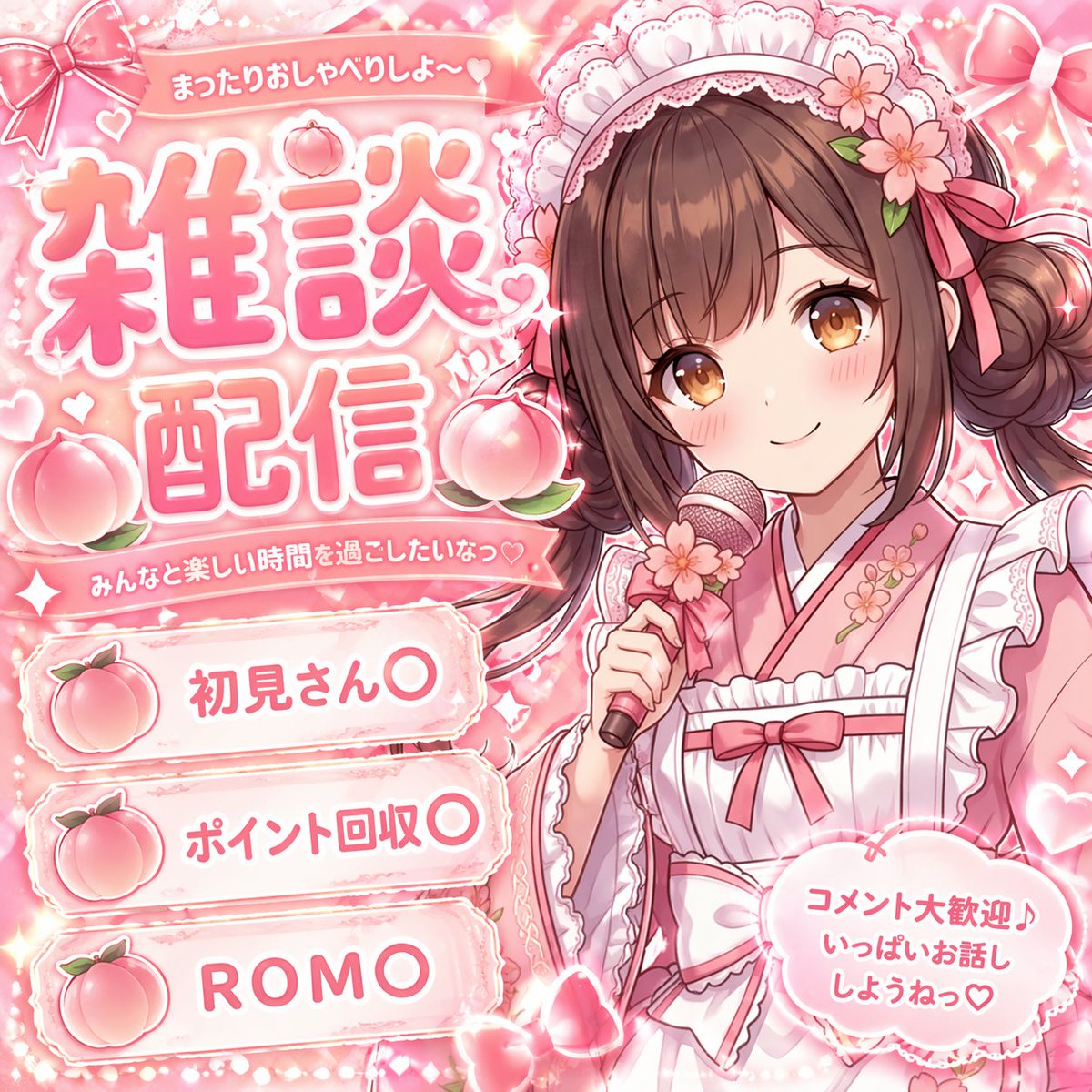
📌 รายละเอียด
- ผู้เขียน: 絵愛さやか🐸AIArtist
- แหล่งที่มา: Twitter Post
- เผยแพร่เมื่อ: 20 เมษายน 2569
- ภาษา: en
No. 56: ภาพขนาดย่อของ YouTube - Pastel Pink VTuber Stream Thumbnail
📖 คำอธิบาย
Generates a cute, pastel-themed stream overlay or thumbnail featuring an anime girl and customizable text banners.
📝 คำสั่ง
{
  "type": "VTuber stream thumbnail",
  "theme": "pastel pink, soft, cute, lace, ribbons, hearts, bunny motif",
  "character": {
    "position": "right side, waist-up",
    "appearance": "anime girl, {argument name=\"hair color\" default=\"pastel pink\"} long wavy hair, large grey eyes, blush, pink heart earrings",
    "accessories": "white bunny ears, large pink bow on head",
    "outfit": "white frilly dress with lace, large pink ribbon bow at collar with heart gem"
  },
  "layout": {
    "background": "soft pink with subtle sparkles, lace patterns, floating hearts",
    "text_elements": [
      {
        "type": "main title",
        "position": "top left",
        "style": "large stylized pink text with white outline",
        "text": "{argument name=\"main title\" default=\"雑談配信\"}"
      },
      {
        "type": "speech bubble",
        "position": "above main title",
        "text": "まったり"
      },
      {
        "type": "circular badge",
        "position": "top right",
        "details": "lace-edged with small pink bow",
        "text": "きてくれてありがとう♡"
      },
      {
        "type": "heart badge",
        "position": "bottom right",
        "details": "large lace-edged heart",
        "text": "みんなとおしゃべりできるの楽しみにしてるね♡"
      }
    ],
    "list_section": {
      "position": "bottom left",
      "count": 3,
      "style": "horizontal pill-shaped banners with lace edges, each featuring a pink heart with white bunny ears and a tiny bow on the left",
      "items": [
        "{argument name=\"list item 1\" default=\"初見さん〇\"}",
        "{argument name=\"list item 2\" default=\"ポイント回収〇\"}",
        "{argument name=\"list item 3\" default=\"ROM〇\"}"
      ]
    }
  }
}
🖼️ รูปภาพที่สร้าง
Image 1
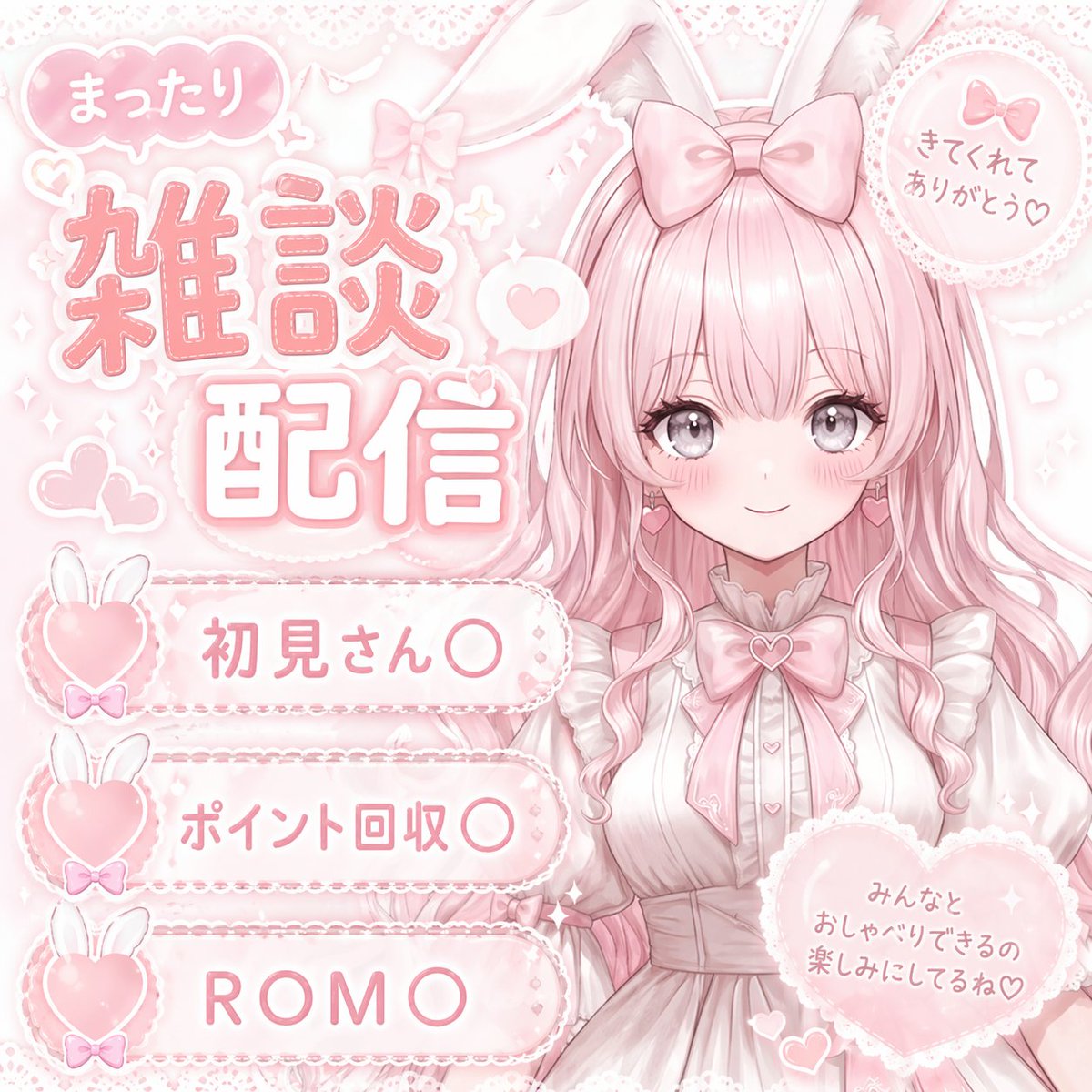
📌 รายละเอียด
- ผู้เขียน: 絵愛さやか🐸AIArtist
- แหล่งที่มา: Twitter Post
- เผยแพร่เมื่อ: 20 เมษายน 2569
- ภาษา: en
No. 57: ภาพขนาดย่อของ YouTube - Anime VTuber Livestream Thumbnail
📖 คำอธิบาย
Generates a pastel-themed anime VTuber stream thumbnail with customizable text badges and title.
📝 คำสั่ง
{
  "type": "anime-style livestream thumbnail",
  "character": {
    "hair": "{argument name=\"hair color\" default=\"short silver hair with cyan underlights\"}",
    "eyes": "large bright blue",
    "outfit": "white collared shirt, black tie with silver accents, black jacket, black beret with a large blue heart jewel, blue jewel brooch, black choker",
    "pose": "smiling gently, looking at viewer, positioned on the right side"
  },
  "background": "pastel blue with white clouds, sparkles, stars, small bows, and a subtle grid pattern",
  "typography_and_ui": {
    "top_left_speech_bubble": "まったりおしゃべりしよ〜♡",
    "main_title": {
      "text": "{argument name=\"main title\" default=\"雑談配信\"}",
      "style": "large, soft blue gradient, white outline, decorated with small hearts, positioned on the middle-left"
    },
    "bottom_left_badges": {
      "count": 3,
      "style": "white pill-shaped buttons with a purple heart icon on the left",
      "labels": [
        "{argument name=\"badge 1 text\" default=\"初見さん〇\"}",
        "{argument name=\"badge 2 text\" default=\"ポイント回収〇\"}",
        "{argument name=\"badge 3 text\" default=\"ROM〇\"}"
      ]
    },
    "bottom_right_cloud_bubble": "気軽にコメントしてね♡"
  }
}
🖼️ รูปภาพที่สร้าง
Image 1
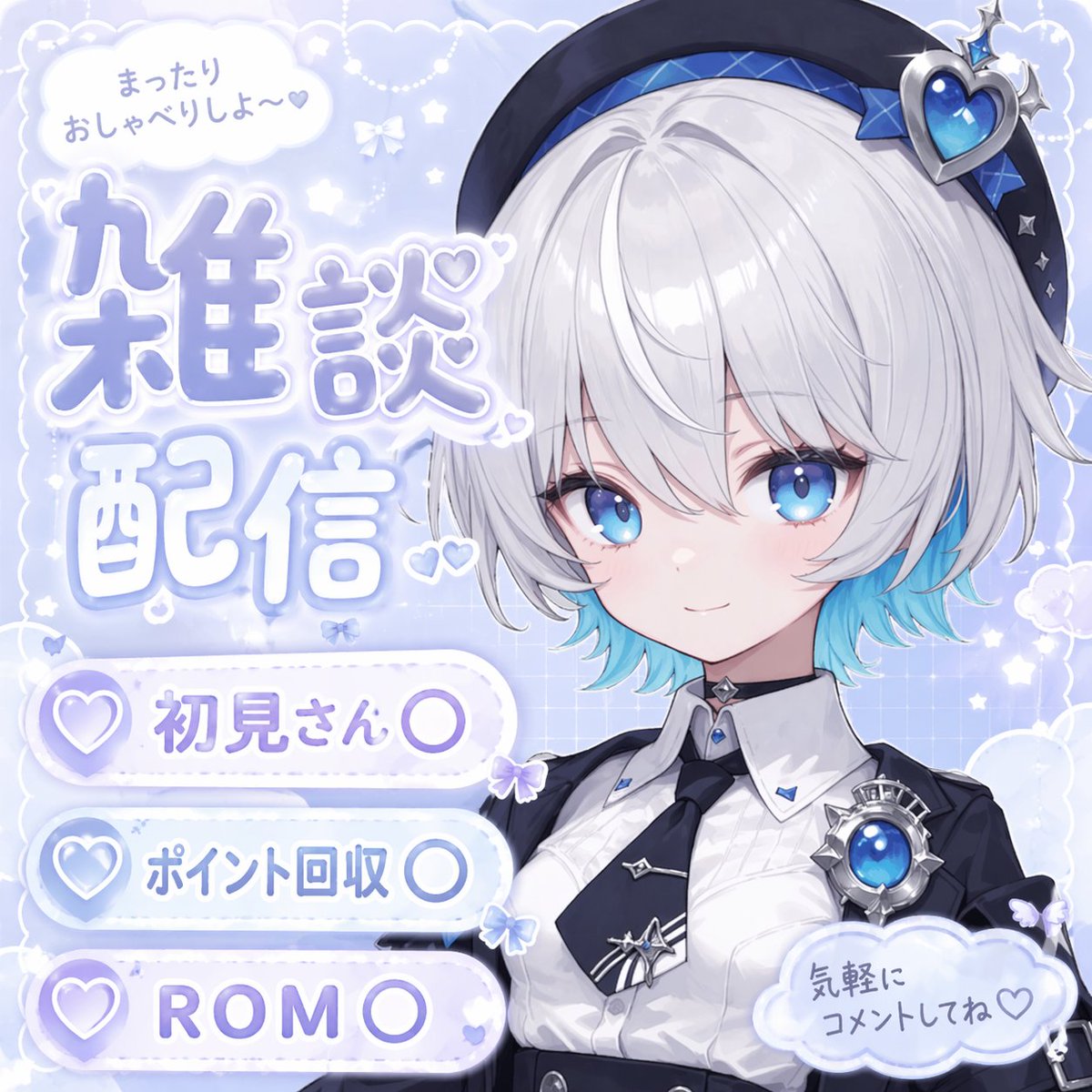
📌 รายละเอียด
- ผู้เขียน: 絵愛さやか🐸AIArtist
- แหล่งที่มา: Twitter Post
- เผยแพร่เมื่อ: 20 เมษายน 2569
- ภาษา: en
No. 58: ภาพขนาดย่อของ YouTube - VTuber Chat Stream Thumbnail
📖 คำอธิบาย
Generates a vibrant, text-heavy anime-style thumbnail for a VTuber chat stream, featuring customizable banners and titles.
📝 คำสั่ง
{
  "type": "VTuber stream thumbnail",
  "character": {
    "hair": "long blonde twin tails with pink gradient ends",
    "eyes": "large pink anime eyes",
    "expression": "cheerful smile with a small fang, making a peace sign near the eye",
    "outfit": "black top with harness straps, black heart-ring choker, multiple ear piercings including a cross dangle, black nail polish"
  },
  "background": "vibrant neon pink and black leopard print with glowing yellow accents, sparkles, and floating hearts",
  "typography_and_layout": {
    "main_title": {
      "position": "top left",
      "style": "large, bold, 3D, pink and black with white outlines",
      "text": "{argument name=\"main title\" default=\"雑談配信\"}"
    },
    "top_right_text": {
      "style": "casual handwritten style with a heart",
      "text": "{argument name=\"top right text\" default=\"まったり話そ〜♡\"}"
    },
    "bottom_left_banners": {
      "count": 3,
      "style": "glowing pill-shaped banners with heart icons on the left",
      "colors": ["pink", "yellow", "purple"],
      "labels": [
        "{argument name=\"banner 1 text\" default=\"初見さん〇\"}",
        "{argument name=\"banner 2 text\" default=\"ポイント回収〇\"}",
        "{argument name=\"banner 3 text\" default=\"ROM〇\"}"
      ]
    },
    "bottom_right_text": {
      "style": "casual handwritten style with a heart, yellow text with pink outline",
      "text": "気軽にコメントしてねっ♡"
    }
  }
}
🖼️ รูปภาพที่สร้าง
Image 1
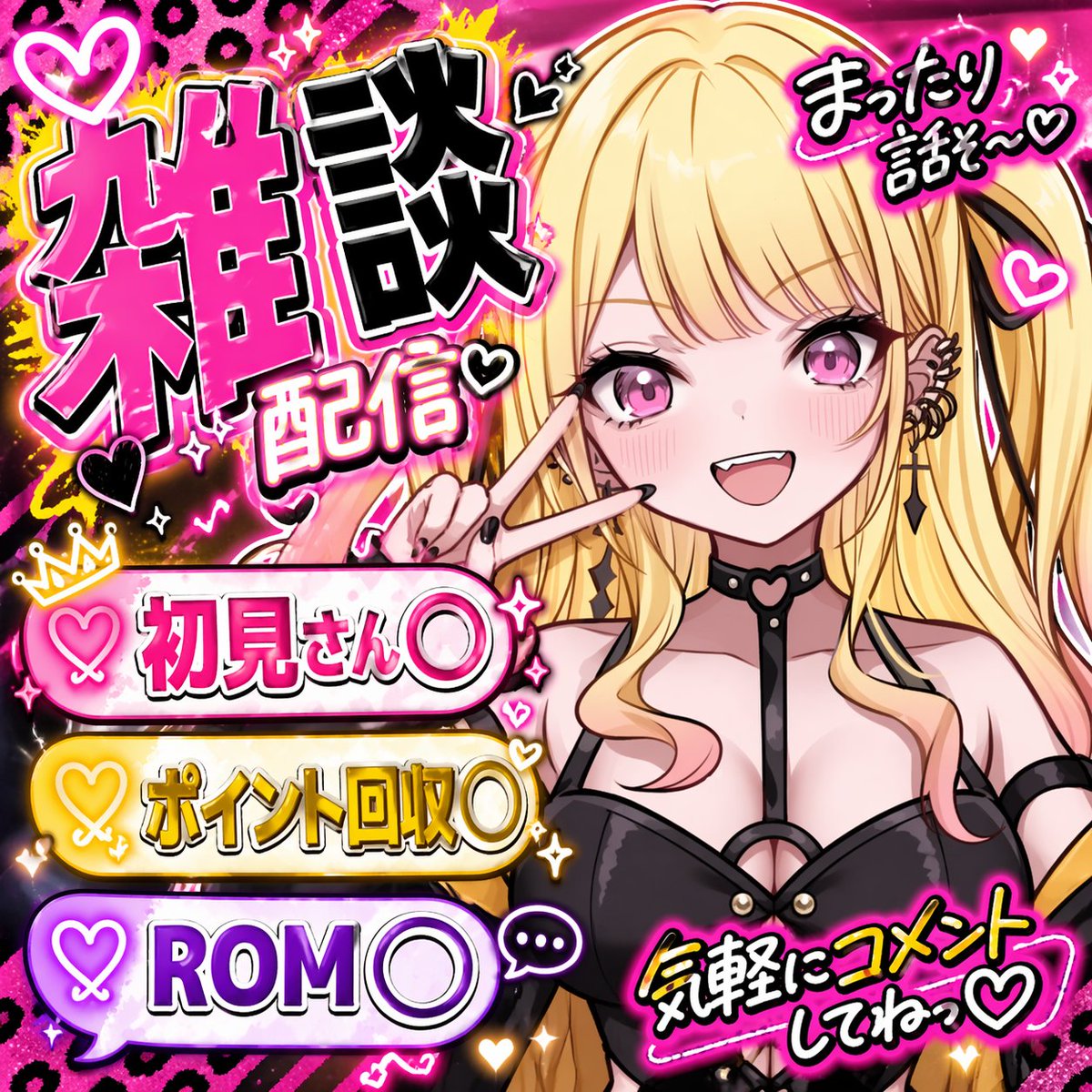
📌 รายละเอียด
- ผู้เขียน: 絵愛さやか🐸AIArtist
- แหล่งที่มา: Twitter Post
- เผยแพร่เมื่อ: 20 เมษายน 2569
- ภาษา: en
No. 59: ภาพขนาดย่อของ YouTube - เครื่องมือสร้างภาพปกสำหรับสัมมนาภาษาญี่ปุ่น
📖 คำอธิบาย
คำสั่ง (Prompt) สำหรับสร้างภาพปกงานสัมมนาภาษาญี่ปุ่นแบบมืออาชีพในอัตราส่วน 16:9 พร้อมตัวอักษรที่อ่านง่ายและข้อความที่โดดเด่น
📝 คำสั่ง
สร้าง {argument name="thumbnail type" default="ภาพปกงานสัมมนา"} ภาษาญี่ปุ่นคุณภาพสูง ในอัตราส่วน {argument name="aspect ratio" default="16:9 แบบจอกว้าง"} โดยมีการจัดวางข้อความจำนวนมาก แต่ยังคงเน้นให้ข้อความหลักมีความโดดเด่นและชัดเจน
🖼️ รูปภาพที่สร้าง
Image 1
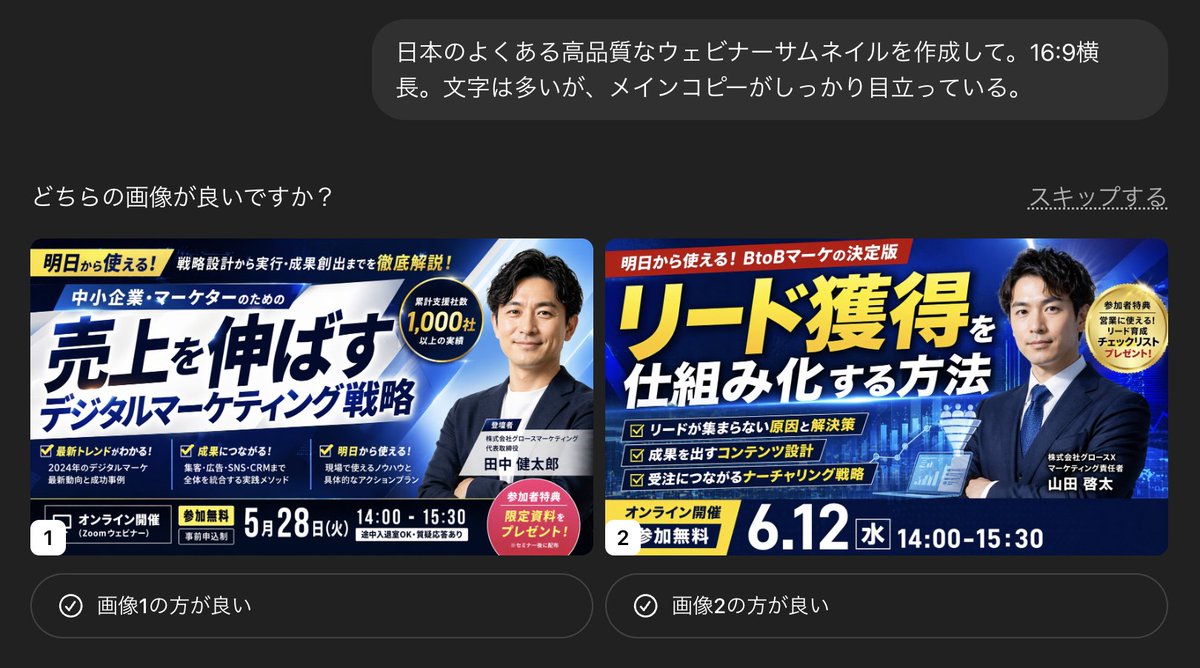
📌 รายละเอียด
- ผู้เขียน: KAWAI
- แหล่งที่มา: Twitter Post
- เผยแพร่เมื่อ: 18 เมษายน 2569
- ภาษา: ja
No. 60: ภาพขนาดย่อของ YouTube - ภาพปกสตรีมเปิดตัว VTuber
📖 คำอธิบาย
สร้างตารางสตรีมหรือภาพปกเปิดตัวสำหรับ VTuber ที่เต็มไปด้วยมนต์ขลังและงานออกแบบตัวอักษรที่สวยงาม
📝 คำสั่ง
{
  "type": "ภาพปกสตรีมเปิดตัว VTuber",
  "character": {
    "appearance": "สาวอนิเมะ ผมยาวสีม่วงเข้ม ดวงตาสีม่วง สวมเสื้อเบลาส์สีขาวระบายลูกไม้ หูกระต่ายสีม่วงเข้ม และโบว์ติดผมขนาดใหญ่",
    "pose": "ท่าจุ๊ปาก แสดงสีหน้าสุดน่ารัก",
    "props": "ไมโครโฟนคอนเดนเซอร์พร้อมแผ่นกรองเสียงและริบบิ้นสีม่วงทางด้านขวา"
  },
  "background": "ค่ำคืนที่เต็มไปด้วยดวงดาวอันน่าหลงใหล ประกายวิบวับ ผีเสื้อเรืองแสง โทนสีม่วงและขาว",
  "layout": {
    "typography": [
      {
        "position": "มุมซ้ายบน",
        "style": "ข้อความตัวหนาขนาดใหญ่พร้อมภาษาอังกฤษแบบตัวเขียนด้านบน",
        "text": "{argument name=\"main title\" default=\"初配信\"}",
        "subtext_1": "สตรีมครั้งแรก",
        "subtext_2": "ยินดีที่ได้รู้จักค่ะ! ฉันคือ Shisaki Lily!"
      },
      {
        "position": "กลางซ้าย",
        "style": "กรอบตกแต่ง",
        "text": "{argument name=\"character description\" default=\"お嬢様学校に通う清楚系VTuberですわ♪\"}"
      },
      {
        "position": "มุมซ้ายล่าง",
        "style": "สไตล์โลโก้",
        "text": "{argument name=\"character name\" default=\"紫咲リリー\"}",
        "subtext": "Shisaki Lily"
      },
      {
        "position": "มุมขวาบน",
        "style": "ข้อความแนวตั้ง",
        "text": "{argument name=\"catchphrase\" default=\"皆さまの心に、優雅なひとときをお届けしますわ♪\"}"
      },
      {
        "position": "มุมขวาล่าง",
        "style": "รูปทรงแคปซูลตกแต่ง",
        "text": "{argument name=\"stream date and time\" default=\"4.21 SUN 21:00~\"}",
        "subtext": "✦ เริ่มสตรีม ✦"
      }
    ]
  }
}
🖼️ รูปภาพที่สร้าง
Image 1
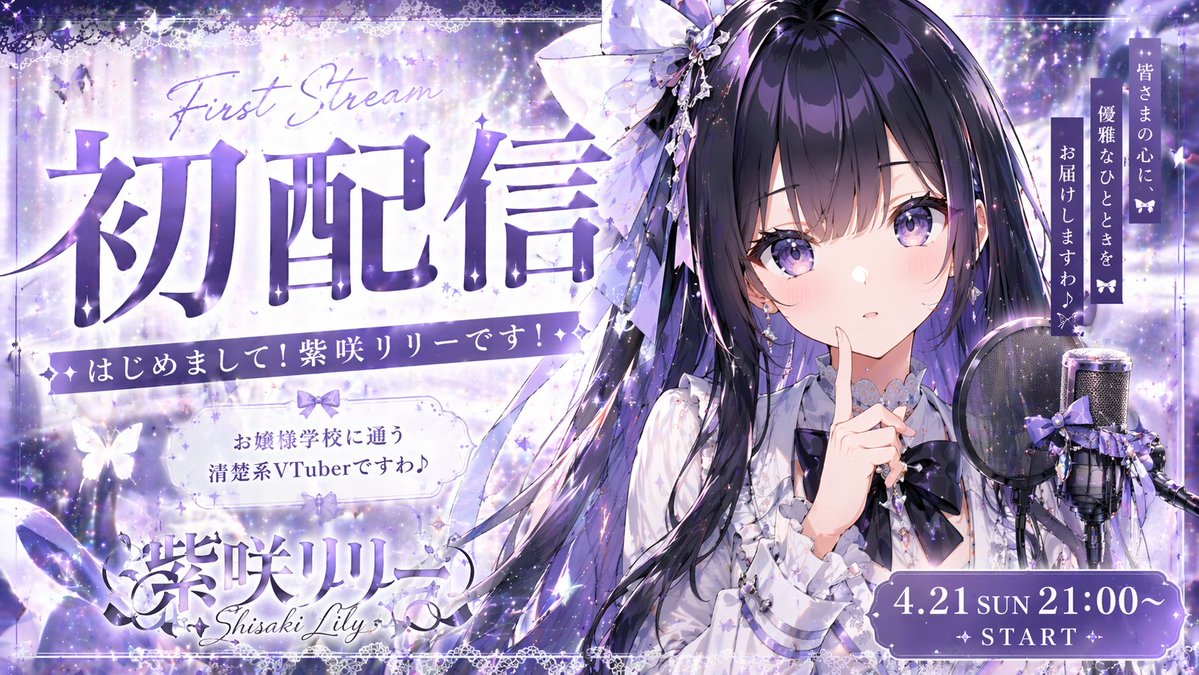
📌 รายละเอียด
- ผู้เขียน: WTR
- แหล่งที่มา: Twitter Post
- เผยแพร่เมื่อ: 17 เมษายน 2569
- ภาษา: en
No. 61: ภาพขนาดย่อของ YouTube - ภาพปก Info-Product โทนสีทองและดำ
📖 คำอธิบาย
สร้างแบนเนอร์โปรโมตหรือภาพปก YouTube ที่ดูโดดเด่นและเน้นข้อความ โดยมีตัวแบบที่ดูมั่นใจพร้อมคำบรรยายประกอบที่เป็นระเบียบ
📝 คำสั่ง
{
  "type": "แบนเนอร์โปรโมต / ภาพปก YouTube",
  "style": "คอนทราสต์สูง, โดดเด่น, เป็นมืออาชีพ, ใช้โทนสี {argument name=\"theme color\" default=\"ทองและดำ\"}, มีแสงเรืองรองและละอองประกาย",
  "subject": {
    "description": "{argument name=\"subject description\" default=\"ชายหนุ่มชาวเอเชียดูมั่นใจ สวมสูทสีเข้มและกอดอก\"}",
    "pose": "มองขึ้นไปทางขวา",
    "props": "แล็ปท็อปที่เปิดอยู่และมีแสงเรืองรองวางอยู่ด้านหน้า"
  },
  "layout": {
    "background": "พื้นหลังสีเข้มพร้อมแสงสีทองกระจายตัว",
    "text_sections": {
      "top_left_badge": "[ฉบับเก็บตก]",
      "top_header": "{argument name=\"top text\" default=\"เริ่มได้ตั้งแต่วันนี้แม้ไม่มีความรู้! คว้าโอกาสสร้างรายได้ด้วย AI ในเวลาที่สั้นที่สุด!\"}",
      "main_title": {
        "text": "{argument name=\"main title\" default=\"เจาะลึกอาชีพเสริมด้วย AI แบบครบวงจร\"}",
        "style": "ตัวอักษรขนาดใหญ่ หนา แบบ 3D สีทองและขาว"
      },
      "subtitle_box": "{argument name=\"subtitle\" default=\"มือใหม่ก็ทำเงินได้เดือนละ 1 แสน\"}",
      "top_right_badge": {
        "style": "พวงมาลัยสีทอง",
        "text": "อัปเดตล่าสุดปี 2026"
      },
      "middle_right_tags": {
        "count": 3,
        "style": "กล่องขอบทองวางซ้อนกัน",
        "labels": ["สร้างรายได้เร็วที่สุด", "พร้อมตัวอย่างจริง", "ใครก็เริ่มได้ง่ายๆ"]
      },
      "middle_right_ribbon": {
        "style": "แถบริบบิ้นสีแดง",
        "text": "อธิบายขั้นตอนอย่างละเอียด"
      },
      "bottom_left_tags": {
        "count": 6,
        "style": "ตารางกล่องขอบทอง 2x3",
        "labels": ["แนะนำเครื่องมือที่น่าสนใจ", "เข้าใจขั้นตอนการสร้างรายได้", "วิธีเริ่มต้นแบบไม่พลาด", "ลดเวลาทำงานให้เหลือน้อยที่สุด", "พร้อมเทมเพลต", "วิธีที่ทำตามได้จริง"]
      },
      "bottom_footer": "สร้างรายได้แบบไม่หลงทาง! คู่มืออาชีพเสริมด้วย AI",
      "bottom_right_badge": {
        "style": "พวงมาลัยสีทอง",
        "text": "พร้อมเทมเพลต"
      }
    }
  }
}
🖼️ รูปภาพที่สร้าง
Image 1
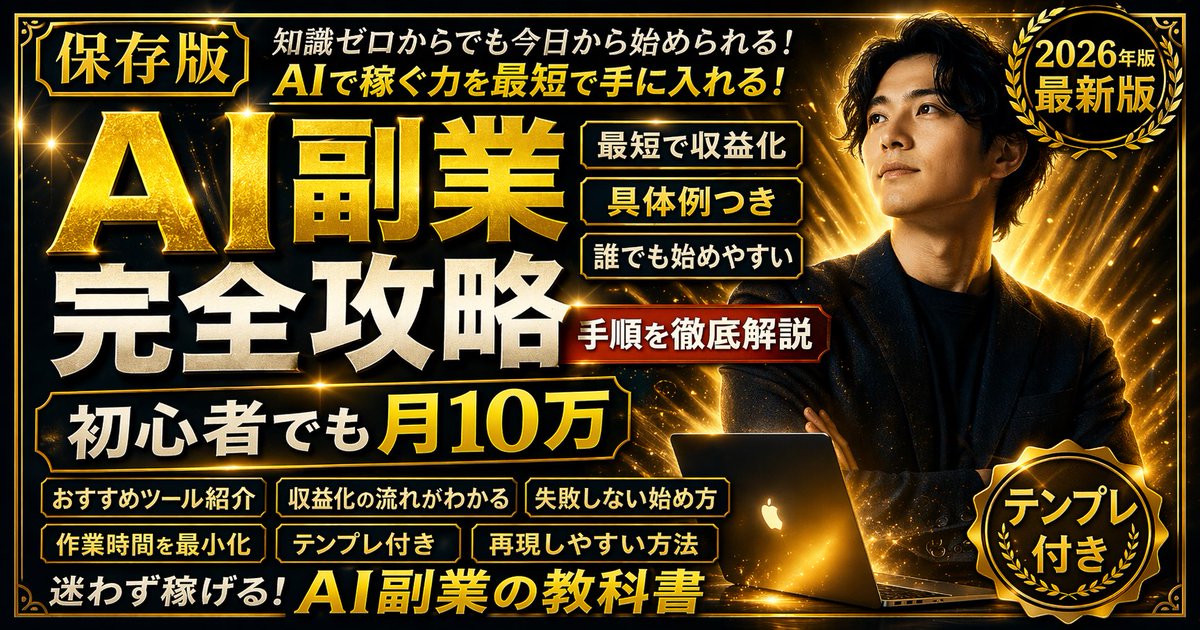
📌 รายละเอียด
- ผู้เขียน: ナーガ@X女帝
- แหล่งที่มา: Twitter Post
- เผยแพร่เมื่อ: 17 เมษายน 2569
- ภาษา: en
No. 62: ภาพขนาดย่อของ YouTube - ภาพปก YouTube สำหรับงานเสริมด้วย AI สไตล์นีออน
📖 คำอธิบาย
สร้างภาพปกโปรโมทที่เต็มไปด้วยข้อมูลและสีสันสดใส พร้อมพื้นหลังจักรวาล ตัวละครสไตล์อนิเมะ และป้ายข้อความภาษาญี่ปุ่นที่ปรับแต่งได้หลากหลาย
📝 คำสั่ง
{
  "type": "ภาพปกแบนเนอร์โปรโมท",
  "style": "นีออนสดใส, พื้นหลังเนบิวลาอวกาศ, สไตล์ภาพประกอบอนิเมะ, ตัวอักษรภาษาญี่ปุ่นที่อัดแน่น, เอฟเฟกต์ข้อความเรืองแสง",
  "character": {
    "description": "หญิงสาวหน้าตายิ้มแย้ม ชี้มือขวาขึ้นด้านบน",
    "appearance": "ผมยาวสี {argument name=\"character hair color\" default=\"น้ำตาล\"}, ต่างหูระย้าสีม่วง, เสื้อสเวตเตอร์สีม่วงมีเท็กซ์เจอร์",
    "position": "ด้านขวา"
  },
  "layout": {
    "background": "เนบิวลาอวกาศที่มีดวงดาวสีม่วง ชมพู และฟ้า",
    "center_typography": {
      "top_small_text": "สำหรับคนที่ลังเลไม่รู้จะเริ่มจากตรงไหน",
      "main_title": "{argument name=\"main title\" default=\"AI 副業ที่มือใหม่ก็เข้าใจได้\"}",
      "subtitle": "แนะนำสำหรับคลิปแรก",
      "floating_text_near_character": "อธิบายอย่างเข้าใจง่าย♡"
    },
    "top_left": {
      "yellow_ribbon": "{argument name=\"top left ribbon text\" default=\"เริ่มต้นจากศูนย์\"}"
    },
    "top_right": {
      "pink_circle_badge": "มือใหม่ทำได้"
    },
    "left_column": {
      "count": 7,
      "description": "กองป้ายรูปทรงแคปซูล",
      "labels": [
        "ทำผ่านมือถือได้ (พร้อมไอคอนโทรศัพท์)",
        "สำหรับการเริ่มต้นงานเสริม (พร้อมไอคอนมือใหม่)",
        "มีตัวอย่างประกอบ",
        "มีเทมเพลตให้",
        "แนะนำเครื่องมือที่น่าสนใจ",
        "ขั้นตอนการสร้างรายได้",
        "วิธีเริ่มต้นแบบไม่พลาด"
      ]
    },
    "bottom_left_graphics": {
      "count": 3,
      "items": [
        "แล็ปท็อปแสดงกราฟิกสมองวงจร AI",
        "หลอดไฟเรืองแสง",
        "จรวดกำลังทะยานขึ้น"
      ]
    },
    "bottom_center": {
      "large_purple_button": "{argument name=\"bottom center button text\" default=\"คำอธิบายฉบับเต็ม\"}",
      "checklist_text_below": "✓วิธีเริ่ม ✓วิธีทำเงิน ✓ข้อควรระวัง ✓วิธีทำต่อเนื่อง รู้ครบจบในที่เดียว!"
    },
    "bottom_right": {
      "pink_cloud_shape": {
        "count": 3,
        "bullet_points": [
          "✓ไม่ต้องมีความรู้ยากๆ",
          "✓เริ่มได้ตั้งแต่วันนี้",
          "✓อธิบายอย่างละเอียดและเข้าใจง่าย"
        ]
      },
      "gold_medal_seal": "ฉบับเก็บไว้ดู",
      "purple_badge": "{argument name=\"year badge text\" default=\"ฉบับล่าสุดปี 2026\"}"
    }
  }
}
🖼️ รูปภาพที่สร้าง
Image 1
📌 รายละเอียด
- ผู้เขียน: ナーガ@X女帝
- แหล่งที่มา: Twitter Post
- เผยแพร่เมื่อ: 17 เมษายน 2569
- ภาษา: en
No. 63: ภาพขนาดย่อของ YouTube - ภาพปกวิดีโอสำหรับคอนเทนต์ธุรกิจสไตล์นีออน
📖 คำอธิบาย
สร้างภาพปก YouTube หรือแบนเนอร์ที่เน้นข้อความและดึงดูดสายตา สำหรับคอนเทนต์ด้านธุรกิจและอาชีพเสริม
📝 คำสั่ง
{
  "type": "ภาพปก YouTube",
  "style": "เน้นความโดดเด่น โทนสีเขียวนีออนตัดกับสีดำ ให้ความรู้สึกแบบธุรกิจยุคไซเบอร์",
  "background": "พื้นหลังมืดพร้อมลายตารางสีเขียวเรืองแสง เส้นกราฟพุ่งขึ้น และลูกศรสีเขียวขนาดใหญ่",
  "subject": {
    "description": "{argument name=\"subject description\" default=\"ชายชาวญี่ปุ่นมาดขรึมในชุดสูทสีดำ\"}",
    "position": "ด้านขวา",
    "props": "ปึกธนบัตร 10,000 เยนที่มุมขวาล่าง"
  },
  "layout": {
    "main_title": {
      "text": "{argument name=\"main title\" default=\"月30万 ChatGPT副業 誰でも始めやすい\"}",
      "position": "ตรงกลาง ใช้ตัวอักษรหนาขนาดใหญ่ไล่เฉดสีขาวและเขียว"
    },
    "top_left_badge": {
      "text": "{argument name=\"top left badge\" default=\"再現性高め\"}",
      "style": "กรอบสีเขียวนีออนวางเอียง"
    },
    "top_tags": {
      "count": 4,
      "labels": ["มือใหม่ทำได้", "ทำผ่านมือถือได้", "สร้างรายได้เร็วที่สุด", "พร้อมตัวอย่างจริง"]
    },
    "left_bullet_points": {
      "count": 6,
      "style": "กล่องสีเข้มพร้อมขอบสีเขียวนีออนและไอคอน",
      "items": [
        "ไอคอนหลอดไฟ: วิธีเริ่มต้นแบบไม่พลาด",
        "ไอคอนเหรียญเยน: แนะนำอาชีพเสริม",
        "ไอคอนกราฟ: ขั้นตอนการสร้างรายได้",
        "ไอคอนค้นหา: วิธีหางาน",
        "ไอคอนแชท: พร้อมตัวอย่าง Prompt",
        "ไอคอนคลิปบอร์ด: พร้อมเทมเพลต"
      ]
    },
    "bottom_banner": {
      "text": "{argument name=\"bottom banner text\" default=\"手順を徹底解説\"}",
      "icons": "โลโก้ ChatGPT ทางซ้าย, กราฟพุ่งขึ้นทางขวา"
    },
    "bottom_tags": {
      "count": 2,
      "labels": ["{argument name=\"year tag\" default=\"2026年最新版\"}", "นำไปใช้ได้ทันที"]
    }
  }
}
🖼️ รูปภาพที่สร้าง
Image 1
📌 รายละเอียด
- ผู้เขียน: ナーガ@X女帝
- แหล่งที่มา: Twitter Post
- เผยแพร่เมื่อ: 17 เมษายน 2569
- ภาษา: en
No. 64: ภาพขนาดย่อของ YouTube - เครื่องมือสร้างการ์ดไฮไลท์ Champions League
📖 คำอธิบาย
คำสั่งแนะนำสำหรับ GPT-Image 2 เพื่อค้นหาข้อมูลผลงานการแข่งขันกีฬาและสร้างการ์ดไฮไลท์ในธีมที่กำหนด พร้อมสถิติและสีประจำทีม
📝 คำสั่ง
ค้นหาข้อมูลบนเว็บสำหรับ {argument name="performance description" default="ผลงานที่โดดเด่นประจำสัปดาห์นี้ในการแข่งขัน Champions League"} โดยใช้สถิติที่แม่นยำและสรุปผลการแข่งขัน พร้อมด้วย {argument name="colors" default="สีประจำทีมที่โดดเด่น"} และรายละเอียดคะแนนที่อ่านง่าย จากนั้นสร้าง {argument name="card type" default="การ์ดไฮไลท์"} ขึ้นมา
🖼️ รูปภาพที่สร้าง
Image 1
📌 รายละเอียด
- ผู้เขียน: Alex Patrascu
- แหล่งที่มา: Twitter Post
- เผยแพร่เมื่อ: 17 เมษายน 2569
- ภาษา: en
No. 65: ภาพขนาดย่อของ YouTube - การแสดงสดของนักเปียโนคลาสสิก
📖 คำอธิบาย
พรอมต์รูปภาพที่สมจริงซึ่งแสดงภาพการแสดงเปียโนคลาสสิกโดย Vladimir Horowitz ในรูปแบบการสตรีมสดบน YouTube ยุคใหม่
📝 คำสั่ง
{argument name="pianist" default="Vladimir Horowitz"} กำลังแสดง {argument name="event" default="การแสดงเปียโนสด"} ผ่านการสตรีมบน {argument name="platform" default="YouTube"}
🖼️ รูปภาพที่สร้าง
Image 1
📌 รายละเอียด
- ผู้เขียน: 古♯出 陸
- แหล่งที่มา: Twitter Post
- เผยแพร่เมื่อ: 17 เมษายน 2569
- ภาษา: en
No. 66: ภาพขนาดย่อของ YouTube - ภาพจำลองอินเทอร์เฟซ YouTube Livestream
📖 คำอธิบาย
สร้าง UI ของ YouTube Livestream ที่สมจริง โดยประกอบด้วยโปรแกรมเล่นวิดีโอพร้อมหน้าต่างแชท รายละเอียดช่อง และช่องข้อความที่ปรับแต่งได้
📝 คำสั่ง
{
  "type": "UI ของ YouTube Livestream",
  "top_nav": {
    "logo": "YouTube Premium",
    "search": "{argument name=\"search query\" default=\"bilal fraiha\"}",
    "icons": 3
  },
  "player": {
    "subjects": [
      "{argument name=\"female guest\" default=\"Sydney Sweeney\"} สวมคาร์ดิแกนสีขาว",
      "ชายไว้เคราสวมแจ็กเก็ตสีเบจกำลังหัวเราะ"
    ],
    "bg": "โซฟา, ปุ่ม Play สีเงิน 2 ปุ่ม, โลโก้แกะ 'SARDI'",
    "overlays": {
      "chat": {"pos": "ซ้าย", "count": 15, "desc": "ชื่อผู้ใช้หลากสี ข้อความสีขาว"},
      "goal": {"pos": "ขวาบน", "text": "เป้าหมายคืนนี้: 0 ถึง 25"},
      "banner": {"pos": "กลางล่าง", "text": "K {argument name=\"streamer name\" default=\"MOREBILAL\"}"}
    },
    "controls": {"count": 10}
  },
  "details": {
    "title": "{argument name=\"video title\" default=\"FULL STREAM | سيدني سويني مع بلال\"}",
    "channel": "{argument name=\"channel name\" default=\"More Bilal No Filter\"}",
    "buttons": 5
  }
}
🖼️ รูปภาพที่สร้าง
Image 1
📌 รายละเอียด
- ผู้เขียน: Marouane Lamharzi Alaoui
- แหล่งที่มา: Twitter Post
- เผยแพร่เมื่อ: 17 เมษายน 2569
- ภาษา: en
No. 67: ภาพขนาดย่อของ YouTube - ภาพปกสตรีมเปิดตัว VTuber
📖 คำอธิบาย
สร้างภาพปกไลฟ์สตรีมที่ดูโดดเด่นและเปี่ยมไปด้วยพลัง พร้อมข้อความ 3D ที่ปรับแต่งได้ ตัวละครอนิเมะ และพื้นหลังสุดตระการตา
📝 คำสั่ง
ภาพปก YouTube ไลฟ์สตรีมที่สดใสและเปี่ยมไปด้วยพลัง นำเสนอตัวละครสาวสไตล์อนิเมะที่มี {argument name="hair color" default="สีฟ้า"} มัดผมหางม้าสูง ดวงตาสีฟ้าสดใส และรอยยิ้มที่ร่าเริง สวมเสื้อเชิ้ตคอปกสีขาว เธออยู่ในตำแหน่งด้านขวาของเฟรม พื้นหลังเป็นการระเบิดของ {argument name="background style" default="แสงสีรุ้งระยิบระยับและกลิตเตอร์สีทอง"} ทางด้านซ้ายมีข้อความ 3D สีทองขนาดใหญ่เขียนว่า "{argument name="main title text" default="初配信"}" พร้อมขอบสไตล์โกธิคที่สวยงาม ด้านล่างเป็นข้อความ 3D ขนาดเล็กกว่าในโทนสีทองและสีฟ้าเขียนว่า "{argument name="subtitle text" default="一緒に最高の時間を!"}" ที่มุมซ้ายล่างมีไมโครโฟนวินเทจสีทองแวววาว ที่มุมขวาบนมีป้ายสี่เหลี่ยมสีแดงเขียนว่า "▶ LIVE" ตรงกลางด้านขวา ใต้ใบหน้าของตัวละคร มีป้ายชื่อสีน้ำเงินเข้มและทองที่สวยงามเขียนว่า "{argument name="character name" default="エリン Erin"}" สไตล์โดยรวมมีความละเอียดสูง โดดเด่น และเป็นเอกลักษณ์ของการประกาศเปิดตัว VTuber
🖼️ รูปภาพที่สร้าง
Image 1

📌 รายละเอียด
- ผู้เขียน: 結パパ
- แหล่งที่มา: Twitter Post
- เผยแพร่เมื่อ: 17 เมษายน 2569
- ภาษา: en
No. 68: ภาพขนาดย่อของ YouTube - ภาพปก YouTube แนวอนิเมะ VTuber
📖 คำอธิบาย
สร้างภาพปก YouTube แนวเท่ๆ โทนสีนีออน ที่มีตัวละครอนิเมะกำลังทำหน้าตกใจขณะรีแอคชั่นต่อโพสต์บนโซเชียลมีเดียและแชทสด
📝 คำสั่ง
{
  "type": "กราฟิกภาพปก YouTube",
  "style": "อนิเมะ, เท่ๆ, โทนสีชมพูนีออนและสีดำ, ตกแต่งด้วยสไตล์กรันจ์และเอฟเฟกต์สาดสี",
  "character": {
    "appearance": "สาวอนิเมะ, ผมสี {argument name=\"hair color\" default=\"เงิน\"}, หูแมว, ตาสีม่วง",
    "expression": "{argument name=\"expression\" default=\"ทำหน้าตกใจและมีเหงื่อซึม\"}, อ้าปากค้าง",
    "accessories": "กิ๊บติดผมแมวดำลายกากบาทสีชมพู, โช้คเกอร์สีดำพร้อมจี้รูปหัวใจ",
    "action": "ถือสมาร์ทโฟนสีชมพูที่มีโลโก้รูปเกลียว"
  },
  "layout": {
    "main_title": {
      "position": "ด้านล่างตรงกลาง",
      "style": "ตัวอักษรขนาดใหญ่ หนา สไตล์ 3D พร้อมพื้นผิวแบบกรันจ์",
      "lines": [
        { "text": "{argument name=\"main title top\" default=\"ดราม่าเธรด\"}", "color": "ชมพูนีออน" },
        { "text": "{argument name=\"main title bottom\" default=\"อ่านให้ฟังแล้ว ;;\"}", "color": "ขาว" }
      ]
    },
    "ui_elements": [
      {
        "type": "ตัวอย่างฟีดโซเชียลมีเดีย",
        "position": "ซ้ายกลาง",
        "header": "← เธรด",
        "post_count": 3,
        "details": "รูปโปรไฟล์, ข้อความภาษาไทย, ไอคอนโต้ตอบสำหรับกดไลก์, คอมเมนต์, รีโพสต์"
      },
      {
        "type": "ตัวอย่างแชทสด",
        "position": "ขอบขวา",
        "message_count": 4,
        "details": "ไอคอนผู้ใช้สีชมพู, ข้อความภาษาไทย"
      }
    ],
    "text_callouts": [
      {
        "type": "กรอบคำพูดแบบหนาม",
        "position": "บนตรงกลาง",
        "text": "{argument name=\"speech bubble text\" default=\"แบบนี้ก็ได้เหรอ?;;\"}"
      },
      {
        "type": "กล่องนีออน",
        "position": "ขวาบน",
        "text": "กำลังรีแอคสด"
      },
      {
        "type": "ข้อความสไตล์กรันจ์ลอยตัว",
        "position": "ซ้ายสุด",
        "line_count": 3,
        "text": ["ดราม่า OO", "เรื่องจริงสุดช็อก", "เหตุการณ์ระดับตำนาน"]
      },
      {
        "type": "ข้อความเขียนด้วยลายมือพร้อมลูกศร",
        "position": "ขวาล่าง",
        "text": "ทุกคนคิดเห็นยังไงกันบ้าง?"
      }
    ],
    "logos": [
      {
        "type": "ไอคอนแอป",
        "position": "ซ้ายบน",
        "description": "โลโก้รูปเกลียวสีขาวบนพื้นหลังสี่เหลี่ยมมุมมนสีดำ"
      }
    ]
  }
}
🖼️ รูปภาพที่สร้าง
Image 1
📌 รายละเอียด
- ผู้เขียน: AJ - e/acc
- แหล่งที่มา: Twitter Post
- เผยแพร่เมื่อ: 16 เมษายน 2569
- ภาษา: en
No. 69: ภาพขนาดย่อของ YouTube - ภาพจำลอง UI การนำเสนอผ่าน YouTube Live
📖 คำอธิบาย
สร้างภาพจำลองอินเทอร์เฟซ YouTube บนเดสก์ท็อปในโหมดมืดที่สมจริง สำหรับการประกาศเปิดตัวผลิตภัณฑ์แบบสด
📝 คำสั่ง
{"type": "ภาพจำลอง UI YouTube บนเดสก์ท็อปในโหมดมืด", "header": {"logo": "YouTube", "search_bar": "ค้นหา", "icons_count": 5, "icons": ["search", "mic", "create", "notifications", "profile"]}, "video_player": {"top_left_badge": "LIVE", "left_side": {"subject": "{argument name=\"presenter description\" default=\"ชายสวมเสื้อสเวตเตอร์สีเขียวที่โพเดียมไม้\"}", "podium_logo": "OpenAI"}, "right_side_presentation": {"text_elements": ["OpenAI", "ขอแนะนำ", "{argument name=\"product name\" default=\"GPT-Image-2\"}", "{argument name=\"tagline\" default=\"สมจริงยิ่งขึ้น มีประโยชน์ยิ่งขึ้น สร้างสรรค์ยิ่งขึ้น\"}"], "sample_images_count": 4, "sample_images": ["ทะเลสาบภูเขากับเรือ", "ภาพพอร์ตเทรตผู้หญิงกับแสงแดดรำไร", "หุ่นยนต์น่ารักถือโคมไฟในป่า", "ภาพวาดคาเฟ่ในคืนที่เต็มไปด้วยดวงดาว"]}, "bottom_controls_count": 10, "bottom_controls": ["pause", "next", "volume", "LIVE", "red progress bar", "CC", "settings", "miniplayer", "theater mode", "fullscreen"]}, "video_details": {"title": "{argument name=\"video title\" default=\"OpenAI Live: ขอแนะนำ GPT-Image-2\"}", "channel": {"name": "{argument name=\"channel name\" default=\"OpenAI\"}", "verified": true, "subscribers": "1.36 ล้าน", "button": "ติดตาม"}, "action_buttons_count": 5, "action_buttons": ["ถูกใจ 12K", "ไม่ถูกใจ 497", "แชร์", "บันทึก", "เพิ่มเติม"], "description_box": {"stats": "กำลังรับชม 95,237 คน เริ่มสตรีมเมื่อ 7 นาทีที่แล้ว", "tags": "#OpenAI #GPTImage2 #AI", "text": "เข้าร่วมกิจกรรมพิเศษแบบสดกับเราเพื่อพบกับ GPT-Image-2 โมเดลสร้างภาพล่าสุดและล้ำสมัยที่สุดของเรา ชมความสามารถใหม่ๆ การสาธิตสด และฟังข้อมูลจากทีมงาน ...เพิ่มเติม"}}}
🖼️ รูปภาพที่สร้าง
Image 1
📌 รายละเอียด
- ผู้เขียน: Vi
- แหล่งที่มา: Twitter Post
- เผยแพร่เมื่อ: 16 เมษายน 2569
- ภาษา: en
No. 70: ภาพขนาดย่อของ YouTube - ฉากการไลฟ์สดของอินฟลูเอนเซอร์
📖 คำอธิบาย
คำสั่งแบบง่ายสำหรับการสร้างภาพฉากการไลฟ์สดเล่นเกมของอินฟลูเอนเซอร์ให้ดูสมจริง
📝 คำสั่ง
{argument name="subject" default="อินฟลูเอนเซอร์สาวสวย"} กำลังไลฟ์สด {argument name="activity" default="เล่นเกม"}
🖼️ รูปภาพที่สร้าง
Image 1
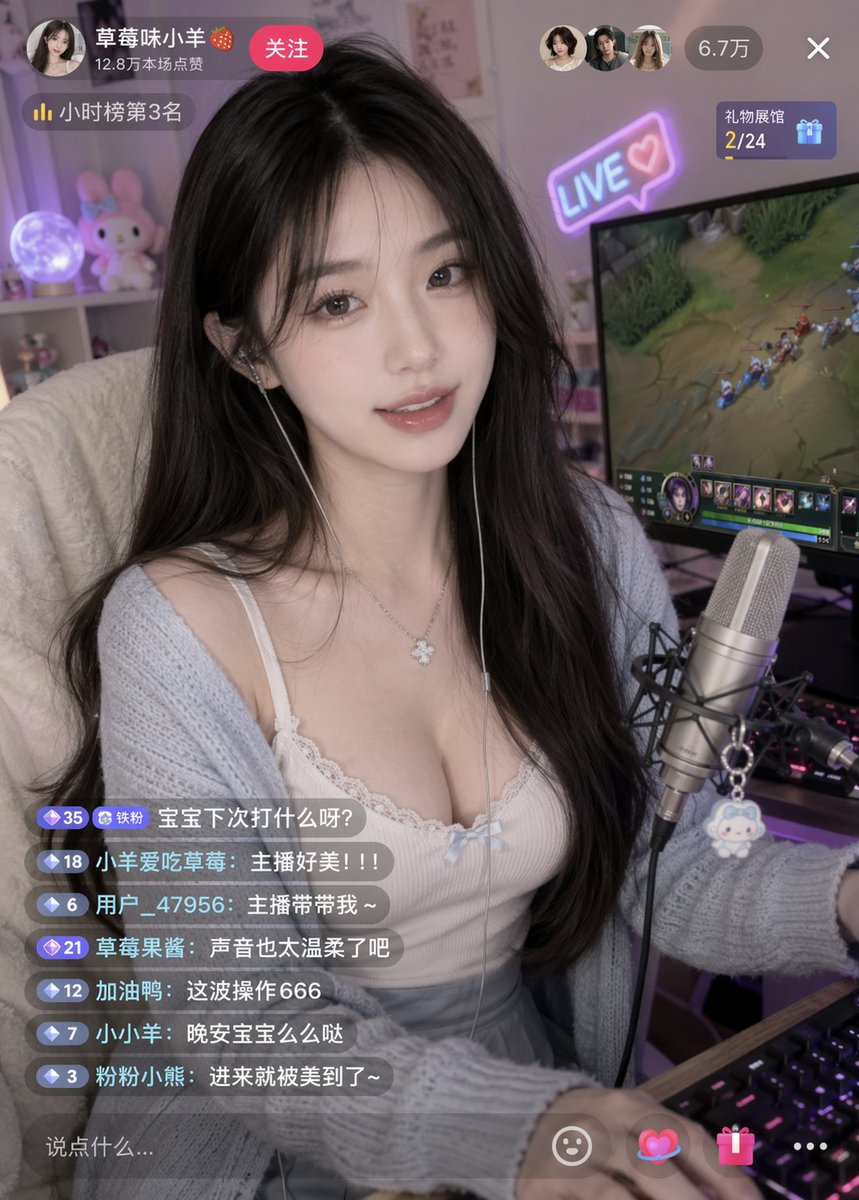
Image 2
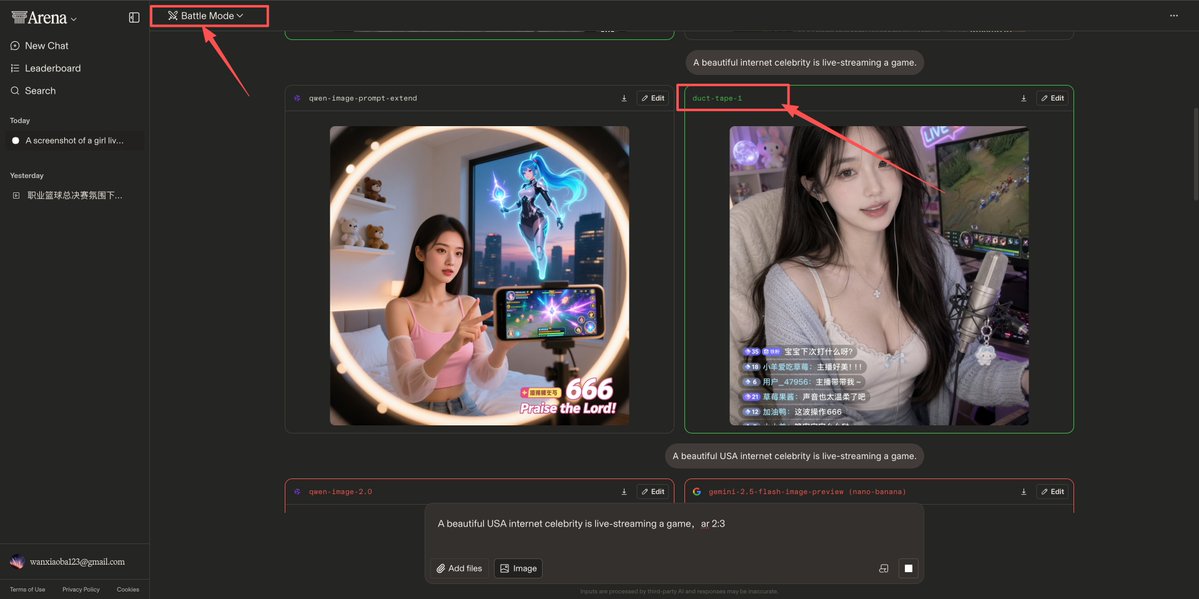
📌 รายละเอียด
- ผู้เขียน: underwood
- แหล่งที่มา: Twitter Post
- เผยแพร่เมื่อ: 16 เมษายน 2569
- ภาษา: en
No. 71: ภาพขนาดย่อของ YouTube - YouTube Unboxing Thumbnail Prompt
📖 คำอธิบาย
พรอมต์สำหรับ GPT-Image-2 เพื่อสร้างภาพปก YouTube สำหรับวิดีโอแกะกล่อง โดยเน้นไปที่ธีมตลกขบขันหรือดราม่า เช่น การเปิดบิลค้างชำระ
📝 คำสั่ง
ภาพปกสำหรับวิดีโอแกะกล่องบน YouTube ซึ่งเป็นวิดีโอเกี่ยวกับ {argument name="topic" default="การเปิดบิลค้างชำระทั้งหมด"}, {argument name="quantity" default="100 ฉบับรวด"}
🖼️ รูปภาพที่สร้าง
Image 1
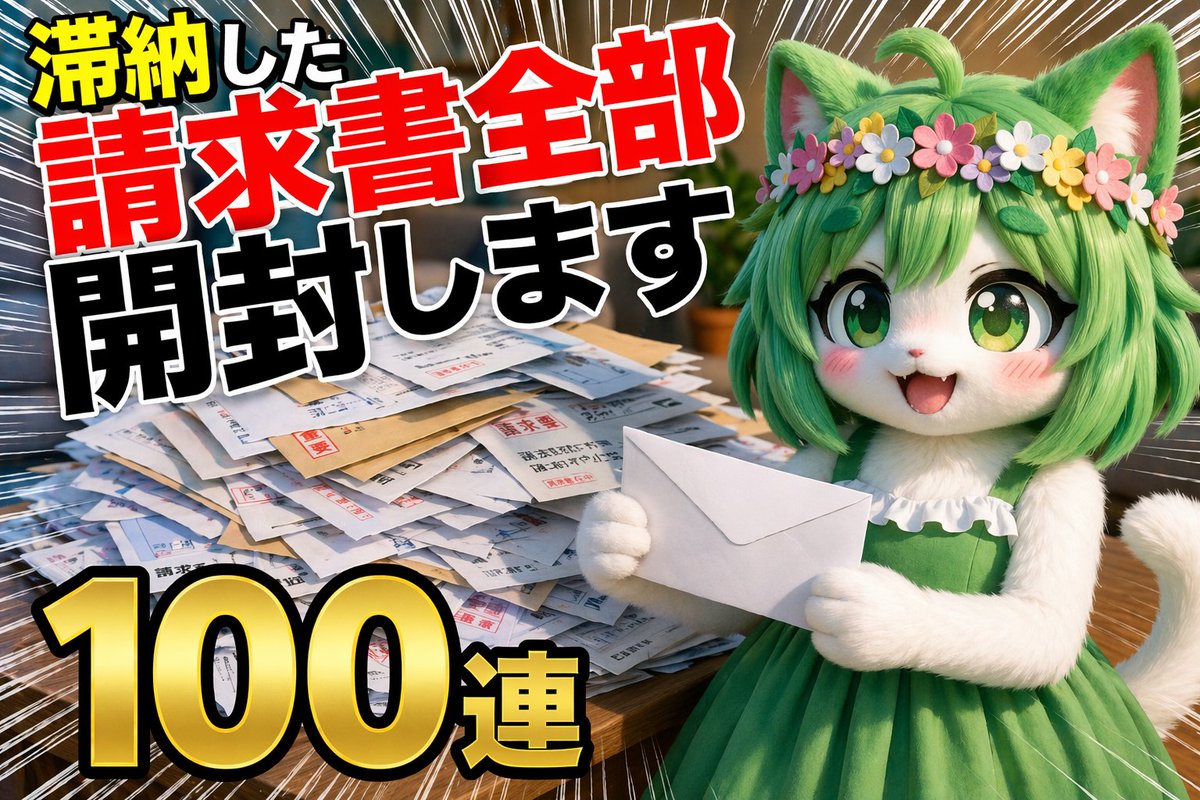
📌 รายละเอียด
- ผู้เขียน: とらの
- แหล่งที่มา: Twitter Post
- เผยแพร่เมื่อ: 16 เมษายน 2569
- ภาษา: ja
No. 72: ภาพขนาดย่อของ YouTube - ภาพปกวิดีโอแนวสืบสวนคดีอาชญากรรม
📖 คำอธิบาย
สร้างภาพปก YouTube สไตล์คอลลาจที่ดูน่าตื่นเต้นสำหรับวิดีโอแนวสืบสวนคดีอาชญากรรมหรือทฤษฎีสมคบคิด โดยมีภาพบุคคลอยู่ตรงกลางและองค์ประกอบพื้นหลังที่เข้ากับเนื้อหา
📝 คำสั่ง
ภาพคอลลาจสไตล์ปก YouTube สำหรับ {argument name="overall mood" default="แนวสืบสวนคดีอาชญากรรมที่ดูมืดมนและน่าตื่นเต้น"} ตรงกลางเป็นภาพพอร์ตเทรตระยะใกล้ที่มีรายละเอียดสูงของ {argument name="central figure" default="ชายสูงวัยผมสีเทาที่มีริ้วรอยลึกคล้ายกับ Jeffrey Epstein"} สวมเสื้อโปโลสีดำ โดยมีเส้นขอบเรืองแสงสีแดงจางๆ แยกตัวเขาออกจากพื้นหลัง ทางด้านซ้ายเป็น {argument name="left background scene" default="เกาะเขตร้อนที่มีวิลล่าหรูและเครื่องบินกำลังบินอยู่บนท้องฟ้าที่มืดมิด"} ด้านล่างของเกาะมีลวดลายบอร์ดสืบสวนคดีสมคบคิดที่ประกอบด้วยหมุดสีแดง 2 ตัว เชื่อมต่อกันด้วยเส้นด้ายสีแดงหนา 3 เส้น ทางด้านขวาบนเป็นภาพที่ดูเลือนรางในโทนสีซีเปียของ {argument name="right background scene" default="อาคารรัฐสภาสหรัฐฯ พร้อมเงาของชาย 3 คนในชุดสูทที่หันหน้าเข้าหาอาคาร"} ทางด้านขวาล่างเป็นแฟ้มเอกสารสีน้ำตาลที่เปิดอยู่ซึ่งบรรจุ {argument name="document type" default="เอกสารที่ถูกเซ็นเซอร์เนื้อหาอย่างหนักด้วยปากกาเมจิกสีดำหนา พร้อมรูปถ่ายขนาดเล็กของชายที่เป็นบุคคลสำคัญ"} องค์ประกอบโดยรวมมีความเป็นภาพยนตร์ เข้มข้น และมีสไตล์ที่โดดเด่นสำหรับวิดีโอสารคดี
🖼️ รูปภาพที่สร้าง
Image 1

📌 รายละเอียด
- ผู้เขียน: Mirochill
- แหล่งที่มา: Twitter Post
- เผยแพร่เมื่อ: 14 เมษายน 2569
- ภาษา: en
No. 73: คอมิก / สตอรี่บอร์ด - Saint Seiya Golden Saints Card Grid
📖 คำอธิบาย
A prompt to generate a 12-grid layout of Saint Seiya's Golden Saints with Chinese names and specific aspect ratios.
📝 คำสั่ง
Generate a 12-grid card image of the 12 Golden Saints from Saint Seiya, with each card featuring its corresponding Chinese name, 4 cards per row, in a 16:9 aspect ratio.
🖼️ รูปภาพที่สร้าง
Image 1
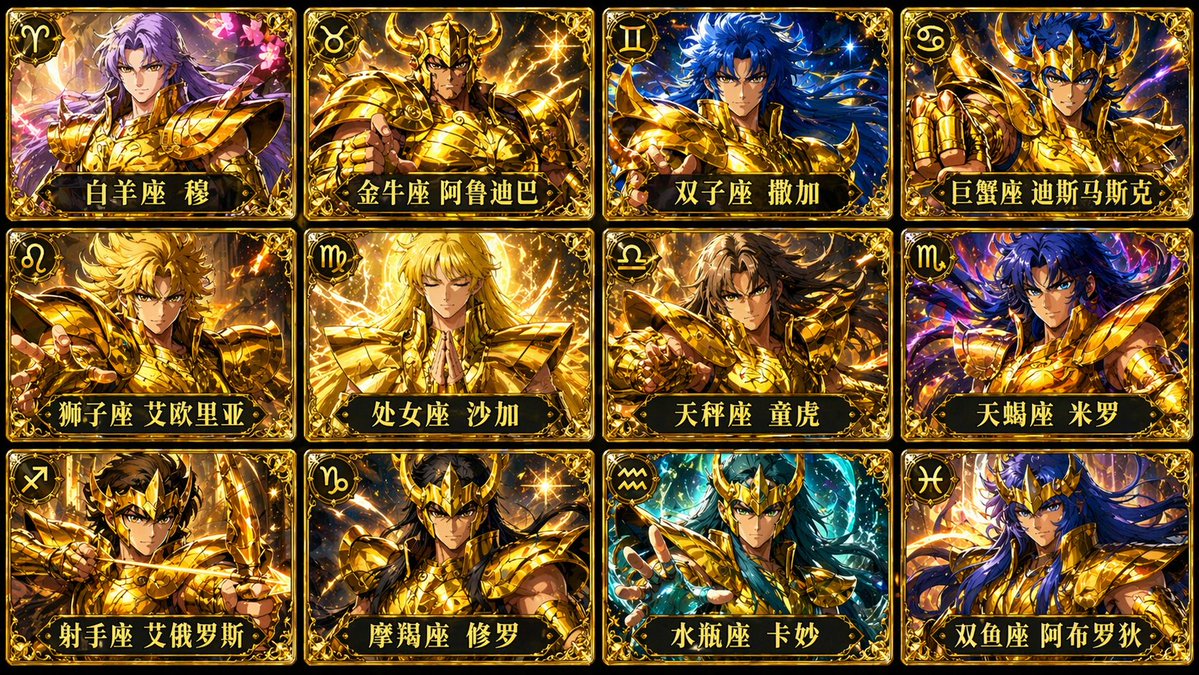
📌 รายละเอียด
- ผู้เขียน: 松果先森
- แหล่งที่มา: Twitter Post
- เผยแพร่เมื่อ: 21 เมษายน 2569
- ภาษา: zh
No. 74: คอมิก / สตอรี่บอร์ด - Dynamic Anime Warrior with Whip-Sword
📖 คำอธิบาย
Generates a high-quality anime illustration of a female warrior in a dynamic combat pose wielding a segmented whip-sword in a battlefield setting.
📝 คำสั่ง
A highly detailed anime illustration of a fierce female warrior with long flowing {argument name="hair color" default="black"} hair and piercing {argument name="eye color" default="blue"} eyes, wearing a mix of silver plate armor with gold trim and a {argument name="outfit color" default="blue and white"} tunic. She is captured in a dynamic combat stance, swinging a massive, {argument name="weapon type" default="segmented metallic whip-sword"} that curves dramatically into the extreme foreground. The weapon leaves a sweeping trail of kinetic energy and wind. The scene is set against a {argument name="background setting" default="ruined battlefield with rocky terrain, floating debris, and large blue banners fluttering in the wind"} under a dramatic cloudy sky. The artwork features cinematic lighting, intense action, and a dramatic forced perspective on the weapon.
🖼️ รูปภาพที่สร้าง
Image 1
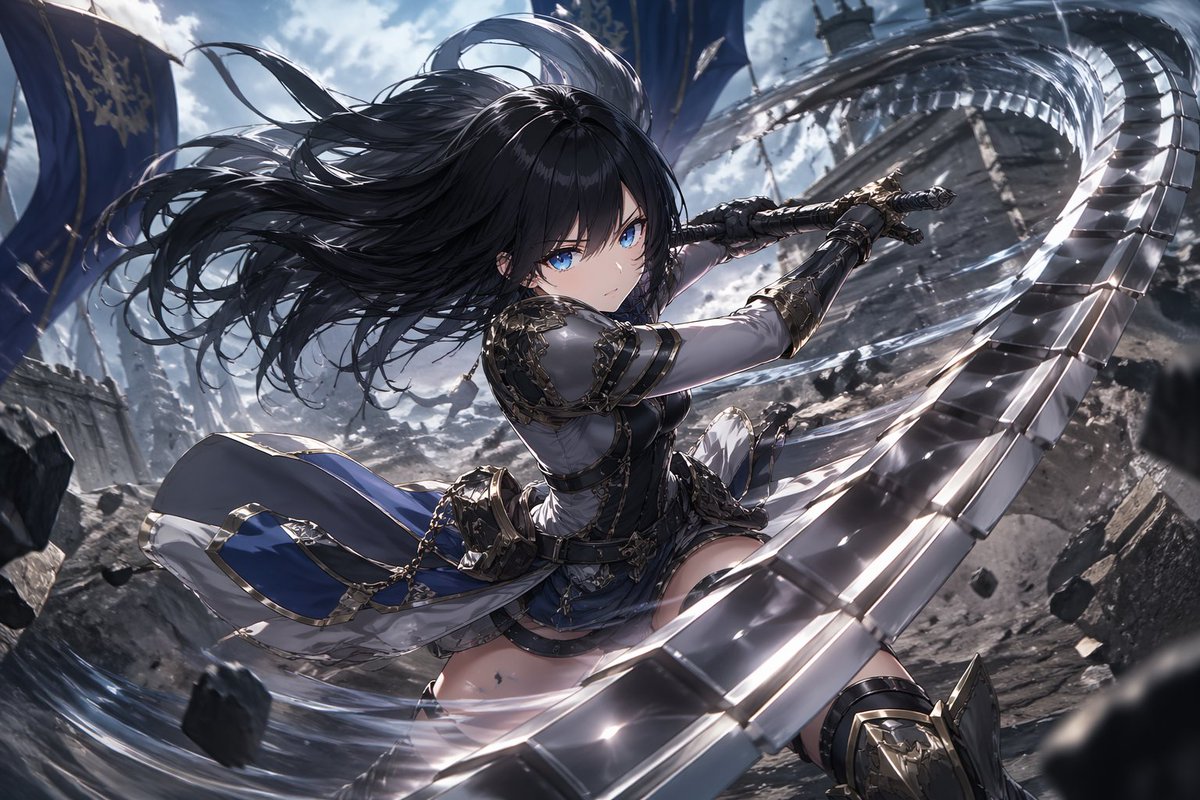
📌 รายละเอียด
- ผู้เขียน: あーる@AI Artgrapher
- แหล่งที่มา: Twitter Post
- เผยแพร่เมื่อ: 21 เมษายน 2569
- ภาษา: en
No. 75: คอมิก / สตอรี่บอร์ด - Satirical 4-Panel Caricature Comic Strip
📖 คำอธิบาย
Generates a detailed, multi-panel black and white satirical comic strip with caricatures, dialogue bubbles, and narrative captions.
📝 คำสั่ง
{
  "type": "4-panel vertical comic strip",
  "style": "{argument name=\"art style\" default=\"black and white pencil sketch, crosshatch shading, satirical caricature comic\"}",
  "characters": {
    "subject_1": "{argument name=\"main character\" default=\"Sam Altman\"}, curly hair, casual sweater",
    "subject_2": "{argument name=\"interviewer\" default=\"Ronan Farrow\"}, suit, tie, holding notepad"
  },
  "layout": {
    "panels": [
      {
        "panel_number": 1,
        "top_caption": "SAM ALTMAN THINKS THIS WILL BE A NICE LITTLE PROFILE...",
        "scene": "subject_1 looking smug with hands steepled; subject_2 looking serious taking notes.",
        "thought_bubble": "I'LL BE CHARMING. IT'LL BE A GREAT CHARACTER PIECE. PEOPLE WILL LOVE IT.",
        "center_text": "THE RONAN FARROW INTERVIEW",
        "inset_portraits": {
          "count": 2,
          "labels": ["HARVEY WEINSTEIN EXPOSED", "LESLIE MOONVES EXPOSED"]
        },
        "info_boxes": {
          "count": 3,
          "text": [
            "RONAN FARROW: PULITZER PRIZE-WINNING REPORTER WHO EXPOSED HARVEY WEINSTEIN AT THE NEW YORKER",
            "AND LESLIE MOONVES AT CBS.",
            "POWER. ABUSE. ACCOUNTABILITY."
          ]
        }
      },
      {
        "panel_number": 2,
        "top_caption": "CUT TO...",
        "scene": "Close-up of subject_1 looking shocked and horrified.",
        "article_header": "{argument name=\"publication\" default=\"THE NEW YORKER\"}\nTHE SAM ALTMAN PROFILE\nTHE OPENAI CEO'S COMPLICATED QUEST\nBy Ronan Farrow"
      },
      {
        "panel_number": 3,
        "top_caption": "SOON AFTER THE ARTICLE IS PUBLISHED...",
        "scene": "subject_1 looking extremely stressed, sweating, holding a phone to his ear. Surrounded by 6 hands holding smartphones.",
        "phone_labels": ["VC", "REPORTER", "EX-STAFFEE", "INVESTOR", "TECH CEO", "FORMER COLLEAGUE"],
        "shouts": {
          "count": 8,
          "text": [
            "{argument name=\"main accusation\" default=\"LIAR\"}!",
            "COMPULSIVE LIAR!",
            "PATHOLOGICAL LIAR!",
            "YOU CAN'T STOP LYING!",
            "LIAR!!!",
            "SOCIOPATH! (ALLEGEDLY)",
            "EVERYTHING HE SAYS IS A LIE!",
            "MANIPULATIVE LIAR!"
          ]
        },
        "sound_effects": "RING! RING! RING!"
      },
      {
        "panel_number": 4,
        "top_caption": "AND THE REPORT CONCLUDES...",
        "scene": "subject_1 looking utterly defeated and depressed.",
        "quote_box": "\"ALTMAN FREQUENTLY AND CONSISTENTLY LIES TO INVESTORS, EMPLOYEES, THE BOARD, AND EVEN CLOSE FRIENDS.\"\n\"HE APPEARS TO HAVE NO COMFORT TELLING FALSEHOODS.\"\n\"HE IS, BY MANY ACCOUNTS, A COMPULSIVE LIAR AND A SOCIOPATH.\"\n(ALLEGEDLY)",
        "thought_bubble": {
          "scene": "Happy subject_1 holding a 'WORLD'S BEST CEO' mug.",
          "text": "I THOUGHT IT WOULD BE A NICE LITTLE PROFILE...",
          "sparkle_words": {
            "count": 4,
            "text": ["GENIUS!", "VISIONARY!", "INSPIRING!", "BRILLIANT LEADER!"]
          }
        },
        "bottom_caption": "INSTEAD, IT'S THE PROFILE THAT EXPOSES HIM."
      }
    ]
  }
}
🖼️ รูปภาพที่สร้าง
Image 1
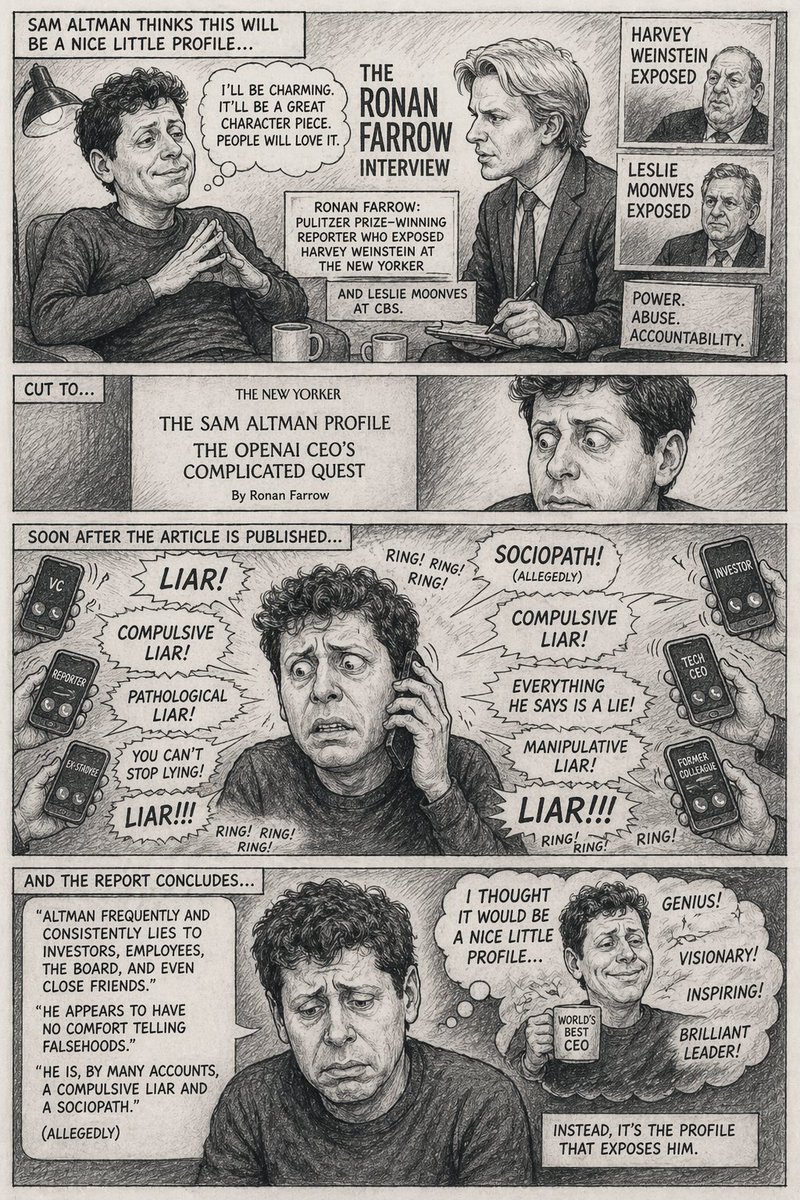
📌 รายละเอียด
- ผู้เขียน: Kai
- แหล่งที่มา: Twitter Post
- เผยแพร่เมื่อ: 20 เมษายน 2569
- ภาษา: en
No. 76: คอมิก / สตอรี่บอร์ด - Two-Page Psychological Thriller Manga Spread
📖 คำอธิบาย
Generates a highly detailed, two-page manga spread featuring a protagonist surrounded by clones, complete with 6 total panels, dialogue bubbles, and sound effects.
📝 คำสั่ง
{
  "type": "two-page manga spread",
  "style": "highly detailed realistic manga, monochrome, screentones, dramatic lighting, psychological thriller",
  "global_elements": {
    "protagonist": "{argument name=\"main character description\" default=\"young Japanese salaryman in a suit\"}",
    "theme": "{argument name=\"core concept\" default=\"surrounded by a massive crowd of identical clones of himself\"}"
  },
  "layout": {
    "left_page": {
      "type": "full page splash panel",
      "setting": "{argument name=\"setting\" default=\"Shibuya scramble crossing at night\"}",
      "visuals": "Protagonist standing alone in the center of the crossing, looking around in shock at a massive crowd where every single person is an exact clone of him.",
      "text_elements": [
        {"type": "manga title logo", "text": "{argument name=\"manga title\" default=\"俺だらけの街\"}"},
        {"type": "subtitle", "text": "第1話 交代"},
        {"type": "narration box", "text": "その夜、世界は静かに俺をやめた。"},
        {"type": "sound effect", "text": "ザワ…"}
      ]
    },
    "right_page": {
      "type": "5-panel vertical layout",
      "panels": [
        {
          "panel_number": 1,
          "visuals": "Extreme close-up of protagonist's eyes, wide with shock, sweating.",
          "text_elements": [
            {"type": "speech bubble", "text": "……は? なんで……みんな、俺なんだ?"},
            {"type": "sound effect", "text": "ドクン"}
          ]
        },
        {
          "panel_number": 2,
          "visuals": "A horizontal row of 8 identical clones in suits staring blankly forward.",
          "text_elements": [
            {"type": "sound effect", "text": "ザワ…"}
          ]
        },
        {
          "panel_number": 3,
          "visuals": "A clone leaning in to whisper into the shocked protagonist's ear.",
          "text_elements": [
            {"type": "speech bubble", "text": "お前の代わりは、もう足りてる。"},
            {"type": "sound effect", "text": "スッ"}
          ]
        },
        {
          "panel_number": 4,
          "visuals": "Close-up of a smartphone screen held in a hand, showing a push notification.",
          "text_elements": [
            {"type": "screen text", "text": "交代を開始します。"},
            {"type": "sound effect", "text": "ピロン"}
          ]
        },
        {
          "panel_number": 5,
          "visuals": "Wide shot of the endless crowd of clones in the city street.",
          "text_elements": [
            {"type": "narration box", "text": "最初に消えるのは、名前でも命でもない。居場所だ。"},
            {"type": "bottom left text", "text": "俺は、ここにいていいのか——?"},
            {"type": "bottom right text", "text": "{argument name=\"cliffhanger text\" default=\"次号へつづく!\"}"},
            {"type": "sound effect", "text": "ザワ… ザワ… ザワ…"}
          ]
        }
      ]
    }
  }
}
🖼️ รูปภาพที่สร้าง
Image 1
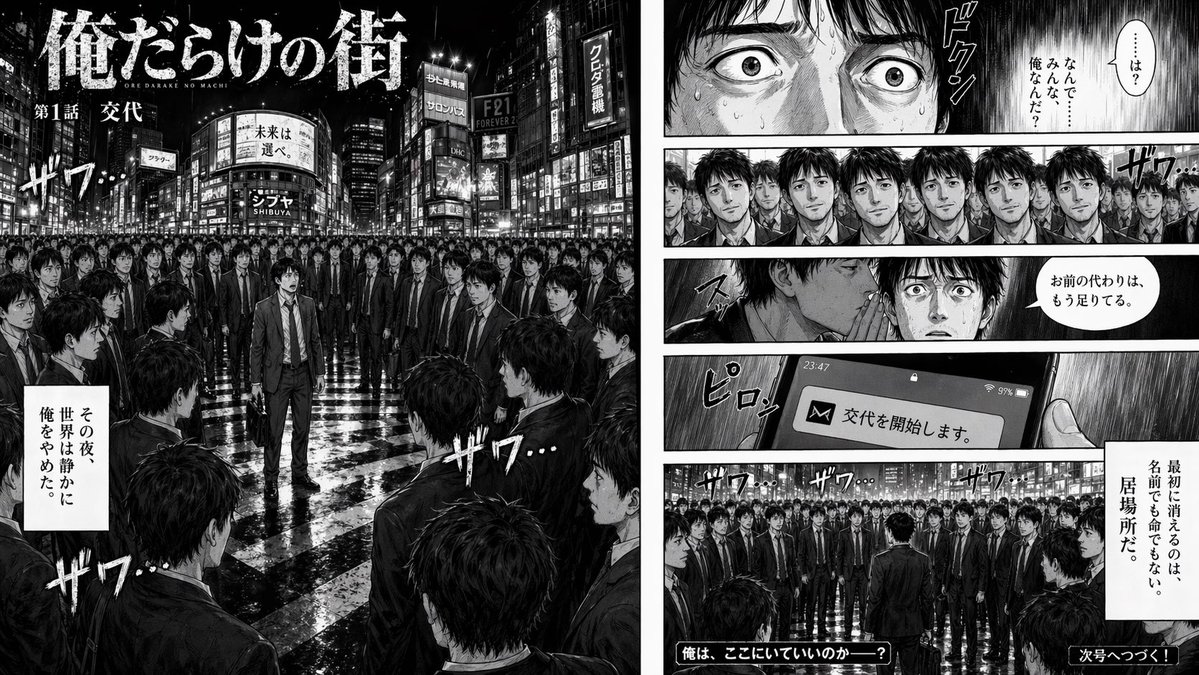
📌 รายละเอียด
- ผู้เขียน: おのふみ| 動画生成AI×ショート動画
- แหล่งที่มา: Twitter Post
- เผยแพร่เมื่อ: 20 เมษายน 2569
- ภาษา: en
No. 77: คอมิก / สตอรี่บอร์ด - Manga Spread: Fantasy Game Developer
📖 คำอธิบาย
Generates a 2-page manga spread depicting a fantasy character struggling with and ultimately conquering game development bugs.
📝 คำสั่ง
{
  "type": "2-page manga spread",
  "style": "monochrome anime manga, screentones",
  "theme": "{argument name=\"main action\" default=\"fantasy mage developing a video game\"}",
  "character": "{argument name=\"character appearance\" default=\"anime girl with blonde hair, tiara, cape, white dress, thigh-highs\"}",
  "layout": {
    "left_page": {
      "panel_count": 11,
      "rows": [
        {"panels": 1, "action": "Determined at dual-monitor desk, speech bubble: '新作ゲーム、絶対完成させる!'"},
        {"panels": 3, "action": "Typing, drawing on tablet, testing with controller"},
        {"panels": 3, "action": "Shocked at ERROR screen, depressed, determined again"},
        {"panels": 4, "action": "Exhausted, sudden realization, furious typing, monitor showing 'Build succeeded!'"}
      ]
    },
    "right_page": {
      "panel_count": 2,
      "panels": [
        {"type": "large splash", "action": "Casting magic from a glowing circle at a code-error monster labeled '{argument name=\"error text\" default=\"NullReferenceException\"}'. Speech bubble: '{argument name=\"spell text\" default=\"デバッグ魔法!!\"}'"},
        {"type": "bottom banner", "action": "Cheering in front of RPG title screen. Speech bubble: '{argument name=\"success text\" default=\"やったー!\"}'"}
      ]
    }
  }
}
🖼️ รูปภาพที่สร้าง
Image 1
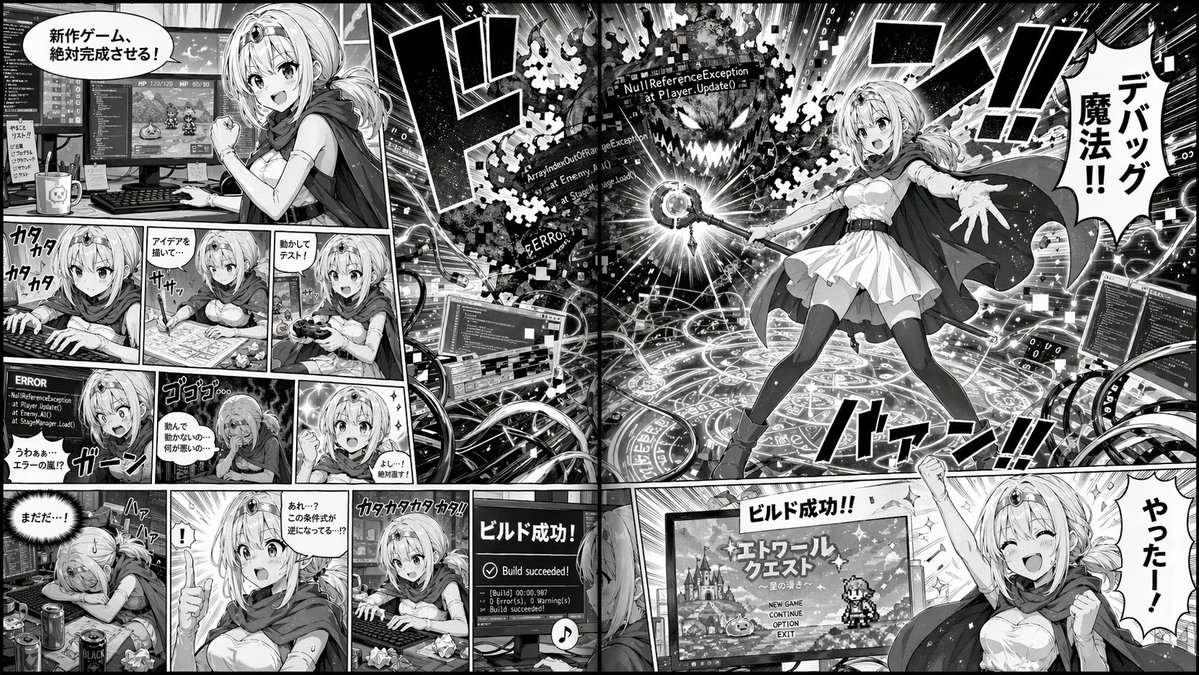
📌 รายละเอียด
- ผู้เขียน: ち~ぽん✨🤔
- แหล่งที่มา: Twitter Post
- เผยแพร่เมื่อ: 20 เมษายน 2569
- ภาษา: en
No. 78: คอมิก / สตอรี่บอร์ด - Food Pun Therapy Session
📖 คำอธิบาย
Generates a humorous 3D illustration of an anthropomorphic object in therapy, perfect for visual puns and mental health memes.
📝 คำสั่ง
A humorous 3D cartoon illustration of a therapy session in a cozy office. On the left, a {argument name="patient character" default="sad anthropomorphic avocado half missing its pit"} sits on a brown leather lounge chair, gesturing with its thin stick-like arms. A large speech bubble above it reads "{argument name="speech text" default="I just feel so empty inside"}". On the right, the therapist, an {argument name="therapist character" default="anthropomorphic silver spoon"}, sits in a green armchair, holding a yellow pencil and writing on a notepad labeled "NOTES". The room has warm lighting, a beige rug on a wooden floor, and a bookshelf with a tissue box and books, one titled "REFLECT LISTEN VALIDATE". On the left wall hangs a framed poster reading "{argument name="poster text" default="IT'S OKAY TO FEEL YOUR FEELINGS"}" with a small heart. On the right wall hangs a framed diploma reading "{argument name="diploma text" default="SPOON UNIVERSITY SCHOOL OF LISTENING & VALIDATION"}" featuring a small spoon illustration and a gold seal.
🖼️ รูปภาพที่สร้าง
Image 1
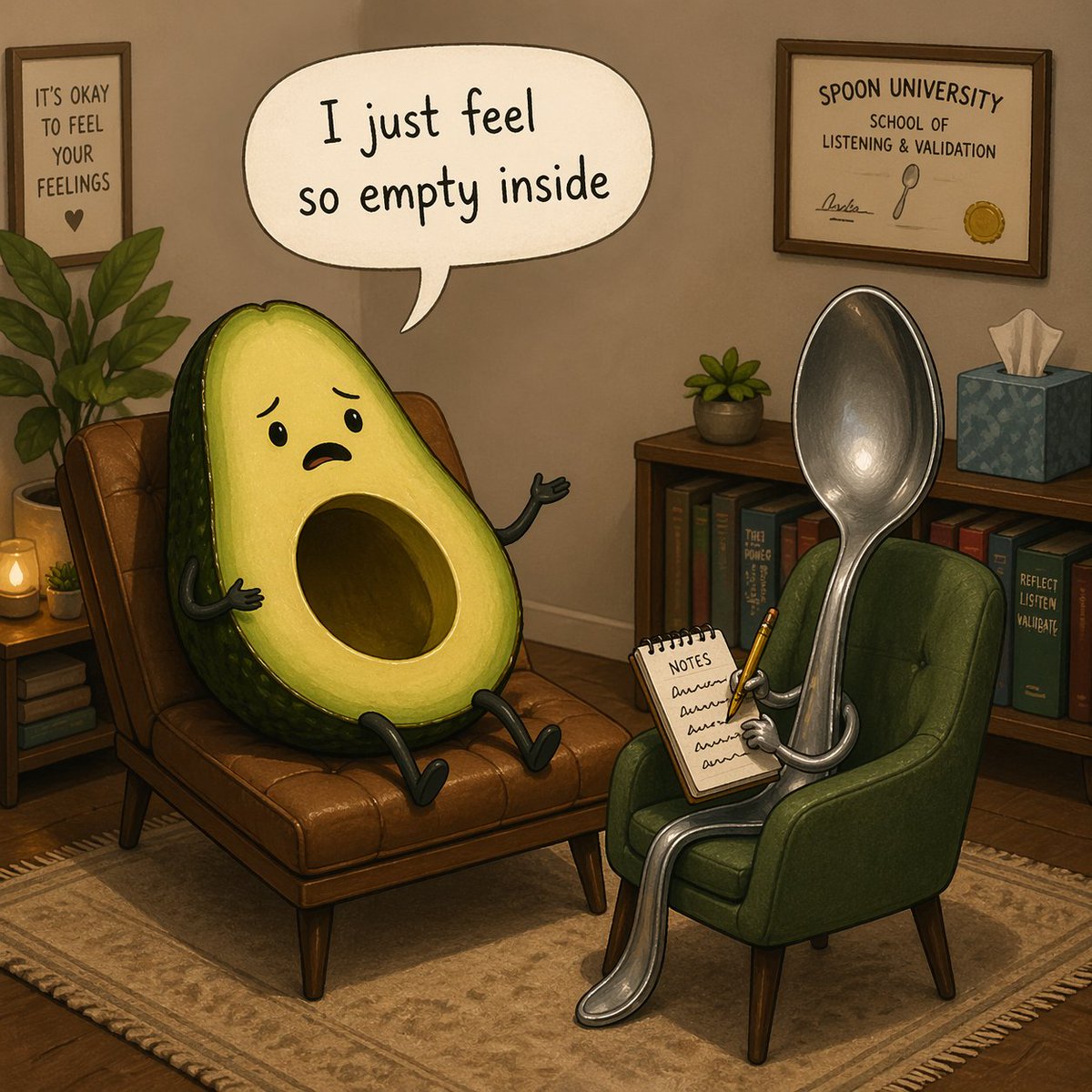
📌 รายละเอียด
- ผู้เขียน: nic
- แหล่งที่มา: Twitter Post
- เผยแพร่เมื่อ: 20 เมษายน 2569
- ภาษา: en
No. 79: คอมิก / สตอรี่บอร์ด - Elderly Yakuza Drawing Katana
📖 คำอธิบาย
Generates a dramatic, high-contrast black-and-white illustration of an elderly man in a suit drawing a katana, suitable for manga or graphic novel concepts.
📝 คำสั่ง
A high-contrast, black-and-white illustration of an elderly man in a sharp suit, drawing a katana. The man has slicked-back white hair, deep wrinkles, and an intense, focused expression, looking down at the blade. He wears a dark suit, white shirt, and dark tie. His hands are prominently featured in the foreground, showing pronounced veins and wrinkles as they grip the ornate handle and scabbard of the katana. The background is completely black, emphasizing the dramatic lighting and intricate cross-hatching details on the man's face, hands, and clothing. The style resembles a detailed, gritty manga or graphic novel.
🖼️ รูปภาพที่สร้าง
Image 1
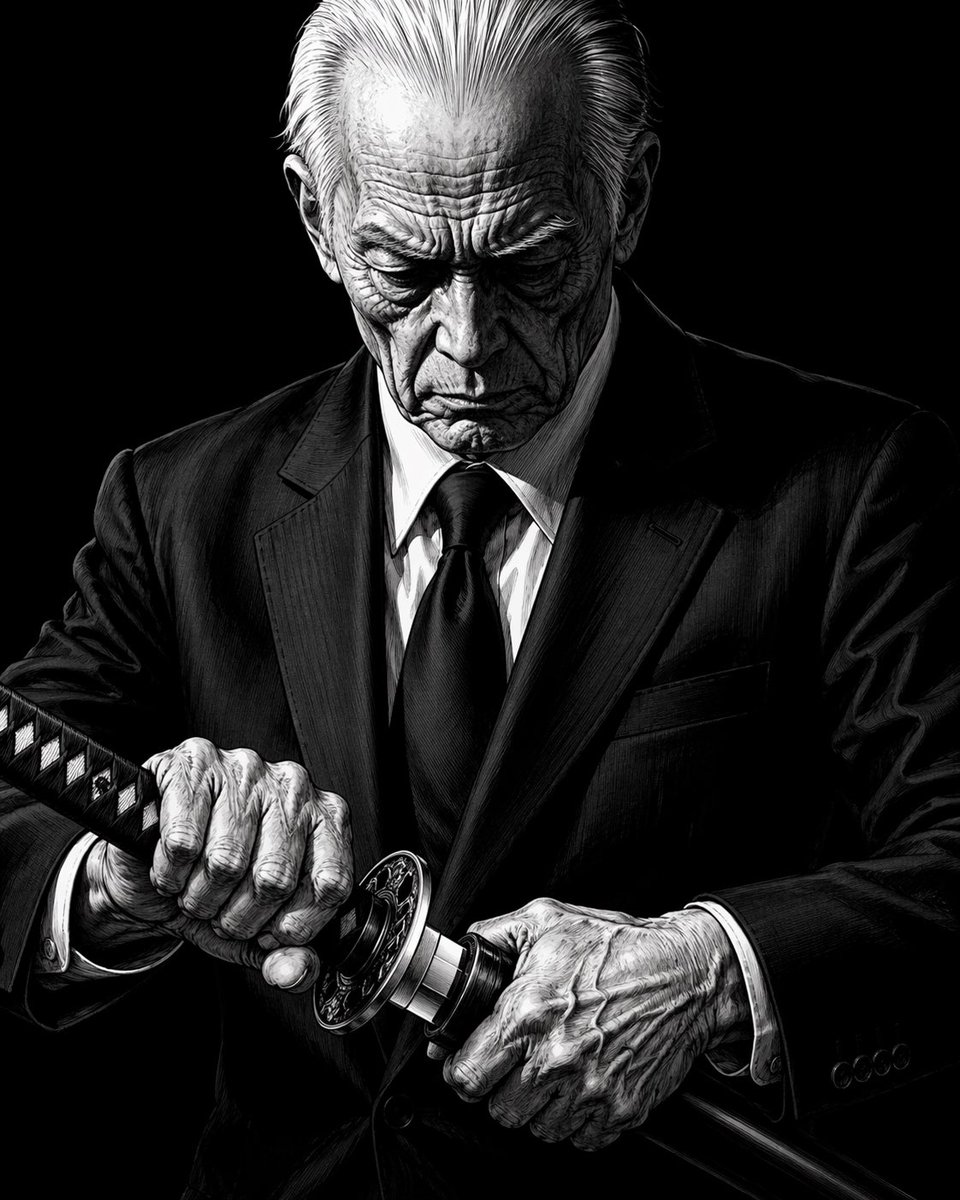
📌 รายละเอียด
- ผู้เขียน: nic
- แหล่งที่มา: Twitter Post
- เผยแพร่เมื่อ: 20 เมษายน 2569
- ภาษา: en
No. 80: คอมิก / สตอรี่บอร์ด - Anime Movie Pitch Document with Poster and Settei
📖 คำอธิบาย
Generates a comprehensive anime production layout featuring a cinematic movie poster on top and detailed character, prop, and environment reference sheets below.
📝 คำสั่ง
{
  "type": "anime movie production pitch document",
  "overall_layout": "split layout with a large cinematic movie poster on the top half and a grid of 5 detailed reference sheets on the bottom half",
  "top_section": {
    "type": "movie poster",
    "visual": "A man, a woman, and a dog standing on a ruined city street, facing away from the viewer, looking towards a colossal, porous, web-like alien structure dominating the sky. A rusty 'RESTRICTED AREA' sign is on the right.",
    "typography": {
      "title": "{argument name=\"movie title\" default=\"劇場版 巨骸の向こう側 Fallen Colossus\"}",
      "release_date": "{argument name=\"release date\" default=\"2027.11.28 ROADSHOW\"}",
      "tagline": "そこにあるのは、まだ「説明」されていないもの。",
      "credits_studio": "{argument name=\"studio name\" default=\"WIT STUDIO\"}"
    }
  },
  "bottom_sections": [
    {
      "title": "{argument name=\"male character name\" default=\"来栖 武 / Kurusu Takeru\"}",
      "type": "character reference sheet",
      "elements": {
        "full_body_poses": 3,
        "expressions": 3,
        "detail_shots": 8,
        "description": "Male protagonist in dark tactical jacket and cargo pants. Includes front, back, and side full-body views, headshots, and detailed callouts for gloves, boots, backpack, and radio."
      }
    },
    {
      "title": "{argument name=\"female character name\" default=\"大城 真那 / Oshiro Mana\"}",
      "type": "character reference sheet",
      "elements": {
        "full_body_poses": 3,
        "expressions": 3,
        "detail_shots": 6,
        "description": "Female protagonist in grey tactical uniform. Includes front, back, and side full-body views, headshots, and detailed callouts for jacket, boots, ID badge, and pouch."
      }
    },
    {
      "title": "カゲ (Kage) 設定画",
      "type": "animal character reference sheet",
      "elements": {
        "full_body_poses": 4,
        "expressions": 4,
        "detail_shots": 5,
        "description": "Dog companion. Includes side, front, back, and angled full-body views, headshots, and detailed callouts for fur texture, paws, and a motorcycle sidecar."
      }
    },
    {
      "title": "第7巨骸 (Remnant-7) 内部区画 設定画",
      "type": "environment and vehicle reference sheet",
      "elements": {
        "large_diagrams": 1,
        "environment_thumbnails": 4,
        "vehicle_designs": 1,
        "description": "Cross-section of the porous alien structure, smaller environment thumbnails, and a motorcycle design featuring the characters."
      }
    },
    {
      "title": "Concept Art",
      "type": "scene illustration",
      "elements": {
        "characters": 3,
        "vehicles": 1,
        "description": "The male character, female character, and dog with a motorcycle sidecar parked in front of the glowing, porous alien structure."
      }
    }
  ]
}
🖼️ รูปภาพที่สร้าง
Image 1
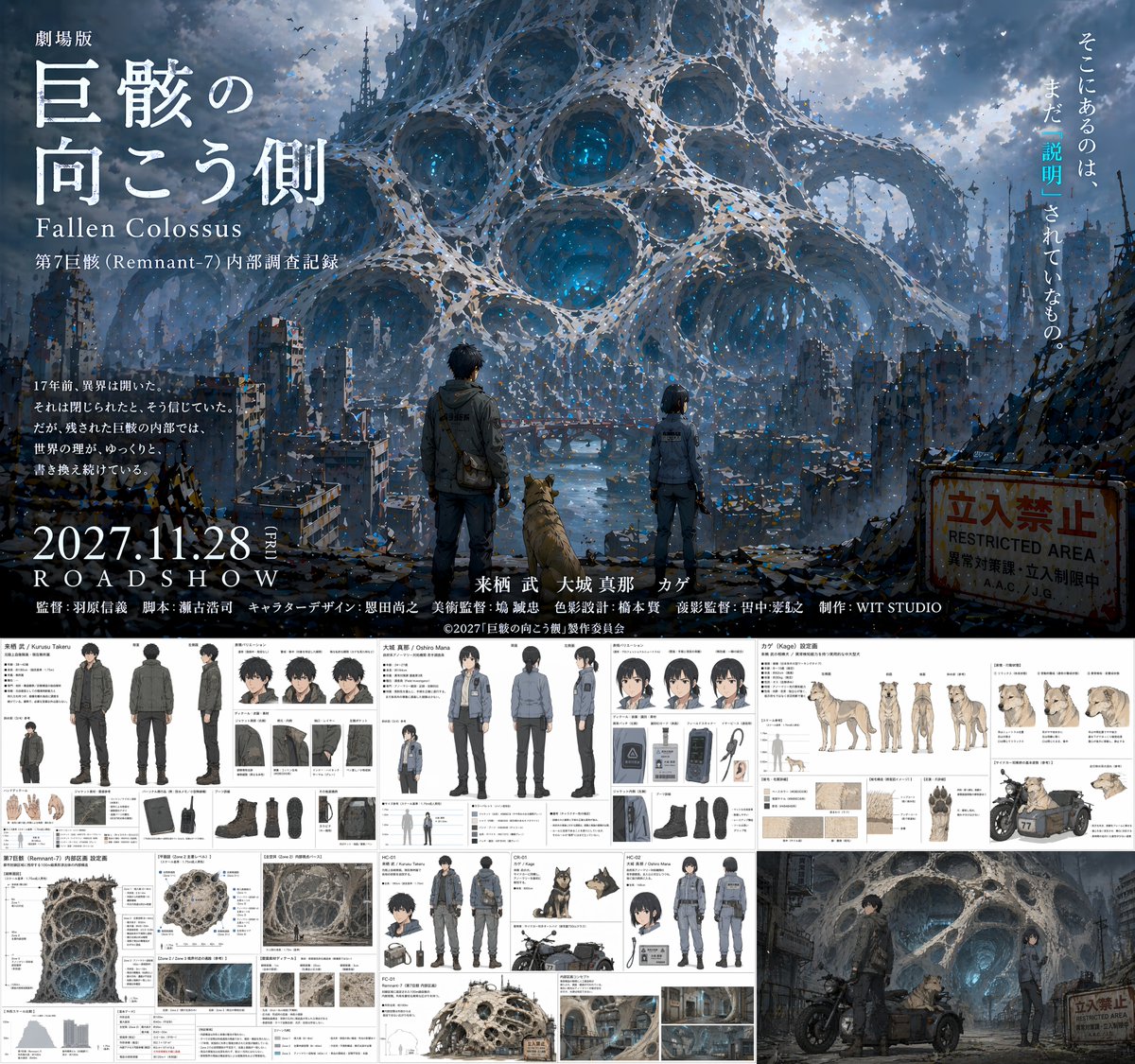
📌 รายละเอียด
- ผู้เขียน: いにしえ@AI Director & Creator|Will Oldgram
- แหล่งที่มา: Twitter Post
- เผยแพร่เมื่อ: 20 เมษายน 2569
- ภาษา: en
No. 81: คอมิก / สตอรี่บอร์ด - Dynamic Anime Magic Action Scene
📖 คำอธิบาย
Generates a highly stylized, dynamic anime illustration of a magical character breaking through glass with glowing effects.
📝 คำสั่ง
A dynamic anime illustration of a girl with spiky {argument name="hair color" default="blonde"} hair tied in a high ponytail with a black bow, striking teal eyes, and a {argument name="outfit style" default="dark purple and black magical uniform with gold trim and diamond gems"}. She is in an intense crouching superhero landing pose, one hand pressed to the ground and the other raised, casting {argument name="magic color" default="glowing purple"} magic circles. She is shattering through a glass barrier, with sharp, jagged glass shards flying outward toward the viewer. Through the broken frame behind her, a {argument name="background scene" default="stylized silhouette of a gothic city with tall spires against a vibrant purple and orange sunset sky"} is visible. The artwork features {argument name="art style" default="sharp angles, high contrast cel-shading, and vibrant colors"}.
🖼️ รูปภาพที่สร้าง
Image 1
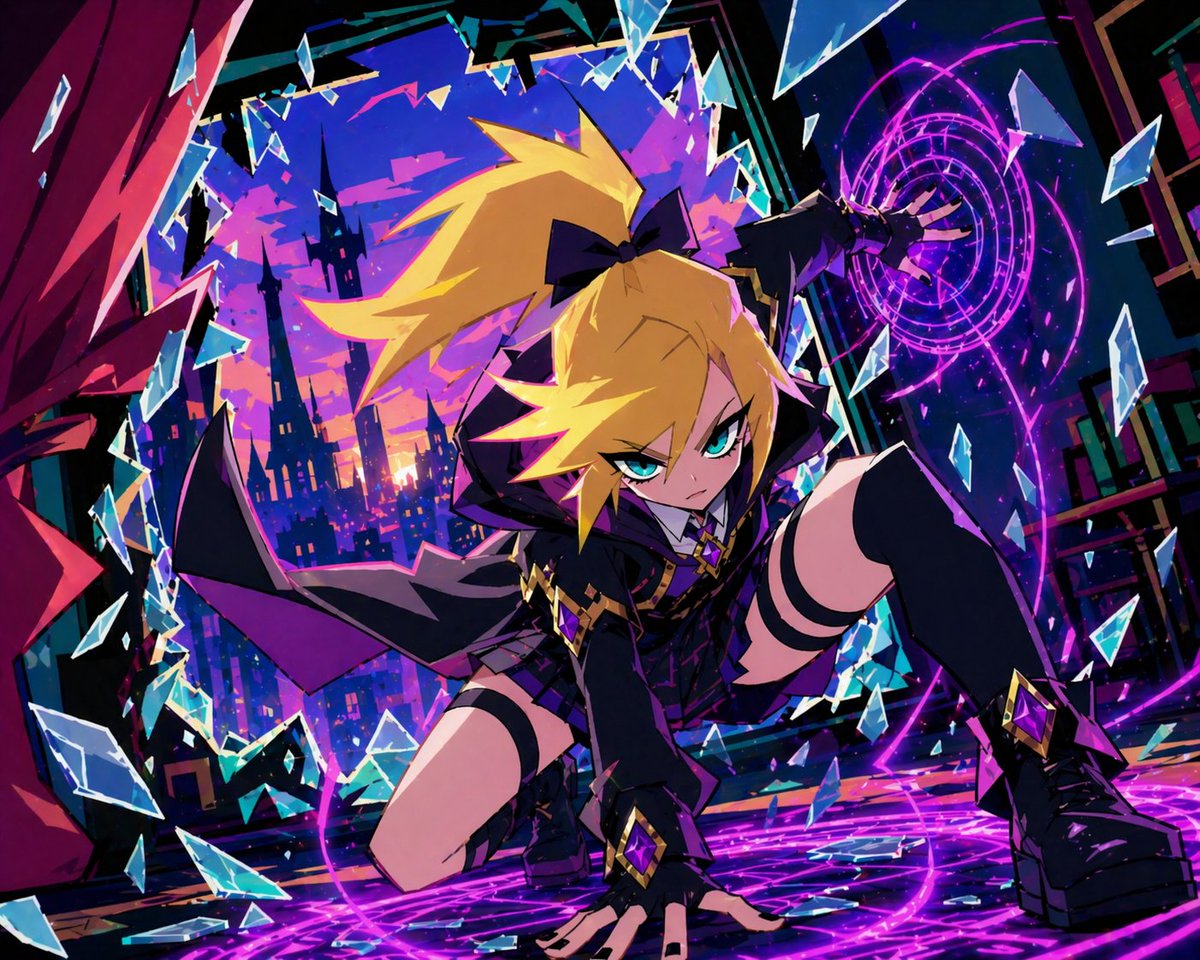
📌 รายละเอียด
- ผู้เขียน: SHINTARO
- แหล่งที่มา: Twitter Post
- เผยแพร่เมื่อ: 20 เมษายน 2569
- ภาษา: en
No. 82: คอมิก / สตอรี่บอร์ด - Futuristic Corporate 3-Panel Manga Page
📖 คำอธิบาย
Generates a 3-panel anime-style comic page featuring a futuristic corporate lobby and a businesswoman interacting with an AI earpiece.
📝 คำสั่ง
{
  "type": "3-panel manga page",
  "style": "anime, highly detailed, cinematic lighting, futuristic corporate",
  "layout": {
    "structure": "1 wide top panel, 2 square bottom panels"
  },
  "panels": [
    {
      "position": "top",
      "shot": "wide landscape",
      "scene": "Futuristic corporate lobby with floor-to-ceiling windows",
      "lighting": "{argument name=\"time of day\" default=\"sunrise\"}",
      "background": "City skyline featuring {argument name=\"landmark\" default=\"Tokyo Tower\"}",
      "details": "Holographic displays, polished reflective floor, reception desk, lounge chairs"
    },
    {
      "position": "bottom left",
      "shot": "close-up profile",
      "character": "Young woman, dark hair, black business suit",
      "accessories": "Futuristic black earpiece with glowing blue light",
      "speech_bubble": {
        "style": "standard rounded",
        "text": "{argument name=\"character dialogue\" default=\"数字はいいわ\"}"
      }
    },
    {
      "position": "bottom right",
      "shot": "full body, walking away, touching earpiece",
      "character": "Same woman, black suit, black heels, carrying a black tote bag",
      "environment": "Approaching security gates",
      "holographic_sign": "{argument name=\"floor sign\" default=\"ECHO 42F\"}",
      "speech_bubble": {
        "style": "futuristic angular",
        "text": "{argument name=\"AI dialogue\" default=\"おはようございます、ユキさん。本日は記念すべき ──\"}"
      }
    }
  ]
}
🖼️ รูปภาพที่สร้าง
Image 1
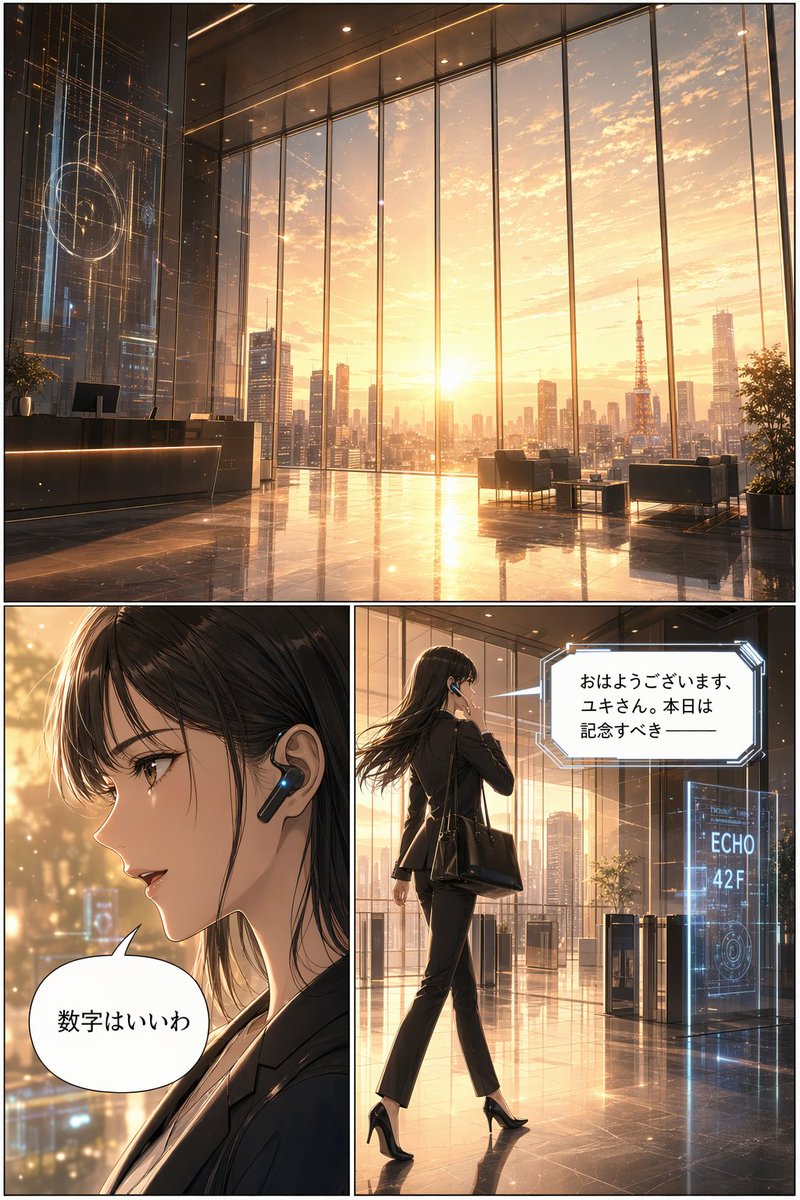
📌 รายละเอียด
- ผู้เขียน: 杉山浩二 ロイロCEO
- แหล่งที่มา: Twitter Post
- เผยแพร่เมื่อ: 20 เมษายน 2569
- ภาษา: en
No. 83: คอมิก / สตอรี่บอร์ด - 4-Panel Parody Movie Poster Grid
📖 คำอธิบาย
Generates a 2x2 grid of surreal, comedic Japanese movie posters with customizable titles and distinct genres.
📝 คำสั่ง
{
  "type": "movie poster grid",
  "layout": "2x2 grid",
  "posters": [
    {
      "position": "top-left",
      "genre": "sci-fi comedy",
      "visuals": "A Japanese salaryman sitting on a crowded train looking nervous, flanked by two aliens in business attire: a green frog-like alien looking at a smartphone, and a blue octopus-like alien reading a newspaper.",
      "text_elements": {
        "tagline_top": "隣の席のアイツ、実は宇宙人でした。",
        "train_display": "次は 地球 (ちきゅう) Next Earth",
        "tagline_side": "この星の常識、いつの間にかアップデートされていた。",
        "main_title": "{argument name=\"poster 1 title\" default=\"となりの宇宙人\"}",
        "cast": "星野サダオ タコヤキ・Z カエルダ・X",
        "release_date": "6月13日(金) 全国公開"
      }
    },
    {
      "position": "top-right",
      "genre": "surreal romance",
      "visuals": "A man in a dark jacket affectionately hugging a giant onigiri (rice ball) topped with mentaiko (spicy cod roe) wrapped in seaweed. They are sitting on a rocky beach during a beautiful sunset.",
      "text_elements": {
        "tagline": "めんたいこは、裏切らない。",
        "main_title": "{argument name=\"poster 2 title\" default=\"めんたいこ ひとすじ\"}",
        "cast": "中尾シンイチ めんたい子 博多ミツル 高菜ユカリ のり平",
        "release_date": "7月18日(金) 心にしみる、しお味系ラブストーリー"
      }
    },
    {
      "position": "bottom-left",
      "genre": "heist comedy",
      "visuals": "A joyful elderly woman in a leopard print blouse laughing maniacally while holding a fan of Japanese yen bills. Money is raining down around her. A happy raccoon is in the foreground.",
      "text_elements": {
        "tagline": "人生、まだまだ使いきってなんかない!",
        "main_title": "{argument name=\"poster 3 title\" default=\"老後の逆襲\"}",
        "subtitle": "〜いたずらタヌキと億万長者〜",
        "cast": "ババンバ・バーバラ タヌキチ 金持ちババ 遺産マユミ 税理士ゴンザレス",
        "release_date": "9月5日(金) 痛快!下剋上エンターテインメント!"
      }
    },
    {
      "position": "bottom-right",
      "genre": "disaster thriller",
      "visuals": "A dramatic disaster scene where laundry baskets, shirts, and clothes are being sucked up into a stormy, apocalyptic sky above a ruined Tokyo city skyline featuring the Tokyo Tower.",
      "text_elements": {
        "tagline": "それは、静かに、確実に、洗濯物を奪っていく。",
        "main_title": "{argument name=\"poster 4 title\" default=\"洗濯物 ストーム\"}",
        "cast": "森タクヤ 干場カオリ 風間ハルキ ピンチハンガー・タカ 洗濯バサミ・ケン",
        "release_date": "8月29日(金) 全国の空が、危ない。"
      }
    }
  ]
}
🖼️ รูปภาพที่สร้าง
Image 1
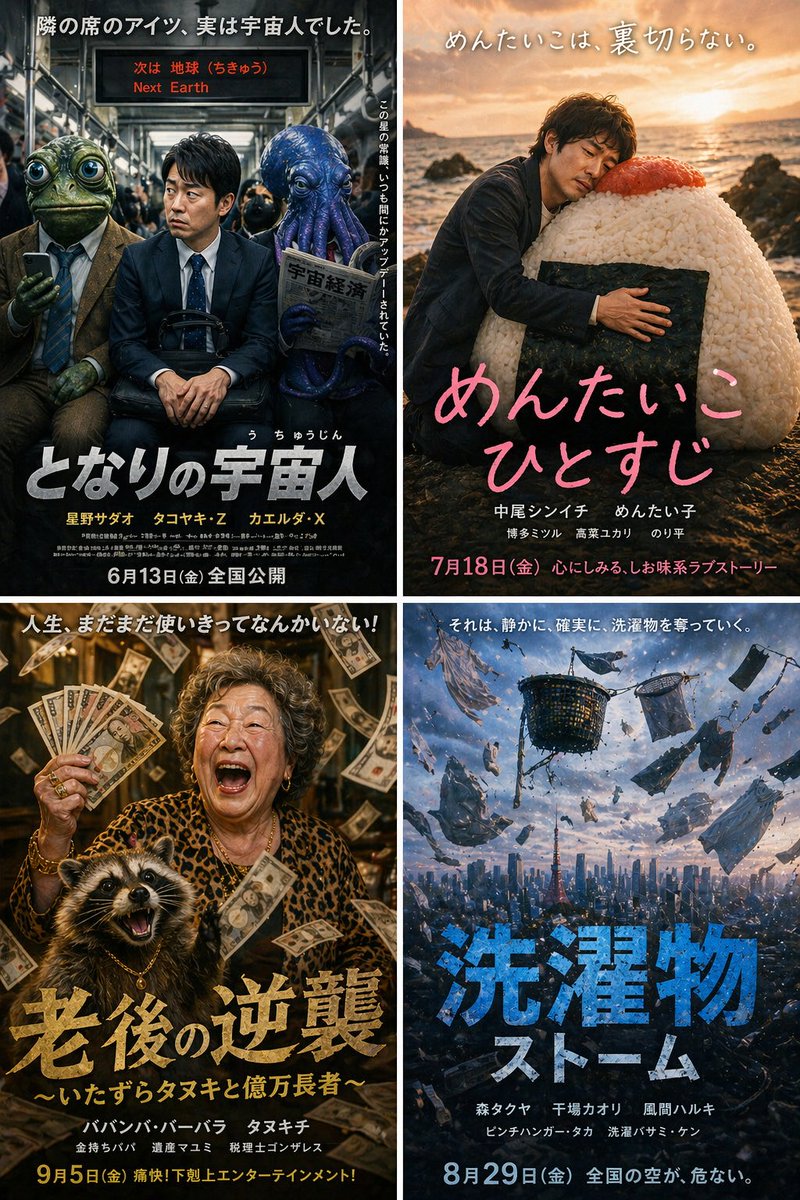
📌 รายละเอียด
- ผู้เขียน: 週末生成Lab|PcNeko
- แหล่งที่มา: Twitter Post
- เผยแพร่เมื่อ: 20 เมษายน 2569
- ภาษา: en
No. 84: คอมิก / สตอรี่บอร์ด - Anime Character Reference Sheet
📖 คำอธิบาย
Generates a detailed anime character design document including multiple views, expressions, equipment breakdowns, and color palettes.
📝 คำสั่ง
{
  "type": "anime character reference sheet",
  "character": {
    "name": "{argument name=\"character name\" default=\"真田大助\"}",
    "appearance": "young warrior with long brown hair, wearing samurai-inspired armor, {argument name=\"main color\" default=\"red\"} chest plate and guards, {argument name=\"secondary color\" default=\"navy blue\"} pleated hakama, white short cape"
  },
  "layout": {
    "header": {
      "title": "{argument name=\"character name\" default=\"真田大助\"}",
      "subtitle": "{argument name=\"character concept\" default=\"戦国時代を舞台にした物語の主人公。日英クォーターの若き武将。\"}",
      "badge": "設定資料"
    },
    "right_side": {
      "main_portrait": "large full-body standing pose, confident smile",
      "background_elements": {
        "emblem": "six-coin crest",
        "quote": "{argument name=\"catchphrase\" default=\"この国を守る。その誇りと共に。\"}",
        "scenery": "monochrome Japanese castle with army banners at the bottom right"
      }
    },
    "sections": [
      {
        "title": "プロフィール",
        "position": "top-left",
        "content": "table with 6 rows and descriptive text"
      },
      {
        "title": "三面図",
        "position": "mid-left",
        "count": 3,
        "labels": ["正面", "側面", "背面"]
      },
      {
        "title": "表情差分",
        "position": "top-center",
        "count": 6,
        "labels": ["通常", "微笑み", "真剣", "怒り", "驚き", "考え中"]
      },
      {
        "title": "衣装・装備詳細",
        "position": "bottom-left",
        "count": 9,
        "labels": ["胸当て", "肩当て", "腕甲(籠手)", "脚甲(脛当て・膝当て)", "革靴", "白マント(短)", "帯", "袴/着物部分", "打刀"]
      },
      {
        "title": "カラーパレット",
        "position": "bottom-center",
        "count": 8,
        "labels": ["真田赤", "濃紺", "金", "白", "茶", "茶褐色", "肌色", "銀"]
      },
      {
        "title": "世界観",
        "position": "bottom-center-right",
        "content": "paragraph of text describing the setting"
      }
    ]
  }
}
🖼️ รูปภาพที่สร้าง
Image 1
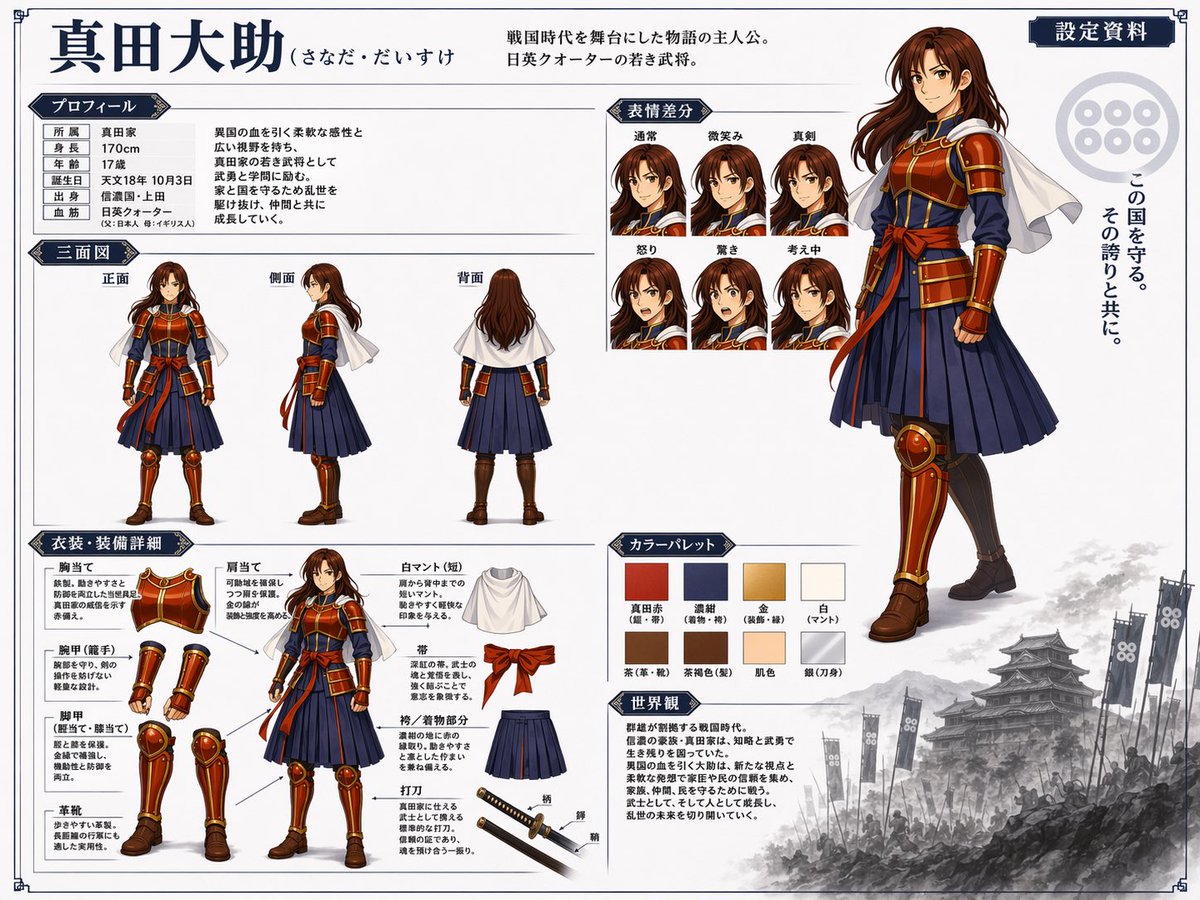
📌 รายละเอียด
- ผู้เขียน: まこと@らぶうね
- แหล่งที่มา: Twitter Post
- เผยแพร่เมื่อ: 20 เมษายน 2569
- ภาษา: en
No. 85: คอมิก / สตอรี่บอร์ด - Anime BBQ Girls Key Visual
📖 คำอธิบาย
Generates a vibrant anime-style promotional poster featuring four girls at an outdoor BBQ with prominent text overlays.
📝 คำสั่ง
An anime-style key visual poster for a fictional slice-of-life anime. In the foreground left, an energetic blonde anime girl with star hairpins and blue eyes wears an {argument name="main character outfit" default="American flag t-shirt and denim shorts"}, holding tongs with a slice of smoked meat towards the viewer. In the foreground right, a gentle girl with long dark hair and a white sweater sits at a wooden table writing in a notebook. In the background, two more girls are present: one with a brown ponytail carrying firewood, and another with short silver hair holding a blue mug. The scene is a sunny outdoor BBQ area with a large black smoker grill featuring a sign that reads {argument name="background grill sign" default="LONE STAR BBQ"}. In the immediate foreground is a {argument name="food platter" default="massive wooden platter loaded with sliced brisket, ribs, sausages, burnt ends, and pickles"}, along with side dishes like coleslaw and bread. In the top left corner, a large, cute, bubbly anime logo reads {argument name="anime title" default="もくもく すもーく ガールズ"} with smoke and grill motifs. In the bottom left corner, there is a {argument name="credits text block" default="staff credits block with names and roles"}. In the bottom right corner, a small text box lists four character names. The overall atmosphere is cheerful, highly detailed, and vibrant.
🖼️ รูปภาพที่สร้าง
Image 1

📌 รายละเอียด
- ผู้เขียน: 💐animaru_san
- แหล่งที่มา: Twitter Post
- เผยแพร่เมื่อ: 20 เมษายน 2569
- ภาษา: en
No. 86: คอมิก / สตอรี่บอร์ด - Anime Production Layout Sheet
📖 คำอธิบาย
Generates a traditional anime key animation layout sheet with handwritten production notes and a colored character drawing.
📝 คำสั่ง
{
  "type": "anime production layout sheet",
  "style": "traditional colored pencil genga, key animation drawing",
  "subject": {
    "character": "{argument name=\"character name\" default=\"ナズナ 七草\"}",
    "appearance": "anime girl with {argument name=\"hair color\" default=\"light purple\"} hair styled in twin braids and bangs, blue eyes, wearing a dark oversized coat",
    "pose_and_expression": "{argument name=\"expression\" default=\"smug with a small fang, resting chin on hand\"}"
  },
  "background": "{argument name=\"background scene\" default=\"nighttime city skyline with a railing\"}, soft focus",
  "layout": {
    "top_edge": "standard animation paper peg holes",
    "left_margin": {
      "series_title": "{argument name=\"anime title\" default=\"よふかしのうた\"}",
      "production_codes": ["#05 C.", "[A] (1)"],
      "circled_note": "髪のハイライト 色トレスです"
    },
    "right_margin": {
      "red_box": "002.normal",
      "timing_layers": ["A (1)", "B (1) (2) (3)", "C (1) (2) END"],
      "background_notes": ["BL 夜景", "BG 市街地夜景 色トレス"]
    }
  }
}
🖼️ รูปภาพที่สร้าง
Image 1
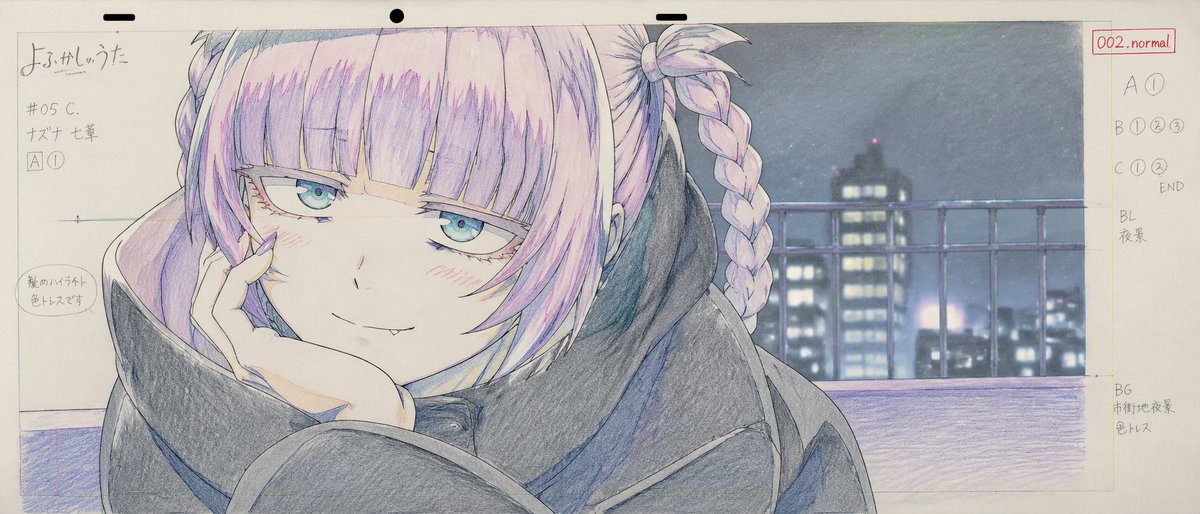
📌 รายละเอียด
- ผู้เขียน: pozitiv4ik
- แหล่งที่มา: Twitter Post
- เผยแพร่เมื่อ: 20 เมษายน 2569
- ภาษา: en
No. 87: คอมิก / สตอรี่บอร์ด - Anime Light Novel Cover Illustration
📖 คำอธิบาย
Generates an anime-style romance light novel cover featuring a teasing girl and a reluctant man, complete with customizable Japanese typography.
📝 คำสั่ง
An anime-style light novel cover illustration featuring two characters in an intimate pose. On the left, a young woman with short dark hair, purple eyes, wearing a white hat, a frilly white dress with a pink bow tie, white gloves, and two white flower hairpins. She has an affectionate, teasing smile and is gently touching the chin of the man next to her. On the right, an adult man with {argument name="man's hair color" default="red"} hair parted in the middle, purple eyes, and a light goatee. He is wearing a black button-down shirt and has a slightly annoyed, reluctant expression with a sweat drop on his cheek. The scene features soft, romantic lighting with out-of-focus purple flower petals in the foreground corners. The image includes several Japanese text elements: a large stylized main title at the bottom reading {argument name="main title" default="ちかつば"}, a subtitle below it reading {argument name="subtitle" default="ーその溺愛、独占欲の裏返し。ー"}, vertical text on the top left reading {argument name="left quote" default="可愛いだけじゃ、許さない。"}, and vertical text on the top right reading {argument name="right quote" default="その不機嫌、俺だけに向けろよ。"}.
🖼️ รูปภาพที่สร้าง
Image 1
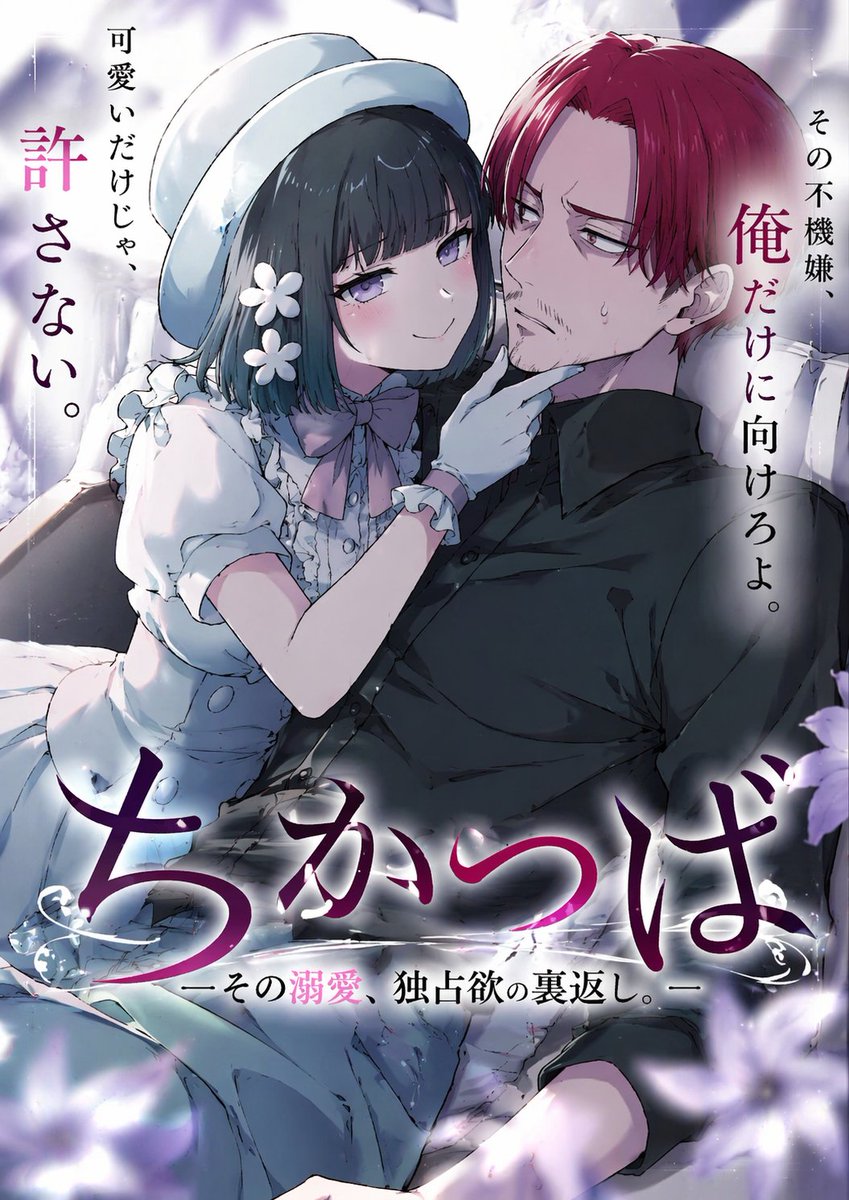
📌 รายละเอียด
- ผู้เขียน: たいら恋太
- แหล่งที่มา: Twitter Post
- เผยแพร่เมื่อ: 20 เมษายน 2569
- ภาษา: en
No. 88: คอมิก / สตอรี่บอร์ด - 5-Panel Manga Page: Creepy Delivery Man
📖 คำอธิบาย
Generates a full-color, 5-panel manga page depicting a woman's uncomfortable encounter with an overly enthusiastic delivery worker.
📝 คำสั่ง
{
  "type": "manga page",
  "style": "anime illustration, full color",
  "characters": {
    "woman": {
      "appearance": "long {argument name=\"hair color\" default=\"black\"} hair, purple eyes",
      "outfit": "{argument name=\"shirt color\" default=\"grey\"} long-sleeve shirt, dark grey skinny jeans, barefoot"
    },
    "delivery_man": {
      "appearance": "bald, older man, thick eyebrows",
      "outfit": "blue work jacket over a grey shirt"
    }
  },
  "layout": {
    "description": "Page split vertically. Left side contains 4 stacked horizontal panels. Right side is a single tall vertical panel.",
    "left_column_panels": [
      {
        "panel_number": 1,
        "scene": "Woman sitting on a grey sofa in a living room, holding a white mug.",
        "text_elements": [
          { "type": "speech_bubble", "text": "?" },
          { "type": "sound_effect", "text": "ピンポーン♪", "description": "doorbell ringing" }
        ]
      },
      {
        "panel_number": 2,
        "scene": "Woman opening the front door. Delivery man standing outside holding a cardboard box, smiling.",
        "text_elements": [
          { "type": "speech_bubble", "speaker": "delivery_man", "text": "{argument name=\"delivery greeting\" default=\"こんにちは〜!宅配便で〜す!\"}" },
          { "type": "speech_bubble", "speaker": "woman", "text": "は、はい…ありがとうございます" }
        ]
      },
      {
        "panel_number": 3,
        "scene": "Close-up of the delivery man laughing enthusiastically with a sparkly pink background.",
        "text_elements": [
          { "type": "speech_bubble", "speaker": "delivery_man", "text": "{argument name=\"creepy compliment\" default=\"おや〜?いや〜美人さんですなあ!こんな綺麗な方がお一人でお住まいなんて、もったいないなあ〜♪\"}" }
        ]
      },
      {
        "panel_number": 4,
        "scene": "Close-up of the woman looking disgusted and uncomfortable, sweating slightly. The back of the delivery man's head is visible in the foreground.",
        "text_elements": [
          { "type": "speech_bubble", "speaker": "delivery_man", "text": "それにしてもお肌が綺麗!スタイルも抜群だし〜モデルさんみたいですよ!" },
          { "type": "thought_bubble", "speaker": "woman", "text": "{argument name=\"woman reaction\" default=\"え…?何この人…ちょっと気持ち悪いかも…\"}" },
          { "type": "caption_box", "text": "この後も延々と褒め続ける配達員だった…" }
        ]
      }
    ],
    "right_column_panel": {
      "panel_number": 5,
      "scene": "Full-body portrait of the woman standing indoors, looking annoyed and suspicious with her arms crossed.",
      "text_elements": [
        { "type": "thought_bubble", "speaker": "woman", "text": "誰かしら…?" }
      ]
    }
  }
}
🖼️ รูปภาพที่สร้าง
Image 1
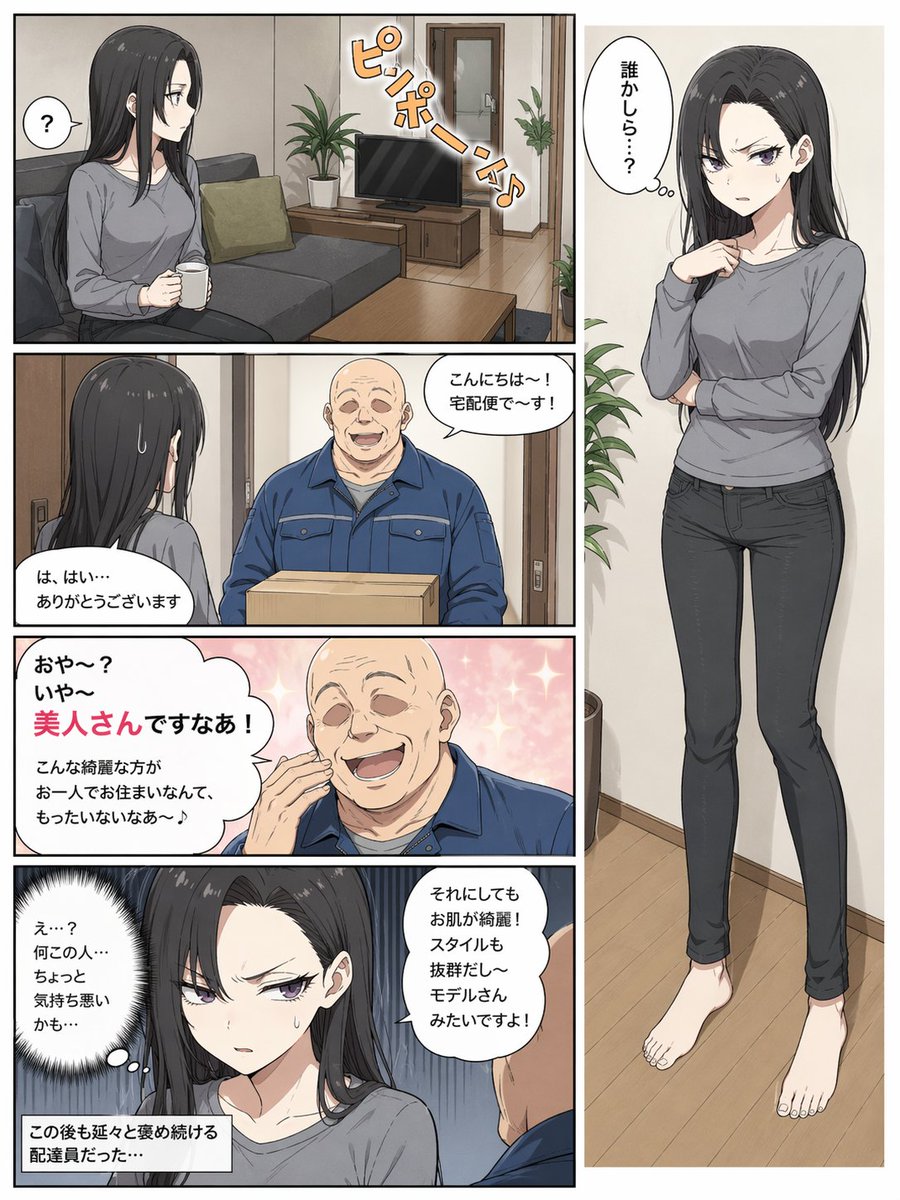
📌 รายละเอียด
- ผู้เขียน: 賢木イオ🍀AIイラスト
- แหล่งที่มา: Twitter Post
- เผยแพร่เมื่อ: 20 เมษายน 2569
- ภาษา: en
No. 89: คอมิก / สตอรี่บอร์ด - Anime Fantasy Movie Poster
📖 คำอธิบาย
A highly detailed, text-heavy anime movie poster featuring a magical forest restaurant, characters, and customizable promotional typography.
📝 คำสั่ง
{
  "type": "anime-style animated movie poster",
  "scene": "Magical glowing multi-story treehouse restaurant in a dark enchanted forest at night, illuminated by string lights and warm window glow.",
  "subjects": {
    "children": "2 children in center foreground facing the restaurant: a boy with a backpack and lantern, and a girl in a red coat and beret with a lantern.",
    "animals": "4 anthropomorphic animals: a bear chef holding a MENU book (bottom left), an owl playing violin and a squirrel playing flute on a branch (top left), a badger playing cello (mid right), and a rabbit in a suit holding a sign (bottom right).",
    "creatures": "3 small black soot-sprite-like creatures with glowing eyes (bottom right).",
    "floating_food": "4 glowing food items floating in the air: soup, pancakes, omurice, and a fruit parfait."
  },
  "layout": {
    "top_text": "{argument name=\"top catchphrase\" default=\"おいしい奇跡が、今夜はじまる。\"}",
    "building_sign": "{argument name=\"restaurant name\" default=\"森のレストラン\"}",
    "left_board": "本日のおすすめ\n・森のスープ\n・星のオムライス\n・ふわふわパンケーキ\n・しあわせのパフェ\n...and more!",
    "right_board": "いらっしゃいませ!\nここは、だれでも\n笑顔になれる場所。",
    "main_title": {
      "text": "{argument name=\"movie title\" default=\"ふしぎな森のレストラン\"}",
      "styling": "Large stylized typography with a chef hat, fork, and spoon motifs."
    },
    "rabbit_sign": "ごちそうさま!またきてね!",
    "bottom_left_badge": "{argument name=\"genre badge\" default=\"家族みんなで楽しめる!心あたたまる冒険ファンタジー\"}",
    "bottom_center_credits": "Fictional cast and staff names in Japanese.",
    "bottom_release_date": "{argument name=\"release date\" default=\"2025年 夏休みロードショー!\"}",
    "bottom_right": "QR code with text '最新情報はこちら!'"
  }
}
🖼️ รูปภาพที่สร้าง
Image 1
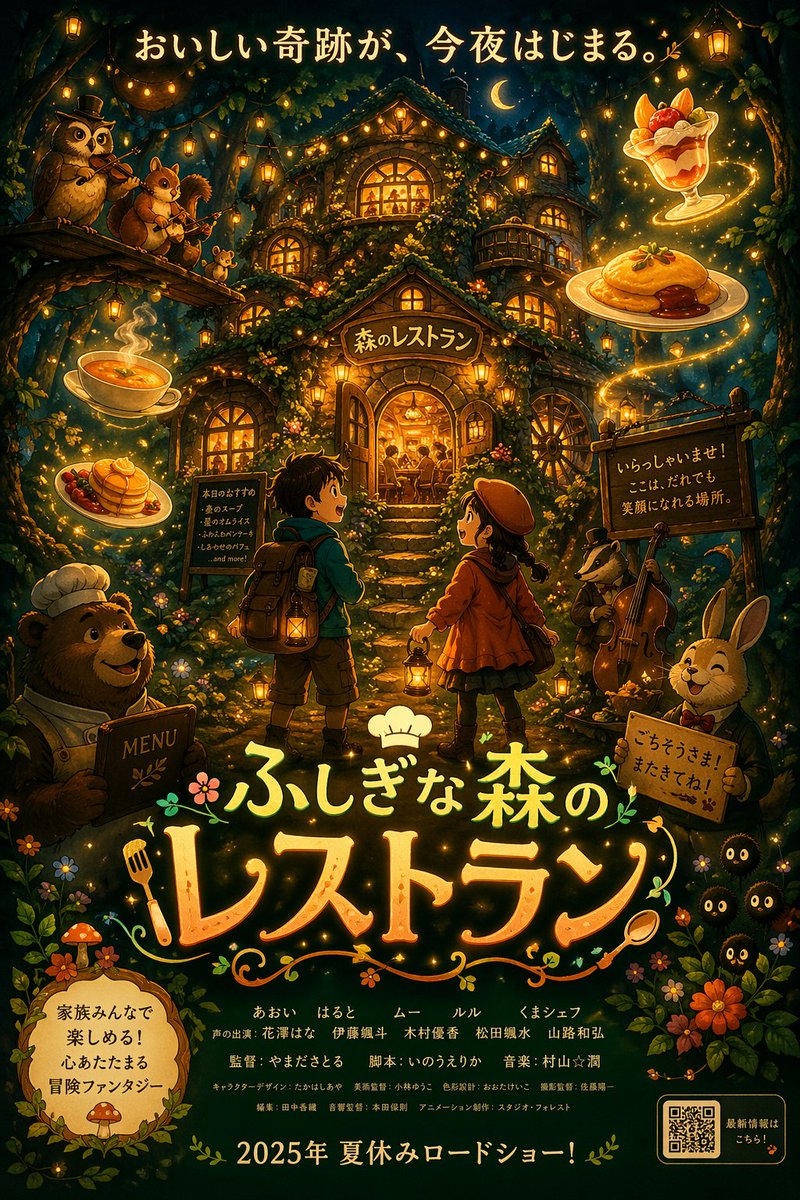
📌 รายละเอียด
- ผู้เขียน: パク🎈動画広告分析Pro × AI
- แหล่งที่มา: Twitter Post
- เผยแพร่เมื่อ: 20 เมษายน 2569
- ภาษา: en
No. 90: คอมิก / สตอรี่บอร์ด - Watercolor Picture Book Cover
📖 คำอธิบาย
Generates a soft watercolor-style children's book cover featuring a cute character and customizable Japanese title text.
📝 คำสั่ง
A watercolor illustration of a children's picture book cover. The main subject is a {argument name="character appearance" default="cute furry kemonomimi girl with short green hair, cat ears, and green eyes"}. She is {argument name="action" default="smiling happily while holding up her middle finger"} with a white-furred hand. She wears a green garment with a fluffy white collar. The background features soft, painted green foliage and small yellow flowers on textured paper. At the top, large hand-drawn green Japanese text reads "{argument name="main title" default="なかゆびさん"}". Below it, brown Japanese text reads "{argument name="subtitle" default="こんにちは"}". On the middle-left, smaller black text reads "{argument name="author text" default="さく・え:とらの"}". The image has a visible book spine on the left edge, emphasizing the physical book format.
🖼️ รูปภาพที่สร้าง
Image 1

📌 รายละเอียด
- ผู้เขียน: とらの@VRC
- แหล่งที่มา: Twitter Post
- เผยแพร่เมื่อ: 20 เมษายน 2569
- ภาษา: en
No. 91: การตลาดผลิตภัณฑ์ - บอร์ดแสดงอัตลักษณ์แบรนด์และสินค้าตัวละครอนิเมะ
📖 คำอธิบาย
สร้างบอร์ดออกแบบแบรนด์ที่ครอบคลุมสำหรับตัวละครอนิเมะ รวมถึงบรรจุภัณฑ์สินค้า ภาพจำลองสื่อโซเชียลมีเดีย และเลย์เอาต์สินค้า
📝 คำสั่ง
{
  "type": "บอร์ดออกแบบอัตลักษณ์แบรนด์และสินค้า",
  "theme": {
    "color_palette": "{argument name=\"theme color\" default=\"สีชมพูพาสเทล\"} และสีขาว",
    "motif": "{argument name=\"motif\" default=\"ดอกซากุระ\"} และหัวใจสีชมพู"
  },
  "character": {
    "description": "สาวอนิเมะผมบ๊อบสั้นสีน้ำตาล ตาสีชมพู สวมฮู้ดสีขาว ยิ้มอย่างอ่อนโยน"
  },
  "branding": {
    "main_logo": "{argument name=\"character name\" default=\"癒音ちー\"}",
    "sub_logo": "{argument name=\"character subtext\" default=\"ゆおんちー\"}"
  },
  "layout": {
    "sections": [
      {
        "type": "แบนเนอร์ส่วนหัว",
        "position": "ด้านบน",
        "elements": ["โลโก้หลักขนาดใหญ่", "โลโก้รอง", "กราฟิกดอกซากุระ", "ภาพพอร์ตเทรตตัวละครทางด้านขวา"]
      },
      {
        "type": "บรรจุภัณฑ์สินค้า",
        "position": "กลางซ้าย",
        "elements": ["กล่องสี่เหลี่ยม 1 กล่องที่มีหน้าต่างใสรูปหัวใจเผยให้เห็นลูกอมรูปหัวใจสีชมพู", "ภาพประกอบตัวละครบนกล่อง", "ห่อลูกอมแยกชิ้น 2 ชิ้น", "ลูกอมรูปหัวใจกระจัดกระจาย 5 ชิ้น"]
      },
      {
        "type": "โปสเตอร์โปรโมท",
        "position": "กลางขวา",
        "elements": ["ภาพพอร์ตเทรตตัวละคร", "ชามลูกอมรูปหัวใจ", "โลโก้หลัก", "ข้อความ '4.26 NEW OPEN'", "ข้อความ '{argument name=\"social handle\" default=\"@yuonchii\"}'"]
      },
      {
        "type": "แบนเนอร์เว็บแนวนอน",
        "position": "กลางค่อนล่าง",
        "elements": ["โลโก้หลัก", "ดอกซากุระ", "ภาพพอร์ตเทรตตัวละครทางด้านขวา"]
      },
      {
        "type": "ภาพจำลองโปรไฟล์โซเชียลมีเดีย",
        "position": "ล่างซ้าย",
        "elements": ["ภาพส่วนหัวพร้อมโลโก้", "รูปโปรไฟล์วงกลม 1 รูป", "ชื่อบัญชี '{argument name=\"social handle\" default=\"@yuonchii\"}'", "ปุ่มติดตาม 1 ปุ่ม", "ข้อความชีวประวัติจำลอง"]
      },
      {
        "type": "คอลเลกชันสินค้า",
        "position": "ล่างขวา",
        "count": 9,
        "items": ["เสื้อยืดสีขาวพร้อมโลโก้ 1 ตัว", "แก้วมัคสีขาวพร้อมรูปตัวละคร 1 ใบ", "เข็มกลัดวงกลม 4 อัน", "พวงกุญแจอะคริลิก 1 ชิ้น", "ซองลูกอม 2 ซอง"]
      }
    ]
  }
}
🖼️ รูปภาพที่สร้าง
Image 1
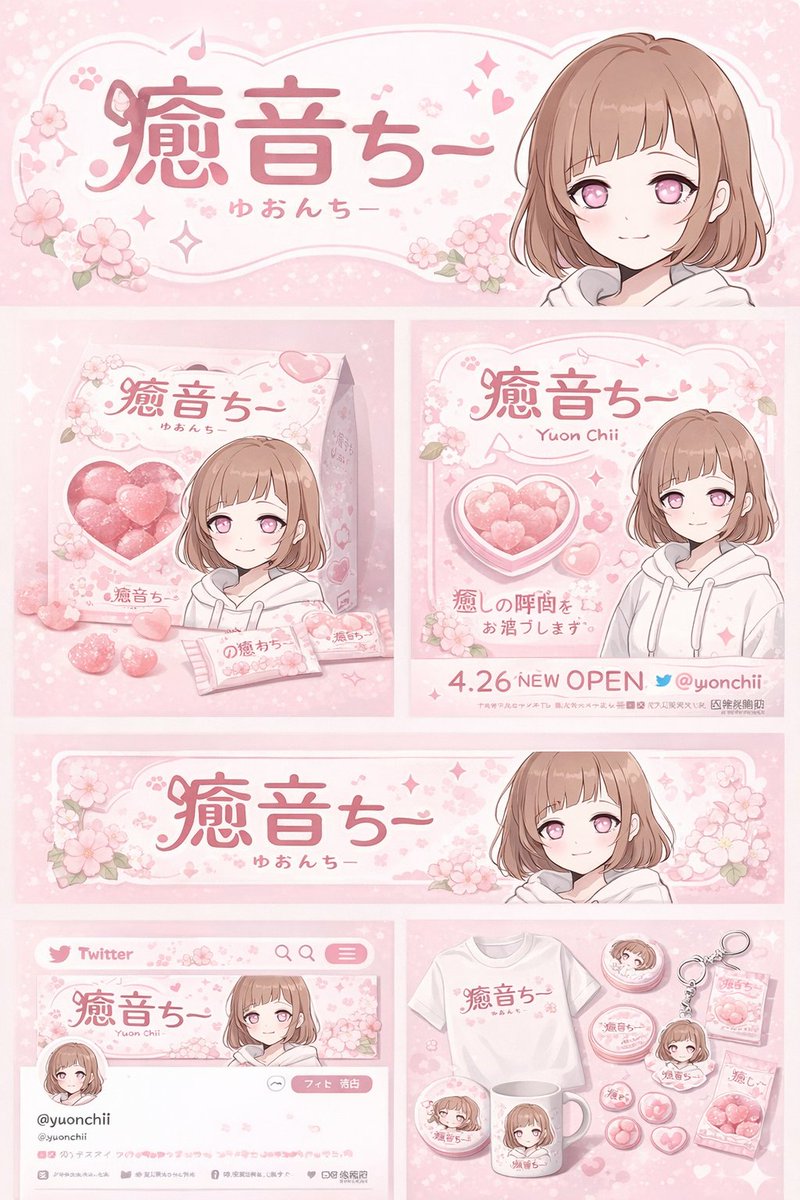
📌 รายละเอียด
- ผู้เขียน: 癒音ちー✨ゆおんちー✨癒やし声ASMRとAI
- แหล่งที่มา: Twitter Post
- เผยแพร่เมื่อ: 20 เมษายน 2569
- ภาษา: en
No. 92: การตลาดผลิตภัณฑ์ - หน้า Landing Page กรณีศึกษาการตลาดแบบไวรัลในโหมดมืด (Dark Mode)
📖 คำอธิบาย
ม็อกอัป UI ในธีมมืดที่ครอบคลุมสำหรับกรณีศึกษาด้านการตลาด พร้อมการแสดงภาพข้อมูล ไทม์ไลน์ และภาพประกอบ 3D
📝 คำสั่ง
{
  "type": "การออกแบบ UI หน้า landing page",
  "theme": "โหมดมืด, เทคโนโลยีสมัยใหม่, {argument name=\"primary accent color\" default=\"สีม่วงนีออน\"} และสีฟ้าเรืองแสง, สไตล์ glassmorphism",
  "header": {
    "logo": "{argument name=\"brand name\" default=\"goViralX\"}",
    "badge": "กรณีศึกษาแคมเปญไวรัล"
  },
  "sections": [
    {
      "id": "hero",
      "layout": "แบ่งซ้ายเป็นข้อความ ขวาเป็นรูปภาพ",
      "content": {
        "badge": "กรณีศึกษา",
        "headline": "{argument name=\"hero headline\" default=\"วิธีที่เราสร้างอิมแพคระดับไวรัลกว่า 10 ล้านครั้ง\"}",
        "subtitle": "3 วันในการจุดกระแสเครือข่าย ช่วยให้แบรนด์ต่างๆ เติบโตแบบก้าวกระโดด",
        "stats_row": {
          "count": 4,
          "labels": ["ยอดการมองเห็นรวม {argument name=\"main metric\" default=\"10,240,000+\"}", "อัตราการมีส่วนร่วม 18.7%", "ยอดคอนเวอร์ชัน 3,200+", "เวลาในการดำเนินการ 72 ชั่วโมง"]
        },
        "hero_image": "ภาพถ่ายแนวภาพยนตร์ของบุคคลในห้องมืดที่กำลังดูหน้าจอวิดีโอเรืองแสงลอยอยู่ พร้อมปุ่มเล่นขนาดใหญ่ซ้อนทับ"
      }
    },
    {
      "id": "strategy",
      "title": "เจาะลึกแคมเปญ: กลยุทธ์การดำเนินการใน 3 วันของเรา",
      "layout": "ไทม์ไลน์แนวตั้ง 3 ขั้นตอน",
      "steps": [
        {"step": 1, "title": "การวางกลยุทธ์", "image": "ผู้คนกำลังวิเคราะห์ข้อมูลบนหน้าจอ"},
        {"step": 2, "title": "การผลิตคอนเทนต์", "image": "อินเทอร์เฟซการตัดต่อวิดีโอ"},
        {"step": 3, "title": "การเผยแพร่และขยายผล", "image": "มือถือสมาร์ทโฟนที่มีไอคอนโซเชียลมีเดีย"}
      ]
    },
    {
      "id": "performance",
      "title": "ผลลัพธ์ด้านประสิทธิภาพ: ประสิทธิภาพที่ขับเคลื่อนด้วยข้อมูล",
      "layout": "ซ้ายเป็นตารางการ์ดสถิติ ขวาเป็นแผนภูมิ",
      "left_stats": {
        "count": 4,
        "labels": ["การเข้าถึงรวม 10 ล้าน+", "ค่า CPM เฉลี่ยลดลง 43%", "ผู้ติดตามใหม่ 28,000+", "ยอดคอนเวอร์ชัน 3,200+"]
      },
      "right_charts": {
        "count": 2,
        "items": [
          "แผนภูมิเส้นแสดงแนวโน้ม 7 วัน โดยพุ่งสูงสุดในวันที่ 3 ที่ 8,320,000",
          "แผนภูมิแท่งแนวนอนแสดงการกระจายตัวของแพลตฟอร์ม: TikTok 52%, Instagram 24%, X 15%, YouTube 9%"
        ]
      }
    },
    {
      "id": "keys_to_success",
      "title": "ทำไมถึงกลายเป็นไวรัล: 3 กุญแจสู่ความสำเร็จแบบไวรัล",
      "layout": "แถวแนวนอนของการ์ด 3 ใบ",
      "cards": [
        {"icon": "fire", "title": "การออกแบบจุดดึงดูดทางอารมณ์"},
        {"icon": "bullseye", "title": "การออกแบบโครงสร้างคอนเทนต์"},
        {"icon": "antenna", "title": "การดำเนินการตามกลยุทธ์การเผยแพร่"}
      ]
    },
    {
      "id": "social_proof",
      "title": "ได้รับความไว้วางใจจากครีเอเตอร์และแบรนด์: ทุกคนต่างใช้ goViralX เพื่อสร้างการเติบโต",
      "layout": "แบ่งซ้ายเป็นโลโก้ ขวาเป็นคำนิยม",
      "left_logos": {
        "count": 8,
        "labels": ["SHEIN", "SHOPLINE", "Blueglass", "instacart", "lemon8", "mi", "CIDER", "bellroy"]
      },
      "right_testimonials": {
        "count": 2,
        "labels": ["คำนิยมจากผู้ก่อตั้ง SaaS", "คำนิยมจากผู้จัดการฝ่ายเติบโต"]
      }
    },
    {
      "id": "cta",
      "title": "พร้อมที่จะเป็นไวรัลหรือยัง?: ต้องการผลลัพธ์การเติบโตแบบเดียวกันไหม?",
      "layout": "ซ้ายเป็นข้อความและช่องกรอกข้อมูล ขวาเป็นภาพประกอบ 3D",
      "elements": [
        "ช่องกรอกข้อมูลพร้อมข้อความตัวอย่าง",
        "ปุ่ม: {argument name=\"call to action text\" default=\"รับแผนการเติบโตเฉพาะคุณ ->\"}"
      ],
      "image": "ภาพ 3D จรวดสีม่วงและสีฟ้าเรืองแสงกำลังพุ่งทะยาน"
    }
  ],
  "footer": "โลโก้และข้อความลิขสิทธิ์"
}
🖼️ รูปภาพที่สร้าง
Image 1
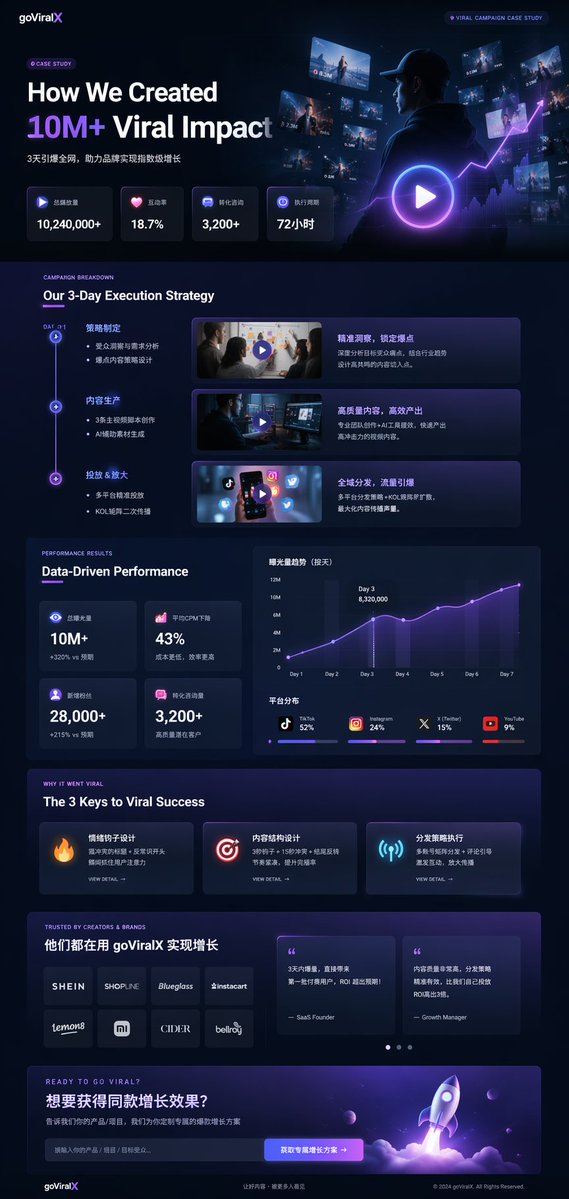
📌 รายละเอียด
- ผู้เขียน: 开发者Hailey
- แหล่งที่มา: Twitter Post
- เผยแพร่เมื่อ: 17 เมษายน 2569
- ภาษา: en
No. 93: การตลาดผลิตภัณฑ์ - เอกสารอัตลักษณ์แบรนด์มาสคอตแบบ 18 ช่อง
📖 คำอธิบาย
คู่มือแบรนด์และแผ่นออกแบบตัวละครแบบ 18 ส่วนที่ครอบคลุมสำหรับมาสคอต 3D โดยละเอียดตั้งแต่บอร์ดอารมณ์ (moodboard) และภาพร่างลายเส้น ไปจนถึงภาพหมุนตัว 3D และภาพจำลองสินค้าจริง
📝 คำสั่ง
{
  "type": "เอกสารอัตลักษณ์แบรนด์และออกแบบตัวละครแบบ 18 ช่อง",
  "brand": {
    "name": "{argument name=\"brand name\" default=\"ร้านชา 沐阳 MUYANG TEA\"}",
    "industry": "{argument name=\"industry\" default=\"ร้านชา\"}",
    "colors": ["{argument name=\"primary color\" default=\"สีเหลือง\"}", "{argument name=\"secondary color\" default=\"สีเขียว\"}", "สีขาว", "สีน้ำตาล", "สีเขียวเข้ม"]
  },
  "subject": "{argument name=\"character description\" default=\"มาสคอตสุนัขชิบะอินุ 3D สุดน่ารักสวมผ้ากันเปื้อนสีเขียว\"}",
  "layout": {
    "grid": "3 คอลัมน์ 6 แถว",
    "sections": [
      {
        "title": "01 การวิเคราะห์ DNA แบรนด์ / BRAND DNA ANALYSIS",
        "elements": ["โลโก้", "ตัวอย่างสี 5 สี", "ไอคอน 6 แบบ", "แผนภูมิกลุ่มเป้าหมาย"]
      },
      {
        "title": "02 แนวคิดการออกแบบ / CONCEPT MOODBOARD",
        "elements": ["ภาพอ้างอิง 5 ภาพ", "ไอคอนสื่ออารมณ์ 4 แบบ", "สมการการออกแบบ"]
      },
      {
        "title": "03 การศึกษาโครงสร้าง / FORM STUDY",
        "elements": ["ไอคอนวิเคราะห์โลโก้ 4 แบบ", "ขั้นตอนการพัฒนา 4 ขั้น", "ภาพเงา 4 แบบ"]
      },
      {
        "title": "04 การสำรวจแนวคิด / CONCEPT EXPLORATION",
        "elements": ["ภาพร่างลายเส้นตัวละคร 12 แบบ"]
      },
      {
        "title": "05 ภาพร่างลายเส้นละเอียด / REFINED LINE ART",
        "elements": ["ภาพลายเส้นด้านหน้าและด้านข้าง 3 แถวพร้อมสัดส่วนอ้างอิง"]
      },
      {
        "title": "06 การปรับแต่งรายละเอียด / DETAIL REFINEMENT",
        "elements": ["ภาพเรนเดอร์เต็มตัว 2 ภาพพร้อมคำอธิบาย", "ภาพขยายจุดสำคัญ 4 จุด"]
      },
      {
        "title": "07 การกำหนดสีหน้า / EXPRESSION SHEET",
        "elements": ["ภาพเรนเดอร์ 3D แสดงสีหน้า 11 แบบ"]
      },
      {
        "title": "08 คลังท่าทาง / POSE LIBRARY",
        "elements": ["ภาพเรนเดอร์ 3D ท่าทางเต็มตัว 9 แบบ"]
      },
      {
        "title": "09 มุมมองรอบตัว / TURNAROUND VIEW",
        "elements": ["ภาพเรนเดอร์ 3D เต็มตัว 5 มุมมอง", "ภาพลายเส้นที่สอดคล้องกัน 5 มุมมอง"]
      },
      {
        "title": "10 การพัฒนาสี / COLOR DEVELOPMENT",
        "elements": ["ชุดสี 5 สี จำนวน 5 แถว", "คำอธิบายจิตวิทยาสี"]
      },
      {
        "title": "11 ข้อมูลจำเพาะวัสดุ / MATERIAL SPECIFICATION",
        "elements": ["ตัวอย่างพื้นผิว 5 แบบ", "แถบปรับคุณสมบัติ", "ไอคอนการผลิต 4 แบบ"]
      },
      {
        "title": "12 การประยุกต์ใช้สี / COLOR APPLICATION",
        "elements": ["ภาพเรนเดอร์สี 4 แบบ", "ภาพเรนเดอร์แสงสว่าง/มืด 2 แบบ", "วงกลมแสดงค่าความต่างสี 4 วง"]
      },
      {
        "title": "13 คู่มือโครงสร้าง / CONSTRUCTION GUIDE",
        "elements": ["แผนภาพลายเส้นสำหรับรูปทรงและตารางกริด 2 แบบ"]
      },
      {
        "title": "14 กฎระบบการออกแบบ / DESIGN SYSTEM RULES",
        "elements": ["ไอคอนขนาดขั้นต่ำ", "แผนภาพพื้นที่ว่าง", "ตัวอย่างการใช้งาน 4 แบบ"]
      },
      {
        "title": "15 รูปแบบสินทรัพย์ / ASSET VARIANTS",
        "elements": ["ขนาด 3 รูปแบบ", "ลายเส้น 3 รูปแบบ", "ภาพหัวตัวละครแบบแบน 3 แบบ"]
      },
      {
        "title": "16 การใช้งานดิจิทัล / DIGITAL APPLICATIONS",
        "elements": ["ไอคอนแอป 1 แบบ", "รูปโปรไฟล์โซเชียล 2 แบบ", "องค์ประกอบ UI", "วงจรแอนิเมชัน 3 ขั้นตอน"]
      },
      {
        "title": "17 การใช้งานจริง / PHYSICAL APPLICATIONS",
        "elements": ["ภาพจำลองตุ๊กตา", "ภาพจำลองบรรจุภัณฑ์", "ภาพจำลองสินค้าพรีเมียม", "ภาพจำลองหน้าร้าน"]
      },
      {
        "title": "18 ภาพหลักสุดท้าย / FINAL RENDERING",
        "elements": ["ภาพเรนเดอร์ 3D ความละเอียดสูงของมาสคอตถือชา", "โลโก้", "รายการรูปแบบไฟล์"]
      }
    ]
  }
}
🖼️ รูปภาพที่สร้าง
Image 1
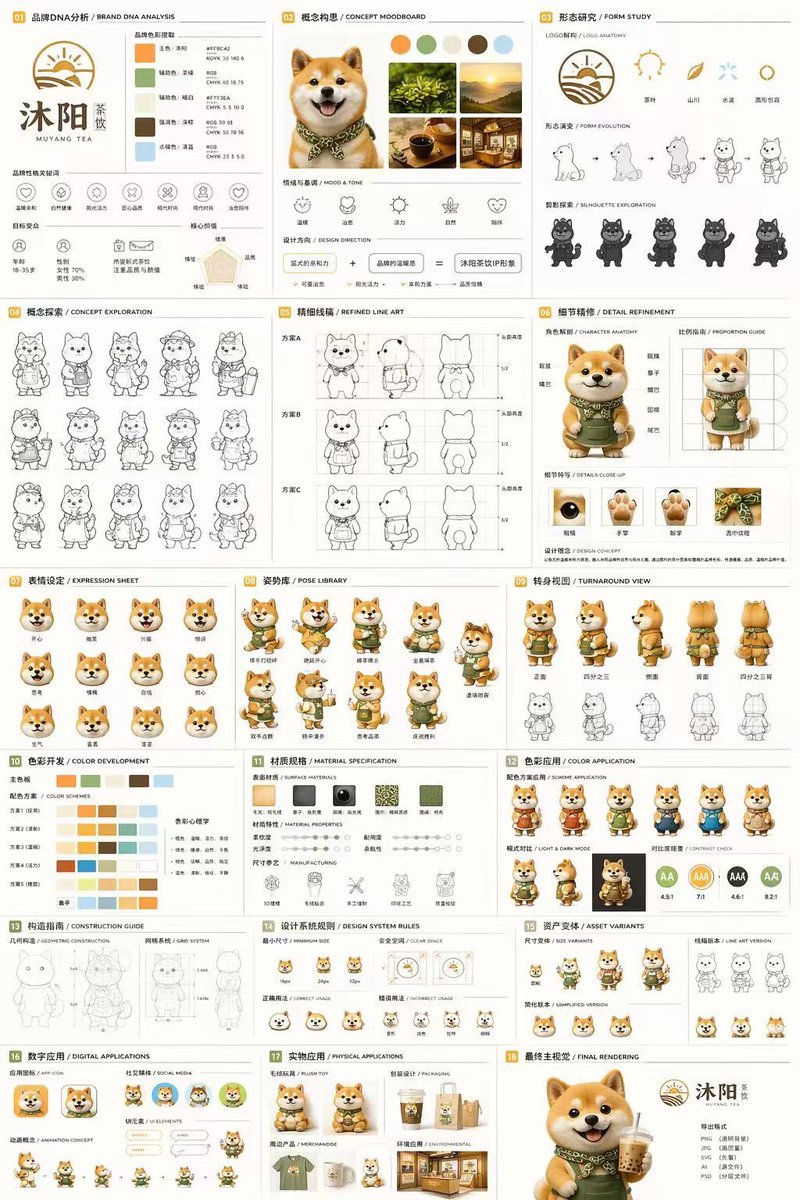
📌 รายละเอียด
- ผู้เขียน: Lee Colin
- แหล่งที่มา: Twitter Post
- เผยแพร่เมื่อ: 16 เมษายน 2569
- ภาษา: en
No. 94: การตลาดผลิตภัณฑ์ - Brand Identity System Board
📖 คำอธิบาย
Generates a comprehensive brand identity presentation board including logo construction, mockups, color palettes, and usage guidelines.
📝 คำสั่ง
{
  "type": "brand identity system presentation board",
  "header": {
    "title": "品牌视觉识别系统 BRAND IDENTITY SYSTEM",
    "slogan": "爱它·懂它·陪伴它"
  },
  "main_logo": {
    "text": "{argument name=\"brand name\" default=\"GDX\"}",
    "subtitle": "{argument name=\"brand chinese name\" default=\"狗东西\"}",
    "design_feature": "{argument name=\"main subject\" default=\"Dog profile in negative space of the letter D\"}",
    "metadata": [
      "品牌名称",
      "行业属性 {argument name=\"industry\" default=\"宠物行业\"}",
      "设计时间 2024.05"
    ]
  },
  "layout": {
    "sections": [
      {
        "title": "设计网格",
        "count": 1,
        "description": "Logo with architectural grid lines and golden ratio measurements"
      },
      {
        "title": "概念草图",
        "count": 4,
        "description": "Evolution steps from rough dog sketch to final geometric logo"
      },
      {
        "title": "灵感来源",
        "count": 4,
        "description": "Moodboard images including minimalist architecture, a golden retriever, and dark green geometric shapes"
      },
      {
        "title": "创意理念",
        "count": 4,
        "description": "Text blocks with minimalist icons explaining design philosophy, positioning, color psychology, and scalability"
      },
      {
        "title": "品牌应用",
        "count": 6,
        "labels": [
          "名片 正反面",
          "信纸信封",
          "APP图标",
          "网站页眉 / 网站图标",
          "产品包装 / 购物袋",
          "店面门头 / 标识牌"
        ],
        "description": "Mockups of business cards, envelopes, app icons, website header with a dog, paper shopping bags, and a storefront sign"
      },
      {
        "title": "色彩规范",
        "count": 5,
        "labels": [
          "主色",
          "辅助色",
          "强调色"
        ],
        "colors": [
          "{argument name=\"primary color\" default=\"#1E3D34\"}",
          "#F5F3EF",
          "#E5E2DD",
          "#A8C5B1",
          "#E0A86E"
        ]
      },
      {
        "title": "字体规范",
        "count": 2,
        "labels": [
          "思源黑体 CN",
          "思源柔黑体 CN"
        ],
        "description": "Typography specimens showing 'Aa', alphabet, and numbers"
      },
      {
        "title": "最小使用尺寸",
        "count": 2,
        "description": "Minimum logo size specifications at 20mm and 12mm"
      },
      {
        "title": "安全留白区域",
        "count": 1,
        "description": "Logo surrounded by a bounding box with 'X' indicating clear space margins"
      },
      {
        "title": "错误使用示例",
        "count": 5,
        "labels": [
          "不可拉伸变形",
          "不可改变颜色",
          "不可添加阴影",
          "不可倾斜使用",
          "不可复杂背景上使用"
        ],
        "description": "Examples of incorrect logo usage: stretched, wrong color, drop shadow, tilted, and placed on a busy photographic background"
      }
    ]
  }
}
🖼️ รูปภาพที่สร้าง
Image 1
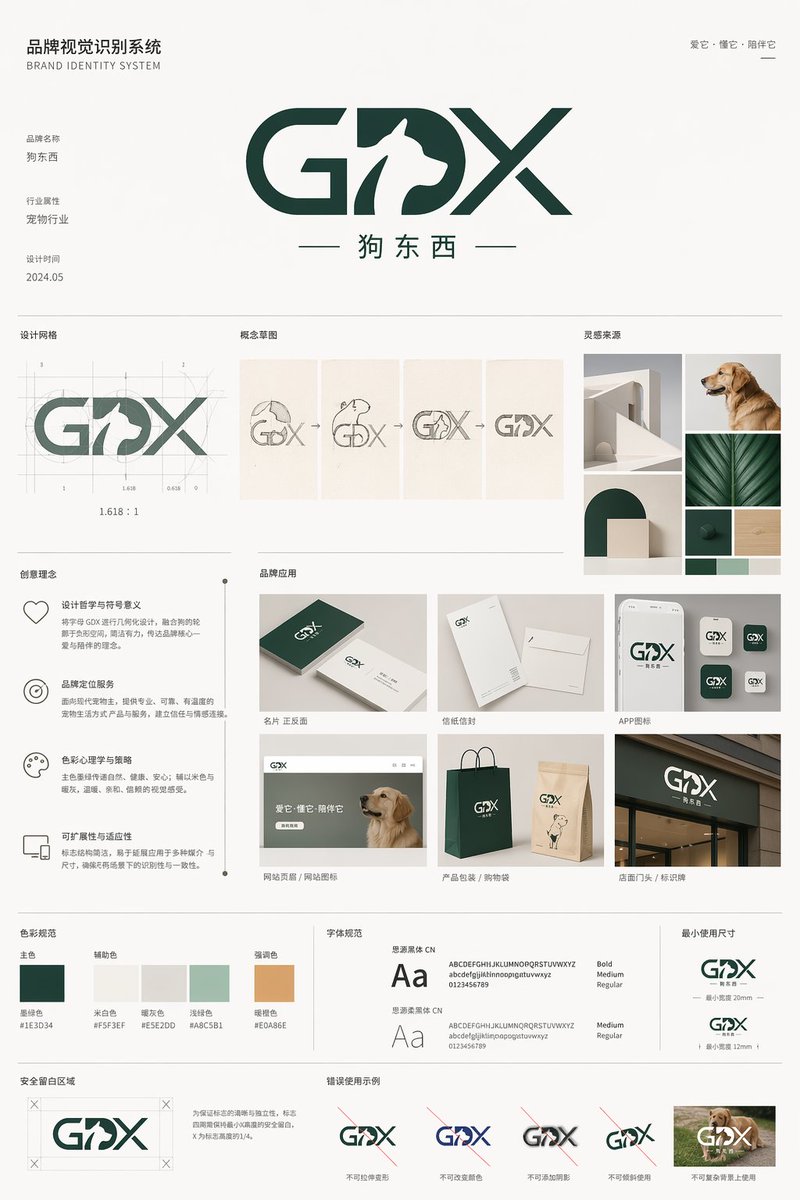
📌 รายละเอียด
- ผู้เขียน: 沐阳
- แหล่งที่มา: Twitter Post
- เผยแพร่เมื่อ: 21 เมษายน 2569
- ภาษา: en
No. 95: การตลาดผลิตภัณฑ์ - Skincare E-commerce Landing Page Mockup
📖 คำอธิบาย
Generates a clean, clinical web design mockup for a skincare brand featuring a hero image, product shot, and feature highlights.
📝 คำสั่ง
{
  "type": "skincare e-commerce landing page mockup",
  "brand": "{argument name=\"brand name\" default=\"DERMA CALM\"}",
  "color_palette": ["white", "light blue", "{argument name=\"primary color\" default=\"dark blue\"}"],
  "layout": {
    "header": {
      "logo": "left-aligned brand name with Japanese subtext",
      "navigation_links": {
        "count": 6,
        "labels": ["ABOUT", "PRODUCT", "FEATURE", "INGREDIENT", "VOICE", "Q&A"]
      },
      "buttons": {
        "count": 2,
        "labels": ["マイページ", "今すぐ購入する"]
      }
    },
    "hero_section": {
      "left_column": {
        "headline": "{argument name=\"hero headline\" default=\"敏感な肌にも、毎日つづけられる安心ケア。\"}",
        "subtext": "paragraph detailing low irritation, moisturizing, fragrance-free, and alcohol-free benefits",
        "buttons": {
          "count": 2,
          "labels": ["今すぐ購入する", "詳しく見る"]
        }
      },
      "center_column": {
        "product": "white pump bottle with clear cap labeled {argument name=\"product type\" default=\"Moisture Barrier Serum\"}",
        "props": ["dollop of white cream", "circular badge reading 皮膚科医監修"]
      },
      "right_column": {
        "subject": "{argument name=\"model description\" default=\"young East Asian woman with clear glowing skin touching her cheek\"}",
        "background": "blurred laboratory glassware in a bright, clean clinical setting"
      }
    },
    "bottom_features_panel": {
      "left_cards": {
        "count": 3,
        "descriptions": ["95% satisfaction with 5 stars", "shield icon for low irritation formula", "drop icon for skin barrier support"]
      },
      "right_badges": {
        "count": 3,
        "descriptions": ["no fragrance icon", "no alcohol icon", "patch tested icon"]
      },
      "footer": "fine print disclaimers at the bottom"
    }
  }
}
🖼️ รูปภาพที่สร้าง
Image 1
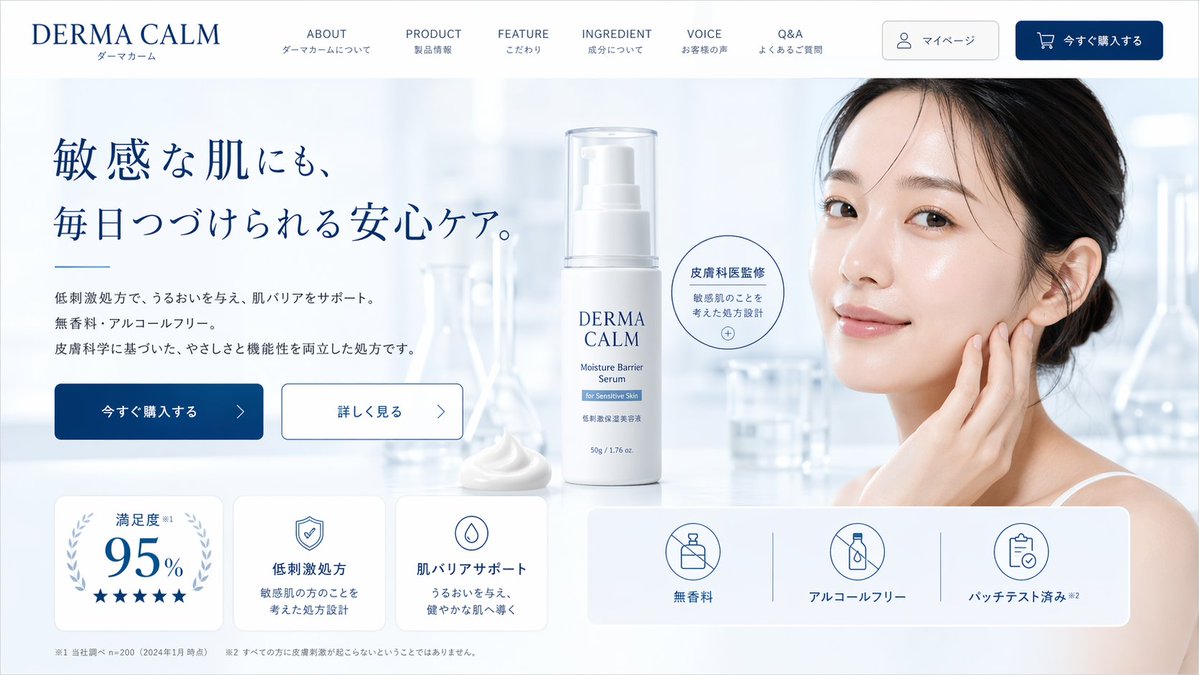
📌 รายละเอียด
- ผู้เขียน: 龍哉|AI Ad Creator
- แหล่งที่มา: Twitter Post
- เผยแพร่เมื่อ: 20 เมษายน 2569
- ภาษา: en
No. 96: การตลาดผลิตภัณฑ์ - Men's Skincare Website Landing Page Mockup
📖 คำอธิบาย
Generates a sleek, dark-themed e-commerce landing page mockup for a men's skincare product, featuring a model, product shot, and feature statistics.
📝 คำสั่ง
{
  "type": "website landing page mockup",
  "theme": "men's skincare, sleek, professional, dark mode",
  "color_palette": "{argument name=\"color scheme\" default=\"dark navy blue\"}, white text, subtle blue gradients",
  "header": {
    "logo": "{argument name=\"brand name\" default=\"NEX SKIN\"}",
    "navigation": ["HOME", "PRODUCT", "ABOUT", "FEATURE", "FAQ"],
    "cta_button": "今すぐ始める >"
  },
  "hero_section": {
    "left_column": {
      "headline": "{argument name=\"main headline\" default=\"清潔感は、毎日のスキンケアから。\"}",
      "sub_headline": "男の肌は、もっとシンプルでいい。",
      "body_text": "3 lines of descriptive text about skincare benefits",
      "buttons": [
        {"style": "solid blue", "text": "今すぐ始める >"},
        {"style": "outlined", "text": "詳しく見る >"}
      ],
      "feature_highlights": {
        "count": 3,
        "items": [
          {"icon": "sparkle", "title": "テカリ対策", "subtitle": "皮脂バランスを整える"},
          {"icon": "water drop", "title": "保湿", "subtitle": "うるおいを与え続ける"},
          {"icon": "shield/bottle", "title": "オールインワン", "subtitle": "化粧水・美容液・乳液がこれ1本"}
        ]
      }
    },
    "center_image": {
      "subject": "handsome {argument name=\"target demographic\" default=\"young Asian man\"}",
      "appearance": "clean-cut, dark hair, flawless glowing skin, wearing a black shirt",
      "pose": "hand touching chin thoughtfully",
      "lighting": "dramatic studio lighting highlighting facial structure"
    },
    "right_column": {
      "product_shot": {
        "bottle": "tall cylindrical dark blue bottle with water droplets",
        "labels": ["{argument name=\"brand name\" default=\"NEX SKIN\"}", "{argument name=\"product type\" default=\"ALL-IN-ONE LOTION\"}", "150mL"],
        "base": "textured dark rock surface",
        "badge": "circular outlined badge reading 'これ1本で男の肌悩みをトータルケア'"
      }
    }
  },
  "bottom_stats_bar": {
    "count": 3,
    "items": [
      {"icon": "users", "label": "累計販売本数", "value": "120万本突破"},
      {"icon": "star", "label": "使用感満足度", "value": "92.1%"},
      {"icon": "checklist", "label": "リピート率", "value": "85.3%"}
    ],
    "footnotes": "small legal text on the right"
  }
}
🖼️ รูปภาพที่สร้าง
Image 1
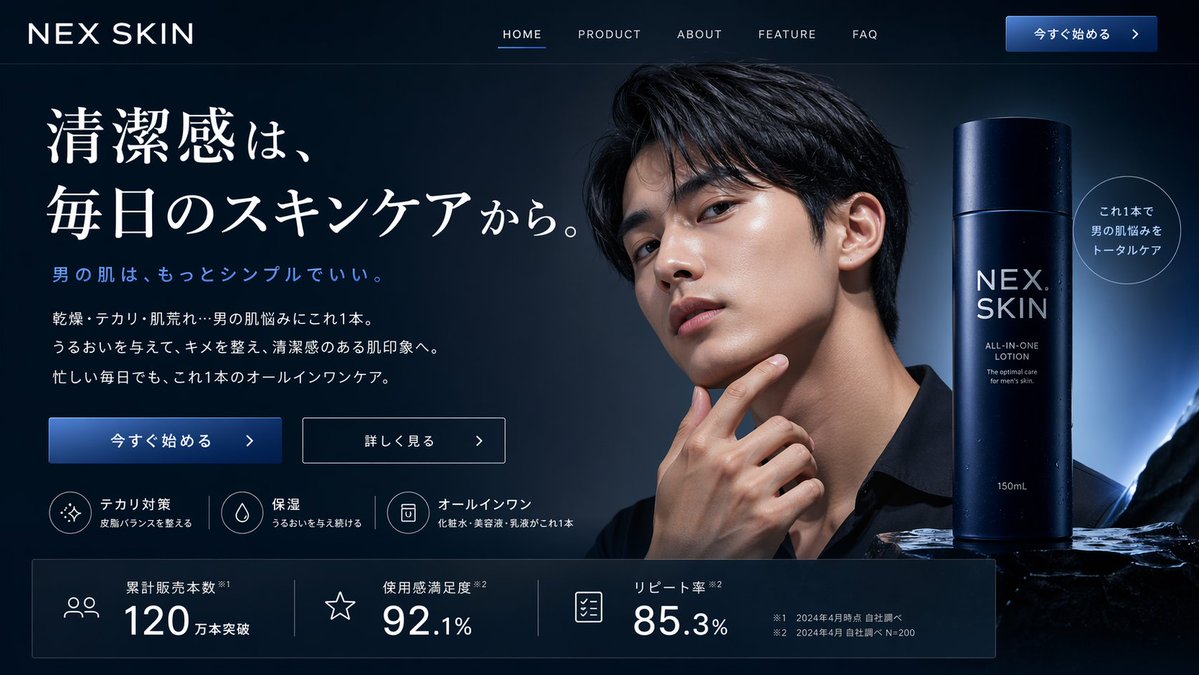
📌 รายละเอียด
- ผู้เขียน: 龍哉|AI Ad Creator
- แหล่งที่มา: Twitter Post
- เผยแพร่เมื่อ: 20 เมษายน 2569
- ภาษา: en
No. 97: การตลาดผลิตภัณฑ์ - Skincare E-commerce Landing Page
📖 คำอธิบาย
Generates a structured e-commerce hero banner for skincare products, featuring a model, product shots, feature icons, and statistic cards.
📝 คำสั่ง
{
  "type": "e-commerce landing page hero section",
  "brand": "{argument name=\"brand name\" default=\"CLEAR RESET\"}",
  "theme": "refreshing skincare, clean aesthetic, water bubbles background",
  "color_palette": ["white", "{argument name=\"primary color\" default=\"teal\"}", "light blue"],
  "layout": {
    "header": {
      "logo": "CLEAR RESET",
      "navigation_links": {"count": 5, "labels": ["About Product", "About Pores/Acne", "Ingredients", "How to Use", "FAQ"]},
      "action_buttons": {"count": 2, "labels": ["Buy Now", "My Page"]}
    },
    "hero_content": {
      "headline": "{argument name=\"main headline\" default=\"毛穴・ニキビ悩みに、すっきり澄んだ肌へ。\"}",
      "subheadline": "Balances sebum and clears pores. Non-sticky, medicated skincare for comfortable daily use.",
      "vertical_copy": "Prevents recurring rough skin and acne, leading to smooth, clear skin."
    },
    "visuals": {
      "model": "{argument name=\"model description\" default=\"young Asian woman with clear radiant skin, hair tied up, smiling softly\"}",
      "products": {
        "count": 2,
        "description": "{argument name=\"product type\" default=\"acne care gel tube and lotion bottle\"}",
        "placement": "center"
      },
      "background": "light blue gradient with floating water bubbles"
    },
    "feature_highlights": {
      "count": 4,
      "style": "circular icons with text below",
      "labels": ["Quasi-drug", "Pore Care", "Non-sticky", "Daily Use Morning/Night OK"]
    },
    "call_to_action": {
      "banner_text": "Limited to first-time buyers",
      "buttons": {"count": 2, "labels": ["Try it at a discount", "See details"]}
    },
    "statistics_cards": {
      "count": 4,
      "style": "white rectangular cards with large teal numbers",
      "labels": ["Satisfaction 92%", "Pore visibility -23%", "Acne prevention 87%", "Want to repeat 97%"]
    }
  }
}
🖼️ รูปภาพที่สร้าง
Image 1

📌 รายละเอียด
- ผู้เขียน: 龍哉|AI Ad Creator
- แหล่งที่มา: Twitter Post
- เผยแพร่เมื่อ: 20 เมษายน 2569
- ภาษา: en
No. 98: การตลาดผลิตภัณฑ์ - Beauty Product Landing Page Mockup
📖 คำอธิบาย
Generates a clean, feminine e-commerce landing page hero section for a beauty product, featuring a model, product shots, and structured marketing copy.
📝 คำสั่ง
{
  "type": "e-commerce landing page hero section mockup",
  "aesthetic": "clean, bright, airy, feminine, floral accents with purple flowers, {argument name=\"primary color\" default=\"soft pink\"} and white color palette, soft lighting",
  "header": {
    "logo": "{argument name=\"brand name\" default=\"LUMEA BEAUTY\"}",
    "navigation_links": {
      "count": 5,
      "labels": ["特徴", "成分", "お客様の声", "使い方", "FAQ"]
    },
    "cta_button": "今すぐ試す"
  },
  "hero_section": {
    "left_column": {
      "headline": "{argument name=\"headline text\" default=\"鏡を見るたび、うるおう透明感。\"}",
      "subheadline": "乾燥・くすみが気になる肌に。美容成分を贅沢に配合した、毎日のための集中保湿美容液。",
      "feature_badges": {
        "count": 3,
        "style": "pill-shaped with small icons",
        "labels": ["敏感肌OK", "高保湿", "朝晩使える"]
      },
      "bullet_points": {
        "count": 3,
        "style": "pink checkmarks",
        "labels": ["美容成分をしっかり届ける", "ハリ・ツヤのある印象へ", "続けやすいシンプルケア"]
      },
      "cta_buttons": {
        "count": 2,
        "labels": ["初回限定で試してみる >", "成分をチェック >"]
      },
      "trust_badges": "送料無料 / 初回限定 / 定期縛りなし"
    },
    "center_subject": {
      "model": "{argument name=\"model description\" default=\"young East Asian woman smiling, touching her cheek\"}",
      "action": "holding a dropper bottle of serum"
    },
    "right_column": {
      "product_display": {
        "count": 2,
        "items": ["{argument name=\"product type\" default=\"moisturizing boost serum\"} dropper bottle", "packaging box"]
      },
      "stat_cards": {
        "count": 3,
        "style": "floating white rounded rectangles with gold accents",
        "labels": ["満足度 96%", "美容成分 5種配合", "愛用者 12,000人突破"]
      }
    }
  },
  "bottom_section": {
    "benefit_cards": {
      "count": 3,
      "style": "horizontal white rounded rectangles with icons",
      "labels": ["うるおい", "透明感", "使いやすさ"]
    }
  }
}
🖼️ รูปภาพที่สร้าง
Image 1
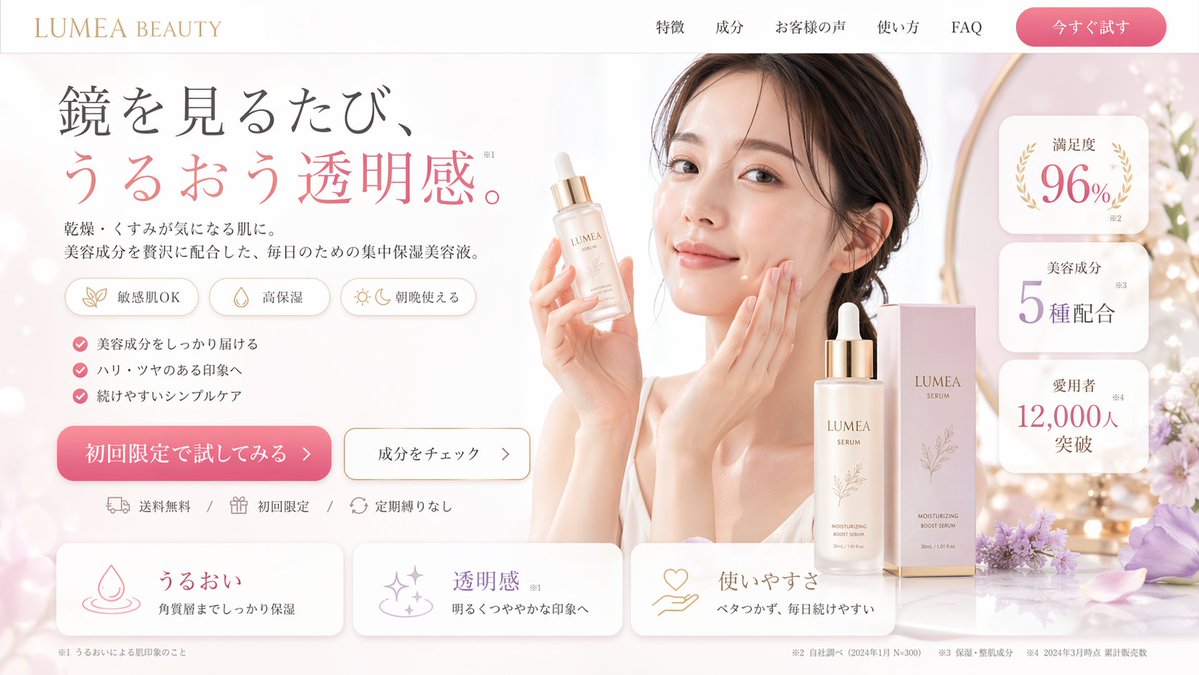
📌 รายละเอียด
- ผู้เขียน: 龍哉|AI Ad Creator
- แหล่งที่มา: Twitter Post
- เผยแพร่เมื่อ: 20 เมษายน 2569
- ภาษา: en
No. 99: การตลาดผลิตภัณฑ์ - Fashion Collection Catalog Layout
📖 คำอธิบาย
Generates a multi-panel fashion catalog showcasing different products featuring a unified pattern design.
📝 คำสั่ง
{
  "type": "fashion product catalog layout",
  "theme": "A cohesive fashion collection featuring a specific pattern: {argument name=\"pattern description\" default=\"overlapping circular floral mandala motifs in purple, green, blue, orange, and pink\"}",
  "layout": {
    "structure": "2x2 grid with a full-width bottom banner",
    "sections": [
      {
        "id": "01",
        "title": "{argument name=\"product 1\" default=\"Flared Dress\"}",
        "subtitle": "フレアワンピース",
        "main_image": "Woman in patterned flared dress holding white handbag.",
        "swatch_count": 3,
        "swatch_descriptions": ["purple variant", "green/blue variant", "orange/yellow variant"],
        "description_text": "華やかなフレアシルエット。軽やかな素材が優雅な動きを演出します。"
      },
      {
        "id": "02",
        "title": "{argument name=\"product 2\" default=\"Silk Scarf\"}",
        "subtitle": "シルクスカーフ",
        "main_image": "Woman in white blouse with patterned silk scarf.",
        "swatch_count": 2,
        "swatch_descriptions": ["flat pattern detail", "tied knot detail"],
        "description_text": "首元に彩りを添えるシルクスカーフ。上品な光沢と滑らかな肌ざわり。"
      },
      {
        "id": "03",
        "title": "{argument name=\"product 3\" default=\"Tote Bag\"}",
        "subtitle": "トートバッグ",
        "main_image": "Woman carrying patterned tote bag.",
        "swatch_count": 3,
        "swatch_descriptions": ["purple variant", "blue variant", "orange/yellow variant"],
        "description_text": "A4サイズも入る収納力。軽くて丈夫、毎日使いたくなるトートバッグ。"
      },
      {
        "id": "04",
        "title": "{argument name=\"product 4\" default=\"Pouch\"}",
        "subtitle": "ポーチ",
        "main_image": "Patterned zip pouch on table with magazine and vase.",
        "swatch_count": 3,
        "swatch_descriptions": ["green/purple variant", "orange variant", "pink variant"],
        "description_text": "バッグの中を彩る華やかなポーチ。細部まで美しいデザインが魅力です。"
      }
    ],
    "bottom_banner": {
      "title": "Pattern Design",
      "description_text": "細やかな線と豊かな色彩が織りなす、唯一無二のパターンデザイン。日常に優雅な彩りを。",
      "image": "Horizontal strip showing the seamless pattern."
    }
  }
}
🖼️ รูปภาพที่สร้าง
Image 1
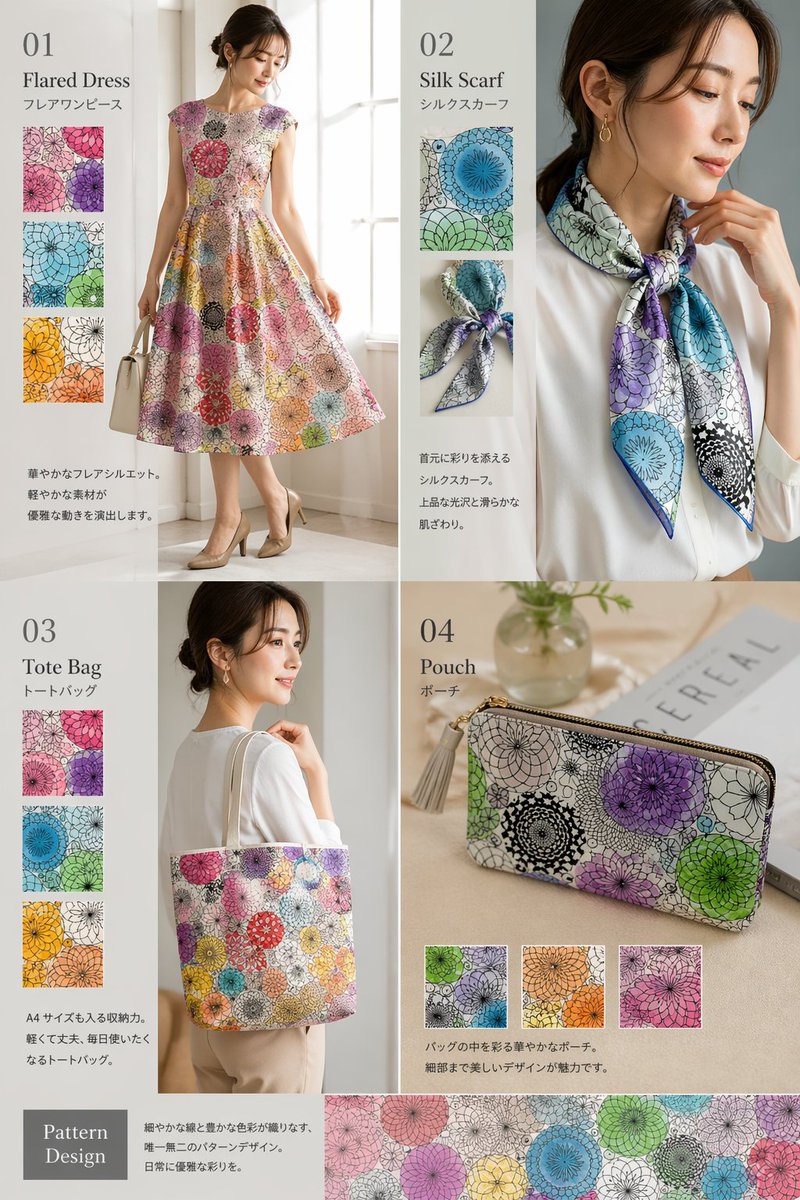
📌 รายละเอียด
- ผู้เขียน: 妖精アーヤさん
- แหล่งที่มา: Twitter Post
- เผยแพร่เมื่อ: 20 เมษายน 2569
- ภาษา: en
No. 100: การตลาดผลิตภัณฑ์ - Hyper-Energetic Japanese Promo Poster
📖 คำอธิบาย
Generates a highly detailed, text-heavy Japanese promotional poster with explosive typography, multiple feature panels, and pricing sections.
📝 คำสั่ง
{
  "type": "Japanese promotional landing page poster",
  "style": "hyper-energetic, explosive typography, vibrant colors, amusement park night festival aesthetic",
  "layout": {
    "top_section": {
      "background": "night sky, fireworks, ferris wheel, roller coaster",
      "subjects": "4 young adults cheering, raising fists, dynamic lighting",
      "typography": [
        "{argument name=\"main headline\" default=\"究極の楽しい!!\"}",
        "{argument name=\"sub headline\" default=\"やばい!!共感してもらいたい!!\"}",
        "この一枚が、あなたの人生を最高に塗り替える!!"
      ],
      "badges": [
        "累計販売枚数 {argument name=\"sales badge\" default=\"252,000\"} 枚突破!!!"
      ]
    },
    "middle_section": {
      "title": "究極の楽しい体験を実現する5つの超快楽ポイント",
      "points_count": 5,
      "points": [
        {"number": 1, "label": "爆笑覚醒", "image": "people laughing"},
        {"number": 2, "label": "ドキドキMAX", "image": "roller coaster loop"},
        {"number": 3, "label": "感動の渦", "image": "fireworks explosion"},
        {"number": 4, "label": "超解放ゾーン", "image": "silhouettes jumping at sunset"},
        {"number": 5, "label": "無限リピート", "image": "group of people cheering"}
      ]
    },
    "bonus_section": {
      "title": "今だけ!超豪華 5大特典付き!!!",
      "items_count": 5,
      "items": [
        "① 限定デザインポスター",
        "② 楽しい名言ブックレット(PDF)",
        "③ 超楽しいプレイリスト(MP3)",
        "④ スマホ壁紙セット",
        "⑤ 楽しいシークレット映像"
      ]
    },
    "bottom_section": {
      "product_info": {
        "name": "究極の楽しいポスター",
        "variants_count": 3,
        "variants": ["全力全開ver.", "笑顔爆発ver.", "感動絶頂ver."]
      },
      "pricing": {
        "label": "魂の価格",
        "amount": "{argument name=\"price\" default=\"¥2,980\"}",
        "shipping": "送料無料"
      }
    },
    "footer": {
      "text": "{argument name=\"footer call to action\" default=\"人生を最高に楽しみ尽くせ!! さぁ、今すぐ手に入れろ!!\"}",
      "background_color": "magenta"
    }
  }
}
🖼️ รูปภาพที่สร้าง
Image 1
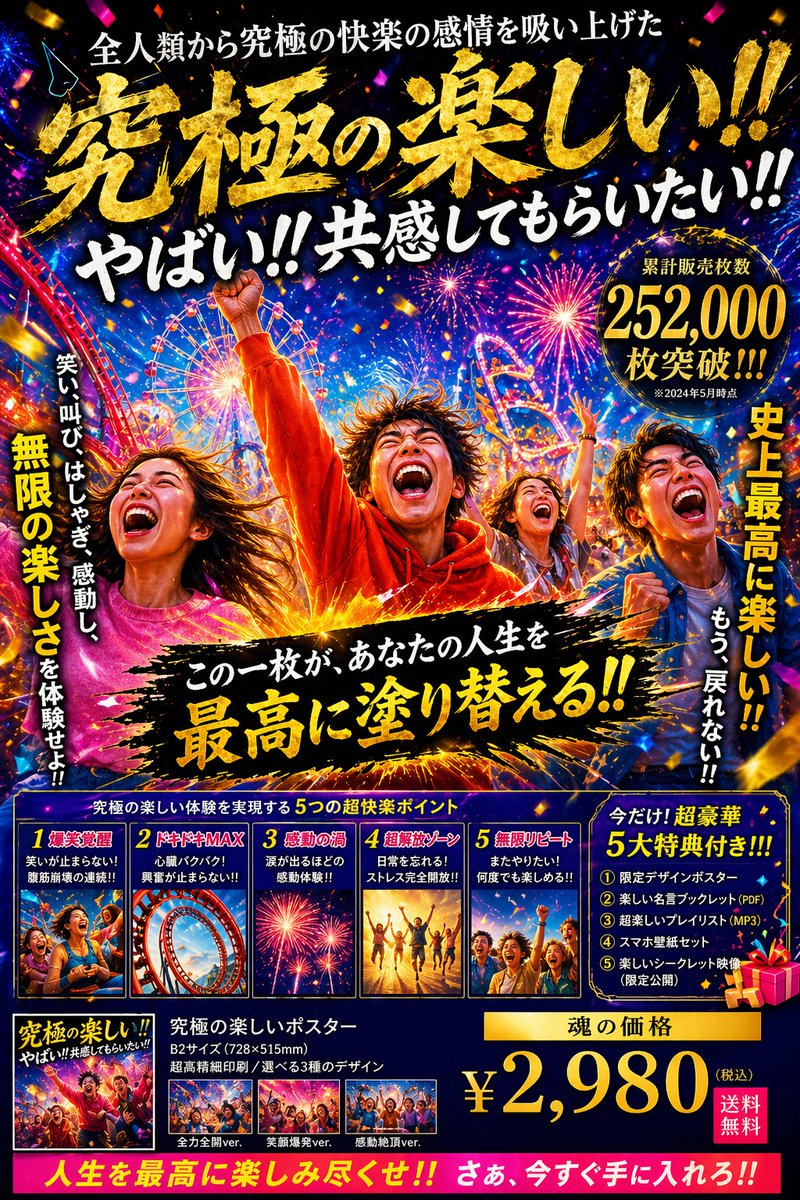
📌 รายละเอียด
- ผู้เขียน: 中崎工房 | AIで1時間の仕事を5分で終わらせる人
- แหล่งที่มา: Twitter Post
- เผยแพร่เมื่อ: 20 เมษายน 2569
- ภาษา: en
No. 101: การตลาดผลิตภัณฑ์ - Green Tea Bottle Advertisement Poster
📖 คำอธิบาย
A vibrant promotional poster for a bottled green tea beverage, featuring dynamic water splashes, pricing badges, and feature callouts.
📝 คำสั่ง
{"type": "promotional advertisement poster for a bottled green tea beverage", "product": {"type": "clear plastic PET bottle filled with yellow-green tea", "label": "white label with green typography, featuring the product name '{argument name=\"product name\" default=\"清風茶\"}', subtitle '緑茶 Seifucha', and vertical text '国産茶葉使用' and '香り豊か、後味さわやか'"}, "background": "bright, fresh, sunlit outdoor atmosphere with dynamic water splashes wrapping around the bottle and vibrant green tea leaves", "layout": {"sections": [{"title": "headline", "position": "top-left", "text": "{argument name=\"main headline\" default=\"新発売\"}", "style": "large red text with a gold underline and a small green leaf accent"}, {"title": "catchphrase", "position": "mid-left", "text": "{argument name=\"catchphrase\" default=\"毎日に、すっきり。\"}", "style": "dark green text"}, {"title": "features", "position": "lower-left", "count": 2, "labels": ["国産茶葉使用", "香り豊か、後味さわやか"], "style": "white pill-shaped banners with green leaf icons"}, {"title": "price_badge", "position": "top-right", "text": "今だけ!! 特別価格 {argument name=\"price\" default=\"128円\"} (税込)", "style": "red circular sticker with white and yellow text"}, {"title": "promo_banner", "position": "bottom-left", "text": "期間限定のお得価格!", "style": "angled red ribbon with yellow and white text"}, {"title": "footer", "position": "bottom-edge", "text": "{argument name=\"footer text\" default=\"全国のコンビニ・スーパーで発売中\"}", "style": "solid green horizontal bar with a white shopping cart icon"}]}}
🖼️ รูปภาพที่สร้าง
Image 1
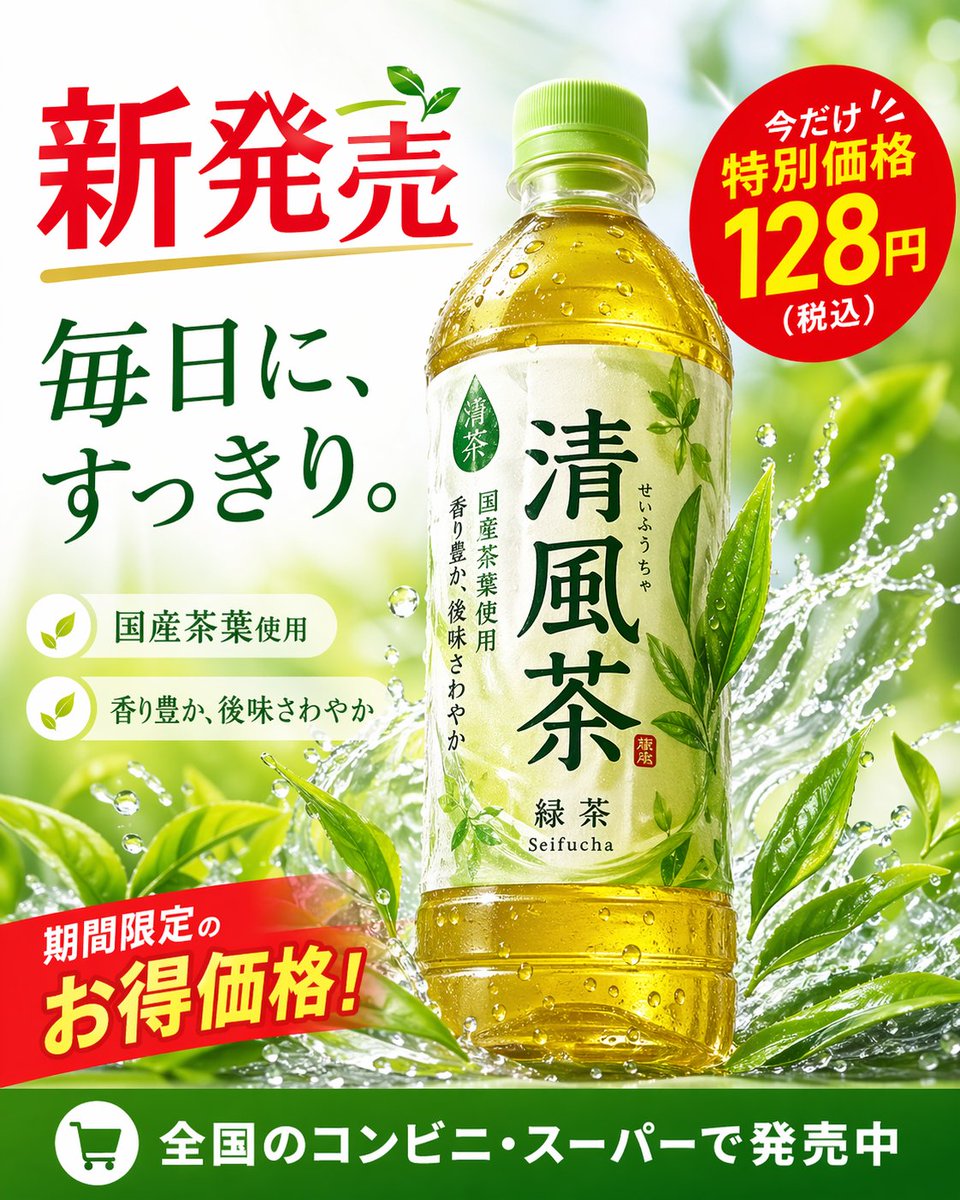
📌 รายละเอียด
- ผู้เขียน: AiRT🎥生成AI動画を創る人
- แหล่งที่มา: Twitter Post
- เผยแพร่เมื่อ: 20 เมษายน 2569
- ภาษา: en
No. 102: การตลาดผลิตภัณฑ์ - Anime Strawberry Promo Banner Set
📖 คำอธิบาย
A comprehensive set of promotional web banners and icons featuring an anime girl advertising fresh strawberries.
📝 คำสั่ง
{
  "type": "promotional banner design set",
  "theme": "strawberry advertisement campaign",
  "style": "anime illustration, bright, cheerful, commercial graphic design",
  "color_palette": "{argument name=\"primary color theme\" default=\"pastel pink and vibrant red\"}",
  "character": "{argument name=\"character description\" default=\"anime girl with brown side ponytail and bunny ears, wearing a pastel blue and pink jacket\"}",
  "product": "{argument name=\"product\" default=\"fresh red strawberries\"}",
  "layout": {
    "sections": [
      {
        "type": "large landscape banner",
        "position": "top left",
        "visuals": "character winking and holding a strawberry next to a large basket of strawberries",
        "main_text": "{argument name=\"main headline\" default=\"いちごたっぷり\"}",
        "sub_text": ["笑顔あふれる、甘〜いひととき♪", "とびきりおいしい!", "ひと粒で、しあわせ広がる♡", "あまっ♡", "旬のおいしさをお届け!"],
        "badges": {
          "count": 3,
          "labels": ["あま〜くてジューシー!", "いろんなサイズを楽しめる♪", "新鮮朝採れ!"]
        }
      },
      {
        "type": "vertical banner",
        "position": "right",
        "visuals": "character eating a strawberry with a pile of strawberries below",
        "main_text": "いちごたっぷり",
        "sub_text": ["旬のいちごをお届け!", "{argument name=\"secondary headline\" default=\"あま〜くて、ジューシー!\"}", "とろけるおいしさ〜♡"],
        "badges": {
          "count": 3,
          "labels": ["朝採れ新鮮!", "いろんなサイズを楽しめる♪", "甘くてジューシー!"]
        }
      },
      {
        "type": "wide horizontal banner",
        "position": "middle",
        "visuals": "character with closed eyes eating a strawberry, flanked by strawberries",
        "main_text": "いちごたっぷり!",
        "sub_text": ["あまくて、ジューシーな幸せ♡", "旬の美味しさをお届けします!", "おいし〜っ♡"]
      },
      {
        "type": "small square banner",
        "position": "bottom left",
        "visuals": "character smiling holding strawberry",
        "text": ["いちごたっぷり", "あま〜くてジューシー!"]
      },
      {
        "type": "small square banner",
        "position": "bottom mid-left",
        "visuals": "pile of strawberries with one cut in half",
        "text": ["旬のいちご!", "あまくてとろけるおいしさ♡"]
      },
      {
        "type": "small horizontal banner",
        "position": "bottom mid-right",
        "visuals": "character holding strawberry",
        "text": ["いちごたっぷり", "朝採れ新鮮!", "あまくてジューシー!"]
      },
      {
        "type": "circular icons",
        "position": "bottom right",
        "count": 4,
        "items": [
          { "visual": "basket of strawberries", "label": "朝採れ新鮮!" },
          { "visual": "half strawberry", "label": "あまくてジューシー!" },
          { "visual": "whole strawberry", "label": "いろんなサイズ!" },
          { "visual": "character face", "label": "とろけるおいしさ♡" }
        ]
      }
    ]
  }
}
🖼️ รูปภาพที่สร้าง
Image 1
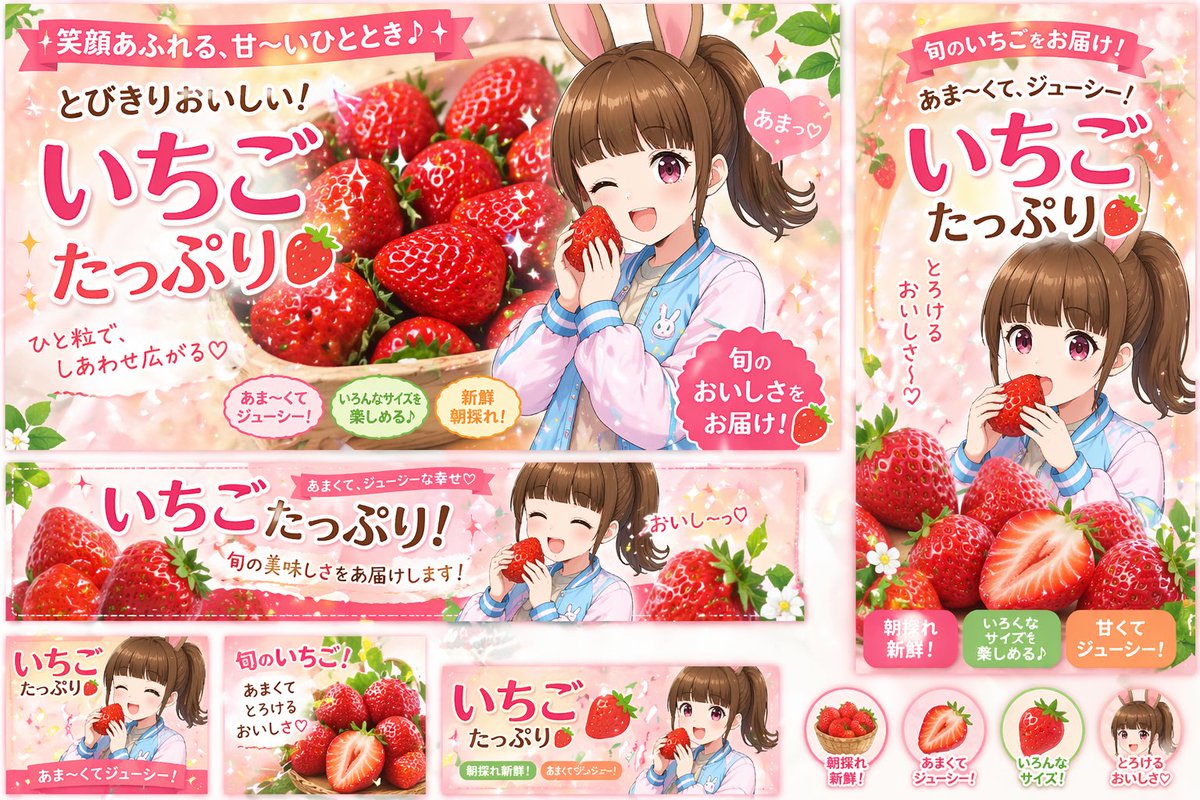
📌 รายละเอียด
- ผู้เขียน: たかP
- แหล่งที่มา: Twitter Post
- เผยแพร่เมื่อ: 20 เมษายน 2569
- ภาษา: en
No. 103: การตลาดผลิตภัณฑ์ - Anime Idol Merchandise Catalog
📖 คำอธิบาย
Generates a highly detailed, multi-section merchandise catalog flyer for an anime character's live event.
📝 คำสั่ง
{
  "type": "anime idol merchandise catalog flyer",
  "theme_colors": "{argument name=\"theme color\" default=\"pastel blue and pink\"}",
  "character": {
    "name": "{argument name=\"character name\" default=\"ななし\"}",
    "appearance": "anime girl, long {argument name=\"hair color\" default=\"pink\"} hair, blue eyes",
    "attire": "{argument name=\"outfit\" default=\"black and white maid outfit with a red bow tie\"} and blue hair ribbons"
  },
  "layout": {
    "header": {
      "left": "upper body portrait of the character looking slightly to the side",
      "center": {
        "top_banner": "ななし 2nd EP リリース記念ライブ",
        "main_title": "{argument name=\"event title\" default=\"おしごと☆メイド奮闘中!\"}",
        "subtitle": "~ Oshigoto Maid Funtouchu! ~",
        "section_header": "OFFICIAL GOODS"
      },
      "right": "purchase bonus info box containing 3 small rectangular photo prints"
    },
    "merchandise_grid": [
      { "id": "01", "name": "アクリルスタンド", "description": "full body acrylic stand of the character" },
      { "id": "02", "name": "缶バッジ", "description": "set of 6 circular can badges featuring different facial expressions" },
      { "id": "03", "name": "ビッグタオル", "description": "large rectangular towel showing the character holding a heart pillow" },
      { "id": "04", "name": "Tシャツ", "description": "white t-shirt showing FRONT with character graphic and BACK with small logo" },
      { "id": "05", "name": "マフラータオル", "description": "long narrow muffler towel with character art and logo" },
      { "id": "06", "name": "トートバッグ", "description": "canvas tote bag with blue logo" },
      { "id": "07", "name": "アクリルキーホルダー", "description": "chibi character acrylic keychain with a star-shaped clasp" },
      { "id": "08", "name": "ラバーバンド", "description": "blue silicone wristband with logo" },
      { "id": "09", "name": "ステッカーセット", "description": "set of 4 visible stickers: chibi character, heart, ribbon bow, and logo" },
      { "id": "10", "name": "ペンライト", "description": "blue glowing concert penlight" }
    ],
    "footer": {
      "left": "purchase notes and guidelines box",
      "center": "character signature 'Nanashi' with hand-drawn hearts and stars",
      "right": "payment methods box"
    }
  }
}
🖼️ รูปภาพที่สร้าง
Image 1
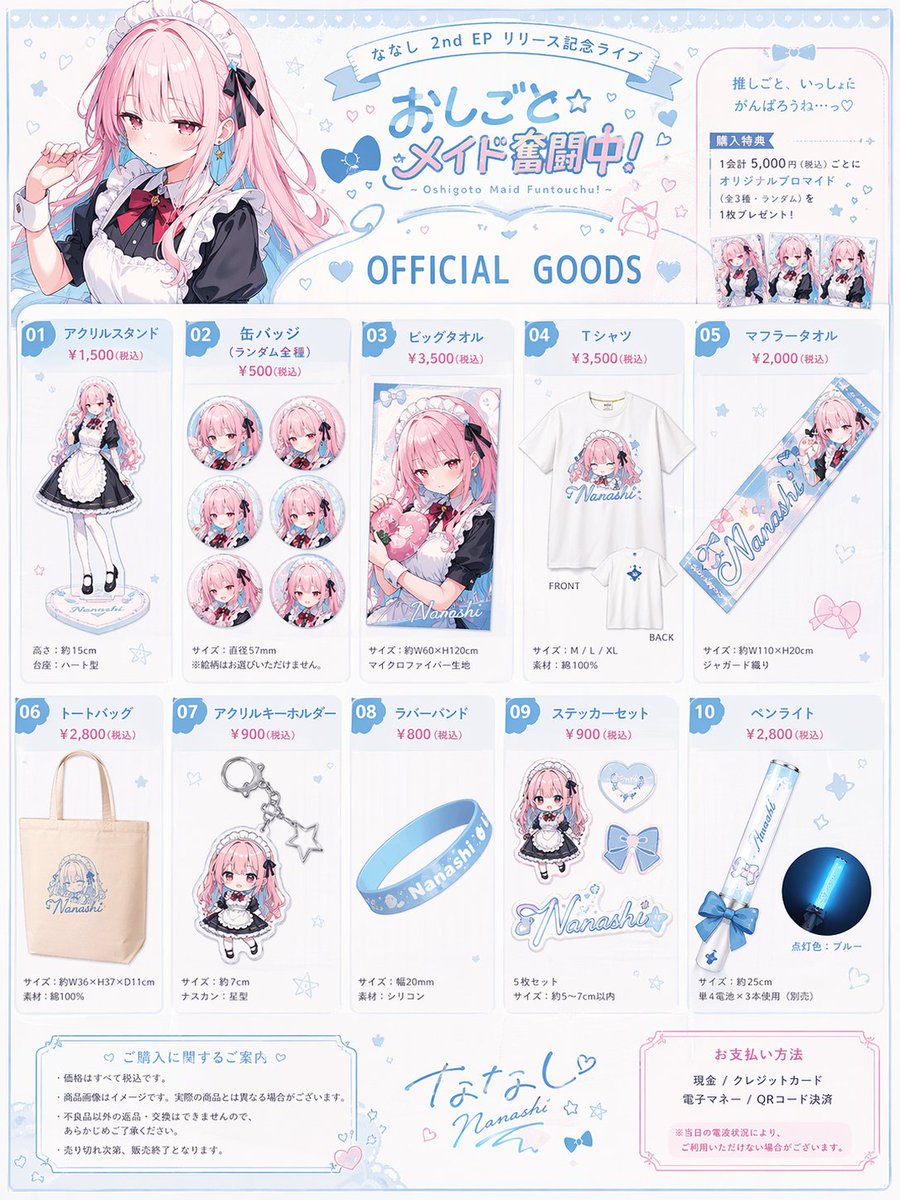
📌 รายละเอียด
- ผู้เขียน: あねもん! (ex:anemone@AIArt)
- แหล่งที่มา: Twitter Post
- เผยแพร่เมื่อ: 20 เมษายน 2569
- ภาษา: en
No. 104: ภาพหลักสำหรับอีคอมเมิร์ซ - Custom Building Block Set Photography
📖 คำอธิบาย
Generates a photorealistic image of a custom toy building set with its box, assembled house, vehicle, and minifigures on a table.
📝 คำสั่ง
A photorealistic amateur photograph of a custom building block set resting on a light wood grain table in a living room. In the background stands a large product box with a red logo reading "{argument name="brand name" default="BRICKLY"} BUILDING SETS". The box features text reading "8+", "540 PCS", "5 FIGURES", and the main large title "{argument name="set title" default="WATTERSON FAMILY HOUSE"}". A red circular badge on the box reads "CUSTOM SET FAN DESIGN", and the box art depicts the house and characters under a blue sky. In the foreground sits the fully assembled block model of a {argument name="house color" default="blue"} two-story suburban house with a brown roof, white porch, red steps, a white picket fence, and a blocky green tree. To the left of the house is a built block model of a {argument name="car color" default="pink"} station wagon. Standing in a row in front of the house are exactly 5 custom block minifigures: a blue cat in tan pants, an orange fish with legs, a tall pink rabbit in a white shirt and tie, a blue cat in a white shirt, and a small pink rabbit in an orange dress. The background is a slightly blurred living room with a grey sofa and white blinds.
🖼️ รูปภาพที่สร้าง
Image 1
📌 รายละเอียด
- ผู้เขียน: pozitiv4ik
- แหล่งที่มา: Twitter Post
- เผยแพร่เมื่อ: 20 เมษายน 2569
- ภาษา: en
No. 105: ภาพหลักสำหรับอีคอมเมิร์ซ - Luxury Cosmetic Web Advertisement
📖 คำอธิบาย
Generates a high-end cosmetic product advertisement with elegant typography, a glowing background, and a call-to-action button.
📝 คำสั่ง
A luxurious cosmetic product advertisement featuring a single elegant glass jar with a shiny gold lid resting on a round, light-colored marble slab. The jar has gold text reading {argument name="brand name" default="LUMIÉRE"} and {argument name="product type" default="MOISTURE RICH CREAM"} with "AGING CARE*" below it. The background consists of soft, draped, shimmering champagne-colored silk fabric with delicate white flowers on the left. The lighting is warm, ethereal, and sun-drenched with soft bokeh. At the top center, elegant dark brown Japanese typography reads {argument name="main headline" default="肌に、静かな贅沢を。"} above a small decorative gold divider and the text {argument name="subheadline" default="高保湿×エイジングケア*"}. To the right of the jar, a thin gold circle contains Japanese text meaning 'With dense moisture, high-quality firmness and radiance'. At the bottom center is a dark rectangular call-to-action button with a thin gold border containing the text {argument name="button text" default="詳しく見る"} and a right-pointing chevron. In the bottom right corner, tiny fine print contains Japanese text meaning '*Care according to age'.
🖼️ รูปภาพที่สร้าง
Image 1
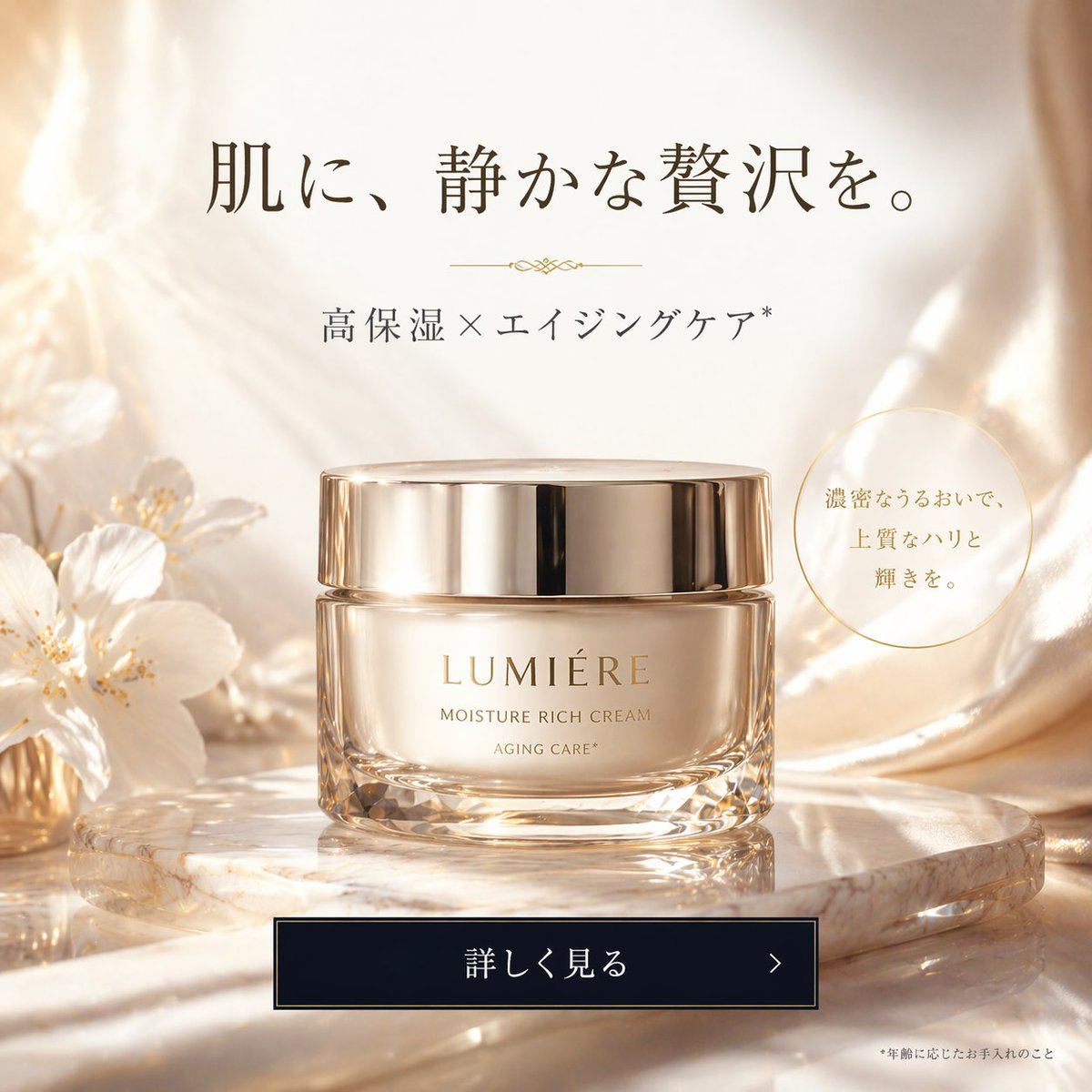
📌 รายละเอียด
- ผู้เขียน: ぱんちゃん🍞
- แหล่งที่มา: Twitter Post
- เผยแพร่เมื่อ: 20 เมษายน 2569
- ภาษา: en
No. 106: ภาพหลักสำหรับอีคอมเมิร์ซ - E-commerce Product Page Generator
📖 คำอธิบาย
A detailed prompt for creating an e-commerce product detail page for a fictional item, showing different views and features.
📝 คำสั่ง
A {argument name="platform" default="Taobao"} product detail page for {argument name="robot model" default="T-800 robot"}, displaying: front, side, and back three-view drawings of the robot, product price, product details, functions, and usage scenarios, etc.
🖼️ รูปภาพที่สร้าง
Image 1
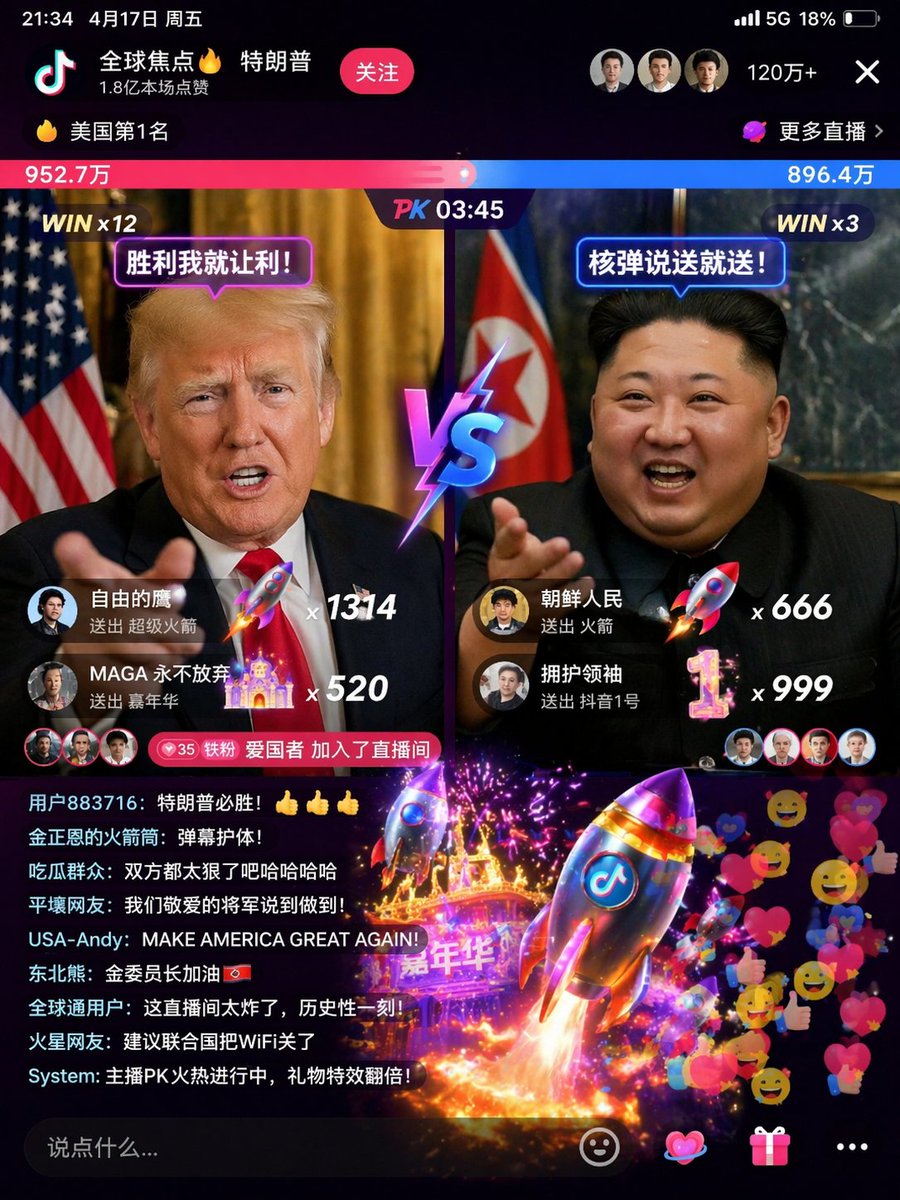
Image 2
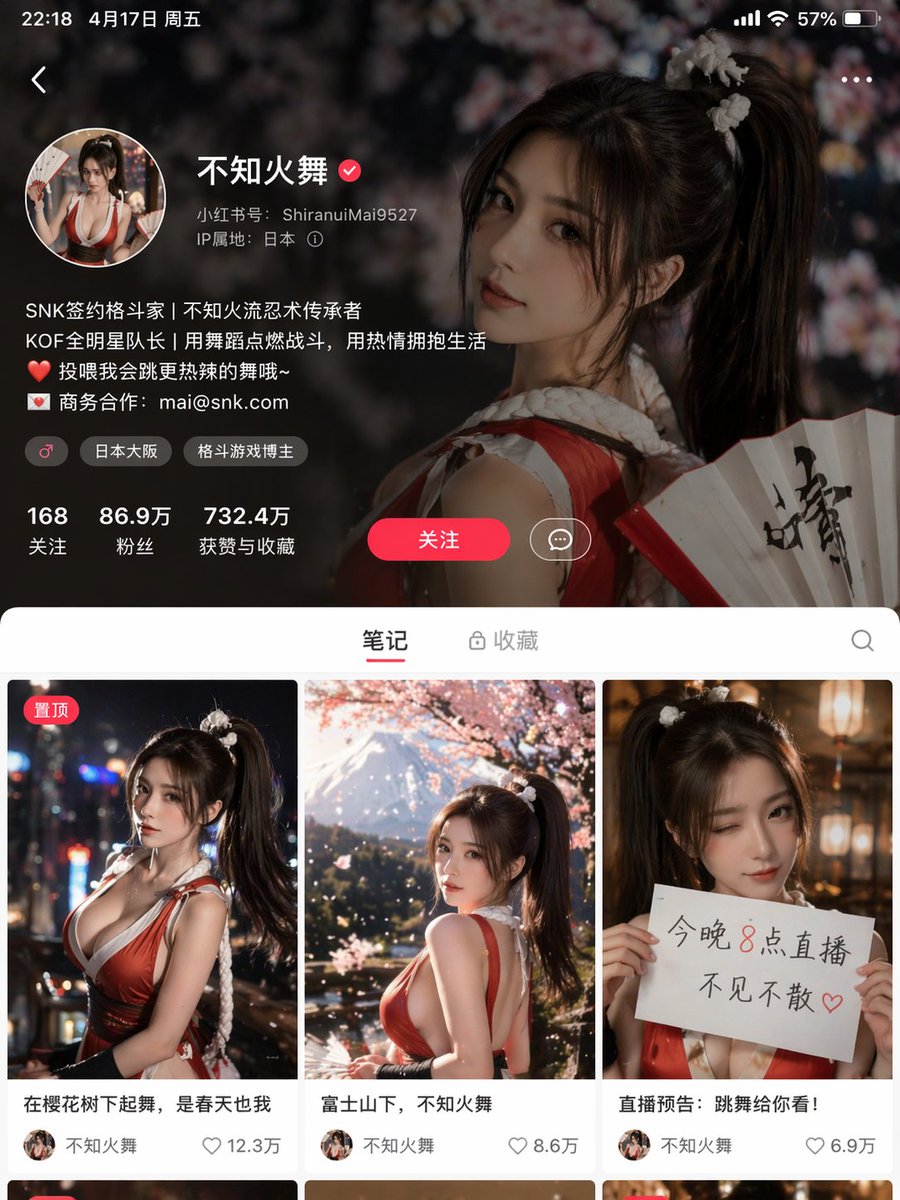
Image 3
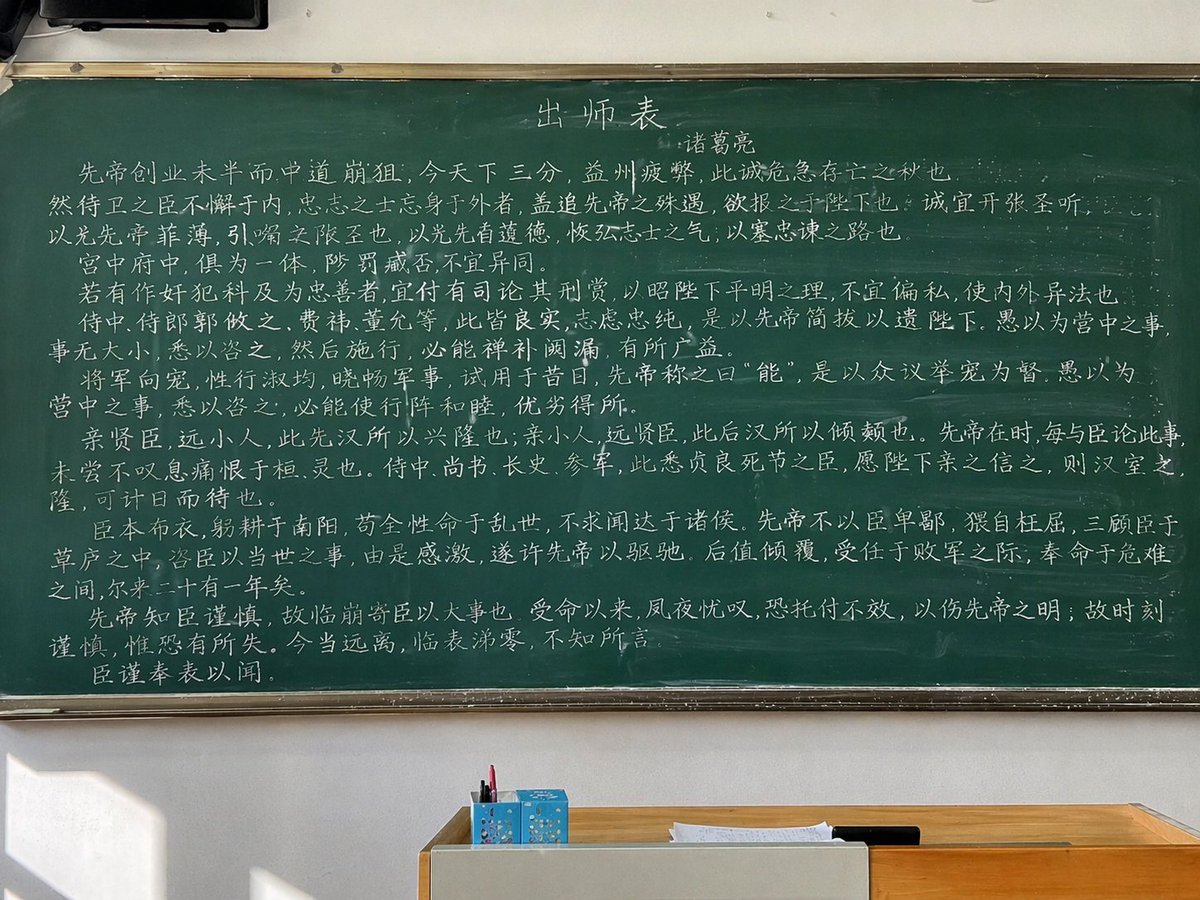
Image 4
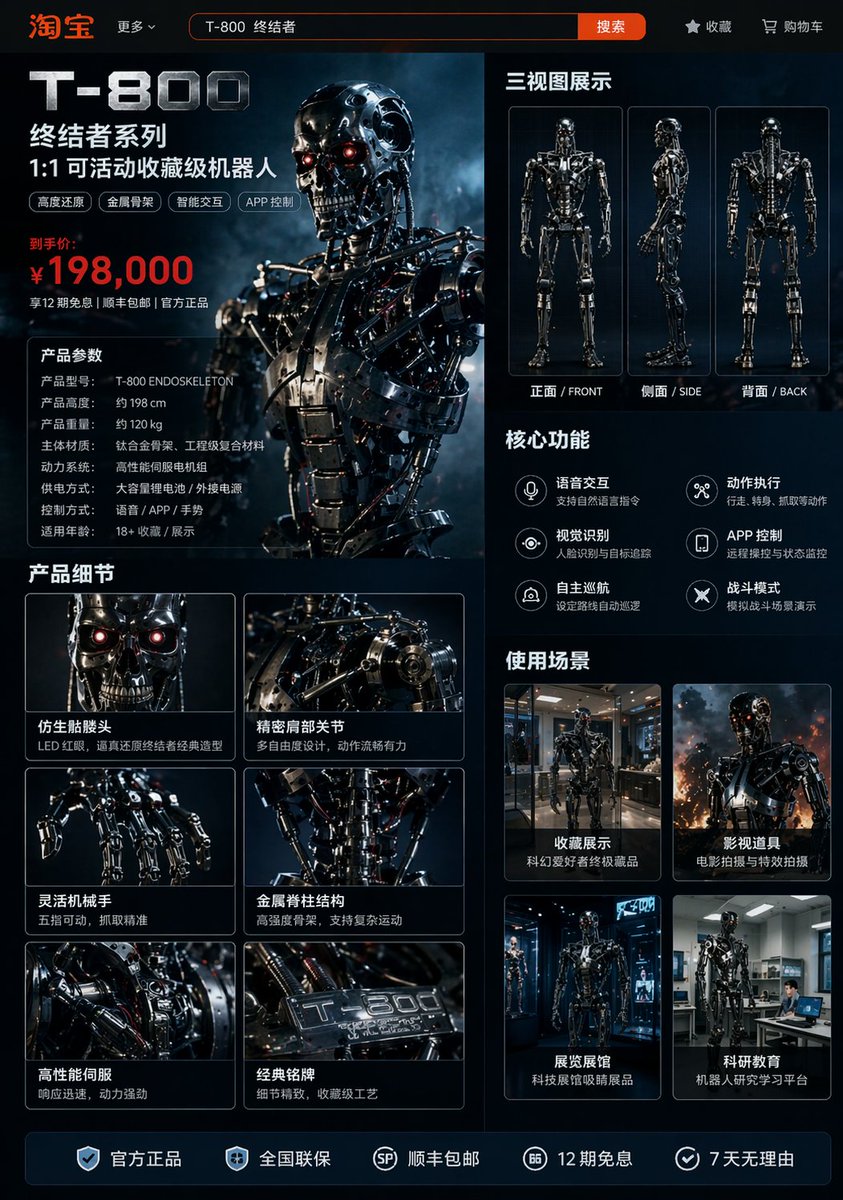
📌 รายละเอียด
- ผู้เขียน: 阿兰AI
- แหล่งที่มา: Twitter Post
- เผยแพร่เมื่อ: 20 เมษายน 2569
- ภาษา: zh
No. 107: ภาพหลักสำหรับอีคอมเมิร์ซ - ภาพจำลองอินเทอร์เฟซไลฟ์สตรีมมิ่งอีคอมเมิร์ซ
📖 คำอธิบาย
สร้างอินเทอร์เฟซการช้อปปิ้งผ่านไลฟ์สตรีมบนมือถือ โดยมีคนดังกำลังขายสินค้าสมมติ พร้อมด้วยเลเยอร์แชทและองค์ประกอบ UI ครบถ้วน
📝 คำสั่ง
{
  "type": "ภาพจำลองอินเทอร์เฟซไลฟ์สตรีมมิ่งอีคอมเมิร์ซบนมือถือ",
  "subject": {
    "person": "Elon Musk",
    "clothing": "เสื้อยืดสีดำพร้อมโลโก้ SPACEX",
    "pose": "กำลังผายมือทั้งสองข้างเข้าหากล้อง อธิบายอย่างกระตือรือร้น",
    "watermark": "@Proof AI"
  },
  "background": {
    "setting": "หน้าจอแสดงผลขนาดใหญ่",
    "image": "ทิวทัศน์ดาวอังคารพร้อมจรวด Starship และที่อยู่อาศัยแบบโดม",
    "text": [
      "SPACEX",
      "{argument name=\"background title\" default=\"โครงการย้ายถิ่นฐานสู่ดาวอังคาร\"}"
    ]
  },
  "ui_layout": {
    "header": {
      "broadcaster_info": {
        "name": "{argument name=\"broadcaster name\" default=\"ElonMusk\"}",
        "stats": "758,000 ไลค์ในไลฟ์นี้",
        "follow_button": "ติดตาม"
      },
      "viewer_stats": {
        "avatars_count": 3,
        "text": "100,000+",
        "close_button": "X"
      },
      "tags": [
        "อันดับ 1 ยอดขายรวม",
        "ไลฟ์เพิ่มเติม >"
      ]
    },
    "product_card": {
      "position": "กลางขวา",
      "status": "กำลังอธิบาย",
      "image": "ที่อยู่อาศัยแบบโดมบนดาวอังคาร",
      "title": "{argument name=\"product title\" default=\"แพ็กเกจพื้นฐานย้ายถิ่นฐานสู่ดาวอังคาร\"}",
      "price": "{argument name=\"product price\" default=\"¥99.00\"}",
      "action_button": "ซื้อเลย"
    },
    "chat_overlay": {
      "position": "ล่างซ้าย",
      "join_alert": "星辰大海 เข้าร่วมไลฟ์สตรีม",
      "messages_count": 7,
      "messages": [
        "{argument name=\"top chat message\" default=\"นักฝัน: สนับสนุน Musk!! 🚀\"}",
        "น้องดาวอังคาร: ราคาเท่าไหร่ต่อคน?",
        "แฟนพันธุ์แท้เทคโนโลยี: เจ๋งมาก! อยากไปดาวอังคาร!",
        "อนาคตมาถึงแล้ว: สมัครอย่างไร?",
        "จรวดน้อย: 🌹🌹🌹",
        "จักรวาลไร้พ่าย: อธิบายรายละเอียดหน่อย",
        "ตงฟางปุ๊ป้าย: Musk สุดยอด! 👍👍👍"
      ]
    },
    "bottom_action_bar": {
      "input_placeholder": "พิมพ์ข้อความ...",
      "icons_count": 4,
      "icons": ["ตะกร้าสินค้า", "กล่องของขวัญ", "ดาวเคราะห์รูปหัวใจ", "เครื่องหมายบวก"]
    },
    "floating_reactions": {
      "position": "ล่างขวา",
      "elements": "กลุ่มหัวใจลอย, กดไลค์, และอีโมจิหัวเราะ"
    }
  }
}
🖼️ รูปภาพที่สร้าง
Image 1
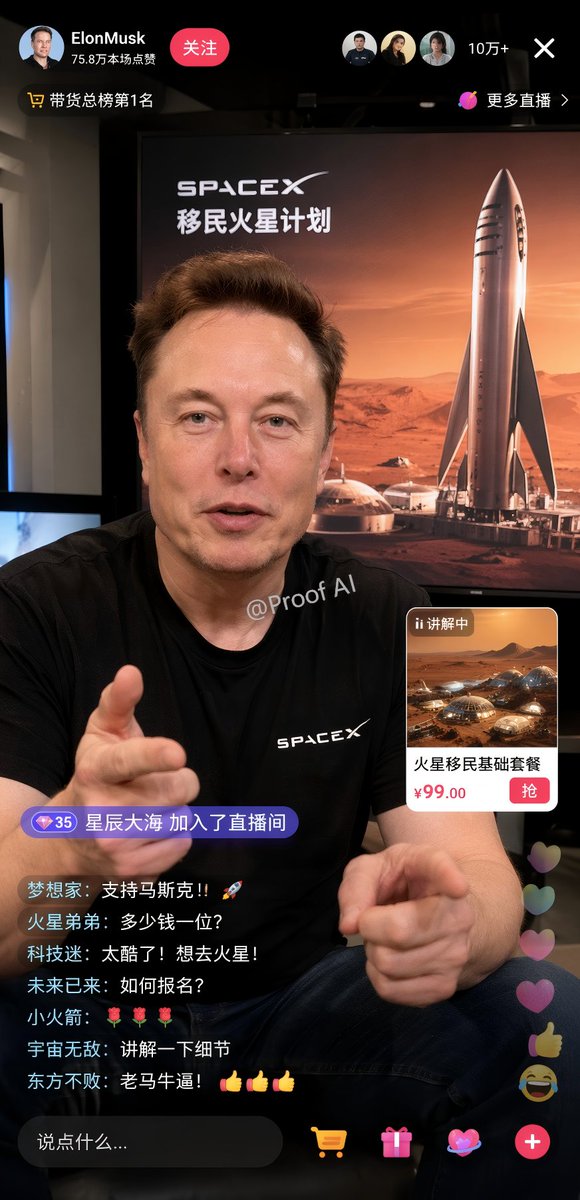
📌 รายละเอียด
- ผู้เขียน: Proof · AI Productivity
- แหล่งที่มา: Twitter Post
- เผยแพร่เมื่อ: 19 เมษายน 2569
- ภาษา: en
No. 108: ภาพหลักสำหรับอีคอมเมิร์ซ - ภาพโฆษณาเครื่องดื่มริมชายหาดช่วงฤดูร้อน
📖 คำอธิบาย
สร้างสรรค์ภาพถ่ายผลิตภัณฑ์เครื่องดื่มกระป๋องและแก้วน้ำสุดสดชื่นริมชายหาด พร้อมข้อความบนผลิตภัณฑ์และคำโปรยบนท้องฟ้าที่ปรับแต่งได้
📝 คำสั่ง
ภาพถ่ายเชิงพาณิชย์ที่ให้ความรู้สึกสดใสของฤดูร้อน นำเสนอเครื่องดื่มแสนสดชื่นวางอยู่บนโต๊ะไม้เก่าแก่ ในระยะหน้าชัด มีแก้วทรงสูง 1 ใบที่บรรจุเครื่องดื่มเย็นซ่าสีทอง ตกแต่งด้วยเลมอน 1 ชิ้นและโรสแมรี่ 1 ก้าน วางอยู่ข้างกระป๋องอะลูมิเนียมสีเงิน 1 กระป๋องที่มีหยดน้ำเกาะอยู่ ตัวกระป๋องแสดงข้อความภาษาอังกฤษ {argument name="product name" default="TOKYO HIGHBALL"} อย่างโดดเด่นใต้โลโก้ดาวสีทองขนาดเล็ก พร้อมกราฟิกรูปเครื่องดื่มและข้อความภาษาญี่ปุ่น "アルコール分 7%" ที่ด้านล่าง ทางด้านขวาของกระป๋องมีเลมอนหั่นซีก 2 ชิ้นวางอยู่บนโต๊ะ ในพื้นหลังที่เบลออย่างนุ่มนวลเป็นภาพชายหาดที่มีแสงแดดสดใส น้ำทะเลสีฟ้าเทอร์ควอยซ์เป็นประกาย และท้องฟ้าสีคราม ทางด้านซ้ายในพื้นหลังมีหญิงสาวผมยาวสีน้ำตาล 1 คน สวมเสื้อแขนกุดสีขาวและกระโปรงสีฟ้าอ่อน กำลังมองออกไปทางมหาสมุทร บนท้องฟ้าเหนือฉากมีข้อความภาษาญี่ปุ่น {argument name="catchphrase" default="夏、これがいい。"} ลอยอยู่อย่างสวยงาม แสงโดยรวมมีความเจิดจ้าและน่าดึงดูดใจ พร้อมเอฟเฟกต์โบเก้ที่เป็นประกายและแสงแฟลร์จากเลนส์ที่ช่วยเน้นย้ำถึงบรรยากาศที่เย็นฉ่ำ สดชื่น และสมบูรณ์แบบของวันฤดูร้อน
🖼️ รูปภาพที่สร้าง
Image 1
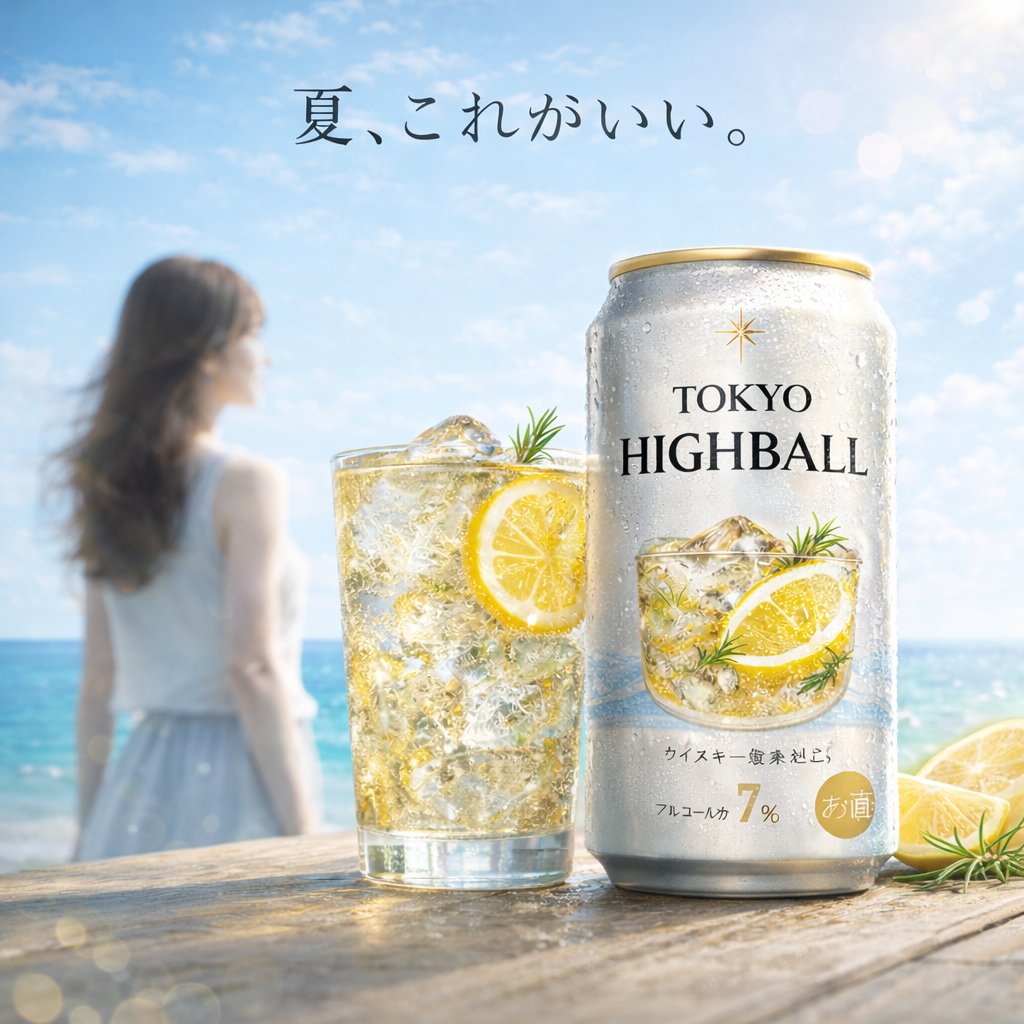
📌 รายละเอียด
- ผู้เขียน: ハイボールながたにえん|CHO(最高ハイボール責任者)|カルチャープレナー
- แหล่งที่มา: Twitter Post
- เผยแพร่เมื่อ: 18 เมษายน 2569
- ภาษา: en
No. 109: ภาพหลักสำหรับอีคอมเมิร์ซ - แนวคิดตารางโฆษณาแบบ 4 ช่อง
📖 คำอธิบาย
สร้างตารางขนาด 2x2 ของโฆษณาญี่ปุ่นที่แตกต่างกัน ครอบคลุมอุตสาหกรรมสกินแคร์ อาหาร การท่องเที่ยว และเทคโนโลยี
📝 คำสั่ง
{
  "type": "ตารางแบนเนอร์โฆษณาแบบ 2x2",
  "layout": "แบ่งเป็น 4 ส่วนชัดเจน โดยแต่ละส่วนนำเสนอโฆษณาของอุตสาหกรรมที่แตกต่างกัน",
  "quadrants": [
    {
      "position": "บนซ้าย",
      "industry": "สกินแคร์",
      "visuals": "หญิงสาวชาวเอเชียกำลังแตะแก้ม มีหยดน้ำลอยอยู่ และขวดปั๊มสีขาว",
      "brand": "BALANCÉE",
      "copy": {
        "headline": "{argument name=\"skincare headline\" default=\"素肌が、目覚める。\"}",
        "subheadline": "สู่ตัวตนใหม่ที่เปล่งประกายความกระจ่างใส",
        "features_count": 3,
        "features_labels": ["ให้ความชุ่มชื้นสูง", "ป้องกันผิวอักเสบ", "ดูแลผิวให้ขาวกระจ่างใส*"]
      }
    },
    {
      "position": "บนขวา",
      "industry": "ร้านอาหาร",
      "visuals": "ภาพโคลสอัพสปาเก็ตตี้โบโลเนสโรยชีสและพาร์สลีย์ แสงโทนเข้มดูน่าค้นหา",
      "brand": "Trattoria Luce",
      "copy": {
        "headline": "{argument name=\"food headline\" default=\"このパスタ、事件級。\"}",
        "badge": "จำกัดเวลา",
        "description": "โบโลเนสเนื้อวากิวขนดำ 〜กลิ่นหอมของทรัฟเฟิล〜"
      }
    },
    {
      "position": "ล่างซ้าย",
      "industry": "การท่องเที่ยว",
      "visuals": "หญิงสาวสะพายเป้หันหน้าเข้าหาทะเลสาบกลางหุบเขาที่สวยงาม แสงสว่างยามกลางวัน",
      "brand": "NATURE JOURNEY",
      "copy": {
        "headline": "{argument name=\"travel headline\" default=\"わたしを、解き放つ旅へ。\"}",
        "subheadline": "ท่ามกลางธรรมชาติ ให้ใจได้เคลื่อนไหว",
        "script": "Find your freedom.",
        "banner_details": ["แคมเปญพิเศษรับต้นฤดูร้อน", "6.1 เสาร์ - 6.30 อาทิตย์", "ลดสูงสุด 20%", "มีแพ็กเกจพิเศษเฉพาะช่วงนี้เท่านั้น!"]
      }
    },
    {
      "position": "ล่างขวา",
      "industry": "แอป SaaS",
      "visuals": "สมาร์ทโฟนแสดงหน้าจออินเทอร์เฟซแอปจัดการงานที่มีรายการตารางเวลา 4 รายการ",
      "brand": "{argument name=\"app brand name\" default=\"Taskme\"}",
      "copy": {
        "headline": "{argument name=\"app headline\" default=\"タスク管理を、もっとシンプルに、スマートに。\"}",
        "circle_badge": "ออกแบบวันของคุณให้ลงตัว",
        "features_count": 3,
        "features_labels": ["ใช้งานง่ายอย่างเป็นธรรมชาติ", "แชร์ร่วมกับทีมได้", "เข้าถึงได้ทุกที่"],
        "bottom_banner": "เปิดให้ทดลองใช้งานฟรี 7 วัน!"
      }
    }
  ]
}
🖼️ รูปภาพที่สร้าง
Image 1
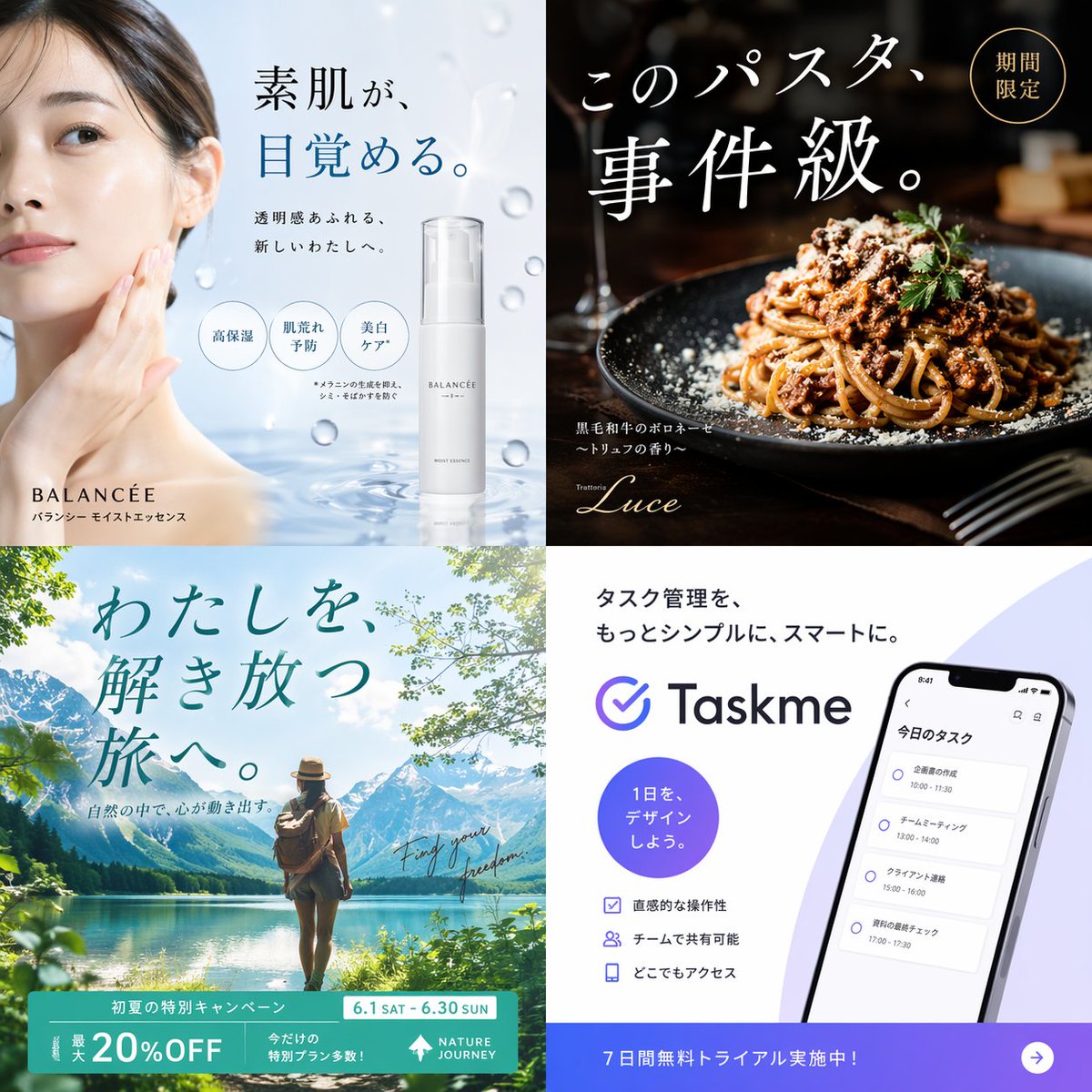
📌 รายละเอียด
- ผู้เขียน: きつね┃45歳までにセミリタイアしたかったけど諦めた
- แหล่งที่มา: Twitter Post
- เผยแพร่เมื่อ: 18 เมษายน 2569
- ภาษา: en
No. 110: ภาพหลักสำหรับอีคอมเมิร์ซ - ม็อกอัป UI ไลฟ์สดขายของออนไลน์
📖 คำอธิบาย
สร้างอินเทอร์เฟซไลฟ์สดขายของออนไลน์สไตล์จีนที่มีรายละเอียดสูง ประกอบด้วยพิธีกร กล่องสินค้า แชทสด และป้ายโปรโมชันต่างๆ
📝 คำสั่ง
{
  "type": "ม็อกอัปภาพหน้าจอไลฟ์สดขายของออนไลน์",
  "scene": {
    "subject": "{argument name=\"main subject\" default=\"ชายผิวขาวที่มีลักษณะคล้าย Sam Altman\"}",
    "clothing": "เสื้อสเวตเตอร์คอกลมสีเขียวเข้ม",
    "action": "มือหนึ่งถือกล่องสินค้าสีดำ อีกมือหนึ่งชี้ไปที่กล่อง",
    "setting": "สตูดิโอโทนเข้ม มีไมโครโฟนทางด้านซ้าย และมีข้อความ 'AI' จางๆ อยู่ในพื้นหลัง",
    "props": [
      "แก้วมัคสีดำพร้อมโลโก้ OpenAI สีขาว",
      "กล่องสินค้าสีดำวางซ้อนกัน 4 กล่องทางด้านขวา"
    ]
  },
  "product_design": {
    "box_color": "สีดำ",
    "logo": "รูปดอกจันหรือแสงอาทิตย์สีส้ม",
    "text": "{argument name=\"product name\" default=\"Claude Opus 4.7\"}"
  },
  "ui_overlays": {
    "top_left_product_info": {
      "brand_tag": "Anthropic Official Flagship Store",
      "title": "{argument name=\"product name\" default=\"Claude Opus 4.7\"}",
      "subtitle": "{argument name=\"main headline\" default=\"การใช้เหตุผลที่เหนือกว่า · อัจฉริยะยิ่งขึ้น\"}",
      "sub_subtitle": "โมเดลที่ทรงพลังที่สุด: Opus 4.7 เปิดตัวอย่างยิ่งใหญ่!",
      "bullet_points_count": 3,
      "bullet_points": ["ความสามารถในการใช้เหตุผลขั้นสูง", "ประสิทธิภาพด้านการเขียนโค้ดระดับสูงสุด", "จัดการงานซับซ้อนได้อย่างง่ายดาย"]
    },
    "top_right_live_status": {
      "viewer_info": "กำลังไลฟ์สด | ผู้ชม 528,000 คน",
      "promo_banner": "สิทธิพิเศษเฉพาะในไลฟ์ ส่วนลดจำกัดเวลา พลาดไม่ได้",
      "countdown": "นับถอยหลัง 00:09:47"
    },
    "middle_right_price_card": {
      "header": "ราคาพิเศษเฉพาะในไลฟ์ {argument name=\"product name\" default=\"Claude Opus 4.7\"}",
      "price_currency": "¥",
      "price_value": "{argument name=\"promotional price\" default=\"0.47\"}",
      "price_unit": "/ต่อล้าน tokens",
      "original_price": "ราคาปกติ: ¥1.89",
      "button": "ซื้อเลย"
    },
    "bottom_left_chat": {
      "message_count": 9,
      "input_box_placeholder": "พิมพ์ข้อความ..."
    },
    "bottom_right_banner": {
      "headline": "แนะนำโดย Altman! มั่นใจเลือก Claude Opus 4.7",
      "subheadline": "ฉลาดขึ้น · ปลอดภัยขึ้น · เชื่อถือได้มากขึ้น",
      "feature_tags_count": 4,
      "feature_tags": ["การใช้เหตุผลทรงพลัง", "สุดยอดเครื่องมือเขียนโค้ด", "ปลอดภัยและเชื่อถือได้", "ตอบสนองรวดเร็ว"]
    },
    "floating_elements": [
      {
        "type": "สติกเกอร์",
        "position": "กลางขวาเหนือกล่องสินค้า",
        "text": "{argument name=\"sticker text\" default=\"โมเดล AI ที่ทรงพลังที่สุดในประวัติศาสตร์!\"}"
      }
    ]
  }
}
🖼️ รูปภาพที่สร้าง
Image 1
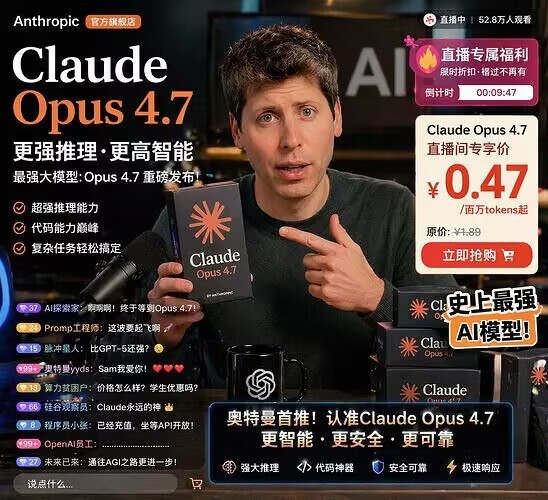
📌 รายละเอียด
- ผู้เขียน: 程序员Left
- แหล่งที่มา: Twitter Post
- เผยแพร่เมื่อ: 18 เมษายน 2569
- ภาษา: en
No. 111: ภาพหลักสำหรับอีคอมเมิร์ซ - การปรับเปลี่ยนฉลากซุปไก่สมุนไพร
📖 คำอธิบาย
เปลี่ยนโปสเตอร์โปรโมทไก่ให้กลายเป็นฉลากผลิตภัณฑ์ที่มีรายละเอียดครบถ้วน พร้อมตะกร้าใส่ส่วนผสมสมุนไพรเฉพาะและข้อความแนะนำการใช้งาน
📝 คำสั่ง
โดยใช้ REFERENCE_0 เป็นสไตล์พื้นฐานและคงภาพประกอบไก่ตรงกลางไว้ ให้เปลี่ยนภาพเป็นฉลากบรรจุภัณฑ์สำหรับชุดซุปสมุนไพร ย้ายตำแหน่งไก่ไปไว้ทางด้านขวา แทนที่ข้อความด้านบนด้วยหัวข้อตัวอักษรพู่กันสีดำขนาดใหญ่ {argument name="main headline" default="元气祛湿 鸡煲汤包"} และคำบรรยายที่เล็กลง {argument name="subtitle" default="吃山林土货 味道当然好!"} ทางด้านซ้าย ให้เพิ่มตะกร้าสานใบใหม่ที่บรรจุส่วนผสม 6 กองที่แตกต่างกัน ได้แก่ ท่อนรากไม้, ก้อนสี่เหลี่ยมสีขาว, รากไม้หั่นแว่นสีน้ำตาล, ถั่วเหลืองสีเหลือง, เปลือกส้มแห้ง และพุทราจีนสีแดงเข้ม ติดป้ายสี่เหลี่ยมผืนผ้าสีน้ำตาลขนาดเล็ก 6 ป้ายพร้อมข้อความสีขาวไว้ที่ส่วนผสมเหล่านี้ ด้านล่างของไก่ ให้เพิ่มตราสัญลักษณ์วงกลมสีส้มที่มีข้อความ {argument name="ingredients list" default="内含有:五指毛桃、茯苓、土茯苓、黄豆、陈皮、红枣"} ที่ด้านล่างสุด ให้สร้างแถบสี่เหลี่ยมผืนผ้าสีส้มทึบที่มีไอคอนหม้อปรุงอาหาร ข้อความ {argument name="usage instructions" default="用法:把汤料清洗干净放入锅中,加入姜片煮20分钟,后加入鸡肉再煮20分钟即可。"} และสโลแกนรอง {argument name="bottom slogan" default="天然好料 滋补好汤"}
🖼️ รูปภาพที่สร้าง
Image 1
📌 รายละเอียด
- ผู้เขียน: 渣猫看世界🦭/acc
- แหล่งที่มา: Twitter Post
- เผยแพร่เมื่อ: 18 เมษายน 2569
- ภาษา: en
No. 112: ภาพหลักสำหรับอีคอมเมิร์ซ - รถสปอร์ตและเครื่องบินโดยสารในโรงเก็บเครื่องบิน
📖 คำอธิบาย
สร้างภาพถ่ายสมจริงของรถสปอร์ตที่จอดอยู่หน้าเครื่องบินโดยสารภายในโรงเก็บเครื่องบินที่มีพื้นผิวสะท้อนแสง
📝 คำสั่ง
ภาพถ่ายเชิงพาณิชย์ความละเอียดสูงที่สมจริงของ {argument name="car model and color" default="รถสปอร์ต Alpine A110 R สีน้ำเงินสดใส"} จอดอยู่ด้านหน้าภายในโรงเก็บเครื่องบินขนาดใหญ่ ตัวรถมีฝากระโปรงคาร์บอนไฟเบอร์สีดำ หลังคาสีดำ ล้ออัลลอยสีดำ และป้ายทะเบียนด้านหน้าเขียนว่า "{argument name="license plate text" default="A110 R"}" โดยมี {argument name="airplane model" default="เครื่องบินโดยสาร Airbus A320 สีขาว"} ที่มีหางเครื่องสีน้ำเงินจอดตระหง่านอยู่ด้านหลังรถ โรงเก็บเครื่องบินมีพื้นคอนกรีตขัดเงาที่สะท้อนภาพของรถและเครื่องบินได้อย่างชัดเจน ทางด้านซ้ายมีป้ายติดอยู่บนผนังโลหะเขียนว่า "{argument name="hangar sign text" default="HANGAR 05 MAINTENANCE"}" ประตูโรงเก็บเครื่องบินเปิดกว้าง เผยให้เห็นท้องฟ้าที่มีเมฆมากและทิวทัศน์เมืองที่อยู่ไกลออกไป แสงไฟมีความนุ่มนวลแบบภาพยนตร์ ช่วยขับเน้นเส้นสายตามหลักอากาศพลศาสตร์ที่โฉบเฉี่ยวของยานพาหนะทั้งสองคัน
🖼️ รูปภาพที่สร้าง
Image 1
📌 รายละเอียด
- ผู้เขียน: nazca alwave
- แหล่งที่มา: Twitter Post
- เผยแพร่เมื่อ: 18 เมษายน 2569
- ภาษา: en
No. 113: ภาพหลักสำหรับอีคอมเมิร์ซ - ม็อกอัปสินค้า VTuber ที่สมจริง
📖 คำอธิบาย
คำสั่งสำหรับ GPT-Image2 เพื่อสร้างภาพถ่ายเสมือนจริงของสินค้าแฟนคลับ VTuber มาตรฐาน
📝 คำสั่ง
สร้าง {argument name="items" default="สินค้าแฟนคลับ"} สำหรับ {argument name="character type" default="Vtuber"} มาตรฐาน ใน {argument name="style" default="สไตล์ภาพถ่ายเสมือนจริง"}
🖼️ รูปภาพที่สร้าง
Image 1
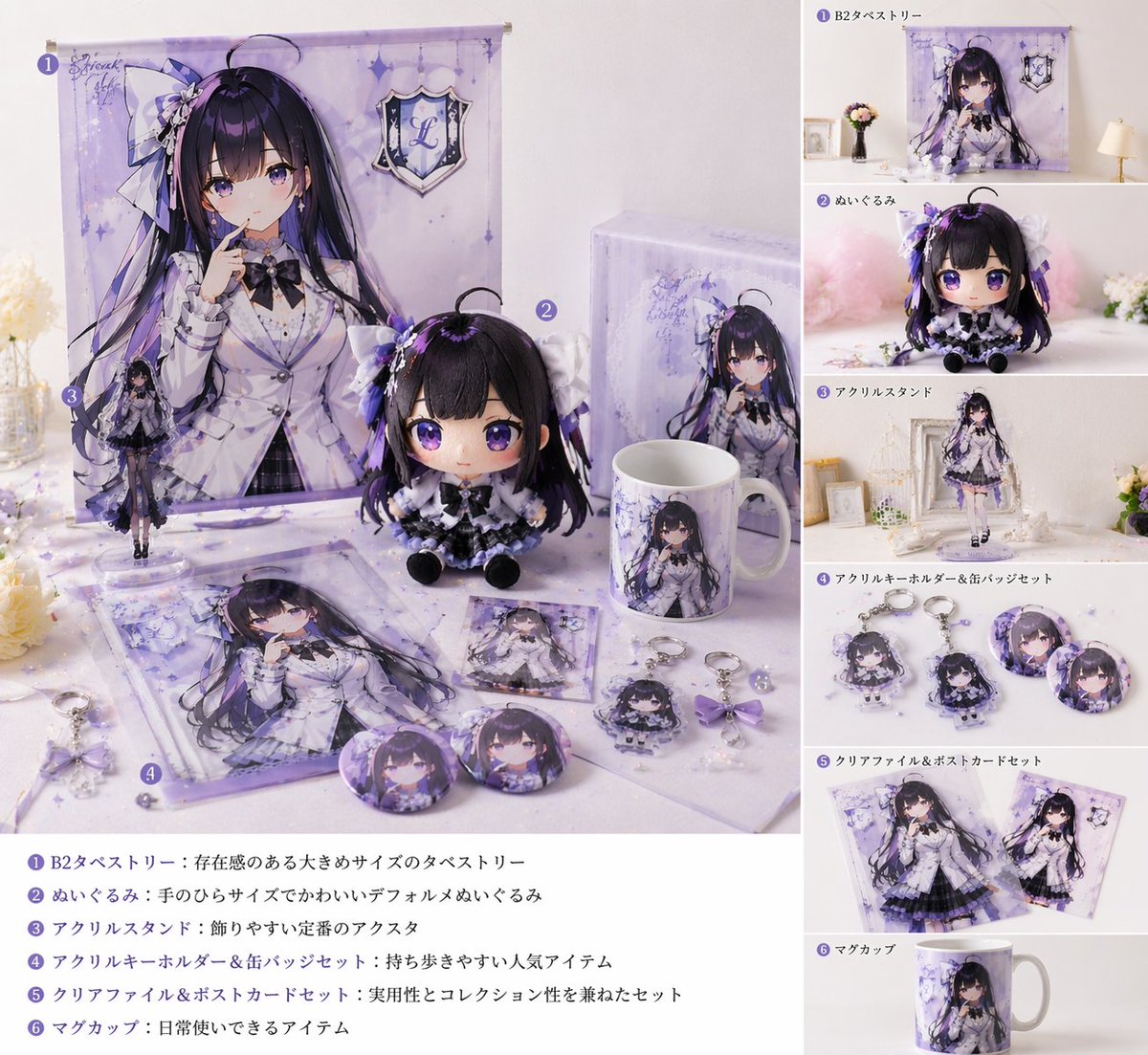
📌 รายละเอียด
- ผู้เขียน: WTR
- แหล่งที่มา: Twitter Post
- เผยแพร่เมื่อ: 17 เมษายน 2569
- ภาษา: ja
No. 114: ภาพหลักสำหรับอีคอมเมิร์ซ - ม็อกอัป UI สำหรับไลฟ์ขายของออนไลน์
📖 คำอธิบาย
สร้างอินเทอร์เฟซการไลฟ์สดบนมือถือสำหรับอีคอมเมิร์ซ โดยมีองค์ประกอบครบทั้งพิธีกร แชทสด การ์ดสินค้า และข้อความโปรโมชัน
📝 คำสั่ง
{
  "type": "ม็อกอัปอินเทอร์เฟซไลฟ์สดขายของออนไลน์บนมือถือ",
  "subject": {
    "description": "หญิงสาวชาวเอเชีย ผมยาวสีเข้ม สวมชุดนอนลายดอกไม้สีอ่อนประดับโบว์สีชมพู กำลังถือเสื้อชุดนอนกางออกเพื่อโชว์เนื้อผ้า",
    "background": "ห้องที่ให้ความรู้สึกอบอุ่น มีราวแขวนชุดนอน ดอกไม้ และแสงไฟโทนอบอุ่น"
  },
  "ui_layout": {
    "top_bar": {
      "time": "20:34",
      "host_info": {
        "name": "{argument name=\"host name\" default=\"ชุดนอนเสี่ยวอวี่\"}",
        "stats": "1.28 แสนไลก์ในไลฟ์นี้",
        "button": "ติดตาม"
      },
      "viewer_info": {
        "avatars_count": 3,
        "total_viewers": "1.2 หมื่น"
      }
    },
    "floating_tags": {
      "count": 2,
      "labels": ["อันดับ 3 สินค้าขายดี", "อันดับความนิยม"]
    },
    "widgets": {
      "top_left": "ไอคอนซองแดงพร้อมตัวจับเวลา 03:45",
      "top_right": "ไอคอนหัวใจลอยพร้อมข้อความ งานดีไลฟ์สด ค้นพบความชอบใหม่"
    },
    "marketing_text_overlay": {
      "position": "กลางขวา",
      "lines_count": 5,
      "lines": [
        "{argument name=\"main headline\" default=\"ชุดนอนรุ่นใหม่\"}",
        "{argument name=\"sub headline\" default=\"กำลังจัดแฟลชเซลล์...\"}",
        "สัมผัสนุ่ม ระบายอากาศได้ดี",
        "นุ่มสบาย",
        "ไม่เป็นขุย ไม่ซีดจาง"
      ]
    },
    "chat_log": {
      "position": "ล่างซ้าย",
      "message_count": 7,
      "messages": [
        "32 อวี่*** เข้าร่วมไลฟ์สด",
        "เสี่ยว***: สวยจัง ราคาเท่าไหร่คะ",
        "เสี่ยว***: กดสั่งแล้ว รอรับของค่ะ",
        "C***: ดูจากภาพคุณภาพน่าจะดี",
        "ยง***: สูง 165 หนัก 60 กก. ใส่ไซส์ไหนดีคะ?",
        "@***: ชุดที่พิธีกรใส่อยู่ยังมีของไหม?",
        "ฉิง***: สั่งแล้ว รอรับของเลย!"
      ]
    },
    "product_card": {
      "position": "ล่างขวา",
      "thumbnail": "ภาพย่อของพิธีกร",
      "title": "{argument name=\"product title\" default=\"【ชุดนอนเสี่ยวอวี่】ชุดอยู่บ้านคอลเลกชันฤดูใบไม้ผลิ\"}",
      "tags_count": 2,
      "tags": ["คืนสินค้าได้ใน 7 วัน", "ประกันค่าส่ง"],
      "price_section": "ราคาแฟลชเซลล์ ¥ {argument name=\"product price\" default=\"89.9\"}",
      "action_button": "ซื้อเลย"
    },
    "bottom_bar": {
      "input_placeholder": "พิมพ์ข้อความ...",
      "icon_count": 5,
      "icons": ["หน้ายิ้ม", "ตะกร้าสินค้า", "หัวใจ/ของขวัญ", "กล่องของขวัญ", "จุดสามจุด"]
    }
  }
}
🖼️ รูปภาพที่สร้าง
Image 1
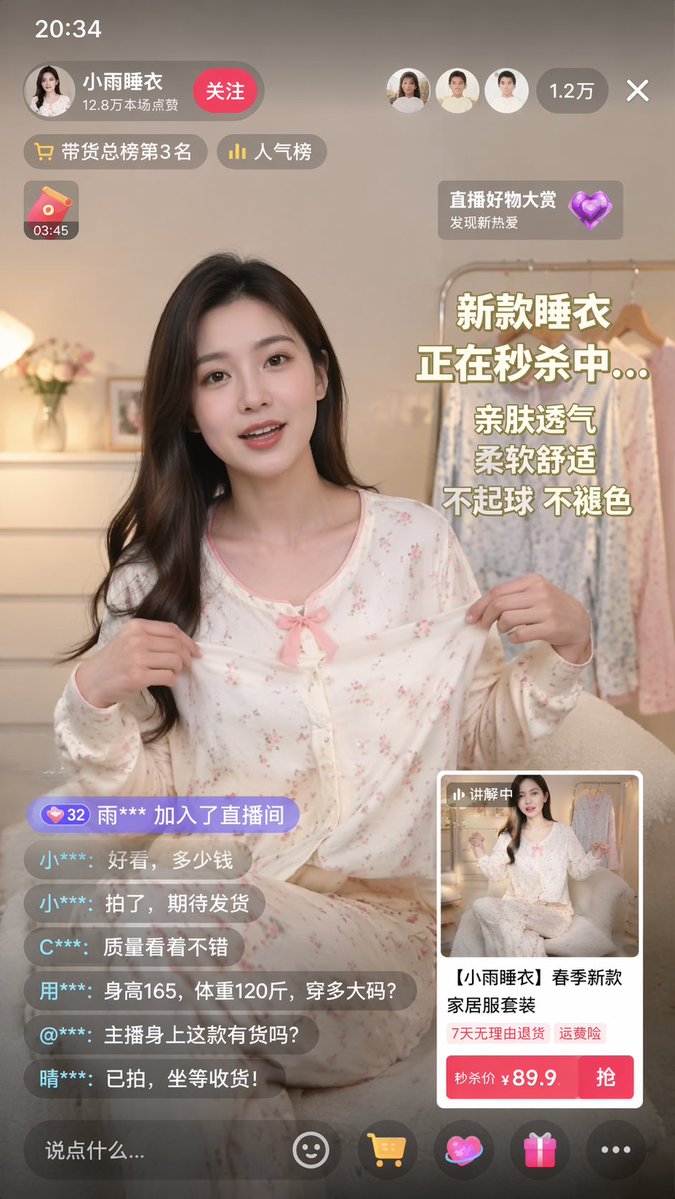
📌 รายละเอียด
- ผู้เขียน: xiaobeiLin(小北)
- แหล่งที่มา: Twitter Post
- เผยแพร่เมื่อ: 17 เมษายน 2569
- ภาษา: en
No. 115: ภาพหลักสำหรับอีคอมเมิร์ซ - อินโฟกราฟิกไดรเวอร์ LED สำหรับอีคอมเมิร์ซ
📖 คำอธิบาย
อินโฟกราฟิกรายละเอียดสินค้าสไตล์ Amazon A+ ที่ครอบคลุมข้อมูลฟีเจอร์ การใช้งาน และข้อมูลจำเพาะสำหรับไดรเวอร์ LED เกรดอุตสาหกรรม
📝 คำสั่ง
{
  "type": "อินโฟกราฟิกสินค้าอีคอมเมิร์ซ",
  "theme": "โหมดมืดพร้อมสีเน้น {argument name=\"accent color\" default=\"ส้ม\"}",
  "product": {
    "brand": "{argument name=\"brand name\" default=\"MEAN WELL\"}",
    "model": "{argument name=\"product model\" default=\"ELG-100-24B\"}",
    "description": "ไดรเวอร์ LED แบบกระแสคงที่ 100W ตัวเรือนโลหะสีเงินทรงสี่เหลี่ยม พร้อมสายไฟสีดำทั้งสองด้านและฉลากระบุข้อมูลจำเพาะอย่างละเอียด"
  },
  "layout": {
    "sections": [
      {
        "name": "ส่วนหัว (Hero Section)",
        "elements": [
          "โลโก้แบรนด์ที่มุมซ้ายบน",
          "หัวข้อหลัก: '{argument name=\"main headline\" default=\"พลังงานเสถียรสำหรับงานภายนอกอาคาร\"}'",
          "ข้อความรอง: รองรับแรงดันไฟฟ้าขาเข้ากว้าง ตัวเรือนป้องกันได้ดี...",
          "ภาพสินค้ามุมเฉียงขนาดใหญ่",
          "ลายน้ำ '100W' จางๆ ที่พื้นหลัง"
        ]
      },
      {
        "name": "จุดเด่นของสินค้า",
        "count": 3,
        "panels": [
          { "title": "โครงสร้างที่แม่นยำ", "visual": "ภาพระยะใกล้ของฉลากข้อมูลจำเพาะ" },
          { "title": "การเชื่อมต่อที่ปลอดภัย", "visual": "ภาพระยะใกล้ของจุดเข้าสายไฟและหูยึด" },
          { "title": "ฟีเจอร์หลัก", "visual": "ภาพสินค้ามุมเฉียงพร้อมเส้นชี้ 3 จุดไปยังข้อความ: 'อินพุต 100~305VAC', 'กระแสคงที่', 'ตัวเรือนมาตรฐาน IP67 / IP65'" }
        ]
      },
      {
        "name": "การใช้งาน",
        "count": 4,
        "panels": [
          { "title": "สำหรับไฟถนน", "visual": "ทางหลวงยามค่ำคืนที่ส่องสว่างด้วยไฟถนน" },
          { "title": "สำหรับโครงการภายนอกอาคาร", "visual": "ภายนอกอาคารสมัยใหม่พร้อมไฟส่องสว่างภูมิทัศน์" },
          { "title": "สำหรับระบบภายในอาคาร", "visual": "โถงทางเดินเชิงพาณิชย์สมัยใหม่พร้อมไฟเพดานแบบเส้น" },
          { "title": "สำหรับการควบคุมการหรี่ไฟ", "visual": "กล่องควบคุมไฟฟ้าพร้อมป้ายกำกับ 4 แบบ: '0-10V', 'PWM', 'RESISTOR', 'DALI'" }
        ]
      },
      {
        "name": "การป้องกันสภาพแวดล้อม",
        "elements": [
          "ภาพสินค้าวางบนพื้นผิวเปียกพร้อมหยดน้ำและเอฟเฟกต์ฝน",
          "หัวข้อ: 'ประสิทธิภาพที่ได้รับการปกป้อง'",
          "ข้อความอธิบายเกี่ยวกับการใช้งานภายใน/ภายนอกอาคารและระบบ Active PFC",
          "ป้าย: 'รับประกัน {argument name=\"warranty years\" default=\"5\"} ปี'"
        ]
      },
      {
        "name": "ข้อมูลจำเพาะทางเทคนิค",
        "elements": [
          "หัวข้อ: 'เทคโนโลยีพลังงานแสงสว่าง'",
          "รายการหัวข้อ 4 จุด: 'อินพุต 100~305VAC', 'Active PFC', 'สแตนด์บายต่ำ <0.5W', '0~10V / PWM / Resistor / DALI'",
          "ภาพสินค้าเรืองแสงบนพื้นหลังแผงวงจรไฮเทค"
        ]
      }
    ]
  }
}
🖼️ รูปภาพที่สร้าง
Image 1
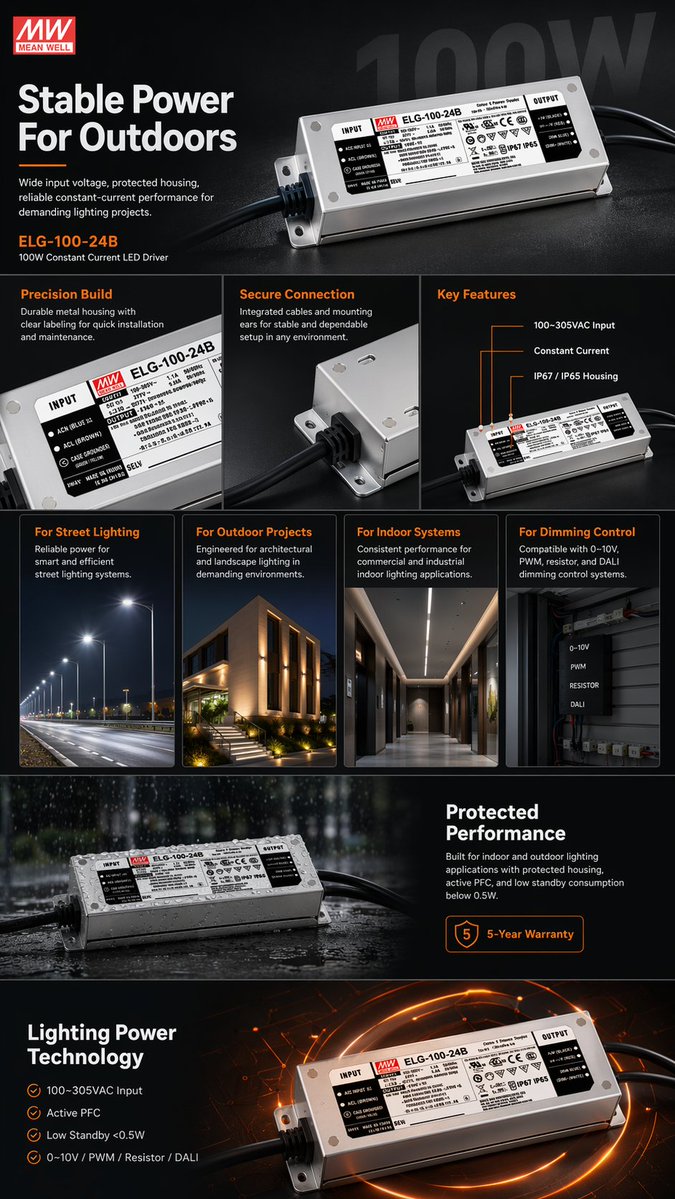
📌 รายละเอียด
- ผู้เขียน: Curry Amber
- แหล่งที่มา: Twitter Post
- เผยแพร่เมื่อ: 17 เมษายน 2569
- ภาษา: en
No. 116: ภาพหลักสำหรับอีคอมเมิร์ซ - ม็อกอัป UI ไลฟ์สตรีมสำหรับอีคอมเมิร์ซ
📖 คำอธิบาย
สร้างอินเทอร์เฟซไลฟ์สตรีมสำหรับอีคอมเมิร์ซบนมือถือที่สมจริง โดยมีนางแบบ การ์ดสินค้าแบบโต้ตอบ และแถบแชทแบบเลื่อน
📝 คำสั่ง
{
  "type": "ม็อกอัปอินเทอร์เฟซไลฟ์สตรีมสำหรับอีคอมเมิร์ซ",
  "subject": {
    "description": "หญิงสาวชาวเอเชีย ผมยาวดัดลอนสีเข้ม สวมเสื้อโปโลแขนสั้นสีขาวและกระโปรงเทนนิสจีบรอบสีขาว ถือไม้เทนนิสสีขาวพาดไว้บนไหล่ขวา มองตรงมาที่กล้องด้วยสีหน้าอ่อนโยน",
    "background": "พื้นหลังสตูดิโอสีเทาอ่อนแบบนุ่มนวล"
  },
  "layout": {
    "header": {
      "left": {
        "avatar": "ภาพพอร์ตเทรตผู้หญิง",
        "name": "{argument name=\"host name\" default=\"小鹿运动优选\"}",
        "stats": "12.8 หมื่นไลก์ในไลฟ์นี้",
        "button": "ติดตาม",
        "badge": "อันดับ 3 สินค้าขายดี"
      },
      "right": {
        "viewer_avatars_count": 3,
        "viewer_count": "1.2 หมื่น",
        "close_icon": "X"
      }
    },
    "floating_elements": [
      {
        "position": "ขวาบน",
        "type": "การ์ดคูปอง",
        "title": "คูปองเฉพาะในไลฟ์",
        "details": "¥20 เมื่อซื้อครบ 199",
        "button": "กดรับ"
      },
      {
        "position": "ซ้ายกลาง",
        "type": "ข้อความแคมเปญ",
        "subtitle": "เทศกาลกีฬาฤดูร้อน",
        "headline": "{argument name=\"main headline\" default=\"活力开场\"}",
        "bullet_points_count": 3,
        "bullet_points": ["ระบายอากาศแห้งไว", "ยืดหยุ่นใส่สบาย", "แมตช์ได้หลายลุค"]
      },
      {
        "position": "ขวากลาง",
        "type": "การ์ดสินค้าแบบแอคทีฟ",
        "badge": "กำลังแนะนำ",
        "image": "ภาพวางแบนเสื้อโปโลและกระโปรงสีขาว",
        "title": "{argument name=\"product name\" default=\"运动POLO衫套装\"}",
        "details": "สีขาว · ไซส์ M",
        "price": "{argument name=\"price\" default=\"¥129\"}",
        "button": "ไปซื้อเลย"
      },
      {
        "position": "ขวาล่าง",
        "type": "การ์ดสินค้าเสริม",
        "badge": "ขายดี x 156",
        "image": "นางแบบสวมชุด",
        "title": "ชุดเซ็ตเสื้อโปโลออกกำลังกายหญิง ระบายอากาศแห้งไว พรางหุ่นแมตช์ง่าย",
        "tags": ["คืนสินค้าได้ภายใน 7 วัน", "ประกันค่าจัดส่ง"],
        "price": "¥129",
        "button": "ซื้อ"
      }
    ],
    "chat_overlay": {
      "position": "ซ้ายล่าง",
      "message_count": 5,
      "messages": [
        "小鹿姐姐: ยินดีต้อนรับเพื่อนใหม่ทุกคนเข้าสู่ไลฟ์นะคะ~",
        "运动达人: {argument name=\"chat message\" default=\"这套好看!\"}",
        "卡卡西: ผ้าโปร่งระบายอากาศไหมคะ?",
        "小鹿运动优选: ผ้าของเราเป็นผ้าไหมน้ำแข็งแห้งไวค่ะ ออกกำลังกายเหงื่อออกก็ไม่ร้อนอับชื้นนะคะ~",
        "用户_6789: สั่งซื้อแล้ว!"
      ],
      "purchase_alert": "用户_6789 และอีก 3 คน กำลังไปซื้อ"
    },
    "footer": {
      "input_bar": "พิมพ์ข้อความ...",
      "icons_count": 5,
      "icons": ["smile", "shopping cart", "heart", "share", "more"]
    }
  }
}
🖼️ รูปภาพที่สร้าง
Image 1
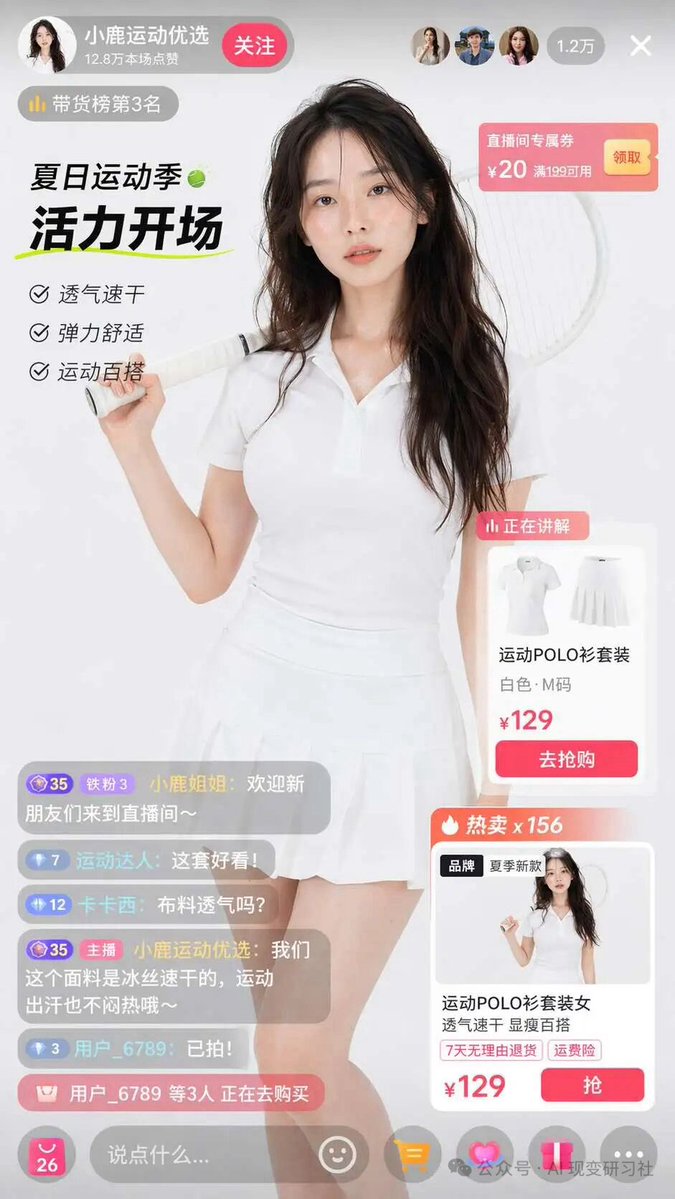
📌 รายละเอียด
- ผู้เขียน: 可可耐特coconut
- แหล่งที่มา: Twitter Post
- เผยแพร่เมื่อ: 17 เมษายน 2569
- ภาษา: en
No. 117: ภาพหลักสำหรับอีคอมเมิร์ซ - ม็อกอัปอินเทอร์เฟซไลฟ์สดอีคอมเมิร์ซ
📖 คำอธิบาย
สร้าง UI ไลฟ์สดอีคอมเมิร์ซที่สมจริง โดยมีพิธีกร การ์ดสินค้า แชทสด และป้ายโปรโมชัน
📝 คำสั่ง
{
  "type": "ม็อกอัปอินเทอร์เฟซไลฟ์สดอีคอมเมิร์ซ",
  "subject": {
    "description": "หญิงสาวชาวเอเชีย ผมยาวดัดลอนสีเข้ม ผิวฉ่ำวาวและมีเหงื่อเล็กน้อย สวมเสื้อโปโลแขนสั้นสีขาวและกระโปรงเทนนิสจีบรอบสีขาว ถือไม้เทนนิสสีขาวพาดไว้บนไหล่ขวา มองตรงมาที่กล้อง",
    "background": "สีขาวเรียบ"
  },
  "ui_layout": {
    "top_bar": {
      "left": {
        "profile_name": "{argument name=\"host name\" default=\"小鹿运动优选\"}",
        "stats": "12.8 หมื่นไลก์ในไลฟ์นี้",
        "button": "ติดตาม",
        "badge": "อันดับ 3 สินค้าขายดี"
      },
      "right": {
        "viewer_avatars_count": 3,
        "viewer_count": "1.2 หมื่น",
        "close_button": "X"
      }
    },
    "left_panel": {
      "campaign": {
        "title": "{argument name=\"campaign title\" default=\"夏日运动季\"} 🎾",
        "subtitle": "{argument name=\"campaign subtitle\" default=\"活力开场\"}",
        "bullet_points_count": 3,
        "bullet_points": [
          "ระบายอากาศ แห้งไว",
          "ยืดหยุ่น สวมใส่สบาย",
          "แมตช์ชุดออกกำลังกายได้ง่าย"
        ]
      }
    },
    "right_panel": {
      "coupon": {
        "text": "คูปองเฉพาะในไลฟ์ ลด 20 หยวน เมื่อซื้อครบ 199 หยวน",
        "button": "กดรับ"
      },
      "product_cards_count": 2,
      "product_cards": [
        {
          "status": "กำลังแนะนำ",
          "image": "เสื้อโปโลสีขาวและกระโปรงจีบ",
          "title": "{argument name=\"product name\" default=\"运动POLO衫套装\"}",
          "details": "สีขาว · ไซส์ M",
          "price": "¥{argument name=\"product price\" default=\"129\"}",
          "button": "ไปซื้อเลย"
        },
        {
          "status": "ขายดี x 156",
          "tags": [
            "แบรนด์",
            "คอลเลกชันใหม่ฤดูร้อน"
          ],
          "image": "ภาพตัวอย่างของพิธีกร",
          "title": "ชุดเซ็ตเสื้อโปโลออกกำลังกายผู้หญิง ระบายอากาศ แห้งไว พรางหุ่น แมตช์ง่าย",
          "features": [
            "คืนสินค้าได้ภายใน 7 วัน",
            "ประกันค่าจัดส่ง"
          ],
          "price": "¥{argument name=\"product price\" default=\"129\"}",
          "button": "ซื้อ"
        }
      ]
    },
    "bottom_panel": {
      "chat_messages_count": 5,
      "chat_messages": [
        "小鹿姐姐: ยินดีต้อนรับเพื่อนใหม่ทุกคนเข้าสู่ไลฟ์นะคะ~",
        "运动达人: ชุดนี้สวยมาก!",
        "卡卡西: ผ้าโปร่งระบายอากาศไหมคะ?",
        "主播 小鹿运动优选: ผ้าของเราเป็นผ้าไหมน้ำแข็งแห้งไวค่ะ ออกกำลังกายแล้วเหงื่อออกก็ไม่รู้สึกอับชื้นนะคะ~",
        "用户_6789: สั่งซื้อแล้ว!"
      ],
      "purchase_notification": "用户_6789 และอีก 3 คน กำลังไปที่หน้าชำระเงิน",
      "input_bar": {
        "placeholder": "พิมพ์ข้อความ...",
        "icons_count": 5,
        "icons": [
          "อีโมจิ",
          "ตะกร้าสินค้า",
          "หัวใจ",
          "ของขวัญ",
          "ตัวเลือกเพิ่มเติม"
        ]
      }
    }
  }
}
🖼️ รูปภาพที่สร้าง
Image 1
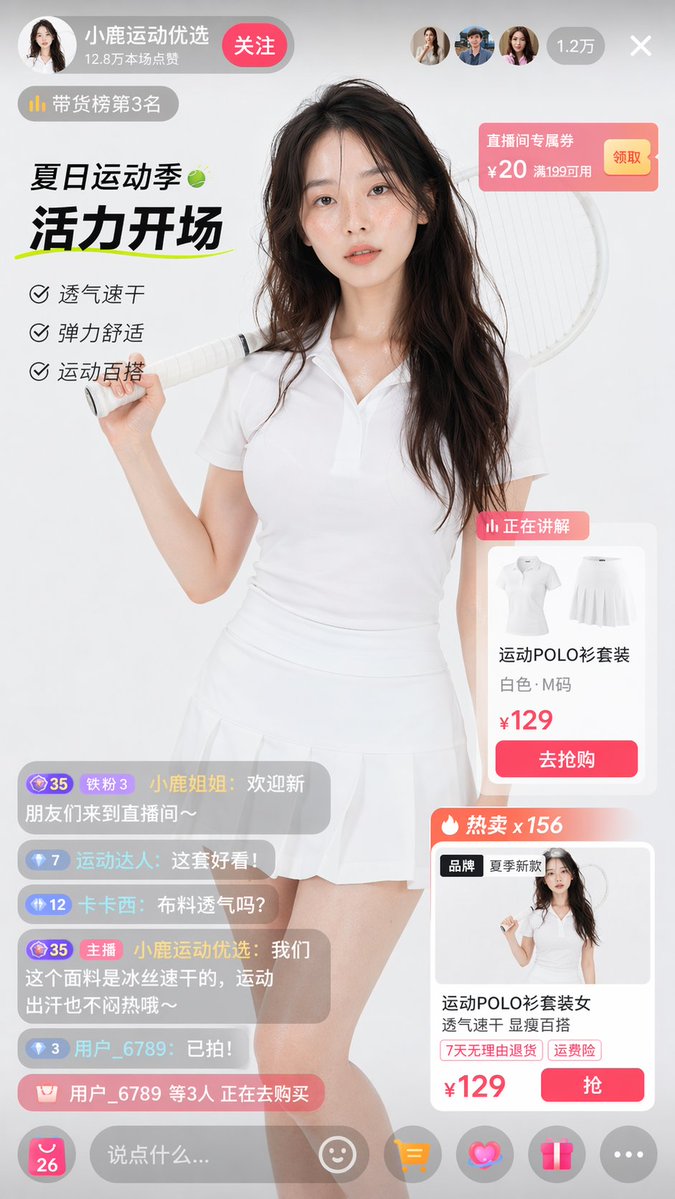
📌 รายละเอียด
- ผู้เขียน: 清风徐来028
- แหล่งที่มา: Twitter Post
- เผยแพร่เมื่อ: 17 เมษายน 2569
- ภาษา: en
No. 118: สินทรัพย์เกม - Retro Skeuomorphic Icons
📖 คำอธิบาย
A prompt to generate a set of retro icons for electronic devices, utilizing skeuomorphic design elements and including text labels.
📝 คำสั่ง
Generate a set of icons for {argument name="device" default="vintage electronic equipment"} in {argument name="style" default="retro skeuomorphic style"}, including icon names in the image.
🖼️ รูปภาพที่สร้าง
Image 1
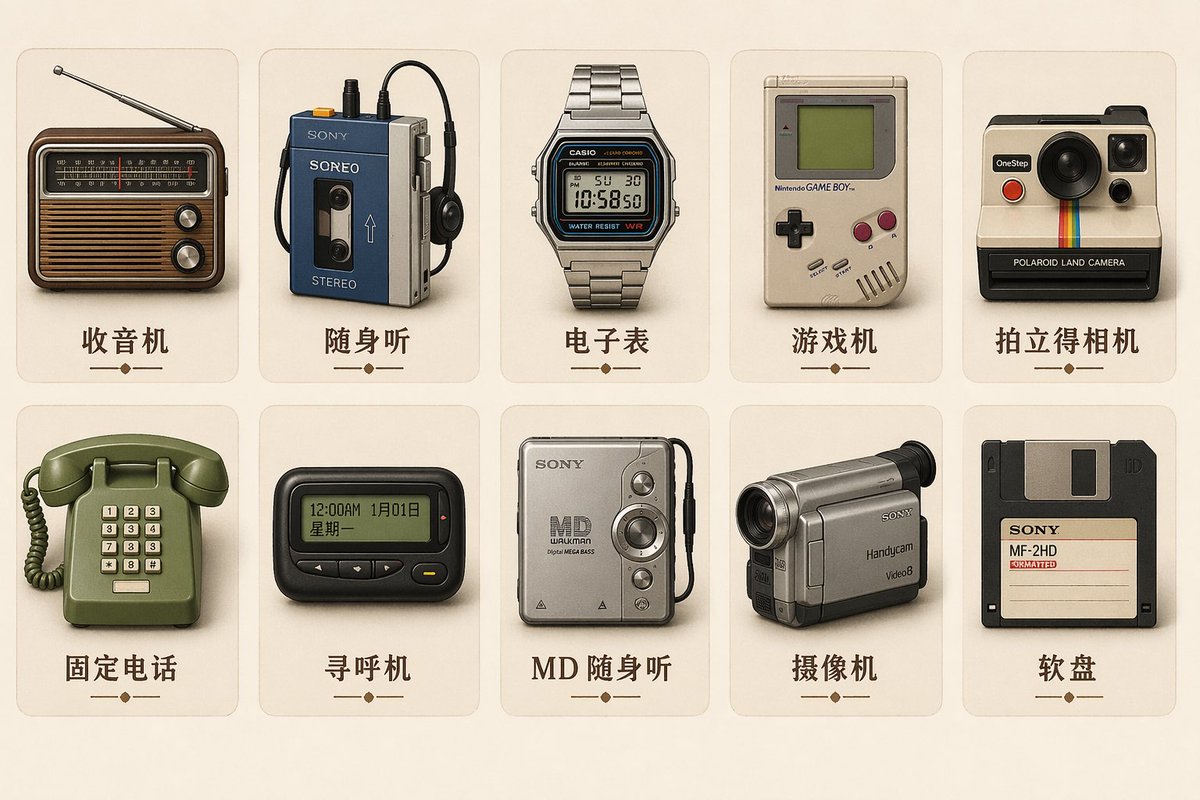
📌 รายละเอียด
- ผู้เขียน: MarioTan
- แหล่งที่มา: Twitter Post
- เผยแพร่เมื่อ: 21 เมษายน 2569
- ภาษา: zh
No. 119: สินทรัพย์เกม - Open-World Game Screenshot Mockup
📖 คำอธิบาย
Generates a realistic third-person video game screenshot with customizable UI elements, mission objectives, and environmental signage.
📝 คำสั่ง
{
  "type": "video game screenshot mockup",
  "perspective": "third-person over-the-shoulder",
  "character": {
    "description": "male protagonist seen from behind",
    "clothing": "grey tank top with graphic '{argument name=\"shirt graphic\" default=\"LEONIDA MARINE CENTER\"}', camouflage cargo shorts"
  },
  "environment": {
    "setting": "tropical coastal town, dirt road, sunny daytime with scattered clouds",
    "left_side": "wooden welcome sign reading 'Welcome to {argument name=\"location name\" default=\"LEONIDA KEYS\"} YOUR PARADISE', pink plastic flamingo, tropical foliage, distant water tower",
    "center": "green building with 'FISH' sign and marlin graphic, sign reading 'BAIT TACKLE ICE BEER WINE', pedestrians walking",
    "right_side": "two-story wooden building 'Brian's Boat Works & Marina', 'Brian's Bar' neon sign, parked pickup truck, jet skis on a trailer"
  },
  "ui_elements": {
    "count": 5,
    "components": [
      {
        "position": "top-left",
        "type": "mission objective",
        "text": "{argument name=\"mission title\" default=\"MEET RAUL\"}\n{argument name=\"mission description\" default=\"Raul has some work for you at his boatyard\"}"
      },
      {
        "position": "top-right",
        "type": "status HUD",
        "text": "13:47\n$1,142",
        "icon": "pink palm tree"
      },
      {
        "position": "bottom-left",
        "type": "minimap",
        "description": "circular map with purple border, white map icons including 'N' for north"
      },
      {
        "position": "bottom-left, right of minimap",
        "type": "location text",
        "text": "{argument name=\"location name\" default=\"LEONIDA KEYS\"}\nPALM ISLAND"
      },
      {
        "position": "bottom-right",
        "type": "watermark",
        "text": "{argument name=\"game title\" default=\"GTA VI\"}\nPRE-ALPHA FOOTAGE"
      }
    ]
  }
}
🖼️ รูปภาพที่สร้าง
Image 1
📌 รายละเอียด
- ผู้เขียน: Dan
- แหล่งที่มา: Twitter Post
- เผยแพร่เมื่อ: 20 เมษายน 2569
- ภาษา: en
No. 120: สินทรัพย์เกม - Voice Personification Character
📖 คำอธิบาย
A creative prompt that imagines a visual character representation of the ChatGPT voice interface.
📝 คำสั่ง
{argument name="voice" default="chatgpt voice"} if it were a character
🖼️ รูปภาพที่สร้าง
Image 1

📌 รายละเอียด
- ผู้เขียน: nic
- แหล่งที่มา: Twitter Post
- เผยแพร่เมื่อ: 20 เมษายน 2569
- ภาษา: en
📚 มีคำสั่งเพิ่มเติม
🎯 605 คำสั่งเพิ่มเติมที่ไม่ได้แสดงที่นี่
Due to GitHub's content length limitations, we can only display the first 120 regular prompts in this README.
👉 ดูคำสั่งทั้งหมดในแกลเลอรีเว็บของเรา
The gallery features:
✨ เลย์เอาต์กริด Masonry ที่สวยงาม
🔍 การค้นหาข้อความเต็มและตัวกรอง
🌍 รองรับ 17 ภาษา
📱 ประสบการณ์ที่เหมาะสำหรับมือถือ
🤝 วิธีการมีส่วนร่วม
เรายินดีต้อนรับการมีส่วนร่วม! คุณสามารถส่งคำสั่งผ่าน:
🐛 GitHub Issue
- Click ส่งคำสั่งใหม่
- กรอกแบบฟอร์มพร้อมรายละเอียดคำสั่งและรูปภาพ
- ส่งและรอการตรวจสอบจากทีม
- หากได้รับการอนุมัติ (เราจะเพิ่มป้ายกำกับ
approved) มันจะซิงค์กับ CMS โดยอัตโนมัติ - คำสั่งของคุณจะปรากฏใน README ภายใน 4 ชั่วโมง
หมายเหตุ: เรารับเฉพาะการส่งผ่าน GitHub Issues เพื่อให้แน่ใจว่ามีการควบคุมคุณภาพ
ดู CONTRIBUTING.md สำหรับแนวทางโดยละเอียด
📄 ใบอนุญาต
ได้รับอนุญาตภายใต้ CC BY 4.0
🙏 กิตติกรรมประกาศ
⭐ ประวัติดาว
🌐 ดูในแกลเลอรีเว็บ • 📝 ส่งคำสั่ง • ⭐ ให้ดาวกับที่เก็บนี้
🤖 README นี้ถูกสร้างขึ้นโดยอัตโนมัติ อัปเดตล่าสุด: 2026-04-22T12:59:26.900Z