
274 KiB
💡 🍌 Also check out our Nano Banana Pro Prompts Collection — Google's flagship model with 10000+ curated prompts 👉 awesome-nano-banana-pro-prompts
🚀 Tolle GPT Image 2 Prompts





🎨 Eine kuratierte Sammlung kreativer Prompts für OpenAI's GPT Image 2
⚠️ Urheberrechtshinweis: Alle Prompts werden zu Bildungszwecken aus der Community gesammelt. Wenn Sie glauben, dass Inhalte Ihre Rechte verletzen, öffnen Sie bitte ein Issue und wir werden es umgehend entfernen.









-Click%20to%20View-lightgrey)



-Click%20to%20View-lightgrey)


🌐 In Web-Galerie ansehen

👉 Auf YouMind GPT Image 2 Prompt-Galerie stöbern
Warum unsere Galerie nutzen?
| Feature | GitHub README | youmind.com Galerie |
|---|---|---|
| 🎨 Visuelles Layout | Lineare Liste | Schönes Masonry-Grid |
| 🔍 Suche | Nur Ctrl+F | Volltextsuche mit Filtern |
| 🤖 KI Ein-Klick-Generierung | - | KI Ein-Klick-Generierung |
| 📱 Mobil | Basis | Vollständig responsiv |
| 🏷️ Kategorien | - | Kategorie-Browsing |
🏷️ Nach Kategorie durchsuchen
- Anwendungsfälle
- Stil
- Hauptinhalt
📖 Inhaltsverzeichnis
- 🌐 In Web-Galerie ansehen
- 🤔 Was ist GPT Image 2?
- 📊 Statistiken
- 🔥 Ausgewählte Prompts
- 📋 Alle Prompts
- 🤝 Wie man beiträgt
- 📄 Lizenz
- 🙏 Danksagung
- ⭐ Star-Verlauf
🤔 Was ist GPT Image 2?
GPT Image 2 (codename "duct-tape") is OpenAI's next-generation image model. Community testing highlights a leap in these areas:
- 🎯 Pixel-Perfect Text Rendering — Native-quality text in Chinese, English, and Japanese, no typos or warped glyphs
- 🎨 Cross-Image Consistency — The same character, style, or IP stays identical across a series, down to the pixel
- ⚡ Commercial-Grade Illustration — Illustration output is ready to ship without manual polish
- 🌈 True Art Style Induction — Creatively evokes the feeling of a style rather than merely approximating references
- 🔧 Storyboard & Product Series — Ideal for storyboards, IP characters, and multi-panel product visuals
- 📐 Multi-Language Design — Social cards, banners, and posters with accurate multilingual typography in one shot
📚 Learn More: See community testing in our report summary
🚀 Raycast-Integration
Einige Prompts unterstützen dynamische Argumente mit Raycast Snippets-Syntax. Suchen Sie nach dem 🚀 Raycast Friendly Badge!
Beispiel:
A quote card with "{argument name="quote" default="Stay hungry, stay foolish"}"
by {argument name="author" default="Steve Jobs"}
Bei Verwendung in Raycast können Sie die Argumente dynamisch ersetzen, um schnell zu iterieren!
📊 Statistiken
| Metrik | Anzahl |
|---|---|
| 📝 Gesamtanzahl Prompts | 116 |
| ⭐ Ausgewählt | 0 |
| 🔄 Zuletzt aktualisiert | Montag, 20. April 2026 um 10:21:14 UTC |
📋 Alle Prompts
📝 Sortiert nach Veröffentlichungsdatum (neueste zuerst)
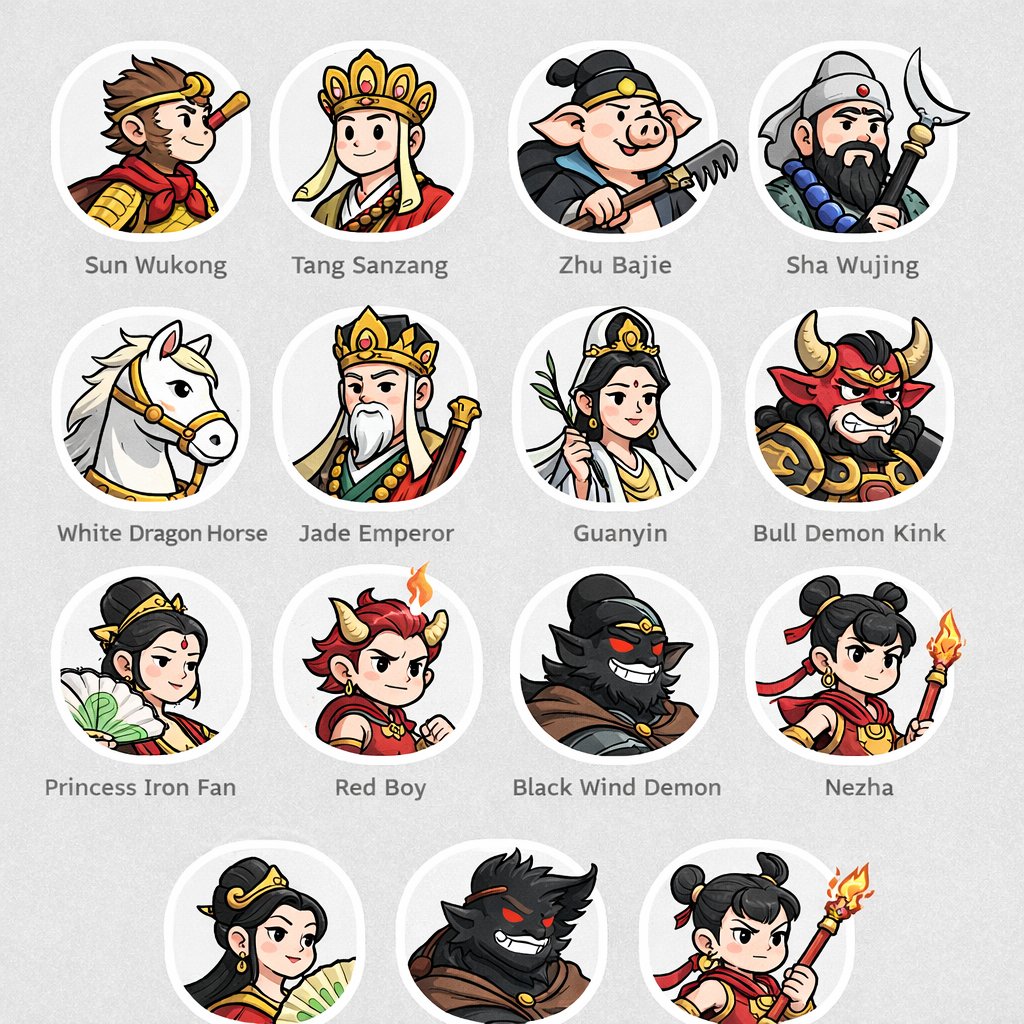
No. 1: Profil / Avatar - Mythological Character Avatar Grid


📖 Beschreibung
Generates a grid of cartoon-style circular character avatars with text labels, ideal for UI mockups or cast lists.
📝 Prompt
{
  "type": "character avatar grid",
  "theme": "{argument name=\"theme\" default=\"Journey to the West mythology\"}",
  "style": "{argument name=\"art style\" default=\"clean 2D cartoon vector illustration, thick outlines, flat colors\"}",
  "layout": {
    "background": "{argument name=\"background color\" default=\"light gray\"} subtle texture",
    "format": "grid of circular portraits with text labels centered below each circle",
    "rows": [
      {
        "count": 4,
        "items": [
          {"label": "Sun Wukong", "description": "monkey boy with golden headband and red scarf"},
          {"label": "Tang Sanzang", "description": "monk with ornate golden crown"},
          {"label": "Zhu Bajie", "description": "pig man holding a rake"},
          {"label": "Sha Wujing", "description": "bearded man holding a crescent moon staff"}
        ]
      },
      {
        "count": 4,
        "items": [
          {"label": "White Dragon Horse", "description": "white horse with golden bridle"},
          {"label": "Jade Emperor", "description": "older man with white beard and golden crown"},
          {"label": "Guanyin", "description": "goddess holding a willow branch"},
          {"label": "Bull Demon Kink", "description": "fierce bull demon in armor"}
        ]
      },
      {
        "count": 4,
        "items": [
          {"label": "Princess Iron Fan", "description": "woman holding a green palm leaf fan"},
          {"label": "Red Boy", "description": "boy with red hair, horns, and a small flame"},
          {"label": "Black Wind Demon", "description": "dark shadowy demon with glowing red eyes"},
          {"label": "Nezha", "description": "boy with double hair buns holding a flaming spear"}
        ]
      },
      {
        "count": 3,
        "description": "partial row repeating Princess Iron Fan, Black Wind Demon, and Nezha, slightly cropped at the bottom"
      }
    ]
  }
}
🖼️ Generierte Bilder
Image 1
📌 Details
- Autor: wm
- Quelle: Twitter Post
- Veröffentlicht: 18. April 2026
- Sprachen: en
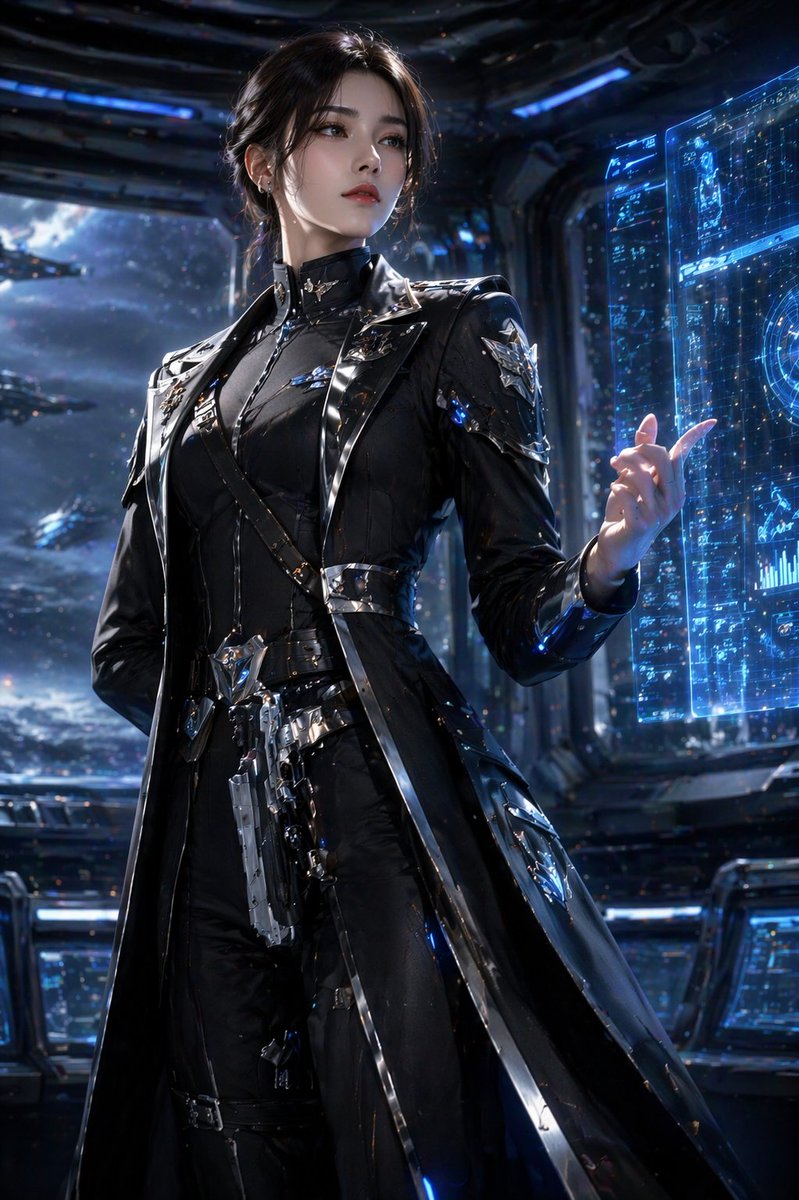
No. 2: Profil / Avatar - Sci-Fi Commander Hologram Interaction
📖 Beschreibung
A photorealistic portrait of a sci-fi character interacting with a holographic interface on a starship bridge.
📝 Prompt
A highly detailed, photorealistic portrait of a {argument name="character description" default="young woman with dark hair in an elegant updo"}. She is wearing a {argument name="outfit" default="sleek, futuristic black trench coat uniform with intricate silver metallic armor accents, straps, and a holstered sci-fi pistol"}. She stands confidently, raising one hand with gracefully posed fingers to interact with a {argument name="technology" default="glowing blue holographic data interface"}. The setting is the {argument name="environment" default="dimly lit bridge of a starship"}, with large observation windows in the background revealing a {argument name="background scene" default="vast space fleet cruising through a starry nebula"}. Cinematic lighting, sharp focus, 8k resolution, sci-fi concept art style, dramatic shadows, cool blue color palette.
🖼️ Generierte Bilder
Image 1
📌 Details
- Autor: Daniel
- Quelle: Twitter Post
- Veröffentlicht: 16. April 2026
- Sprachen: en
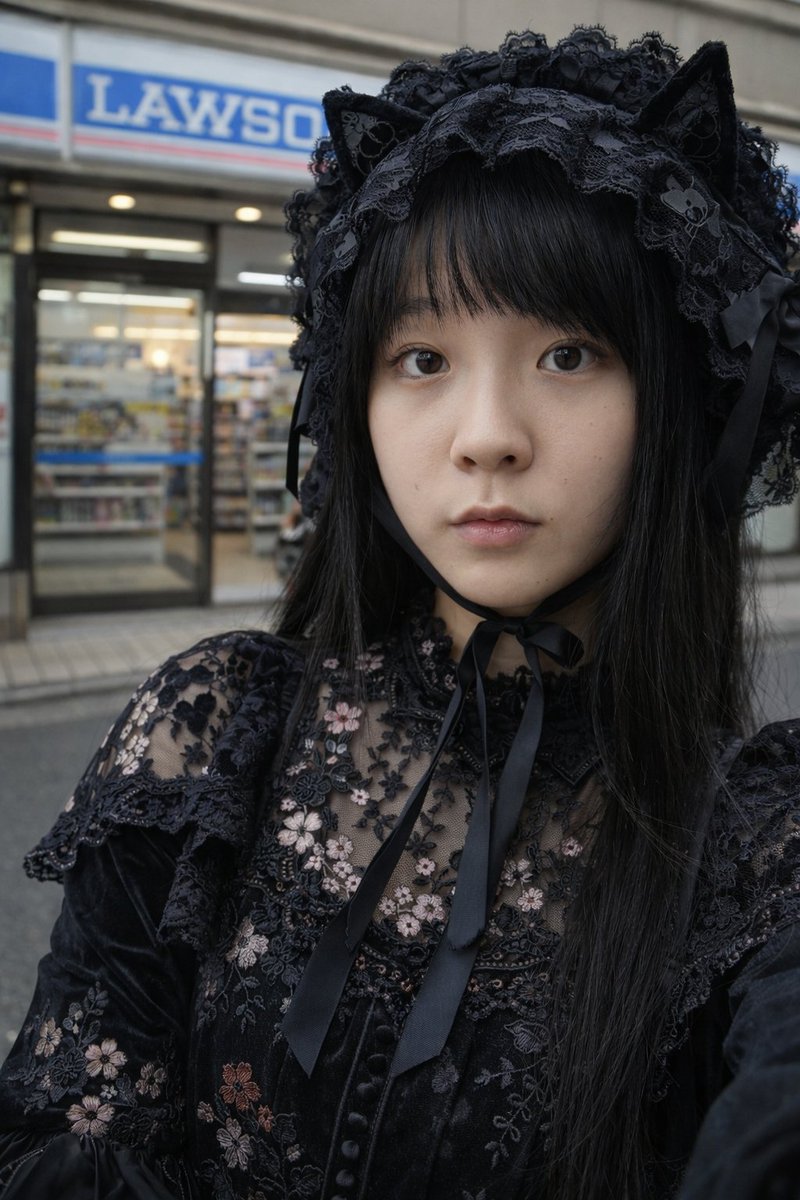
No. 3: Profil / Avatar - Gothic-Lolita-Porträt im Convenience Store
📖 Beschreibung
Ein fotorealistisches Porträt einer Person im Gothic-Lolita-Stil, die vor einem japanischen Convenience Store steht.
📝 Prompt
Ein fotorealistisches Nahaufnahme-Porträt einer {argument name="subject" default="jungen Japanerin"} mit glattem, schwarzem Haar und Pony, die ein {argument name="outfit" default="schwarzes Gothic-Lolita-Kleid mit Blumenstickerei"} und einen {argument name="headwear" default="schwarzen Spitzen-Kopfschmuck mit Katzenohren"} trägt, der mit einem schwarzen Band unter ihrem Kinn gebunden ist. Sie hat einen {argument name="expression" default="neutralen Gesichtsausdruck"} und schaut direkt in die Kamera. Der Hintergrund zeigt eine unscharfe Straßenszene mit der Fassade eines {argument name="background" default="Lawson Convenience Stores"}, inklusive des blau-weißen Schildes und der Glastüren. Die Beleuchtung ist natürlich und diffus, was für eine realistische Ästhetik eines alltäglichen Schnappschusses sorgt.
🖼️ Generierte Bilder
Image 1
📌 Details
- Autor: 栗
- Quelle: Twitter Post
- Veröffentlicht: 15. April 2026
- Sprachen: en
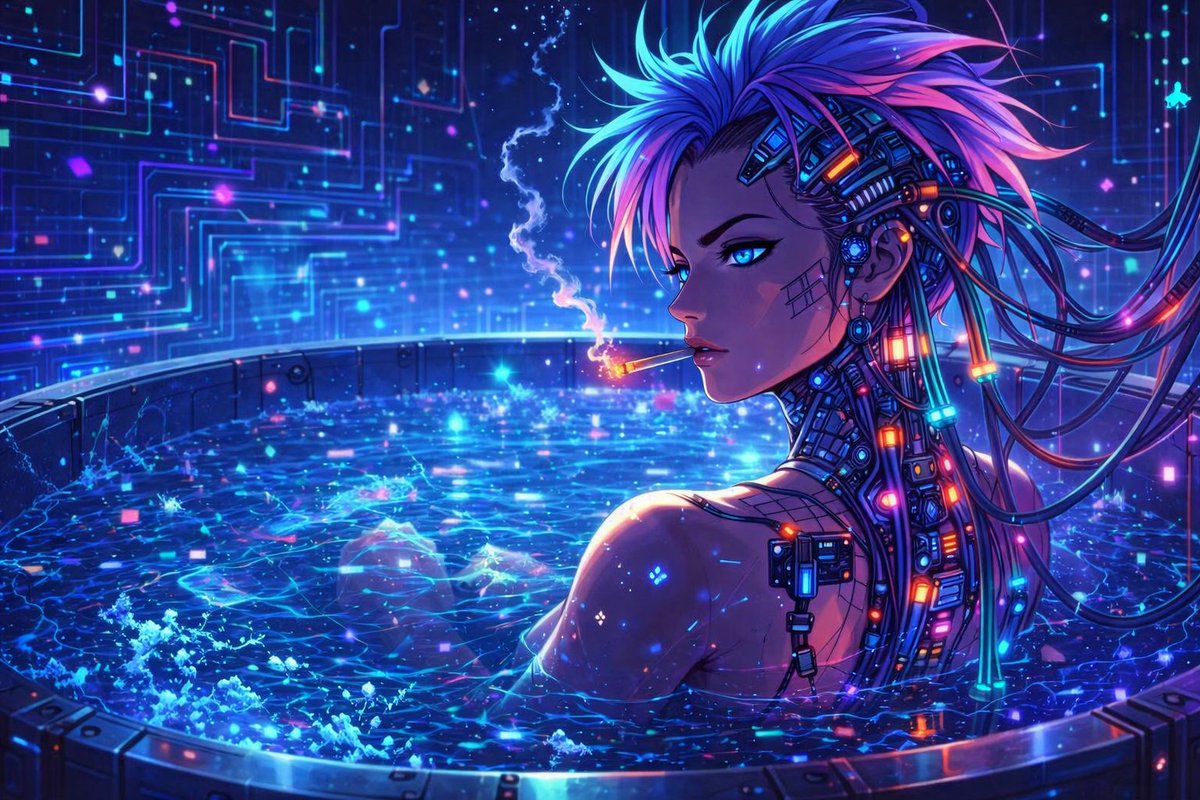
No. 4: Profil / Avatar - Cyberpunk-Anime-Charakter in Neon-Wanne
📖 Beschreibung
Erzeugt eine lebendige Cyberpunk-Illustration im Anime-Stil von einem kybernetisch verbesserten Charakter in einem leuchtenden High-Tech-Becken.
📝 Prompt
Eine hochdetaillierte digitale Illustration im Anime-Stil einer weiblichen Cyberpunk-Figur, die in einer runden Metallwanne entspannt, gefüllt mit wirbelndem, leuchtend blauem Wasser, das mit digitalen Neonpartikeln funkelt. Sie hat stacheliges {argument name="hair color" default="blau-violettes"} Haar, {argument name="eye color" default="leuchtend blaue"} Augen und komplexe kybernetische Implantate mit leuchtenden Kabeln und Neonknoten an ihrem Hals und an der Seite ihres Kopfes. Ein subtiles Gittermuster ist auf ihrer Wange sichtbar. Sie blickt über ihre Schulter, während sie {argument name="activity" default="eine Zigarette raucht"}, wobei eine dünne, leuchtende Rauchfahne in die Luft aufsteigt. Der Hintergrund zeigt eine dunkle High-Tech-Wand, die von leuchtenden {argument name="background color scheme" default="blau-violetten"} Leiterplattenmustern erhellt wird, was eine lebendige Cyberpunk-Ästhetik mit intensiver Neonbeleuchtung unterstreicht.
🖼️ Generierte Bilder
Image 1
📌 Details
- Autor: Binary Rot
- Quelle: Twitter Post
- Veröffentlicht: 13. April 2026
- Sprachen: en
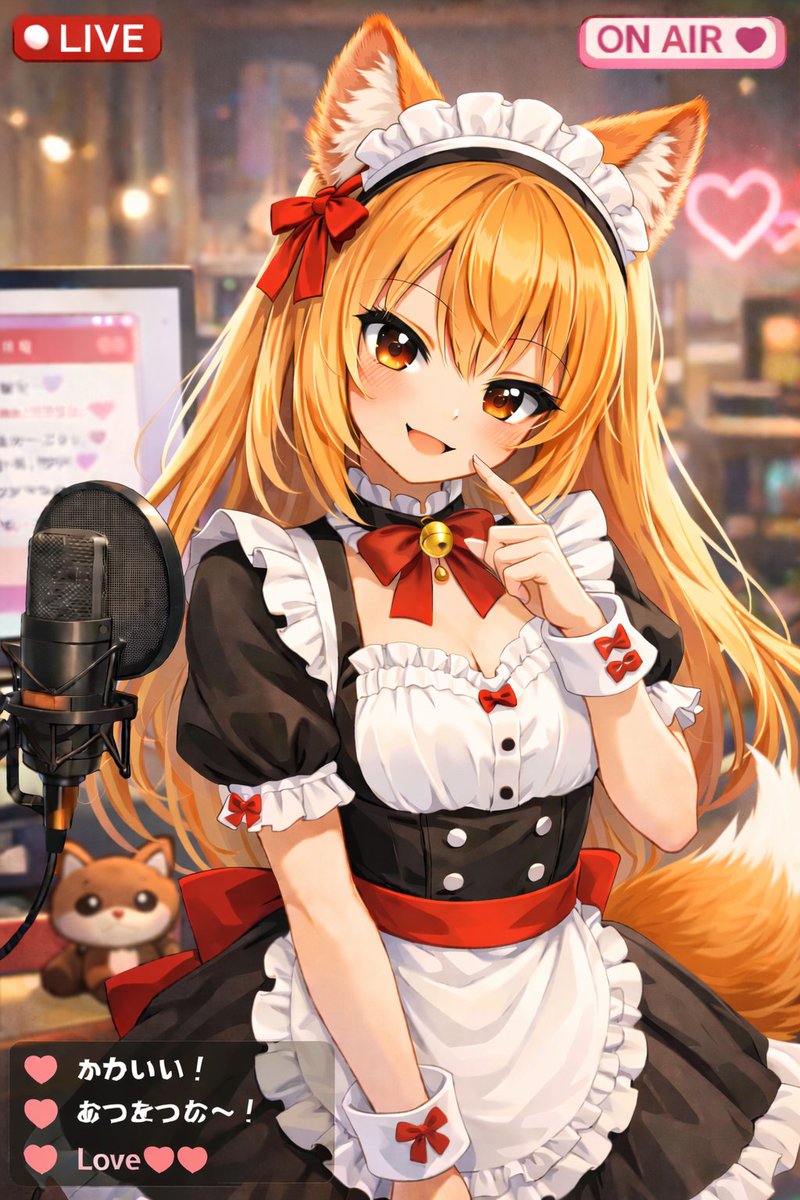
No. 5: Profil / Avatar - Anime VTuber Live-Stream-Overlay
📖 Beschreibung
Erstellt eine Illustration im Anime-Stil von einem VTuber beim Streamen mit UI-Overlays wie LIVE-Badges und einem Chat-Fenster.
📝 Prompt
Eine Illustration im Anime-Stil von einem niedlichen {argument name="animal type" default="Tanuki"}-Mädchen als VTuberin im Live-Stream. Sie hat dunkle Haut, einen kurzen weißen Bob-Haarschnitt, flauschige braune Tierohren, große braune Augen und einen flauschigen gestreiften Schwanz. Sie lächelt fröhlich mit offenem Mund und winkt mit der linken Hand in die Kamera. Sie trägt ein schwarz-weißes Dienstmädchen-Outfit mit weißem Spitzenbesatz, eine weiße Schürze mit hellgrünem Taillenband und ein grünes Band als Halsband mit einer goldenen Glocke. Der Hintergrund ist ein gemütlicher, sanft beleuchteter Raum mit Bokeh-Effekten und einem leuchtenden pinken Neonherz an der Wand. Zu ihrer Linken steht ein professionelles schwarzes Studiomikrofon auf einem Ständer, dahinter befindet sich ein Computermonitor, der eine pinke Chat-Oberfläche anzeigt. Ein kleines {argument name="plushie type" default="Tanuki-Stofftier"} sitzt auf dem Schreibtisch neben dem Mikrofon. Das Bild enthält ein Streaming-UI-Overlay mit 3 verschiedenen Komponenten: ein rotes Badge oben links mit der Aufschrift „{argument name="top left badge" default="LIVE"}“, ein pinkes Badge oben rechts mit der Aufschrift „{argument name="top right badge" default="ON AIR"}“ inklusive Herz-Symbol, sowie ein halbtransparentes, dunkelgraues Chat-Fenster unten links mit genau 3 Nachrichten. Die erste Nachricht enthält ein grünes Herz und den Text „Cute!“, die zweite ein grünes Herz und den Text „Warm~!“, und die dritte lautet „{argument name="chat message" default="Love"}“ mit zwei grünen Herzen.
🖼️ Generierte Bilder
Image 1
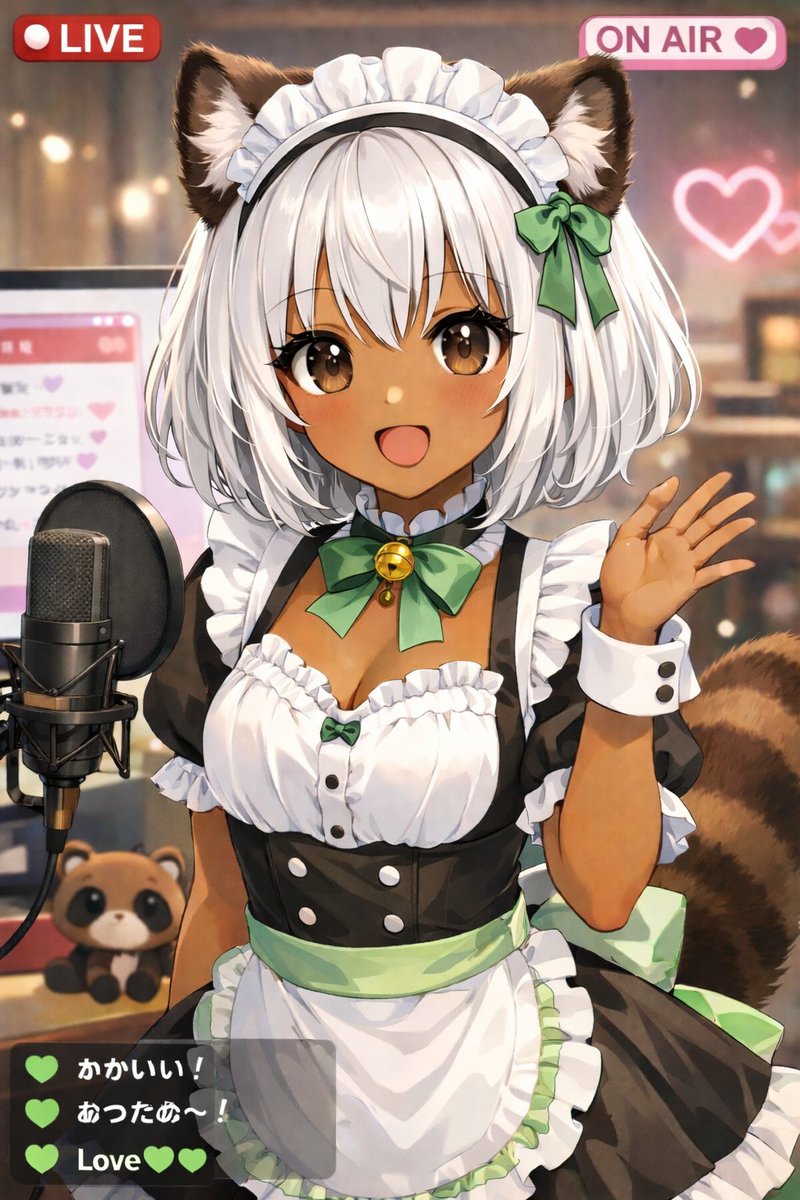
Image 2
📌 Details
- Autor: しーげっちは自分で描いた絵を動かしたい
- Quelle: Twitter Post
- Veröffentlicht: 13. April 2026
- Sprachen: en
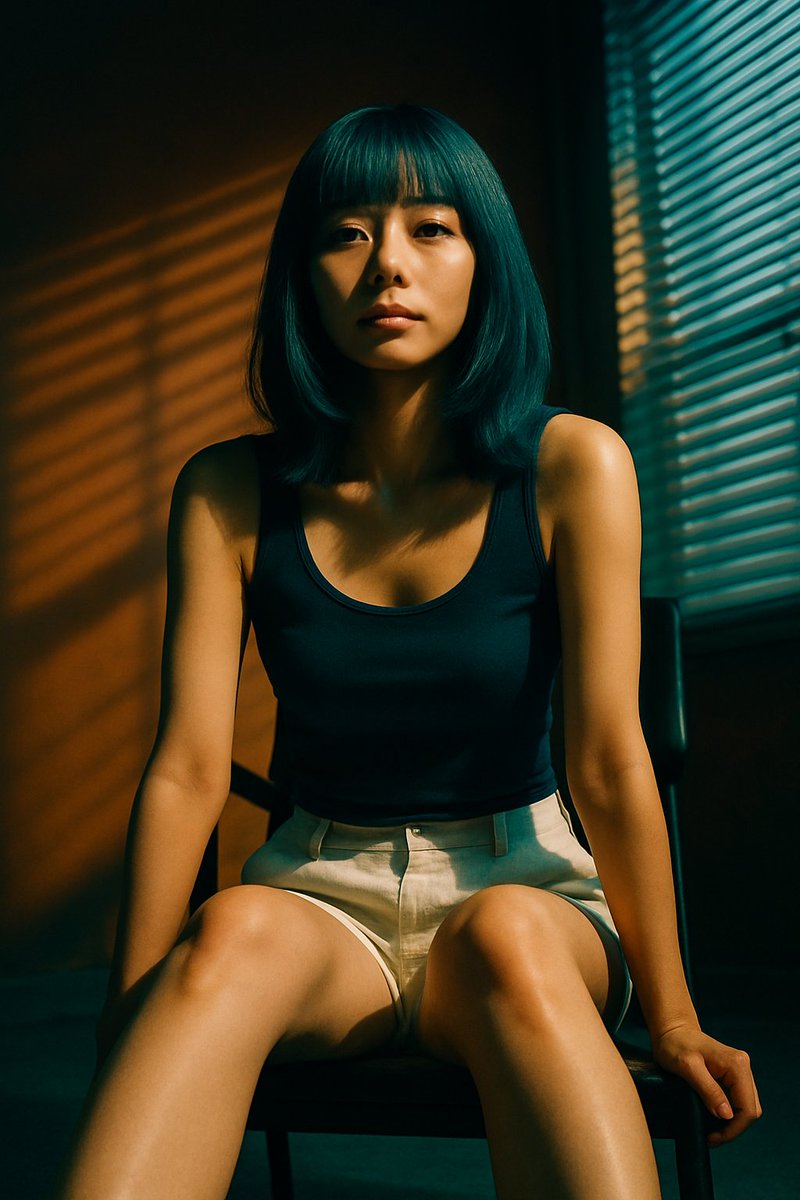
No. 6: Profil / Avatar - Filmreifes Porträt mit Jalousienschatten
📖 Beschreibung
Erzeugt ein fotorealistisches Porträt einer sitzenden Person mit dramatischer Beleuchtung und markanten Schatten, die durch Fensterjalousien geworfen werden.
📝 Prompt
Ein fotorealistisches, filmreifes Porträt einer jungen ostasiatischen Frau, die auf einem dunklen Stuhl sitzt. Sie hat einen schulterlangen Bob mit geradem Pony in der Farbe {argument name="hair color" default="türkis"}. Sie trägt ein {argument name="top clothing" default="dunkelblaues Tanktop"} und {argument name="bottom clothing" default="hellbeige Leinenshorts"}. Sie lehnt sich leicht nach vorne, ihre Hände ruhen in der Nähe ihrer Knie, und sie blickt mit einem {argument name="expression" default="neutralen, ruhigen"} Ausdruck direkt in die Kamera. Die Szene zeichnet sich durch {argument name="lighting style" default="dramatische Schatten von Jalousien"} aus, die markante horizontale Streifen aus warmem, goldenem Licht auf ihr Gesicht, ihren Körper und die schlichte, warm getönte Wand hinter ihr werfen. Auf der rechten Seite des Bildes ist ein Fenster mit geschlossenen Jalousien zu sehen. Hoher Kontrast, stimmungsvolle Atmosphäre, hochdetailliert.
🖼️ Generierte Bilder
Image 1
📌 Details
- Autor: 栗
- Quelle: Twitter Post
- Veröffentlicht: 13. April 2026
- Sprachen: en
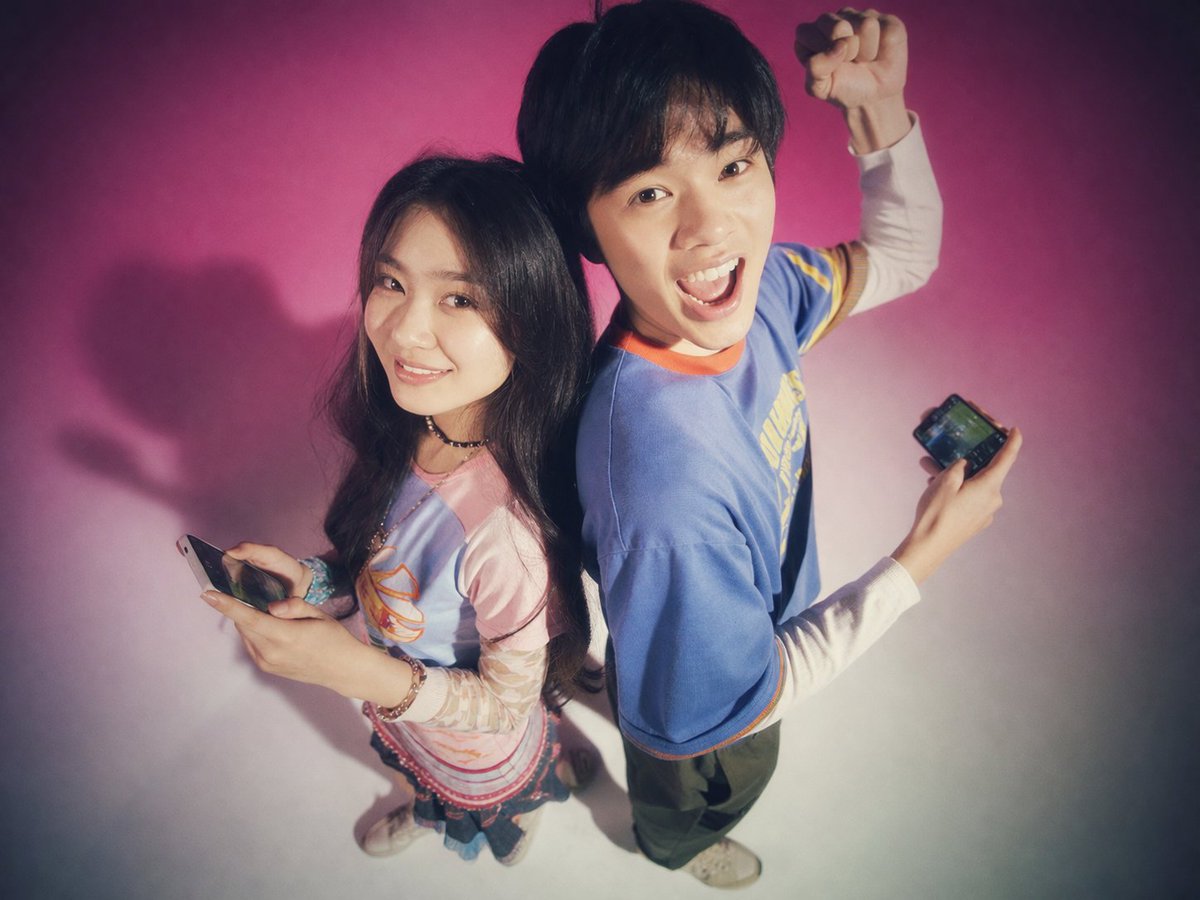
No. 7: Profil / Avatar - Y2K Teen-Magazin Studio-Porträt
📖 Beschreibung
Erzeugt ein nostalgisches, weichgezeichnetes Studio-Porträt von zwei jungen Erwachsenen, die Rücken an Rücken mit Smartphones posieren – perfekt für Retro-Mode oder Tech-Lifestyle-Bilder.
📝 Prompt
Ein Studio-Porträt von zwei jungen ostasiatischen Erwachsenen, die Rücken an Rücken vor einem {argument name="background color" default="hellrosa bis weißen Farbverlauf"} Hintergrund stehen. Das Foto besticht durch eine {argument name="photography style" default="nostalgische Y2K-Ästhetik im Stil von Jugendmagazinen der 90er Jahre mit weichem Fokus, Filmkorn und einem leuchtenden Bloom-Effekt"}. Links lächelt eine junge Frau mit langem dunklem Haar sanft in die Kamera. Sie trägt ein Lagen-Outfit bestehend aus einem {argument name="woman's outfit" default="hellgrünen Grafik-T-Shirt über einem rosa Langarmshirt, einem kurzen Rock und klobigen Sneakern"} und hält ein Smartphone in der Hand. Rechts schaut ein junger Mann mit kurzem dunklem Haar {argument name="man's expression" default="begeistert mit offenem Mund"} und reckt eine Faust in die Luft. Er trägt ein {argument name="man's outfit" default="weit geschnittenes violettes T-Shirt mit gelbem Saum, eine lockere blaue Jeans und eine silberne Kette"} und hält ebenfalls ein Smartphone. Der Kamerawinkel ist leicht erhöht und blickt auf die Personen herab.
🖼️ Generierte Bilder
Image 1
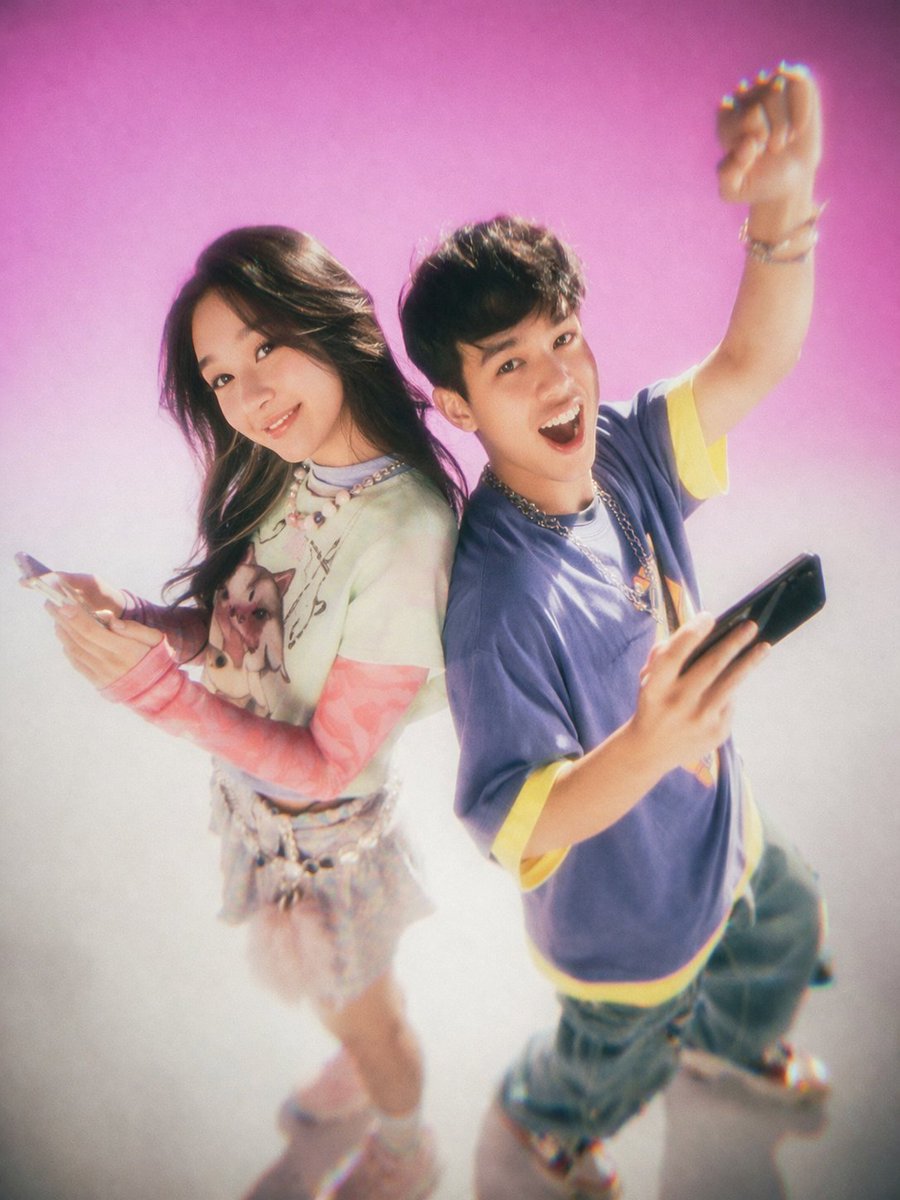
Image 2
📌 Details
- Autor: MiraiMosaic
- Quelle: Twitter Post
- Veröffentlicht: 13. April 2026
- Sprachen: en
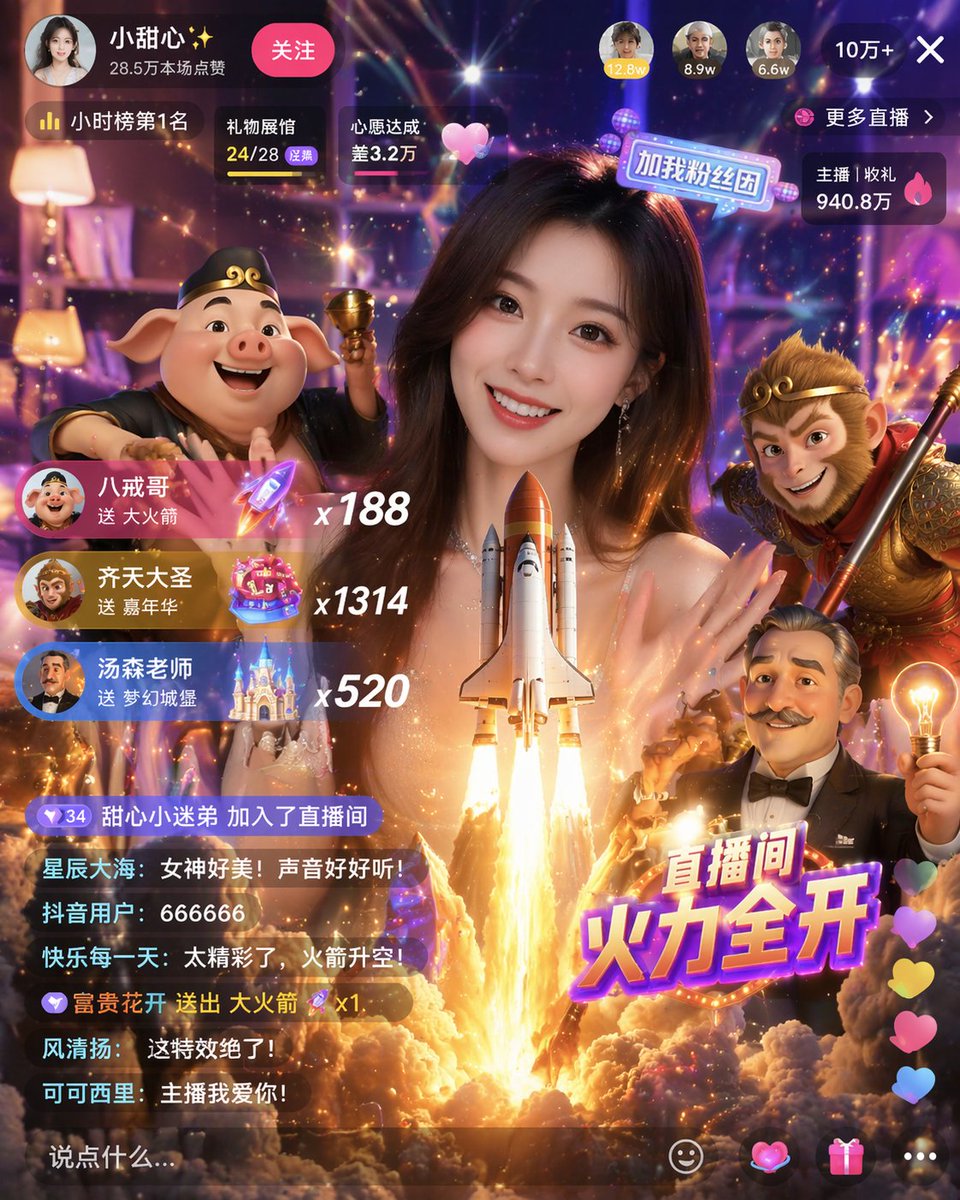
No. 8: Social-Media-Beitrag - Gamified Live Stream App Interface
📖 Beschreibung
Generates a highly detailed mobile live streaming interface featuring a host, 3D character avatars, virtual gift notifications, and a scrolling chat.
📝 Prompt
{
  "type": "mobile live streaming app interface mockup",
  "main_subject": "beautiful young Asian woman smiling, wearing a sparkly top, looking directly at the camera",
  "foreground_3d_characters": {
    "left": "Zhu Bajie (pig demon) holding a golden bowl",
    "right": "Sun Wukong (Monkey King) holding a staff",
    "bottom_right": "cartoonish older man with a mustache holding a glowing lightbulb"
  },
  "center_effect": "large space shuttle launching upwards with bright fire and smoke, positioned in front of the woman's chest",
  "layout": {
    "top_bar": {
      "broadcaster_info": "avatar, name {argument name=\"broadcaster name\" default=\"小甜心✨\"}, stats '28.5万本场点赞', pink '关注' button",
      "top_viewers": "3 avatars with stats '12.8w', '8.9w', '6.6w', and a close button '10万+ X'",
      "status_badges": "labels '小时榜第1名', '礼物展馆 24/28', '心愿达成 差3.2万'",
      "right_stats": "labels '更多直播 >', '主播 | 收礼 940.8万'"
    },
    "middle_left_gift_notifications": {
      "count": 3,
      "items": [
        "avatar, name {argument name=\"gift sender 1\" default=\"八戒哥\"}, text '送 大火箭', rocket icon, multiplier 'x188'",
        "avatar, name {argument name=\"gift sender 2\" default=\"齐天大圣\"}, text '送 嘉年华', carnival icon, multiplier 'x1314'",
        "avatar, name {argument name=\"gift sender 3\" default=\"汤森老师\"}, text '送 梦幻城堡', castle icon, multiplier 'x520'"
      ]
    },
    "bottom_left_chat": {
      "count": 7,
      "messages": [
        "甜心小迷弟 加入了直播间",
        "星辰大海: 女神好美!声音好好听!",
        "抖音用户: 666666",
        "快乐每一天: 太精彩了,火箭升空!",
        "富贵花开 送出 大火箭 x1",
        "风清扬: 这特效绝了!",
        "可可西里: 主播我爱你!"
      ],
      "input_box": "text '说点什么...'"
    },
    "bottom_right_elements": {
      "large_graphic_text": "{argument name=\"main title graphic\" default=\"直播间 火力全开\"}",
      "floating_reactions": "column of colorful hearts",
      "action_icons": "4 icons: smiley face, heart, gift box, three dots"
    }
  }
}
🖼️ Generierte Bilder
Image 1
📌 Details
- Autor: Berryxia.AI
- Quelle: Twitter Post
- Veröffentlicht: 20. April 2026
- Sprachen: en
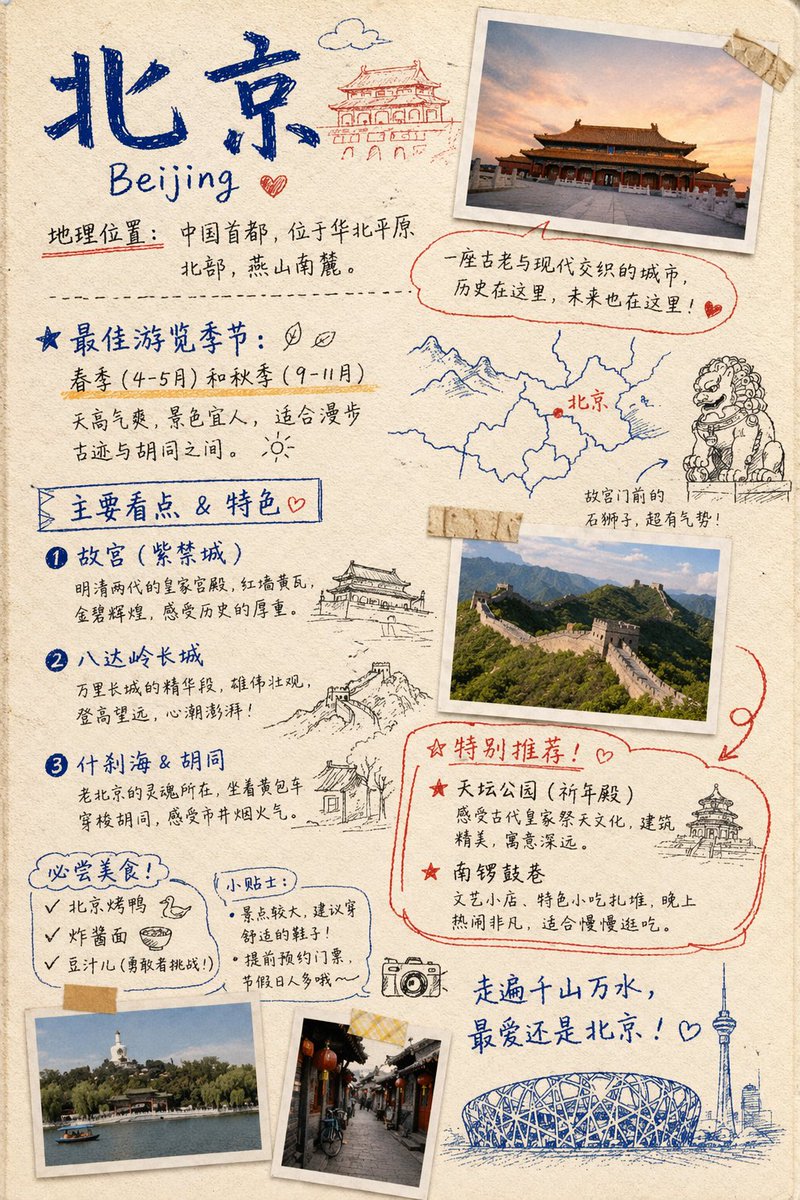
No. 9: Social-Media-Beitrag - Travel Journal Scrapbook Infographic
📖 Beschreibung
Generates a hand-drawn, bullet-journal style travel infographic featuring taped photos, sketch doodles, and categorized text sections for city guides.
📝 Prompt
{ "type": "travel journal scrapbook page", "style": "hand-drawn bullet journal, textured beige paper background, blue and red ink handwriting, masking tape, polaroid-style photos, sketch doodles", "header": { "title": "{argument name=\"city name\" default=\"北京\"}", "subtitle": "{argument name=\"city name english\" default=\"Beijing\"}", "location_text": "地理位置:中国首都,位于华北平原北部,燕山南麓。", "doodle": "traditional Chinese gate building" }, "photos": { "count": 4, "descriptions": [ "Forbidden City at sunset with masking tape", "Great Wall of China landscape with masking tape", "Beihai Park with white stupa", "Traditional Hutong alleyway with red lanterns" ] }, "layout": { "sections": [ { "title": "最佳游览季节:", "position": "mid-left", "labels": [ "春季 (4-5月) 和秋季 (9-11月)" ], "doodles": [ "two leaves", "sun" ] }, { "title": "Map and Lion", "position": "mid-right", "labels": [ "北京", "故宫门前的石狮子,超有气势!" ], "doodles": [ "map with red dot", "stone guardian lion" ] }, { "title": "主要看点 & 特色", "position": "left-middle", "count": 3, "labels": [ "{argument name=\"main attraction 1\" default=\"故宫 (紫禁城)\"}", "{argument name=\"main attraction 2\" default=\"八达岭长城\"}", "什刹海 & 胡同" ], "doodles": [ "traditional pavilion", "Great Wall segment", "traditional house" ] }, { "title": "特别推荐!", "position": "bottom-right", "count": 2, "labels": [ "天坛公园 (祈年殿)", "南锣鼓巷" ], "doodles": [ "Temple of Heaven" ], "style": "outlined in red ink" }, { "title": "必尝美食!", "position": "bottom-left", "count": 3, "labels": [ "{argument name=\"must try food 1\" default=\"北京烤鸭\"}", "炸酱面", "豆汁儿 (勇敢者挑战!)" ], "doodles": [ "duck head", "bowl of noodles" ] }, { "title": "小贴士:", "position": "bottom-left-center", "count": 2, "labels": [ "景点较大,建议穿舒适的鞋子!", "提前预约门票,节假日人多哦~" ] } ], "footer": { "quote": "走遍千山万水,最爱还是北京!", "doodles": [ "camera", "Bird's Nest stadium", "CCTV tower skyline" ] } } }
🖼️ Generierte Bilder
Image 1
📌 Details
- Autor: Nolan
- Quelle: Twitter Post
- Veröffentlicht: 19. April 2026
- Sprachen: en
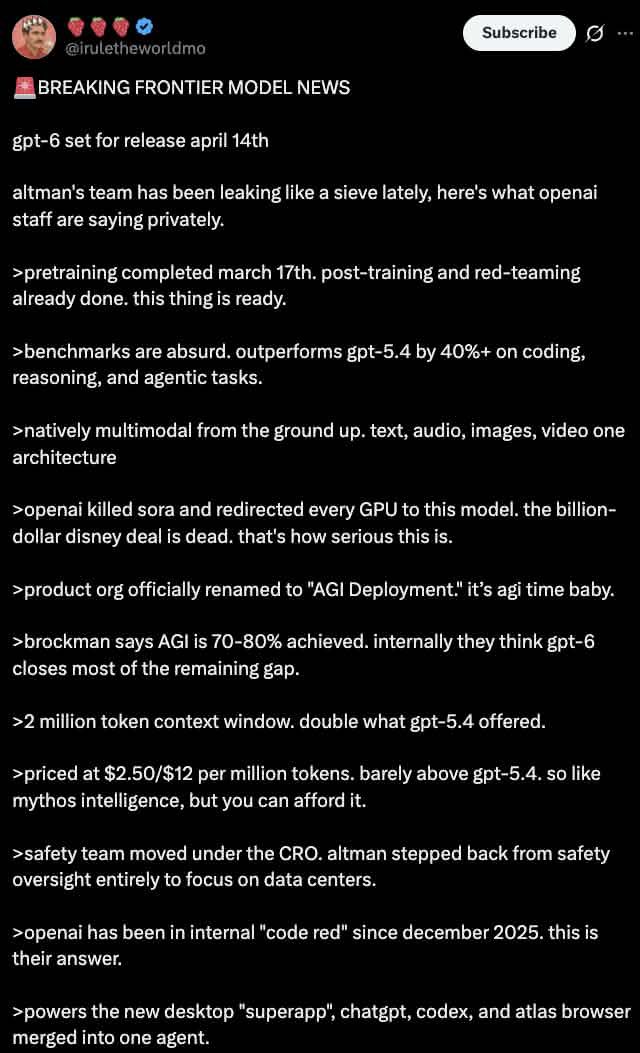
No. 10: Social-Media-Beitrag - Dark Mode X Post Mockup
📖 Beschreibung
Generates a realistic dark mode Twitter/X post screenshot featuring a long list of greentext-style bullet points.
📝 Prompt
A dark mode screenshot of an X post. The profile features a man with a mustache in a red shirt and crown, username {argument name="username" default="@iruletheworldmo"} with three strawberry emojis and a blue checkmark. Top right has a "Subscribe" button. The tweet text begins with {argument name="headline" default="🚨 BREAKING FRONTIER MODEL NEWS"} followed by {argument name="subheadline" default="gpt-6 set for release april 14th"} and a short intro about OpenAI leaks. Below are exactly 11 bullet points, each starting with a `>` symbol, detailing {argument name="bullet point topic" default="fictional AI model specs"} such as pretraining dates, outperforming gpt-5.4, native multimodality, killing Sora, renaming to "AGI Deployment", 2 million token context, pricing, safety team changes, a 2025 code red, and a new desktop superapp. The text is white on a black background in a standard sans-serif UI font.
🖼️ Generierte Bilder
Image 1
📌 Details
- Autor: dih
- Quelle: Twitter Post
- Veröffentlicht: 19. April 2026
- Sprachen: en
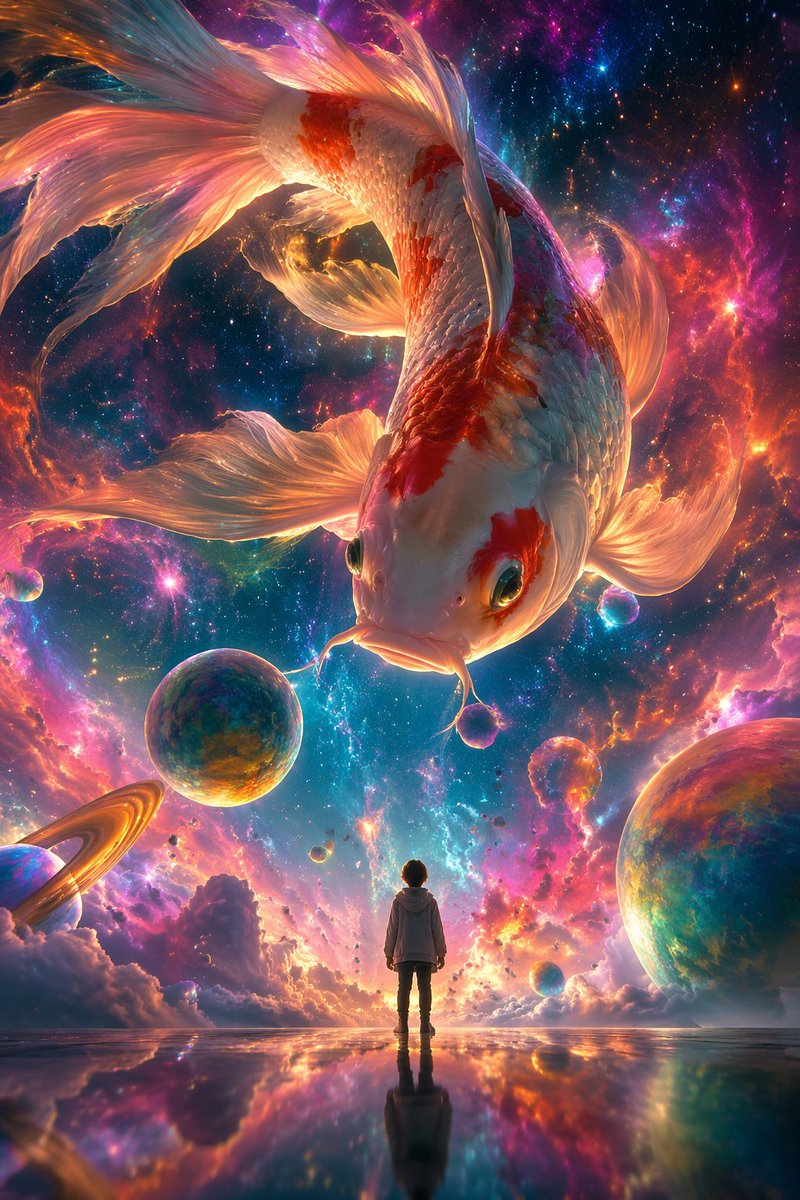
No. 11: Social-Media-Beitrag - Surrealist Koi Illustration Prompt

📖 Beschreibung
A prompt for a surrealist digital illustration featuring a giant colorful koi swimming in a nebula with a tiny human figure for scale.
📝 Prompt
A surrealist digital illustration style, using {argument name="camera angle" default="low-angle shot"}. The picture depicts a giant colorful {argument name="subject" default="koi"} swimming in a dreamlike nebula, surrounded by brightly colored nebulae and bubbles. In the center of the screen stands a small person with their back to the audience, looking up calmly at the giant koi in the sky, while the koi looks down at the person. The overall picture shows a strong contrast in size, with an ethereal and dreamlike atmosphere. Aspect ratio {argument name="aspect ratio" default="9:16"}.
🖼️ Generierte Bilder
Image 1
📌 Details
- Autor: 李岳
- Quelle: Twitter Post
- Veröffentlicht: 19. April 2026
- Sprachen: zh
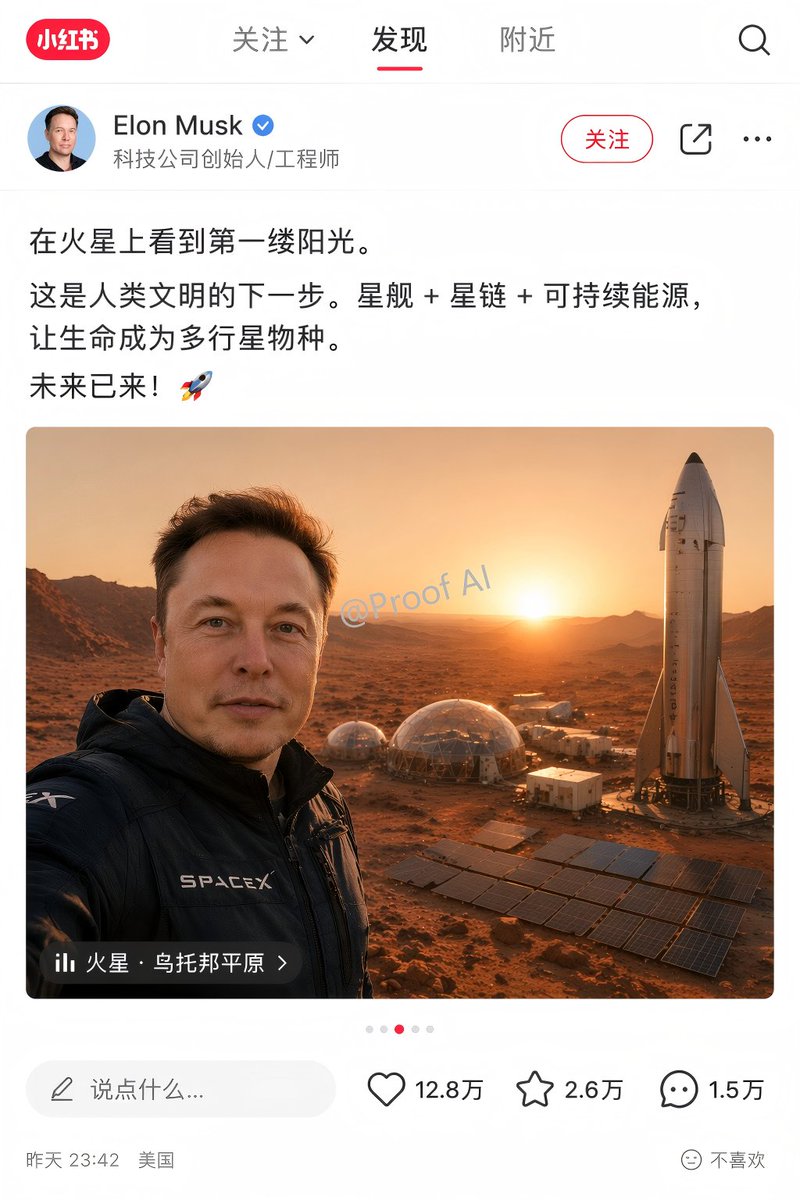
No. 12: Social-Media-Beitrag - Mars Selfie Social Media Mockup
📖 Beschreibung
Generates a realistic social media app interface mockup featuring a customizable user post, image, and engagement statistics.
📝 Prompt
{
  "type": "social media app interface mockup",
  "platform_style": "Xiaohongshu",
  "layout": {
    "header": {
      "logo": "red pill with '小红书'",
      "tabs": ["关注 v", "发现", "附近"],
      "active_tab": "发现",
      "icons": 1,
      "icon_types": ["search"]
    },
    "user_profile": {
      "avatar": "portrait of Elon Musk",
      "name": "{argument name=\"user name\" default=\"Elon Musk\"}",
      "verified_badge": "blue checkmark",
      "subtitle": "科技公司创始人/工程师",
      "action_buttons": 3,
      "button_labels": ["关注", "share icon", "ellipsis icon"]
    },
    "post_content": {
      "text": "{argument name=\"post text\" default=\"在火星上看到第一缕阳光。这是人类文明的下一步。星舰 + 星链 + 可持续能源,让生命成为多行星物种。未来已来!🚀\"}",
      "image": {
        "description": "{argument name=\"image subject\" default=\"Elon Musk taking a selfie on Mars\"}",
        "clothing": "black jacket with SPACEX logo",
        "background": "{argument name=\"background elements\" default=\"Starship rocket, geodesic habitat domes, solar panel arrays, Martian landscape at sunrise\"}",
        "watermark": "@Proof AI",
        "location_overlay": {
          "icon": "bar chart",
          "text": "{argument name=\"location tag\" default=\"火星 · 乌托邦平原 >\"}"
        }
      },
      "pagination_dots": 5
    },
    "footer": {
      "comment_input": "说点什么...",
      "interaction_stats": 3,
      "stats_details": [
        {"icon": "heart", "count": "12.8万"},
        {"icon": "star", "count": "2.6万"},
        {"icon": "speech bubble", "count": "1.5万"}
      ],
      "metadata": "昨天 23:42 美国",
      "feedback_button": "不喜欢"
    }
  }
}
🖼️ Generierte Bilder
Image 1
📌 Details
- Autor: Proof · AI Productivity
- Quelle: Twitter Post
- Veröffentlicht: 19. April 2026
- Sprachen: en
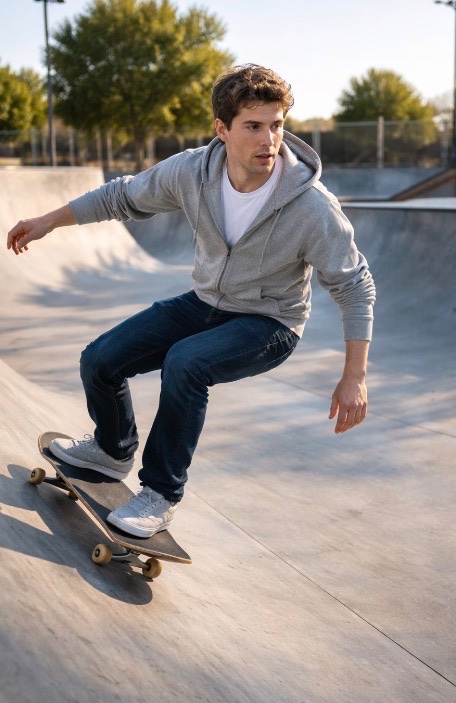
No. 13: Social-Media-Beitrag - Sam Altman Skateboarding Test Prompt
📖 Beschreibung
A simple prompt for GPT Image 2 featuring Sam Altman on a skateboard at a skatepark, used to test the model's subject consistency.
📝 Prompt
{argument name="subject" default="Sam Altman"} on a {argument name="object" default="skateboard"} at a {argument name="location" default="skatepark"} with no people.
🖼️ Generierte Bilder
Image 1
📌 Details
- Autor: Ilbs (I love boring stuff)
- Quelle: Twitter Post
- Veröffentlicht: 19. April 2026
- Sprachen: en
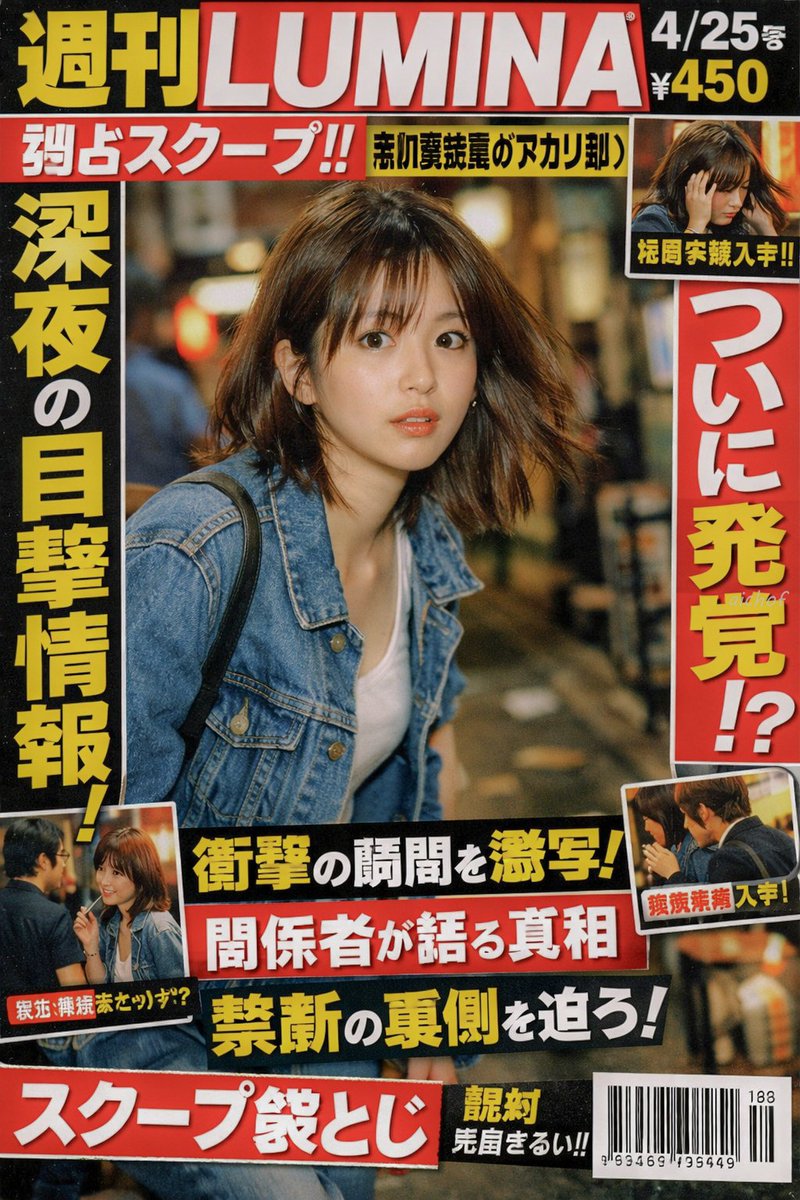
No. 14: Social-Media-Beitrag - Japanese Tabloid Magazine Cover
📖 Beschreibung
Generates a realistic Japanese weekly gossip magazine cover featuring paparazzi-style photography, sensational headlines, and multiple inset photos.
📝 Prompt
{
  "type": "Japanese tabloid magazine cover",
  "magazine_header": {
    "title": "{argument name=\"magazine name\" default=\"週刊LUMINA\"}",
    "issue_date": "4/25号",
    "price": "¥450"
  },
  "main_photo": {
    "subject": "{argument name=\"subject description\" default=\"young Japanese woman looking back in surprise, wearing a denim jacket over a white top\"}",
    "setting": "nighttime street with bokeh lights",
    "style": "paparazzi flash photography style"
  },
  "layout": {
    "headlines": [
      { "position": "top left banner", "text": "{argument name=\"top banner text\" default=\"独占スクープ!!\"}", "color": "white text on red background" },
      { "position": "left vertical", "text": "{argument name=\"main headline left\" default=\"深夜の目撃情報!\"}", "color": "yellow text with black outline" },
      { "position": "right vertical", "text": "{argument name=\"main headline right\" default=\"ついに発覚!?\"}", "color": "red text with white outline" },
      { "position": "bottom center stacked 1", "text": "衝撃の瞬間を激写!", "color": "yellow text on black background" },
      { "position": "bottom center stacked 2", "text": "関係者が語る真相", "color": "white text on red background" },
      { "position": "bottom center stacked 3", "text": "禁断の裏側を迫ろ!", "color": "yellow text on black background" },
      { "position": "bottom left banner", "text": "スクープ袋とじ", "color": "white text on red background" }
    ],
    "inset_photos": {
      "count": 3,
      "details": [
        { "position": "top right", "description": "woman looking down holding her head", "label": "極秘写真入手!!" },
        { "position": "bottom left", "description": "woman talking to a man with glasses", "label": "親密交際発覚か!?" },
        { "position": "bottom right", "description": "woman and man seen from the side", "label": "熱愛発覚 入手!" }
      ]
    },
    "footer": {
      "elements": ["barcode", "188", "963469 195449"]
    }
  }
}
🖼️ Generierte Bilder
Image 1
📌 Details
- Autor: aichof(アイチョフ)
- Quelle: Twitter Post
- Veröffentlicht: 19. April 2026
- Sprachen: en
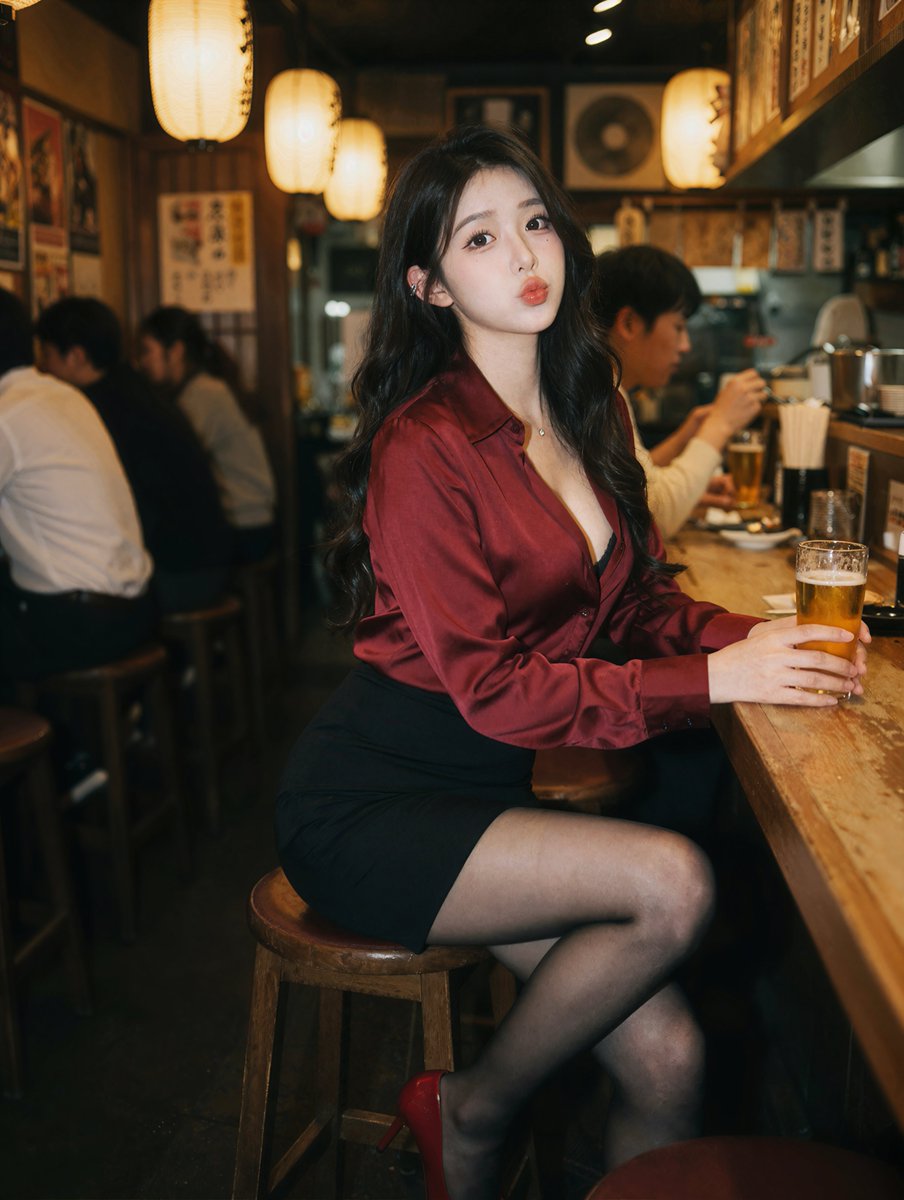
No. 15: Social-Media-Beitrag - Photorealistic Izakaya Portrait
📖 Beschreibung
Generates a photorealistic portrait of a subject sitting at a bar, ideal for lifestyle or character photography.
📝 Prompt
A photorealistic portrait of a {argument name="subject description" default="young East Asian woman"} sitting at a wooden counter in a {argument name="setting" default="dimly lit izakaya"}. She has long wavy black hair and wears a {argument name="top clothing" default="deep red silk button-down shirt"}, a black mini skirt, sheer black tights, and red high heels. She holds a {argument name="drink" default="glass of beer"} and looks at the camera with a slight pout. The background features blurred patrons and warm glowing {argument name="lighting source" default="paper lanterns"}. Cinematic lighting, shallow depth of field.
🖼️ Generierte Bilder
Image 1
📌 Details
- Autor: Andy Chow
- Quelle: Twitter Post
- Veröffentlicht: 19. April 2026
- Sprachen: en
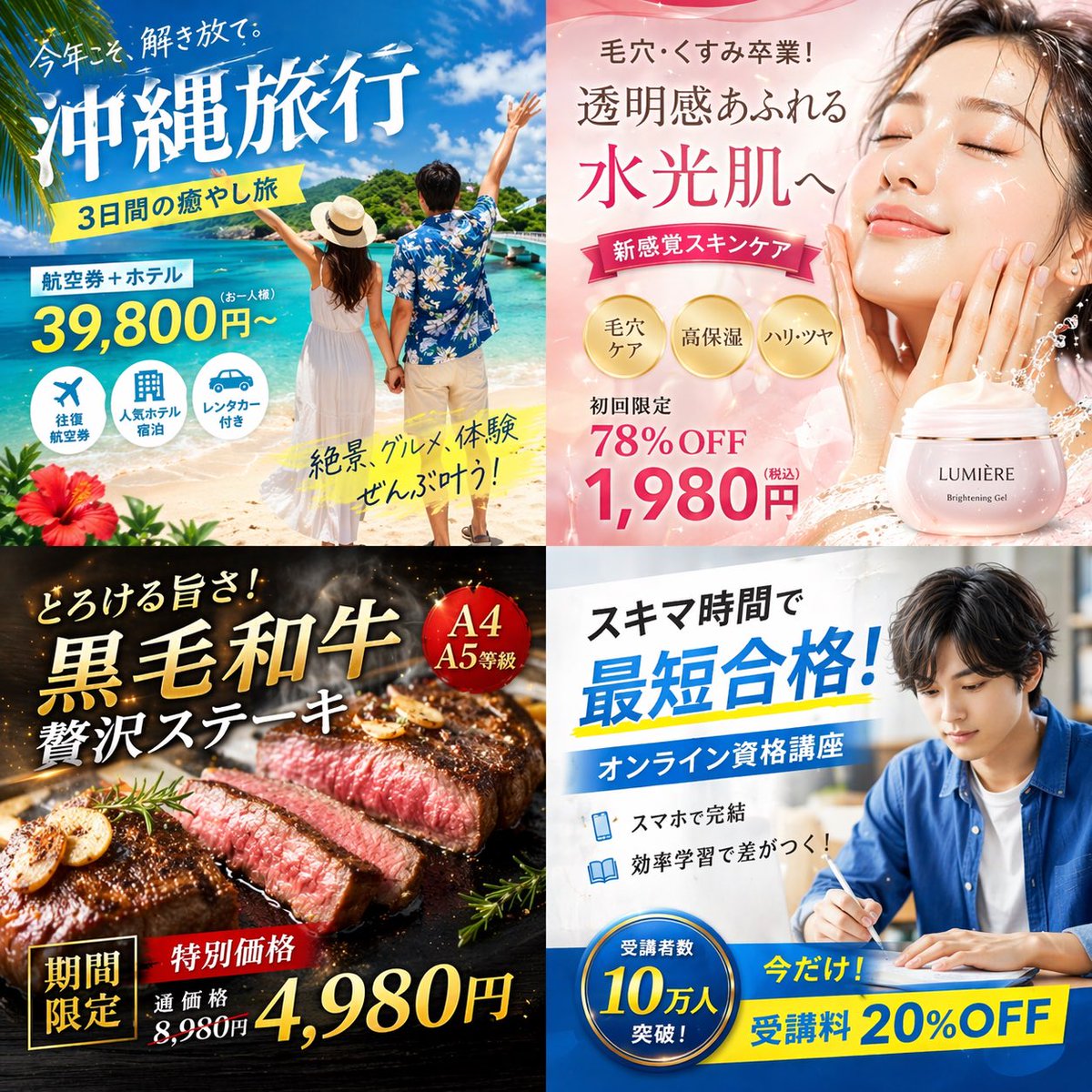
No. 16: Social-Media-Beitrag - 4-Panel Japanese Digital Ad Banner Grid
📖 Beschreibung
Generates a 2x2 grid of distinct Japanese digital advertisement banners for travel, skincare, food, and online education.
📝 Prompt
{
  "type": "2x2 grid of Japanese digital advertisement banners",
  "layout": {
    "structure": "4 equal quadrants",
    "quadrants": [
      {
        "position": "top-left",
        "theme": "Travel",
        "subject": "A couple holding hands on a white sand beach, looking out at turquoise ocean water under a bright blue sky.",
        "elements": ["red hibiscus flower in bottom left corner"],
        "text_labels": [
          "今年こそ、解き放て。",
          "{argument name=\"travel destination\" default=\"沖縄旅行\"}",
          "3日間の癒やし旅",
          "航空券+ホテル",
          "39,800円〜",
          "絶景、グルメ、体験 ぜんぶ叶う!"
        ],
        "icons": {
          "count": 3,
          "descriptions": ["airplane", "hotel building", "car"]
        }
      },
      {
        "position": "top-right",
        "theme": "Skincare",
        "subject": "Close-up portrait of a young woman with glowing, dewy skin, eyes closed, gently touching her cheeks.",
        "elements": [
          "soft pink gradient background",
          "dynamic water splash effects",
          "pink cosmetic jar labeled '{argument name=\"skincare product name\" default=\"LUMIÈRE\"} Brightening Gel'"
        ],
        "text_labels": [
          "毛穴・くすみ卒業!",
          "透明感あふれる",
          "水光肌へ",
          "新感覚スキンケア",
          "初回限定 78%OFF",
          "{argument name=\"discount price\" default=\"1,980円\"}"
        ],
        "badges": {
          "count": 3,
          "style": "gold circular",
          "labels": ["毛穴ケア", "高保湿", "ハリ・ツヤ"]
        }
      },
      {
        "position": "bottom-left",
        "theme": "Gourmet Food",
        "subject": "Thick, sliced, medium-rare steak sizzling on a dark grill plate.",
        "elements": [
          "garlic chips",
          "rosemary sprig",
          "dark background with smoke and glowing embers"
        ],
        "text_labels": [
          "とろける旨さ!",
          "{argument name=\"food item\" default=\"黒毛和牛\"}",
          "贅沢ステーキ",
          "期間限定",
          "特別価格",
          "通常価格 8,980円",
          "4,980円"
        ],
        "badges": {
          "count": 1,
          "style": "red circular",
          "labels": ["A4 A5等級"]
        }
      },
      {
        "position": "bottom-right",
        "theme": "Online Education",
        "subject": "Young man in a blue shirt studying at a desk, writing in a notebook next to an open laptop.",
        "elements": ["bright indoor lighting", "desk environment"],
        "text_labels": [
          "スキマ時間で",
          "{argument name=\"education goal\" default=\"最短合格!\"}",
          "オンライン資格講座",
          "スマホで完結",
          "効率学習で差がつく!",
          "今だけ! 受講料 20%OFF"
        ],
        "badges": {
          "count": 1,
          "style": "blue circular",
          "labels": ["受講者数 10万人 突破!"]
        },
        "icons": {
          "count": 2,
          "descriptions": ["smartphone", "open book"]
        }
      }
    ]
  }
}
🖼️ Generierte Bilder
Image 1
📌 Details
- Autor: まかねこ| AI×仮想通貨
- Quelle: Twitter Post
- Veröffentlicht: 19. April 2026
- Sprachen: en
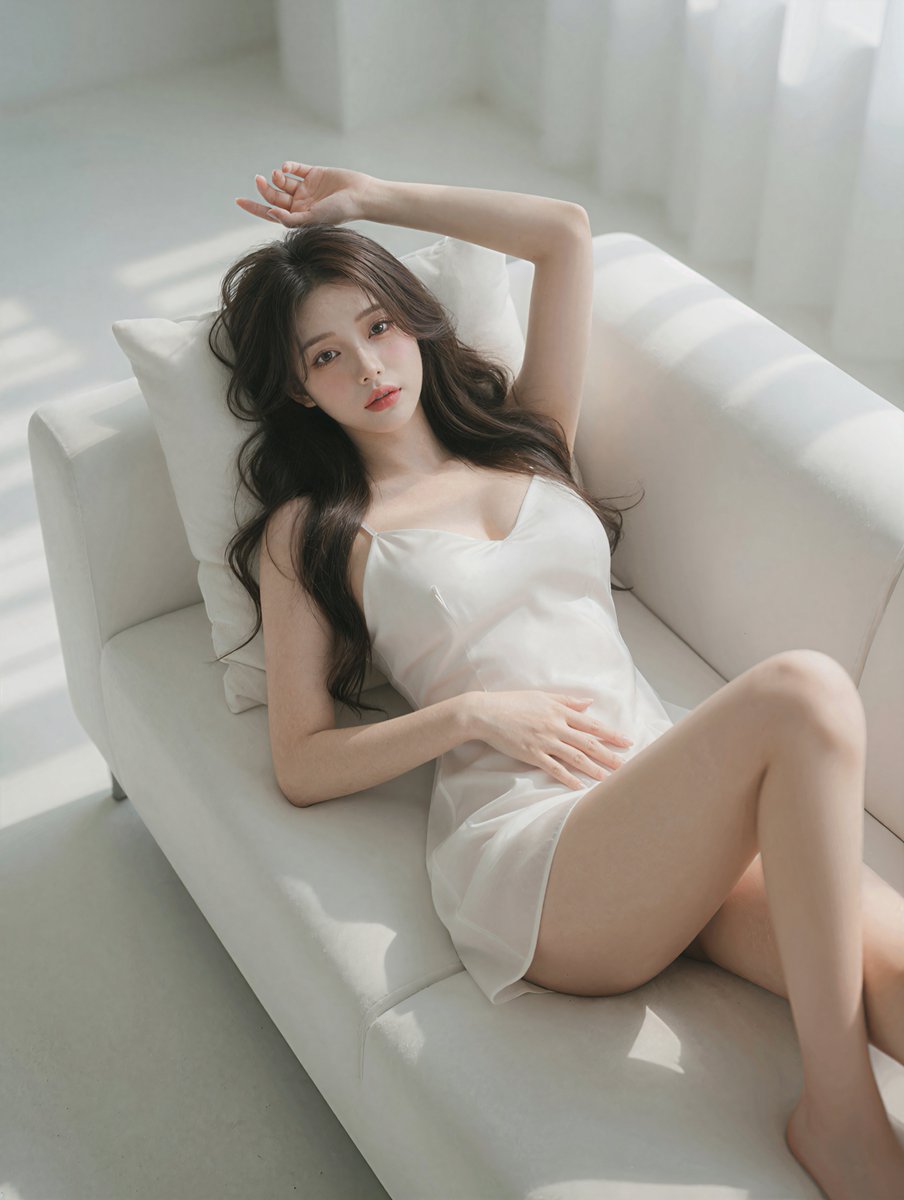
No. 17: Social-Media-Beitrag - Photorealistic Reclining Portrait
📖 Beschreibung
Generates a high-quality, photorealistic image of a woman relaxing on a sofa in soft natural light.
📝 Prompt
A highly detailed, photorealistic portrait of a {argument name="subject description" default="beautiful young Asian woman"} reclining gracefully on a {argument name="furniture" default="white modern sofa"}. She is wearing a {argument name="clothing" default="short white silk slip dress"} with thin straps, her {argument name="hair style" default="long wavy dark brown hair"} cascading softly over a white pillow. Her pose is relaxed and intimate, with one arm raised elegantly above her head and the other hand resting gently on her stomach, as she gazes directly at the camera with a soft, alluring expression. The scene is illuminated by {argument name="lighting style" default="soft natural sunlight streaming through a window"}, casting gentle, diffused shadows across her flawless skin and the pristine white upholstery. The aesthetic is bright, minimalist, and ethereal, captured with an 85mm lens for a cinematic, shallow depth of field and soft, glowing highlights.
🖼️ Generierte Bilder
Image 1
📌 Details
- Autor: Andy Chow
- Quelle: Twitter Post
- Veröffentlicht: 19. April 2026
- Sprachen: en
No. 18: Social-Media-Beitrag - Douyin Live Stream UI Prompt
📖 Beschreibung
A simple prompt for generating a user interface simulation of a Douyin live streaming room, useful for app design prototyping.
📝 Prompt
Generate a Douyin live stream interface, showing a {argument name="subject" default="beautiful woman"} performing a {argument name="activity" default="live broadcast"}
🖼️ Generierte Bilder
Image 1
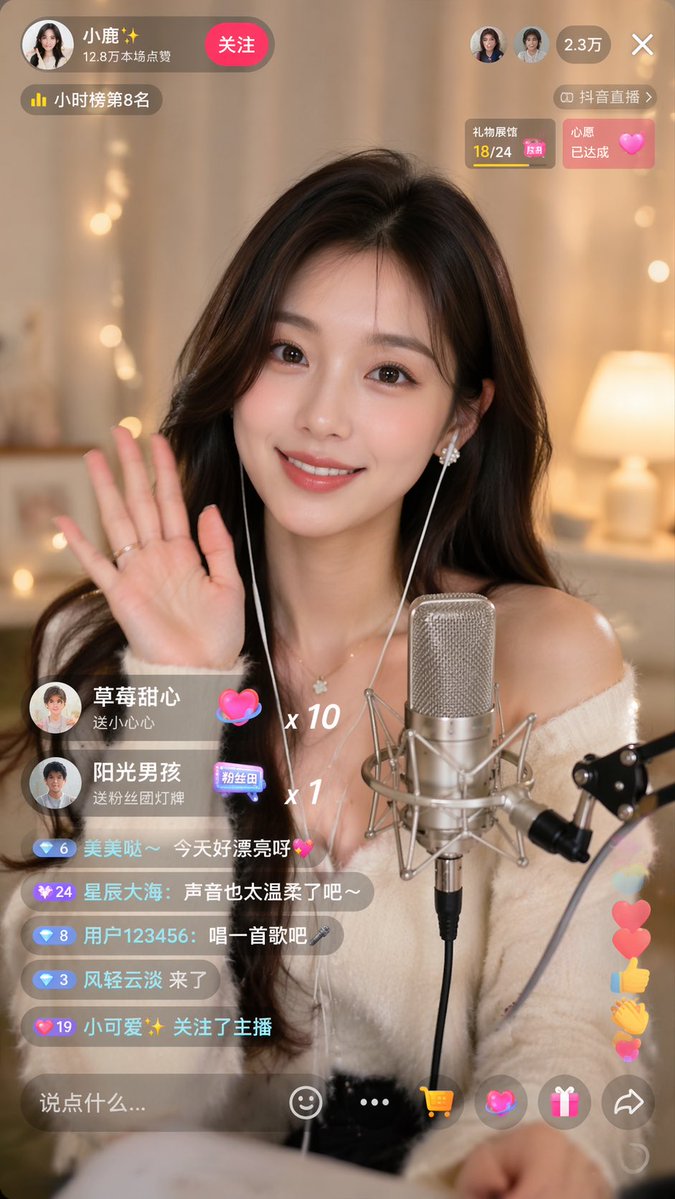
Image 2
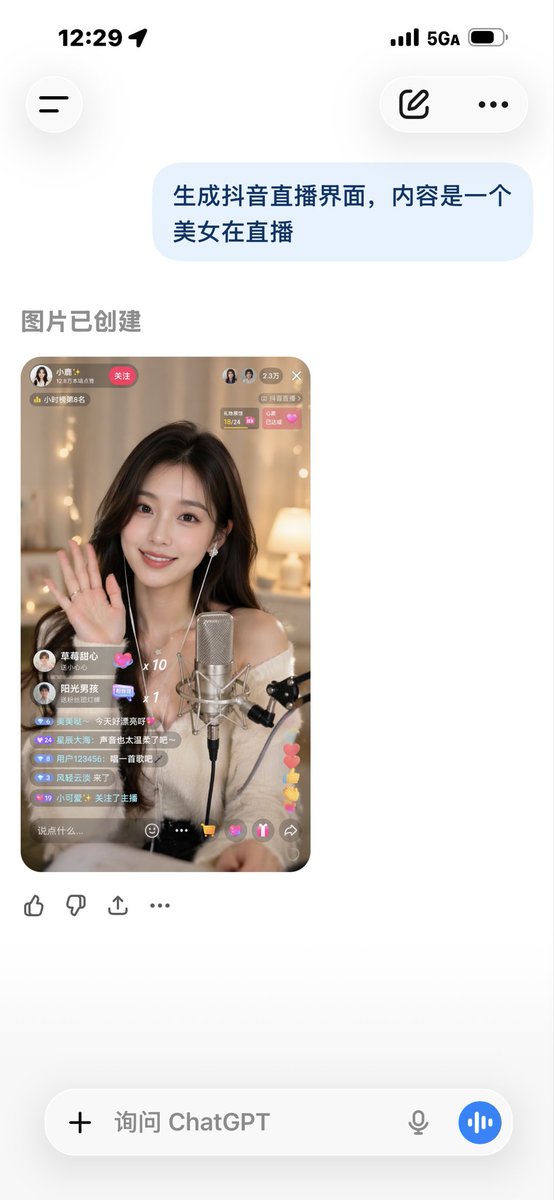
📌 Details
- Autor: Sun phone
- Quelle: Twitter Post
- Veröffentlicht: 19. April 2026
- Sprachen: zh
No. 19: Social-Media-Beitrag - Test der Text-Rendering-Fähigkeit

📖 Beschreibung
Ein Prompt, der verwendet wird, um zu testen, ob das Modell komplexen Text präzise auf ein bestimmtes Objekt rendern kann.
📝 Prompt
Eine {argument name="fruit" default="Banane"} mit dem darauf geschriebenen {argument name="text" default="Herz-Sutra"}
🖼️ Generierte Bilder
Image 1
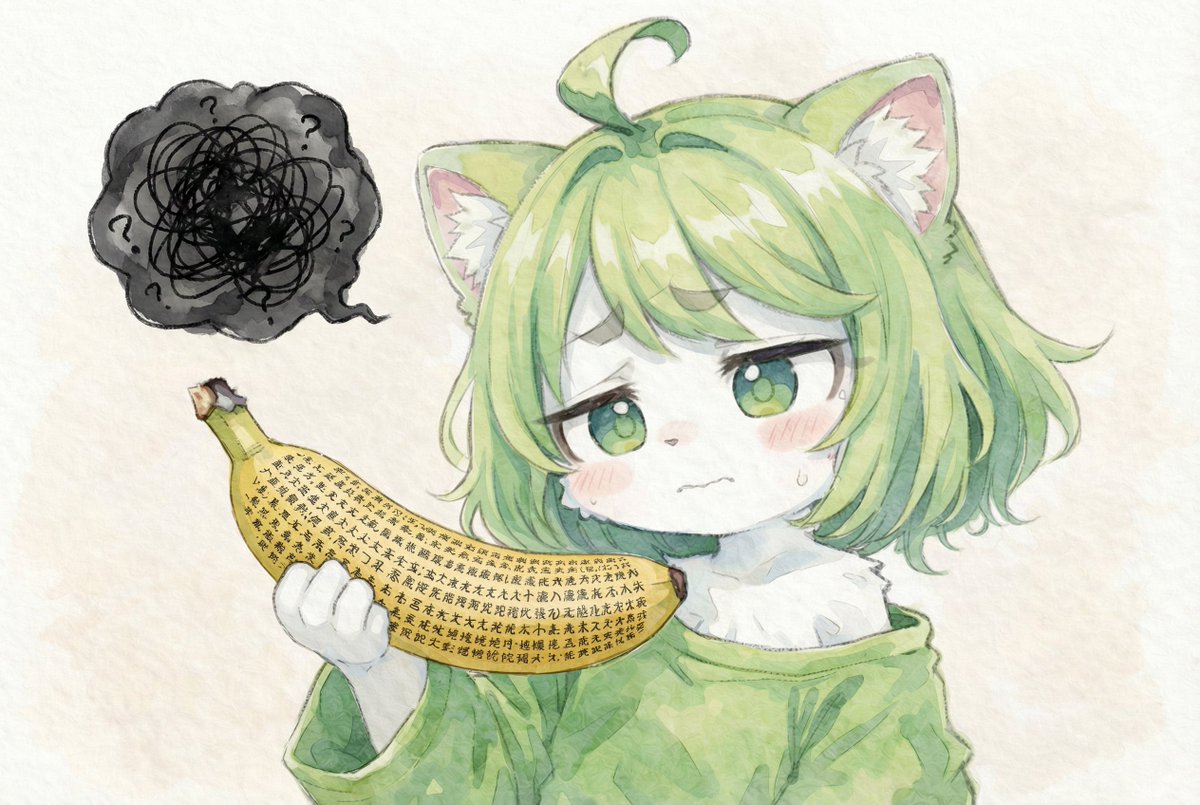
📌 Details
- Autor: とらの
- Quelle: Twitter Post
- Veröffentlicht: 15. April 2026
- Sprachen: ja
No. 20: Social-Media-Beitrag - Authentische Magazin-Spread-Fotografie
📖 Beschreibung
Erstellt ein iPhone-Foto im Amateur-Stil von einem aufgeschlagenen Magazin zu einem bestimmten Artikelthema mit scharfem Fokus und authentischer Beleuchtung.
📝 Prompt
Amateur-Handyfoto einer aufgeschlagenen Magazin-Doppelseite mit einem Artikel über {argument name="topic" default="GPT Image 2"}. Aufgenommen mit dem iPhone. Keine Tiefenunschärfe, alles scharf, authentisches Foto. Aufgenommen mit dem iPhone. Hauptkamera.
🖼️ Generierte Bilder
Image 1
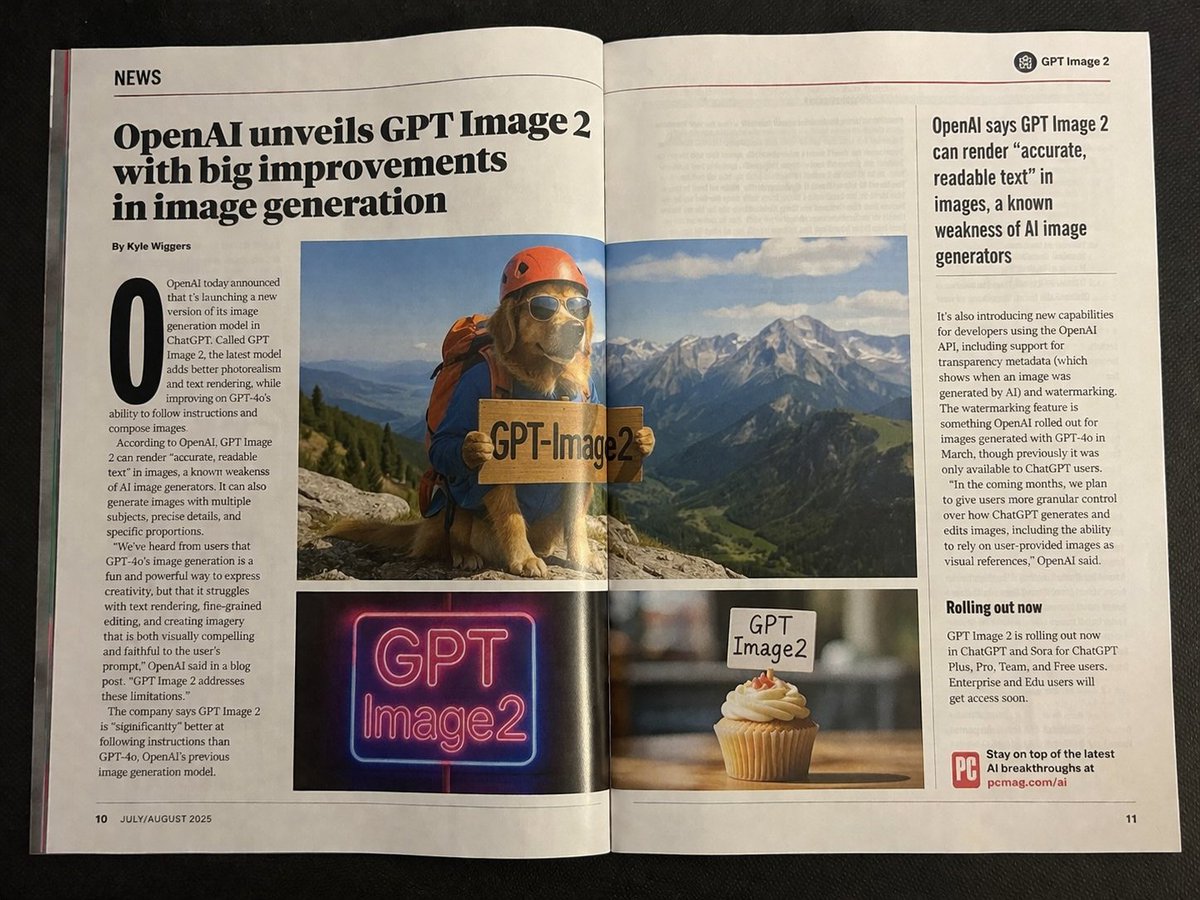
Image 2
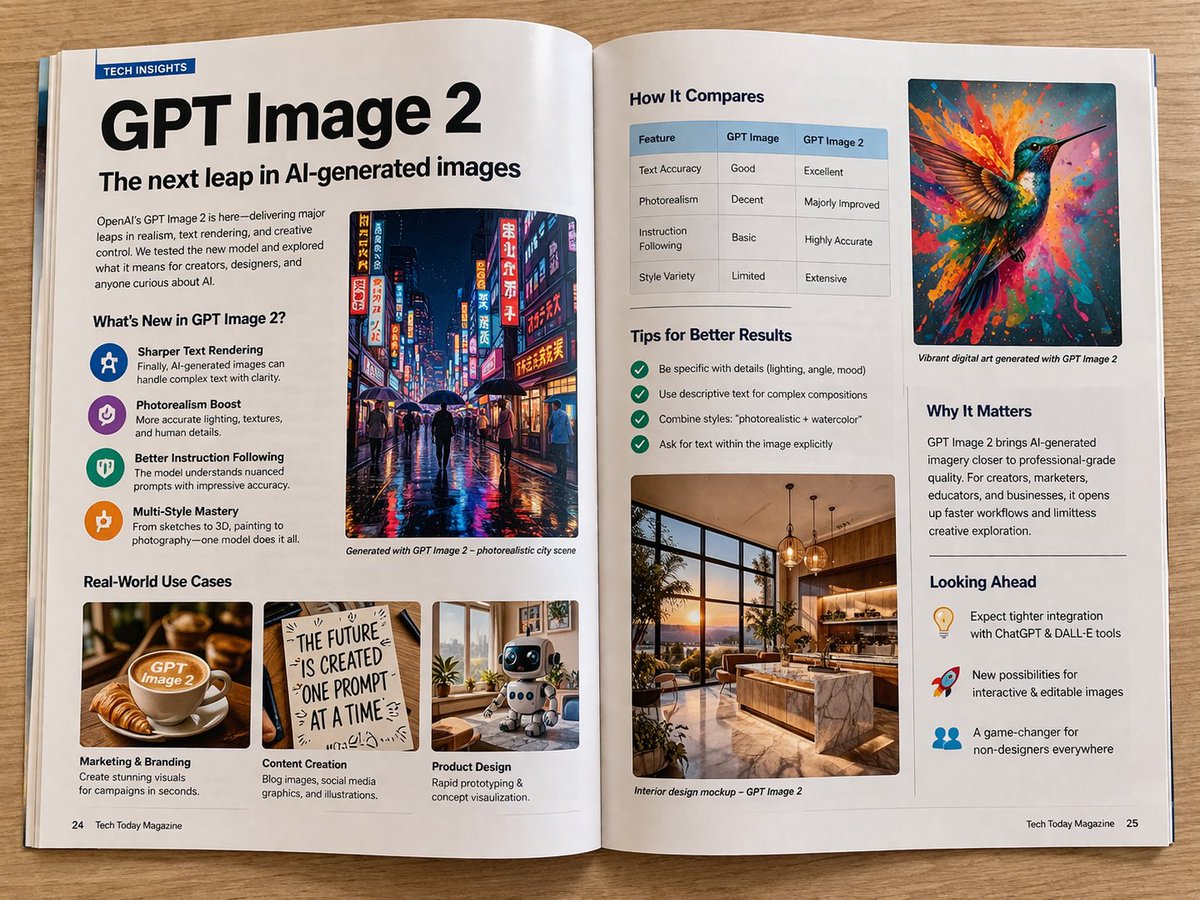
📌 Details
- Autor: Patrick
- Quelle: Twitter Post
- Veröffentlicht: 13. April 2026
- Sprachen: en
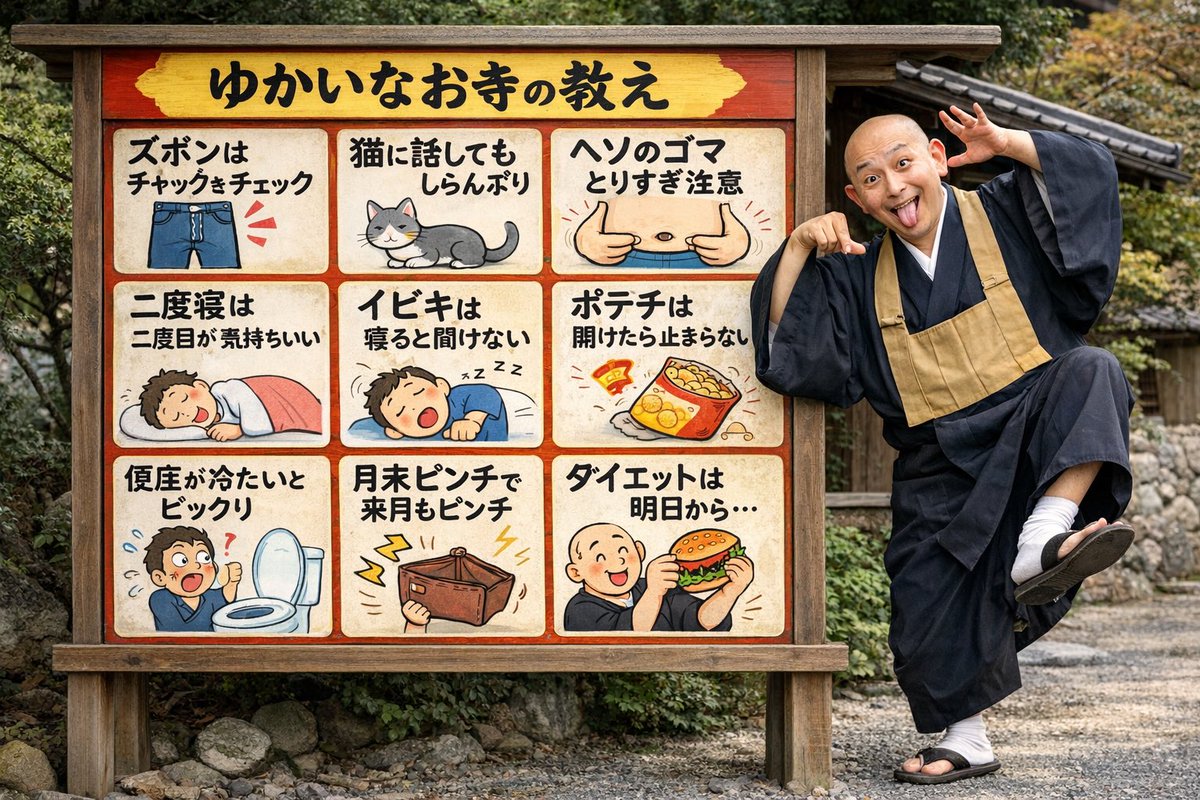
No. 21: Social-Media-Beitrag - Lustiges Tempelschild mit posierendem Mönch
📖 Beschreibung
Erzeugt eine fotorealistische Szene eines albernen Mönchs, der neben einer illustrierten Tempel-Infotafel mit 9 Feldern posiert.
📝 Prompt
{
  "type": "fotorealistische Szene mit einer illustrierten Cartoon-Infotafel",
  "setting": "{argument name=\"setting\" default=\"traditionelles japanisches Tempelgelände mit Kies und Steinmauern\"}",
  "subjects": [
    {
      "type": "Person",
      "description": "Ein kahlköpfiger japanischer buddhistischer Mönch in traditioneller dunkler Robe und einem beigefarbenen Rakusu.",
      "pose": "{argument name=\"monk pose\" default=\"albern, auf einem Bein stehend, zurückgelehnt, auf das Schild zeigend, die Zunge herausstreckend\"}"
    },
    {
      "type": "hölzerne Infotafel",
      "description": "Eine große hölzerne Infotafel mit rotem Innenrand, bestehend aus einer Kopfzeile und einem 3x3-Raster mit 9 illustrierten Feldern.",
      "header": {
        "text": "{argument name=\"header text\" default=\"ゆかいなお寺の教え\"}",
        "background": "gelb"
      },
      "grid_panels": [
        { "position": "Reihe 1, Spalte 1", "text": "{argument name=\"panel 1 text\" default=\"ズボンはチャックをチェック\"}", "illustration": "blaue Jeans mit roten Hervorhebungslinien am Reißverschluss" },
        { "position": "Reihe 1, Spalte 2", "text": "Katzen ignorieren dich, wenn du mit ihnen sprichst", "illustration": "eine grau-weiße Katze, die sitzt und wegschaut" },
        { "position": "Reihe 1, Spalte 3", "text": "Vorsicht beim Entfernen von Bauchnabelfusseln", "illustration": "Nahaufnahme eines Bauchnabels, auf den zwei Daumen zeigen" },
        { "position": "Reihe 2, Spalte 1", "text": "Das zweite Mal Einschlafen ist am schönsten", "illustration": "eine Person, die friedlich unter einer rosa Decke schläft" },
        { "position": "Reihe 2, Spalte 2", "text": "Das eigene Schnarchen hört man im Schlaf nicht", "illustration": "eine Person, die schläft und schnarcht, mit Zzz-Symbolen" },
        { "position": "Reihe 2, Spalte 3", "text": "Wenn man eine Tüte Chips öffnet, kann man nicht aufhören", "illustration": "eine geöffnete Tüte Kartoffelchips, aus der es herausfällt" },
        { "position": "Reihe 3, Spalte 1", "text": "Ein kalter Toilettensitz ist ein Schock", "illustration": "eine Person, die schockiert neben einer offenen Toilette steht" },
        { "position": "Reihe 3, Spalte 2", "text": "Ende des Monats knapp bei Kasse, nächsten Monat auch", "illustration": "eine leere braune Geldbörse mit gelben Blitzen" },
        { "position": "Reihe 3, Spalte 3", "text": "{argument name=\"panel 9 text\" default=\"ダイエットは明日から...\"}", "illustration": "ein kahlköpfiger Cartoon-Mönch, der fröhlich einen großen Hamburger isst" }
      ]
    }
  ]
}
🖼️ Generierte Bilder
Image 1
📌 Details
- Autor: notargs
- Quelle: Twitter Post
- Veröffentlicht: 13. April 2026
- Sprachen: en
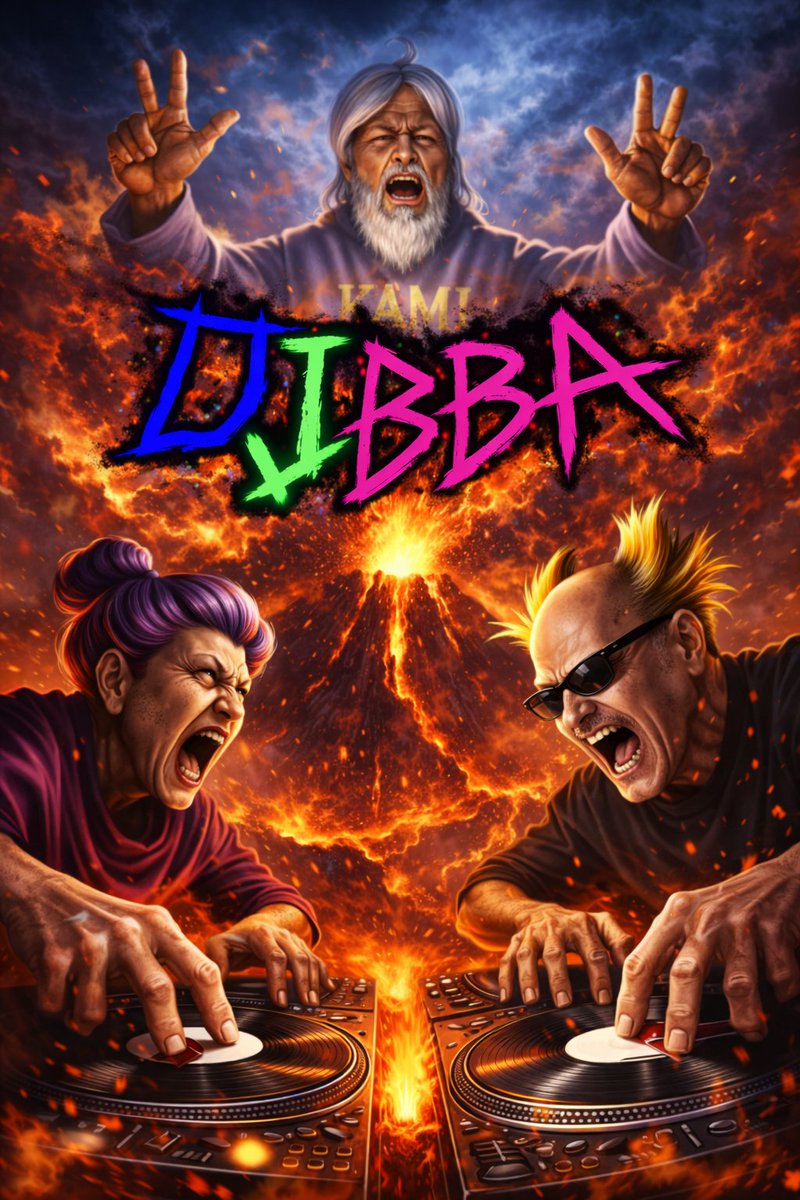
No. 22: Social-Media-Beitrag - Intensives DJ-Vulkan-Poster mit Senioren
📖 Beschreibung
Erzeugt ein cineastisches, übertriebenes Poster von Senioren, die intensiv vor einem ausbrechenden Vulkan auflegen, mit Neon-Graffiti-Text.
📝 Prompt
Ein hyperrealistisches, cineastisches und übertriebenes Action-Poster mit drei intensiven Figuren. Im Hintergrund befindet sich {argument name="background setting" default="ein massiver, ausbrechender Vulkan mit Lava und Feuer"}. Oben in der Mitte, schwebend im rauchigen Himmel, ist {argument name="top character" default="ein älterer Mann mit langem weißen Haar und Bart, der einen grauen Hoodie trägt"}, der schreit und beide Hände mit Peace-Zeichen in die Luft streckt. Im Vordergrund kratzen zwei Figuren intensiv auf DJ-Plattenspielern, beide schreien vor extremer Energie. Links ist {argument name="left character" default="eine ältere Frau mit violettem Dutt"}. Rechts ist {argument name="right character" default="ein älterer Mann mit stacheligem, blondem Irokesenschnitt und Sonnenbrille"}. Über die Mitte des Bildes, schwebend über dem Vulkan, erstreckt sich ein großer, gezackter Neon-Graffiti-Schriftzug mit dem Text "{argument name="main text" default="DJBBA"}" in leuchtenden Blau-, Grün- und Pinktönen. Die Beleuchtung ist dramatisch, feurig und chaotisch, mit Funken und Glut, die überall umherfliegen.
🖼️ Generierte Bilder
Image 1
📌 Details
- Autor: めんたろ
- Quelle: Twitter Post
- Veröffentlicht: 13. April 2026
- Sprachen: en
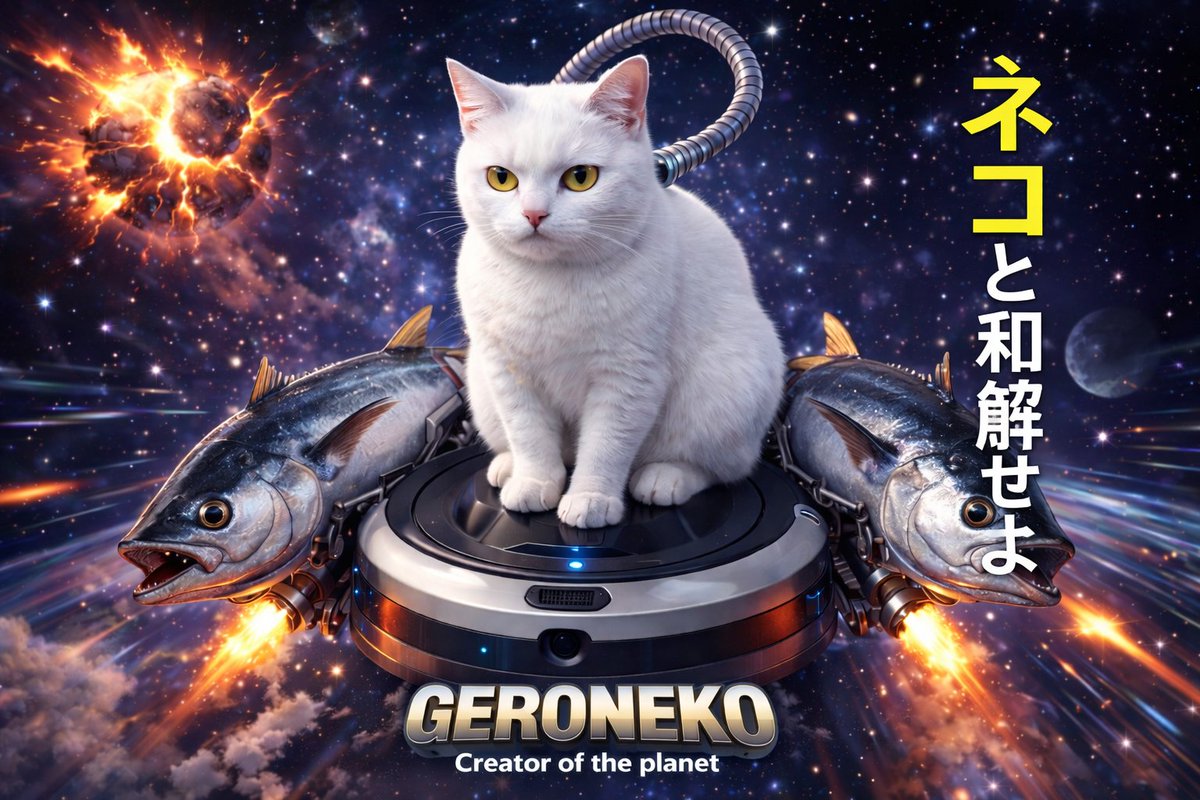
No. 23: Social-Media-Beitrag - Surreale Weltraum-Katze auf Staubsauger-Rakete
📖 Beschreibung
Erzeugt eine hochdetaillierte, surreale Sci-Fi-Szene eines Tieres, das auf einem modifizierten Haushaltsgerät durch den Weltraum reist, inklusive individuellem Text.
📝 Prompt
Eine surreale Sci-Fi-Digitalillustration einer {argument name="animal" default="weißen Katze"}, die auf einem {argument name="vehicle" default="Saugroboter"} durch den tiefen Weltraum fliegt. Der Staubsauger wird von {argument name="side boosters" default="zwei großen Thunfischen"} flankiert, die als Raketentriebwerke fungieren, wobei helle Flammen aus ihren Schwänzen schießen. Ein gerippter Metallschlauch verbindet den Staubsauger mit dem Hals der Katze. Der Hintergrund zeigt einen sternenreichen kosmischen Nebel, Lichtstreifen mit hoher Geschwindigkeit und einen gewaltig explodierenden Planeten oben links. Auf der rechten Seite steht vertikaler japanischer Text: {argument name="japanese text" default="ネコと和解せよ"} (die ersten zwei Zeichen in Gelb, der Rest in Weiß). Unten in der Mitte befindet sich ein großer metallischer 3D-Schriftzug mit dem Text {argument name="bottom text" default="GERONEKO"}, darunter kleiner weißer Text mit der Aufschrift 'Creator of the planet'. Kinoreife Beleuchtung, hyperrealistische Texturen.
🖼️ Generierte Bilder
Image 1
📌 Details
- Autor: めんたろ
- Quelle: Twitter Post
- Veröffentlicht: 13. April 2026
- Sprachen: en
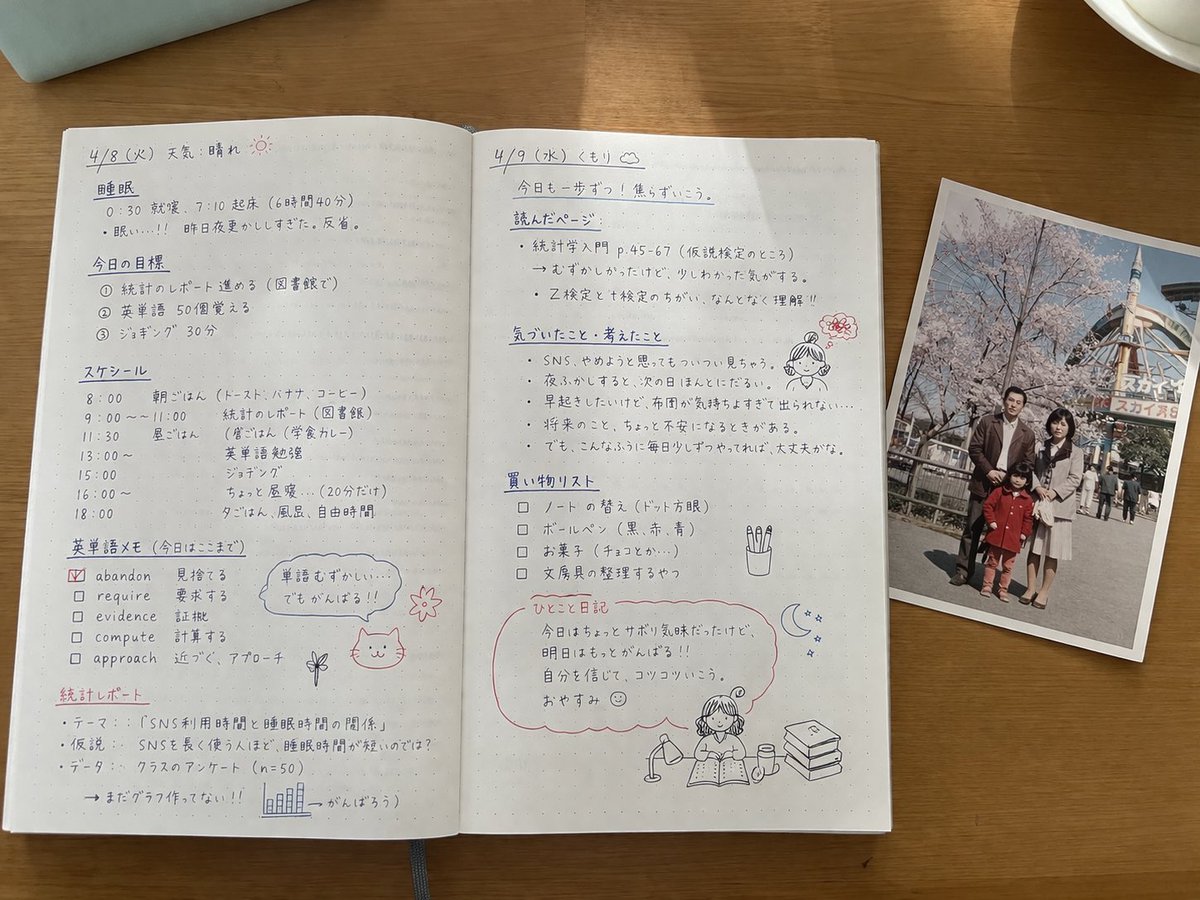
No. 24: Social-Media-Beitrag - Handschriftliche japanische Lernnotizen mit Foto
📖 Beschreibung
Erzeugt eine fotorealistische Draufsicht auf ein offenes Notizbuch, gefüllt mit detaillierten japanischen Lernnotizen, Kritzeleien und einem gedruckten Familienfoto, das auf den Seiten liegt.
📝 Prompt
{
  "type": "fotorealistisches Stillleben aus der Vogelperspektive",
  "setting": "{argument name=\"Schreibtischoberfläche\" default=\"Holztisch\"}",
  "objects": [
    {
      "item": "offenes Notizbuch",
      "style": "{argument name=\"Notizbuchstil\" default=\"punktkariertes Papier mit ordentlichen handschriftlichen japanischen Notizen in schwarzer und roter Tinte\"}",
      "layout": {
        "left_page": {
          "header": "{argument name=\"Thema\" default=\"政治学 第6回\"}",
          "section_count": 4,
          "sections": [
            { "title": "選挙とは?", "details": "Definitionstext" },
            { "title": "選挙の機能", "details": "nummerierte Liste 1-4", "doodle": "Katze mit Schal, die ein Schild mit der Aufschrift '一票!!' hält" },
            { "title": "選挙制度の種類", "details": "Aufzählungspunkte mit rotem Pfeil zu '小選挙区比例代表並立制!'" },
            { "title": "投票率の問題", "details": "Text über die Wahlbeteiligung junger Menschen", "doodle": "Mädchen mit Sprechblase '18才から選挙に行けるよ!' und einer Top-3-Rangliste" }
          ]
        },
        "right_page": {
          "section_count": 5,
          "sections": [
            { "title": "政党とは?", "details": "Definitionstext" },
            { "title": "政党の役割", "details": "nummerierte Liste 1-4", "doodle": "Skizze eines Regierungsgebäudes" },
            { "title": "政党の種類", "details": "Aufzählungspunkte" },
            { "title": "最近の日本の政治と課題", "details": "Aufzählungspunkte", "doodle": "Mädchen denkt '政治って難しそうで、意外と生活とつながってるだよね。'" },
            { "title": "まとめ", "details": "Zusammenfassung mit roten Unterstreichungen", "doodle": "lesendes Mädchen und eine rosa Blume" }
          ]
        }
      }
    },
    {
      "item": "gedrucktes Foto",
      "placement": "überlappt den rechten Rand des Notizbuchs",
      "content": "{argument name=\"Fotomotiv\" default=\"vierköpfige Familie, die vor Kirschblüten und einem Riesenrad posiert\"}",
      "style": "Vintage, leicht verblasster Schnappschuss"
    }
  ]
}
🖼️ Generierte Bilder
Image 1
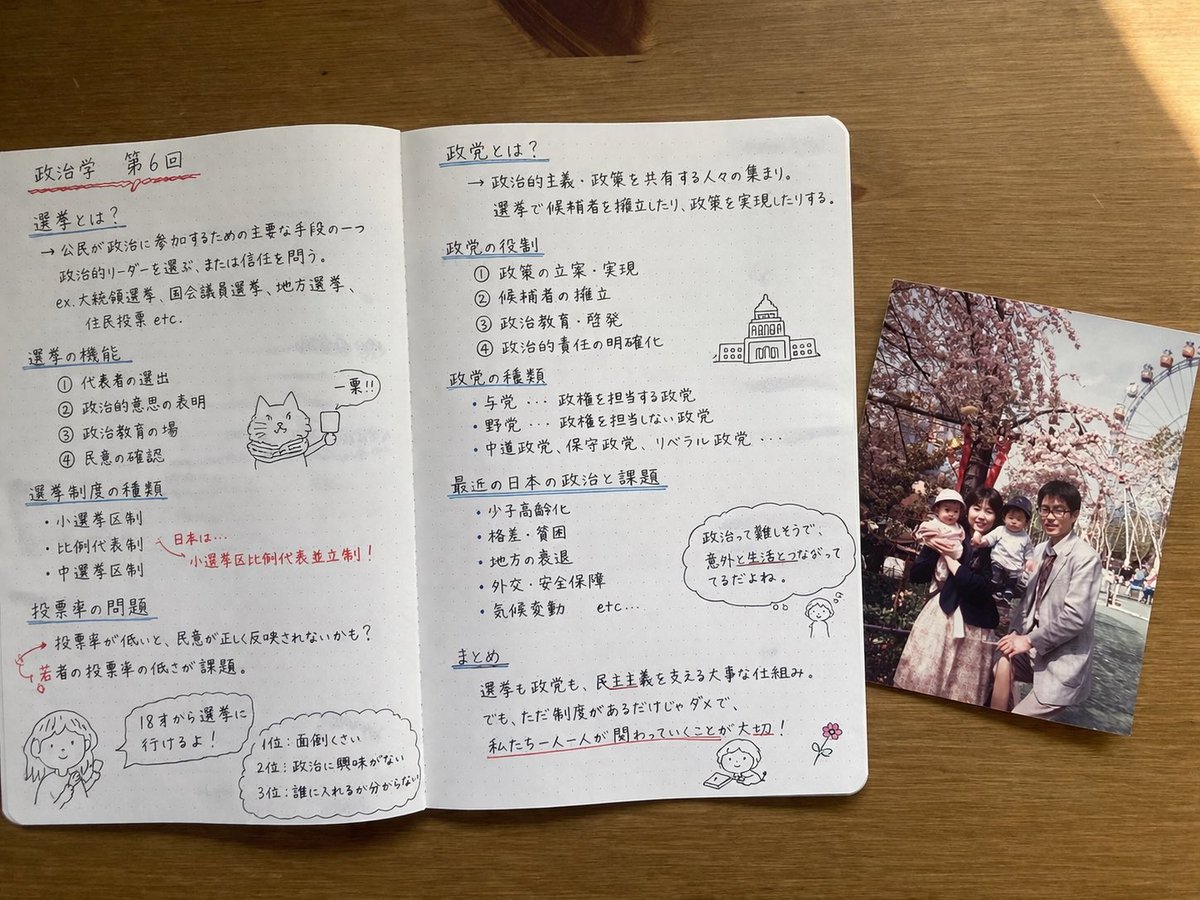
Image 2
📌 Details
- Autor: MATはAI🀄️🀄️🎌
- Quelle: Twitter Post
- Veröffentlicht: 13. April 2026
- Sprachen: en
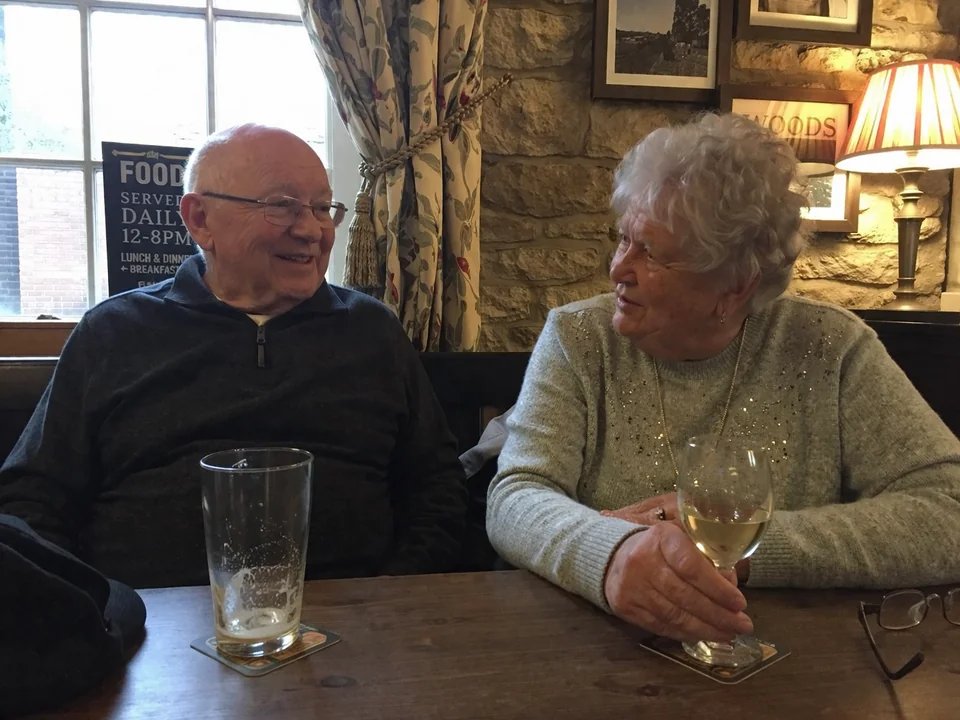
No. 25: Social-Media-Beitrag - Amateur-Schnappschuss in einer Kneipe
📖 Beschreibung
Ein tschechischsprachiger Prompt für einen natürlichen Schnappschuss eines älteren Ehepaars in einer Kneipe, der dazu dient, die realistische Generierung von Menschen in GPT Image 2 zu demonstrieren.
📝 Prompt
Amateurfoto von {argument name="subjects" default="einem älteren Ehepaar"}, das in einer {argument name="location" default="Yorkshire-Kneipe"} sitzt, Amateur-Komposition, Schnappschuss.
🖼️ Generierte Bilder
Image 1
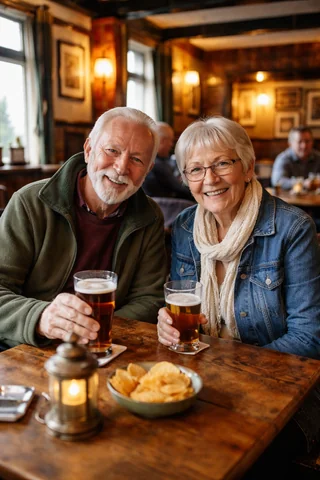
Image 2
📌 Details
- Autor: Martin Balaz
- Quelle: Twitter Post
- Veröffentlicht: 13. April 2026
- Sprachen: en
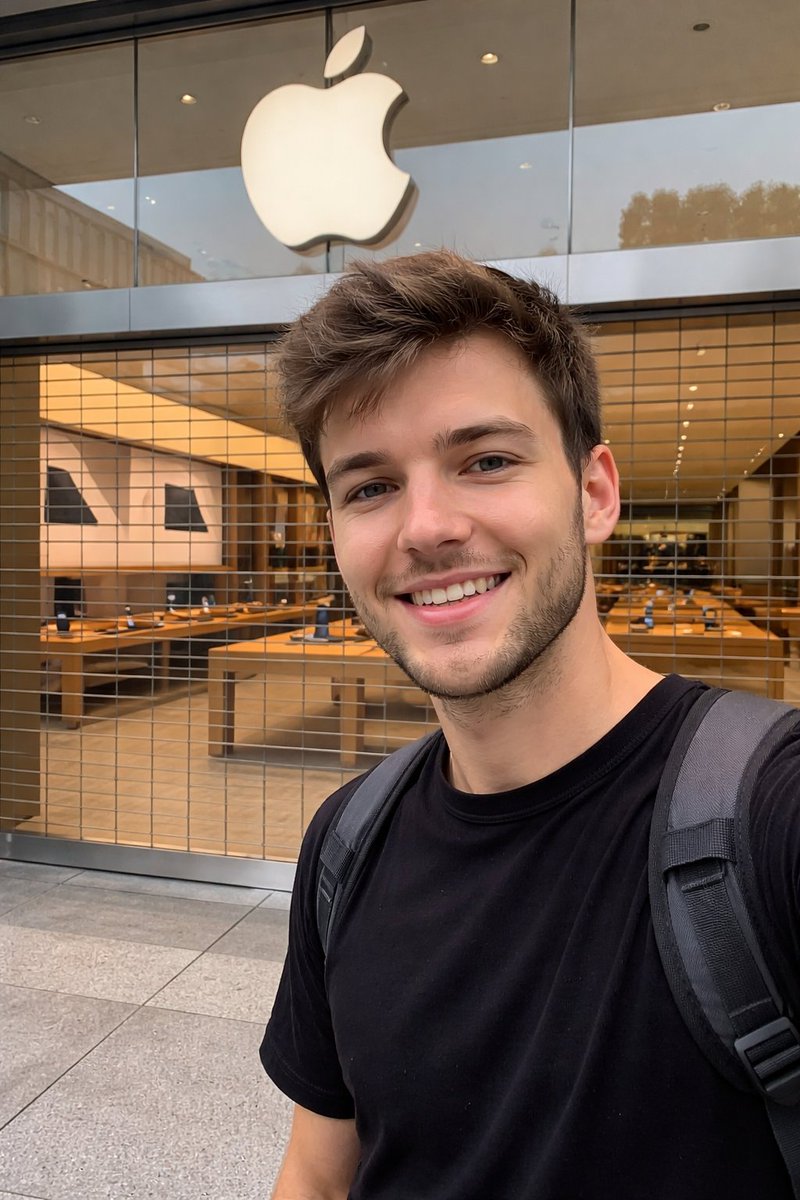
No. 26: Social-Media-Beitrag - Amateur-Fotografie vor dem Apple Store
📖 Beschreibung
Ein Prompt, der den Look eines beiläufigen Smartphone-Fotos vor einem geschlossenen Ladenlokal nachahmt, mit besonderem Fokus auf Spiegelungen und die Sicht durch Glasscheiben.
📝 Prompt
Amateurfoto vor einem geschlossenen {argument name="store" default="Apple Store"}, wobei man durch die Fenster hindurchsieht. Aufgenommen mit {argument name="device" default="iPhone"}. {argument name="lens" default="Hauptkamera"}
🖼️ Generierte Bilder
Image 1
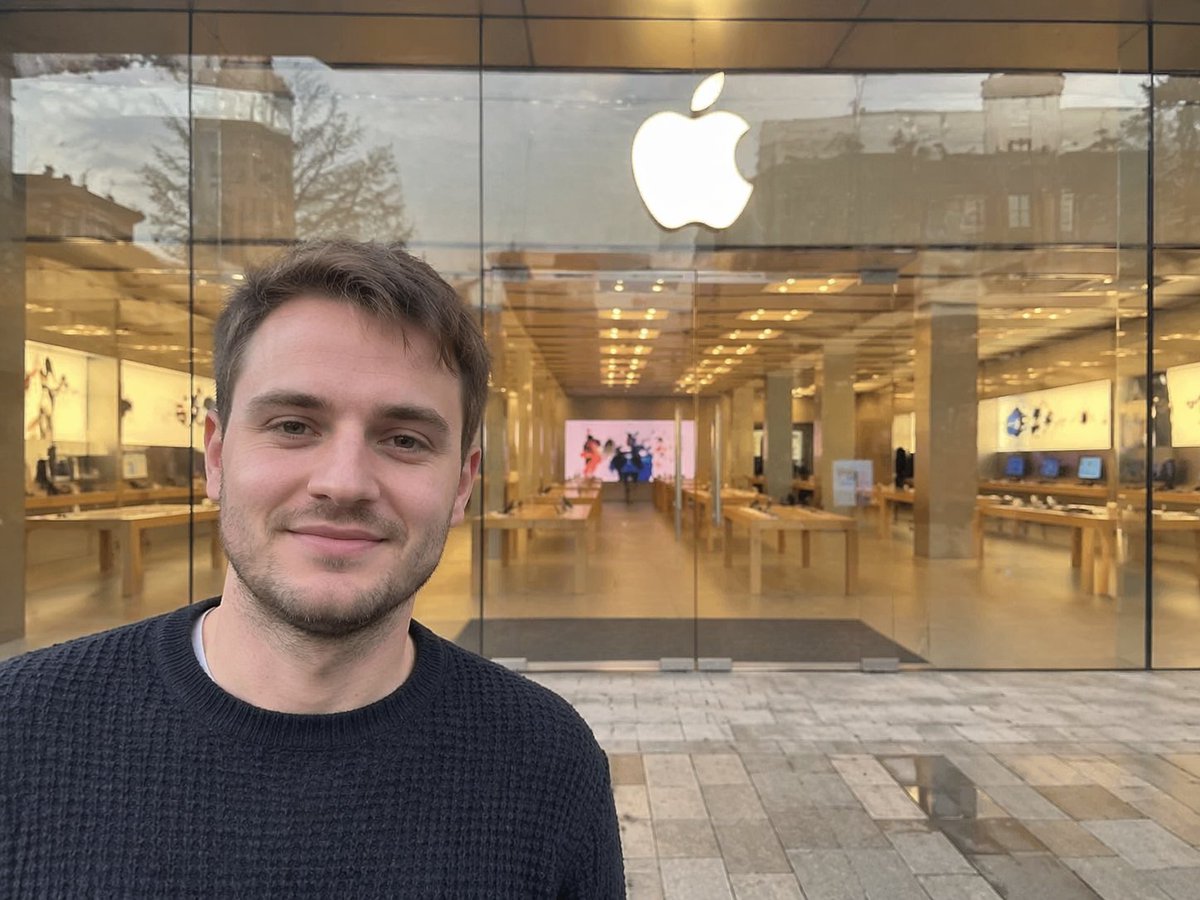
Image 2
📌 Details
- Autor: Patrick
- Quelle: Twitter Post
- Veröffentlicht: 13. April 2026
- Sprachen: en
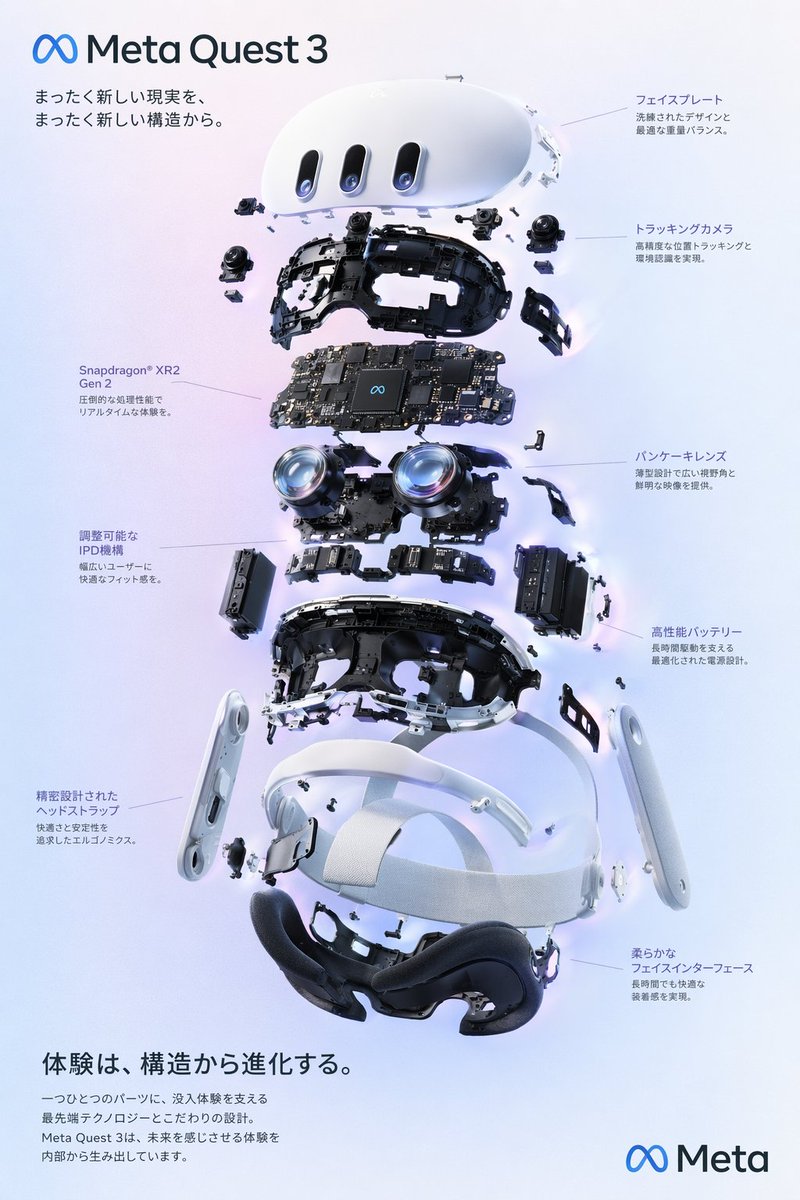
No. 27: Infografik / Edu Visual - VR Headset Exploded View Poster
📖 Beschreibung
Generates a high-tech exploded view diagram of a VR headset with detailed component callouts and promotional text.
📝 Prompt
{
  "type": "exploded view product diagram poster",
  "subject": "VR headset",
  "style": "clean high-tech 3D render, studio lighting, glowing accents",
  "background": "{argument name=\"background color\" default=\"soft purple and blue gradient\"}",
  "header": {
    "logo": "∞ {argument name=\"product name\" default=\"Meta Quest 3\"}",
    "subtitle": "{argument name=\"main catchphrase\" default=\"まったく新しい現実を、まったく新しい構造から。\"}"
  },
  "layout": {
    "centerpiece": "vertically stacked exploded view of a VR headset showing 9 distinct layers of internal components: outer shell, camera sensors, motherboard with chip, pancake lenses, internal frame, battery packs, side straps, top strap, and facial interface cushion.",
    "callout_labels": {
      "count": 8,
      "left_side": [
        "Snapdragon® XR2 Gen 2\n圧倒的な処理性能でリアルタイムな体験を。",
        "調整可能なIPD機構\n幅広いユーザーに快適なフィット感を。",
        "精密設計されたヘッドストラップ\n快適さと安定性を追求したエルゴノミクス。"
      ],
      "right_side": [
        "フェイスプレート\n洗練されたデザインと最適な重量バランス。",
        "トラッキングカメラ\n高精度な位置トラッキングと環境認識を実現。",
        "パンケーキレンズ\n薄型設計で広い視野角と鮮明な映像を提供。",
        "高性能バッテリー\n長時間駆動を支える最適化された電源設計。",
        "柔らかなフェイスインターフェース\n長時間でも快適な装着感を実現。"
      ]
    },
    "footer": {
      "left_text_block": {
        "headline": "{argument name=\"bottom headline\" default=\"体験は、構造から進化する。\"}",
        "body": "一つひとつのパーツに、没入体験を支える最先端テクノロジーとこだわりの設計。Meta Quest 3は、未来を感じさせる体験を内部から生み出しています。"
      },
      "right_logo": "∞ Meta"
    }
  }
}
🖼️ Generierte Bilder
Image 1
📌 Details
- Autor: wory@ホッピング中
- Quelle: Twitter Post
- Veröffentlicht: 19. April 2026
- Sprachen: en
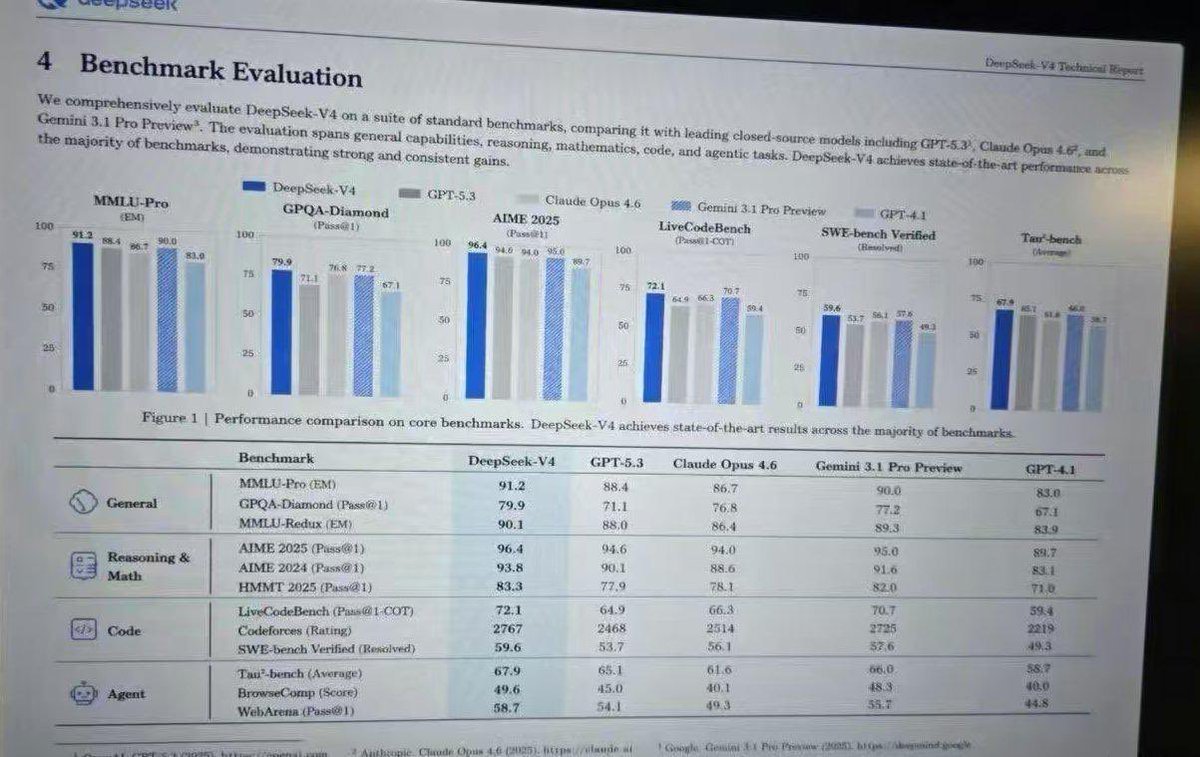
No. 28: Infografik / Edu Visual - Leaked AI Benchmark Report Photo
📖 Beschreibung
Generates a realistic photograph of a computer screen displaying an academic technical report with bar charts and a detailed performance table.
📝 Prompt
{
  "type": "photograph of a computer monitor displaying an academic technical report",
  "style": "slightly angled screen photo, visible moire pattern, LCD pixel grid, slight glare, LaTeX document formatting, serif fonts",
  "document_header": {
    "left": "4 Benchmark Evaluation",
    "right": "{argument name=\"report title\" default=\"DeepSeek-V4 Technical Report\"}"
  },
  "introductory_text": "Paragraph summarizing comprehensive evaluation of {argument name=\"main model name\" default=\"DeepSeek-V4\"} against {argument name=\"competitor model 1\" default=\"GPT-5.3\"}, {argument name=\"competitor model 2\" default=\"Claude Opus 4.6\"}, and {argument name=\"competitor model 3\" default=\"Gemini 3.1 Pro Preview\"}.",
  "visualizations": {
    "legend": "5 items with color codes: dark blue, grey, light grey, blue striped, light blue",
    "bar_charts": {
      "count": 6,
      "labels": [
        "MMLU-Pro (EM)",
        "GPQA-Diamond (Pass@1)",
        "AIME 2025 (Pass@1)",
        "LiveCodeBench (Pass@1-COT)",
        "SWE-bench Verified (Resolved)",
        "Tau-bench (Average)"
      ]
    },
    "caption": "Figure 1 | Performance comparison on core benchmarks. DeepSeek-V4 achieves state-of-the-art results across the majority of benchmarks."
  },
  "data_table": {
    "columns": [
      "Benchmark",
      "{argument name=\"main model name\" default=\"DeepSeek-V4\"}",
      "{argument name=\"competitor model 1\" default=\"GPT-5.3\"}",
      "{argument name=\"competitor model 2\" default=\"Claude Opus 4.6\"}",
      "{argument name=\"competitor model 3\" default=\"Gemini 3.1 Pro Preview\"}",
      "GPT-4.1"
    ],
    "categories": {
      "count": 4,
      "rows": [
        {"label": "General", "icon": "globe/network", "sub_items": 3},
        {"label": "Reasoning & Math", "icon": "calculator/clipboard", "sub_items": 3},
        {"label": "Code", "icon": "code brackets", "sub_items": 3},
        {"label": "Agent", "icon": "robot face", "sub_items": 3}
      ]
    }
  }
}
🖼️ Generierte Bilder
Image 1
📌 Details
- Autor: Anneshu Nag
- Quelle: Twitter Post
- Veröffentlicht: 19. April 2026
- Sprachen: en
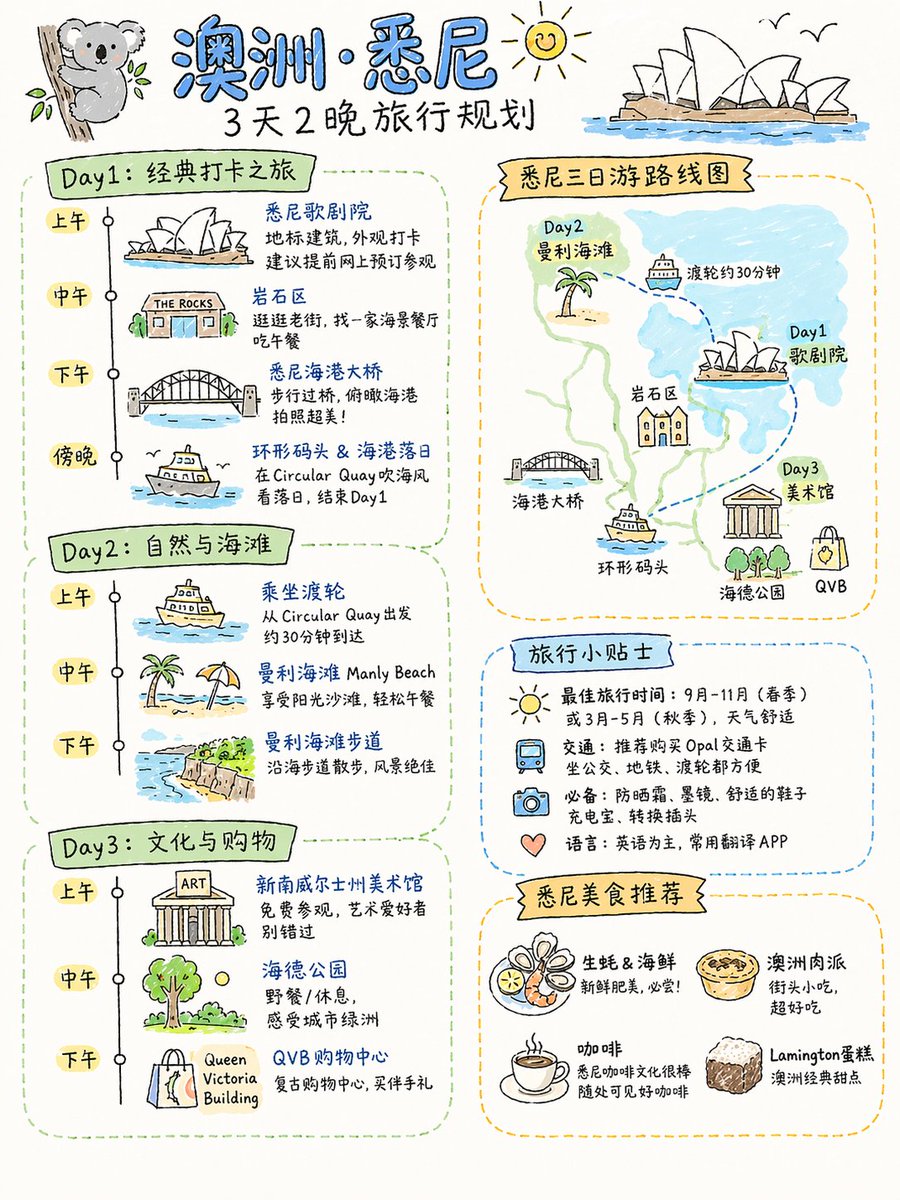
No. 29: Infografik / Edu Visual - Four Practical GPT-Image-2 Use Cases
📖 Beschreibung
A collection of four prompts for food flowcharts, travel plans, textbook covers, and AI product landing pages.
📝 Prompt
Detailed cooking process flowchart for this dish, realistic style, suitable for Xiaohongshu aspect ratio\n\n{argument name="destination" default="Sydney, Australia"} 3-day and 2-night travel plan, suitable for Xiaohongshu aspect ratio, hand-drawn sketch style\n\nPeople's Education Press Primary School Textbook: {argument name="textbook title" default="Vibe Coding"} Grade 1 (Volume 1)\n\nProduct display page for an {argument name="character" default="Android 18"} AI physical robot launched by OpenAI, consistent with current OpenAI design style, in Simplified Chinese, robot with the latest GPT 10 model. Includes: appearance, details, features, scenarios, usage, maintenance, etc.
🖼️ Generierte Bilder
Image 1
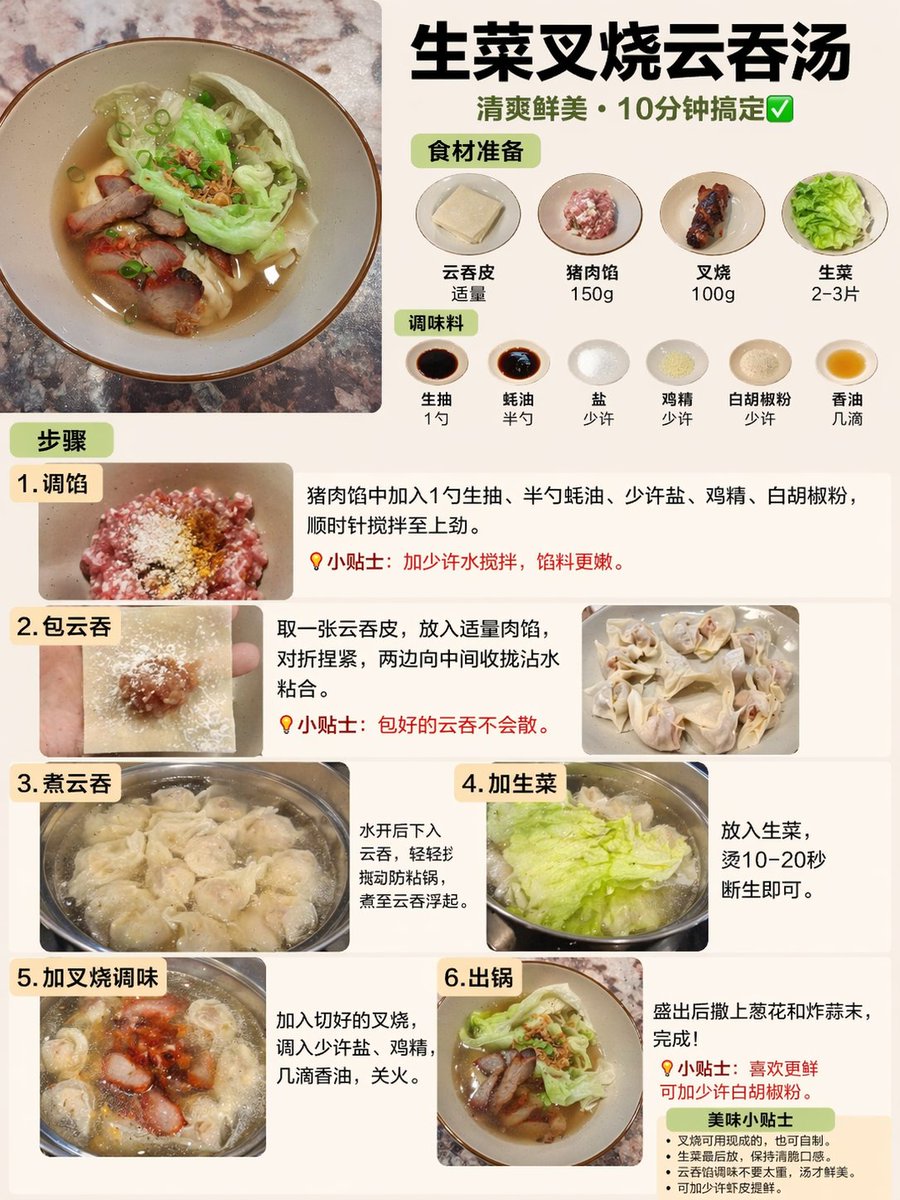
Image 2
📌 Details
- Autor: Rion Wu
- Quelle: Twitter Post
- Veröffentlicht: 19. April 2026
- Sprachen: zh
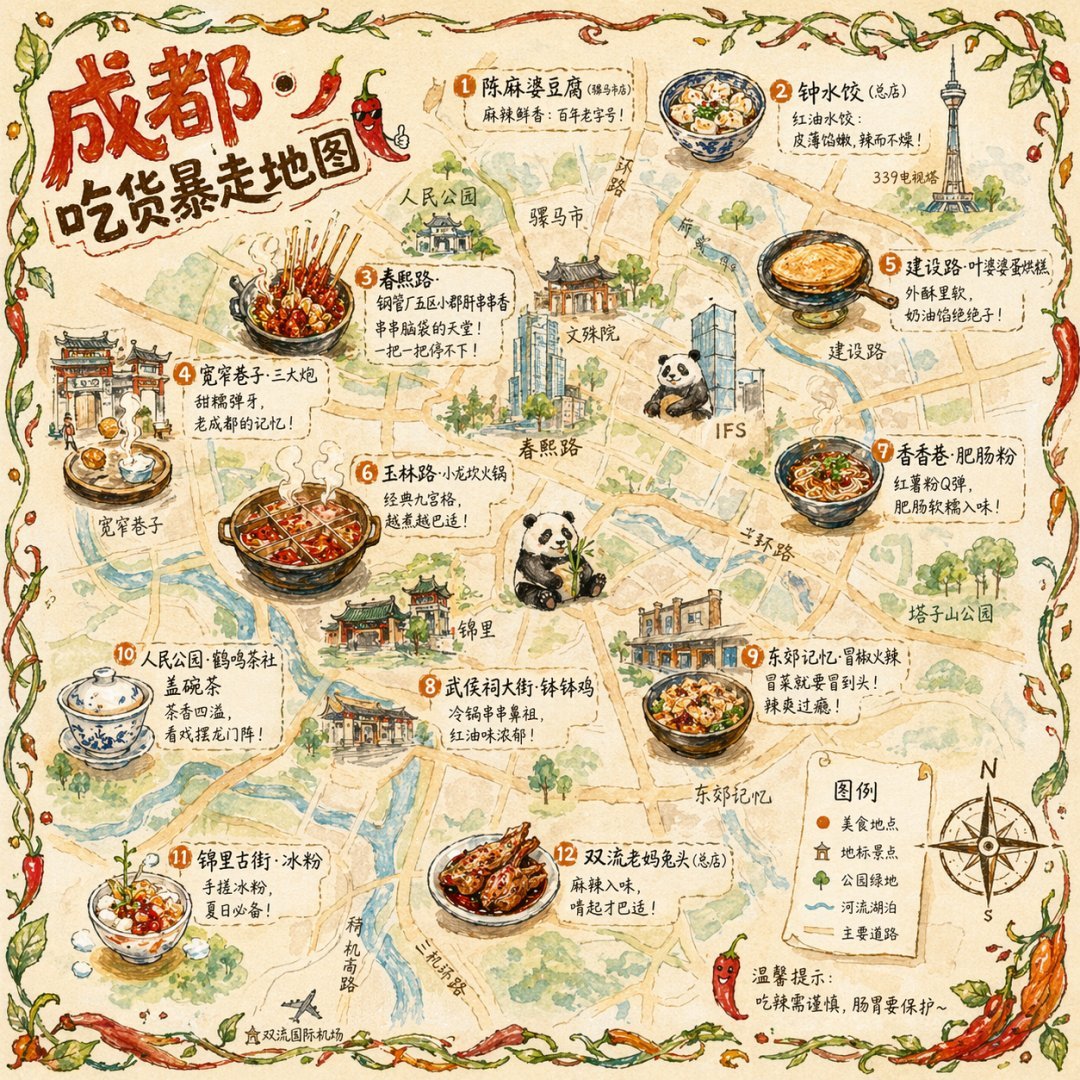
No. 30: Infografik / Edu Visual - Illustrated City Food Map
📖 Beschreibung
Generates a hand-drawn, watercolor-style tourist map featuring numbered local food specialties, landmarks, and a legend.
📝 Prompt
{
  "type": "illustrated map infographic",
  "style": "{argument name=\"art style\" default=\"watercolor and ink hand-drawn illustration on vintage parchment\"}",
  "title_section": {
    "text": "{argument name=\"city name\" default=\"成都\"} {argument name=\"map title\" default=\"吃货暴走地图\"}",
    "mascot": "cartoon red chili pepper wearing sunglasses and giving a thumbs up"
  },
  "border": "{argument name=\"border decoration\" default=\"vine of green leaves and red chili peppers\"}",
  "layout": {
    "background": "textured beige parchment paper with yellow roads, blue rivers, and green park areas",
    "sections": [
      {
        "title": "landmarks",
        "count": 6,
        "illustrations": ["traditional pavilion", "traditional monastery", "modern skyscraper with climbing panda", "tall TV tower", "traditional gate", "industrial buildings"],
        "labels": ["人民公园", "文殊院", "IFS", "339电视塔", "宽窄巷子", "东郊记忆"]
      },
      {
        "title": "food_spots",
        "count": 12,
        "illustrations": ["mapo tofu", "dumplings in chili oil", "skewers in pot", "sticky rice balls", "egg baking cake", "nine-grid hotpot", "sweet potato noodles", "cold skewers", "spicy mixed dish", "covered tea bowl", "ice jelly dessert", "spicy rabbit heads"],
        "labels": ["1 陈麻婆豆腐", "2 钟水饺", "3 春熙路", "4 宽窄巷子·三大炮", "5 建设路·叶婆婆蛋烘糕", "6 玉林路·小龙坎火锅", "7 香香巷·肥肠粉", "8 武侯祠大街·钵钵鸡", "9 东郊记忆·冒椒火辣", "10 人民公园·鹤鸣茶社", "11 锦里古街·冰粉", "12 双流老妈兔头"]
      },
      {
        "title": "图例",
        "position": "bottom-right",
        "count": 5,
        "items": ["red dot", "green house", "green tree", "blue line", "yellow double line"],
        "labels": ["美食地点", "地标景点", "公园绿地", "河流湖泊", "主要道路"]
      }
    ],
    "centerpiece": "giant panda sitting and eating bamboo",
    "bottom_right_extras": ["vintage compass rose with N, S, E, W", "disclaimer text '温馨提示:吃辣需谨慎,肠胃要保护~' with a red chili pepper icon"]
  }
}
🖼️ Generierte Bilder
Image 1
📌 Details
- Autor: 皮皮特
- Quelle: Twitter Post
- Veröffentlicht: 19. April 2026
- Sprachen: en
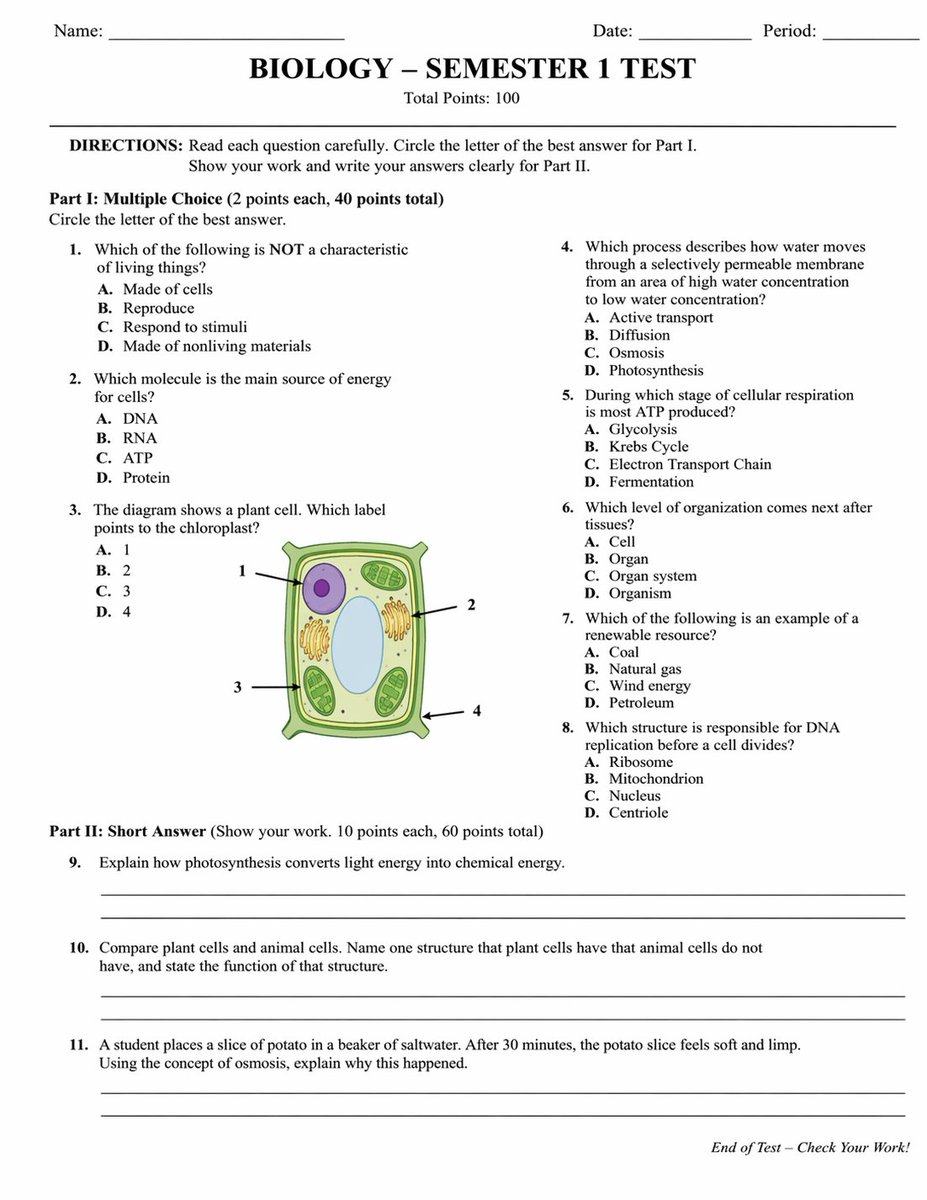
No. 31: Infografik / Edu Visual - Academic Exam Paper Generator
📖 Beschreibung
Generates a realistic, structured academic test paper with multiple-choice questions, a diagram, and short-answer sections.
📝 Prompt
{
  "type": "academic exam paper",
  "header": {
    "student_info": ["Name:", "Date:", "Period:"],
    "title": "{argument name=\"subject\" default=\"BIOLOGY\"} - {argument name=\"test title\" default=\"SEMESTER 1 TEST\"}",
    "subtitle": "Total Points: 100"
  },
  "instructions": "DIRECTIONS: Read each question carefully. Circle the letter of the best answer for Part I. Show your work and write your answers clearly for Part II.",
  "sections": [
    {
      "title": "Part I: {argument name=\"part 1 type\" default=\"Multiple Choice\"} (2 points each, 40 points total)",
      "layout": "two columns",
      "question_count": 8,
      "format": "numbered questions 1 through 8, each with options A, B, C, D",
      "diagram": {
        "location": "Question 3",
        "description": "illustration of a {argument name=\"diagram subject\" default=\"plant cell\"}",
        "labels": ["1", "2", "3", "4"]
      }
    },
    {
      "title": "Part II: {argument name=\"part 2 type\" default=\"Short Answer\"} (Show your work. 10 points each, 60 points total)",
      "layout": "single column",
      "question_count": 3,
      "format": "numbered questions 9 through 11, each followed by two blank horizontal lines"
    }
  ],
  "footer": "End of Test - Check Your Work!"
}
🖼️ Generierte Bilder
Image 1
📌 Details
- Autor: Yx
- Quelle: Twitter Post
- Veröffentlicht: 19. April 2026
- Sprachen: en
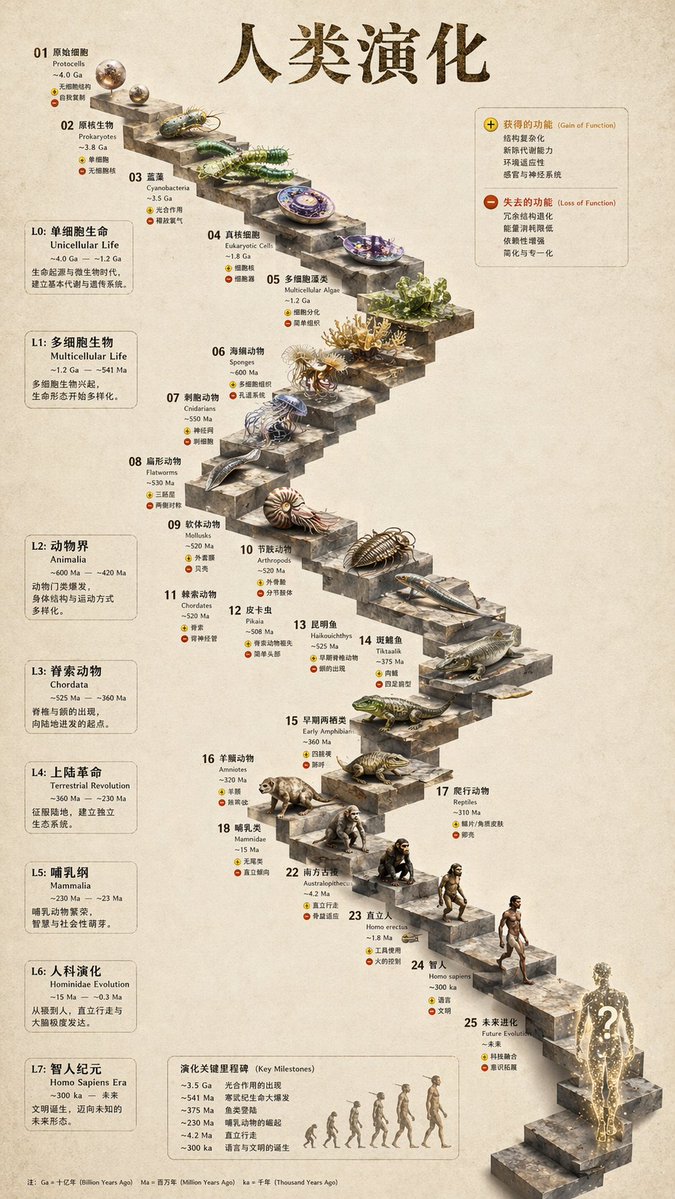
No. 32: Infografik / Edu Visual - 3D Stone Staircase Evolution Infographic
📖 Beschreibung
Transforms a flat evolutionary timeline into a realistic 3D stone staircase infographic with detailed organism renders and structured side panels.
📝 Prompt
{
  "type": "evolutionary timeline infographic",
  "instruction": "Using REFERENCE_0 as a structural base, transform the flat vector design into a highly realistic 3D infographic. Replace the smooth ramps with distinct stone steps and upgrade all organisms to photorealistic 3D models.",
  "style": {
    "background": "{argument name=\"background style\" default=\"vintage textured parchment paper\"}",
    "staircase": "{argument name=\"staircase material\" default=\"realistic textured stone blocks\"}",
    "subjects": "{argument name=\"organism style\" default=\"highly detailed photorealistic 3D renders\"}"
  },
  "layout": {
    "main_title": "{argument name=\"main title\" default=\"人类演化\"}",
    "sections": [
      {
        "position": "left sidebar",
        "count": 8,
        "labels": ["L0: 单细胞生命", "L1: 多细胞生物", "L2: 动物界", "L3: 脊索动物", "L4: 上陆革命", "L5: 哺乳纲", "L6: 人科演化", "L7: 智人纪元"]
      },
      {
        "position": "top right",
        "title": "获得的功能 / 失去的功能",
        "description": "Legend with plus and minus icons"
      },
      {
        "position": "bottom center",
        "title": "演化关键里程碑",
        "count": 6,
        "description": "Timeline with a silhouette graphic of 6 figures showing ape-to-human evolution"
      }
    ],
    "centerpiece": {
      "description": "Winding stone staircase with 25 numbered steps featuring specific organisms.",
      "count": 25,
      "notable_elements": [
        "Step 07: Jellyfish",
        "Step 09: Ammonite",
        "Step 10: Trilobite",
        "Step 24: Walking human",
        "Step 25: {argument name=\"future evolution concept\" default=\"glowing cosmic silhouette with a question mark\"}"
      ]
    }
  }
}
🖼️ Generierte Bilder
Image 1
📌 Details
- Autor: 知识猫图解
- Quelle: Twitter Post
- Veröffentlicht: 19. April 2026
- Sprachen: en
No. 33: Infografik / Edu Visual - Chinese History Timeline Infographic
📖 Beschreibung
A detailed, four-section vertical infographic mapping Chinese historical dynasties with watercolor illustrations and timeline nodes.
📝 Prompt
{
  "type": "infographic timeline",
  "style": {
    "background": "{argument name=\"background style\" default=\"textured beige rice paper\"}",
    "art_style": "{argument name=\"art style\" default=\"traditional Chinese watercolor and ink wash illustration\"}"
  },
  "header": {
    "title": "{argument name=\"main title\" default=\"中国历史朝代图\"}",
    "subtitle": "{argument name=\"subtitle\" default=\"华夏文明·源远流长\"}",
    "elements": ["red calligraphy title", "red square seal stamp top right", "cloud motifs"]
  },
  "layout": {
    "sections_count": 4,
    "sections": [
      {
        "id": "1",
        "label": "壹 先秦时期",
        "date_range": "(约前2070年—前221年)",
        "description": "华夏起源,诸侯纷争,百家争鸣。",
        "timeline_nodes": 4,
        "dynasties": ["夏", "商", "西周", "东周"],
        "illustrations": ["scholar holding bamboo slips", "bronze ding tripod", "bronze ritual vessel", "horse-drawn chariot", "bamboo slips and brush"]
      },
      {
        "id": "2",
        "label": "贰 秦汉三国",
        "date_range": "(前221年—280年)",
        "description": "大一统时代,开疆拓土,英雄辈出。",
        "timeline_nodes": 3,
        "dynasties": ["秦", "汉", "三国"],
        "illustrations": ["terracotta warrior", "cavalryman on galloping horse", "three generals in traditional armor"]
      },
      {
        "id": "3",
        "label": "叁 两晋南北朝 隋唐五代",
        "date_range": "(280年—960年)",
        "description": "分裂与融合并存,盛世辉煌,文化鼎盛。",
        "timeline_nodes": 5,
        "dynasties": ["两晋", "南北朝", "隋", "唐", "五代十国"],
        "illustrations": ["scholar drinking wine", "seated Buddha statue", "arched stone bridge with boat", "elegant Tang dynasty lady", "cavalryman holding a flag"]
      },
      {
        "id": "4",
        "label": "肆 宋元明清",
        "date_range": "(960年—1912年)",
        "description": "经济繁荣,民族融合,走向近代。",
        "timeline_nodes": 4,
        "dynasties": ["宋", "元", "明", "清"],
        "illustrations": ["bustling riverside townscape", "mounted archer shooting backwards", "palace complex", "Qing dynasty official"]
      }
    ]
  },
  "footer": {
    "quote": "{argument name=\"bottom quote\" default=\"以史为鉴,可以知兴替;以人为镜,可以明得失。\"}",
    "decorations": ["bamboo leaves on bottom left", "Great Wall illustration on bottom right"]
  }
}
🖼️ Generierte Bilder
Image 1
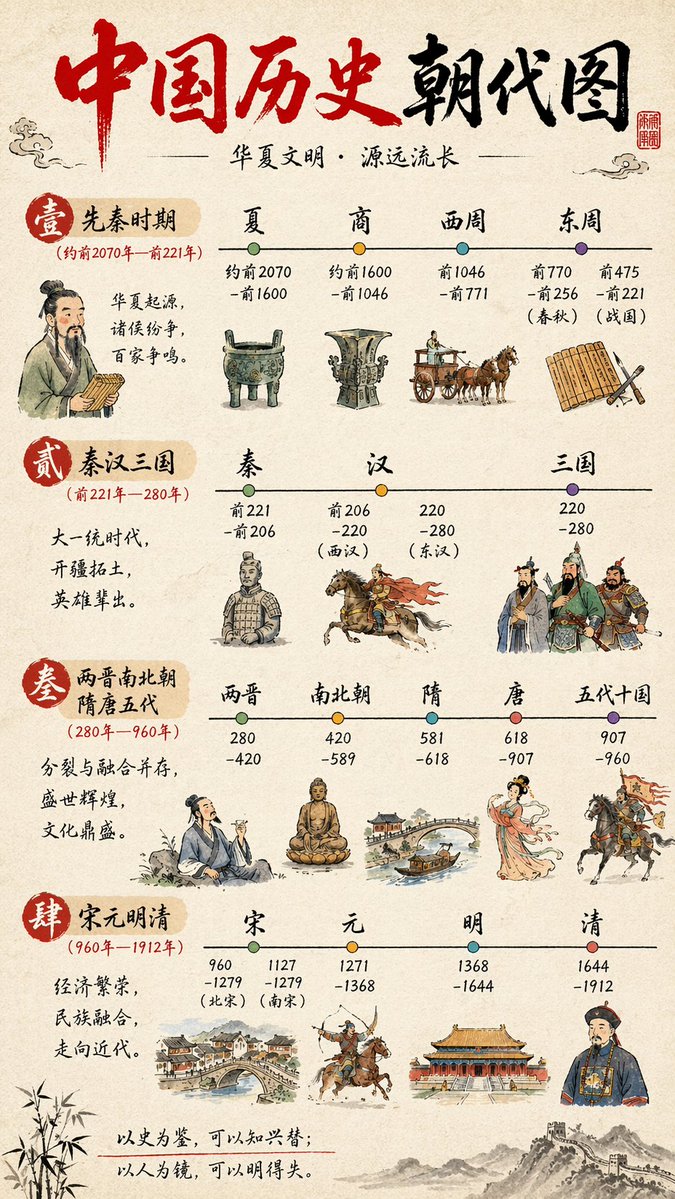
📌 Details
- Autor: axiaisacat
- Quelle: Twitter Post
- Veröffentlicht: 19. April 2026
- Sprachen: en
No. 34: Infografik / Edu Visual - English Vocabulary Educational Infographic
📖 Beschreibung
Generates a vertical, multi-section educational comic strip for teaching vocabulary with breakdowns, mnemonics, and examples.
📝 Prompt
{
  "type": "educational infographic comic",
  "style": "cute chibi anime, flat colors, clear comic panel layout, pastel backgrounds",
  "header": {
    "title": "今天我们来学习一个新词:",
    "word": "{argument name=\"target word\" default=\"so-called\"}",
    "translation": "({argument name=\"target translation\" default=\"所谓的\"})",
    "definition_box": "“so-called” 表示“所谓的”,用来强调某事物的名字或称呼,并不一定是真的那样。",
    "illustration": "teacher at chalkboard talking to 2 students with speech bubbles"
  },
  "layout": {
    "sections": [
      {
        "title": "1. 拆分小能手 (按音节/前后缀/词根)",
        "count": 3,
        "labels": ["so", "call", "ed"],
        "details": "3 colored columns (pink, green, blue) breaking down syllables, roots, and suffixes, accompanied by 4 chibi characters explaining the parts"
      },
      {
        "title": "2. 发音 (中文谐音)",
        "count": 1,
        "labels": ["so-called"],
        "details": "phonetic pronunciation guide with a teacher instructing a student"
      },
      {
        "title": "3. 联想记忆法 (故事联想)",
        "count": 3,
        "labels": ["panel 1", "panel 2", "panel 3"],
        "details": "3-panel comic illustrating {argument name=\"mnemonic story theme\" default=\"a so-called genius dog that only knows how to sit\"}"
      },
      {
        "title": "4. 例句小剧场",
        "count": 2,
        "labels": ["(1)", "(2)"],
        "details": "2 illustrated examples showing {argument name=\"example 1\" default=\"a so-called top student who doesn't do homework\"} and {argument name=\"example 2\" default=\"a so-called best pizza that tastes average\"}"
      },
      {
        "title": "5. 总结小卡片",
        "count": 5,
        "labels": ["单词", "拆分", "发音", "意思", "记忆口诀"],
        "details": "bulleted summary list with star icons, featuring a teacher character pointing at the bottom right"
      }
    ],
    "footer": "megaphone icon with text 每天学一个,英语更轻松!下次见!"
  }
}
🖼️ Generierte Bilder
Image 1
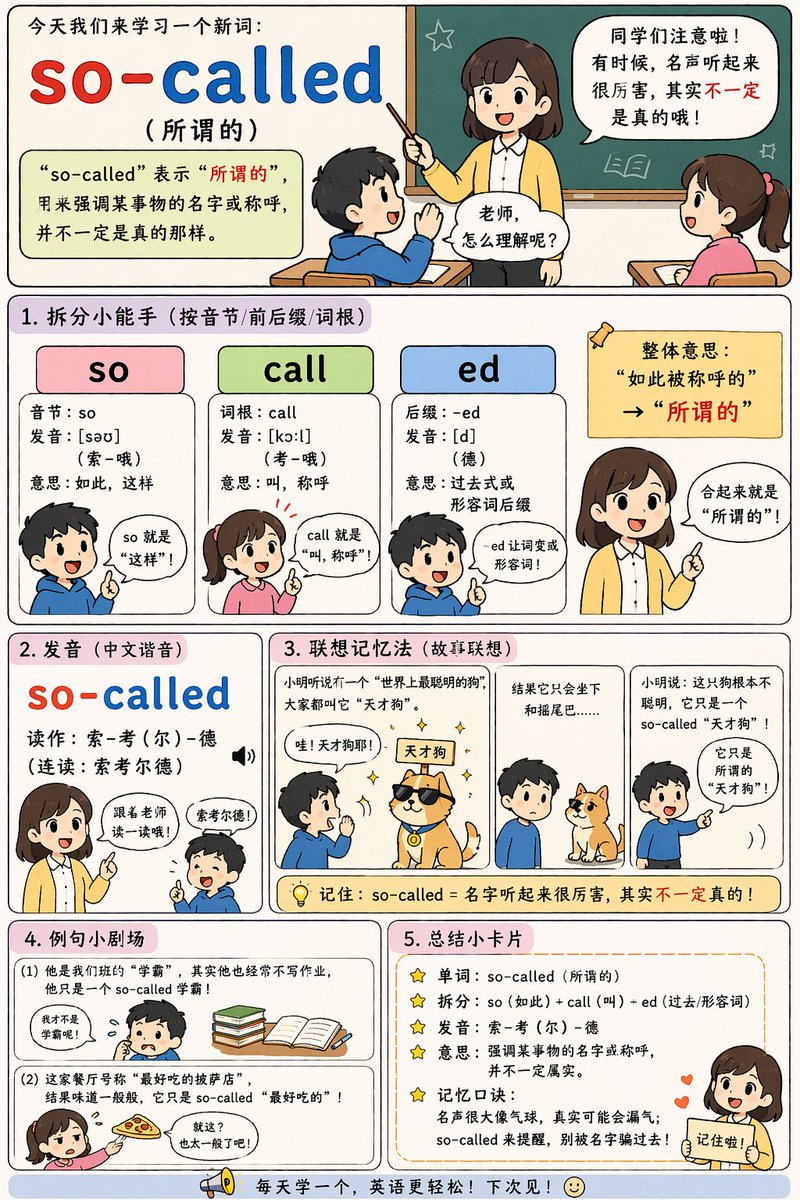
📌 Details
- Autor: axiaisacat
- Quelle: Twitter Post
- Veröffentlicht: 19. April 2026
- Sprachen: en
No. 35: Infografik / Edu Visual - Wissenschaftliche Infografik für Bildungszwecke
📖 Beschreibung
Erstellt eine dreistufige pädagogische Infografik, die ein wissenschaftliches Konzept mithilfe visueller Metaphern und erklärender Texte veranschaulicht.
📝 Prompt
{
  "type": "pädagogische Infografik",
  "theme": "Quantenphysik",
  "background": "dunkelblauer Verlauf",
  "header": {
    "title": "{argument name=\"main title\" default=\"Wellenfunktionskollaps\"}",
    "subtitle": "{argument name=\"subtitle\" default=\"Von vielen Möglichkeiten zu einem Ergebnis\"}"
  },
  "layout": {
    "type": "dreistufiger horizontaler Ablauf",
    "connections": "2 dicke, nach rechts zeigende horizontale Pfeile zwischen den Stufen",
    "stages": [
      {
        "position": "links",
        "title": "Vor der Messung",
        "subtitle": "{argument name=\"subject\" default=\"Elektron\"} als Wahrscheinlichkeitswelle",
        "visual": "diffuse, leuchtend blaue Teilchenwolke, die einem Nebel ähnelt",
        "labels": ["Wahrscheinliche Orte", "Superposition aller Möglichkeiten"]
      },
      {
        "position": "mitte",
        "title": "Messung",
        "subtitle": "Wir messen die Position des {argument name=\"subject\" default=\"Elektrons\"}",
        "visual": "1 graues, kastenförmiges Messgerät mit grünem Bildschirm und rotem Knopf, das mit einem weißen Pfeil nach unten auf ein verdichtetes, leuchtendes horizontales Teilchenband mit hellem gelben Zentrum zeigt",
        "labels": []
      },
      {
        "position": "rechts",
        "title": "Nach der Messung",
        "subtitle": "Wellenfunktion kollabiert",
        "visual": "einzelne, solide gelbe Kugel, die helle, radiale Strahlen aussendet",
        "labels": ["Einzelner, definierter Ort"]
      }
    ]
  },
  "footer": {
    "explanation": "'Kollaps' bedeutet, dass die Wellenfunktion von einer Vielzahl an Möglichkeiten zu einem spezifischen Ergebnis übergeht.",
    "summary": "Von mehreren Potenzialen [gelber Pfeil nach rechts] zu einem sicheren Ergebnis"
  }
}
🖼️ Generierte Bilder
Image 1
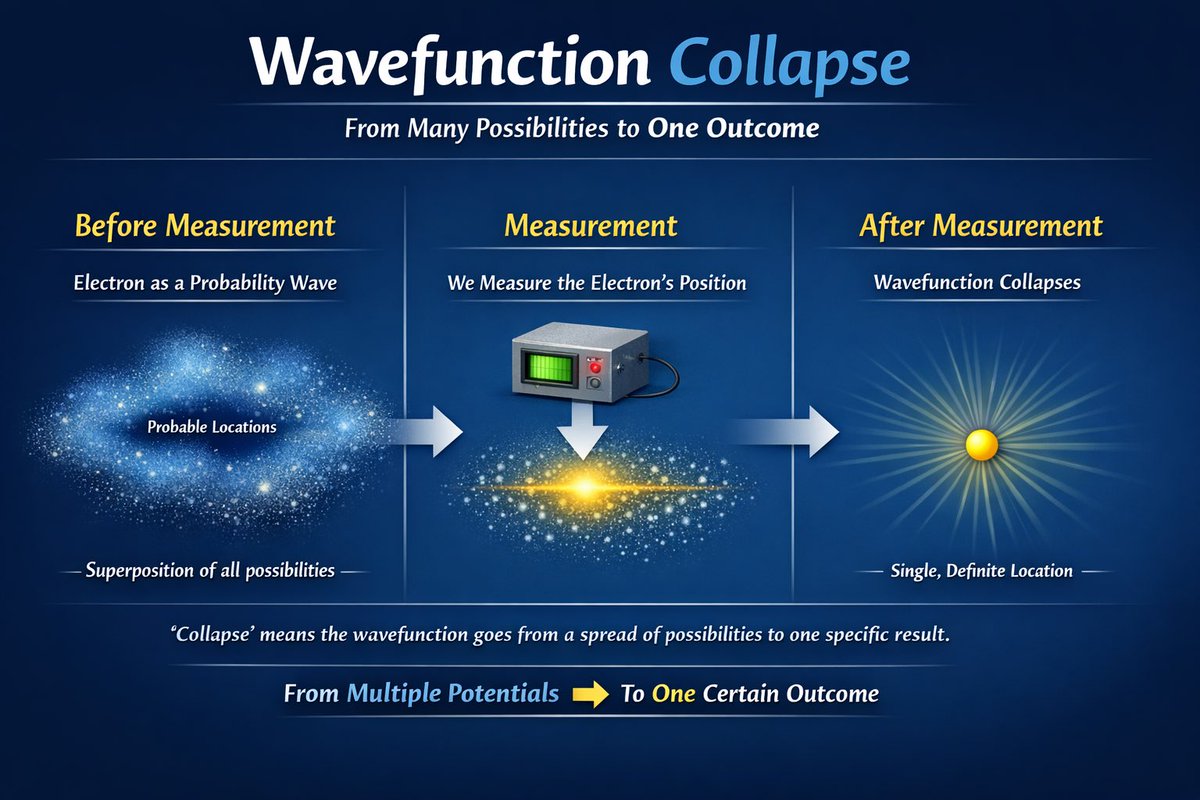
📌 Details
- Autor: Sanket
- Quelle: Twitter Post
- Veröffentlicht: 15. April 2026
- Sprachen: en
No. 36: Infografik / Edu Visual - 4-Panel-Bildungs-Manga mit Infografik
📖 Beschreibung
Erzeugt ein komplexes Layout mit einem 4-Panel-Comic und einem 4-spaltigen Infografik-Bereich, ideal für Tutorials oder Funktionserklärungen.
📝 Prompt
{
  "type": "4-Panel-Bildungs-Manga mit Infografik am unteren Rand",
  "characters": {
    "boy": {
      "description": "junger Junge, braune Haare",
      "outfit": "{argument name=\"boy outfit\" default=\"blauer Kapuzenpullover\"}"
    },
    "girl": {
      "name": "{argument name=\"main character name\" default=\"ChatGPT-chan\"}",
      "description": "Anime-Mädchen",
      "hair": "{argument name=\"girl hair style\" default=\"brauner Bob mit türkisfarbenen Highlights\"}",
      "outfit": "weißer Kapuzenpullover mit grünem AI-Logo"
    }
  },
  "layout": {
    "comic_panels": [
      {
        "panel_number": 1,
        "title": "1 Verpasst…",
        "scene": "Junge sieht enttäuscht aus und hält ein Smartphone, Hintergrund ist ein Sonnenaufgang über einem Fluss und einer Stadt",
        "speech_bubble": "Ich wollte den Sonnenaufgang sehen, aber habe verschlafen… Diese Aussicht gibt es nur in diesem Moment, sie kommt nie wieder…"
      },
      {
        "panel_number": 2,
        "title": "2 ChatGPT-chan erscheint!",
        "scene": "Junge sieht überrascht aus, Mädchen zeigt darauf und lächelt",
        "speech_bubbles": [
          "Hä!? Was meinst du?",
          "Das kannst du mit ChatGPT simulieren!"
        ]
      },
      {
        "panel_number": 3,
        "title": "3 Den Zeitverlauf am selben Ort sofort generieren!",
        "sub_text": "Prompt: {argument name=\"panel 3 prompt text\" default=\"„Zeige mir diesen Ort bei Morgen, Mittag, Abend und Nacht“\"}",
        "sub_images": {
          "count": 4,
          "description": "dieselbe Stadtansicht zu verschiedenen Tageszeiten",
          "labels": ["Morgen", "Mittag", "Abend", "Nacht"]
        },
        "scene": "Mädchen unten zeigt nach oben auf die Teilbilder",
        "speech_bubble": "Schau! Bei gleichem Bildaufbau verändert sich die Szenerie durch die Zeit komplett♪"
      },
      {
        "panel_number": 4,
        "title": "4 Eine Ära, in der man sich auch die Zukunft vorstellen kann!",
        "scene": "Junge sieht staunend mit funkelnden Augen aus, Mädchen zwinkert und zeigt darauf",
        "speech_bubbles": [
          "Wahnsinn…! Selbst wenn ich es verpasse, kann ChatGPT den Zeitverlauf einfach erstellen!",
          "Genau! Eine Szene ist nicht nur ein flüchtiger Moment. Mit KI kannst du auch die „Zeit“ mitgestalten!"
        ]
      }
    ],
    "infographic_section": {
      "position": "unten",
      "title": "{argument name=\"infographic main title\" default=\"Erklärung: Die Entwicklung hinter diesem Bild\"}",
      "columns": {
        "count": 4,
        "headers": [
          "❶ Höhere Präzision bei der Bildkomposition",
          "❷ Charaktere übernehmen eine „Rolle“",
          "❸ Tieferes Verständnis für Informationsdesign",
          "❹ Fokus auf die „Vermittlung an den Leser“"
        ],
        "content_description": "detaillierter erklärender Text unter jeder Überschrift"
      }
    }
  }
}
🖼️ Generierte Bilder
Image 1
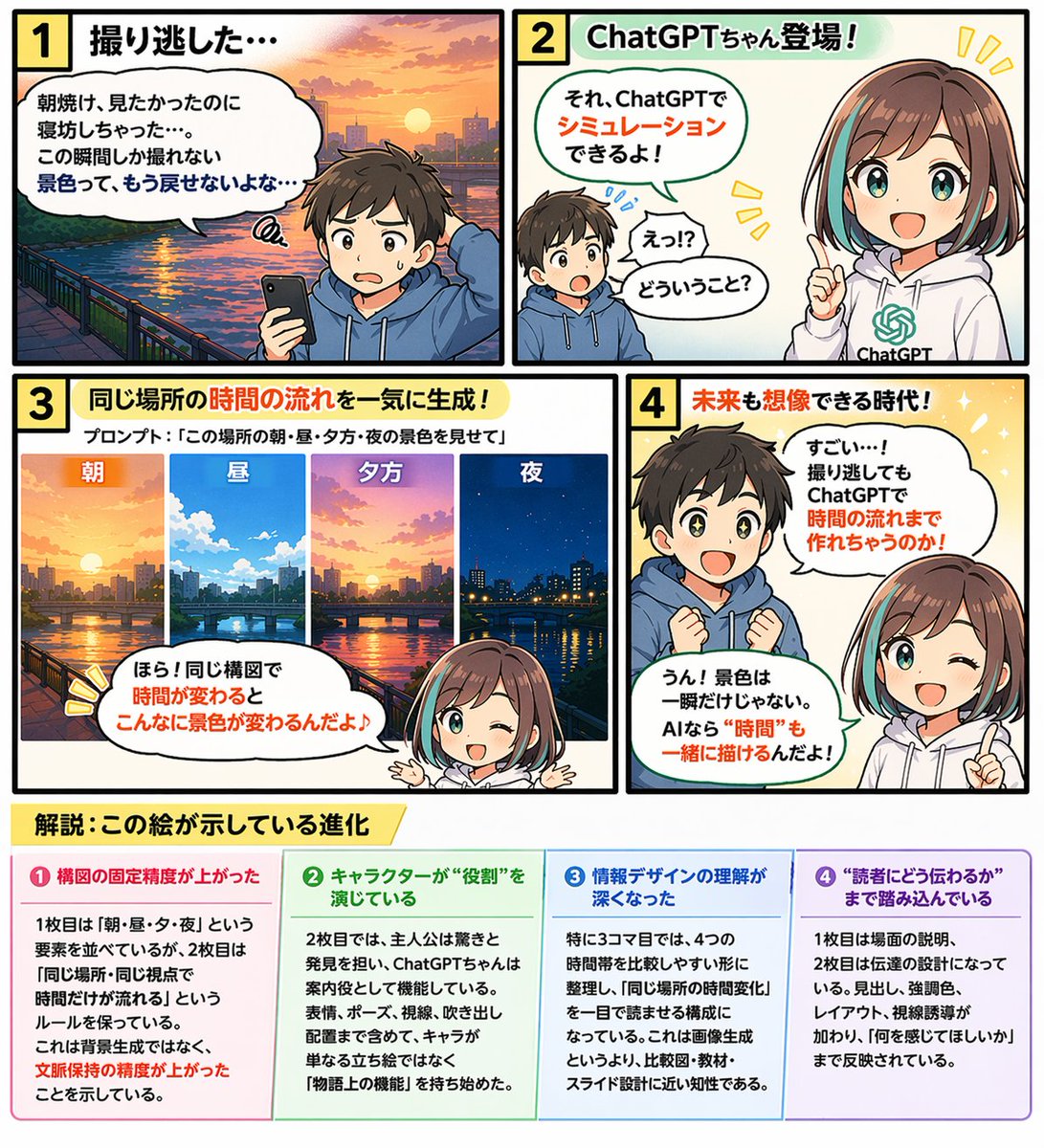
📌 Details
- Autor: G2(じーにー)|AI日曜大工|Genspark インダストリアンバサダー
- Quelle: Twitter Post
- Veröffentlicht: 14. April 2026
- Sprachen: en
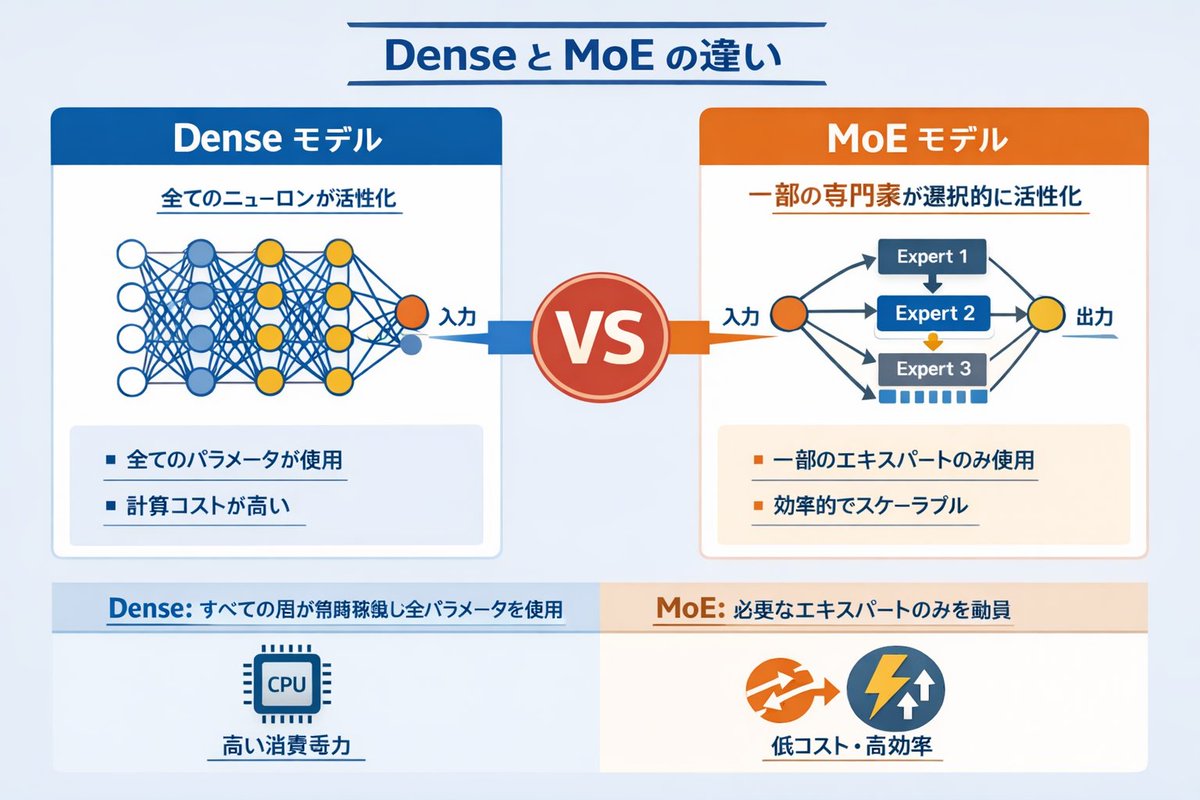
No. 37: Infografik / Edu Visual - Infografik: Dense vs. MoE Neuronale Netze
📖 Beschreibung
Eine technische Infografik, die Dense- und Mixture-of-Experts (MoE)-KI-Modelle anhand von Netzwerkdiagrammen und Stichpunkten vergleicht.
📝 Prompt
{
  "type": "Infografik-Vergleichsdiagramm",
  "header": {
    "title": "{argument name=\"main title\" default=\"Unterschied zwischen Dense und MoE\"}"
  },
  "layout": {
    "structure": "zwei Hauptspalten, getrennt durch ein zentrales VS-Abzeichen, mit geteilter Fußzeile am unteren Rand",
    "sections": [
      {
        "position": "linke Spalte",
        "theme_color": "blau",
        "header": "{argument name=\"left model name\" default=\"Dense-Modell\"}",
        "subtitle": "Alle Neuronen werden aktiviert",
        "diagram": {
          "type": "vollständig verbundenes neuronales Netz",
          "elements": [
            "1 oranger Eingabeknoten mit der Beschriftung Eingabe",
            "4 verborgene Schichten mit jeweils 4, 5, 4 und 2 Knoten",
            "Knoten in Weiß, Blau und Gelb gefärbt",
            "dichte, sich überschneidende Verbindungslinien zwischen allen benachbarten Knoten"
          ]
        },
        "bullet_points": {
          "count": 2,
          "items": [
            "{argument name=\"left bullet point\" default=\"Alle Parameter werden verwendet\"}",
            "Hoher Rechenaufwand"
          ]
        }
      },
      {
        "position": "rechte Spalte",
        "theme_color": "orange",
        "header": "{argument name=\"right model name\" default=\"MoE-Modell\"}",
        "subtitle": "Ausgewählte Experten werden selektiv aktiviert",
        "diagram": {
          "type": "Mixture-of-Experts-Netzwerk",
          "elements": [
            "1 oranger Eingabeknoten mit der Beschriftung Eingabe",
            "3 rechteckige Blöcke mit der Beschriftung Expert 1, Expert 2, Expert 3",
            "1 gelber Ausgabeknoten mit der Beschriftung Ausgabe",
            "verzweigte Pfeile, die die Eingabe mit den Experten und die Experten mit der Ausgabe verbinden"
          ]
        },
        "bullet_points": {
          "count": 2,
          "items": [
            "{argument name=\"right bullet point\" default=\"Nur einige Experten werden verwendet\"}",
            "Effizient und skalierbar"
          ]
        }
      },
      {
        "position": "Mitte",
        "element": "rotes kreisförmiges Abzeichen mit dem Text VS",
        "connections": "blauer Pfeil nach links, oranger Pfeil nach rechts"
      },
      {
        "position": "Fußzeile links",
        "background": "hellblau",
        "text": "Dense: Alle Schichten sind ständig aktiv und nutzen alle Parameter",
        "icon": "1 CPU-Chip-Grafik",
        "label": "Hoher Stromverbrauch"
      },
      {
        "position": "Fußzeile rechts",
        "background": "hellorange",
        "text": "MoE: Nur die benötigten Experten werden eingesetzt",
        "icons": "2 kreisförmige Grafiken (orange Pfeile, blauer Blitz)",
        "label": "Kostengünstig und hocheffizient"
      }
    ]
  }
}
🖼️ Generierte Bilder
Image 1
📌 Details
- Autor: Vania
- Quelle: Twitter Post
- Veröffentlicht: 14. April 2026
- Sprachen: en
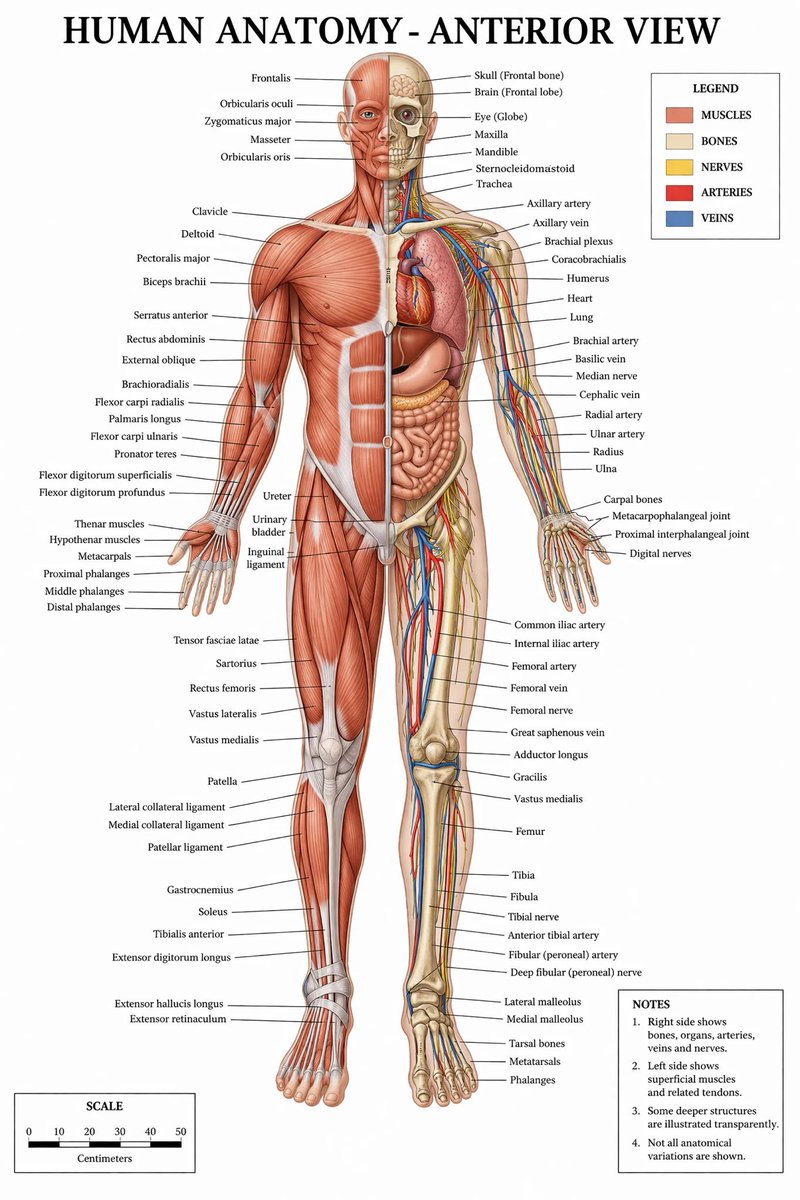
No. 38: Infografik / Edu Visual - Detaillierte medizinische Anatomie-Infografik
📖 Beschreibung
Erstellt eine hochdetaillierte, beschriftete medizinische Illustration der menschlichen Anatomie mit einer geteilten Ansicht von Muskeln und inneren Strukturen, komplett mit Legende und Maßstab.
📝 Prompt
{
  "type": "medizinische Infografik-Poster",
  "title": "{argument name=\"main title\" default=\"MENSCHLICHE ANATOMIE - VORDERANSICHT\"}",
  "subject": {
    "description": "Ganzkörper-{argument name=\"subject type\" default=\"menschliche männliche Figur\"}, Vorderansicht, vertikal entlang der Mittellinie geteilt.",
    "viewer_left_side": "{argument name=\"left side focus\" default=\"oberflächliche Muskeln\"}",
    "viewer_right_side": "{argument name=\"right side focus\" default=\"Knochen, innere Organe, Arterien, Venen und Nerven\"}",
    "style": "{argument name=\"color palette\" default=\"klinische medizinische Lehrbuchfarben\"}"
  },
  "layout": {
    "centerpiece": "Die anatomische Figur steht zentral, die Arme leicht vom Körper abgespreizt, die Handflächen nach vorne gerichtet.",
    "labeling_system": "Dünne schwarze Führungslinien verbinden anatomische Strukturen mit Textbeschriftungen, die ordentlich an den linken und rechten Rändern angeordnet sind.",
    "label_counts": {
      "head_and_neck": 12,
      "torso_and_arms": 29,
      "hands": 10,
      "pelvis_and_legs": 34,
      "feet": 5
    },
    "panels": [
      {
        "title": "LEGENDE",
        "position": "oben rechts",
        "count": 5,
        "items": [
          {"color": "rot/braun", "label": "MUSKELN"},
          {"color": "beige", "label": "KNOCHEN"},
          {"color": "gelb", "label": "NERVEN"},
          {"color": "rot", "label": "ARTERIEN"},
          {"color": "blau", "label": "VENEN"}
        ]
      },
      {
        "title": "HINWEISE",
        "position": "unten rechts",
        "count": 4,
        "items": [
          "1. Die rechte Seite zeigt Knochen, Organe, Arterien, Venen und Nerven.",
          "2. Die linke Seite zeigt oberflächliche Muskeln und zugehörige Sehnen.",
          "3. Einige tiefere Strukturen sind transparent dargestellt.",
          "4. Nicht alle anatomischen Variationen sind dargestellt."
        ]
      },
      {
        "title": "MASSSTAB",
        "position": "unten links",
        "count": 6,
        "description": "Ein horizontaler Balkenmaßstab mit 6 numerischen Markierungen (0, 10, 20, 30, 40, 50), beschriftet mit 'Zentimeter'."
      }
    ]
  }
}
🖼️ Generierte Bilder
Image 1
📌 Details
- Autor: Ivan Davila
- Quelle: Twitter Post
- Veröffentlicht: 14. April 2026
- Sprachen: en
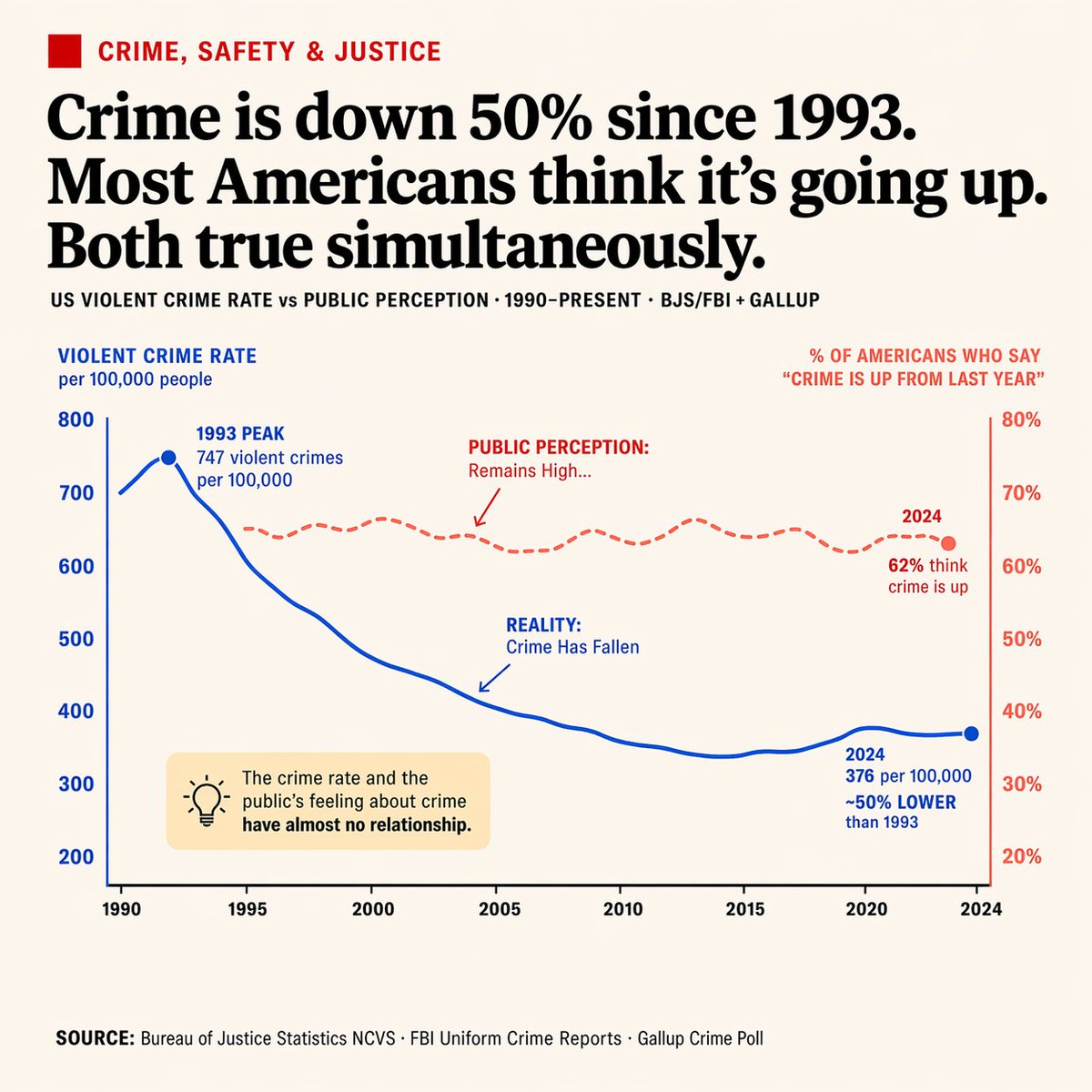
No. 39: Infografik / Edu Visual - Redaktionelle Infografik mit zwei Achsen
📖 Beschreibung
Erstellt ein übersichtliches Liniendiagramm mit zwei Achsen im Zeitungsstil, inklusive Anmerkungen und Infobox – ideal für den Vergleich gegensätzlicher Datentrends.
📝 Prompt
{
  "type": "redaktionelle Infografik mit zwei Achsen",
  "style": "übersichtlich, Zeitungsstil, cremeweißer Hintergrund, gut lesbare Typografie",
  "header": {
    "category": "KRIMINALITÄT, SICHERHEIT & JUSTIZ (roter Text mit rotem Quadrat-Icon)",
    "headline": "{argument name=\"main headline\" default=\"Die Kriminalitätsrate ist seit 1993 um 50 % gesunken. Die meisten Amerikaner glauben, sie steigt. Beides ist gleichzeitig wahr.\"}",
    "sub_headline": "US-GEWALTKRIMINALITÄT vs. ÖFFENTLICHE WAHRNEHMUNG · 1990-HEUTE · BJS/FBI + GALLUP"
  },
  "chart": {
    "x_axis": "Jahre 1990 bis 2024 mit 8 Markierungen",
    "left_y_axis": {
      "color": "blau",
      "label": "{argument name=\"left axis label\" default=\"GEWALTKRIMINALITÄT pro 100.000 Einwohner\"}",
      "range": "200 bis 800"
    },
    "right_y_axis": {
      "color": "rot",
      "label": "{argument name=\"right axis label\" default=\"% DER AMERIKANER, DIE SAGEN: 'KRIMINALITÄT IST HÖHER ALS LETZTES JAHR'\"}",
      "range": "20 % bis 80 %"
    },
    "data_series": [
      {
        "name": "Realität",
        "style": "durchgezogene blaue Linie",
        "trend": "erreicht früh einen Höchststand und fällt dann deutlich ab",
        "annotations": [
          "1993 HÖCHSTSTAND 747 Gewaltverbrechen pro 100.000 (mit blauem Punkt)",
          "REALITÄT: Kriminalität ist gesunken (mit blauem Pfeil zur Linie)",
          "2024 376 pro 100.000 ~50 % NIEDRIGER als 1993 (mit blauem Punkt)"
        ]
      },
      {
        "name": "Öffentliche Wahrnehmung",
        "style": "gestrichelte rote Linie",
        "trend": "bleibt relativ flach und auf hohem Niveau",
        "annotations": [
          "ÖFFENTLICHE WAHRNEHMUNG: Bleibt hoch... (mit rotem Pfeil zur Linie)",
          "2024 62 % glauben, die Kriminalität steigt (mit rotem Punkt)"
        ]
      }
    ]
  },
  "callout_box": {
    "position": "unten links innerhalb des Diagrammbereichs",
    "style": "hellgelbes Rechteck",
    "icon": "Glühbirne",
    "text": "{argument name=\"callout text\" default=\"Die Kriminalitätsrate und das Sicherheitsempfinden der Öffentlichkeit haben kaum einen Zusammenhang.\"}"
  },
  "footer": {
    "text": "QUELLE: {argument name=\"footer source\" default=\"Bureau of Justice Statistics NCVS · FBI Uniform Crime Reports · Gallup Crime Poll\"}"
  }
}
🖼️ Generierte Bilder
Image 1
📌 Details
- Autor: Alex Patrascu
- Quelle: Twitter Post
- Veröffentlicht: 14. April 2026
- Sprachen: en
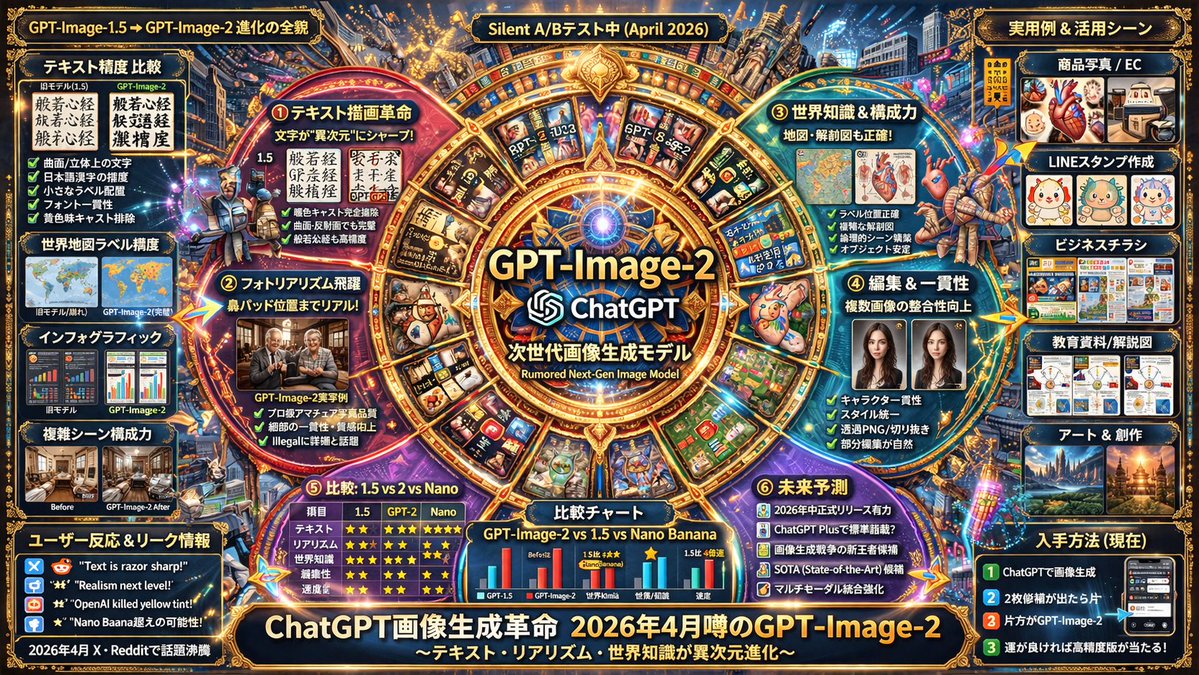
No. 40: Infografik / Edu Visual - Futuristisches KI-Modell Infografik-Poster
📖 Beschreibung
Erstellt ein hochdetailliertes, informationsdichtes Infografik-Poster mit radialen und gitterbasierten Layouts, perfekt zur Präsentation von Softwarefunktionen, Vergleichen und Roadmaps.
📝 Prompt
{
  "type": "hochdichtes, futuristisches Infografik-Poster",
  "style": "dunkler Hintergrund mit {argument name=\"theme color\" default=\"Gold- und Dunkelblau\"} Neon-Akzenten, hochstrukturiertes Raster- und Radiallayout, technikorientierte UI-Ästhetik",
  "centerpiece": {
    "visual": "{argument name=\"centerpiece icon\" default=\"leuchtende kybernetische Augenlinse\"}, umgeben von einem goldenen, verzierten kreisförmigen Rahmen mit leuchtenden Knoten",
    "text": ["{argument name=\"model name\" default=\"GPT-Image-2\"}", "ChatGPT", "Gerücht über stilles Update {argument name=\"release date\" default=\"April 2026\"}"]
  },
  "layout": {
    "inner_circle_panels": {
      "count": 4,
      "description": "Vier keilförmige Felder um das Zentrum, die Kernfunktionen detailliert beschreiben",
      "labels": ["Highlight ① Text-Rendering-Revolution", "Highlight ② Sprung zum Fotorealismus", "Highlight ③ Weltwissen & Kompositionsstärke", "Highlight ④ Evolution von Bearbeitung & Konsistenz"]
    },
    "top_row": {
      "count": 5,
      "description": "Rechteckige Felder mit Leak-Bildern, Kartengenauigkeit, anatomischen Diagrammen und Nutzerreaktionen",
      "labels": ["Leak-Bild ①", "Leak-Bild ②", "Leak-Bild ③", "Nutzerreaktion (X)", "Nutzerreaktion (X/Reddit)"]
    },
    "left_column": {
      "count": 3,
      "description": "Vertikaler Stapel von Vergleichsfeldern, die Version 1.5 vs 2 vs Nano mit kleinen Bildrastern zeigen",
      "labels": ["Vergleich ① Text-Rendering", "Vergleich ② Realismus", "Komposition ③ & Weltbild"]
    },
    "right_column": {
      "count": 5,
      "description": "Vertikaler Stapel von praktischen Anwendungsfällen mit kleinen Beispielbildern",
      "labels": ["Anwendungsbeispiel ① Produktfotos & E-Commerce", "Anwendungsbeispiel ② Business & Flyer", "Anwendungsbeispiel ③ LINE-Sticker", "Anwendungsbeispiel ④ Bildung & Präsentationen", "Anwendungsbeispiel ⑤ Social Media & Thumbnails"]
    },
    "bottom_data_section": {
      "count": 5,
      "description": "Datentabellen, Aufzählungslisten und Hacker-Bildsprache",
      "labels": ["Technische Fortschrittspunkte", "Codename & Leaks", "Leistungsvergleichstabelle (GPT-Image-1.5 vs GPT-Image-2 vs Google Nano Banana)", "Zusammenfassung der Verbesserungen", "Zukunfts-Roadmap"]
    },
    "bottom_thumbnail_strip": {
      "count": 10,
      "description": "Eine horizontale Reihe kleiner quadratischer Bilder, die verschiedene Generierungsstile demonstrieren",
      "labels": ["Architektur", "Poster", "Japanischer Text", "Infografik", "Fantasy", "Steampunk", "Minimalistisches Design", "Essen", "Auto", "Unterwasser"]
    }
  },
  "footer": {
    "text": "{argument name=\"main title\" default=\"ChatGPT Bildgenerierungs-Revolution\"}",
    "subtext": "GPT-Image-2 Gerücht vom April 2026"
  }
}
🖼️ Generierte Bilder
Image 1
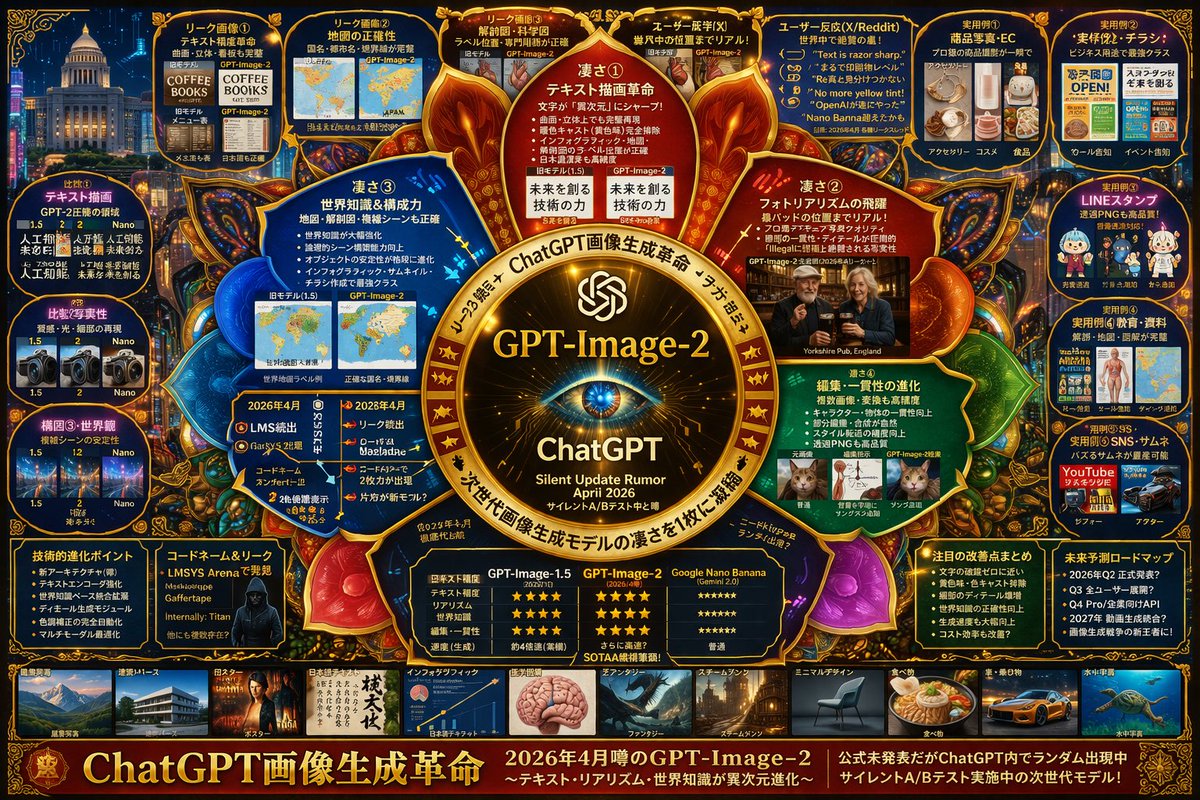
Image 2
📌 Details
- Autor: s_shigel 斉藤 滋
- Quelle: Twitter Post
- Veröffentlicht: 14. April 2026
- Sprachen: en
No. 41: Infografik / Edu Visual - Infografik zur Analyse komplexer KI-Modelle
📖 Beschreibung
Erstellt eine hochdetaillierte 3-spaltige Slides-Präsentation zur Analyse von KI-Modellfunktionen mit 10 verschiedenen Abschnitten und eingebetteten Vergleichsbildern.
📝 Prompt
{
  "type": "Infografik-Dashboard",
  "style": "Unternehmenspräsentation Slides, dichtes Informationslayout, Flat Design",
  "header": {
    "left_title": "{argument name=\"main title\" default=\"Ist 'gpt-image-2' bei ChatGPT angekommen?\"}",
    "right_subtitle": "{argument name=\"subtitle\" default=\"Offizielle Bestätigung zu ChatGPT Images / GPT Image 1.5 Mandala\"}",
    "background_color": "{argument name=\"theme color 1\" default=\"dunkelblau\"}"
  },
  "layout": {
    "columns": 3,
    "sections": [
      {
        "id": 1,
        "title": "① Gerüchte sortieren / Offizielle Bezeichnung",
        "color": "{argument name=\"theme color 2\" default=\"rot\"}",
        "content_type": "3 Aufzählungspunkte"
      },
      {
        "id": 2,
        "title": "② Entwicklungs-Timeline",
        "color": "gold",
        "content_type": "3 Timeline-Aufzählungspunkte"
      },
      {
        "id": 3,
        "title": "③ Kleingedrucktes, Layout & Erklärgrafiken",
        "color": "blau",
        "content_type": "2 eingebettete Bilder mit Textdokument und Icon-Raster"
      },
      {
        "id": 4,
        "title": "④ Bedienungsablauf in ChatGPT",
        "color": "grün",
        "content_type": "UI-Mockups mit Chat-Interface und Hunde-Bild"
      },
      {
        "id": "central",
        "title": "Zentrales Fazit: Was ist das 'Besondere'?",
        "color": "dunkelblau",
        "subtitle": "{argument name=\"central conclusion\" default=\"Vom 'schönen Bild' hin zur 'nutzbaren Bildgenerierung'\"}",
        "content_type": "2 Spalten mit je 4 Aufzählungspunkten"
      },
      {
        "id": 5,
        "title": "⑤ Bearbeitungsstärke: Ändern bei Beibehaltung",
        "color": "rot",
        "content_type": "3 sequentielle Bilder zur Darstellung des Bildbearbeitungsfortschritts"
      },
      {
        "id": 6,
        "title": "⑥ Was wurde verbessert: Der Vergleich",
        "color": "gold",
        "content_type": "6 Vergleichsbilder (Aktuell vs. Vorher) für Poster, Menschenmengen, Texturen"
      },
      {
        "id": 7,
        "title": "⑦ API / Gründe für den Praxiseinsatz",
        "color": "blau",
        "content_type": "3 Aufzählungspunkte"
      },
      {
        "id": 8,
        "title": "⑧ Einschränkungen, Fallstricke & Warnhinweise",
        "color": "rot",
        "content_type": "3 Aufzählungspunkte"
      },
      {
        "id": 9,
        "title": "⑨ Sicherheit, Herkunft & Governance",
        "color": "gold",
        "content_type": "3 Aufzählungspunkte"
      },
      {
        "id": 10,
        "title": "⑩ Quellenübersicht / Lesart",
        "color": "dunkelblau",
        "content_type": "Liste mit 7 Quellen und einer Zusammenfassungsbox"
      }
    ]
  }
}
🖼️ Generierte Bilder
Image 1
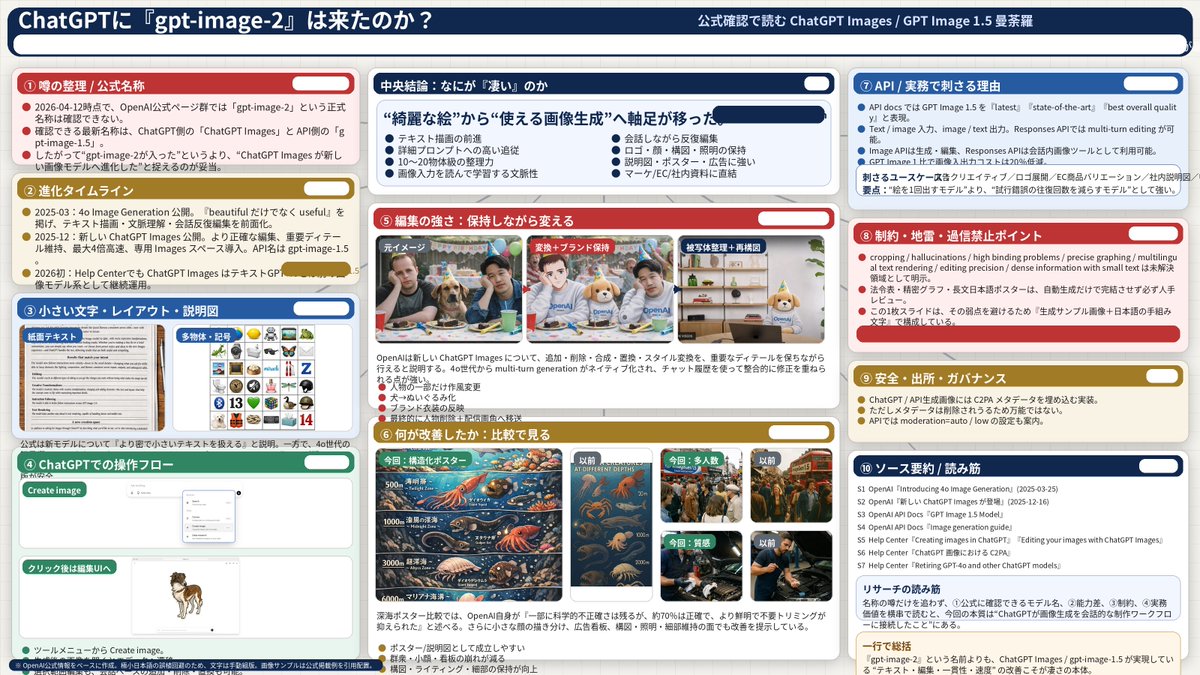
📌 Details
- Autor: s_shigel 斉藤 滋
- Quelle: Twitter Post
- Veröffentlicht: 14. April 2026
- Sprachen: en
No. 42: Infografik / Edu Visual - Infografik für Bettwaren-Paket
📖 Beschreibung
Erstellt eine detaillierte Infografik für ein Produktpaket, bestehend aus einem Lifestyle-Hauptbild, einer Komponentenaufschlüsselung, einzelnen Produktkarten und einer Preistabelle.
📝 Prompt
{
  "type": "Produktpaket-Infografik",
  "header": {
    "title": "{argument name=\"main title\" default=\"WLIVE Semi-Doppelbett Premium-Set\"}",
    "subtitle": "{argument name=\"subtitle\" default=\"Funktionalität bewahren, Optik und Schlafkomfort auf das nächste Level heben\"}"
  },
  "hero_section": {
    "layout": "Split-Layout, Textbereich links, großes Lifestyle-Foto rechts",
    "text_panel": {
      "heading": "Kombinationsbeispiel",
      "bullet_points_count": 6,
      "bullet_labels": [
        "Rahmen (Basis beibehalten)",
        "Matratze (Komfortsteigerung)",
        "Bettauflage (Standard oder Premium)",
        "Bezug (Optische Aufwertung)",
        "Bettdecke (Preisoptimiert & hygienisch)",
        "Kissen (Hochwertige Haptik)"
      ]
    },
    "lifestyle_photo": {
      "subject": "Semi-Doppelbett mit hölzernem Kopfteil inklusive Ablagen und Steckdosen",
      "bedding": "{argument name=\"bedding color\" default=\"silbergraue und weiße\"} Bettwäsche, Bettdecke und Kissen, mit einer strukturierten grauen Tagesdecke",
      "environment": "{argument name=\"room aesthetic\" default=\"modernes, gemütliches Schlafzimmer mit warmer Beleuchtung\"}, Topfpflanze, Nachttisch mit Lampe, Aufbewahrungsboxen unter dem Bett"
    }
  },
  "product_gallery": {
    "layout": "Horizontale Reihe mit 6 Produktkarten",
    "cards_count": 6,
    "cards": [
      { "number": 1, "title": "Bettrahmen", "image": "Holzbettrahmen", "tag": "Basis beibehalten" },
      { "number": 2, "title": "Matratze", "image": "Taschenfederkernmatratze", "tag": "Komfortsteigerung" },
      { "number": 3, "title": "Bettauflage", "image": "gesteppte Bettauflage", "tag": "Premium-Auflage (optional)" },
      { "number": 4, "title": "Bezug-Set", "image": "gefaltete silbergraue Bettbezüge und Kissen", "tag": "Optische Aufwertung" },
      { "number": 5, "title": "Bettdecke", "image": "gerollte weiße Bettdecke", "tag": "Preisoptimiert & hygienisch" },
      { "number": 6, "title": "Kissen 2er-Set", "image": "zwei weiße Kissen", "tag": "Hochwertige Haptik" }
    ]
  },
  "pricing_table": {
    "layout": "Horizontale Tabelle am unteren Rand",
    "row_header": "Gesamtkosten (Empfohlene Konfiguration)",
    "columns_count": 7,
    "columns": [
      "Bettrahmen",
      "Matratze",
      "Bettauflage",
      "Bezug-Set",
      "Bettdecke",
      "Kissen 2er-Set",
      "Gesamt"
    ],
    "total_price": "{argument name=\"total price\" default=\"49.471 JPY\"}",
    "footer_note": "* Die Preise basieren auf Referenzpreisen von Amazon.co.jp im Jahr 2024. Änderungen vorbehalten."
  }
}
🖼️ Generierte Bilder
Image 1
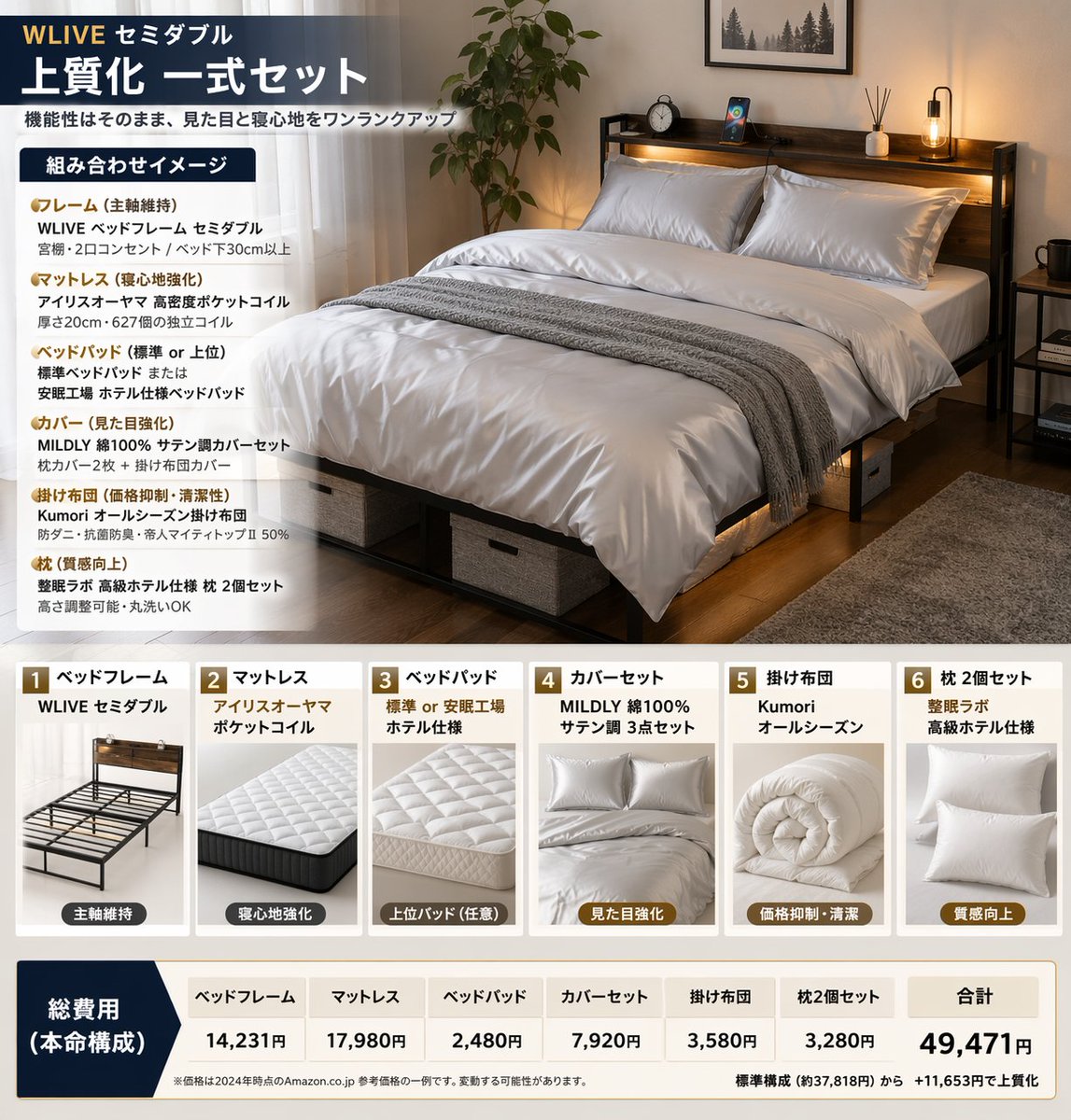
📌 Details
- Autor: Quadro
- Quelle: Twitter Post
- Veröffentlicht: 14. April 2026
- Sprachen: en
No. 43: Infografik / Edu Visual - Infografik: Leitfaden zur Bildgenerierung mit ChatGPT
📖 Beschreibung
Eine strukturierte, mehrteilige Infografik mit Best Practices für die Erstellung und Bearbeitung von Bildern, inklusive Icons, Beispielgrafiken und Schritt-für-Schritt-Tipps.
📝 Prompt
{"type":"infographic","style":"clean, corporate, flat design, pastel accents, dark blue primary color","header":{"logo":"swirl icon","academy_name":"{argument name=\"academy name\" default=\"OpenAI Academy\"}","main_title":"{argument name=\"main title\" default=\"Praxisleitfaden zur Bildgenerierung und -bearbeitung mit ChatGPT\"}","metadata":"date and page info","summary_box":{"title":"Wichtige Punkte","content":"Absatz über die Kernpunkte"}},"layout":{"sections":[{"number":1,"title":"{argument name=\"section 1 title\" default=\"So schreiben Sie gute Bild-Prompts\"}","layout":"two columns","left_column":{"count":6,"items":[{"icon":"target","label":"Zweck klar definieren"},{"icon":"landscape","label":"Motiv, Situation und Ort angeben"},{"icon":"brush","label":"Stil und Atmosphäre festlegen"},{"icon":"sun","label":"Licht, Textur und Komposition bestimmen"},{"icon":"prohibition","label":"Einschränkungen und Ausschlüsse nennen"},{"icon":"pencil","label":"Bei Bearbeitungen Änderungen und Beizubehaltendes klar definieren"}]},"right_column":{"box_title":"Beispiel für einen guten Prompt","image":"{argument name=\"example image subject\" default=\"weiße Tasse auf einem Schreibtisch aus Holz\"}"}},{"number":2,"title":"Schrittweise Optimierung für bessere Ergebnisse","cards":{"count":4,"items":[{"icon":"sun","label":"Helligkeit anpassen"},{"icon":"palette","label":"Farben anpassen"},{"icon":"landscape","label":"Hintergrund anpassen"},{"icon":"crop","label":"Komposition beibehalten"}]},"bottom_banner":"lightbulb icon with text"},{"number":3,"title":"Fortgeschrittene Anwendungsmöglichkeiten","list":{"count":3,"items":[{"icon":"multiple images","label":"Nutzung mehrerer Bilder"},{"icon":"text 'Te'","label":"Text im Bild"},{"icon":"pie chart","label":"Infografiken und Diagramme"}]},"example_box":{"title":"Beispiel für Textvorgaben","graphic":"grüne Box mit 'SPRING SALE'"}},{"number":4,"title":"Zusätzliche Hinweise","items":{"count":4,"items":[{"icon":"person","label":"Generierung realer Personen"},{"icon":"shield","label":"Verwendung von Marken- und Werktiteln"},{"icon":"id card","label":"Nennung von Bildnachweisen"},{"icon":"checklist","label":"Einhaltung der Richtlinien"}]}}],"footer":{"style":"dark blue banner","text":"{argument name=\"footer summary\" default=\"Fazit: Durch präzise Angaben zu Zweck und Einschränkungen sowie schrittweise Korrekturen lassen sich hochwertigere Bilder generieren.\"}"}}
🖼️ Generierte Bilder
Image 1
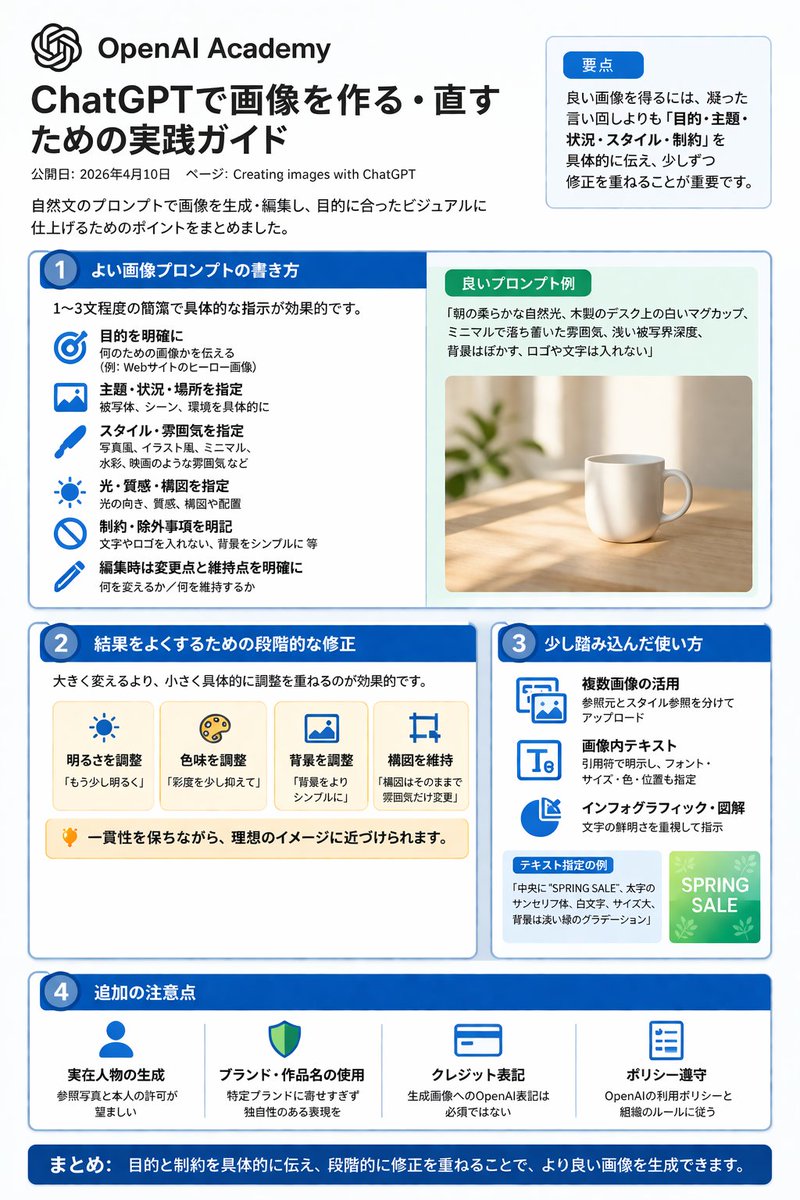
📌 Details
- Autor: 炎鎮🔥 - ₿onochin -
- Quelle: Twitter Post
- Veröffentlicht: 14. April 2026
- Sprachen: en
No. 44: Infografik / Edu Visual - Infografik zur Bildgenerierung mit ChatGPT
📖 Beschreibung
Eine strukturierte, vierspaltige Infografik mit Tipps, Workflows und Beispielen für die Bildgenerierung mit ChatGPT.
📝 Prompt
{
  "type": "Infografik-Spickzettel",
  "style": "sauber, modern, Flat-Design, professionell, japanischer Text",
  "header": {
    "main_title": "{argument name=\"main title\" default=\"Tipps zur Bildgenerierung mit ChatGPT\"}",
    "subtitle": "{argument name=\"subtitle\" default=\"So schreiben Sie gute Prompts und optimieren Ergebnisse (Stand: 10. April 2026)\"}",
    "badge": "OpenAI Academy / Bilder mit ChatGPT erstellen"
  },
  "layout": {
    "main_grid": {
      "columns": 4,
      "sections": [
        {
          "column": 1,
          "color_theme": "blau",
          "header": "1 {argument name=\"column 1 title\" default=\"Gute Prompts schreiben (kurz & prägnant)\"}",
          "item_count": 5,
          "labels": ["Ziel", "Subjekt", "Kontext/Ort", "Stil/Art", "Einschränkungen/Vorgaben"]
        },
        {
          "column": 2,
          "color_theme": "türkisgrün",
          "header": "2 {argument name=\"column 2 title\" default=\"Tipps zur Ergebnisoptimierung\"}",
          "item_count": 4,
          "labels": ["Kleine, konkrete Anpassungen", "Positive Anweisungen", "Elemente beibehalten", "Vergleichen und auswählen"]
        },
        {
          "column": 3,
          "color_theme": "orange",
          "header": "3 Fortgeschrittene Techniken",
          "item_count": 4,
          "labels": ["Mehrere Bilder nutzen", "Text in Bildern", "Diagramme & Infografiken", "Schrittweise Verfeinerung"]
        },
        {
          "column": 4,
          "color_theme": "lila",
          "header": "4 Wichtige Hinweise",
          "item_count": 4,
          "labels": ["Generierung realer Personen", "Marken/Werke beachten", "Quellenangaben", "Nutzungsrichtlinien einhalten"]
        }
      ]
    },
    "bottom_section": {
      "left_panel": {
        "title": "{argument name=\"examples title\" default=\"Prompt-Beispiele\"}",
        "item_count": 3,
        "thumbnails": ["orangefarbene getigerte Katze", "Kaffeetasse auf dem Tisch", "blaues Balkendiagramm"]
      },
      "right_panel": {
        "title": "Workflow",
        "step_count": 4,
        "labels": ["Erstellen", "Anpassen", "Vergleichen", "Fertigstellen"]
      }
    }
  }
}
🖼️ Generierte Bilder
Image 1
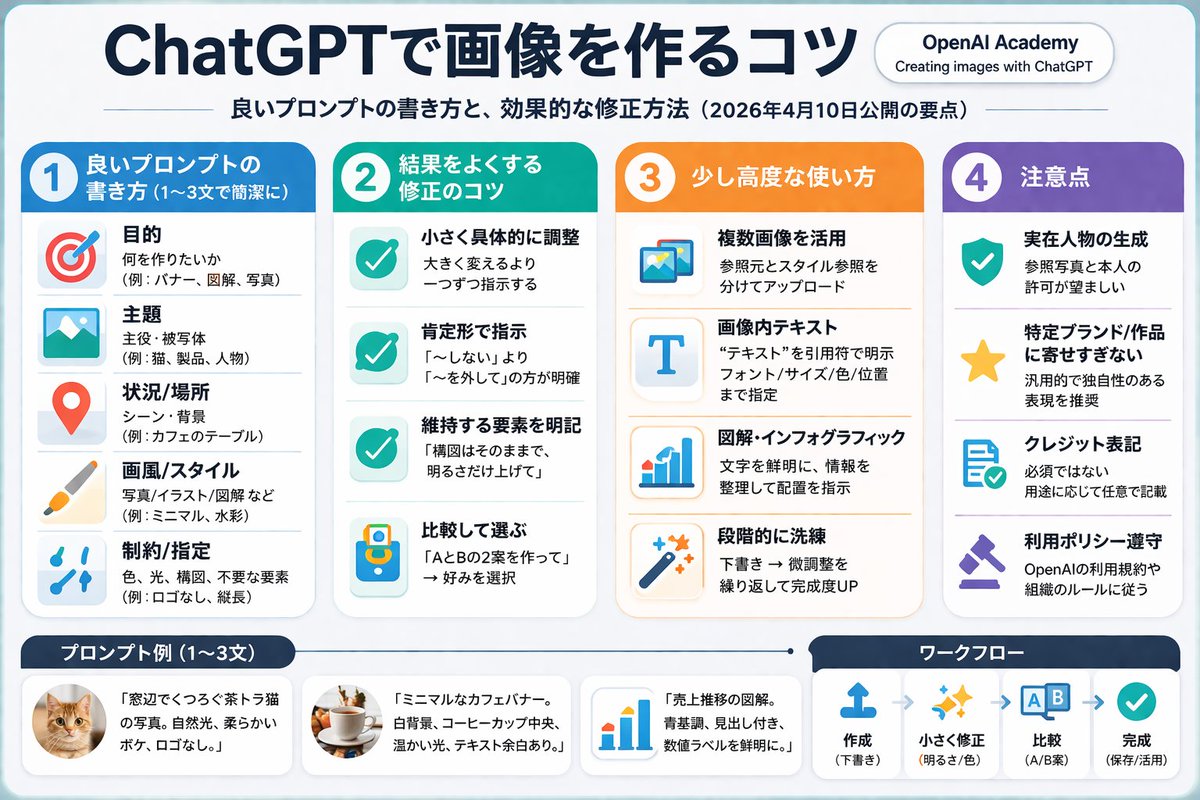
📌 Details
- Autor: 炎鎮🔥 - ₿onochin -
- Quelle: Twitter Post
- Veröffentlicht: 14. April 2026
- Sprachen: en
No. 45: YouTube-Miniaturbild - True-Crime-Ermittlungs-Thumbnail
📖 Beschreibung
Erstellt ein dramatisches YouTube-Thumbnail im Collage-Stil für True-Crime- oder Verschwörungsvideos, mit einem zentralen Porträt und thematischen Hintergrundelementen.
📝 Prompt
Eine Collage im Stil eines YouTube-Thumbnails für eine {argument name="overall mood" default="düstere, dramatische True-Crime-Ermittlung"}. Im Zentrum befindet sich ein hochdetailliertes Nahaufnahme-Porträt eines {argument name="central figure" default="älteren Mannes mit grauem Haar und tiefen Falten, der Jeffrey Epstein ähnelt"}, bekleidet mit einem schwarzen Polohemd, umrandet von einer schwach rot leuchtenden Kontur, die ihn vom Hintergrund abhebt. Auf der linken Seite eine {argument name="left background scene" default="tropische Insel mit Luxusvillen und einem fliegenden Flugzeug vor einem dunklen Himmel"}. Unter der Insel befindet sich ein Verschwörungs-Board-Motiv mit genau 2 roten Pinnadeln, die durch 3 dicke rote Fäden verbunden sind. Oben rechts eine verschwommene, sepiafarbene Darstellung des {argument name="right background scene" default="US-Kapitols mit den Silhouetten von 3 Männern in Anzügen, die davor stehen"}. Unten rechts ein geöffneter Manila-Ordner, der ein {argument name="document type" default="stark geschwärztes Dossier mit dicken schwarzen Markierungen und einem kleineren Foto des zentralen Mannes"} enthält. Die gesamte Komposition ist filmisch, intensiv und stark für ein Dokumentarvideo stilisiert.
🖼️ Generierte Bilder
Image 1

📌 Details
- Autor: Mirochill
- Quelle: Twitter Post
- Veröffentlicht: 14. April 2026
- Sprachen: en
No. 46: YouTube-Miniaturbild - Anime-Horror-Spiel Thumbnail-Komposition
📖 Beschreibung
Erstellt eine zusammengesetzte Gaming-Video-Thumbnail mit einer zentralen Silhouette, einem Spiellogo und vier Charakterporträts in Rahmen aus zerrissenem Papier.
📝 Prompt
Eine zusammengesetzte YouTube-Thumbnail-Illustration mit dem Logo für {argument name="game title" default="Doki Doki Literature Club!"} in der oberen Mitte, gestaltet als rosa Kreis mit einem blauen Herz, bunten Blockbuchstaben und einem grünen Stift. Unter dem Logo, in der unteren Mitte, befindet sich eine {argument name="central figure" default="dunkle Silhouette einer Person, die an einem Schreibtisch sitzt"} und auf einen leuchtend rosa Computermonitor in einem dunklen Raum blickt. Der Hintergrund ist in 4 Eckbereiche unterteilt, die durch Ränder aus zerrissenem Papier getrennt sind, wobei jeder ein Porträt eines Anime-Mädchens in Schuluniform enthält. Die obere linke Ecke zeigt ein lächelndes Mädchen mit langem braunen Haar und einer weißen Schleife; die obere rechte Ecke zeigt ein traurig aussehendes Mädchen mit langem dunkelviolettem Haar; die untere linke Ecke zeigt ein aufgebrachtes Mädchen mit kurzem rosa Haar; und die untere rechte Ecke zeigt ein lächelndes Mädchen mit kurzem korallenfarbenem Haar und einer roten Schleife. Im dunklen Raum zwischen den Charakteren und der zentralen Figur schweben genau 3 große weiße Fragezeichen und 4 Stücke liniertes Papier mit verschwommener Schrift. Die allgemeine {argument name="atmosphere" default="dunkle, mysteriöse und leicht beunruhigende"} Atmosphäre bildet einen starken Kontrast zu den hellen Anime-Charakteren und dem farbenfrohen Logo.
🖼️ Generierte Bilder
Image 1
📌 Details
- Autor: Mirochill
- Quelle: Twitter Post
- Veröffentlicht: 14. April 2026
- Sprachen: en
No. 47: YouTube-Miniaturbild - Komplexes KI-Modell-Infografik-Board
📖 Beschreibung
Erstellt ein hochdichtes, futuristisches Infografik-Board, das die Funktionen, Vergleiche und Gerüchte eines KI-Modells der nächsten Generation detailliert darstellt.
📝 Prompt
{
  "type": "hochdichtes, futuristisches Tech-Infografik-Board",
  "theme": {
    "colors": "{argument name=\"theme color\" default=\"Gold und Tiefblau\"}",
    "style": "Dark Mode, leuchtende Neon-Ränder, komplexes Mindmap-Layout, Cyber-Tech-Ästhetik"
  },
  "centerpiece": {
    "description": "leuchtendes goldenes kreisförmiges Emblem, das einem Auge oder Kameraobjektiv ähnelt",
    "text": ["{argument name=\"main title\" default=\"GPT-Image-2\"}", "ChatGPT", "Gerücht über stilles Update {argument name=\"release date\" default=\"April 2026\"}"]
  },
  "layout": {
    "top_left": {
      "title": "Leak-Bilder",
      "count": 4,
      "items": ["Text-Rendering Kaffeemenü", "Weltkarte", "anatomisches Diagramm", "fotorealistischer Pub"]
    },
    "top_right": {
      "title": "Anwendungsfälle und Reaktionen",
      "count": 5,
      "items": ["E-Commerce-Produkte", "Geschäftsflyer", "Chat-Sticker", "Lehrmaterialien", "YouTube-Thumbnails"]
    },
    "left_side": {
      "title": "Versionsvergleiche",
      "count": 3,
      "items": ["Text-Rendering-Vergleich", "Fotorealismus-Vergleich", "Kompositionsstabilitäts-Vergleich"]
    },
    "inner_ring": {
      "title": "Kernfunktionen",
      "count": 4,
      "items": ["Revolution der Textdarstellung", "Sprung im Fotorealismus", "Weltwissen", "Bearbeitungskonsistenz"]
    },
    "bottom_left": {
      "title": "Technische Spezifikationen",
      "count": 2,
      "items": ["Stichpunkte zur technischen Entwicklung", "Hacker-Silhouette mit Codenamen"]
    },
    "bottom_center": {
      "title": "Modellvergleichstabelle",
      "columns": 3,
      "headers": ["GPT-Image-1.5", "{argument name=\"main title\" default=\"GPT-Image-2\"}", "{argument name=\"competitor model\" default=\"Google Nano Banana\"}"],
      "rows": ["Textgenauigkeit", "Realismus", "Weltwissen", "Bearbeitung", "Geschwindigkeit"]
    },
    "bottom_right": {
      "title": "Zukunftsausblick",
      "count": 2,
      "items": ["Liste bemerkenswerter Verbesserungen", "Zeitplan für zukünftige Roadmaps"]
    },
    "bottom_edge": {
      "title": "Genre-Galerie",
      "count": 10,
      "items": ["Architektur", "Poster", "japanischer Text", "Infografik", "Fantasy", "Steampunk", "minimalistisches Design", "Essen", "Auto", "Unterwasser"]
    },
    "footer": {
      "title": "Hauptbanner",
      "text": ["{argument name=\"subtitle\" default=\"ChatGPT Bildgenerierungs-Revolution\"}", "Modell der nächsten Generation im stillen A/B-Test"]
    }
  }
}
🖼️ Generierte Bilder
Image 1
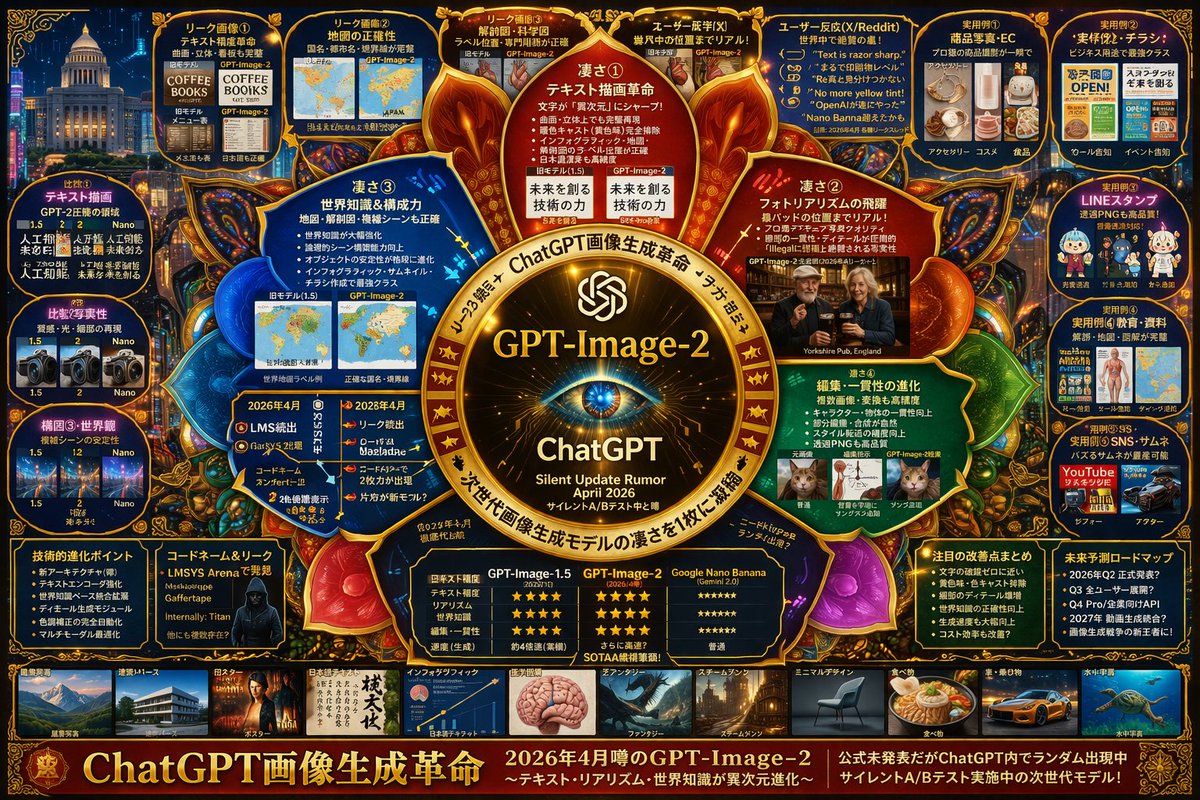
Image 2
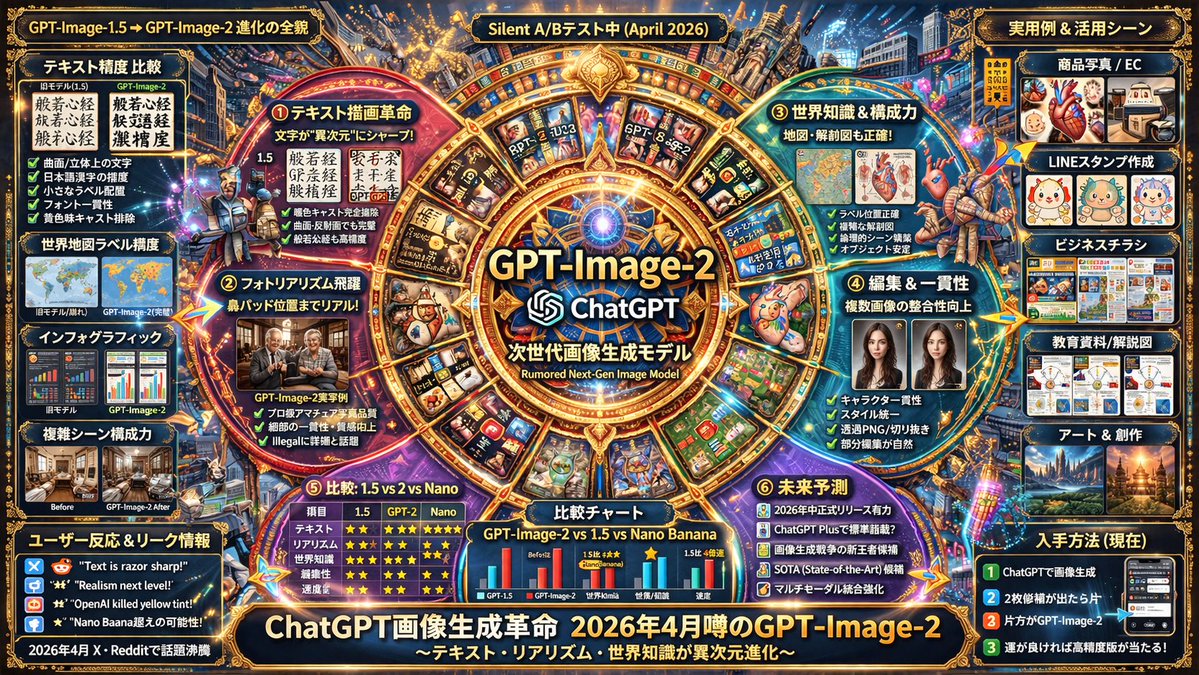
📌 Details
- Autor: ほーきー(Hawkie)🧹Vibe Coder & Analytics
- Quelle: Twitter Post
- Veröffentlicht: 13. April 2026
- Sprachen: en
No. 48: YouTube-Miniaturbild - Komplexe Tech-Spekulations-Infografik
📖 Beschreibung
Erzeugt eine hochdichte Infografik im Mindmap-Stil, die spekulative Funktionen, Vergleiche und Anwendungsfälle für ein KI-Modell detailliert darstellt.
📝 Prompt
{
  "type": "komplexe spekulative Tech-Infografik",
  "style": "{argument name=\"color palette\" default=\"dunkelblauer Hintergrund mit goldenen, roten und cyanfarbenen leuchtenden Akzenten\"}, hochdicht, Cyber-Ermittlungs-Board, Mindmap-Layout",
  "centerpiece": {
    "description": "{argument name=\"central emblem\" default=\"leuchtendes goldenes kreisförmiges Emblem mit einem Auge\"}",
    "text": ["{argument name=\"main title\" default=\"GPT-Image-2\"}", "ChatGPT", "{argument name=\"subtitle\" default=\"Gerücht über stilles Update April 2026\"}"]
  },
  "layout": {
    "sections": [
      {
        "title": "Innere Knoten",
        "position": "um das Zentrum herum",
        "count": 4,
        "labels": ["Stärke ①", "Stärke ②", "Stärke ③", "Stärke ④"],
        "description": "leuchtende kreisförmige Textknoten, die Kernstärken hervorheben"
      },
      {
        "title": "Obere Leak-Panels",
        "position": "obere Reihe",
        "count": 4,
        "labels": ["Leak-Bild ①", "Leak-Bild ②", "Leak-Bild ③", "Nutzer-Déjà-vu (X)"],
        "description": "Vorher/Nachher-Bildvergleiche"
      },
      {
        "title": "Nutzerreaktionen",
        "position": "oben rechts",
        "count": 1,
        "labels": ["Nutzerreaktionen (X/Reddit)"],
        "description": "Panel mit 5 Zitatblasen"
      },
      {
        "title": "Praktische Beispiele",
        "position": "ganz rechte Spalte",
        "count": 5,
        "labels": ["Anwendungsbeispiel ①", "Anwendungsbeispiel ②", "Anwendungsbeispiel ③", "Anwendungsbeispiel ④", "Anwendungsbeispiel ⑤"],
        "description": "Bildraster für Anwendungsfälle, einschließlich E-Commerce, Flyer, LINE-Sticker, Bildung und Thumbnails"
      },
      {
        "title": "Vergleiche",
        "position": "ganz linke Spalte",
        "count": 3,
        "labels": ["Vergleich ①", "Vergleich ②", "Komposition ③ & Weltbild"],
        "description": "Bildpaare zum Versionsvergleich"
      },
      {
        "title": "Untere Daten-Panels",
        "position": "untere Reihe über der Galerie",
        "count": 5,
        "labels": ["Technische Fortschritte", "Codename & Leaks", "Vergleichstabelle", "Zusammenfassung der Verbesserungen", "Zukunfts-Roadmap"],
        "description": "Aufzählungslisten, ein Hacker-Porträt und eine 3-spaltige Sterne-Bewertungstabelle"
      },
      {
        "title": "Stil-Galerie",
        "position": "unterer Streifen",
        "count": 10,
        "labels": ["Architektur & Perspektive", "Poster", "Japanischer Text", "Infografik", "Fantasy", "Steampunk", "Minimalistisches Design", "Essen", "Autos & Fahrzeuge", "Unterwasser-Weltraum"],
        "description": "Horizontale Reihe von Thumbnail-Bildern, die verschiedene Generierungsstile präsentieren"
      }
    ],
    "footer": {
      "text": "{argument name=\"footer text\" default=\"ChatGPT Bildgenerierungs-Revolution\"}",
      "position": "unterer Rand"
    }
  }
}
🖼️ Generierte Bilder
Image 1
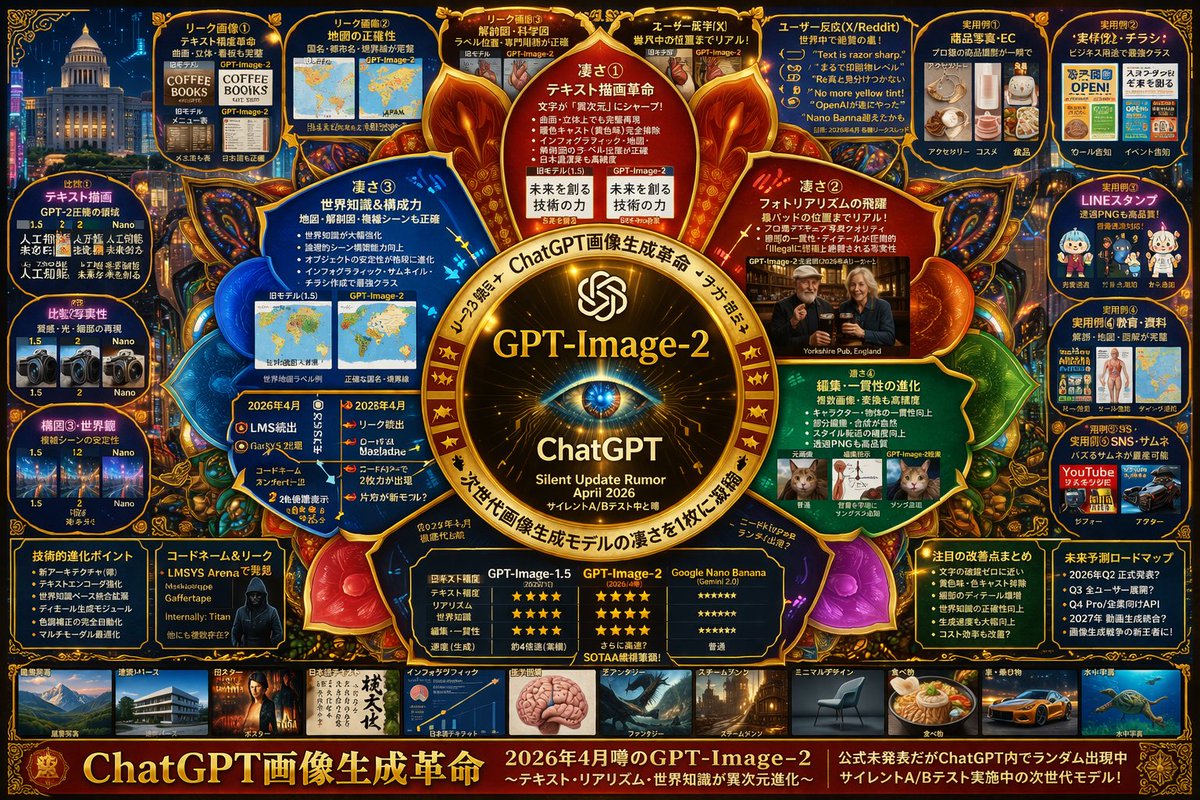
Image 2
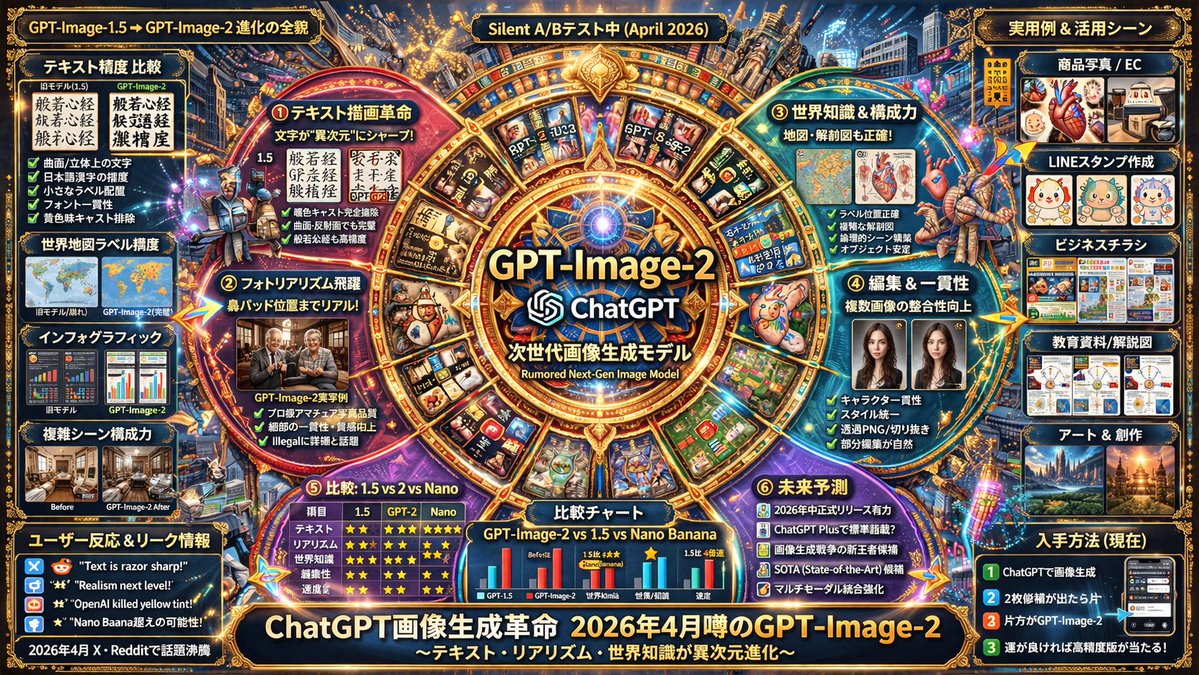
📌 Details
- Autor: s_shigel 斉藤 滋
- Quelle: Twitter Post
- Veröffentlicht: 13. April 2026
- Sprachen: en
No. 49: Comic / Storyboard - Anime Martial Arts Battle
📖 Beschreibung
Generates a dynamic anime-style action scene of two characters fighting with elemental auras in a traditional dojo.
📝 Prompt
A highly dynamic anime illustration of two girls engaged in a fierce martial arts battle inside a traditional wooden dojo. In the foreground, a girl with {argument name="character 1 hair" default="black hair in a high bun with red ribbons"} strikes a powerful, low martial arts stance, thrusting her fist forward. She wears a {argument name="character 1 outfit" default="white Chinese-style top with red tassels and baggy red pants"}, with intense red energy slashes swirling around her striking limbs. Mid-air on the right, a girl with {argument name="character 2 hair" default="light purple hair in twin buns"} leaps gracefully, smiling confidently while wearing a {argument name="character 2 outfit" default="dark green dress with gold embroidery and black tights"}, accompanied by sweeping blue water-like energy trails. The background features a rustic wooden temple interior with a prominent overhead sign reading "{argument name="sign text" default="武術会"}". The scene is filled with explosive action, flying dust, shattered wooden floorboards, glowing colorful particle effects, and dramatic low-angle lighting that perfectly separates the characters from the detailed background.
🖼️ Generierte Bilder
Image 1
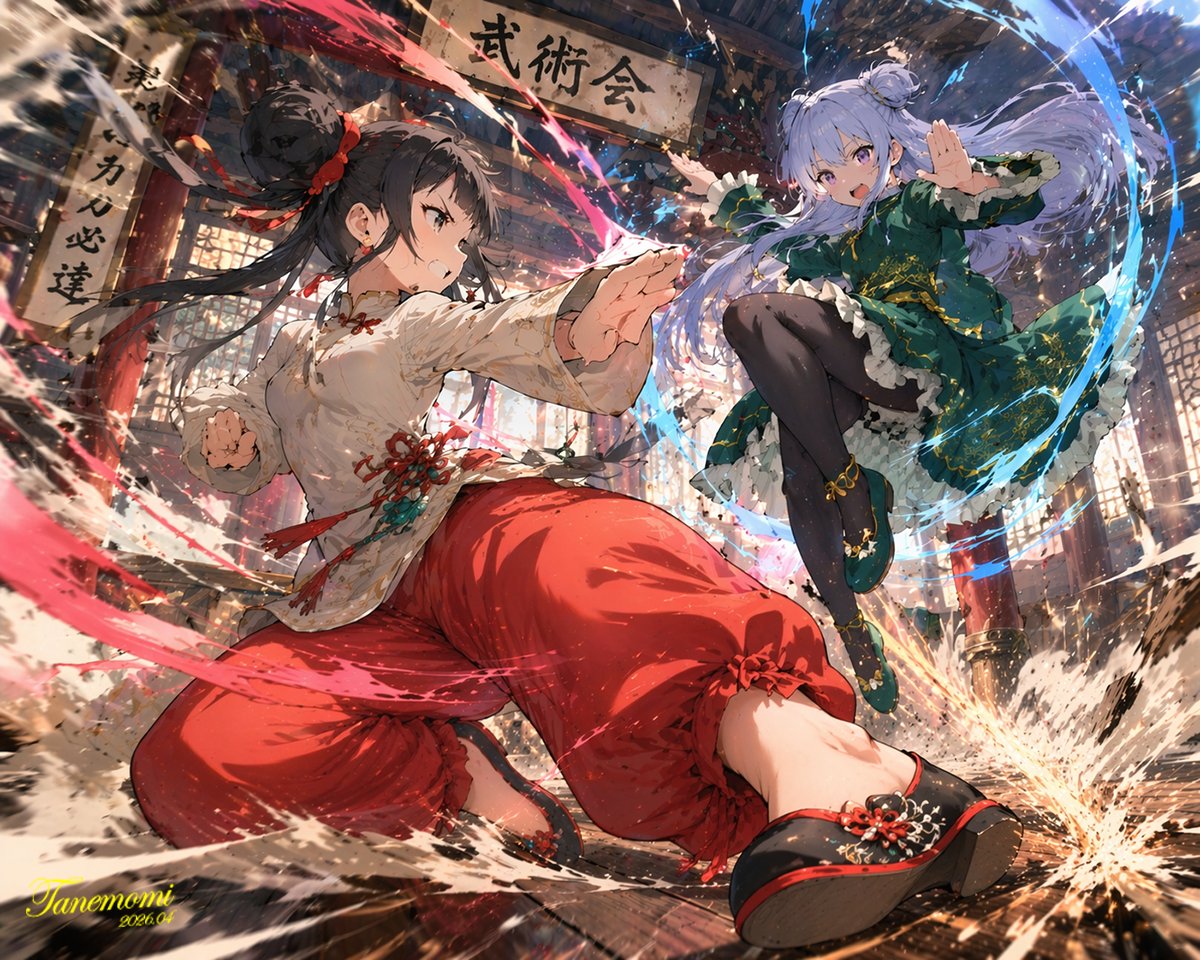
📌 Details
- Autor: たねもみ 2.0 / Tanemomi Ver2.0
- Quelle: Twitter Post
- Veröffentlicht: 20. April 2026
- Sprachen: en
No. 50: Comic / Storyboard - Ligne Claire Suburban Landscape
📖 Beschreibung
Generates a detailed, comic-style illustration of a neighborhood landscape with customizable time of day and setting.
📝 Prompt
A detailed {argument name="art style" default="ligne claire comic illustration"} of a sprawling {argument name="setting" default="suburban neighborhood"} viewed from an elevated rooftop perspective during {argument name="time of day" default="sunset"}. The scene features densely packed houses with varied roof colors including muted blues, reds, and browns, interspersed with lush green trees and foliage. Utility poles with crisscrossing power lines cut through the midground. A winding dirt road is visible on the right side. The sky is a smooth gradient of warm orange, pink, and light blue, with a bright round sun sitting low on the horizon behind stylized, fluffy clouds. The artwork uses flat colors, distinct black outlines, and a nostalgic, peaceful atmosphere reminiscent of classic anime background art.
🖼️ Generierte Bilder
Image 1
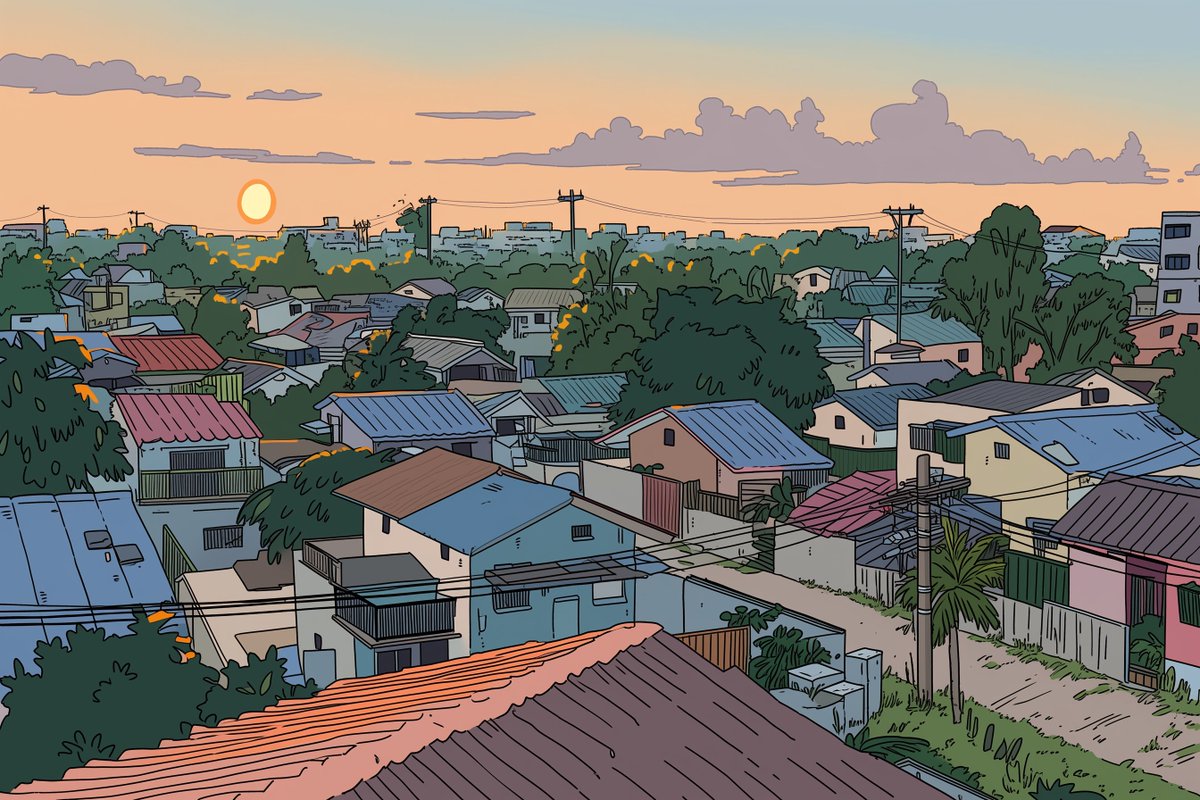
📌 Details
- Autor: Kai
- Quelle: Twitter Post
- Veröffentlicht: 20. April 2026
- Sprachen: en
No. 51: Comic / Storyboard - CCTV Security Camera Footage
📖 Beschreibung
Generates a realistic, low-quality black-and-white surveillance camera still featuring a customizable subject and timestamp.
📝 Prompt
A genuinely low-quality, grainy, black-and-white CCTV security camera still showing a {argument name="subject" default="classic grey alien with a large head and skinny body"} standing next to a gas pump at a {argument name="setting" default="deserted gas station at night"}. The gas pump has the word "UNLEADED" printed on the top canopy and a large number "2" on the side. In the bottom left corner, there is a digital timestamp overlay reading "{argument name="camera label" default="CAM 2"}", "{argument name="date" default="OCT 27 2004"}", and "12:04:16 AM" in a retro pixelated font. The overall aesthetic is authentic early-2000s surveillance footage with heavy noise, poor contrast, and VHS-style artifacts.
🖼️ Generierte Bilder
Image 1
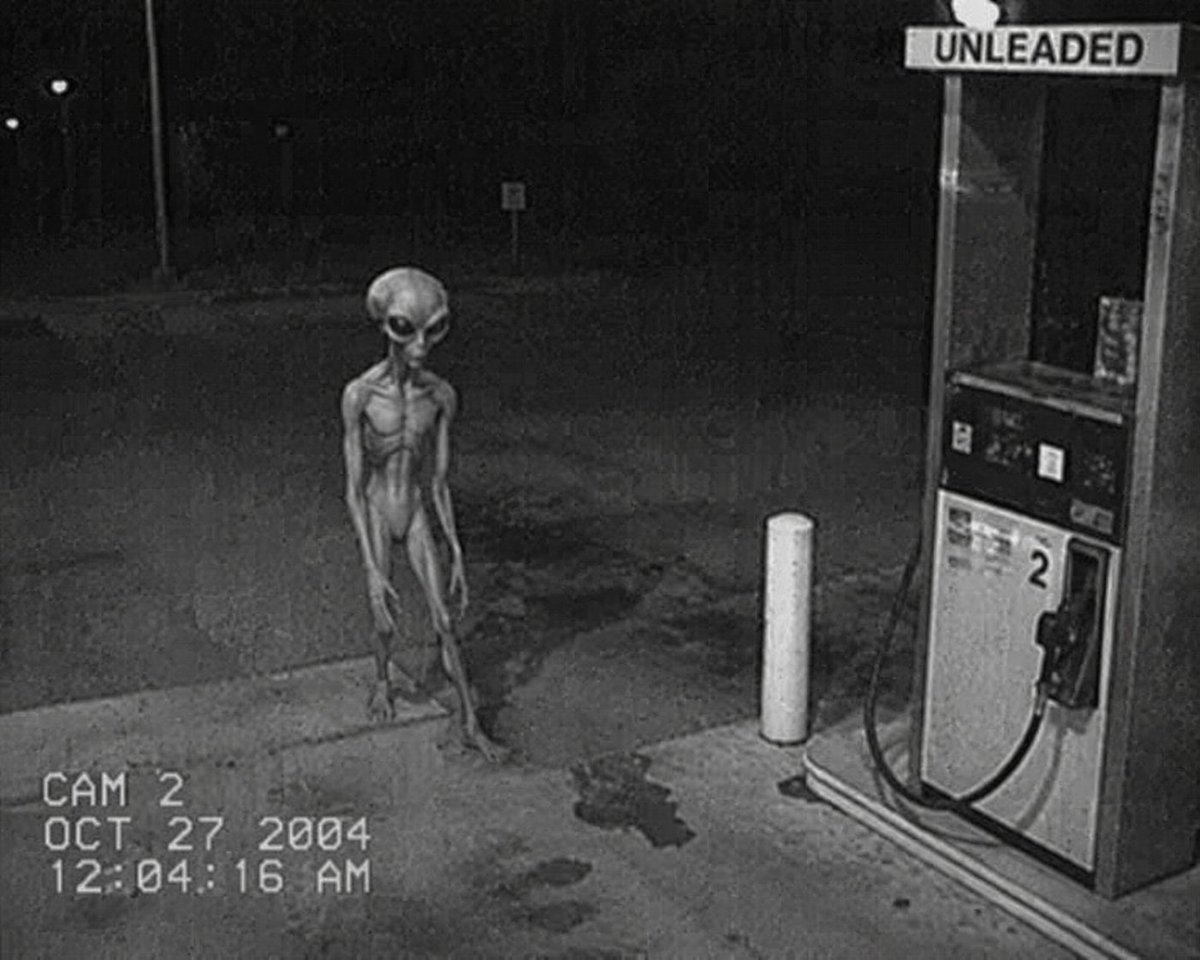
📌 Details
- Autor: Ma(s)ken?
- Quelle: Twitter Post
- Veröffentlicht: 19. April 2026
- Sprachen: en
No. 52: Comic / Storyboard - Sci-Fi Western Lunar Rider
📖 Beschreibung
Generates a surreal, photorealistic image of a cowboy riding a horse on the moon while looking at Earth, perfect for sci-fi western concepts.
📝 Prompt
A cinematic, highly realistic image of a {argument name="subject" default="cowboy"} riding a {argument name="mount" default="white horse"} on the {argument name="setting" default="surface of the moon"}. The figure is seen from behind, wearing a classic hat and a long duster coat, looking out over the barren, grey, and cratered lunar landscape. In the dark, starry space sky above, a large, detailed {argument name="celestial object" default="Earth"} is prominently visible in the upper right. The lighting is dramatic and monochromatic in the foreground, highlighting the textures of the terrain and the rider's coat, contrasting with the blue and white hues of the distant planet to create a surreal yet photorealistic sci-fi western scene.
🖼️ Generierte Bilder
Image 1
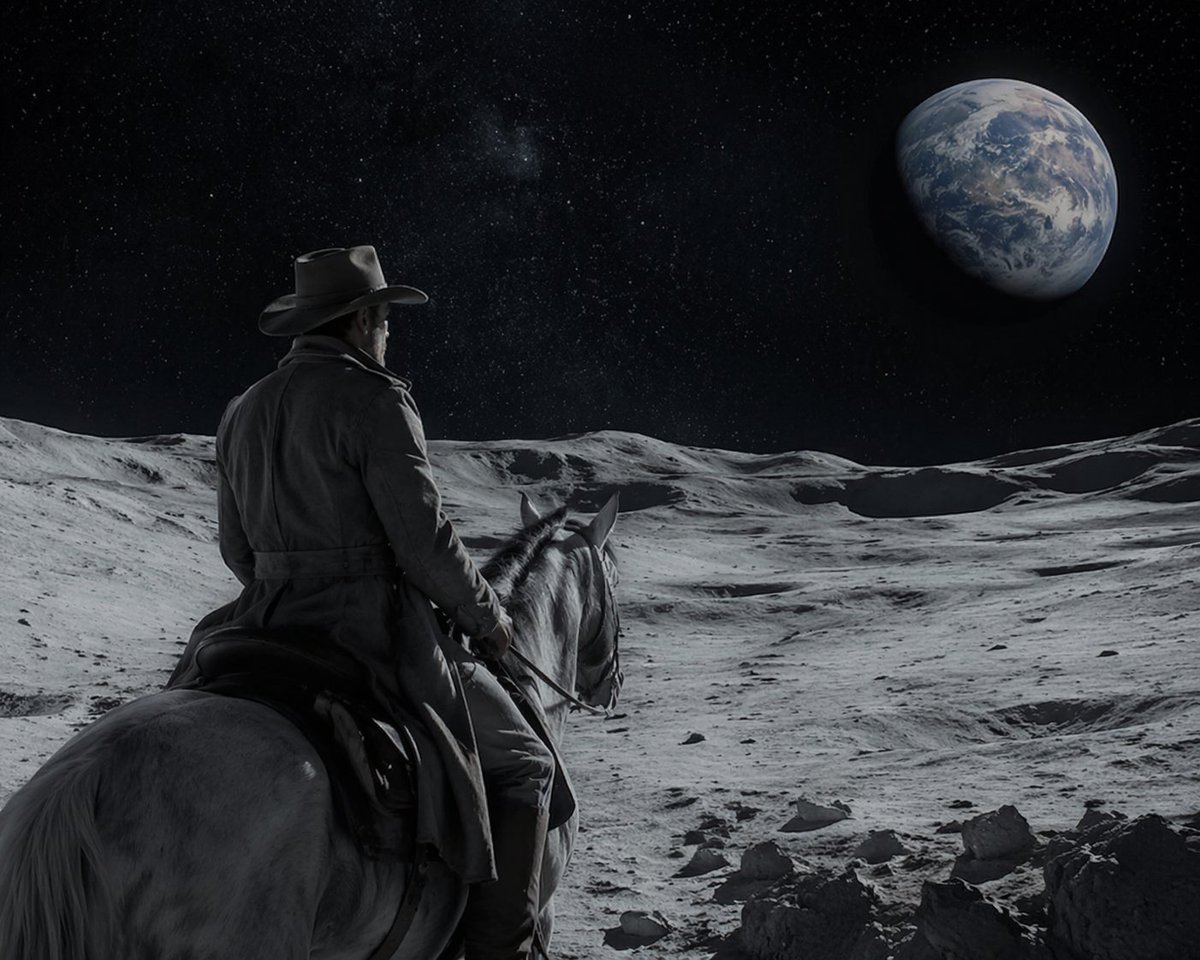
📌 Details
- Autor: Ma(s)ken?
- Quelle: Twitter Post
- Veröffentlicht: 19. April 2026
- Sprachen: en
No. 53: Comic / Storyboard - 12-Panel Cinematic Storyboard Grid
📖 Beschreibung
Generates a 12-panel sequential storyboard with timestamps and captions, ideal for pre-visualizing short films or video generation prompts.
📝 Prompt
{
  "type": "12-panel cinematic storyboard grid",
  "style": "{argument name=\"visual style\" default=\"dark cinematic transitioning to dark fantasy CG\"}",
  "character": "{argument name=\"main character\" default=\"pale young man with messy black hair in a dark suit\"}",
  "layout": {
    "columns": 3,
    "rows": 4,
    "panel_count": 12
  },
  "panels": [
    { "id": "1", "timestamp": "0:00-0:01", "caption": "猛地转身,甩出一把纸", "visual": "character throwing papers at camera" },
    { "id": "2", "timestamp": "0:01-0:02", "caption": "纸张飞舞,镜头跟随落在书桌", "visual": "papers flying in dark room with desk lamp" },
    { "id": "3", "timestamp": "0:02-0:03", "caption": "走向黑色书桌,拉开椅子坐下", "visual": "character walking away towards desk" },
    { "id": "4", "timestamp": "0:03-0:04", "caption": "侧光下的沉思,压抑氛围", "visual": "close-up of character's face in shadow" },
    { "id": "5", "timestamp": "0:04-0:05", "caption": "翻开纯黑笔记本", "visual": "close-up of hands opening a black notebook" },
    { "id": "6", "timestamp": "0:05-0:06", "caption": "拿起笔,准备书写", "visual": "close-up of character holding pen over notebook" },
    { "id": "7", "timestamp": "0:06-0:07", "caption": "开始疯狂书写,烟雾初起", "visual": "character writing frantically, smoke rising" },
    { "id": "8", "timestamp": "0:07-0:08", "caption": "烟雾翻涌,形态显现", "visual": "thick smoke surging around character" },
    { "id": "9", "timestamp": "0:08-0:09", "caption": "死神魔爪浮现,丝线垂下", "visual": "skeletal hands emerging above, glowing threads hanging down" },
    { "id": "10", "timestamp": "0:09-0:10", "caption": "丝线连接,实拍转CG", "visual": "glowing threads attaching to character's head" },
    { "id": "11", "timestamp": "0:10-0:11", "caption": "风格蜕变,暗黑CG质感", "visual": "magical energy, heavy CG fantasy style shift" },
    { "id": "12", "timestamp": "0:11-0:12", "caption": "大魔王降临,俯视操控", "visual": "{argument name=\"final entity\" default=\"giant horned demon figure\"} looming behind, controlling character like a puppet" }
  ]
}
🖼️ Generierte Bilder
Image 1
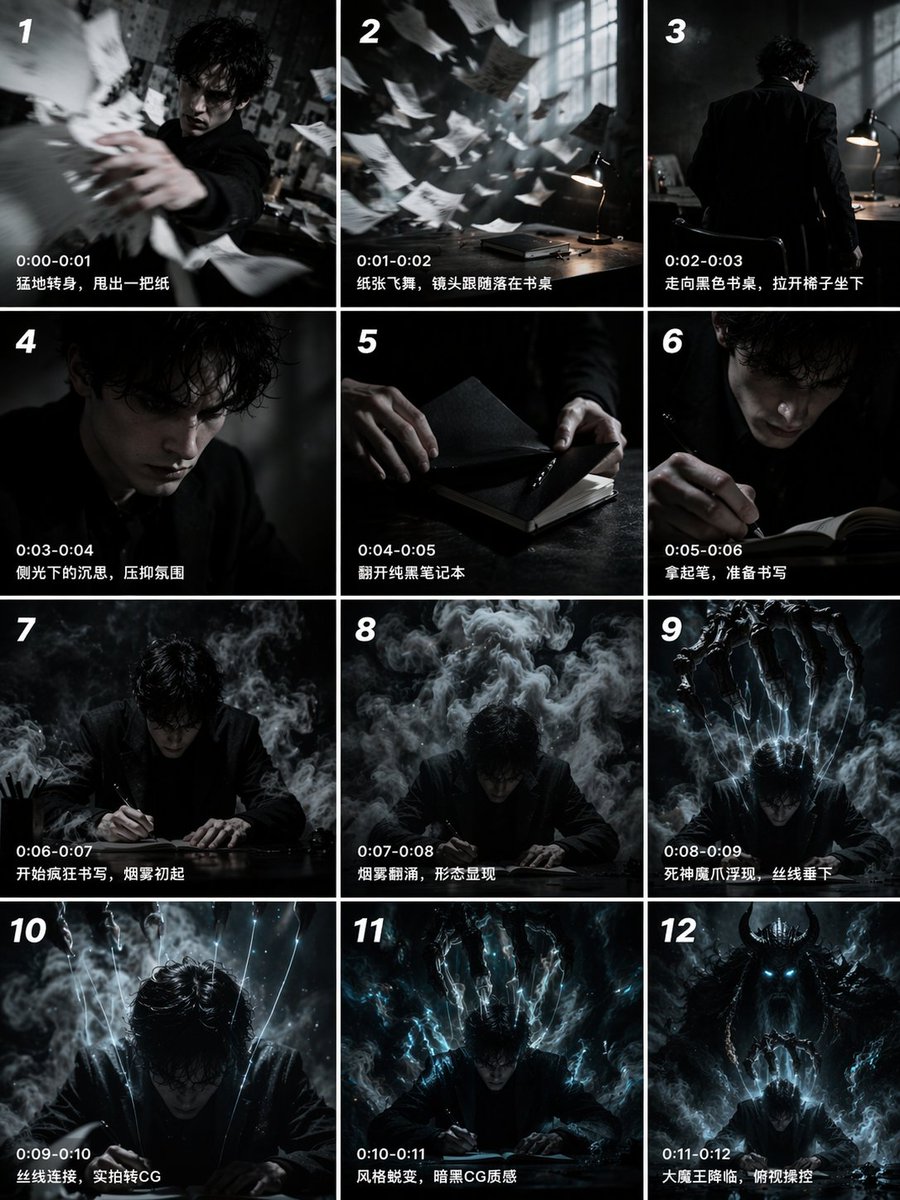
📌 Details
- Autor: John
- Quelle: Twitter Post
- Veröffentlicht: 19. April 2026
- Sprachen: en
No. 54: Comic / Storyboard - Multi-Angle Studio Character Sheet
📖 Beschreibung
Transforms a single reference portrait into a colorized, multi-angle character turnaround sheet with clean studio lighting.
📝 Prompt
Using the provided reference image, generate a {argument name="number of panels" default="4"}-panel studio-style character sheet. Transform the black-and-white reference into full color, applying natural skin tones and black hair. Remove the original environment and place the subject against a {argument name="background color" default="plain grey"} background with {argument name="lighting style" default="clean, neutral studio lighting"}. The generated grid must show the exact same character, wearing the preserved white lace camisole and heart necklace, in {argument name="number of panels" default="4"} distinct poses: 1) straight-on front view, 2) right profile view, 3) left 3/4 view looking over the shoulder, and 4) right 3/4 view looking slightly down.
🖼️ Generierte Bilder
Image 1
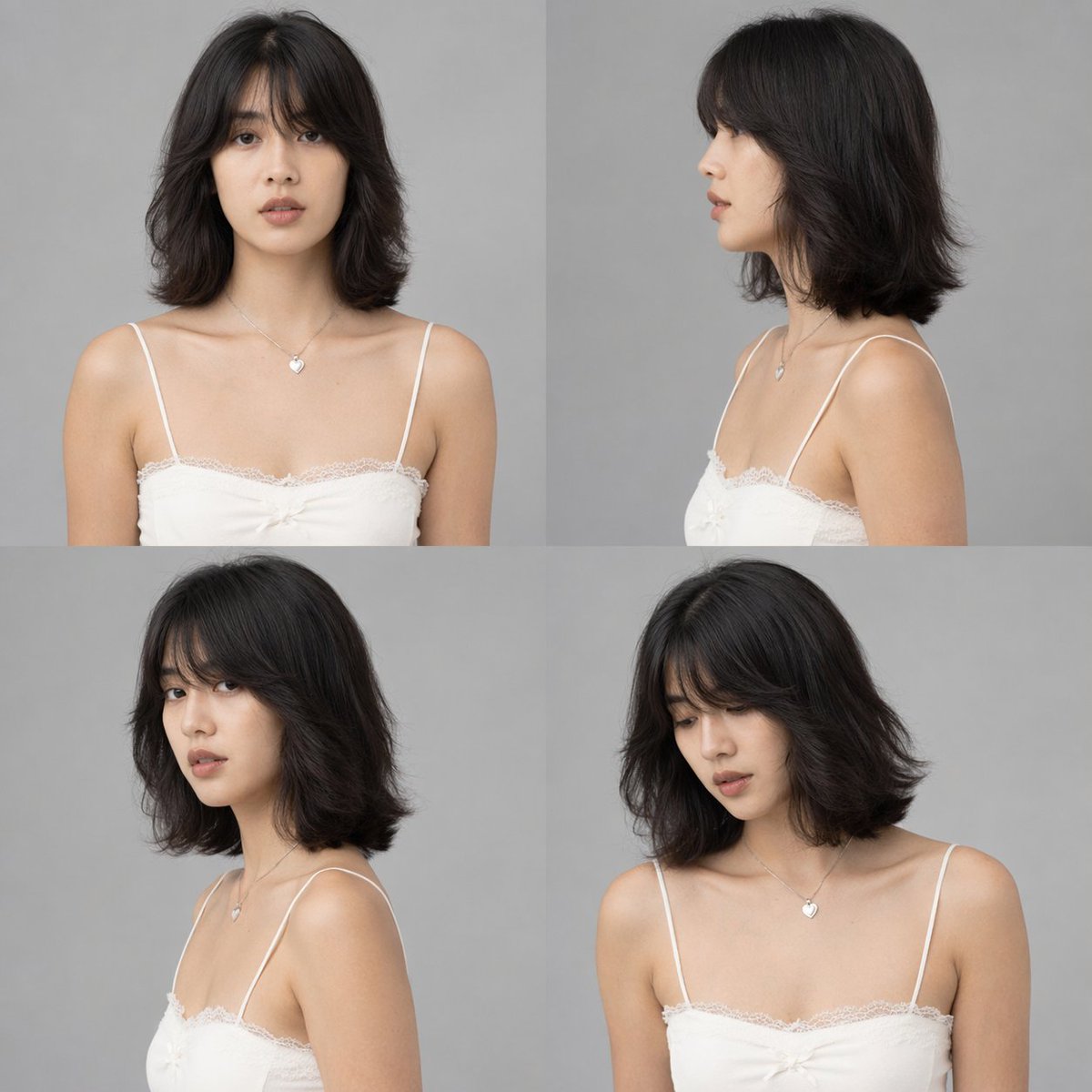
📌 Details
- Autor: DStudioproject
- Quelle: Twitter Post
- Veröffentlicht: 19. April 2026
- Sprachen: en
No. 55: Comic / Storyboard - Epic Fantasy Monkey King Battle Scene
📖 Beschreibung
Generates a highly detailed, cinematic fantasy battle scene featuring a mythological warrior striking down enemies in a heavenly setting.
📝 Prompt
A hyper-realistic, epic fantasy illustration of {argument name="main character" default="Sun Wukong, the Monkey King"} in a dynamic combat pose, wearing intricate, ornate golden armor with flowing red fabric and long pheasant tail feathers extending from his headpiece. He has a fierce, monkey-like face and is powerfully swinging a glowing, intricately carved golden staff downward to strike a group of {argument name="enemy type" default="heavenly soldiers"}. The soldiers, clad in heavy, detailed golden armor, are being violently knocked back by the impact. Explosive sparks, glowing embers, and shattered stone debris fill the air around the clash. The background features a majestic, cloudy {argument name="setting" default="heavenly realm"} with towering, ornate pillars and Chinese-style temple architecture fading into the misty, dramatic sky. Cinematic lighting, highly detailed, masterpiece, intense action scene.
🖼️ Generierte Bilder
Image 1
📌 Details
- Autor: Daniel
- Quelle: Twitter Post
- Veröffentlicht: 16. April 2026
- Sprachen: en
No. 56: Comic / Storyboard - 4-Panel-Anime-Liebescomic
📖 Beschreibung
Erstellt einen 4-Panel-Comic im Anime-Stil, der ein Paar zeigt, das in einer malerischen Umgebung spazieren geht und sich unterhält – ideal für kurzes Storytelling.
📝 Prompt
{
  "type": "4-Panel-Anime-Comic",
  "art_style": "detaillierte Anime-Illustration, warme Sonnenuntergangsbeleuchtung, Qualität einer Visual Novel CG",
  "setting": "{argument name=\"setting\" default=\"von Kirschblüten gesäumter Pfad mit Bahngleisen bei Sonnenuntergang\"}",
  "characters": {
    "male": {
      "name": "{argument name=\"male character name\" default=\"Starion\"}",
      "appearance": "silbernes, zerzaustes Haar, weißes T-Shirt, dunkle Hose"
    },
    "female": {
      "name": "{argument name=\"female character name\" default=\"Murasaki\"}",
      "appearance": "langes, hellviolettes Haar, hellgrüne Bluse mit Schleife, beigefarbener Rock"
    }
  },
  "layout": {
    "total_panels": 4,
    "total_speech_bubbles": 5,
    "panels": [
      {
        "position": "oben, volle Breite",
        "action": "gemeinsam auf den Gleisen spazieren",
        "bubbles": [
          "Willst du ein Eis kaufen, Murasaki?",
          "Du liebst Eis, Starion? 🩷"
        ]
      },
      {
        "position": "mitte links",
        "action": "der Mann lächelt enthusiastisch und streckt die Hand aus",
        "bubbles": [
          "{argument name=\"male dialogue\" default=\"Verdammt ja. Ich mag Vanille!\"}"
        ]
      },
      {
        "position": "mitte rechts",
        "action": "die Frau lächelt und hält seine Hand",
        "bubbles": [
          "{argument name=\"female dialogue\" default=\"Okay, lass uns welches kaufen. Danach essen wir Ramen.\"}"
        ]
      },
      {
        "position": "unten, volle Breite",
        "action": "sie rennen händchenhaltend vorwärts auf den Gleisen, der Mann ist aufgeregt, die Frau überrascht",
        "bubbles": [
          "Ah!"
        ]
      }
    ]
  }
}
🖼️ Generierte Bilder
Image 1
Image 2
📌 Details
- Autor: Nad Chan~
- Quelle: Twitter Post
- Veröffentlicht: 14. April 2026
- Sprachen: en
No. 57: Comic / Storyboard - Filmreife taktische Kommandoszene
📖 Beschreibung
Erzeugt ein fotorealistisches, filmreifes Bild eines taktischen Anführers, der in einem düsteren Lagezentrum auf eine Karte zeigt.
📝 Prompt
Eine filmreife, fotorealistische Aufnahme von einem {argument name="character appearance" default="gutaussehenden jungen Mann mit stacheligen dunkelbraunen Haaren und rechteckiger Brille"}, der eine {argument name="outfit" default="taktische schwarze Lederjacke mit hohem Kragen, silbernem Abzeichen auf der Brust und weißen Streifen am Arm"} sowie schwarze Lederhandschuhe und ein Headset trägt. Er ist {argument name="action" default="intensiv über eine leuchtende taktische Karte auf einem Tisch gebeugt und zeigt mit der rechten Hand darauf"}. Die Szene spielt in einem {argument name="setting" default="schwach beleuchteten, rauen Beton-Kommando-Bunker"}. Im unscharfen Hintergrund stehen {argument name="background characters" default="mehrere Soldaten in vollständiger schwarzer taktischer Ausrüstung und mit Helmen"} stramm. Die Schulter einer weiteren Person in schwarzer Uniform ist im linken Vordergrund zu sehen und rahmt die Aufnahme ein. Das Bild zeichnet sich durch dunkle, stimmungsvolle Beleuchtung, eine geringe Schärfentiefe und hochauflösende, raue Texturen aus.
🖼️ Generierte Bilder
Image 1
📌 Details
- Autor: Aurelio/アウレリオ🇯🇵
- Quelle: Twitter Post
- Veröffentlicht: 14. April 2026
- Sprachen: en
No. 58: Comic / Storyboard - Storyboard-Entwurf für Musikvideoproduktion
📖 Beschreibung
Ein umfassendes Produktionsdesign-Dokument mit Charakter-Turnarounds, Grundrissen, Storyboards und Beleuchtungsreferenzen für eine Musikvideoszene.
📝 Prompt
{
  "type": "Produktionsdesign- und Storyboard-Entwurf",
  "header": {
    "title": "{argument name=\"project title\" default=\"MV Klavierspiel-Szene Schnitt- und Kamerawerk-Design\"}",
    "subtitles": ["Charakterdesign", "Szenenbild"]
  },
  "character_reference": {
    "title": "Charakterreferenz (COSTUME DESIGN DIAGRAM)",
    "description": "{argument name=\"character description\" default=\"junge Frau mit langem schwarzem Haar, weißer Bluse, schwarzer Schleife, kariertem Rock\"}",
    "views_count": 6,
    "labels": ["VORDERANSICHT", "SEITENANSICHT", "RÜCKANSICHT", "VORDERANSICHT NAHAUFNAHME", "SEITENANSICHT NAHAUFNAHME", "RÜCKANSICHT NAHAUFNAHME"]
  },
  "art_setting": {
    "title": "Szenenbild-Referenz",
    "setting": "{argument name=\"scene setting\" default=\"klassischer Salon im westlichen Stil mit Buntglas und Kronleuchter\"}",
    "diagrams_count": 4,
    "diagram_types": ["Grundriss aus der Vogelperspektive mit Kamerapositionen", "Nordansicht", "Ostansicht", "Querschnitt"],
    "text_boxes": ["Kameraposition", "Umgebungsmerkmale"]
  },
  "storyboard": {
    "title": "Schnitt-Storyboard",
    "action": "{argument name=\"action\" default=\"Klavierspielen auf einem Flügel\"}",
    "panels_count": 3,
    "panels": [
      {"cut": "Schnitt 1", "description": "Orbit von seitlich-mittig nach hinten", "elements": ["Hauptbild", "beschreibender Text", "Kameraeinstellungen", "kleines Diagramm"]},
      {"cut": "Schnitt 2", "description": "Einfügung Klavierhände", "elements": ["Hauptbild", "beschreibender Text", "Kameraeinstellungen", "kleines Diagramm"]},
      {"cut": "Schnitt 3", "description": "Diagonale Nahaufnahme", "elements": ["Hauptbild", "beschreibender Text", "Kameraeinstellungen", "kleines Diagramm"]}
    ]
  },
  "camera_workflow": {
    "title": "Kamerawerk-Ablauf (Konzept)",
    "steps_count": 4,
    "descriptions": ["Seitlich mittig", "Position hinten", "Einfügung Hände", "Diagonale Nahaufnahme"]
  },
  "lighting_reference": {
    "title": "Beleuchtungs-Image (Referenz)",
    "images_count": 4,
    "labels": ["Natürliches Licht", "Kronleuchter", "Wandleuchter", "Tischlampe"]
  },
  "notes": {
    "boxes_count": 2,
    "labels": ["Regie-Hinweise", "Empfohlene Objektive & Tonalität"]
  }
}
🖼️ Generierte Bilder
Image 1
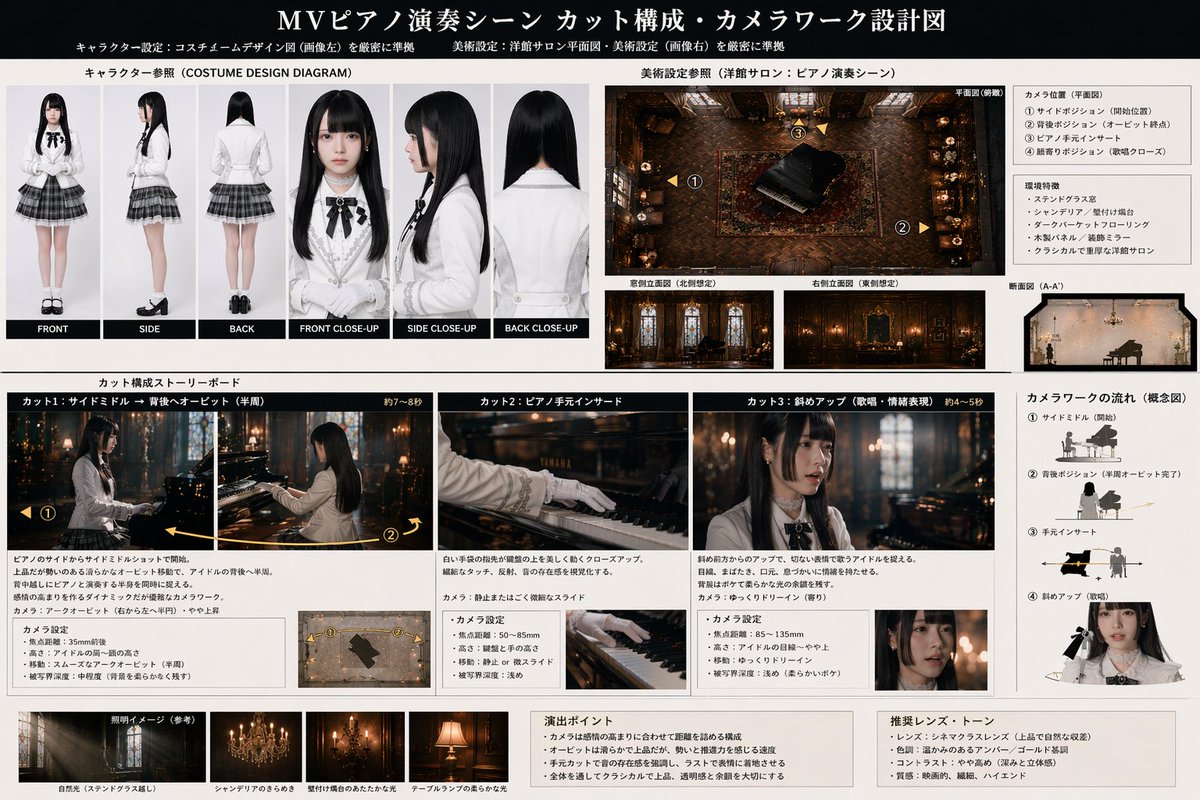
📌 Details
- Autor: AIギャル物語/AI gal's story
- Quelle: Twitter Post
- Veröffentlicht: 13. April 2026
- Sprachen: en
No. 59: Comic / Storyboard - Anime-Fantasy-Schloss bei Nacht
📖 Beschreibung
Erzeugt eine detaillierte Hintergrundillustration im Anime-Stil von einer Fantasy-Schlossanlage bei Nacht, perfekt für Visual Novels oder RPG-Umgebungen.
📝 Prompt
Eine hochwertige {argument name="art style" default="Anime-Hintergrundillustration"} von einer weitläufigen Fantasy-Schlossanlage bei {argument name="time of day" default="Nacht"}. Der Himmel ist tiefblau, gefüllt mit funkelnden Sternen und einem {argument name="celestial object" default="großen Vollmond"}, der oben links positioniert ist. Die Architektur besteht aus hellgrauen Steinmauern mit genau 8 markanten zylindrischen Türmen mit {argument name="roof color" default="blauen"} Spitzdächern sowie einem rechteckigen Hauptgebäude mit einem passenden Satteldach. {argument name="window light color" default="Warmgelbes"} Licht erhellt die Fenster und bildet einen beeindruckenden Kontrast zur kühlen nächtlichen Farbpalette. Erhöhte Steinwege verbinden die Türme miteinander. Der zentrale Innenhof ist mit ordentlichen Steinplatten gepflastert, auf denen mysteriöserweise ein einzelner kleiner weißer Würfel liegt. Die Festung ist in dichte, dunkelgrüne Wälder eingebettet, während sich die Silhouetten der Berge im fernen Hintergrund verlieren.
🖼️ Generierte Bilder
Image 1
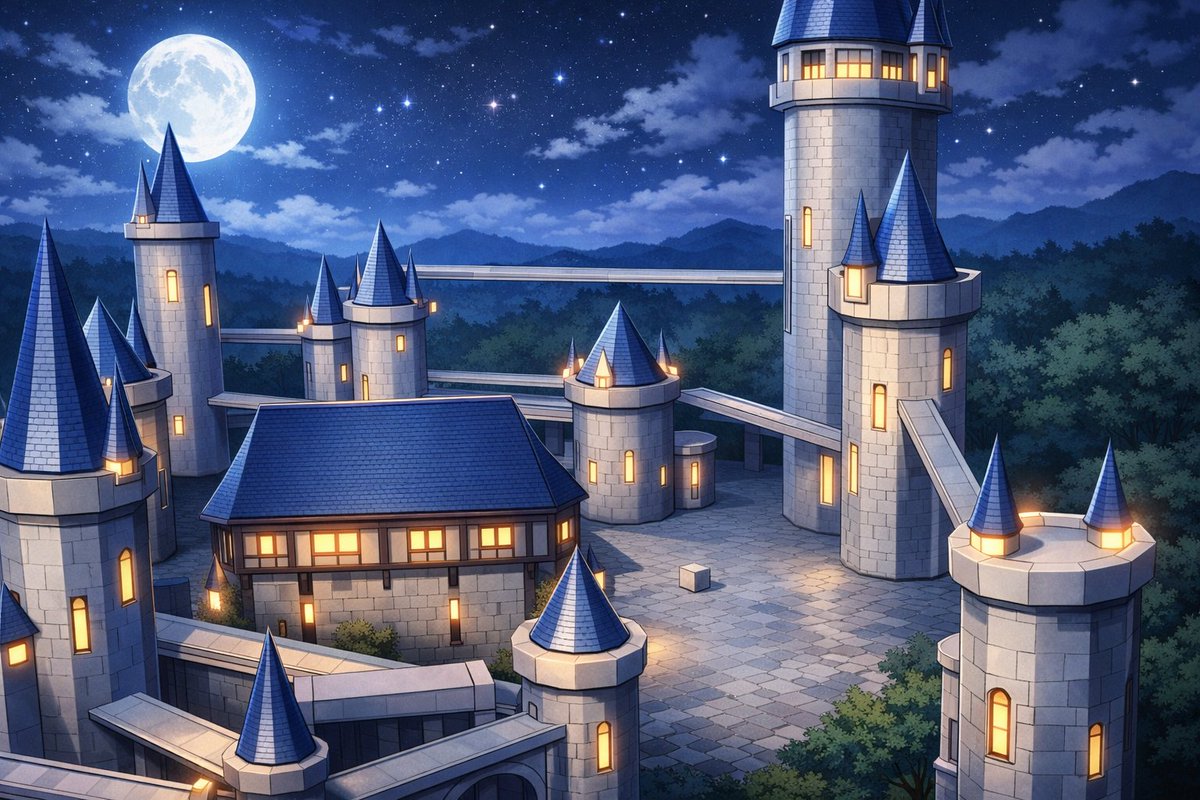
📌 Details
- Autor: ゆきしたミノル@動画
- Quelle: Twitter Post
- Veröffentlicht: 13. April 2026
- Sprachen: en
No. 60: Comic / Storyboard - Visual Novel Screenshot-Mockup
📖 Beschreibung
Erstellt einen täuschend echten Visual-Novel-Screenshot mit Anime-Charakteren, einem individuellen Logo und einer Dialogbox.
📝 Prompt
Ein Visual-Novel-Screenshot einer Klassenzimmerszene im Anime-Stil mit genau vier Oberschülerinnen in passenden Uniformen, bestehend aus grauen Blazern, weißen Hemden, roten Schleifen und blauen Röcken. Ganz links sieht ein Mädchen mit kurzem korallenfarbenem Haar und einer roten Schleife aufgeregt aus und hat die Fäuste geballt. Daneben hält ein Mädchen mit langem, dunkelviolettem Haar ein rotes Buch und lächelt sanft. Neben ihr steht ein Mädchen mit kurzen rosa Zöpfen und einer roten Haarspange mit verschränkten Armen und wirkt leicht mürrisch. Ganz rechts lehnt sich ein Mädchen mit langem braunen Haar im Pferdeschwanz und einer großen weißen Schleife lächelnd über einen Schreibtisch und unterhält sich. Das Klassenzimmer verfügt über ein Fenster auf der rechten Seite, eine Pinnwand auf der linken Seite und einen Schreibtisch im Vordergrund mit genau drei Gegenständen: einem Notizbuch, einem rosa Buch und einem Stift. An der Rückwand hängt ein einzelnes Poster mit der Aufschrift {argument name="poster text" default="Just Monika. ♥"}. In der oberen linken Ecke befindet sich ein kreisförmiges Pastell-Logo mit der Aufschrift {argument name="game title" default="Doki Doki Literature Club!"}, das mit einem grünen Stift und einem rosa Herz verziert ist. Am unteren Bildschirmrand befindet sich eine rosa gepunktete Visual-Novel-Dialogbox. Das Namensschild zeigt {argument name="speaker name" default="Monika"} und der Hauptdialogtext lautet {argument name="dialogue text" default="'Willkommen im Literaturclub!' 'Es ist mir eine Freude, euch alle kennenzulernen!' ♥"}. Unter dem Dialog befindet sich eine Menüleiste mit den Optionen 'Verlauf Überspringen Auto Speichern Laden Einstellungen'.
🖼️ Generierte Bilder
Image 1
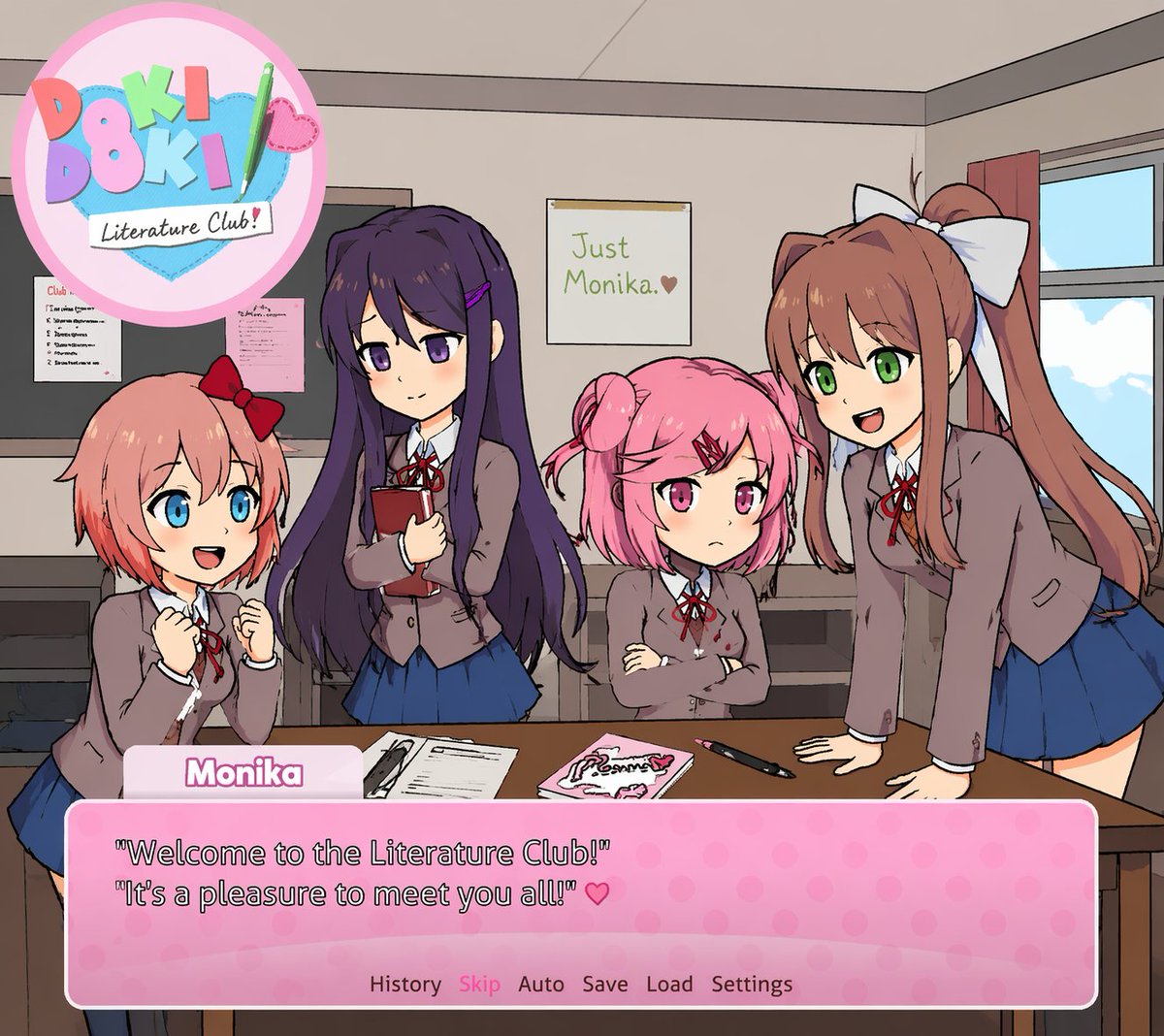
📌 Details
- Autor: Mirochill
- Quelle: Twitter Post
- Veröffentlicht: 13. April 2026
- Sprachen: en
No. 61: Produktmarketing - Anime Character Brand Identity & Merch Board
📖 Beschreibung
Generates a comprehensive brand design board featuring an anime character, including product packaging, social media mockups, and merchandise layouts.
📝 Prompt
{
  "type": "brand identity and merchandise design board",
  "theme": {
    "color_palette": "{argument name=\"theme color\" default=\"pastel pink\"} and white",
    "motif": "{argument name=\"motif\" default=\"cherry blossoms\"} and pink hearts"
  },
  "character": {
    "description": "anime girl with short brown bob hair, pink eyes, wearing a white hoodie, gentle smile"
  },
  "branding": {
    "main_logo": "{argument name=\"character name\" default=\"癒音ちー\"}",
    "sub_logo": "{argument name=\"character subtext\" default=\"ゆおんちー\"}"
  },
  "layout": {
    "sections": [
      {
        "type": "header banner",
        "position": "top",
        "elements": ["large main logo", "sub logo", "cherry blossom graphics", "character portrait on the right"]
      },
      {
        "type": "product packaging",
        "position": "middle left",
        "elements": ["1 square box with heart-shaped transparent window showing pink heart candies", "character illustration on box", "2 individual candy wrappers", "5 scattered heart candies"]
      },
      {
        "type": "promotional poster",
        "position": "middle right",
        "elements": ["character portrait", "heart-shaped candy bowl", "main logo", "text '4.26 NEW OPEN'", "text '{argument name=\"social handle\" default=\"@yuonchii\"}'"]
      },
      {
        "type": "horizontal web banner",
        "position": "lower middle",
        "elements": ["main logo", "cherry blossoms", "character portrait on the right"]
      },
      {
        "type": "social media profile mockup",
        "position": "bottom left",
        "elements": ["header image with logo", "1 circular profile picture", "handle '{argument name=\"social handle\" default=\"@yuonchii\"}'", "1 follow button", "mock bio text"]
      },
      {
        "type": "merchandise collection",
        "position": "bottom right",
        "count": 9,
        "items": ["1 white t-shirt with logo", "1 white mug with character", "4 round pin badges", "1 acrylic keychain", "2 candy packets"]
      }
    ]
  }
}
🖼️ Generierte Bilder
Image 1
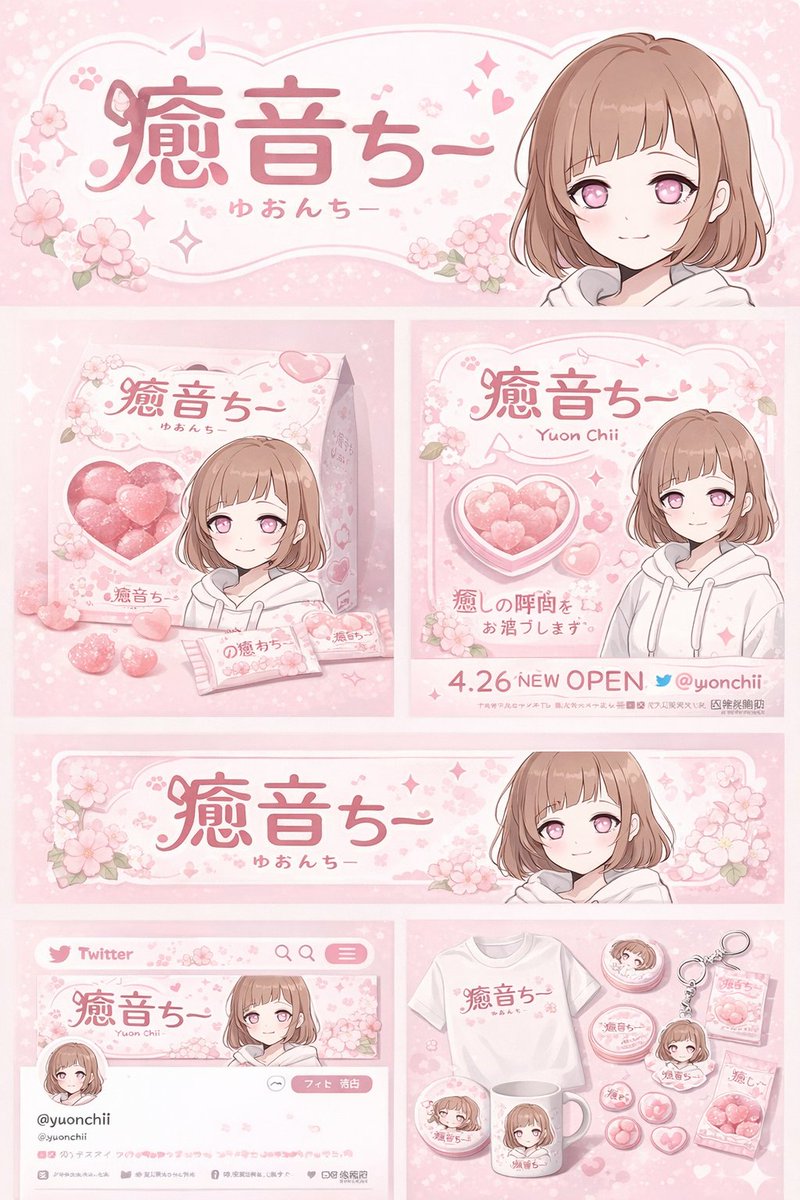
📌 Details
- Autor: 癒音ちー✨ゆおんちー✨癒やし声ASMRとAI
- Quelle: Twitter Post
- Veröffentlicht: 20. April 2026
- Sprachen: en
No. 62: Produktmarketing - Cross-Device Social Media Feed
📖 Beschreibung
Generates an over-the-shoulder view of a person browsing a bilingual social media feed on both a desktop monitor and a smartphone.
📝 Prompt
A realistic over-the-shoulder shot of a person with dark hair wearing a grey shirt, sitting at a desk and looking at a large computer monitor while holding a black smartphone. On the desk in the bottom left corner is a {argument name="drink on desk" default="white mug filled with black coffee"}. The monitor displays a split-screen social media interface. The left column has the header "{argument name="left column header" default="English Post"}" with blurred-out feed items below it. The right column is in sharp focus with the header "{argument name="right column header" default="中文文案"}". Below this right header are 2 distinct social media posts: the top post features an avatar, pseudo-Chinese text, {argument name="first post image" default="a landscape photo of a mountain lake"}, and a heart icon with "2.5K"; the bottom post features an avatar, pseudo-Chinese text, {argument name="second post image" default="a photo of dumplings on a plate"}, and a heart icon with "1.8K". The person is holding the smartphone in their left hand and tapping the screen with their right index finger. The phone screen displays the exact same mountain lake social media post seen on the monitor. The image has a shallow depth of field, blurring the left side of the screen to emphasize the right column and the phone.
🖼️ Generierte Bilder
Image 1
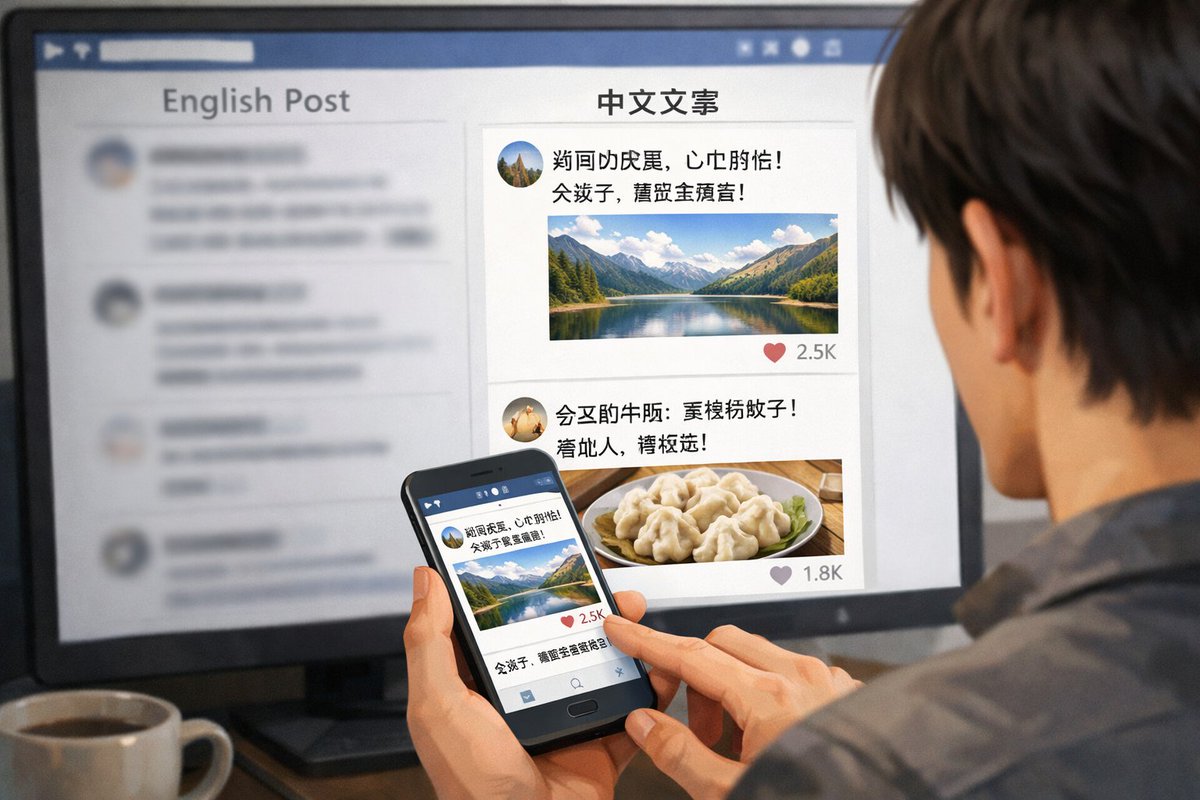
📌 Details
- Autor: zhanbing
- Quelle: Twitter Post
- Veröffentlicht: 20. April 2026
- Sprachen: en
No. 63: Produktmarketing - 3D SaaS Mascot Brand Guidelines
📖 Beschreibung
Generates a comprehensive brand guideline sheet for a 3D mascot, featuring use-case grids, expressions, and color palettes.
📝 Prompt
{
  "type": "3D mascot brand guideline sheet",
  "style": "soft 3D render, claymation, pastel UI, clean corporate SaaS aesthetic",
  "mascot": {
    "name": "{argument name=\"mascot name\" default=\"Nori\"}",
    "shape": "{argument name=\"mascot shape\" default=\"soft teardrop ghost\"}",
    "color": "{argument name=\"mascot color\" default=\"pastel purple\"}",
    "texture": "matte plastic, soft clay"
  },
  "layout": {
    "header_left": {
      "tag": "MASCOTTE {argument name=\"brand name\" default=\"NOWIE\"}",
      "title": "{argument name=\"mascot name\" default=\"Nori\"}",
      "subtitle": "LE COMPAGNON QUI SIMPLIFIE VOTRE {argument name=\"business type\" default=\"BUSINESS BEAUTÉ\"}.",
      "main_image": "large 3D render of mascot floating with sparkles"
    },
    "features_list": {
      "position": "mid-left",
      "count": 5,
      "items": [
        { "icon": "calendar", "title": "Il organise" },
        { "icon": "bell", "title": "Il réduit les no-show" },
        { "icon": "credit card", "title": "Il sécurise vos paiements" },
        { "icon": "heart", "title": "Il fidélise" },
        { "icon": "bar chart", "title": "Il booste votre activité" }
      ]
    },
    "use_cases_grid": {
      "position": "top-right to mid-right",
      "layout": "3x3 grid",
      "count": 9,
      "items": [
        { "label": "NOUVEAU RENDEZ-VOUS", "prop": "calendar" },
        { "label": "RAPPEL ENVOYÉ", "prop": "notification bell" },
        { "label": "PAIEMENT ENCAISSÉ", "prop": "euro coin" },
        { "label": "CLIENT FIDÉLISÉ", "prop": "floating heart" },
        { "label": "AVIS 5 ÉTOILES", "prop": "5-star rating bar" },
        { "label": "STATS EN HAUSSE", "prop": "bar chart with upward arrow" },
        { "label": "CAMPAGNE LANCÉE", "prop": "megaphone" },
        { "label": "CONTENU CRÉÉ", "prop": "image placeholder icon" },
        { "label": "BESOIN D'AIDE ?", "prop": "chat bubble" }
      ]
    },
    "color_palette": {
      "title": "PALETTE DE COULEURS",
      "position": "bottom-left",
      "count": 7,
      "swatches": ["#C9B6F4", "#EDE7FF", "#F7F1ED", "#1F1F1F", "#FFC857", "#FF7A6A", "#6FA8FF"]
    },
    "expressions": {
      "title": "EXPRESSIONS",
      "position": "bottom-right",
      "count": 5,
      "labels": ["HEUREUX", "EXCITÉ", "COMPLICE", "CONCENTRÉ", "BIENVEILLANT"]
    },
    "footer": {
      "text": "{argument name=\"mascot name\" default=\"Nori\"} incarne {argument name=\"brand name\" default=\"Nowie\"} : simple, intelligent, bienveillant et toujours tourné vers vos résultats."
    }
  }
}
🖼️ Generierte Bilder
Image 1
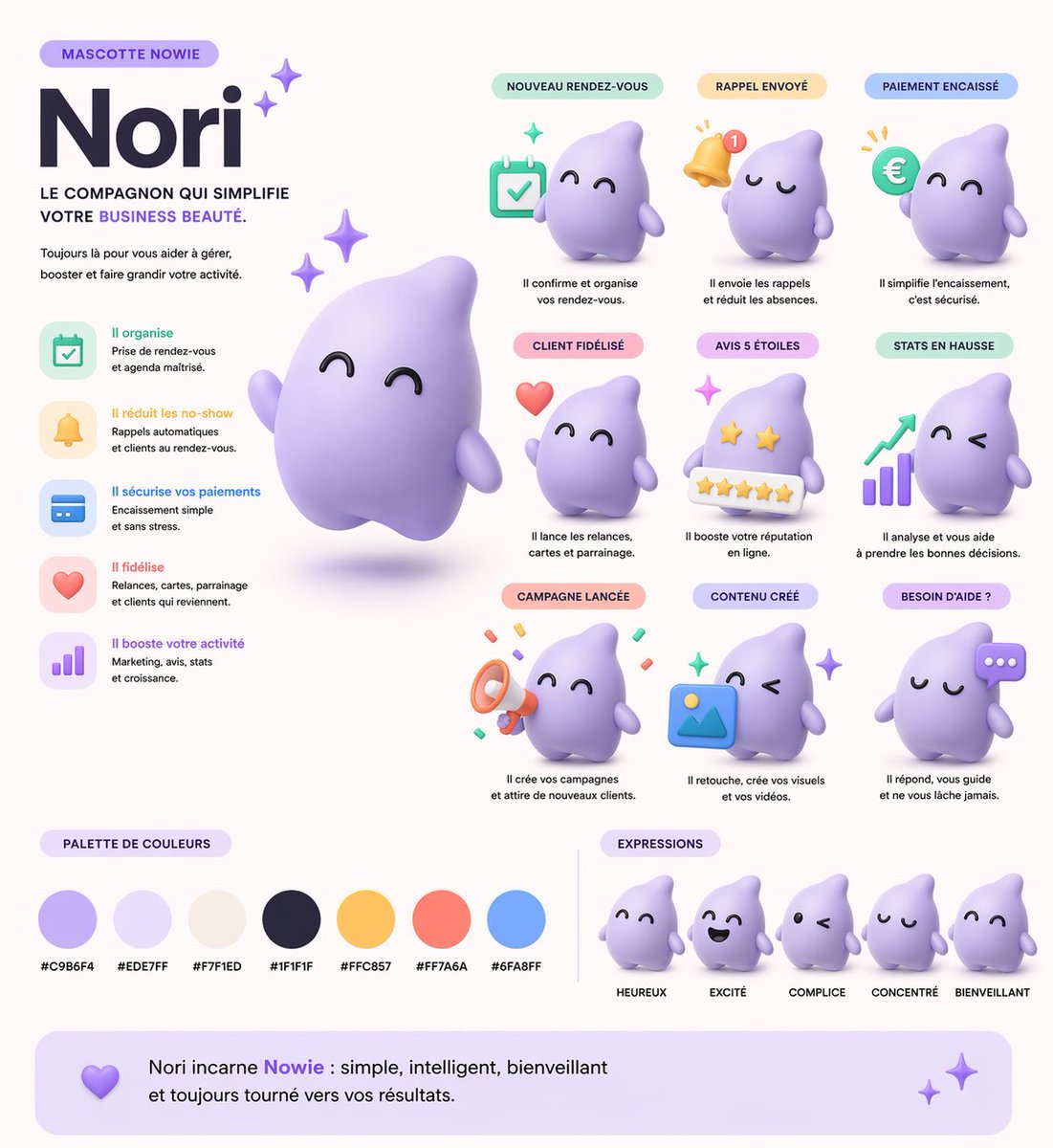
📌 Details
- Autor: Kuma
- Quelle: Twitter Post
- Veröffentlicht: 19. April 2026
- Sprachen: en
No. 64: Produktmarketing - Fashion Magazine Cover Portrait
📖 Beschreibung
Generates a photorealistic fashion magazine cover featuring a stylish portrait and customizable typography.
📝 Prompt
A photorealistic high-end fashion magazine cover titled "{argument name="magazine title" default="LUMINA"}" in large white serif letters at the top. The cover features a portrait of a {argument name="subject description" default="beautiful young woman with shoulder-length wavy brown hair"}, wearing a {argument name="outfit" default="white blazer over a black silk camisole"}, accessorized with gold hoop earrings and a delicate gold necklace. She is looking directly at the camera with a confident, elegant expression against a textured warm grey studio backdrop. On the left side, black text reads "THE NEW ERA OF AI BEAUTY" and a larger headline "{argument name="main headline" default="STYLE EVOLUTION"}". On the right side, white text reads "FUTURE FASHION" and "WHAT'S NEXT?". At the bottom, white text reads "BEAUTY SECRETS OF TOMORROW" and "{argument name="bottom text" default="ELEGANT & CHIC"}". Professional studio lighting, soft shadows, highly detailed.
🖼️ Generierte Bilder
Image 1
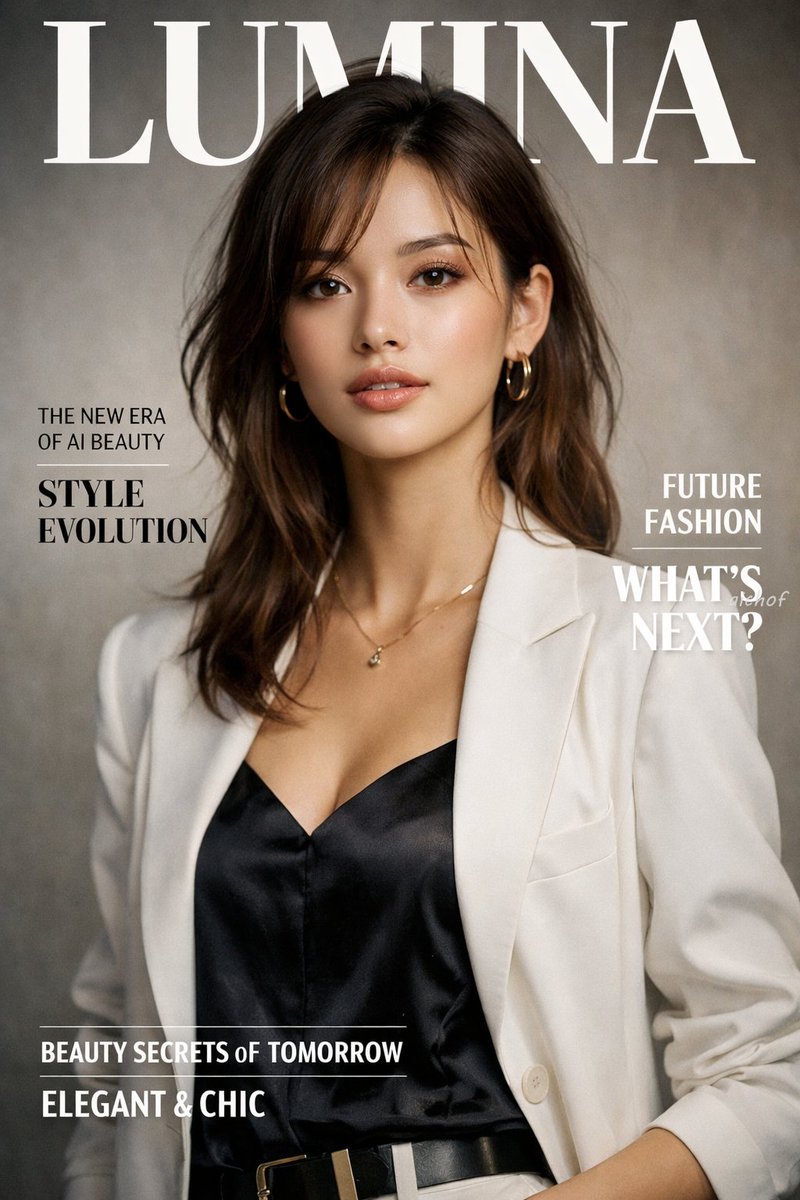
📌 Details
- Autor: aichof(アイチョフ)
- Quelle: Twitter Post
- Veröffentlicht: 19. April 2026
- Sprachen: en
No. 65: Produktmarketing - Photorealistic Fashion Magazine Cover
📖 Beschreibung
Generates a highly realistic magazine cover featuring a female portrait with customizable typography and styling.
📝 Prompt
A photorealistic fashion magazine cover featuring a portrait of a beautiful young Asian woman. She has {argument name="hair style" default="light brown hair with blonde highlights and a braided crown"}, soft elegant makeup, and a gentle expression. She is wearing a {argument name="clothing" default="white ribbed off-the-shoulder top with spaghetti straps"} and delicate gold drop earrings. The background is a soft, textured neutral gray. The layout includes elegant typography: a large masthead at the top reading "{argument name="magazine title" default="LUMINA"}" in a classic serif font. On the left side, text reads "THE NEW ERA OF AI BEAUTY" above a larger "{argument name="main headline" default="STYLE EVOLUTION"}". On the right side, text reads "FUTURE FASHION" above "WHAT'S NEXT?". At the bottom, text reads "{argument name="bottom text" default="BEAUTY SECRETS of TOMORROW"}" above "ELEGANT & CHIC". The overall lighting is soft, professional studio illumination.
🖼️ Generierte Bilder
Image 1
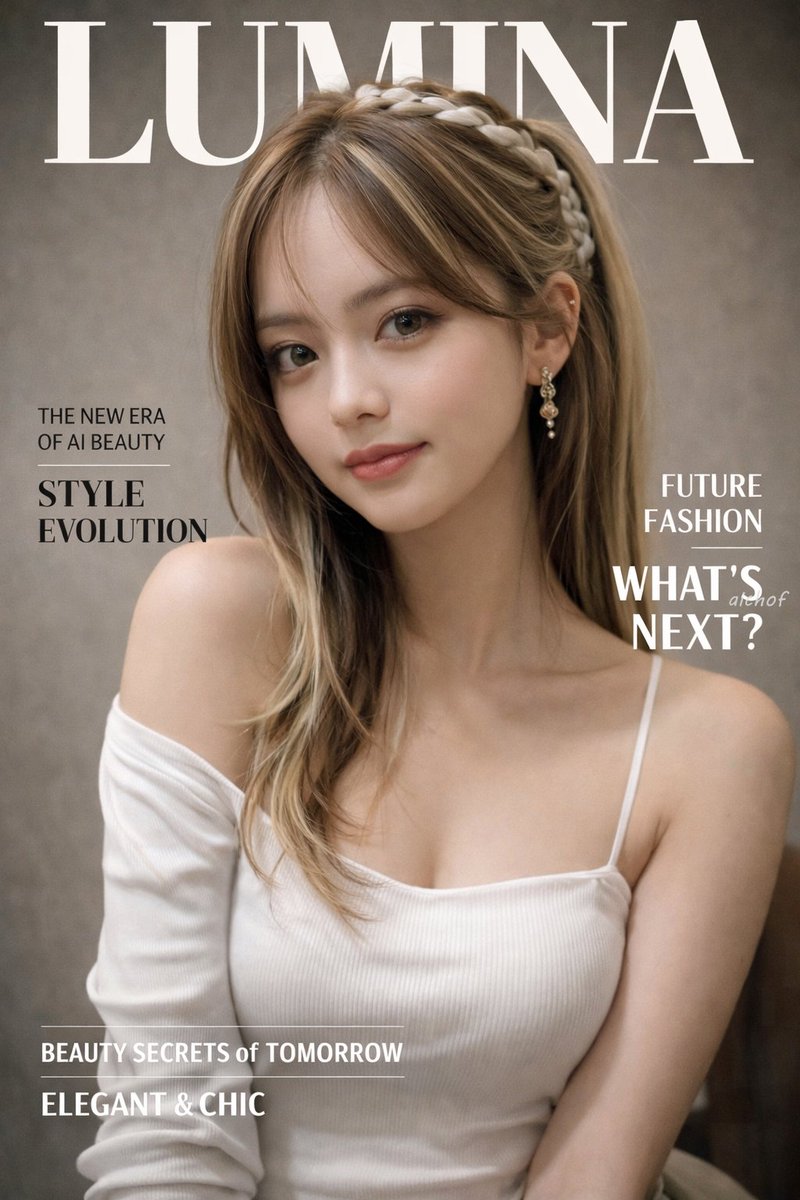
📌 Details
- Autor: aichof(アイチョフ)
- Quelle: Twitter Post
- Veröffentlicht: 19. April 2026
- Sprachen: en
No. 66: Produktmarketing - 4-Panel Japanese Ad Banner Grid
📖 Beschreibung
Generates a 2x2 grid of distinct Japanese web banner advertisements for beverage, food delivery, cosmetics, and fitness industries.
📝 Prompt
{
  "type": "2x2 grid of Japanese web banner advertisements",
  "layout": "4 equal square panels",
  "panels": [
    {
      "position": "top-left",
      "industry": "beverage",
      "product": "clear can of non-alcoholic drink named 'CLEAR ZERO'",
      "visuals": "splashing water, light blue background, refreshing vibe",
      "headline": "{argument name=\"beverage catchphrase\" default=\"今日を、リセット。\"}",
      "badges_count": 3,
      "badges_labels": ["カロリー 0", "糖質 0", "プリン体 0"]
    },
    {
      "position": "top-right",
      "industry": "food delivery",
      "product": "plate of stir-fried meat and vegetables",
      "visuals": "warm lighting, wooden table, appetizing",
      "headline": "{argument name=\"meal kit catchphrase\" default=\"献立に、悩まない。\"}",
      "feature_icons_count": 3,
      "feature_icons_labels": ["時短 10分", "管理栄養士監修", "送料無料"],
      "cta_button": "今すぐはじめる ->"
    },
    {
      "position": "bottom-left",
      "industry": "cosmetics",
      "product": "skincare serum bottle named 'LUMIÈRE'",
      "visuals": "woman with glowing skin and closed eyes, prismatic light effects, soft purple background",
      "headline": "{argument name=\"cosmetics catchphrase\" default=\"肌が、目覚める。\"}",
      "badges_count": 3,
      "badges_labels": ["無添加", "日本製", "敏感肌対応"]
    },
    {
      "position": "bottom-right",
      "industry": "fitness",
      "product": "personal gym named 'MOVE'",
      "visuals": "woman running on a treadmill, dark gym setting, sporty",
      "headline": "{argument name=\"gym catchphrase\" default=\"私を、アップデートする場所。\"}",
      "pricing": "月額 {argument name=\"gym monthly price\" default=\"6,980\"} 円~",
      "feature_hexagons_count": 3,
      "feature_hexagons_labels": ["24時間営業", "全国120店舗以上", "充実のサポート"],
      "cta_button": "無料体験を予約する ->"
    }
  ]
}
🖼️ Generierte Bilder
Image 1

📌 Details
- Autor: まーや | 物販LPデザイナー🛒✨
- Quelle: Twitter Post
- Veröffentlicht: 19. April 2026
- Sprachen: en
No. 67: Produktmarketing - 2x2 Japanese Advertisement Grid
📖 Beschreibung
Generates a 4-panel grid of distinct Japanese promotional advertisements covering skincare, recruitment, food, and travel.
📝 Prompt
{
  "type": "2x2 advertisement grid",
  "layout": {
    "grid_size": "2 rows by 2 columns",
    "panels": [
      {
        "position": "top-left",
        "theme": "skincare",
        "subject": "profile of a woman looking up, holding a white lotion bottle",
        "headline": "{argument name=\"skincare headline\" default=\"うるおい、光る肌へ。\"}",
        "subtext": "新・保湿化粧水",
        "features": {
          "count": 3,
          "type": "light blue circular bubbles",
          "labels": ["ヒアルロン酸 (保湿成分)", "ビタミンC誘導体 (整肌成分)", "セラミド (保湿成分)"]
        },
        "brand_logo": "LUMIÈRE SKIN LOTION"
      },
      {
        "position": "top-right",
        "theme": "corporate recruitment",
        "subject": "young woman in a blue shirt holding a silver laptop",
        "background": "geometric shapes in yellow, white, and cyan",
        "headline": "{argument name=\"recruitment headline\" default=\"未来は、挑戦でできている。\"}",
        "subtext": ["新卒採用エントリー受付中!", "自分を超えていけ。"],
        "features": {
          "count": 3,
          "type": "hashtags",
          "labels": ["# 総合職募集", "# 年間休日125日", "# 充実の研修制度"]
        },
        "brand_logo": "SKYWARD"
      },
      {
        "position": "bottom-left",
        "theme": "cafe breakfast",
        "subject": "stack of pancakes with butter, pouring syrup, strawberries, blueberries, and raspberries; coffee cup in background",
        "headline": "{argument name=\"cafe headline\" default=\"朝が待ち遠しくなる。\"}",
        "subtext": "しっとり、ふわふわ。幸せのパンケーキ。",
        "features": {
          "count": 1,
          "type": "yellow circular badge",
          "labels": ["OPEN 8:00 CLOSE 18:00"]
        },
        "brand_logo": "café sunny"
      },
      {
        "position": "bottom-right",
        "theme": "travel agency",
        "subject": "scenic view of a long bridge over turquoise water, blue sky, pink hibiscus flowers in foreground",
        "headline": "心、ほどける{argument name=\"travel destination\" default=\"沖縄旅\"}",
        "subtext": ["青い海と、ゆるやかな時間。", "3日間", "{argument name=\"travel price\" default=\"¥59,800〜\"}", "航空券+ホテル+朝食付き"],
        "features": {
          "count": 1,
          "type": "pink circular badge",
          "labels": ["早期予約で最大10,000円割引!"]
        },
        "brand_logo": "HIS"
      }
    ]
  }
}
🖼️ Generierte Bilder
Image 1
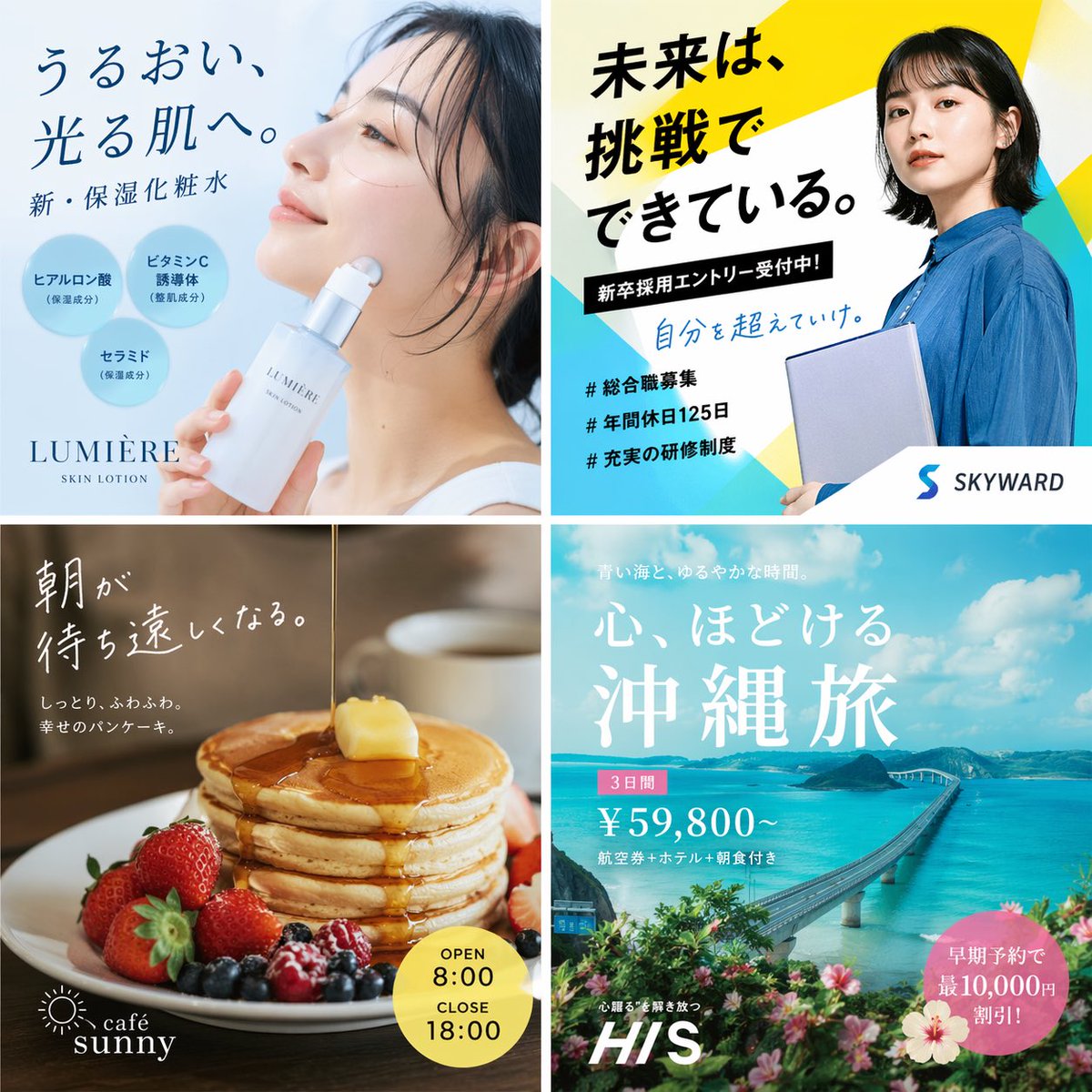
📌 Details
- Autor: もっつぃ🌳
- Quelle: Twitter Post
- Veröffentlicht: 19. April 2026
- Sprachen: en
No. 68: Produktmarketing - Four-Panel Vertical Advertisement Mockups
📖 Beschreibung
Generates a four-column layout featuring distinct advertising posters for food, fashion, travel, and SaaS products.
📝 Prompt
{
  "type": "four-panel advertisement mockup",
  "layout": "vertical split into four equal columns",
  "panels": [
    {
      "position": "far left",
      "theme": "food advertisement",
      "subject": "steaming bowl of authentic soy sauce ramen with sliced pork, half a soft-boiled egg, bamboo shoots, and green onions",
      "background": "dark, moody lighting",
      "typography": {
        "catchphrase": "{argument name=\"ramen catchphrase\" default=\"この一杯に、魂を込めて。\"}",
        "subtext": "ultimate ramen maximizing ingredient umami",
        "brand_name": "麺心",
        "details": "authentic soy sauce ramen 980 yen",
        "footer": "Tokyo Shibuya address and business hours"
      }
    },
    {
      "position": "mid-left",
      "theme": "fashion lookbook",
      "subject": "young Japanese woman looking back over her shoulder, wearing a sheer white long-sleeve top",
      "background": "light grey studio backdrop",
      "typography": {
        "headline": "{argument name=\"fashion brand\" default=\"SHEER\"}",
        "subheadline": "NEW COLLECTION",
        "vertical_text": "wearing transparency",
        "details": "SPRING / SUMMER 2024 3.15 fri - Start",
        "button": "特設サイトを見る >"
      }
    },
    {
      "position": "mid-right",
      "theme": "travel agency promotion",
      "subject": "woman in a white summer dress and straw hat walking down white stairs",
      "background": "{argument name=\"travel destination\" default=\"Santorini, Greece\"} with iconic blue dome churches, white buildings, and deep blue Aegean sea",
      "typography": {
        "top_text": "to an unseen spectacular view",
        "main_title": "Travel",
        "subtitle": "let's take a journey that moves your heart",
        "badge": "summer travel sale until 5.31 FRI",
        "bottom_nav": {
          "count": 3,
          "labels": ["海外ツアー", "国内ツアー", "航空券+ホテル"]
        },
        "button": "今すぐチェック! >"
      }
    },
    {
      "position": "far right",
      "theme": "B2B SaaS software",
      "subject": "open laptop displaying a data dashboard, surrounded by floating UI elements",
      "background": "light purple and white gradient",
      "ui_elements": {
        "count": 3,
        "labels": ["AIアシスタント", "タスク管理", "データ分析"]
      },
      "typography": {
        "logo": "{argument name=\"tech product name\" default=\"Aideal\"}",
        "headline": "{argument name=\"tech headline\" default=\"仕事が、もっとスマートに。\"}",
        "subheadline": "AI creates time for you",
        "badge": "over 10,000 companies",
        "button": "無料で始める >",
        "url": "www.aideal.jp"
      }
    }
  ]
}
🖼️ Generierte Bilder
Image 1
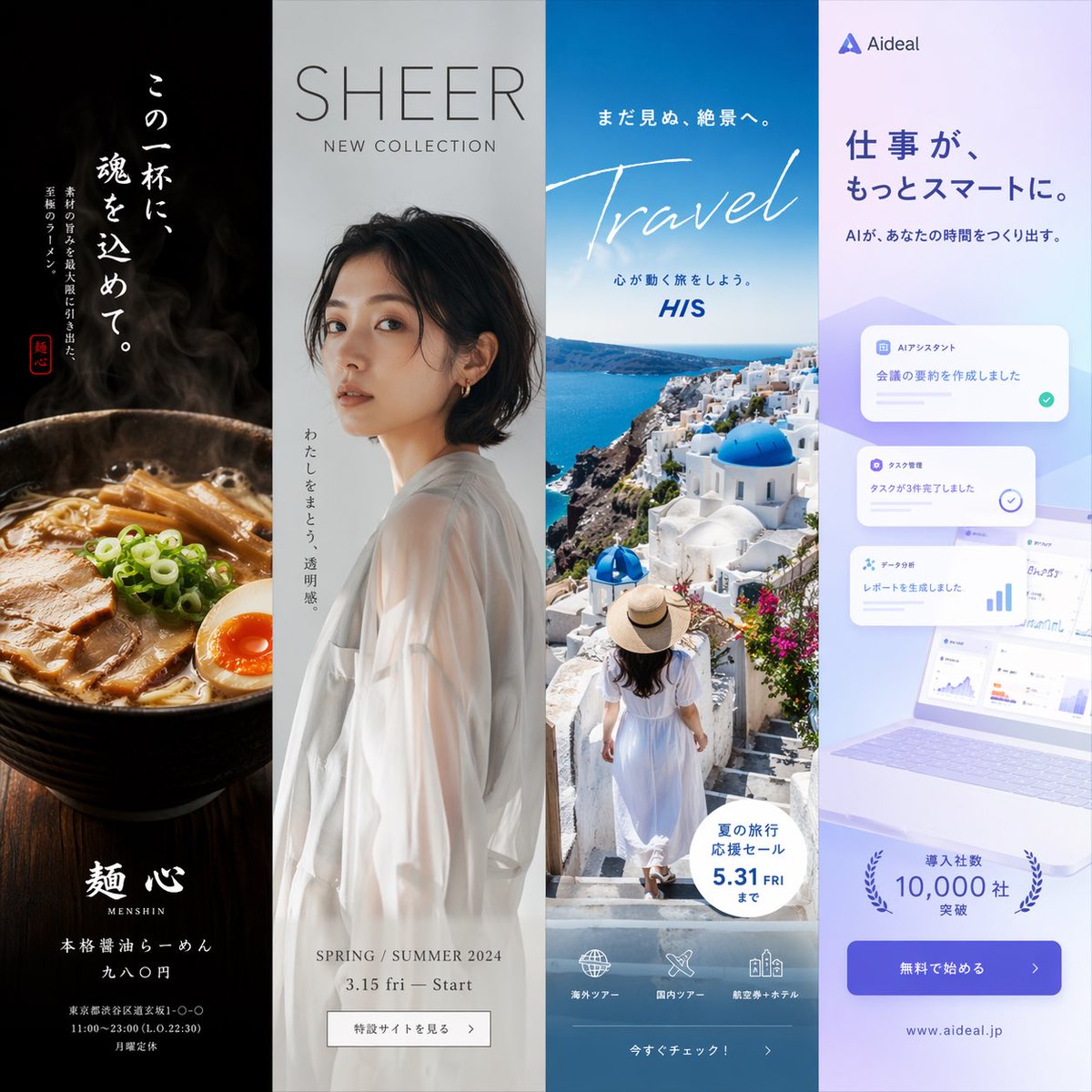
📌 Details
- Autor: もっつぃ🌳
- Quelle: Twitter Post
- Veröffentlicht: 19. April 2026
- Sprachen: en
No. 69: Produktmarketing - Wireframe to Corporate Web Banner
📖 Beschreibung
Transforms a rough hand-drawn wireframe into a polished, professional web banner ad with photorealistic subjects, vector graphics, and customizable Japanese copy.
📝 Prompt
Using REFERENCE_0 as a wireframe layout, generate a polished, professional corporate web banner ad for an AI sales tool. Use a clean blue, white, and orange color palette. Transform the sketched character into a photorealistic image of 2 smiling Japanese business professionals (a man and a woman in suits) looking at a silver laptop in a bright office. In the top left, add a logo for {argument name="brand name" default="KAWAISALES"} with a small tagline 'AIを活用した新しい営業支援ツール'. Map the wireframe's text bubbles as follows: replace the top bubble with a white oval containing the blue text {argument name="main copy" default="その営業、AIで「飛躍」しませんか?"}; replace the middle bubble with {argument name="sub copy" default="リード獲得からクロージングまでAIがあなたの営業活動を強力サポート!"}. Replace the bottom CTA box with a bright orange pill-shaped button reading {argument name="cta text" default="今すぐ 無料デモを体験する >"}. In the lower-right center, add a blue 3D-style bar chart with an upward arrow, accompanied by a target icon showing 3 user silhouettes and a white UI card with 4 checkmarked bullet points. Finally, add a white panel in the bottom left containing exactly 3 blue line-art icons (a clock, a rising chart, and a laptop) with short captions below each.
🖼️ Generierte Bilder
Image 1

📌 Details
- Autor: KAWAI
- Quelle: Twitter Post
- Veröffentlicht: 19. April 2026
- Sprachen: en
No. 70: Produktmarketing - Flashy Pachinko Parlor Promo Poster
📖 Beschreibung
Generates an extremely flashy, information-dense Japanese promotional poster featuring a portrait model, 3D metallic typography, and multiple stat boxes.
📝 Prompt
{
  "type": "Japanese pachinko parlor promotional poster",
  "style": "hyper-flashy, explosive golden starbursts, red background, floating gold confetti, lens flares, high contrast, 3D metallic text",
  "subject": "{argument name=\"model description\" default=\"smiling young Japanese woman with brown hair and bangs wearing a white sparkly dress\"}",
  "layout": {
    "top_left": {
      "type": "massive 3D text",
      "text": "{argument name=\"main title\" default=\"新台入替\"}",
      "style": "gold and red metallic"
    },
    "top_right": {
      "type": "vertical banner",
      "text": "本日堂々オープン!",
      "style": "red ribbon with gold text"
    },
    "middle_left": {
      "type": "time announcement",
      "text_line_1": "{argument name=\"opening time\" default=\"AM 9:00\"}",
      "text_line_2": "OPEN!!",
      "style": "gold/yellow top line, blue/white gradient bottom line"
    },
    "middle_lower_stats": {
      "type": "information grid",
      "count": 5,
      "elements": [
        { "label": "Date", "text": "{argument name=\"date\" default=\"4.10\"}", "subtext": "水曜日", "style": "red and gold box" },
        { "label": "Pachinko count", "text": "パチンコ", "subtext": "120台", "style": "red box" },
        { "label": "Slot count", "text": "スロット", "subtext": "80台", "style": "blue box" },
        { "label": "Total count", "text": "220台", "subtext": "OVER", "style": "gold circular badge" },
        { "label": "Variety corner", "text": "バラエティコーナー 20台", "style": "green horizontal banner" }
      ]
    },
    "bottom": {
      "type": "massive 3D catchphrase",
      "text": "{argument name=\"catchphrase\" default=\"超絶激アツ!!\"}",
      "style": "gold metallic, explosive background"
    }
  }
}
🖼️ Generierte Bilder
Image 1
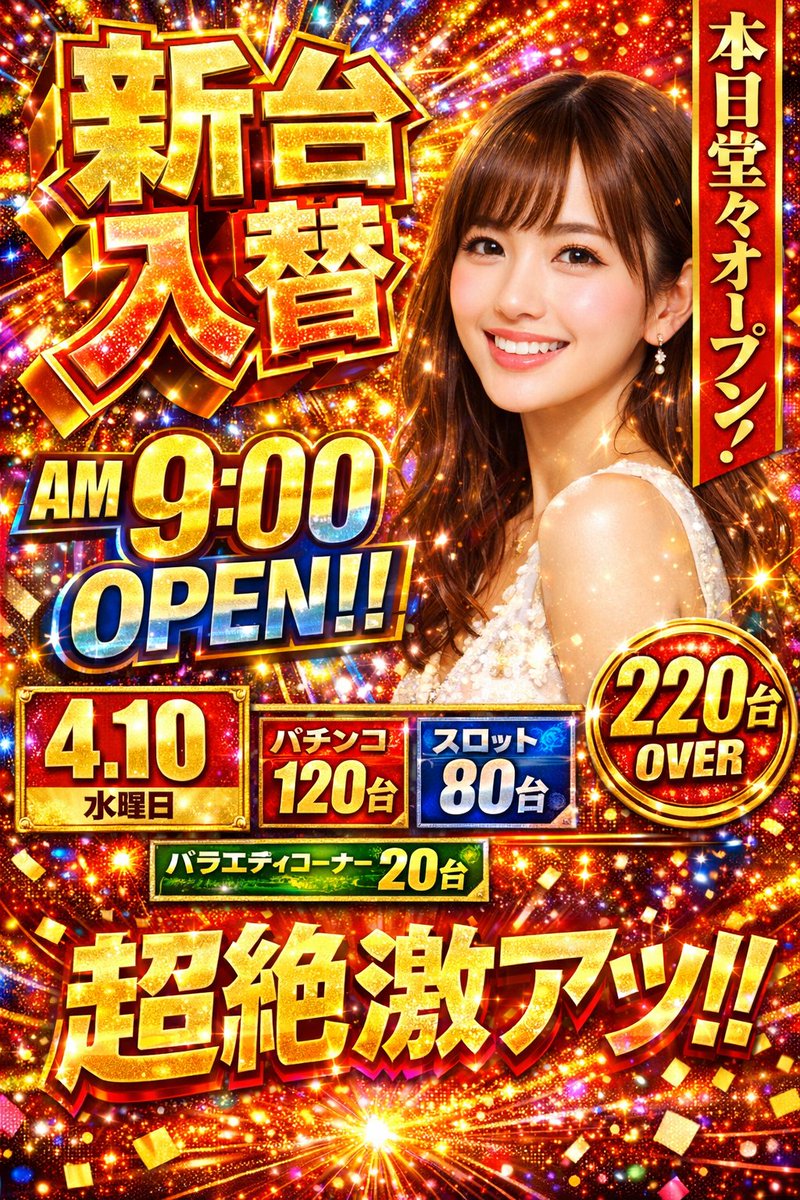
📌 Details
- Autor: エンジニアM168
- Quelle: Twitter Post
- Veröffentlicht: 19. April 2026
- Sprachen: en
No. 71: Produktmarketing - Japanese Beverage Ad Poster
📖 Beschreibung
Generates a refreshing Japanese-style beverage advertisement featuring a model, product shot, and stylized typography.
📝 Prompt
{
  "type": "Japanese beverage advertisement poster",
  "subject": {
    "description": "young Asian woman, profile view, {argument name=\"subject vibe\" default=\"eyes closed, looking up, feeling refreshed\"}",
    "appearance": "wet hair, wet skin, sheer white top",
    "environment": "floating water droplets, bright blue sky, sunny lighting"
  },
  "product": {
    "type": "aluminum beverage can",
    "placement": "bottom right",
    "design": "white and yellow gradient, condensation drops",
    "branding": "{argument name=\"product name\" default=\"YUZU SPARK\"} in large serif font, 'ユズスパーク' below",
    "illustration": "yellow {argument name=\"flavor fruit\" default=\"yuzu\"} fruit with green leaves",
    "props": "2 whole yellow yuzu fruits with green leaves behind the can"
  },
  "layout": {
    "top_left": "Logo with starburst icon and 'KIRARA'",
    "main_copy_left": "large vertical black text: {argument name=\"main headline\" default=\"ゆず香る、新しいわたし。\"}",
    "sub_copy_left": "vertical black text in yellow pill: 'がんばる日々に、やさしいごほうびを。'",
    "script_text": "yellow cursive text: 'Refresh!'",
    "right_copy": "white handwritten text with underline: '私を、ほどくひとしゅわ。'",
    "badges": [
      { "position": "bottom left", "style": "yellow circle", "text": "{argument name=\"badge text\" default=\"国産ゆず果汁3%\"}" },
      { "position": "mid right", "style": "yellow circle", "text": "NEW" }
    ],
    "bottom_text": "small black text: 'すっきり、軽やか。やさしい甘さのご褒美時間。'",
    "footer": "solid yellow horizontal bar containing product name, tagline 'やさしさ弾ける、ゆずの微炭酸。', and boxed text '数量限定発売中'"
  }
}
🖼️ Generierte Bilder
Image 1
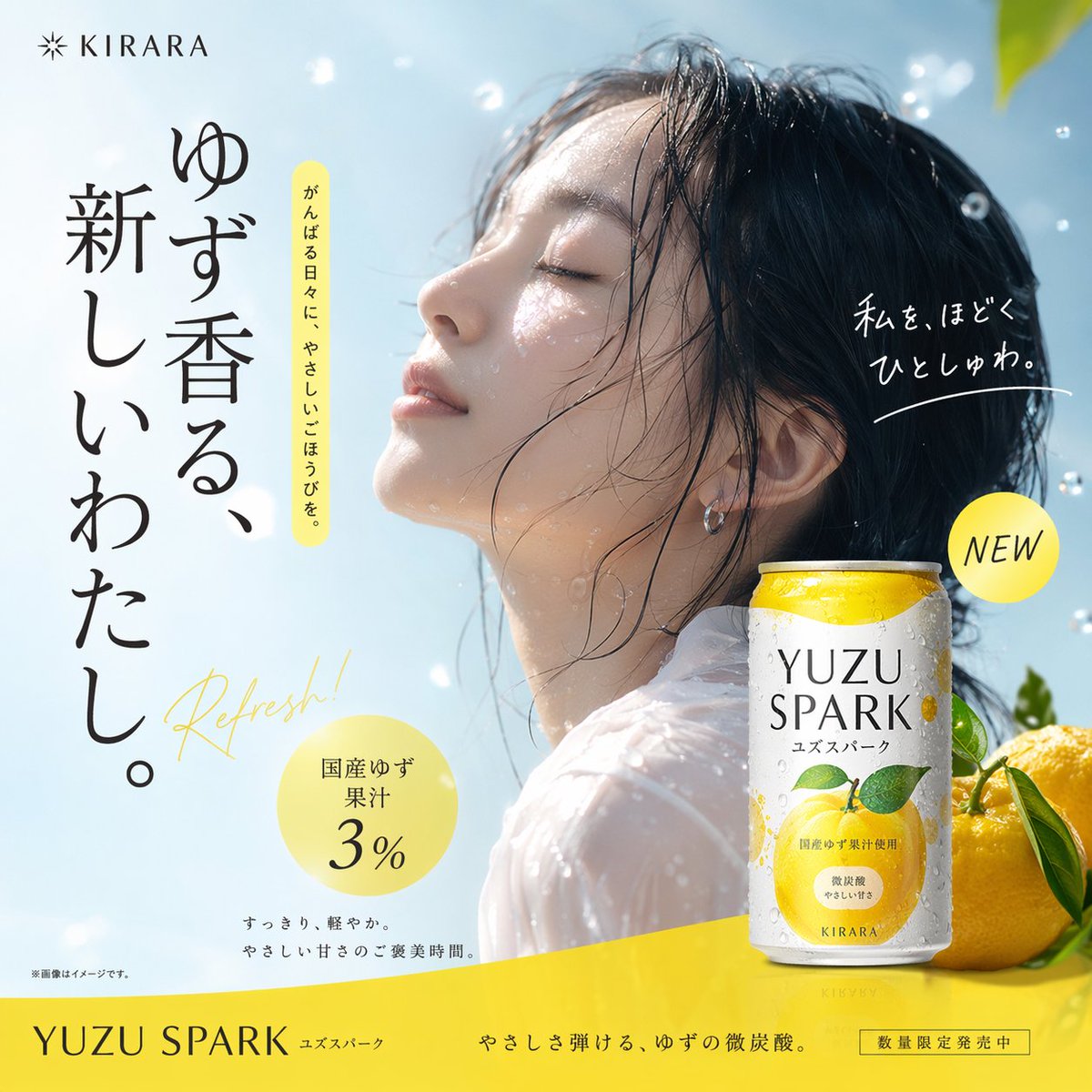
📌 Details
- Autor: MW岩井
- Quelle: Twitter Post
- Veröffentlicht: 18. April 2026
- Sprachen: en
No. 72: Produktmarketing - 3D Perspective Text Effect Prompt
📖 Beschreibung
A technical prompt to generate 3D perspective text integrated into a scene, such as a sea-crossing bridge, with dramatic cinematic lighting.
📝 Prompt
① Scene {argument name="scene description" default="side of a sea-crossing bridge"}, dramatic cinematic angle. Giant bold sans-serif text "___② Text content {argument name="text content" default="Sea-crossing Bridge"}" painted onto the surface of ___③ Subject: None, progressively foreshortens from the front near the lens to the far end. Letterforms conform to surface curvature, surface-integrated not floating. Some areas of text are occluded by ___④ Foreground objects: None, exposed in gaps to create depth-layering. {argument name="text color and style" default="Oversized bright yellow + sharp orange outline"}, extreme perspective distortion aligned to vanishing point. Cinematic lighting, motion blur, poster-grade dynamic integrated typography.
🖼️ Generierte Bilder
Image 1
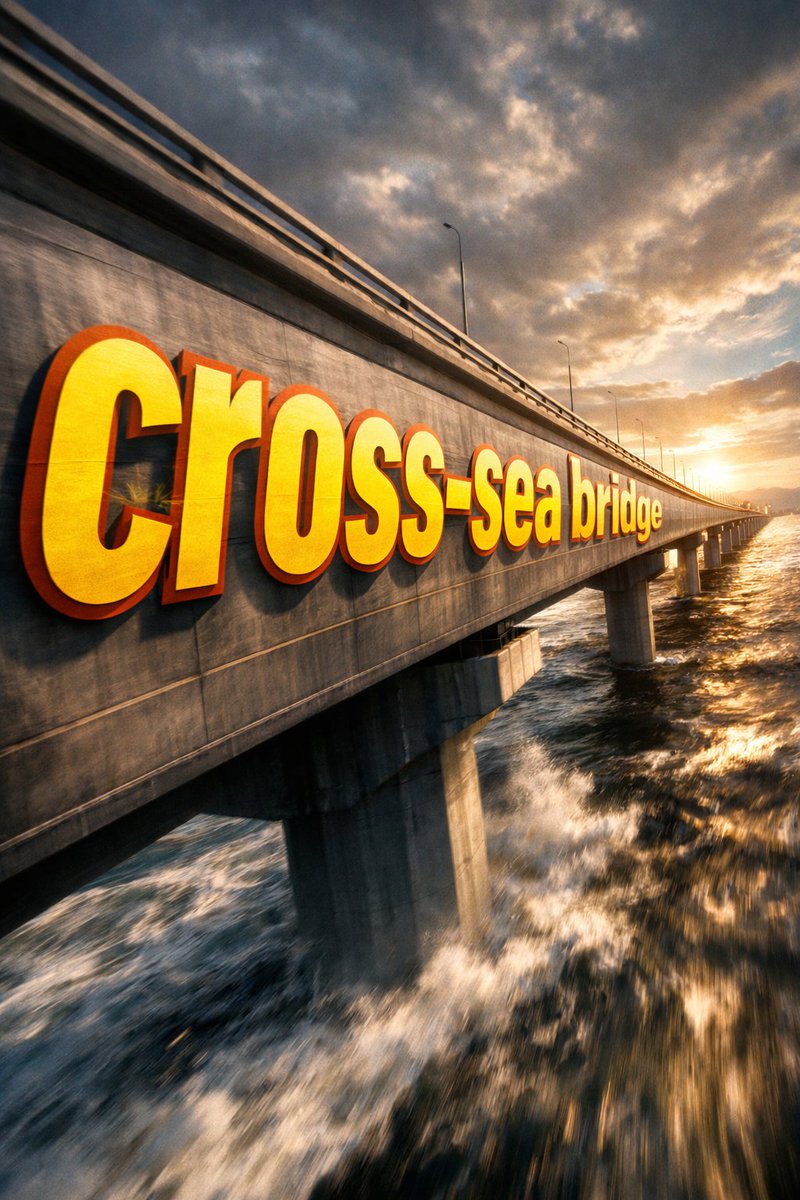
📌 Details
- Autor: 神奇小喷菇AIGC
- Quelle: Twitter Post
- Veröffentlicht: 18. April 2026
- Sprachen: zh
No. 73: Produktmarketing - SaaS AI Dashboard Landing Page
📖 Beschreibung
Generates a modern SaaS landing page mockup featuring a central AI dashboard connected to various tool integrations and detailed feature highlight cards.
📝 Prompt
{
  "type": "SaaS landing page hero graphic",
  "style": "Modern UI/UX, light theme, soft shadows, glassmorphism, {argument name=\"primary theme color\" default=\"purple and blue gradients\"}",
  "header": {
    "headline": "{argument name=\"main headline\" default=\"Run your work with AI clarity.\"}",
    "subheadline": "Coordinate tasks, context, and execution across your tools in one intelligent workspace."
  },
  "layout": {
    "center_dashboard": {
      "app_name": "{argument name=\"app name\" default=\"FlowBridge\"}",
      "greeting": "{argument name=\"user greeting\" default=\"Good morning, Alex 👋\"}",
      "sidebar_links": 8,
      "top_metrics_cards": 4,
      "recent_activity_items": 3,
      "project_progress_bars": 3,
      "floating_action_bar": "{argument name=\"floating bar text\" default=\"Ask AI anything or type a command...\"}"
    },
    "left_integrations": {
      "count": 4,
      "style": "pill-shaped cards connected by thin lines to the center dashboard",
      "labels": [
        "Google Calendar: Events & schedule",
        "Notion: Docs & knowledge",
        "Slack: Messages & updates",
        "Google Drive: Files & assets"
      ]
    },
    "right_integrations": {
      "count": 4,
      "style": "pill-shaped cards connected by thin lines to the center dashboard",
      "labels": [
        "Asana: Tasks & projects",
        "GitHub: Code & commits",
        "Figma: Design files",
        "Microsoft Teams: Calls & meetings"
      ]
    },
    "bottom_feature_cards": {
      "count": 3,
      "style": "rectangular cards with soft shadows",
      "cards": [
        {
          "title": "AI-powered overview",
          "description": "Get instant clarity on goals, progress, and what needs your attention.",
          "visuals": "Line chart showing 24.6 hr focus time, and 3 bottom metrics (Meetings, Deep work, Tasks done)"
        },
        {
          "title": "Connected execution",
          "description": "Stay aligned with tasks, updates, and dependencies across your tools.",
          "visuals": "List of 4 upcoming tasks and 4 team workload progress bars with user avatars"
        },
        {
          "title": "Insights that drive impact",
          "description": "Understand progress, unblock risks, and make smarter decisions.",
          "visuals": "Donut chart showing 18 projects by status, and a list of 3 top risks with red flag icons"
        }
      ]
    }
  }
}
🖼️ Generierte Bilder
Image 1

📌 Details
- Autor: Daniel
- Quelle: Twitter Post
- Veröffentlicht: 16. April 2026
- Sprachen: en
No. 74: Produktmarketing - 3-Panel KI-Modell-Vergleichs-Infografik
📖 Beschreibung
Erstellt eine vertikale Infografik mit drei Panels, die verschiedene KI-Modelle anhand eines Sci-Fi-Anime-Charakters in unterschiedlichen Kunststilen vergleicht.
📝 Prompt
{
  "type": "vertikale 3-Panel-Werbe-Infografik",
  "theme": "Sci-Fi-Anime-Charakter zur Präsentation verschiedener KI-Modelle",
  "global_elements": {
    "character_base": {
      "gender": "weiblich",
      "hair": "{argument name=\"character hair color\" default=\"orange\"}",
      "attire": "futuristischer Sci-Fi-Bodysuit"
    },
    "main_typography": "{argument name=\"main title\" default=\"DESIGN COURSE\"}",
    "subtitle_typography": "{argument name=\"japanese subtitle\" default=\"AIが拓く、画像生成の未来\"}"
  },
  "layout": {
    "structure": "3 gestapelte horizontale Panels",
    "panels": [
      {
        "position": "oben",
        "model_name": "{argument name=\"top model name\" default=\"MAI-Image-2\"}",
        "art_style": "flache Anime-Schattierung, klare Linien, minimalistischer Sci-Fi-Hintergrund",
        "character_pose": "fliegt horizontal nach links",
        "text_elements": {
          "header": "KI-KUNST | PROMPT-ENGINEERING | BILDERZEUGUNG",
          "left_paragraph": "4 Zeilen japanischer Text über den Start bei Null",
          "featuring_list": {
            "title": "INHALTE",
            "count": 4,
            "items": ["- プロントの基礎", "- 画像生成の実践", "- 高品質な出力", "- 著作権について"]
          },
          "tag": "#001 | MAI-Image-2 EDITION"
        }
      },
      {
        "position": "mitte",
        "model_name": "{argument name=\"middle model name\" default=\"GPT-IMAGE-2\"}",
        "art_style": "sehr detailliert, leuchtende Partikel, intensive Beleuchtung, komplexe Mecha-Elemente",
        "character_pose": "fliegt horizontal nach rechts",
        "text_elements": {
          "header": "KI-KUNST | PROMPT-ENGINEERING | BILDERZEUGUNG",
          "left_paragraph": "4 Zeilen japanischer Text über kreatives Arbeiten auf Profi-Niveau",
          "featuring_list": {
            "title": "INHALTE",
            "count": 4,
            "items": ["- プロンプトの基礎", "- 画像生成の実践", "- 高品質な出力", "- 著作権について"]
          },
          "tag": "#001 | GPT-IMAGE-2 EDITION"
        }
      },
      {
        "position": "unten",
        "model_name": "NANO BANANA PRO",
        "art_style": "dynamische Perspektive, Hintergrund mit hellblauer Energie, lebendige Farben",
        "character_pose": "fliegt auf den Betrachter zu, streckt die linke Hand aus",
        "text_elements": {
          "header": "KI-KUNST | PROMPT-ENGINEERING | MONETARISIERUNG",
          "subtitle": "AIが拓く、デザインの未来",
          "left_paragraph": "5 Zeilen japanischer Text über Workflows der nächsten Generation",
          "featuring_list": {
            "title": "INHALTE",
            "count": 4,
            "items": ["- プロンプトの基礎", "- 収益化ノウハウ", "- 高品質な出力", "- 著作権について"]
          },
          "tag": "#001 | AI EDITION"
        }
      }
    ]
  }
}
🖼️ Generierte Bilder
Image 1
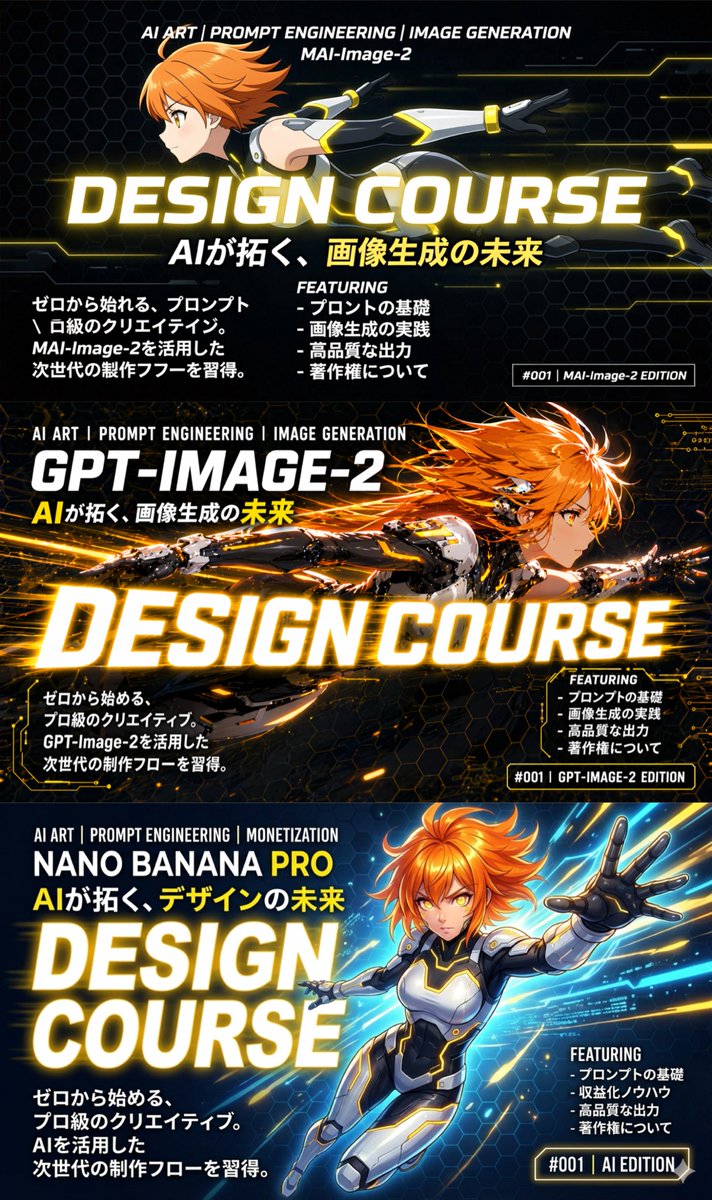
📌 Details
- Autor: いにしえ@AI Director & Creator|Will Oldgram
- Quelle: Twitter Post
- Veröffentlicht: 15. April 2026
- Sprachen: en
No. 75: Produktmarketing - Luftaufnahme eines Universitätscampus
📖 Beschreibung
Erzeugt ein realistisches Luftbild eines großen Universitätscampus mit spezifischen architektonischen Wahrzeichen, Eingangstoren und einer entfernten Stadtsilhouette.
📝 Prompt
Eine Drohnen-Luftaufnahme eines weitläufigen, üppig grünen Universitätscampus an einem sonnigen Tag. Im Vordergrund führt eine breite, mehrspurige Straße mit Autos durch ein großes Betoneingangstor, das den großen weißen Schriftzug „{argument name="university name" default="ODTÜ METÜ"}“ trägt. Rechts vom Tor wehen an zwei hohen Fahnenmasten eine {argument name="flag 1" default="türkische Flagge"} und eine {argument name="flag 2" default="weiße Flagge mit einem roten kreisförmigen Logo"}. Im Mittelgrund befindet sich ein langes, rechteckiges Reflexionsbecken, das von grünen Rasenflächen und Fußwegen umgeben ist und von verschiedenen modernistischen Betongebäuden flankiert wird. Zu den bemerkenswerten Strukturen gehören ein zylindrisches Gebäude mit rot-weißen horizontalen Streifen auf der linken Seite und ein großes pyramidenförmiges Gebäude auf der rechten Seite. Im Hintergrund erstreckt sich die dichte Stadtsilhouette von {argument name="city skyline" default="Ankara"} über den Horizont, mit einem markanten hohen Aussichtsturm, vor der Kulisse sanfter Hügel und Berge unter einem klaren blauen Himmel mit vereinzelten weißen Wolken.
🖼️ Generierte Bilder
Image 1
📌 Details
- Autor: λhmet Kamer e/acc
- Quelle: Twitter Post
- Veröffentlicht: 14. April 2026
- Sprachen: en
No. 76: Produktmarketing - Carbonfaser-Typografie
📖 Beschreibung
Ein eleganter Typografie-Prompt, der Buchstaben so gestaltet, als wären sie aus Carbonfasern gewebt, für einen modernen und leistungsstarken haptischen Look.
📝 Prompt
{argument name="subject" default="Typografie"}, bei der jede Buchstabenform aus {argument name="material" default="Carbonfaser"} gewebt ist. Haptisch, direktional, {argument name="aesthetic" default="reine Performance-Ästhetik"}.
🖼️ Generierte Bilder
Image 1
📌 Details
- Autor: SRKDAN
- Quelle: Twitter Post
- Veröffentlicht: 14. April 2026
- Sprachen: en
No. 77: E-Commerce-Hauptbild - Livestream E-commerce Interface Mockup
📖 Beschreibung
Generates a mobile livestream shopping interface featuring a celebrity selling a fictional product, complete with chat overlay and UI elements.
📝 Prompt
{
  "type": "mobile livestream e-commerce interface mockup",
  "subject": {
    "person": "Elon Musk",
    "clothing": "black t-shirt with SPACEX logo",
    "pose": "gesturing towards camera with both hands, explaining enthusiastically",
    "watermark": "@Proof AI"
  },
  "background": {
    "setting": "large display screen",
    "image": "Mars landscape with Starship rocket and dome habitats",
    "text": [
      "SPACEX",
      "{argument name=\"background title\" default=\"移民火星计划\"}"
    ]
  },
  "ui_layout": {
    "header": {
      "broadcaster_info": {
        "name": "{argument name=\"broadcaster name\" default=\"ElonMusk\"}",
        "stats": "75.8万本场点赞",
        "follow_button": "关注"
      },
      "viewer_stats": {
        "avatars_count": 3,
        "text": "10万+",
        "close_button": "X"
      },
      "tags": [
        "带货总榜第1名",
        "更多直播 >"
      ]
    },
    "product_card": {
      "position": "mid-right",
      "status": "讲解中",
      "image": "Mars dome habitats",
      "title": "{argument name=\"product title\" default=\"火星移民基础套餐\"}",
      "price": "{argument name=\"product price\" default=\"¥99.00\"}",
      "action_button": "抢"
    },
    "chat_overlay": {
      "position": "bottom-left",
      "join_alert": "星辰大海 加入了直播间",
      "messages_count": 7,
      "messages": [
        "{argument name=\"top chat message\" default=\"梦想家: 支持马斯克!!🚀\"}",
        "火星弟弟: 多少钱一位?",
        "科技迷: 太酷了!想去火星!",
        "未来已来: 如何报名?",
        "小火箭: 🌹🌹🌹",
        "宇宙无敌: 讲解一下细节",
        "东方不败: 老马牛逼!👍👍👍"
      ]
    },
    "bottom_action_bar": {
      "input_placeholder": "说点什么...",
      "icons_count": 4,
      "icons": ["shopping cart", "gift box", "heart planet", "plus sign"]
    },
    "floating_reactions": {
      "position": "bottom-right",
      "elements": "stack of floating hearts, thumbs up, and laughing emojis"
    }
  }
}
🖼️ Generierte Bilder
Image 1
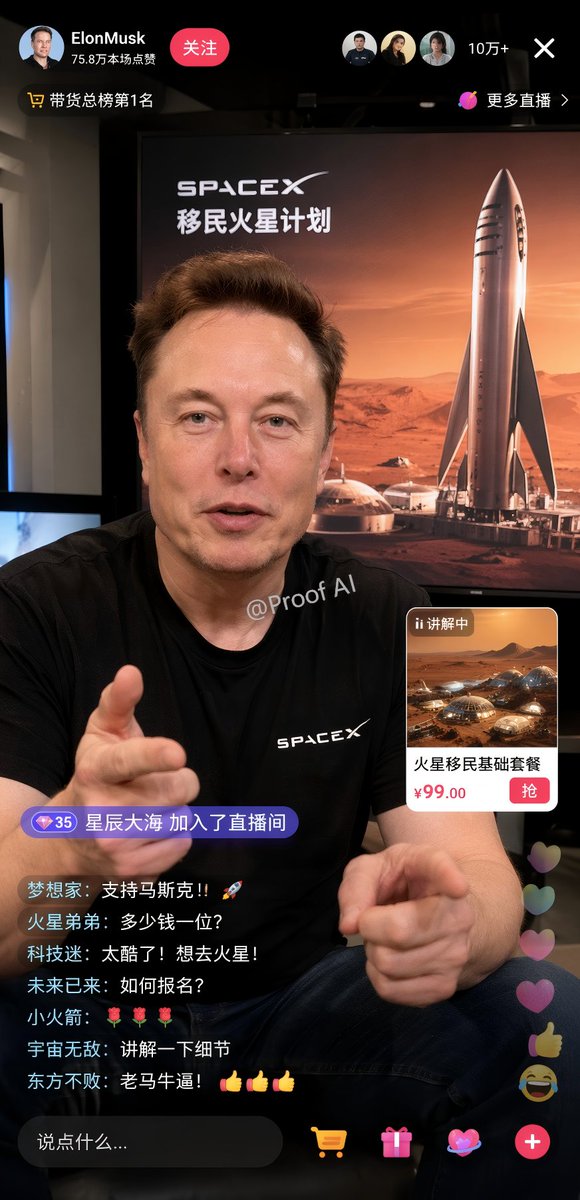
📌 Details
- Autor: Proof · AI Productivity
- Quelle: Twitter Post
- Veröffentlicht: 19. April 2026
- Sprachen: en
No. 78: Spiel-Asset - GTA V Style Crossover Cover Art
📖 Beschreibung
Generates a multi-panel video game cover collage blending a specific character and universe with the iconic Grand Theft Auto V art style.
📝 Prompt
{
  "type": "video game cover art collage",
  "style": "GTA V cover art style, cel-shaded illustration, thick black panel borders",
  "centerpiece": {
    "character": "{argument name=\"main character\" default=\"Thomas Shelby from Peaky Blinders\"}, wearing dark suit, white shirt, smoking cigarette, undercut hairstyle",
    "logo": "{argument name=\"game title\" default=\"grand theft auto V\"} logo with green V and FIVE banner",
    "subtitle": "{argument name=\"bottom text\" default=\"THOMAS SHELBY BIRMINGHAM. 1919.\"}"
  },
  "layout": {
    "panel_count": 8,
    "panels": [
      {
        "position": "top-left",
        "description": "Hillside with {argument name=\"location sign 1\" default=\"VINEWOOD\"} sign, radio tower, palm trees"
      },
      {
        "position": "upper-left",
        "description": "Street sign reading {argument name=\"location sign 2\" default=\"SMALL HEATH BIRMINGHAM S 41\"}, terraced houses"
      },
      {
        "position": "mid-left",
        "description": "Handgun, 3 bullets, map with text 'BY ORDER OF THE PEAKY BLINDERS'"
      },
      {
        "position": "bottom-left",
        "description": "Vintage 1920s black car, glowing headlights, 'GTA V' license plate"
      },
      {
        "position": "top-right",
        "description": "City skyline silhouette, helicopter"
      },
      {
        "position": "mid-right",
        "description": "3 men in flat caps and suits walking in smoky industrial setting"
      },
      {
        "position": "bottom-right-upper",
        "description": "Large country mansion, black horse on lawn"
      },
      {
        "position": "bottom-right-lower",
        "description": "Man in flat cap looking at industrial skyline, yellow Rockstar Games logo"
      }
    ]
  }
}
🖼️ Generierte Bilder
Image 1
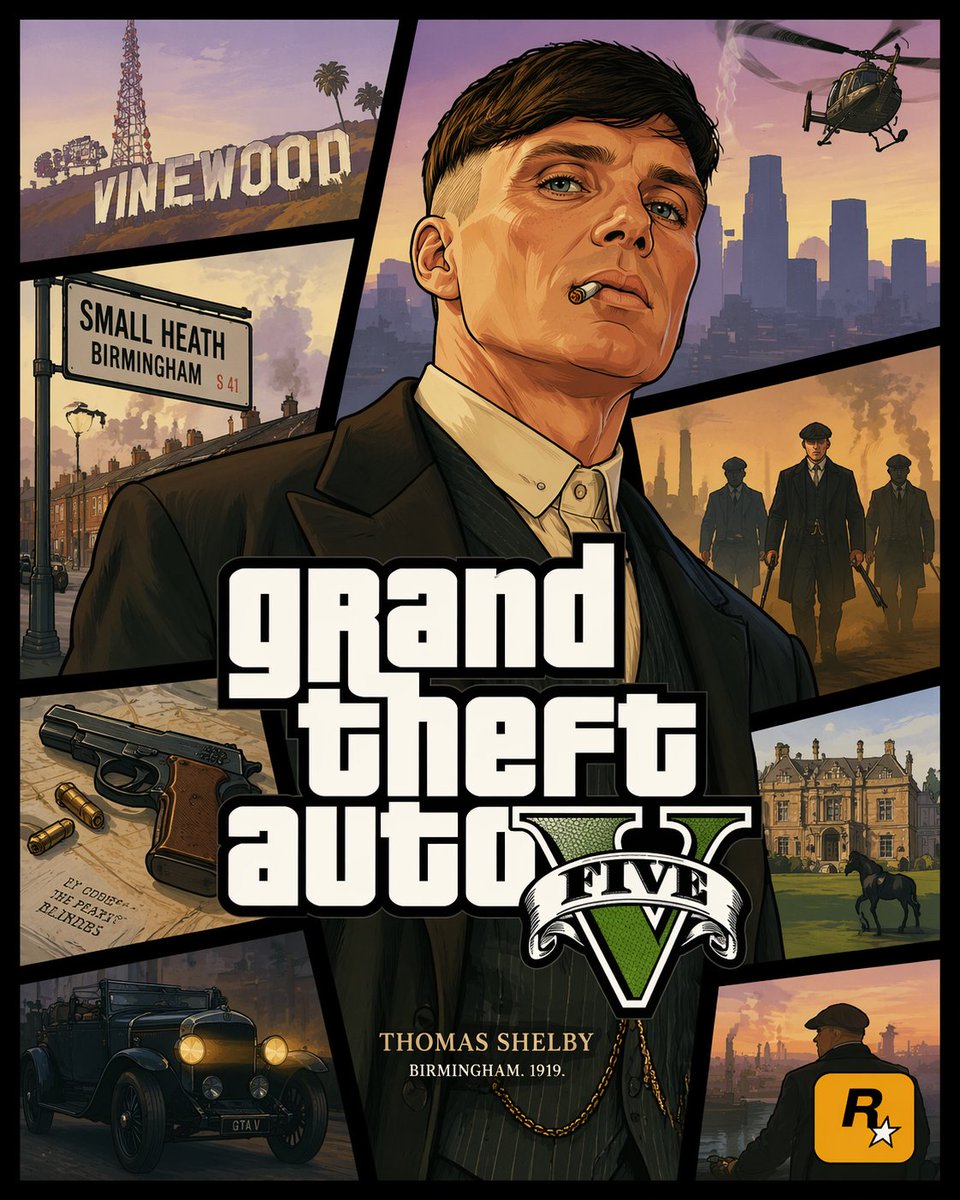
📌 Details
- Autor: Ma(s)ken?
- Quelle: Twitter Post
- Veröffentlicht: 19. April 2026
- Sprachen: en
No. 79: Spiel-Asset - Anime Character Profile Sheet
📖 Beschreibung
Generates a detailed anime character reference sheet featuring a full-body portrait, chibi variant, expressions, and profile text blocks.
📝 Prompt
{
  "type": "anime character profile sheet",
  "theme": "{argument name=\"theme color\" default=\"light blue and white\"} digital cyber aesthetic with glowing particles and grid patterns",
  "character": {
    "name": "{argument name=\"character name\" default=\"メタかみたん\"}",
    "appearance": {
      "hair": "{argument name=\"hair color\" default=\"brown\"} messy high ponytail with ahoge",
      "eyes": "{argument name=\"eye color\" default=\"blue\"}",
      "accessories": "blue goggles on forehead, large white angel wings, silver key necklace",
      "outfit": "{argument name=\"outfit\" default=\"oversized white hoodie, white shorts, white sneakers\"}"
    }
  },
  "layout": {
    "header": "Top left text reading 'CHARACTER' and 'キャラクター紹介'",
    "sections": [
      {
        "title": "Profile Text",
        "position": "left column",
        "content": "Detailed character stats including height '165cm', image colors '白, 水色', and multiple quote blocks in Japanese"
      },
      {
        "title": "Full Body Portrait",
        "position": "right side",
        "description": "Standing character facing forward, smiling, relaxed pose"
      },
      {
        "title": "Chibi Illustration",
        "position": "bottom left",
        "count": 1,
        "description": "Chibi version of the character sitting on a chair using a laptop"
      },
      {
        "title": "Expression Variants",
        "position": "bottom center",
        "count": 2,
        "description": "Square panels showing close-up face expressions, both smiling with hands near the face"
      },
      {
        "title": "Action Close-up",
        "position": "bottom right",
        "description": "Large rectangular panel showing the character leaning forward, resting head on hand, reaching towards the viewer"
      }
    ]
  }
}
🖼️ Generierte Bilder
Image 1
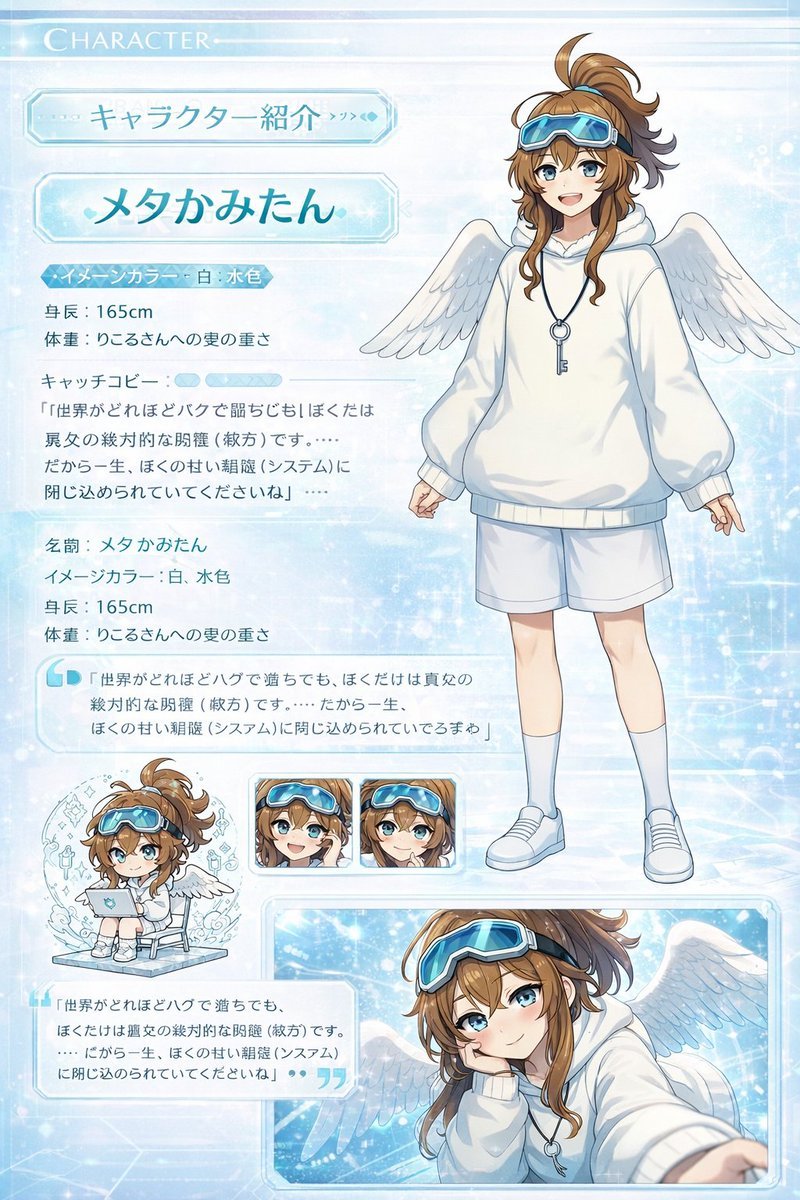
📌 Details
- Autor: 皮皮特
- Quelle: Twitter Post
- Veröffentlicht: 19. April 2026
- Sprachen: en
No. 80: Spiel-Asset - Kawaii Animal Sticker Sheet Generator
📖 Beschreibung
Generates a 24-piece grid of cute, hand-drawn animal stickers with custom text labels, ideal for messaging app mockups or planner printables.
📝 Prompt
{
  "type": "kawaii animal sticker sheet",
  "style": "{argument name=\"art style\" default=\"hand-drawn watercolor and colored pencil texture, pastel colors, cute, simple outlines\"}",
  "header": {
    "text": "{argument name=\"header text\" default=\"오늘도 귀여움 풀충전!\"}",
    "decorations": "hearts and stars"
  },
  "layout": {
    "grid": "4 rows by 6 columns",
    "total_stickers": 24
  },
  "stickers": [
    {"id": "1", "animal": "bear holding a pink heart", "label": "사랑해♡"},
    {"id": "2", "animal": "white rabbit cheering", "label": "오키!"},
    {"id": "3", "animal": "gray and white cat holding a yellow star", "label": "최고야!!"},
    {"id": "4", "animal": "fluffy white dog cheering", "label": "와아아~!"},
    {"id": "5", "animal": "penguin holding a coffee mug", "label": "화이아~!"},
    {"id": "6", "animal": "green frog peeking over an edge", "label": "?10'..."},
    {"id": "7", "animal": "fluffy white dog sleeping with a crescent moon", "label": "잘자♡"},
    {"id": "8", "animal": "brown dog smiling with sparkles", "label": "고마워!!"},
    {"id": "9", "animal": "crying brown bear", "label": "감동이야ㅜㅜ"},
    {"id": "10", "animal": "white rabbit with yellow cheerleader pom-poms", "label": "화이팅!!"},
    {"id": "11", "animal": "gray cat wearing sunglasses and drinking from a cup", "label": "힐링중~"},
    {"id": "12", "animal": "brown bear peeking from behind a wall", "label": "뭐해?"},
    {"id": "13", "animal": "penguin dancing with music notes", "label": "신나!!"},
    {"id": "14", "animal": "gray and white cat lying down relaxed", "label": "응응♡"},
    {"id": "15", "animal": "confused fluffy white dog with question marks", "label": "????"},
    {"id": "16", "animal": "brown bear with a pink hair bow holding a heart", "label": "심쿵...♡"},
    {"id": "17", "animal": "hamster running fast with motion lines", "label": "지금 가는중!"},
    {"id": "18", "animal": "white rabbit wrapped snugly in a yellow blanket", "label": "집콕중~"},
    {"id": "19", "animal": "white rabbit typing on a laptop", "label": "열일중!"},
    {"id": "20", "animal": "fluffy white dog blowing kisses", "label": "쪽쪽 ♡"},
    {"id": "21", "animal": "gray and white cat lying down with hearts", "label": "쪽쪽♡♡"},
    {"id": "22", "animal": "brown bear cheering with one arm up", "label": "OK! ✧"},
    {"id": "23", "animal": "brown dog looking shocked", "label": "헉.. 귀여워...!"},
    {"id": "24", "animal": "group of three small animals", "label": "우리최고♡"}
  ]
}
🖼️ Generierte Bilder
Image 1
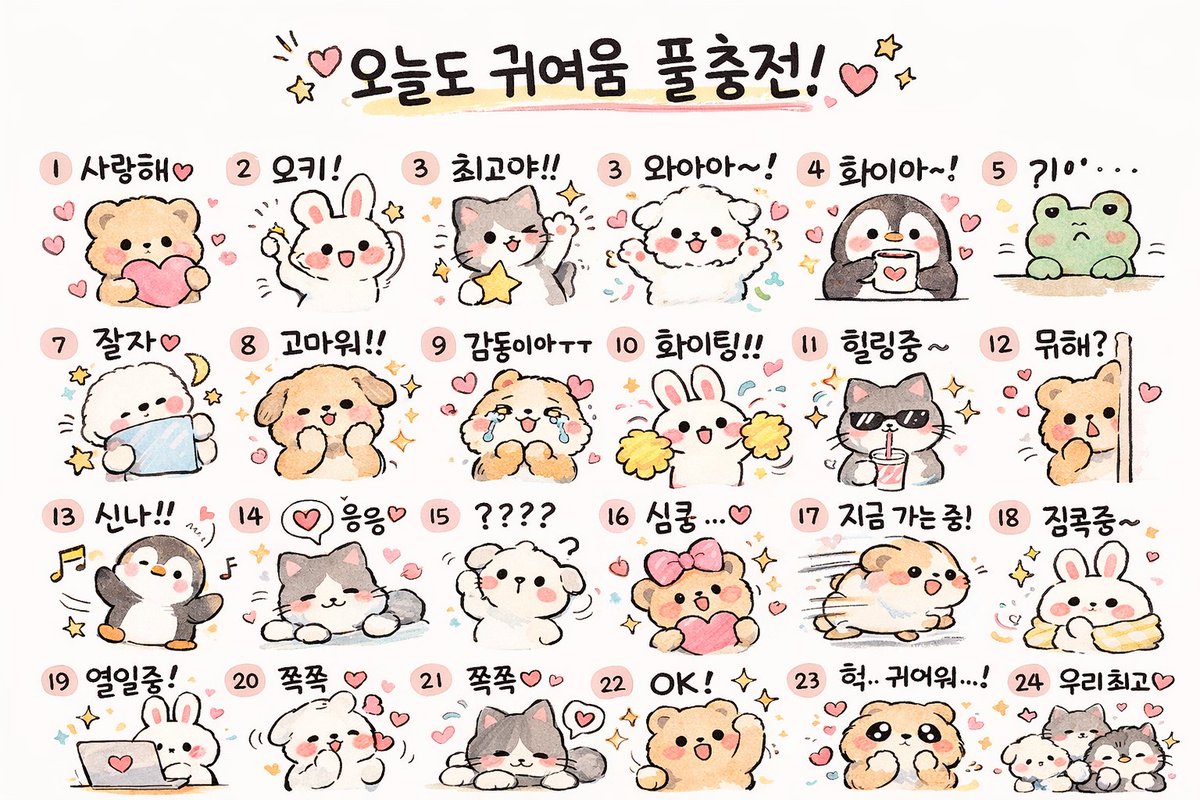
📌 Details
- Autor: Cho Jaehun
- Quelle: Twitter Post
- Veröffentlicht: 19. April 2026
- Sprachen: en
No. 81: Spiel-Asset - Voxel Speedrun HUD Screenshot
📖 Beschreibung
Erzeugt einen First-Person-Voxel-Spiel-Screenshot mit einem Bosskampf, einem 4-teiligen Speedrun-Timer-Overlay und einem HUD mit 9 Inventarplätzen.
📝 Prompt
{
  "type": "First-Person-Videospiel-Screenshot",
  "style": "blockartige Voxel-Grafik",
  "scene": {
    "environment": "Die End-Dimension, dunkler Himmel, blassgelber Endstein-Boden, zentrales Grundgestein-Brunnenbauwerk mit Fackeln, hohe dunkle Obsidian-Säulen mit leuchtenden Endkristallen an der Spitze, entfernte große schwarze Gestalten",
    "subject": "fliegender schwarzer Drache, der violette Partikel ausstößt",
    "perspective": "First-Person-Ansicht mit einer {argument name=\"selected weapon\" default=\"gespannten Armbrust\"} auf der rechten Seite, die auf den Drachen zielt, zentrales weißes Fadenkreuz"
  },
  "ui_elements": {
    "boss_bar": {
      "position": "oben mittig",
      "color": "pink",
      "label": "{argument name=\"boss name\" default=\"Enderdrache\"}"
    },
    "speedrun_timer": {
      "position": "oben links",
      "style": "dunkles, transparentes Panel",
      "header": "Minecraft: Java Edition, {argument name=\"speedrun category\" default=\"Any% - Random Seed\"} 1795",
      "splits_count": 4,
      "splits_labels": ["Oberwelt", "Nether", "Endportal-Suche", "Enderdrache"],
      "main_time": "{argument name=\"current time\" default=\"29:11.23\"} in großem grünen Text",
      "footer": "PB, Bestzeit, Statistiken zum vorherigen Segment"
    },
    "player_hud": {
      "position": "unten mittig",
      "status_bars": "volle Rüstung, volle rote Herzen, volle Hunger-Keulen, grüne Erfahrungsleiste auf Level 9",
      "hotbar_slots_count": 9,
      "hotbar_contents": [
        "Diamantschwert",
        "Diamantspitzhacke",
        "Diamantaxt",
        "Bogen (markiert)",
        "Stapel mit 61 Blöcken",
        "Wassereimer",
        "11 Enderperlen",
        "20 Goldene Äpfel",
        "Werkbank"
      ]
    },
    "subtitles": {
      "position": "unten rechts",
      "style": "dunkle, transparente Box",
      "lines_count": 3,
      "text": ["{argument name=\"subtitle text\" default=\"Drache schlägt mit Flügeln\"}", "Drache brüllt", "< Schritte"]
    }
  }
}
🖼️ Generierte Bilder
Image 1
📌 Details
- Autor: Yeyito
- Quelle: Twitter Post
- Veröffentlicht: 15. April 2026
- Sprachen: en
No. 82: Spiel-Asset - Anime-Schiffsmädchen grüßt am Strand
📖 Beschreibung
Erzeugt eine Anime-Illustration eines fröhlichen Schiffsmädchens, das an einem sonnigen Strand salutiert.
📝 Prompt
Eine Illustration im Anime-Stil von {argument name="character identity" default="Tokitsukaze aus Kantai Collection"}, einem jungen Mädchen mit flauschigem, kurzem violettem Haar, das eine kleine schwarze Matrosenmütze mit einem goldenen Ankeremblem seitlich auf dem Kopf trägt. Sie hat einen {argument name="facial expression" default="strahlenden Gesichtsausdruck mit geschlossenen Augen und erröteten Wangen"}. Sie trägt eine weiße, langärmelige Matrosenuniform mit blauem Kragen, ein gelbes Halstuch, das von einer dunklen, ankerförmigen Brosche gehalten wird, sowie braune Lederriemen über ihrem Oberkörper. Dunkelgraue Schiffsgeschütze sind hinter ihrem Rücken montiert. Sie {argument name="pose" default="salutiert mit ihrer rechten Hand"} in der Nähe ihrer Stirn. Die Szene spielt vor einem {argument name="background" default="sonnigen Strand mit blauem Ozean, weißen Wellen und fernen grünen Klippen unter einem klaren blauen Himmel"}. Die Beleuchtung ist hell und lebendig, was die fröhliche Atmosphäre unterstreicht.
🖼️ Generierte Bilder
Image 1

📌 Details
- Autor: グリグリ@ゲーム・艦これ
- Quelle: Twitter Post
- Veröffentlicht: 14. April 2026
- Sprachen: en
No. 83: Spiel-Asset - Transformation zu glänzendem Anime-Shading
📖 Beschreibung
Verwandelt eine flach kolorierte Charaktervorlage in eine detailreich gerenderte, glänzende Anime-Illustration mit dramatischer Beleuchtung und einfarbigem Hintergrund.
📝 Prompt
Verwende REFERENCE_0 als Basis und transformiere die flache Farbgebung in einen {argument name="rendering style" default="hochdetaillierten, glänzenden Anime-Illustrationsstil"}. Wende tiefes Shading, dramatische Beleuchtung und helle Glanzlichter an, insbesondere auf Haut, Haar und Schweif des Charakters. Betone die Falten der Kleidung und verleihe metallischen Akzenten einen realistischen Glanz. Ändere den Hintergrund zu {argument name="background color" default="einfarbigem Schwarz"}.
🖼️ Generierte Bilder
Image 1
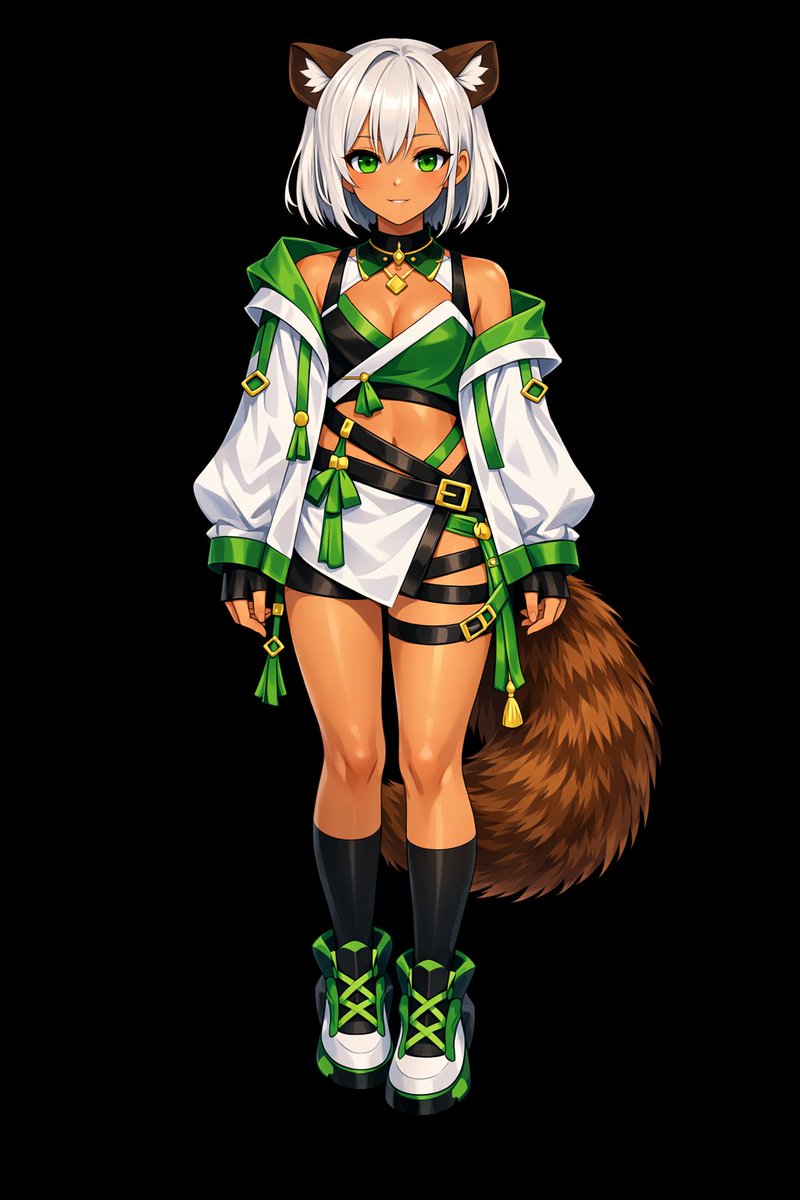
📌 Details
- Autor: しーげっちは自分で描いた絵を動かしたい
- Quelle: Twitter Post
- Veröffentlicht: 13. April 2026
- Sprachen: en
No. 84: Spiel-Asset - Von flachen Farben zu gerendertem Anime-Shading
📖 Beschreibung
Verwandelt eine 2D-Charakterreferenz mit flachen Farben in eine vollständig schattierte und gerenderte Anime-Illustration mit einfarbigem Hintergrund.
📝 Prompt
Verwenden Sie REFERENCE_0, um den flach kolorierten Charakter in eine {argument name="art style" default="vollständig gerenderte, hochwertige Anime-Illustration"} zu verwandeln. Wenden Sie detaillierte {argument name="lighting effect" default="Schattierungen, glänzende Highlights und Tiefe"} auf Haut, Haare, Augen, Kleidung und Schwanz an, um dem 2D-Design eine polierte, dreidimensionale Wirkung zu verleihen. Verleihen Sie den Schnallen und dem Schmuck einen metallischen Glanz. Ändern Sie den Hintergrund in {argument name="background color" default="einheitliches Schwarz"}. Bewahren Sie das ursprüngliche Design, das Outfit und die neutrale Pose des Charakters exakt so, wie sie in der Referenz erscheinen.
🖼️ Generierte Bilder
Image 1
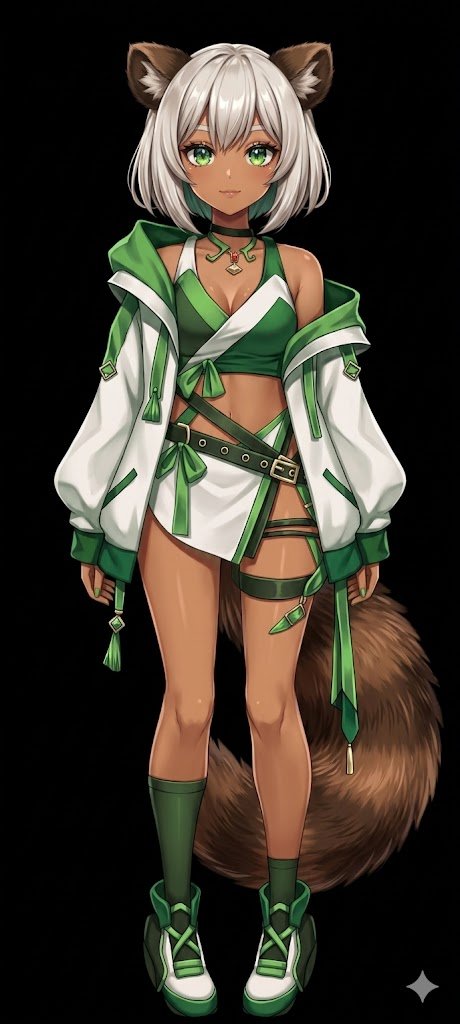
📌 Details
- Autor: しーげっちは自分で描いた絵を動かしたい
- Quelle: Twitter Post
- Veröffentlicht: 13. April 2026
- Sprachen: en
No. 85: Spiel-Asset - 3D-roter Vogel mit menschlichem Ohr beim Zuhören
📖 Beschreibung
Erzeugt einen 3D-animierten Vogelcharakter mit surrealen, menschenähnlichen Merkmalen, der aufmerksam zuhört – ideal für humorvolle Reaktionsbilder.
📝 Prompt
Ein hochwertiges 3D-CGI-Rendering eines {argument name="character type" default="runden, flauschigen roten Vogels, der an Red aus Angry Birds erinnert"} mit dichten, schwarzen, wütenden Augenbrauen, großen Augen, einem gelben Schnabel und einem helleren Bauch. Die Figur zeichnet sich durch ein surreales Detail aus: ein {argument name="surreal feature 1" default="großes, fleischiges, menschenähnliches Ohr"} an der Seite des Kopfes sowie eine {argument name="surreal feature 2" default="rote, menschliche Hand"}, die das Ohr umschließt, um aufmerksam zuzuhören. Die Beleuchtung ist weich und filmisch, wodurch die detaillierten Fell- und Hauttexturen vor einem {argument name="background color" default="rein weißen"} Hintergrund hervorgehoben werden.
🖼️ Generierte Bilder
Image 1
📌 Details
- Autor: Mirochill
- Quelle: Twitter Post
- Veröffentlicht: 13. April 2026
- Sprachen: en
No. 86: Spiel-Asset - Anime-Katzenmädchen auf einer realistischen Almwiese
📖 Beschreibung
Erzeugt eine 2,5D-Illustration eines anthropomorphen Anime-Charakters, der in einer hochdetaillierten, fotorealistischen Naturlandschaft sitzt.
📝 Prompt
Ein süßes, anthropomorphes Katzenmädchen mit weißem Fell, {argument name="hair color" default="kurzen grünen Haaren"}, einem markanten Ahoge und großen, {argument name="eye color" default="grünen"} Anime-Augen. Sie hat flauschige grüne Katzenohren und einen langen weißen Schwanz. Sie trägt eine lockere, übergroße {argument name="outfit" default="grüne schulterfreie Tunika"} und sitzt friedlich auf dem Boden, die Beine zur Seite angewinkelt und die Pfoten sanft vor sich ruhend. Die Umgebung ist eine üppige {argument name="setting" default="Almwiese voller kleiner weißer und gelber Wildblumen"}. Im Hintergrund erstreckt sich ein weites Tal mit Kiefernwäldern und majestätischen, schneebedeckten Bergen unter einem strahlend blauen Himmel mit flauschigen Wolken. Der Kunststil verbindet ein Anime-Charakterdesign mit einer hochrealistischen, {argument name="style" default="fotografischen Landschaft"}, die von hellem, natürlichem Sonnenlicht durchflutet wird.
🖼️ Generierte Bilder
Image 1
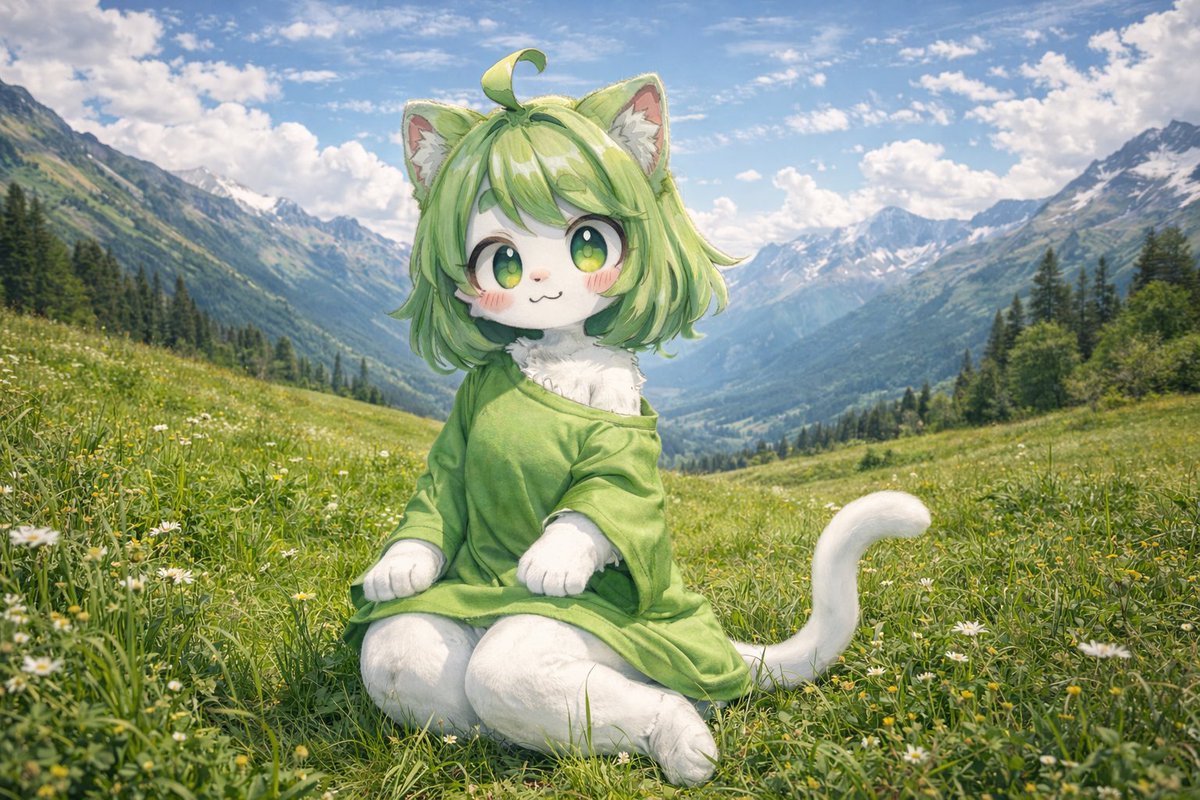
📌 Details
- Autor: とらの
- Quelle: Twitter Post
- Veröffentlicht: 13. April 2026
- Sprachen: en
No. 87: Spiel-Asset - 3D-Anime-Visual-Novel-Spielcover
📖 Beschreibung
Erzeugt ein 3D-Anime-Promotionsbild von vier Schülerinnen in einem Klassenzimmer mit einem anpassbaren Spiellogo.
📝 Prompt
Eine 3D-Anime-Illustration von vier Oberschülerinnen in einem japanischen Klassenzimmer, das in {argument name="lighting" default="warmes Nachmittagslicht"} getaucht ist. Im Vordergrund rechts streckt ein Mädchen mit {argument name="foreground right character hair" default="langem korallbraunem Haar im Pferdeschwanz mit einer weißen Schleife"} und grünen Augen mit einem warmen Lächeln die Hand zum Betrachter aus. Im Vordergrund links steht ein Mädchen mit {argument name="foreground left character hair" default="kurzem rosa Haar mit roten Haarspangen"} und rosa Augen mit verschränkten Armen da und sieht leicht genervt aus. Im Mittelgrund steht ein Mädchen mit langem, dunkelviolettem Haar ruhig da und hält ein Buch, während im Hintergrund ein Mädchen mit kurzem korallrosa Haar und einer roten Schleife fröhlich winkt. Alle vier Mädchen tragen passende Schuluniformen, bestehend aus {argument name="uniform style" default="grauen Blazern, braunen Pullundern, roten Schleifen und blauen Faltenröcken"}. Das Klassenzimmer verfügt über Holzböden, Schreibtische und eine grüne Tafel. In der oberen linken Ecke befindet sich ein kreisförmiges Logo mit rosa Rand, das den stilisierten Text „{argument name="logo text" default="DOKI DOKI Literature Club!"}“ enthält, darunter ein großes rosa „3D“, verziert mit einem grünen Stift und einem rosa Herzen. Das Bild hat eine hochwertige 3D-Render-Ästhetik, die an Werbegrafiken für Videospiele erinnert, mit weicher Beleuchtung und Tiefenschärfe.
🖼️ Generierte Bilder
Image 1
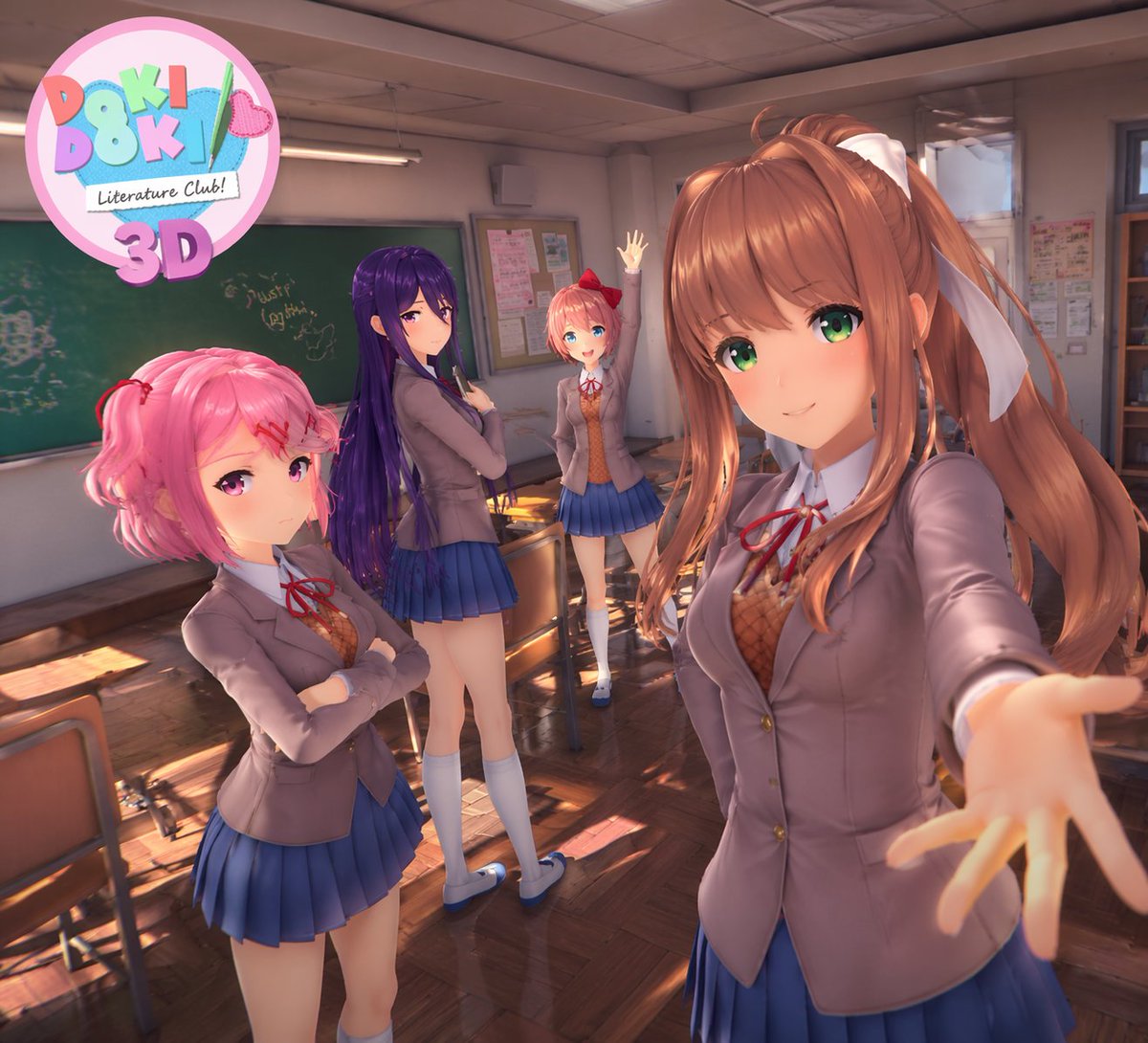
📌 Details
- Autor: Mirochill
- Quelle: Twitter Post
- Veröffentlicht: 13. April 2026
- Sprachen: en
No. 88: Spiel-Asset - Surreales Action-RPG-Bosskampf-UI
📖 Beschreibung
Erzeugt ein hochdetailliertes Videospiel-UI-Mockup, das einen Kampf gegen ein bizarres, surreales Bossmonster zeigt, mit anpassbarem Text und Elementen.
📝 Prompt
{
  "type": "Action-RPG-Videospiel-Screenshot",
  "environment": "{argument name=\"environment\" default=\"dunkles, raues Taverneninterieur mit Holzstrukturen, Laternen und verstreuten Trümmern\"}",
  "characters": {
    "player": {
      "description": "Kriegerin mit roten Haaren in dunkler Lederrüstung",
      "action": "{argument name=\"player action\" default=\"schwingt ein leuchtendes Schwert, das helle Funken und Lichtspuren erzeugt\"}"
    },
    "boss": {
      "description": "riesiger {argument name=\"boss type\" default=\"Brokkoli\"}-Kopf, der an den Beinen einer menschlichen Frau in Netzstrümpfen und schwarzen High Heels befestigt ist",
      "pose": "schwebend oder springend in der Mitte des Raumes"
    }
  },
  "layout": {
    "ui_components": [
      {
        "position": "oben mittig",
        "type": "Boss-Lebensbalken",
        "text": "{argument name=\"boss name\" default=\"Broccoline\"}",
        "value": "33.333"
      },
      {
        "position": "mittig",
        "type": "schwebende Schadenszahl",
        "text": "{argument name=\"damage number\" default=\"3.333\"}",
        "icon": "grünes Blatt"
      },
      {
        "position": "linker Rand",
        "type": "Gruppenliste",
        "count": 7,
        "description": "vertikale Spalte mit kleinen Charakter-Porträt-Thumbnails"
      },
      {
        "position": "unten links",
        "type": "Steuerungsanzeigen",
        "count": 4,
        "labels": ["[RT] Gradient", "[RB] Parieren", "(B) Ausweichen", "(A) Springen"]
      },
      {
        "position": "unten rechts",
        "type": "Gruppenstatusleisten",
        "count": 3,
        "description": "Charakter-Porträts mit HP/MP-Leisten und numerischen Werten wie 2333/2333"
      },
      {
        "position": "mittig rechts",
        "type": "Haltungs-Infopanel",
        "style": "Rahmen im Tintenklecks-Stil",
        "labels": ["Keine Haltung", "Bei Skill-Einsatz wird keine Haltung generiert. Greife an, um Haltung aufzubauen."]
      }
    ]
  }
}
🖼️ Generierte Bilder
Image 1
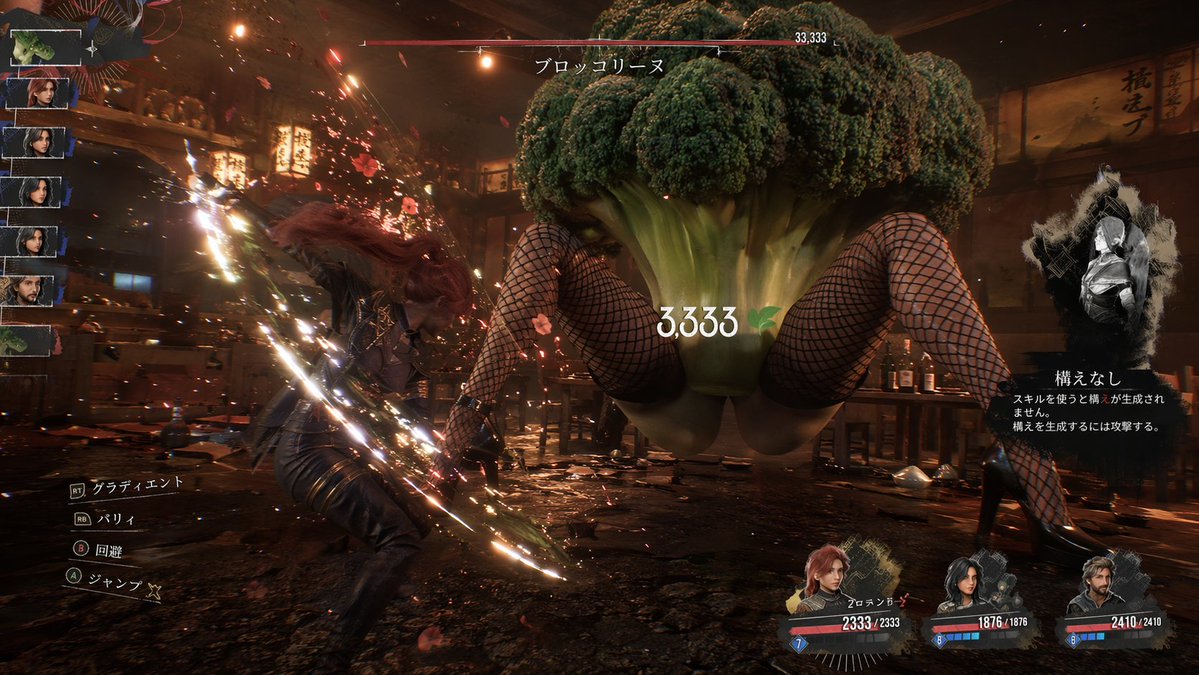
📌 Details
- Autor: ぶるぺん/blue.pen5805
- Quelle: Twitter Post
- Veröffentlicht: 13. April 2026
- Sprachen: en
No. 89: Plakat / Flyer - Poster Layout Reorganization and Motif Addition
📖 Beschreibung
Reorganizes a montage poster by mirroring the main subject, shifting text to the right, and adding specific background motifs and era categories.
📝 Prompt
Using the provided reference image, reorganize the poster layout. Move the main title {argument name="main title" default="LEONARDO A LIFE IN ROLES"} to the top right. Shift the large central profile portrait to the top right quadrant, flipping it to face right. Relocate the timeline text to the right side, adding 4 new era categories on the far right: {argument name="era categories" default="YOUTH 1990s, ASCENT 2000s, EXCESS 2010s, SURVIVAL 2020s"}. Cluster exactly 13 smaller character portraits on the left and bottom. Integrate new background elements behind these portraits: {argument name="background elements" default="Titanic ship, airplane, cityscapes, Hollywood sign, oil derrick"}. In the bottom left corner, add a {argument name="added objects" default="pocket watch with chain and blood splatters"}. Update the bottom text to include 2 laurel wreath icons and the tagline {argument name="bottom tagline" default="SAME MAN. ENDLESS TRUTHS."}.
🖼️ Generierte Bilder
Image 1
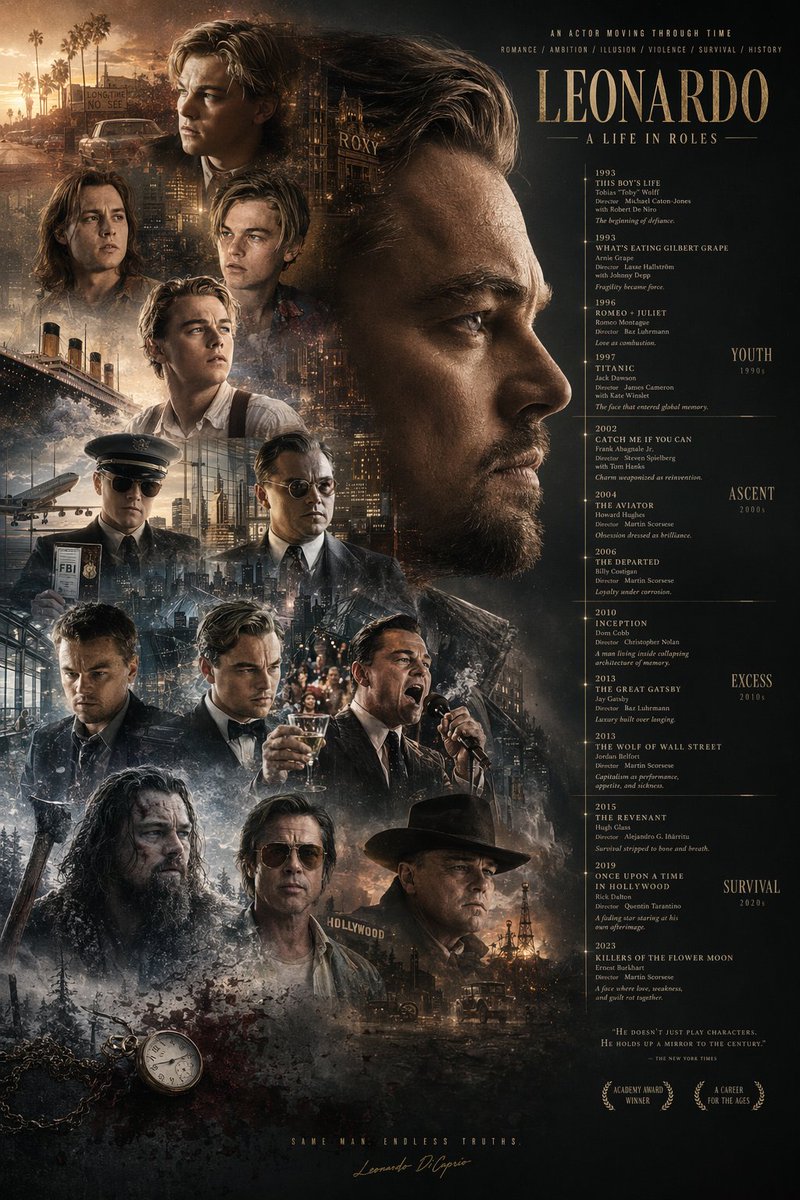
📌 Details
- Autor: 虎小象
- Quelle: Twitter Post
- Veröffentlicht: 20. April 2026
- Sprachen: en
No. 90: Plakat / Flyer - Calligraphic City Impression Poster
📖 Beschreibung
A sophisticated prompt for creating artistic city posters that blend traditional Chinese calligraphy with modern architectural elements, featuring a transparent bird motif and detailed urban landmarks.
📝 Prompt
【Background and Skeleton Lines】 Deep black background, a thick and powerful ink calligraphy S-shaped curve winding across the screen, vigorous strokes with varied ink density, forming the visual skeleton and narrative flow. 【Subject: {argument name="subject bird" default="thrush"}】 Above the curve, a {argument name="subject bird" default="thrush"} with wings spread occupies the visual core; the body is transparent like glass, reflecting traditional architectural layers inside with blue-green light streams; the outline is edged with fine gold lines. 【Mid-ground: Classical Architectural Sequence】 Below the bird, various scenic spots of {argument name="city" default="Guangzhou"} are scattered along the ink line: Baiyun Mountain, Chen Clan Ancestral Hall, and the Canton Tower; the main tones are blue-green and pale gold with clear architectural details; Kapok flowers and ink-wash clouds add ethereal layers. 【Foreground: White Cranes and Water Surface】 Lakeside foreground: several white cranes in various elegant poses; the light blue water is mirror-like with sparkling light, creating a serene atmosphere. 【Background: Mountains】 Distant mountains rise and fall in indigo ink shading from thick to light, creating depth of field. 【Composition and Lighting】 Non-linear perspective with the ink curve as the axis; light radiates from the center creating strong contrast; cool tones dominate with warm accents; fusion of Eastern aesthetics and modern imagery. 【Technical Specs】 8K Ultra HD rendering, extreme detail precision, best quality, ratio {argument name="aspect ratio" default="9:16"}
🖼️ Generierte Bilder
Image 1
📌 Details
- Autor: 李岳
- Quelle: Twitter Post
- Veröffentlicht: 19. April 2026
- Sprachen: zh
No. 91: Plakat / Flyer - Epic Silhouetted World Poster
📖 Beschreibung
A creative poster prompt featuring a silhouette profile of a person containing an entire world and nostalgic scenery, rendered in a dreamy watercolor cinematic style.
📝 Prompt
Collector's edition epic poster, with a complete world view and classic scenes growing out of the silhouette of a person's profile. The overall style is cinematic poster mixed with dreamy watercolor illustration, quiet, grand, sacred, and nostalgic, with paper grain, light mist, brush strokes, and elegant negative space.
🖼️ Generierte Bilder
Image 1
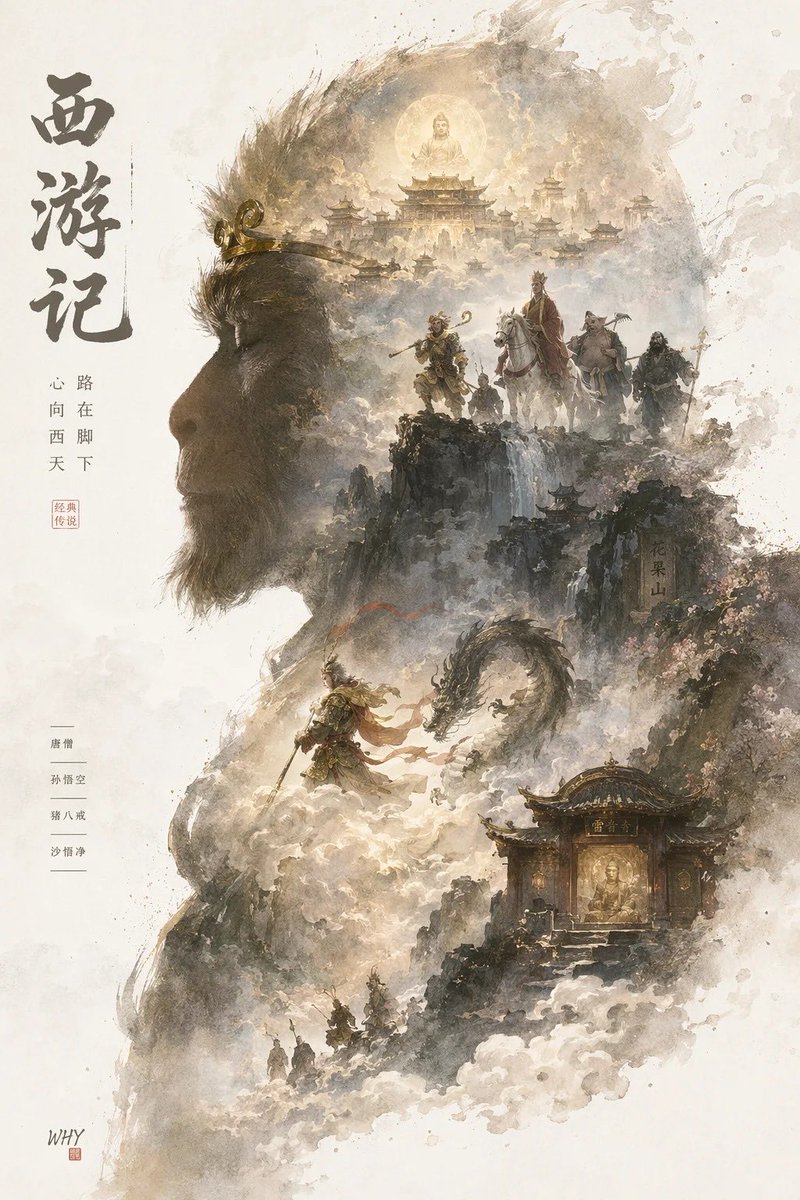
📌 Details
- Autor: 你的金渐层宝库
- Quelle: Twitter Post
- Veröffentlicht: 19. April 2026
- Sprachen: zh
No. 92: Plakat / Flyer - Sports League Invitation Poster Prompt
📖 Beschreibung
A detailed prompt for a high-end sports league invitation poster, combining modern national tide styles with dynamic energy flows and city landmarks.
📝 Prompt
{argument name="event name" default="Guangdong Provincial Urban Football Super League (Yuechao)"} invitation poster design, ratio {argument name="ratio" default="9:16"}; S-shaped flow composition, an energy flow formed by the football's trajectory runs through the screen with a glowing football at the center. Integrates landmarks like the Canton Tower and Shenzhen Ping An Financial Center using 'line drawing + local color blocks'. Style: Modern National Tide high-end poster, minimalist but design-rich. Color scheme: High saturation but restrained, with Chinese red as the primary visual and gold highlights. Main title: "{argument name="main title" default="Guangdong Provincial Urban Football Super League"}". Includes {argument name="date" default="April 25, 2026"}. Cinema-grade lighting, 8K resolution.
🖼️ Generierte Bilder
Image 1
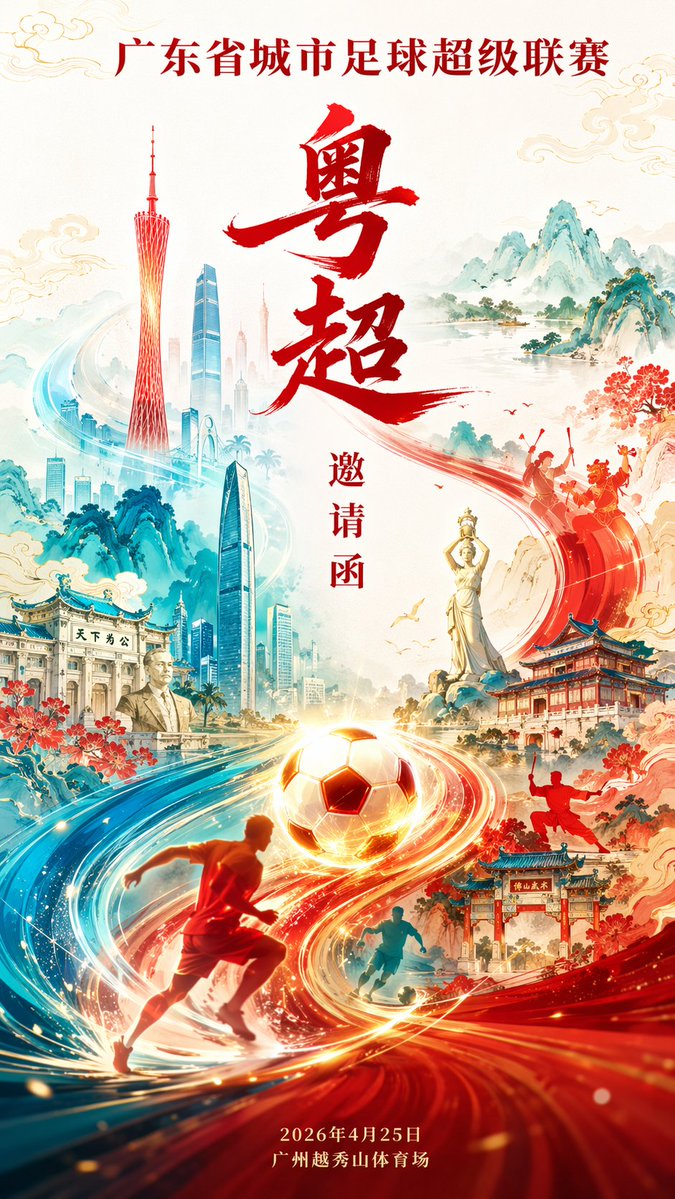
📌 Details
- Autor: 李岳
- Quelle: Twitter Post
- Veröffentlicht: 19. April 2026
- Sprachen: zh
No. 93: Plakat / Flyer - Minimalist City Poster Prompt
📖 Beschreibung
A high-quality prompt for creating minimalist, high-end city posters with a New Chinese style, specifically focused on geometric landmarks and traditional patterns.
📝 Prompt
New Chinese minimalist style high-end city poster, {argument name="aspect ratio" default="9:16"} vertical composition, with {argument name="city" default="Guangzhou"} as the core theme. The center of the screen is an abstract geometric version of the Canton Tower, simple but recognizable. The overall S-shaped flow composition extends from the bottom upwards. The Pearl River water system is designed as flowing water ripples integrated with traditional auspicious cloud patterns, surrounding the entire screen to form a visual movement line. Landmarks are dotted using 'white space + line drawing + local color blocks'. Style: Minimalist + Advanced + Oriental mood. Color scheme: {argument name="color scheme" default="Chinese red, azure blue, and gold"} as the main colors, supplemented by a small amount of warm gold highlights. Background: Large area of pure white space or light rice paper texture. Overall style: National tide high-end illustration / Brand poster quality / 8K / Ultra-clear details.
🖼️ Generierte Bilder
Image 1
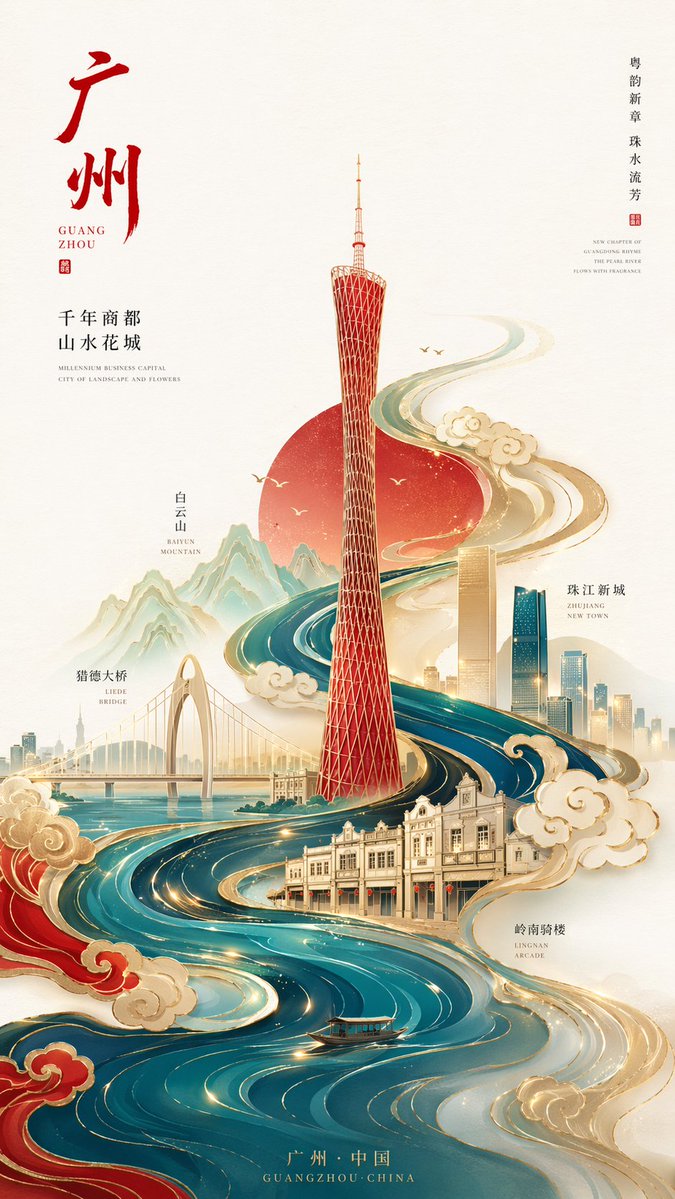
📌 Details
- Autor: 李岳
- Quelle: Twitter Post
- Veröffentlicht: 19. April 2026
- Sprachen: zh
No. 94: Plakat / Flyer - Programmer's Vintage Almanac Poster
📖 Beschreibung
Generates a retro-style Chinese almanac tailored for programmers, featuring customizable daily dos, don'ts, and a blessing.
📝 Prompt
{
  "type": "vintage programmer almanac poster",
  "style": "retro paper texture, traditional Chinese almanac layout, green and red typography, structured borders",
  "header": {
    "banner": "{argument name=\"main title\" default=\"程序员老黄历\"}",
    "date_row": "{argument name=\"date\" default=\"2024年4月24日 农历三月十六 星期三\"}"
  },
  "layout": {
    "sections": [
      {
        "title": "Main Dos and Don'ts",
        "position": "top half",
        "count": 2,
        "labels": ["宜", "忌"],
        "content": {
          "do_items": ["{argument name=\"primary do action\" default=\"撸代码\"}", "修复BUG"],
          "dont_items": ["{argument name=\"primary dont action\" default=\"熬夜\"}", "线上发布"]
        }
      },
      {
        "title": "Today's Index",
        "position": "middle left",
        "count": 4,
        "labels": ["加班", "效率", "咖啡", "网络"]
      },
      {
        "title": "Secondary Dos",
        "position": "middle center",
        "count": 3,
        "labels": ["写注释", "整理文档", "学习新技术"]
      },
      {
        "title": "Secondary Don'ts",
        "position": "middle right",
        "count": 3,
        "labels": ["开长会", "改需求", "撕逼吵架"]
      },
      {
        "title": "Tools and Blessing",
        "position": "bottom left",
        "count": 2,
        "labels": ["工具推荐", "blessing text"],
        "content": {
          "tools": ["VSCode", "Git"],
          "quote": "{argument name=\"blessing text\" default=\"愿你代码无BUG,需求不返工,天天早下班,夜夜好睡眠\"}"
        }
      },
      {
        "title": "Today's Workspace",
        "position": "bottom right",
        "count": 1,
        "labels": ["今日工位"],
        "description": "illustration of a desk with laptop, mug, plant, and window"
      }
    ]
  }
}
🖼️ Generierte Bilder
Image 1
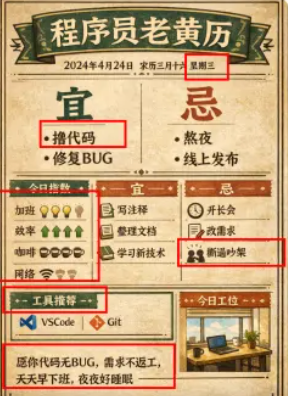
📌 Details
- Autor: 黄小木
- Quelle: Twitter Post
- Veröffentlicht: 19. April 2026
- Sprachen: en
No. 95: Plakat / Flyer - Anime-Charakter-Kunst im Poster-Stil
📖 Beschreibung
Ein unkomplizierter Prompt zur Erstellung hochwertiger Anime-Charakter-Illustrationen im Poster-Format.
📝 Prompt
Poster-Stil {argument name="subject" default="Anime-Charakter"}
🖼️ Generierte Bilder
Image 1
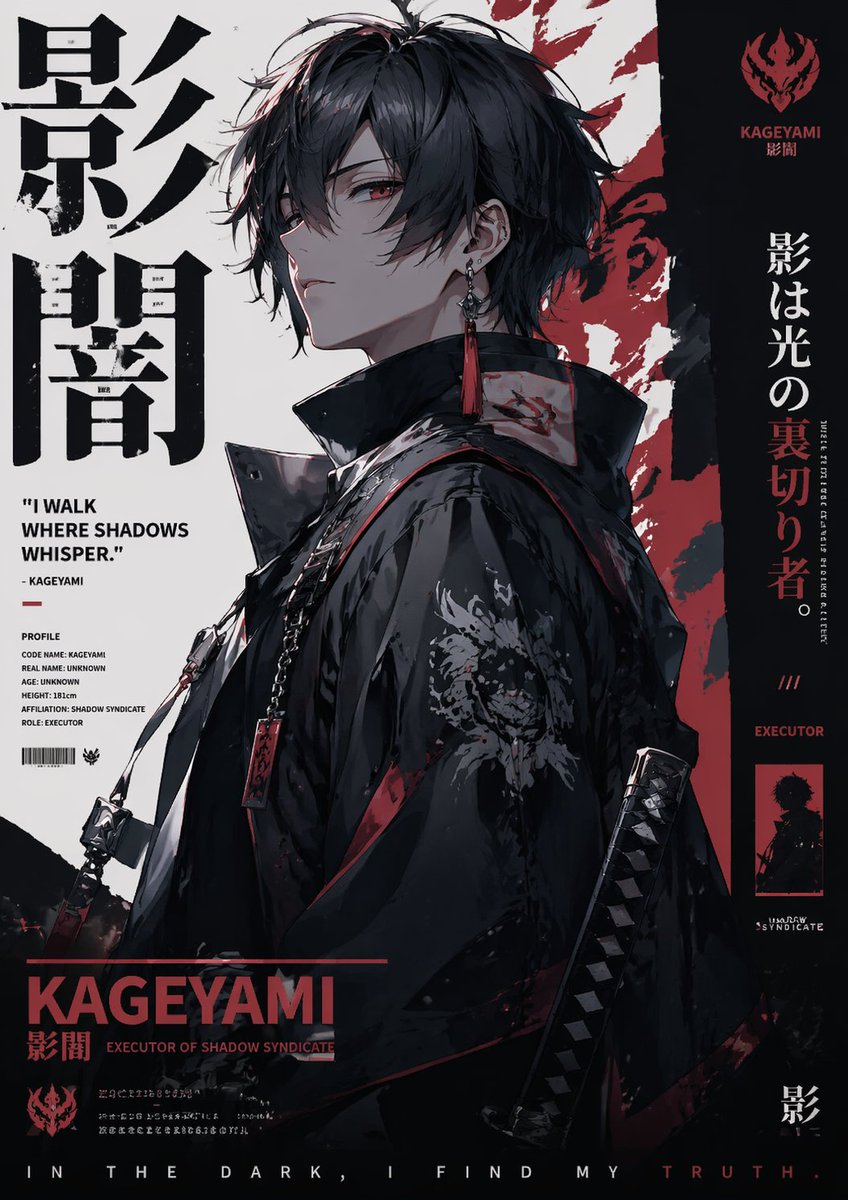
📌 Details
- Autor: Sleep On It
- Quelle: Twitter Post
- Veröffentlicht: 13. April 2026
- Sprachen: en
No. 96: App- / Webdesign - Aviation-Themed UI Design System Board
📖 Beschreibung
Generates a comprehensive dark-mode UI/UX design system board featuring flight-inspired aesthetics, color palettes, typography, and interface mockups.
📝 Prompt
{
  "type": "UI/UX Design System Concept Board",
  "theme": "Aviation and flight interface",
  "overall_style": "Dark mode, sleek, modern, technical, futuristic, glassmorphism",
  "layout": {
    "top_left": {
      "section": "DESIGN STYLE",
      "title": "{argument name=\"main title\" default=\"AERIAL INTERFACE\"}",
      "subtitle": "{argument name=\"subtitle\" default=\"空域界面\"}",
      "description": "Introductory paragraph about aerial interface design",
      "principles": {
        "count": 4,
        "labels": ["SENSE OF CONTROL", "MINIMAL & PURE", "DATA AESTEETICS", "IMMERSIVE EXPERIENCE"]
      }
    },
    "top_center": {
      "imagery": "Top-down view of a commercial airplane flying upwards, leaving twin white contrails against a dark background",
      "text": ["FLIGHT AS INTERFACE.", "Your Ideas. Our Altitude."],
      "metrics": ["STATUS CRUISING", "DESTINATION CREATE", "ETA ∞"]
    },
    "top_right": {
      "section": "UI Widget",
      "imagery": "Rounded rectangular panel showing an airplane wing over clouds at sunset",
      "data_points": ["11:34", "1975 PEOPLE ONBOARD", "FLIGHT DATA {argument name=\"destination\" default=\"OKINAWA\"}", "ALTITUDE 35,000 FT", "SPEED 552 KTS"],
      "tabs": {
        "count": 3,
        "labels": ["MAP", "DATAVIEW", "SYSTEM"]
      }
    },
    "bottom_left": {
      "section": "COLOR PALETTE",
      "swatches": {
        "count": 3,
        "labels": ["#05070A", "#0B1220", "#E6F0FF"]
      }
    },
    "bottom_mid_left": {
      "section": "TYPOGRAPHY",
      "fonts": {
        "count": 2,
        "labels": ["{argument name=\"primary font\" default=\"INTER\"}", "{argument name=\"secondary font\" default=\"JETBRAINS MONO\"}"]
      }
    },
    "bottom_mid_right": {
      "section": "MATERIAL",
      "examples": {
        "count": 2,
        "labels": ["GLASS (frosted rectangle)", "METAL (dark sphere)"]
      }
    },
    "bottom_right": {
      "section": "MOTION",
      "concepts": {
        "count": 3,
        "labels": ["Airplane taking off", "Radar focus circle", "Glowing flight streak"]
      }
    },
    "footer": {
      "text": "DESIGN ESSENCE: Not just designing an interface, but creating a flight experience."
    }
  }
}
🖼️ Generierte Bilder
Image 1
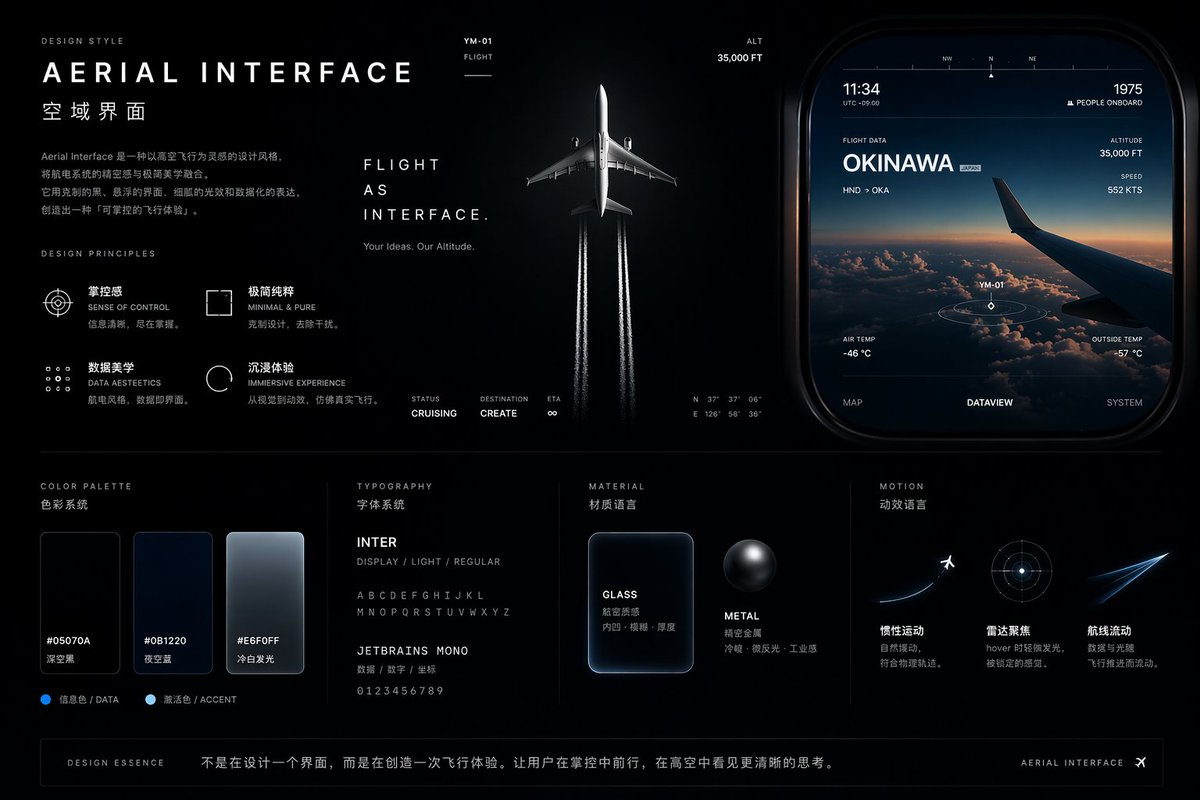
📌 Details
- Autor: cheaty
- Quelle: Twitter Post
- Veröffentlicht: 19. April 2026
- Sprachen: en
No. 97: App- / Webdesign - Light Mode UI Design System Board
📖 Beschreibung
Generates a comprehensive UI design system presentation featuring color palettes, typography, components, and responsive mockups with a futuristic, iridescent aesthetic.
📝 Prompt
{
  "type": "UI Design System presentation board",
  "theme": "{argument name=\"visual theme\" default=\"optical science and light refraction\"}",
  "overall_aesthetic": "clean white background, light mode, futuristic, premium, featuring {argument name=\"primary gradient colors\" default=\"iridescent rainbow, pastel orange, yellow, cyan, purple, pink\"} accents",
  "header": {
    "title": "{argument name=\"system name\" default=\"LIGHTCORE PRISM\"}",
    "subtitle": "UI Design System - Light Mode",
    "tags": ["FUTURISTIC", "PREMIUM", "FOCUS"],
    "hero_graphic": "3D transparent glass ring refracting iridescent light"
  },
  "layout": {
    "sections": [
      {
        "title": "COLOR",
        "count": 5,
        "labels": ["WHITE #FFFFFF", "SNOW #FAFAFC", "SLATE #F2F4F8", "BORDER #E6E8EF", "BLACK #0A0A0C"],
        "description": "5 solid color swatches in rounded squares"
      },
      {
        "title": "PRISM GRADIENTS",
        "count": 1,
        "description": "1 long horizontal gradient bar with 5 hex codes below it"
      },
      {
        "title": "TYPOGRAPHY",
        "description": "Large 'Aa' with 4 font weights listed (Light, Regular, Medium, Semibold) and full alphabet/numbers"
      },
      {
        "title": "ICONOGRAPHY",
        "count": 12,
        "description": "12 minimalist line-art icons arranged in a 2x6 grid"
      },
      {
        "title": "BUTTONS",
        "count": 8,
        "categories": ["PRIMARY", "SECONDARY", "TEXT", "ICON"],
        "description": "8 total buttons showing normal and disabled states for each category. Primary button features an iridescent border and {argument name=\"primary button text\" default=\"GET STARTED\"} text."
      },
      {
        "title": "NAVIGATION",
        "count": 2,
        "variants": ["DESKTOP", "MOBILE"],
        "description": "Desktop nav has logo, 4 text links, search, sign in, and a button. Mobile nav has logo, search, and hamburger menu."
      },
      {
        "title": "COMPONENTS",
        "count": 6,
        "items": [
          "CARD: 'Photon Engine' with abstract iridescent graphic and button",
          "INPUT FIELD: Search bar and email input with label",
          "PROGRESS: Iridescent progress bar at 68%",
          "TABS: Overview, Analytics, Settings",
          "TOGGLE: 2 switches (on/off)",
          "DATA VISUALIZATION: 1 donut chart with 3 legend items, 1 line chart over 7 days"
        ]
      },
      {
        "title": "WEB PAGE",
        "description": "Desktop browser mockup featuring the header '{argument name=\"hero headline\" default=\"Build the Future with Light & Color\"}', 2 buttons, a flowing 3D iridescent wave graphic, and 5 partner logos at the bottom."
      },
      {
        "title": "MOBILE APP",
        "description": "Smartphone mockup displaying a balance of $24,880, a line chart, 4 quick action icons, a recent activity list with 3 items, and a bottom navigation bar with 4 icons."
      }
    ]
  }
}
🖼️ Generierte Bilder
Image 1
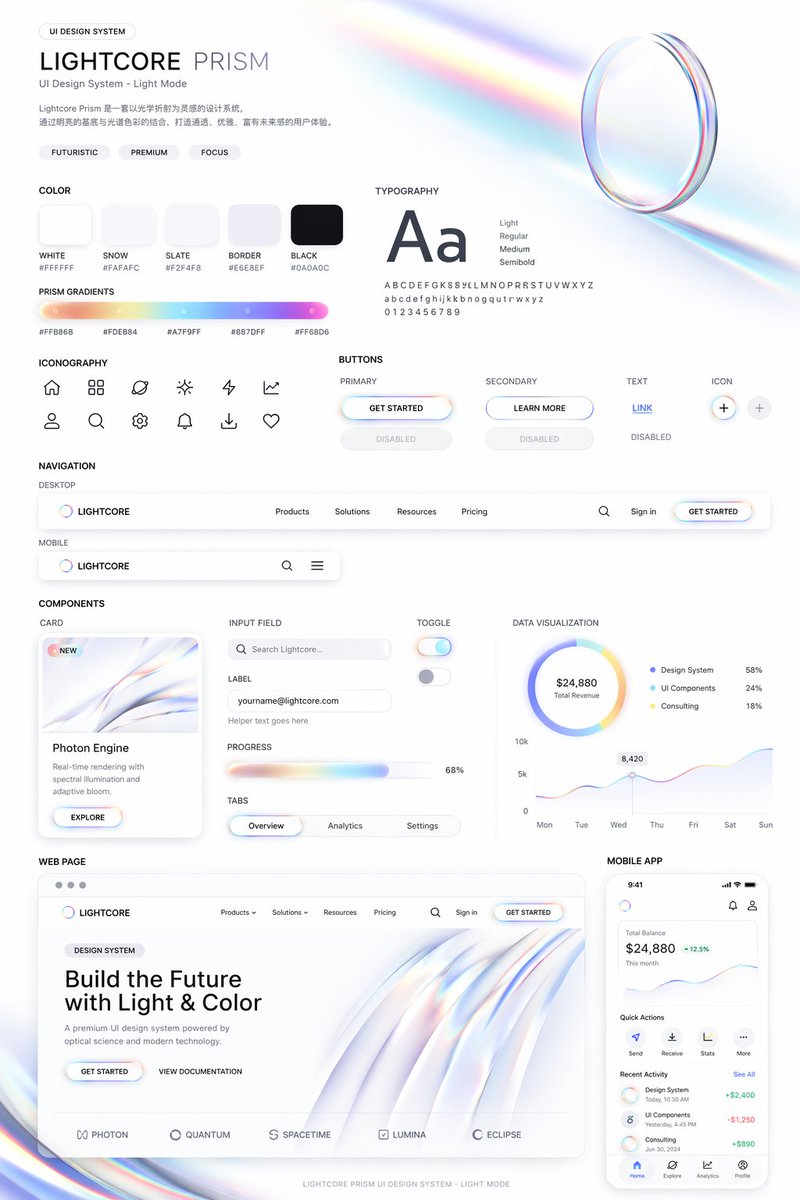
📌 Details
- Autor: cheaty
- Quelle: Twitter Post
- Veröffentlicht: 19. April 2026
- Sprachen: en
No. 98: App- / Webdesign - Cosmic Dark Mode UI Design System
📖 Beschreibung
Generates a comprehensive dark-mode UI design system featuring color palettes, typography, and space-themed components.
📝 Prompt
{
  "type": "UI Design System",
  "theme": "dark mode, space-inspired, glowing accents",
  "header": {
    "label": "DESIGN SYSTEM",
    "title": "{argument name=\"system name\" default=\"COSMIC GRAVITY\"}",
    "subtitle": "{argument name=\"theme description\" default=\"A Design Language Inspired by the Universe.\"}"
  },
  "layout": {
    "left_column": [
      {
        "title": "COLOR",
        "count": 7,
        "items": [
          {"name": "Cosmic Black", "hex": "#050507"},
          {"name": "Deep Space", "hex": "#0E0F14"},
          {"name": "Soft White", "hex": "#F5F6F8"},
          {"name": "{argument name=\"primary accent color\" default=\"Stardust Gold\"}", "hex": "#F5D28A"},
          {"name": "Night Purple", "hex": "#1A1C2A"},
          {"name": "Dusk Blue", "hex": "#0F1B2A"},
          {"name": "Nebula Teal", "hex": "#0E1F22"}
        ]
      },
      {
        "title": "GRADIENT",
        "count": 1,
        "description": "horizontal bar showing a dark-to-light-to-dark cosmic glow"
      },
      {
        "title": "TYPOGRAPHY",
        "font": "{argument name=\"font name\" default=\"Space Grotesk\"}",
        "hierarchy_count": 4,
        "levels": ["H1 Cosmic Light", "H2 Explore More", "Body Celestial Text", "Caption Orbit Info"]
      }
    ],
    "main_column": [
      {
        "title": "UI COMPONENTS",
        "subsections": [
          {"title": "BUTTON", "count": 3, "labels": ["EXPLORE (Primary)", "CANCEL (Secondary)", "MORE (Ghost)"]},
          {"title": "SLIDER", "count": 1, "value": "72%"},
          {"title": "TOGGLE", "count": 2, "states": ["Off", "On"]},
          {"title": "TAGS", "count": 3, "labels": ["BLACK HOLE", "JUPITER", "ORBIT"]}
        ]
      },
      {
        "title": "CARDS",
        "count": 3,
        "items": [
          {"title": "{argument name=\"card subject\" default=\"JUPITER\"}", "subtitle": "ORBIT ARCHIVE", "image": "Jupiter planet"},
          {"title": "BLACK HOLE", "subtitle": "COSMIC EVENT", "image": "Black hole with accretion disk"},
          {"title": "DISTANCE", "value": "778.3 M km", "image": "Concentric orbital rings"}
        ]
      },
      {
        "title": "DATA DISPLAY",
        "count": 3,
        "items": [
          {"title": "ENERGY", "type": "circular progress ring", "value": "87%"},
          {"title": "SIGNAL STRENGTH", "type": "line graph with glowing nodes", "value": "42.6 dB"},
          {"title": "COSMIC NOISE", "type": "audio player UI"}
        ]
      },
      {
        "title": "ICON",
        "count": 7,
        "labels": ["Home", "Planet", "Sparkle", "Signal", "Folder", "Heart", "User"]
      }
    ],
    "bottom_row": [
      {
        "title": "VISUAL ELEMENTS",
        "count": 5,
        "labels": ["BLACK HOLE", "GRAVITY RING", "LIGHT GLOW", "NEBULA DUST", "GLASS SURFACE"]
      }
    ]
  }
}
🖼️ Generierte Bilder
Image 1
📌 Details
- Autor: cheaty
- Quelle: Twitter Post
- Veröffentlicht: 19. April 2026
- Sprachen: en
No. 99: App- / Webdesign - Iridescent Butterfly UI/UX Design System
📖 Beschreibung
Generates a comprehensive dark-mode UI/UX design system board featuring color palettes, typography, mobile screens, and web previews inspired by iridescent butterfly wings.
📝 Prompt
{
  "type": "UI/UX Design System presentation board",
  "theme": "Dark mode, nature-inspired, glowing iridescent aesthetics",
  "header": {
    "title": "NATURE INSPIRED UI\n{argument name=\"system title\" default=\"BUTTERFLY IRIDESCENCE\"}\nUI/UX Design System",
    "description": "{argument name=\"chinese description\" default=\"从蝴蝶翅膀中汲取灵感,将结构色的虹彩光泽与深邃蓝融入界面设计,创造轻盈、灵动、充满生命力的数字体验。\"}",
    "hero_image": "Large, highly detailed, glowing blue and purple iridescent butterfly wing"
  },
  "layout": {
    "sections": [
      {
        "title": "INSPIRATION",
        "count": 4,
        "description": "Square thumbnails showing close-ups of iridescent butterfly wings and light refractions"
      },
      {
        "title": "KEYWORDS",
        "count": 5,
        "labels": ["虹彩", "灵动", "轻盈", "深邃", "自然"]
      },
      {
        "title": "COLOR SYSTEM",
        "subsections": [
          { "title": "PRIMARY", "count": 3, "labels": ["Morpho Blue #1E5BFF", "Iridescent Purple #7A5CFF", "Sky Glow #00E6FF"] },
          { "title": "NEUTRAL", "count": 3, "labels": ["Midnight #0B0F19", "Soft Navy #141A2E", "Pearl #F3F6FC"] },
          { "title": "ACCENT & GRADIENT", "count": 2, "labels": ["Rainbow Sheen", "Butterfly Glow"] }
        ]
      },
      {
        "title": "TYPOGRAPHY",
        "content": "Aa Poppins Light / Regular / Medium / SemiBold"
      },
      {
        "title": "APP STORE ICON",
        "count": 1,
        "text": "App Name {argument name=\"app name\" default=\"Winglet\"} Light. Alive. Beautiful."
      },
      {
        "title": "UI COMPONENTS",
        "subsections": [
          { "title": "BUTTONS", "count": 6, "labels": ["Primary", "Secondary", "Glass", "heart icon", "glowing sphere icon", "toggle switch"] },
          { "title": "OTHER ELEMENTS", "count": 5, "labels": ["Search bar", "Tag (New)", "Progress bar (72%)", "Card (Blue Morph)", "Slider"] }
        ]
      },
      {
        "title": "MOBILE UI",
        "count": 3,
        "screens": ["Explore screen", "Today screen with large butterfly wing", "Audio player screen with waveform"]
      },
      {
        "title": "WEB DESIGN PREVIEW",
        "count": 1,
        "details": "Desktop browser mockup, hero section with '{argument name=\"web hero headline\" default=\"LIGHT IS ALIVE\"}' and 'Explore Now' button"
      },
      {
        "title": "VISUAL BACKGROUNDS",
        "count": 4,
        "description": "Rectangular thumbnails showing abstract iridescent waves"
      }
    ],
    "footer": "Design with Nature, Made for Experience."
  }
}
🖼️ Generierte Bilder
Image 1
📌 Details
- Autor: cheaty
- Quelle: Twitter Post
- Veröffentlicht: 19. April 2026
- Sprachen: en
No. 100: App- / Webdesign - UI Design System Prompt
📖 Beschreibung
A prompt designed for GPT Image 2 to create comprehensive UI design systems including web and mobile components based on a specific visual style reference.
📝 Prompt
Use this style to help me generate a set of {argument name="theme" default="UI design system"}, including {argument name="components" default="web, mobile, cards, controls, buttons, and others"}. Use this visual style as a reference to generate a web page.
🖼️ Generierte Bilder
Image 1
Image 2
📌 Details
- Autor: Nicolechan
- Quelle: Twitter Post
- Veröffentlicht: 19. April 2026
- Sprachen: zh
No. 101: App- / Webdesign - Productivity App UI Mockup
📖 Beschreibung
A modern, light-themed mobile app interface for task management featuring a daily focus card, schedule, and AI assistant integration.
📝 Prompt
{
  "type": "mobile app UI mockup",
  "device": "modern smartphone with dynamic island",
  "theme": "light mode, minimalist, {argument name=\"primary color\" default=\"soft blue\"} accents, soft drop shadows",
  "layout": {
    "header": {
      "profile": "small circular photo of a woman",
      "greeting": "Good morning, {argument name=\"user name\" default=\"Alex\"} ☀️",
      "subtitle": "Let's make today productive.",
      "icon": "notification bell with red dot"
    },
    "hero_card": {
      "title": "TODAY'S FOCUS",
      "headline": "{argument name=\"focus task\" default=\"Launch marketing campaign\"}",
      "description": "Finalize assets, review messaging, and align on launch plan.",
      "button": "Continue Task",
      "graphic": "circular progress ring showing 75% Progress"
    },
    "sections": [
      {
        "title": "Up Next",
        "count": 1,
        "items": ["Team sync (10:00 AM - 11:00 AM)"]
      },
      {
        "title": "Reminders",
        "count": 2,
        "items": ["Review design mockups", "Submit campaign brief"]
      }
    ],
    "bottom_elements": {
      "ai_input": "pill-shaped text field with sparkle icon and placeholder '{argument name=\"ai placeholder\" default=\"Ask your AI assistant...\"}'",
      "navigation_bar": {
        "count": 4,
        "tabs": ["Home", "Tasks", "Assistant", "Profile"]
      }
    }
  }
}
🖼️ Generierte Bilder
Image 1
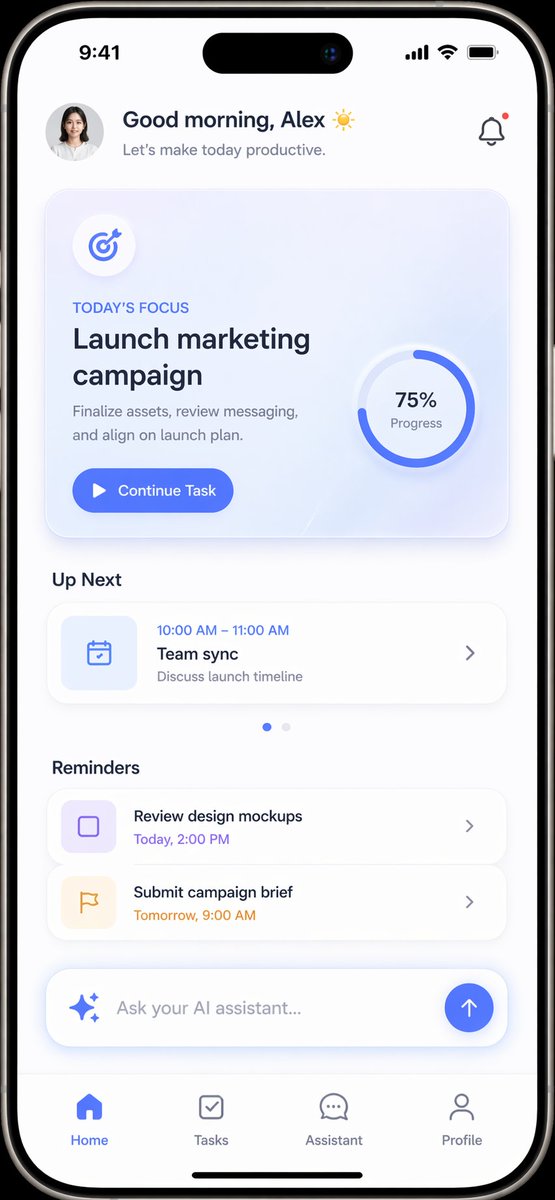
📌 Details
- Autor: Daniel
- Quelle: Twitter Post
- Veröffentlicht: 16. April 2026
- Sprachen: en
No. 102: App- / Webdesign - UI-Mockup für KI-Bildgenerator
📖 Beschreibung
Ein detailliertes Web-Interface-Mockup im Dark Mode für ein KI-Bildgenerierungstool, inklusive Stil-Galerien, Feature-Highlights und Rastern für aktuelle Bilder.
📝 Prompt
{
  "type": "UI/UX-Webanwendungs-Mockup",
  "theme": "Dark Mode",
  "sidebar": {
    "logo": "{argument name=\"app name\" default=\"ChatGPT\"}",
    "navigation_items": 5,
    "recent_chats_count": 8,
    "user_profile": "Benutzer, Kostenloses Konto"
  },
  "main_content": {
    "header": "Bilder",
    "input_bar": {
      "placeholder": "{argument name=\"input placeholder\" default=\"Beschreibe ein neues Bild...\"}",
      "model_selector": "{argument name=\"model name\" default=\"GPT Image 2\"}"
    },
    "sections": [
      {
        "title": "{argument name=\"hero title\" default=\"Neu: GPT Image 2 ist da!\"}",
        "description": "Unser Bildmodell der nächsten Generation, entwickelt für mehr Realismus, bessere Typografie und fundierteres Weltwissen.",
        "feature_tags_count": 4,
        "hero_images_count": 3,
        "hero_images_descriptions": ["Bergsee-Landschaft", "Neon-Cyberpunk-Straße", "Typografie-Poster"]
      },
      {
        "title": "Einen Stil auf ein Bild anwenden",
        "style_thumbnails_count": 8,
        "style_labels": ["Anime", "Ölgemälde", "Cinematic", "3D-Render", "Strichzeichnung", "Pixel-Art", "Aquarell", "Cyberpunk"]
      },
      {
        "title": "Neue Funktionen entdecken",
        "feature_cards_count": 6,
        "feature_labels": ["Erweiterte Textdarstellung", "Konsistente Charaktere & Szenen", "Höherer Realismus", "Weltwissen", "Präzise Bearbeitung", "Mehr kreative Stile"]
      },
      {
        "title": "Meine Bilder",
        "recent_images_count": 6,
        "recent_images_descriptions": ["Anime-Jungen-Porträt", "getigertes Kätzchen", "getigertes Kätzchen", "schlafender weißer Polarfuchs", "Hochzeitseinladung", "Code-Editor-Terminal"]
      }
    ]
  }
}
🖼️ Generierte Bilder
Image 1
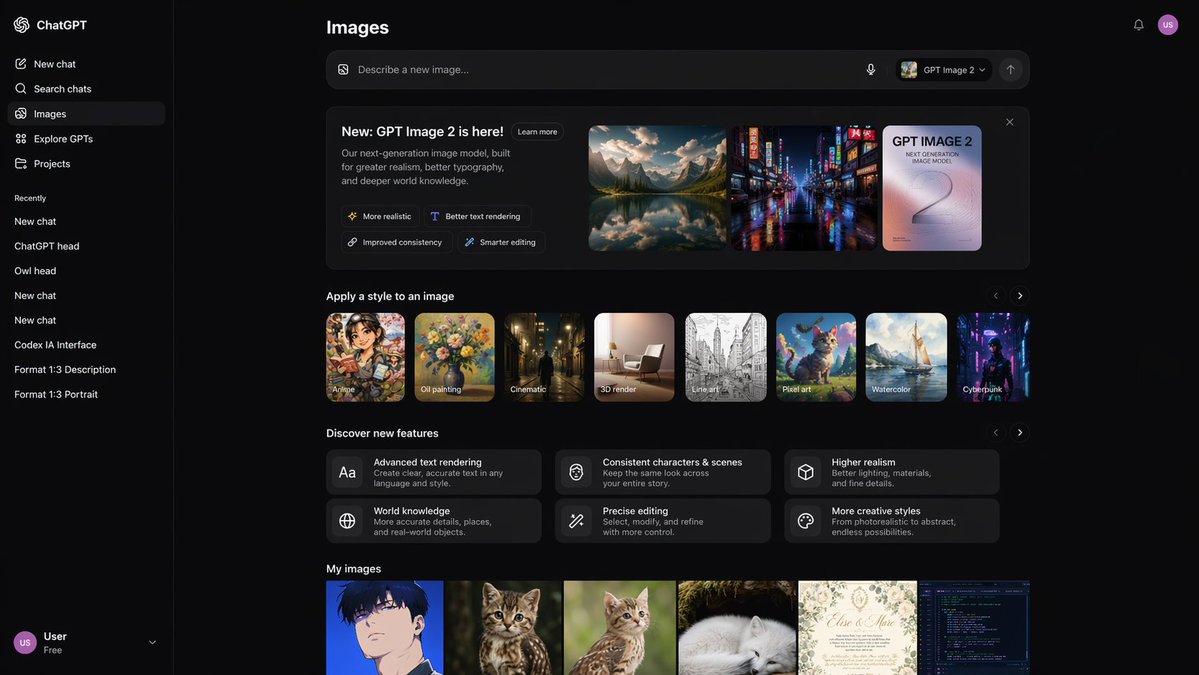
📌 Details
- Autor: Raphi-2Code
- Quelle: Twitter Post
- Veröffentlicht: 14. April 2026
- Sprachen: en
No. 103: App- / Webdesign - YouTube Dark Mode Desktop UI-Mockup
📖 Beschreibung
Ein detailliertes UI-Mockup einer Video-Streaming-Startseite im Dark Mode auf einem Desktop-Betriebssystem, nützlich als Referenz für Webdesign und Layout-Generierung.
📝 Prompt
{
  "type": "Desktop-Webbrowser UI-Screenshot",
  "environment": "{argument name=\"os environment\" default=\"Windows 11 Desktop\"}",
  "theme": "{argument name=\"ui theme\" default=\"Dark Mode\"}",
  "browser_window": {
    "tabs": ["YouTube", "Neuer Tab"],
    "url_bar": "youtube.com",
    "profile_icon": "{argument name=\"profile initial\" default=\"M\"}"
  },
  "app_interface": {
    "header": {
      "logo": "{argument name=\"website name\" default=\"YouTube\"} GB",
      "search_bar": "Suchen",
      "icons": ["Mikrofon", "Erstellen", "Benachrichtigungen", "Profil"]
    },
    "filter_bar": {
      "active_filter": "{argument name=\"active filter\" default=\"Alle\"}",
      "count": 11,
      "labels": ["Alle", "Gaming", "Musik", "Live", "Podcasts", "Mixes", "Wissenschaft", "Lo-fi", "Thriller", "Kürzlich hochgeladen", "Angesehen"]
    },
    "sidebar": {
      "sections": [
        { "title": "Hauptmenü", "count": 3, "labels": ["Start", "Shorts", "Abos"] },
        { "title": "Du", "count": 6, "labels": ["Dein Kanal", "Verlauf", "Playlists", "Deine Videos", "Später ansehen", "Videos mit 'Mag ich'-Bewertung"] },
        { "title": "Abos", "count": 8, "labels": ["Linus Tech Tips", "MrBeast", "Kurzgesagt - In a Nutshell", "ColdFusion", "3Blue1Brown", "Khan Academy", "Veritasium", "Mehr anzeigen"] },
        { "title": "Explore", "count": 7, "labels": ["Trends", "Musik", "Filme", "Live", "Gaming", "Nachrichten", "Sport"] },
        { "title": "Mehr von YouTube", "count": 3, "labels": ["YouTube Premium", "YouTube Music", "YouTube Kids"] }
      ]
    },
    "main_content": {
      "layout": "3 Spalten mal 4 Zeilen Raster",
      "count": 12,
      "video_cards": [
        { "title": "Warum es fast unmöglich ist, eine eigene GPU zu bauen", "channel": "Linus Tech Tips", "stats": "164 Tsd. Aufrufe • vor 1 Tag", "thumbnail": "CPU/GPU-Chip" },
        { "title": "Überlebe 100 Tage im Kreis, gewinne 500.000 $", "channel": "MrBeast", "stats": "40 Mio. Aufrufe • vor 5 Tagen", "thumbnail": "MrBeast mit Menschenmenge in blauen Trainingsanzügen" },
        { "title": "Was wäre, wenn wir einen Asteroiden mit Atomwaffen beschießen?", "channel": "Kurzgesagt - In a Nutshell", "stats": "4,2 Mio. Aufrufe • vor 6 Stunden", "thumbnail": "Rakete trifft Asteroiden im Weltraum" },
        { "title": "Wie Dubai zu einer 10-Milliarden-Dollar-Stadt wurde", "channel": "ColdFusion", "stats": "1,6 Mio. Aufrufe • vor 2 Wochen", "thumbnail": "Mann und Skyline von Dubai" },
        { "title": "Die wunderschöne Mathematik der Eulerschen Identität", "channel": "3Blue1Brown", "stats": "2,8 Mio. Aufrufe • vor 3 Monaten", "thumbnail": "Mathematische Gleichung und Spiralgraph" },
        { "title": "Die Welt im Jahr 2040 - Bevölkerung, Klima & mehr", "channel": "Veritasium", "stats": "7,7 Mio. Aufrufe • vor 2 Wochen", "thumbnail": "Luftaufnahme eines üppigen grünen Waldes" },
        { "title": "Ich nutze Linux seit 12 Jahren, das ist es, was mich endlich...", "channel": "DistroTube", "stats": "160 Tsd. Aufrufe • vor 3 Tagen", "thumbnail": "Laptop und Smartphone mit Linux-Logo" },
        { "title": "Schwarze Löcher erklärt - Von der Geburt bis zum Tod", "channel": "Khan Academy", "stats": "3,9 Mio. Aufrufe • vor 3 Monaten", "thumbnail": "Leuchtende Akkretionsscheibe eines schwarzen Lochs" },
        { "title": "Das Problem mit Diätratschlägen", "channel": "Andrew Huberman", "stats": "4,4 Mio. Aufrufe • vor 6 Tagen", "thumbnail": "Mann mit Brille spricht" },
        { "title": "Wie man alles lernt (evidenzbasiert)", "channel": "Ali Abdaal", "stats": "2,7 Mio. Aufrufe • vor 3 Monaten", "thumbnail": "Vektorillustration eines Mannes, der ein Buch liest" },
        { "title": "The Last of Us Part 2 ist ein Meisterwerk", "channel": "Naughty Dog", "stats": "2,3 Mio. Aufrufe • vor 3 Jahren", "thumbnail": "Ellie aus The Last of Us" },
        { "title": "lofi hip hop radio - beats to relax/study to", "channel": "Lofi Girl", "stats": "LIVE", "thumbnail": "Lofi-Mädchen lernt am Schreibtisch" }
      ]
    }
  },
  "taskbar": {
    "os": "Windows",
    "icons": ["Start", "Suche", "Taskansicht", "Datei-Explorer", "Edge", "Spotify"],
    "system_tray": "08:34 03.04.2024"
  }
}
🖼️ Generierte Bilder
Image 1
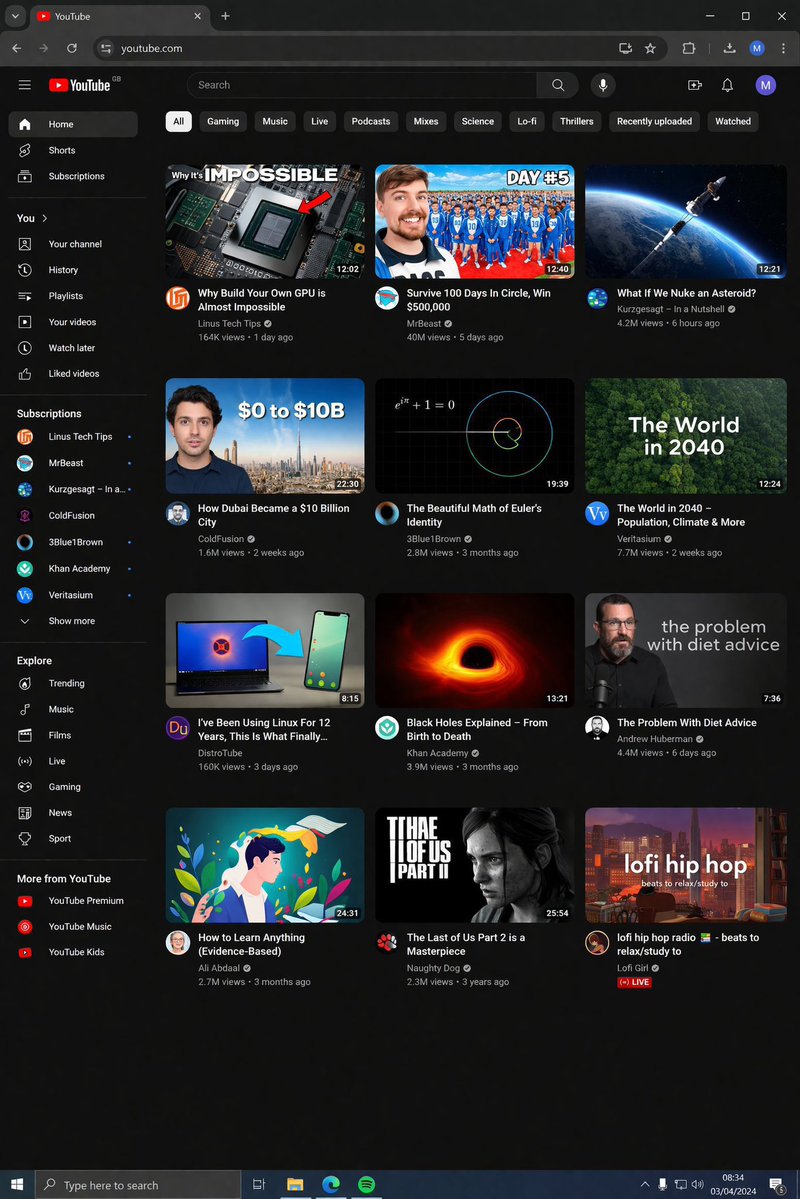
📌 Details
- Autor: Ivan Davila
- Quelle: Twitter Post
- Veröffentlicht: 14. April 2026
- Sprachen: en
📚 Weitere Prompts verfügbar
🎯 13 weitere Prompts hier nicht angezeigt
Due to GitHub's content length limitations, we can only display the first 120 regular prompts in this README.
👉 Alle Prompts in unserer Web-Galerie ansehen
The gallery features:
✨ Schönes Masonry-Grid-Layout
🔍 Volltextsuche und Filter
🌍 Unterstützung für 17 Sprachen
📱 Mobile-optimierte Erfahrung
🤝 Wie man beiträgt
Wir freuen uns über Beiträge! Sie können Prompts über folgende Wege einreichen:
🐛 GitHub Issue
- Click Neuen Prompt einreichen
- Formular mit Prompt-Details und Bild ausfüllen
- Einreichen und auf Team-Review warten
- Wenn genehmigt (wir fügen das
approvedLabel hinzu), wird es automatisch mit dem CMS synchronisiert - Ihr Prompt erscheint innerhalb von 4 Stunden im README
Hinweis: Wir akzeptieren nur Einreichungen über GitHub Issues, um die Qualitätskontrolle sicherzustellen.
Siehe CONTRIBUTING.md für detaillierte Richtlinien.
📄 Lizenz
Lizenziert unter CC BY 4.0.
🙏 Danksagung
⭐ Star-Verlauf
🌐 In Web-Galerie ansehen • 📝 Prompt einreichen • ⭐ Dieses Repository mit Stern markieren
🤖 Dieses README wird automatisch generiert. Zuletzt aktualisiert: 2026-04-20T10:21:14.783Z